Badges update automatically and link to the resource pack page on MineUniverse.
Ocean Water is discontinued as of 2021-07-26.
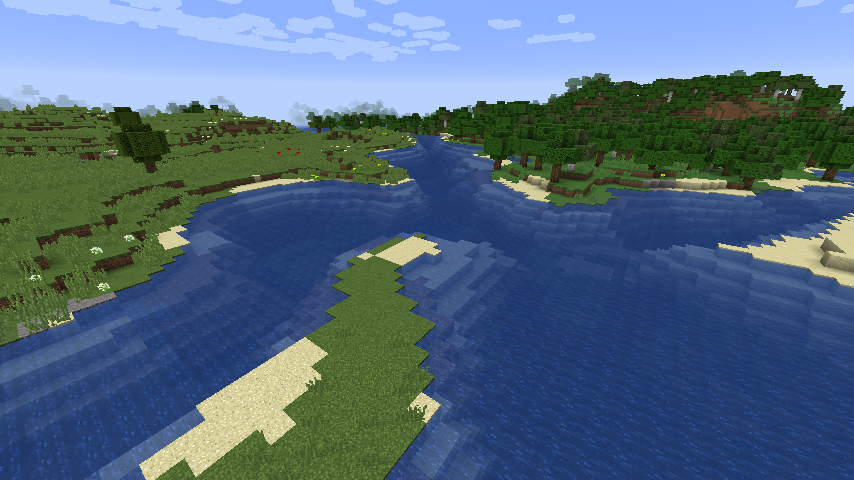
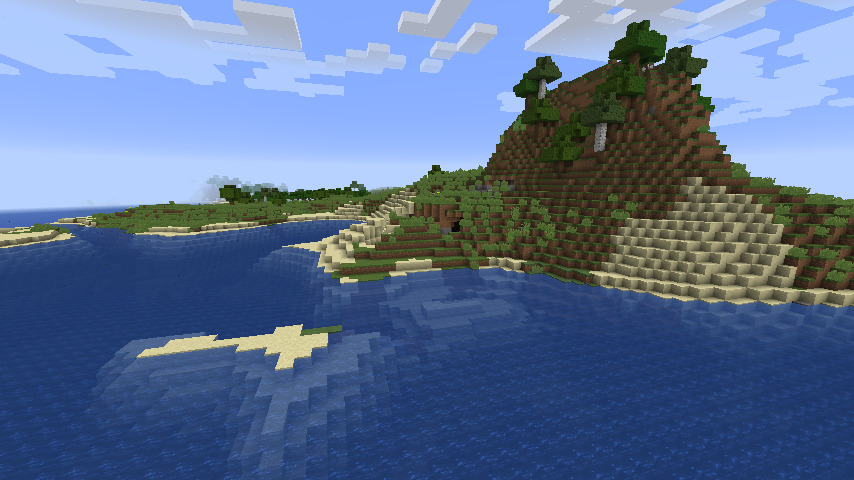
The Update Aquatic is finally out and has new super fancy water! You want to have the new water within your world, but you don't want to leave your precious modded setup behind or face all the current bugs in the Update Aquatic? Then this is for you!




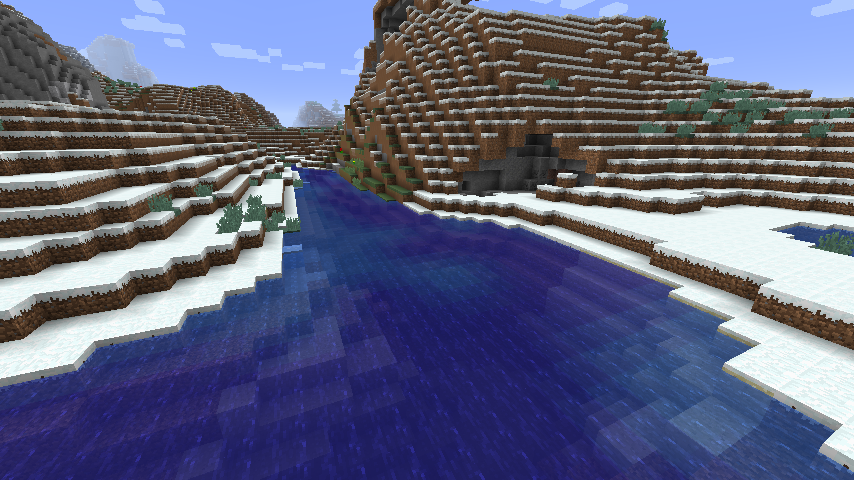
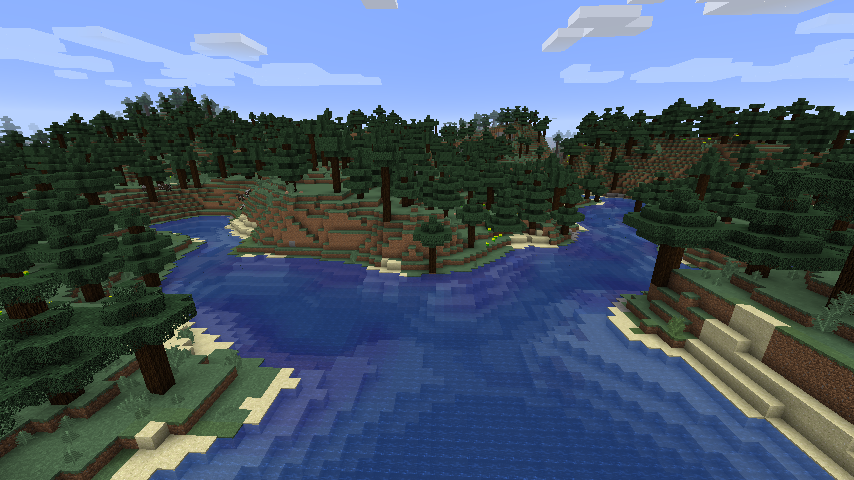
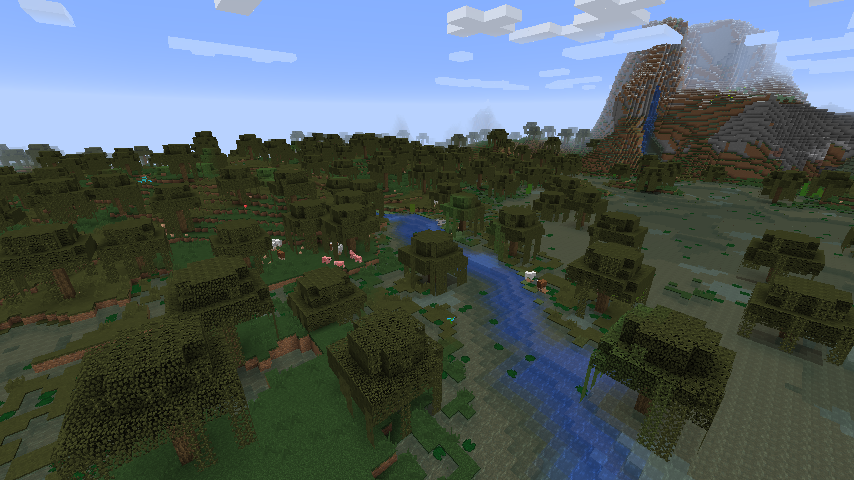
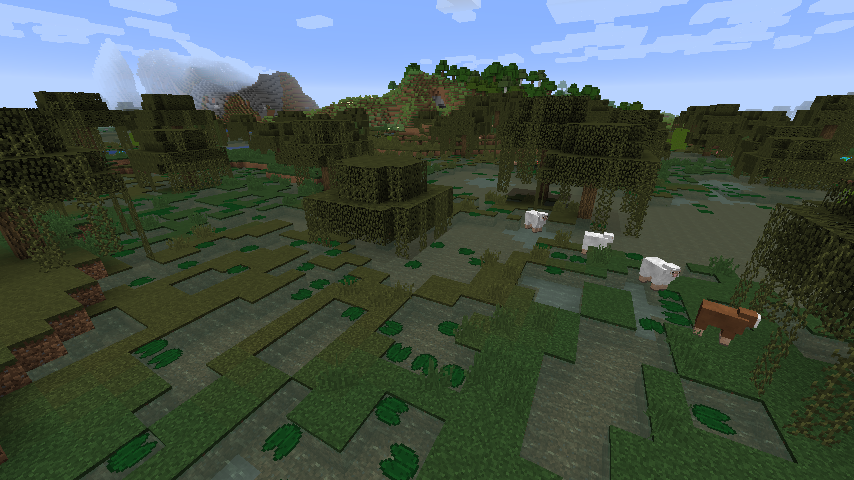
This resource pack brings the new water texture to versions prior to the Update Aquatic. Like in the Update Aquatic the water colour differs depending on the current biome:
This resource pack requires OptiFine! It will not work properly without it. The water will be white if OptiFine is missing since it is needed to apply the biome specific colouring.
There is also a vanilla version of this pack available which does not require OptiFine. The water colour will be the same in every biome in this version excluding swamps. The files for this version can be found in the additional files section for every main download.
A guide on how to install and apply a resource pack can be found on the Minecraft Wiki. Also make sure the "Swamp Colors" option is enabled within OptiFine while using this pack.
Thanks to Pokechu22 for digging up the colour values from the game code.