Mineuniverse
Resource Packs
[NZR] Dsa-227 Shunter for Immersive Railroading

[NZR] Dsa-227 Shunter for Immersive Railroading

RESOURCE PACK
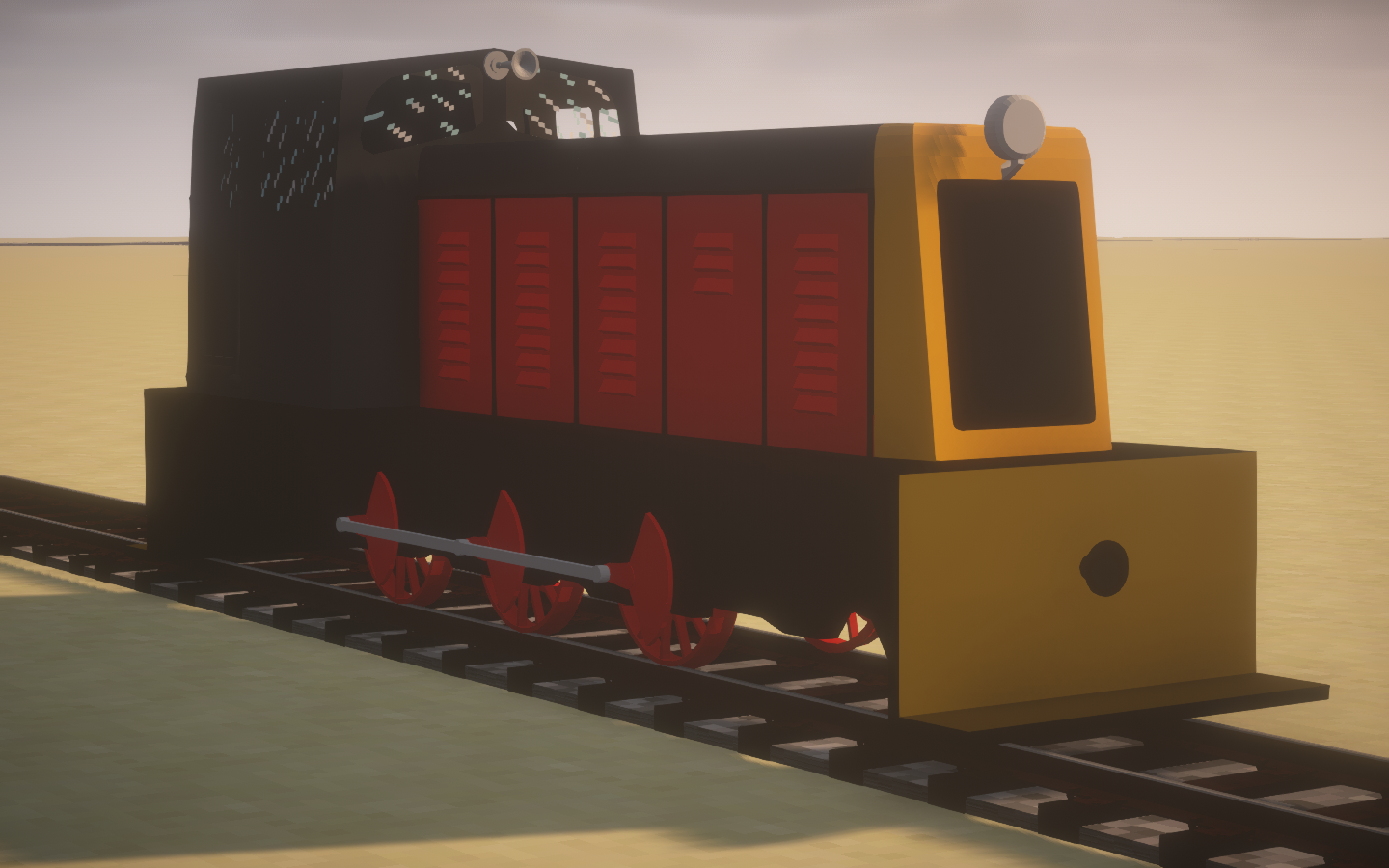
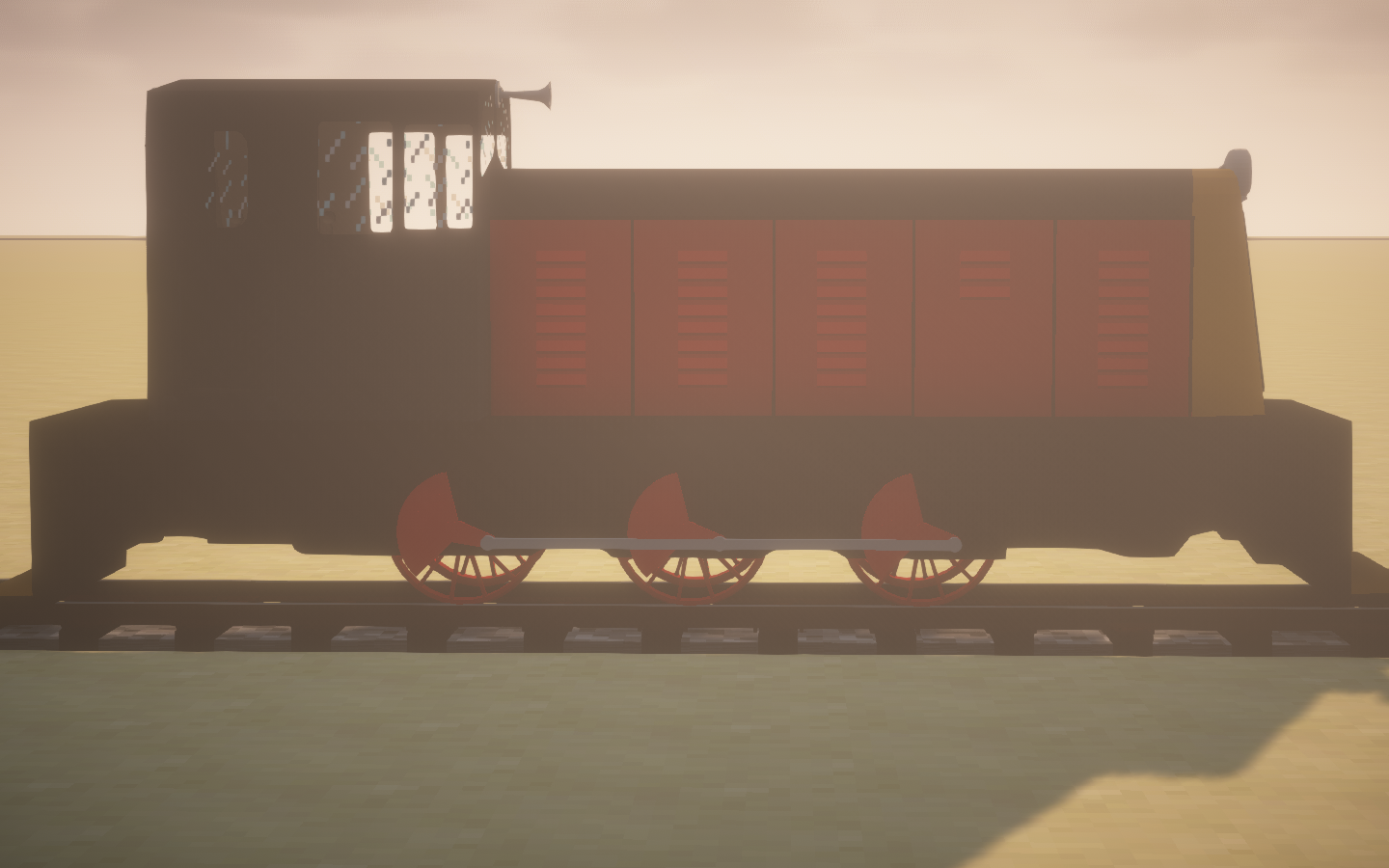
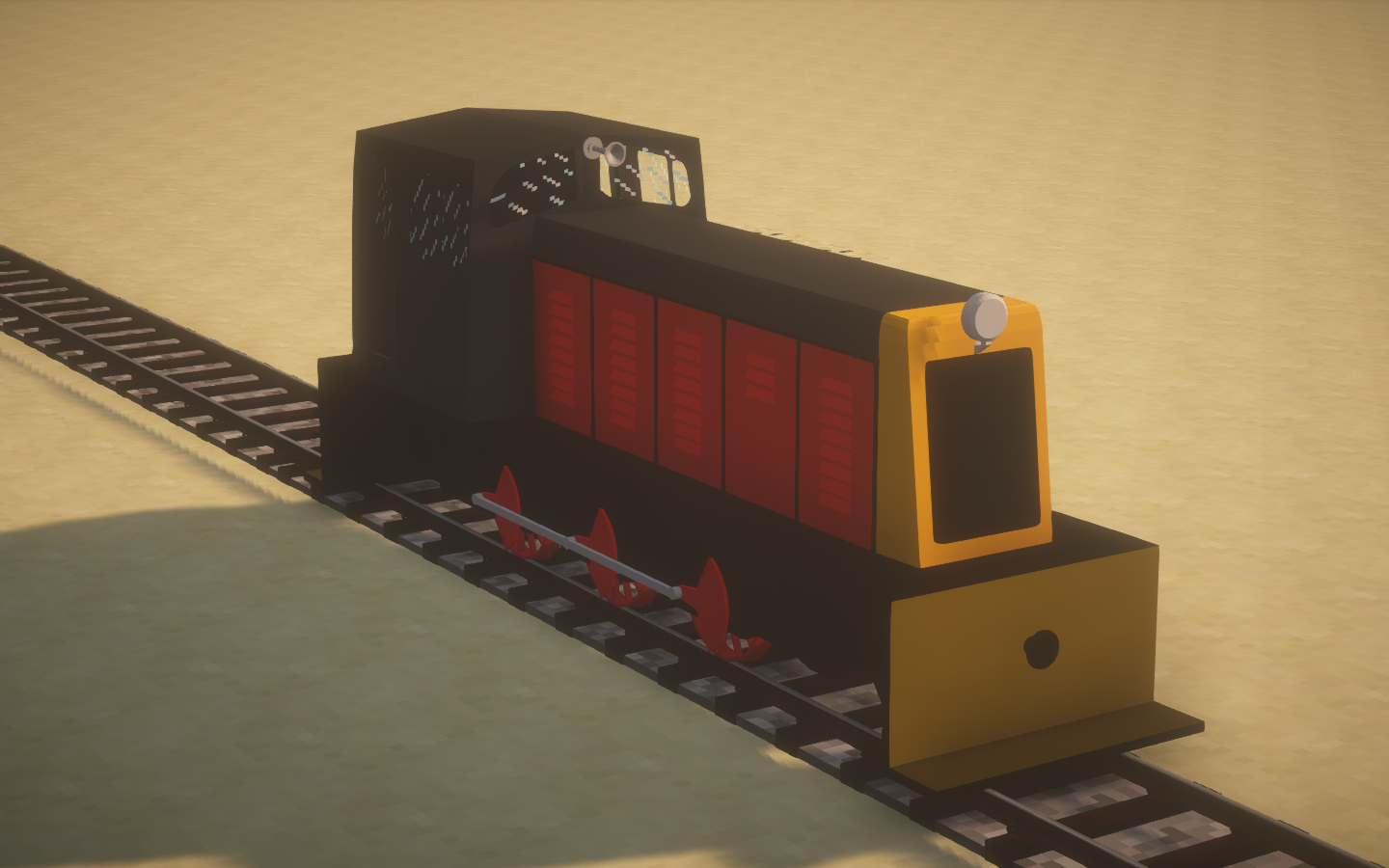
Adds a Dsa-227 Shunter to the Immersive Railroading mod!
by Reaper14
Download Claim this project
Add a badge to your pageLink to [NZR] Dsa-227 Shunter for Immersive Railroading from a README, website or forum post.
Preview: Badge

Badges update automatically and link to the resource pack page on MineUniverse.

740 downloads
0 likes
0 followers
Updated Oct 14, 2026
0 hypes
Follow0
256x
Advertisement Remove ads with Premium →

THIS IS AN ADDON PACK FOR THE IMMERSIVE RAILROADING MOD. IT DOES NOT EFFECT BASE TEXTURES/MODELS.


Locomotives Included with this pack:

NZR Dsa-227 Shunter (Kiwirail Scheme)


I created this addon pack because I love this little shunter, it's also from my home country which means even more to me.

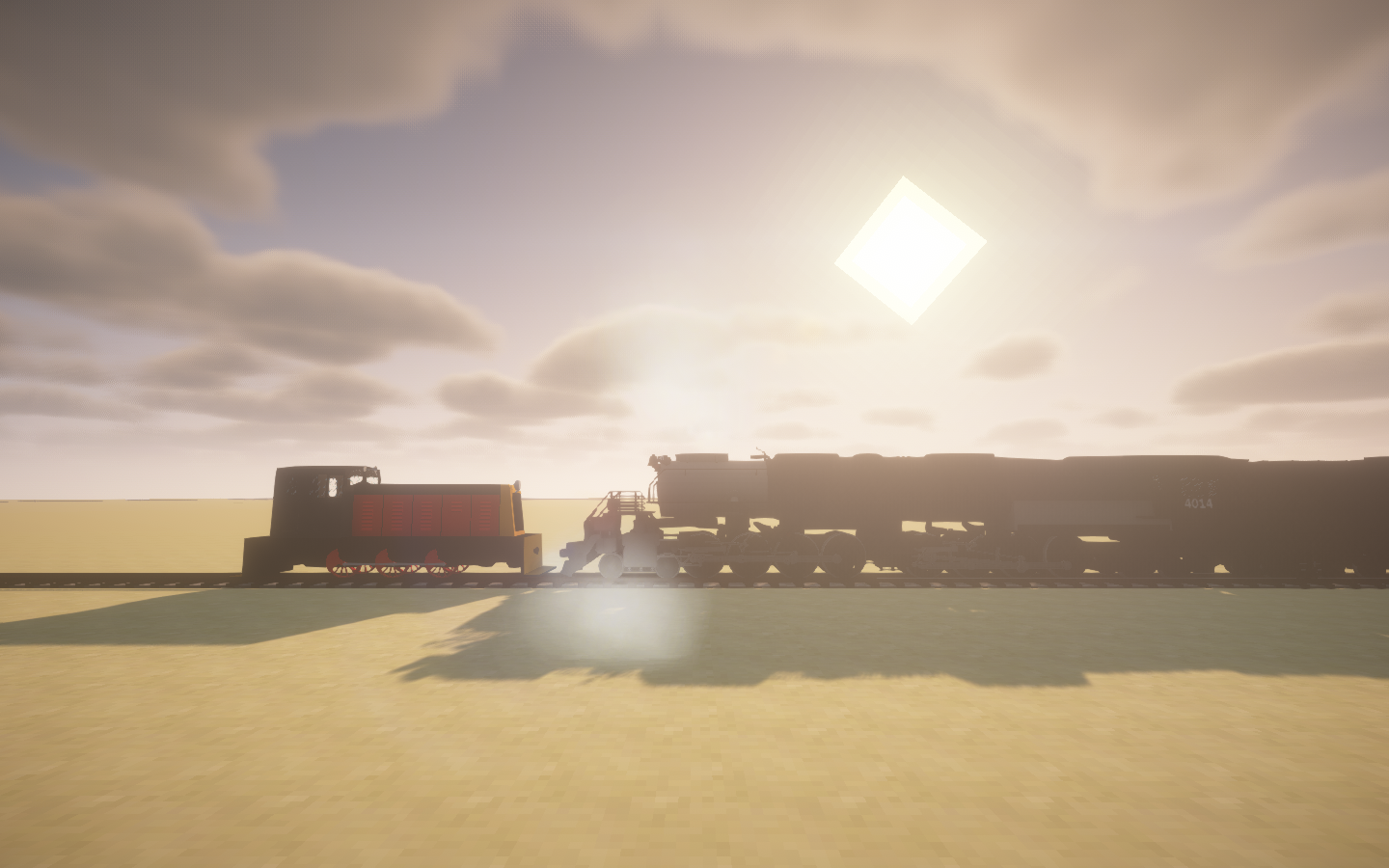
Das-227 has a top speed of 21 kmh and a whopping 204 hp, it can even pull a Big-Boy!
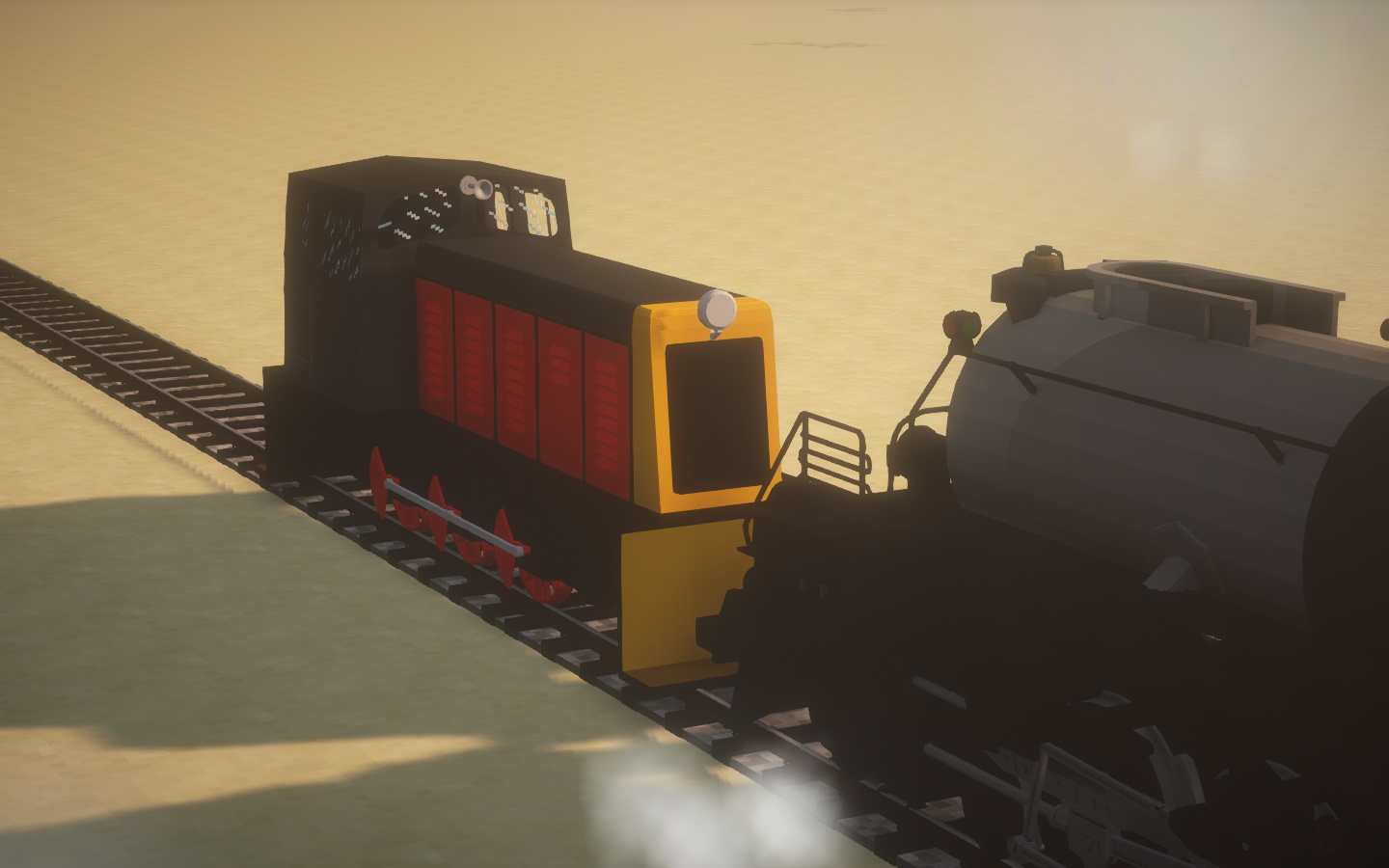
 
dsa232 pulling a big boy

(trust me it is pulling it) 


To install:

Download the file best suited for your use. Find your .minecraft/resourcepacks/ folder and drop it in there. Load up Minecraft with Immersive Railroading installed, enable the pack, enter a world and spawn it. Search in inventory "dsa-227" to find it.


TERMS OF USE:

Under no circumstances may any content in this pack be reproduced, ported, or modified and publicly distributed without explicit permission from the author, Reaper1-4. Usage of this pack for profit or monetary gain of any type is strictly forbidden. By downloading this pack, you agree to these terms and conditions.

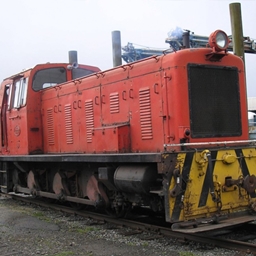
Dsa-227 v1.1
MC 1.12.1, 1.12, 1.11, 1.11.1, 1.11.2, 1.12.2
Release 2023-04-22 Get
Dsa-227 v1.0
MC 1.12.1, 1.12, 1.11, 1.11.1, 1.11.2, 1.12.2
Release 2023-04-19 Get

Requirements & install

How to use this resource pack in Minecraft
Resolution
256x
Minecraft
1.11 – 1.12.2
Install folder
.minecraft/resourcepacks

How to install resource packs

  1. Download the resource pack .zip file (do not extract it).
  2. In Minecraft open Options → Resource Packs → Open Pack Folder.
  3. Drop the .zip into the resourcepacks folder (.minecraft/resourcepacks).
  4. Move the pack to the Selected column and click Done.

Packs from 128x upwards need more video memory: install a performance mod such as Sodium for smooth frame rates.

Browse more: 16x resource packs 32x resource packs 64x resource packs 128x resource packs 256x resource packs 512x+ resource packs Resource Packs for 1.12.2 All resource packs
Advertisement Remove ads with Premium →

You Might Also Like