Mineuniverse
Resource Packs
NovaVPBR

NovaVPBR

RESOURCE PACK
AnotherVanillaPBRPack
by MrAAA507
Download Claim this project
3,285 downloads
0 likes
0 followers
Updated Oct 14, 2026
0 hypes
Follow0
64x Medieval Photo Realistic Traditional
Advertisement Remove ads with Premium →

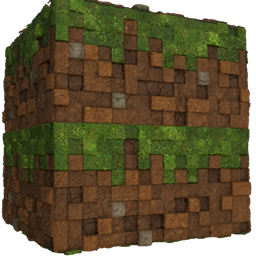
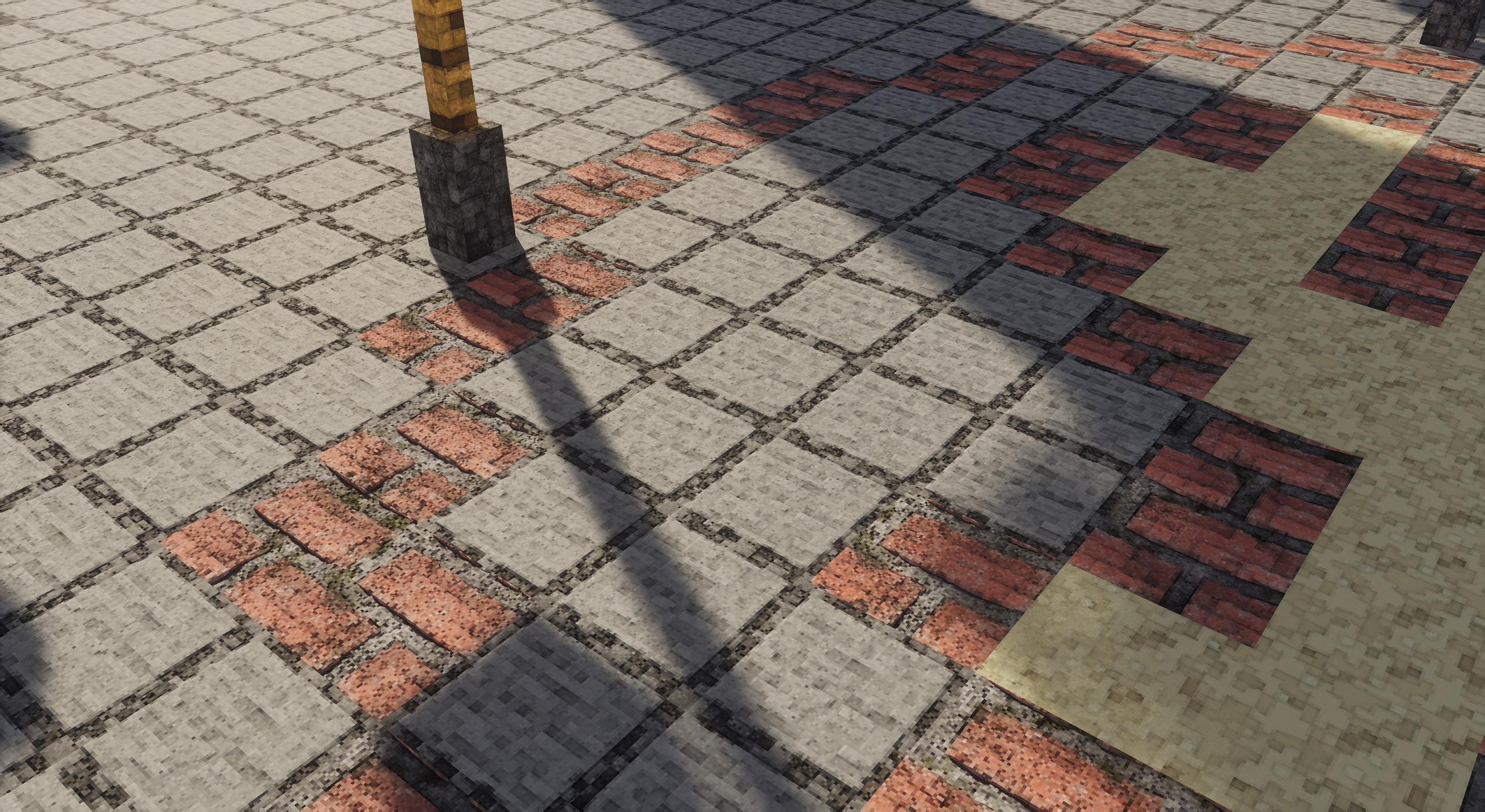
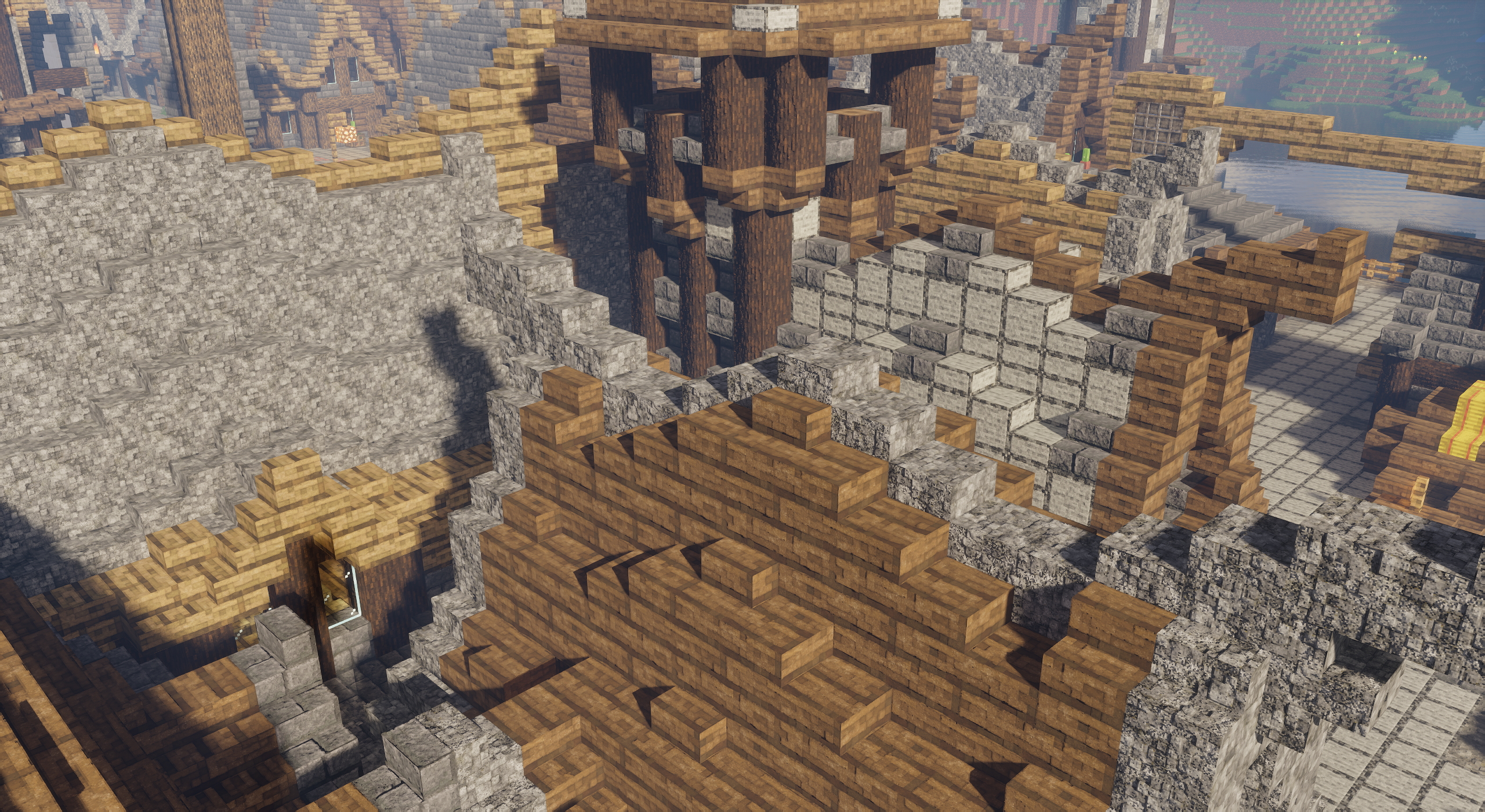
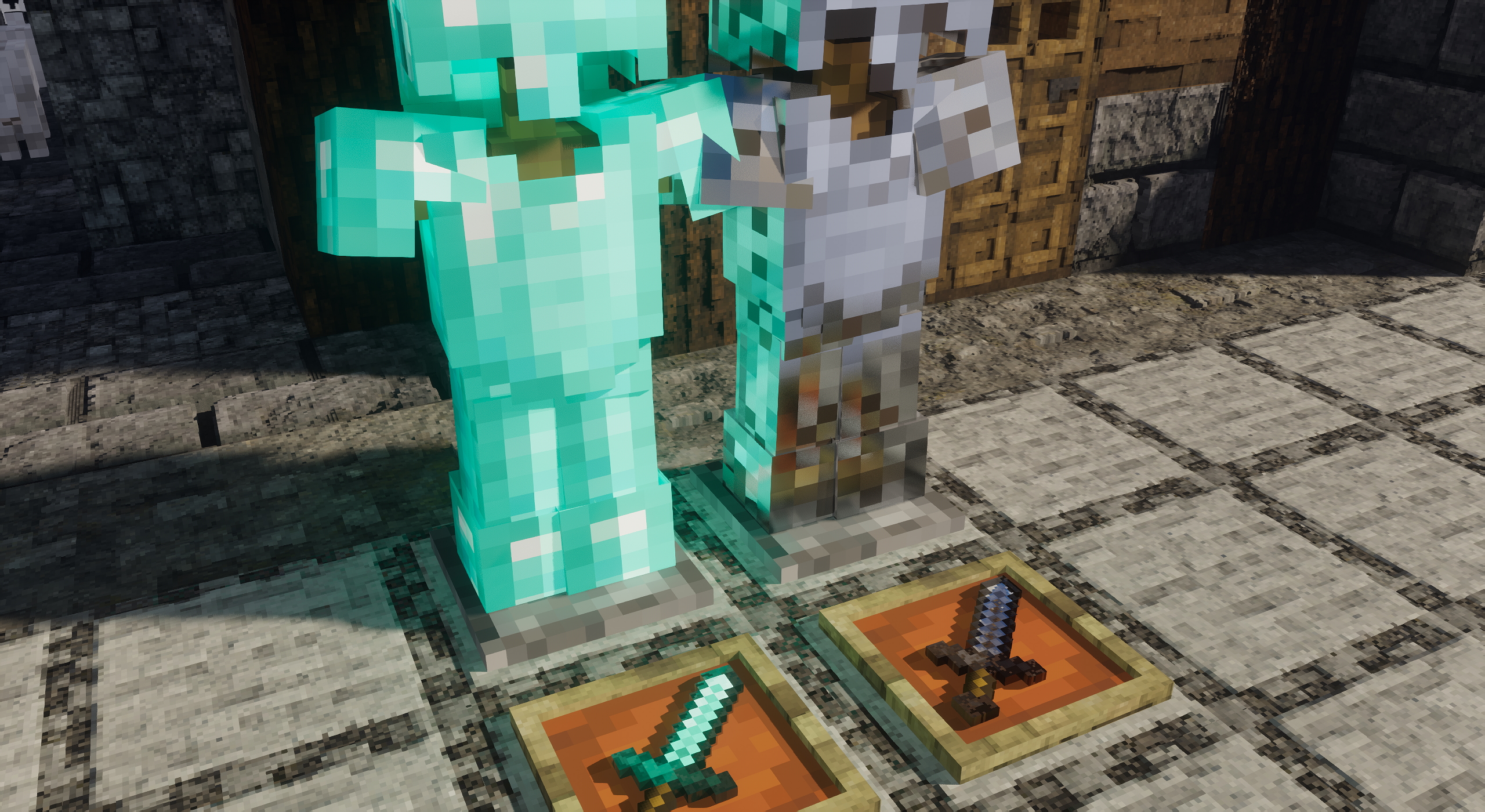
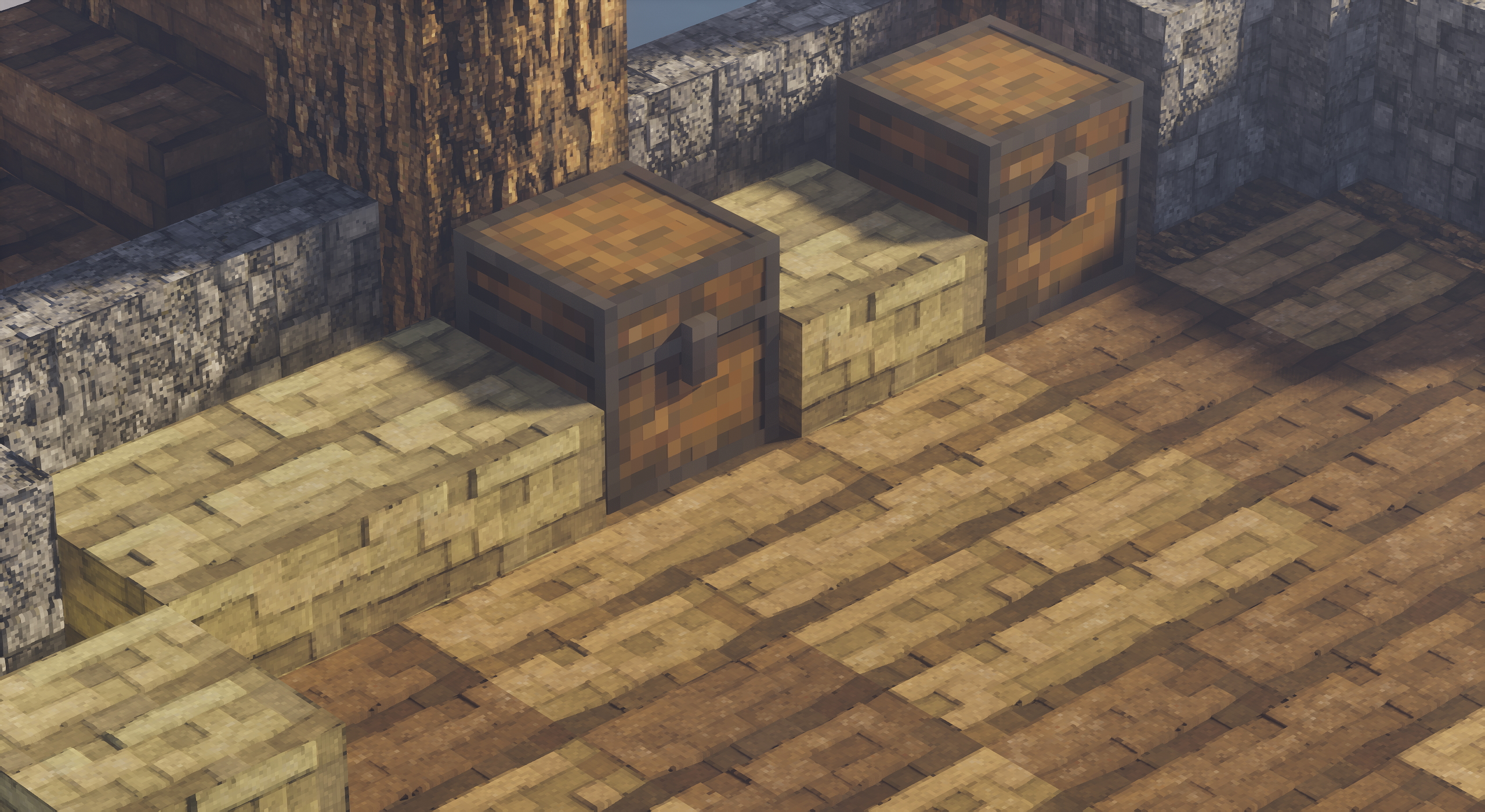
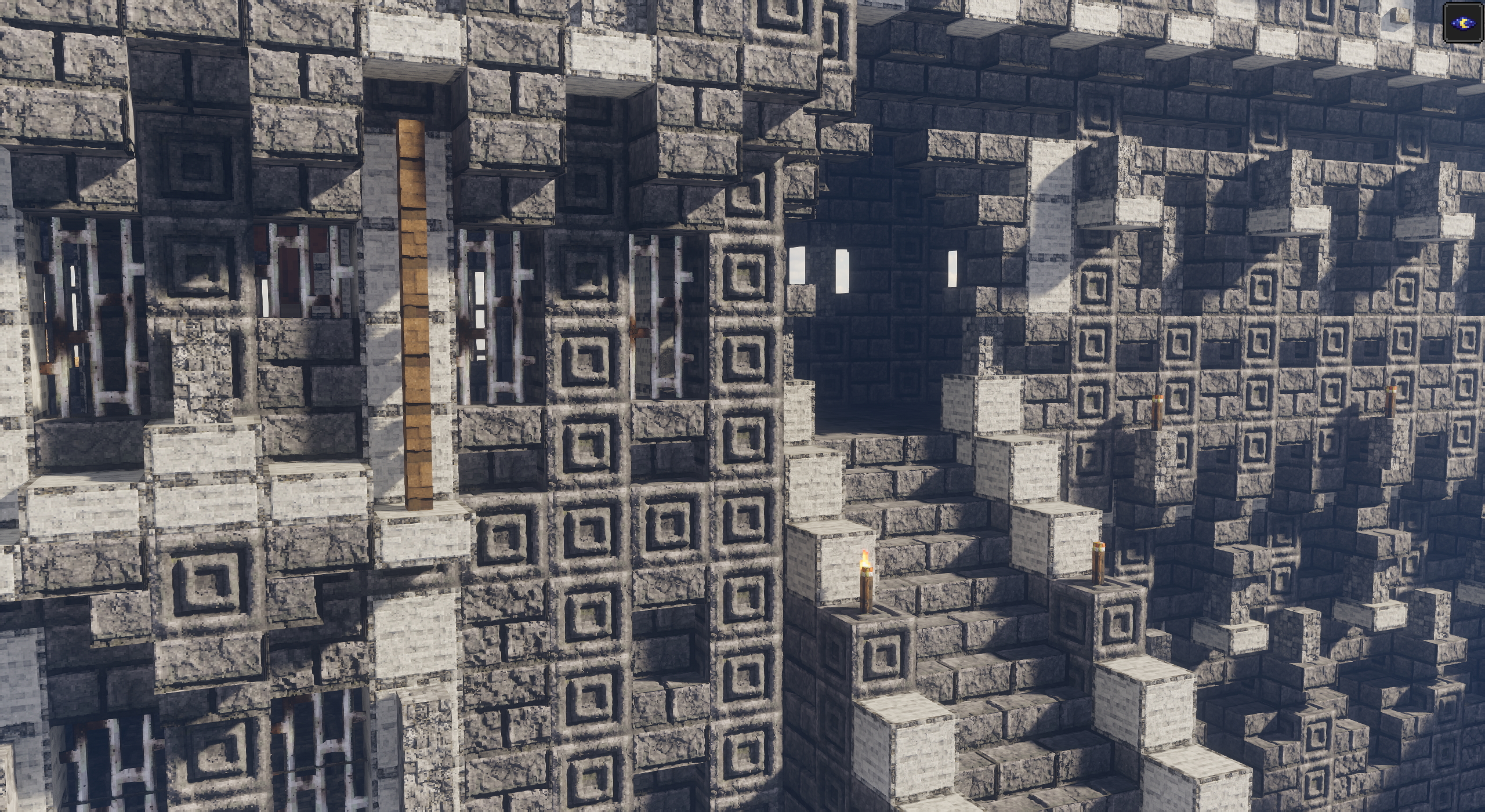
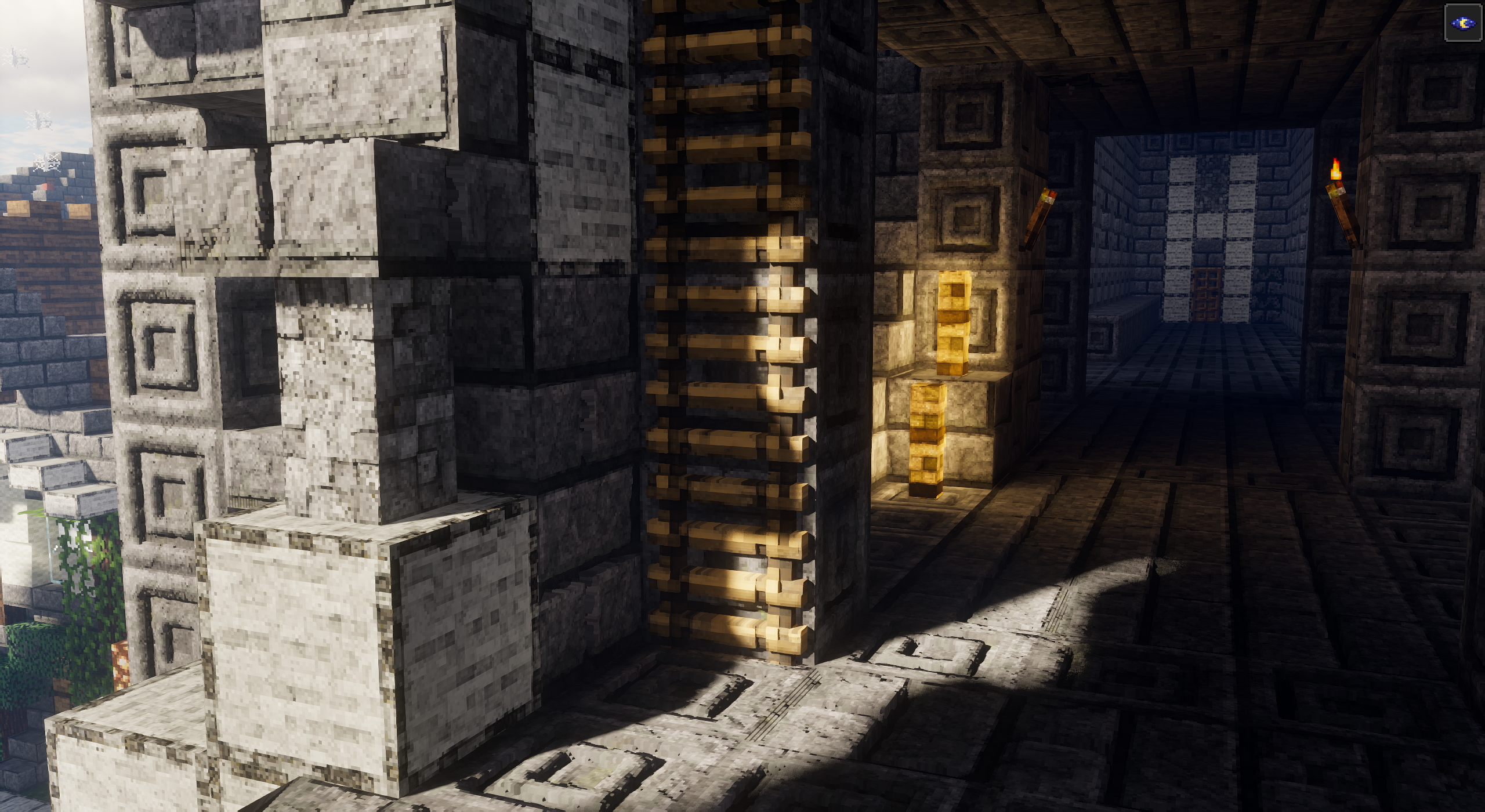
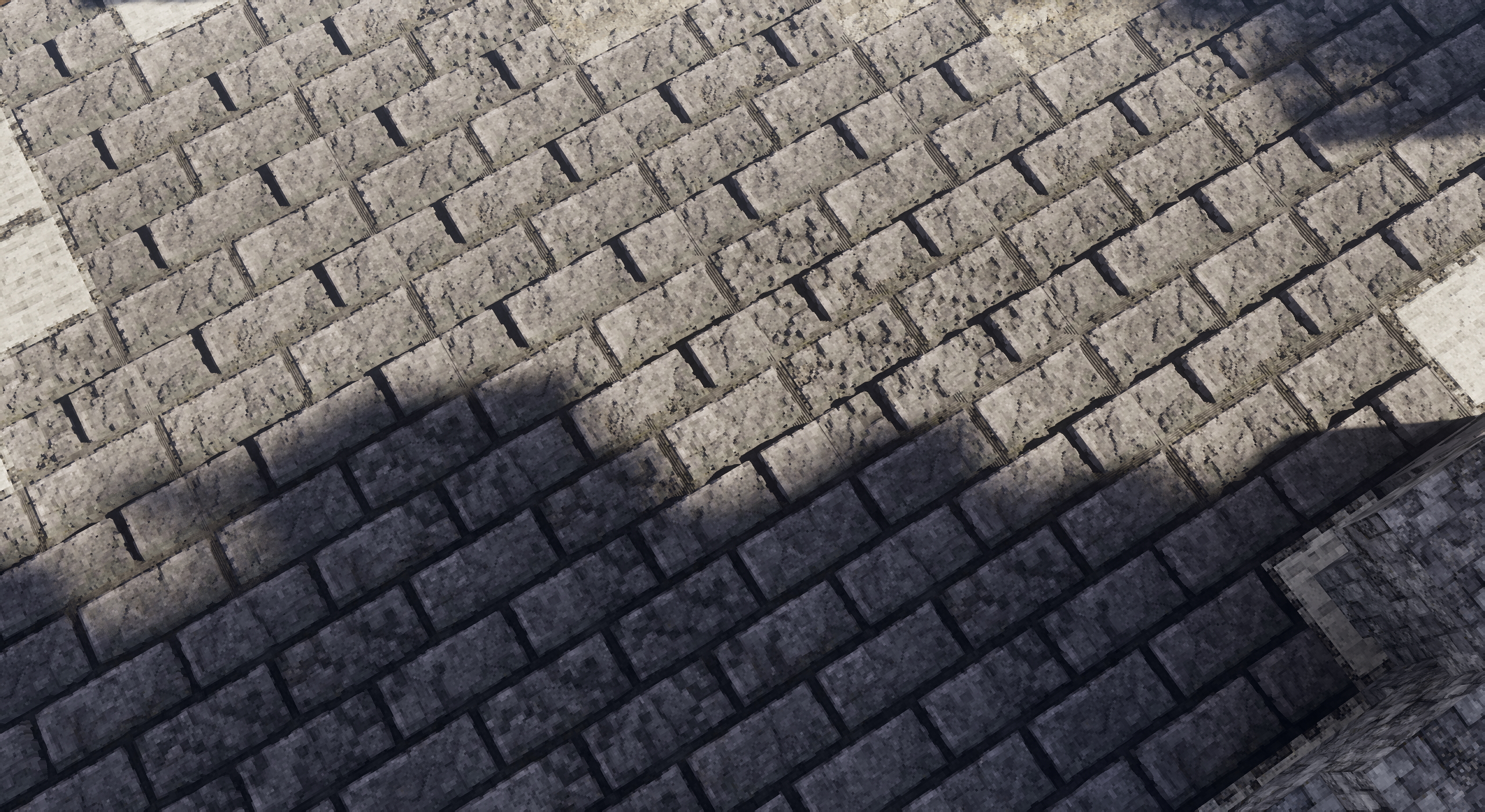
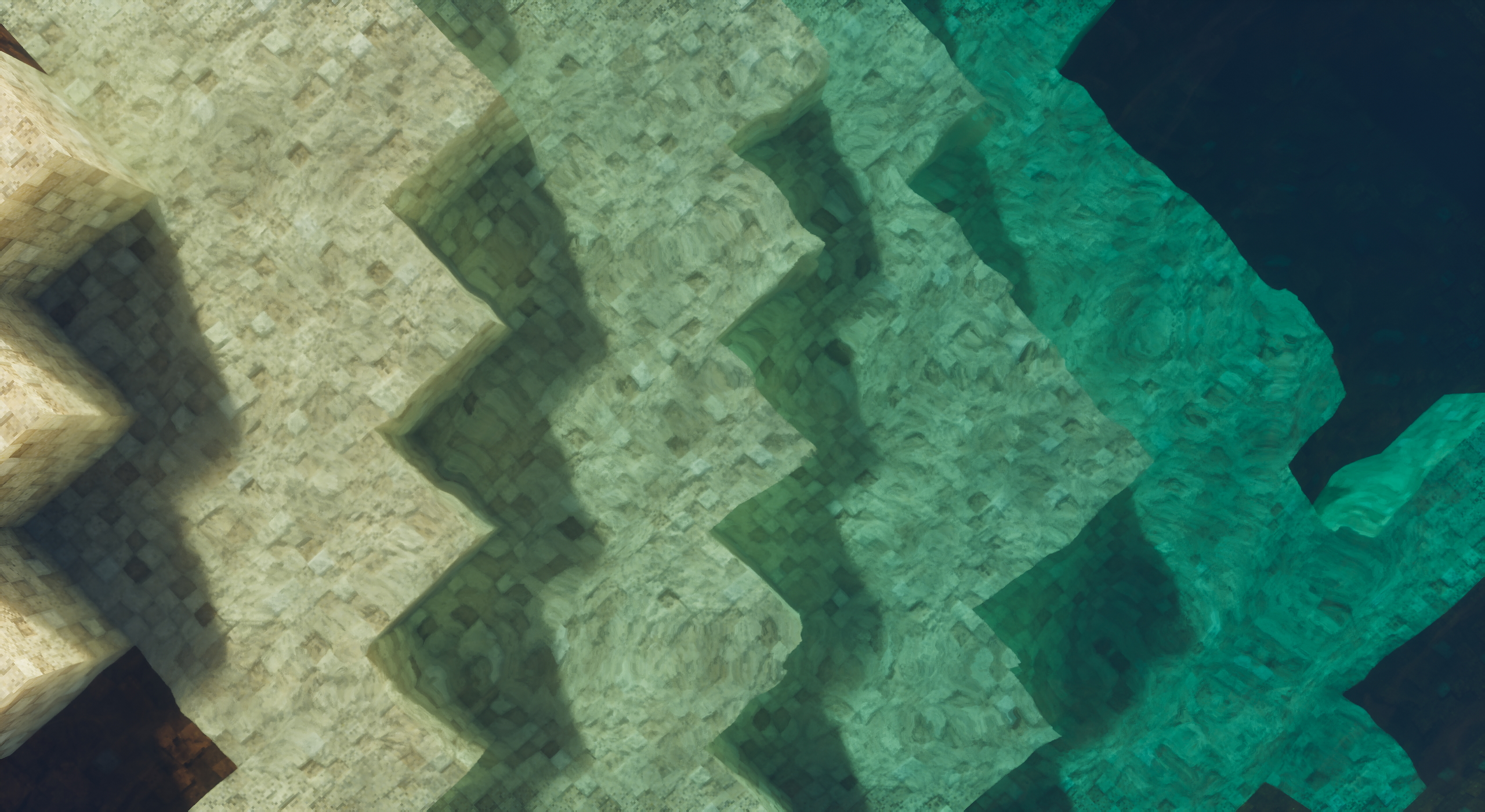
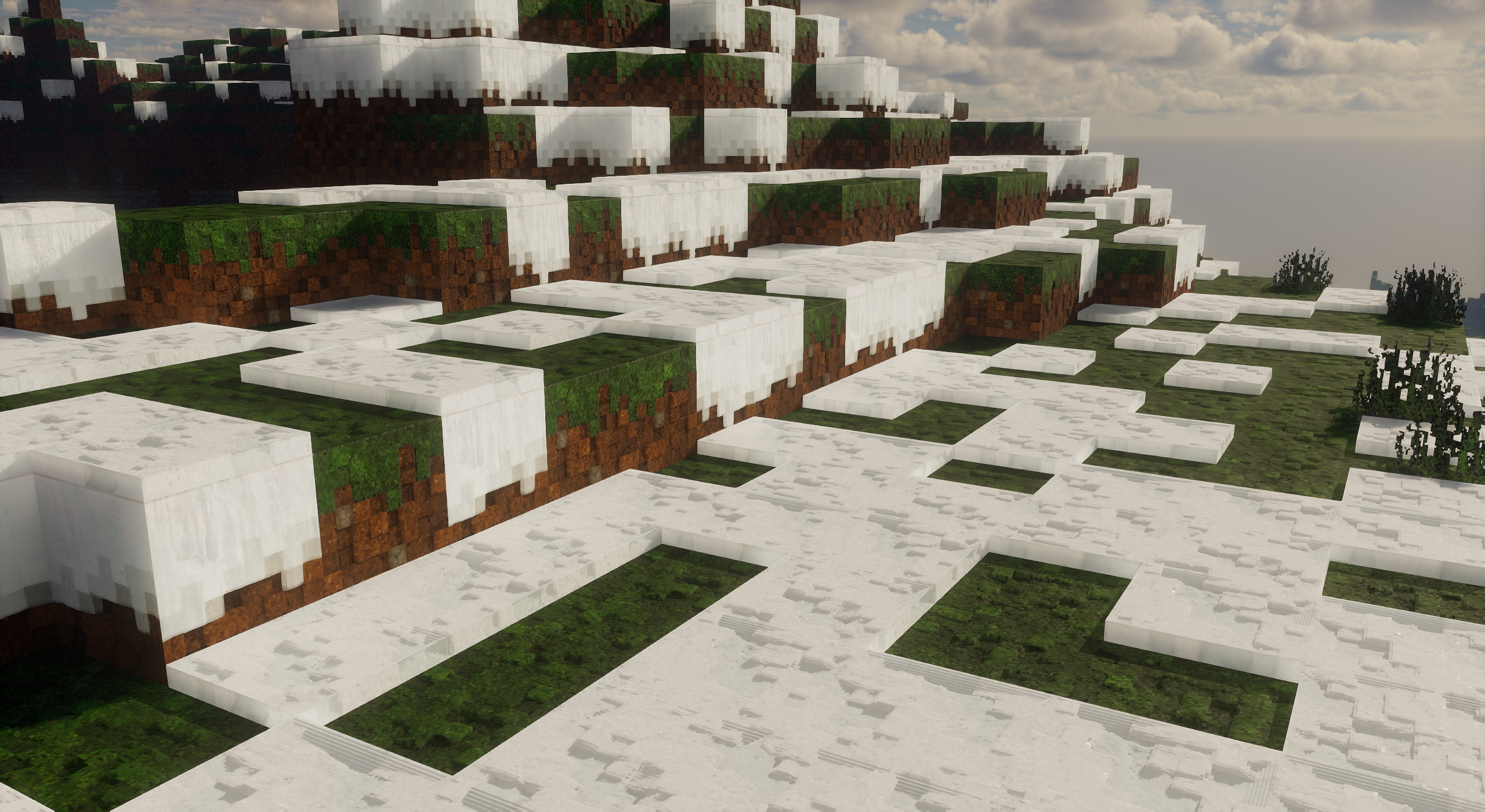
New improved vanilla style resource pack, maintains the simplistic vanilla original style of minecraft adding a realistic touch PBR to each item mob block and more in the game.


Format: LabPBR, AO, SSS

NovaVanillaPBR Instagram: https://www.instagram.com/nova_vanilla/

NovaVanillaPBR Discord Server: https://discord.gg/MyJVczWZPJ


YoutubeChannel: https://www.youtube.com/channel/UCIQvW-BGfNC_Sbz1UsYi_6A


Make sure these settings are set correctly, or else the textures will get messed up

Requires optifine, recommended settings:

"Quality Settings> Connected Textures" to Fancy

"Quality Settings> Natural Textures" to Off

"Detail Settings> Alternate Blocks" to On

"Performance Settings> Smart Animations" to On

NovaVPBR 64x R3
MC 1.19.3
Beta 2023-03-06 Get
NovaVPBR 64x R2
MC 1.19.3
Release 2023-02-17 Get
NovaVPBR 64x R1
MC 1.19.3
Alpha 2023-02-15 Get

Requirements & install

How to use this resource pack in Minecraft
Resolution
64x
Minecraft
1.19.3
Install folder
.minecraft/resourcepacks

How to install resource packs

  1. Download the resource pack .zip file (do not extract it).
  2. In Minecraft open Options → Resource Packs → Open Pack Folder.
  3. Drop the .zip into the resourcepacks folder (.minecraft/resourcepacks).
  4. Move the pack to the Selected column and click Done.
Browse more: 16x resource packs 32x resource packs 64x resource packs 128x resource packs 256x resource packs 512x+ resource packs Resource Packs for 1.19.3 All resource packs

More from MrAAA507

Advertisement Remove ads with Premium →

You Might Also Like