Mineuniverse
Resource Packs
Nostalgia+

Nostalgia+

RESOURCE PACK
A collection of texture packs that bring back the classic textures from every major version.
by AustMC
Download Claim this project
21,142 downloads
0 likes
0 followers
Updated Oct 14, 2026
0 hypes
Follow0
16x
Advertisement Remove ads with Premium →

Nostalgia+

Important Note: 

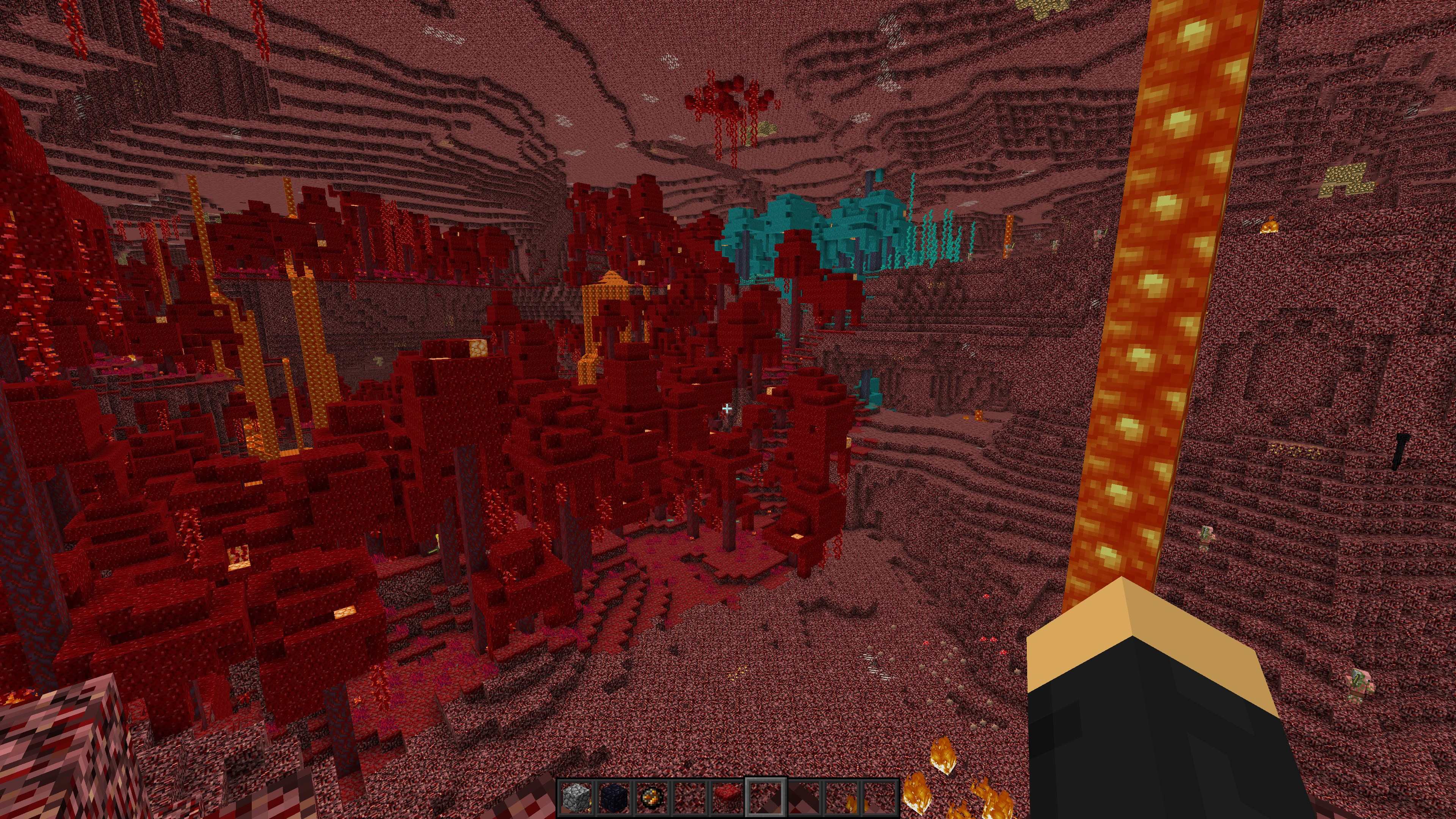
The file name = the textures you are downloading. If you choose "37. Version 1.21" you're downloading the textures from version 1.21, which is why it's not going to change anything. For example, if you want the old nether textures, you'd download "30. Version 1.15" or earlier. If you want Alpha textures, use packs 09 or 10.

In other words, make sure the file name matches what texture's you are trying to download. 

Cave Game Textures

Description:

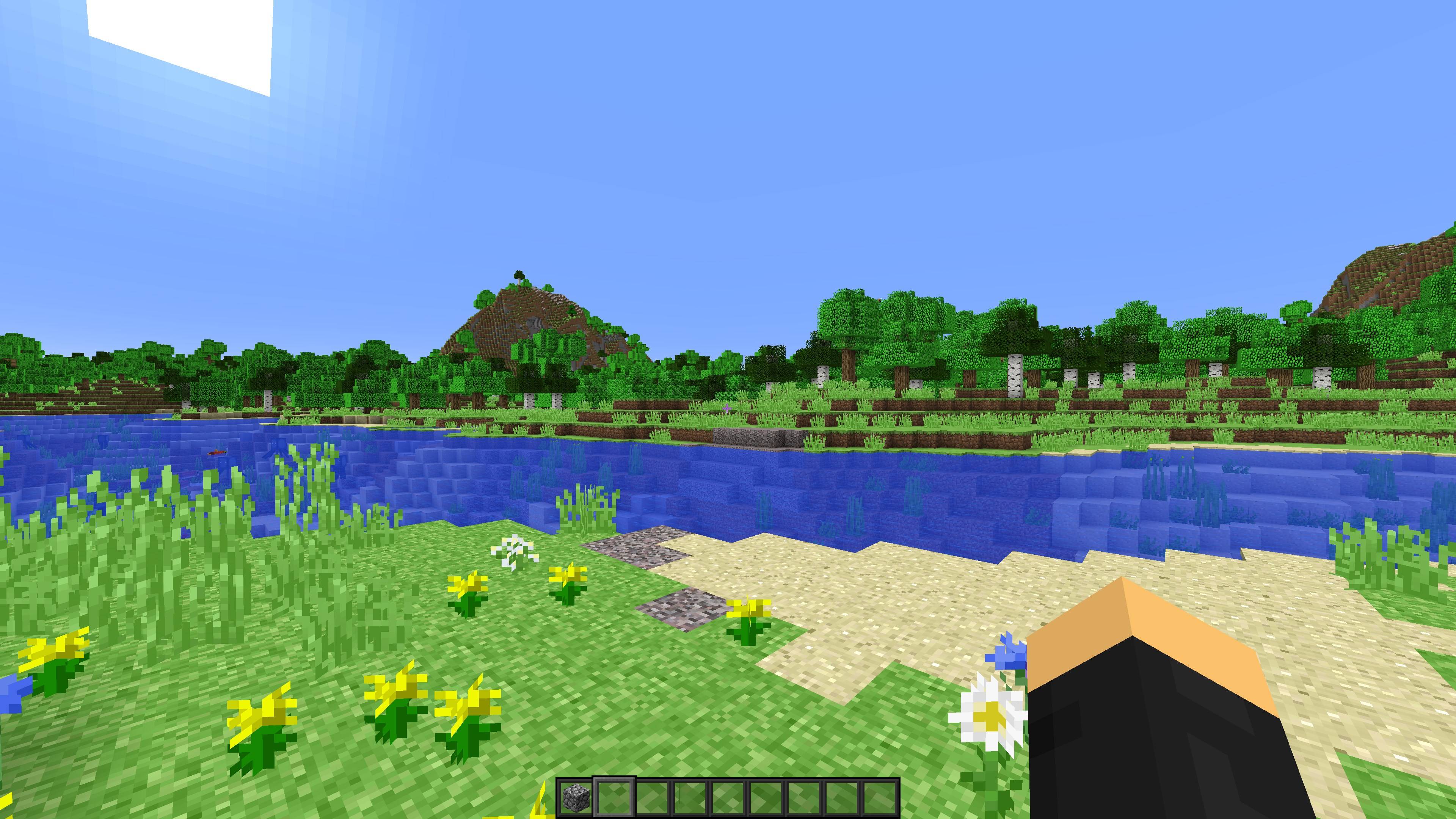
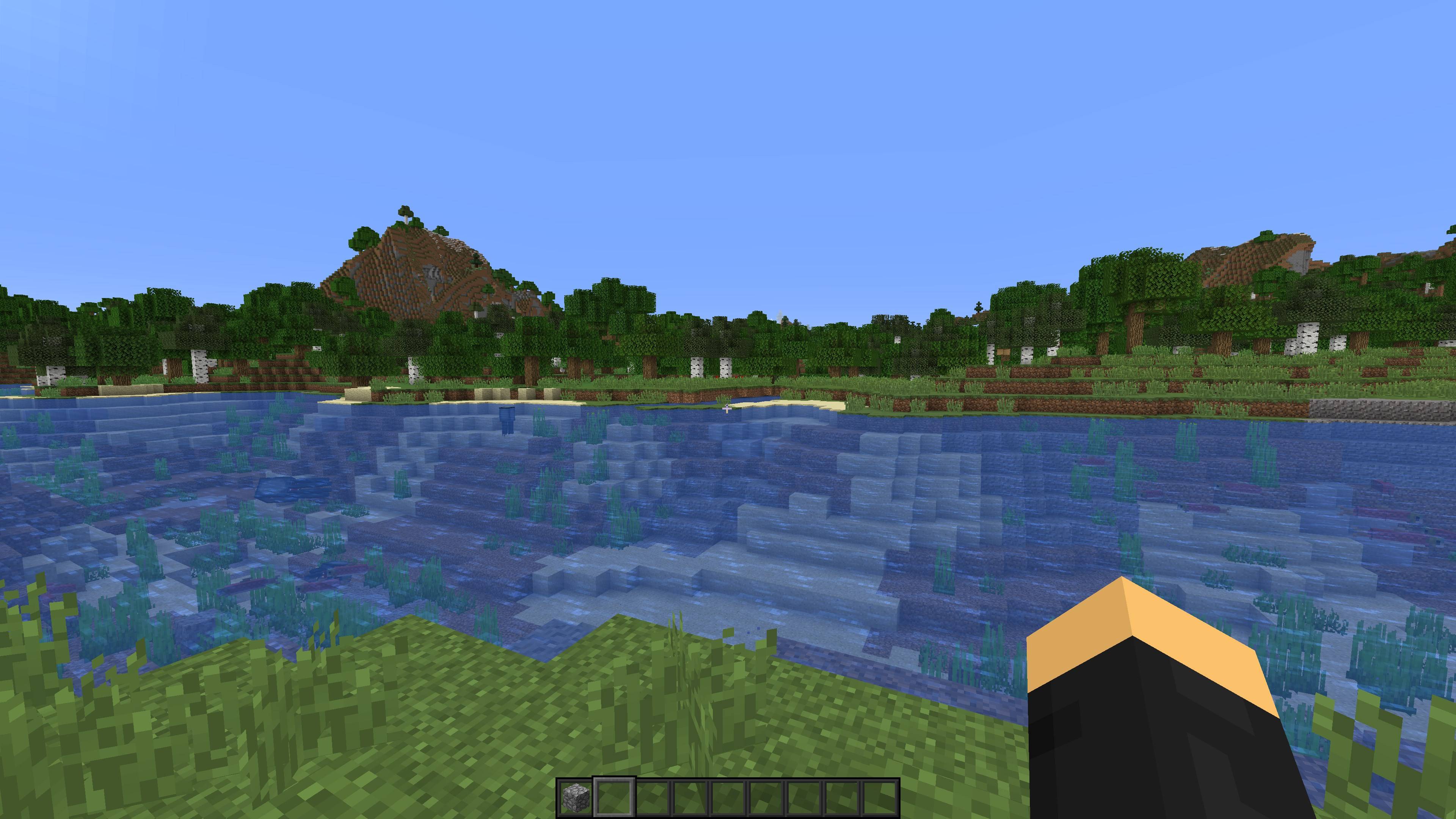
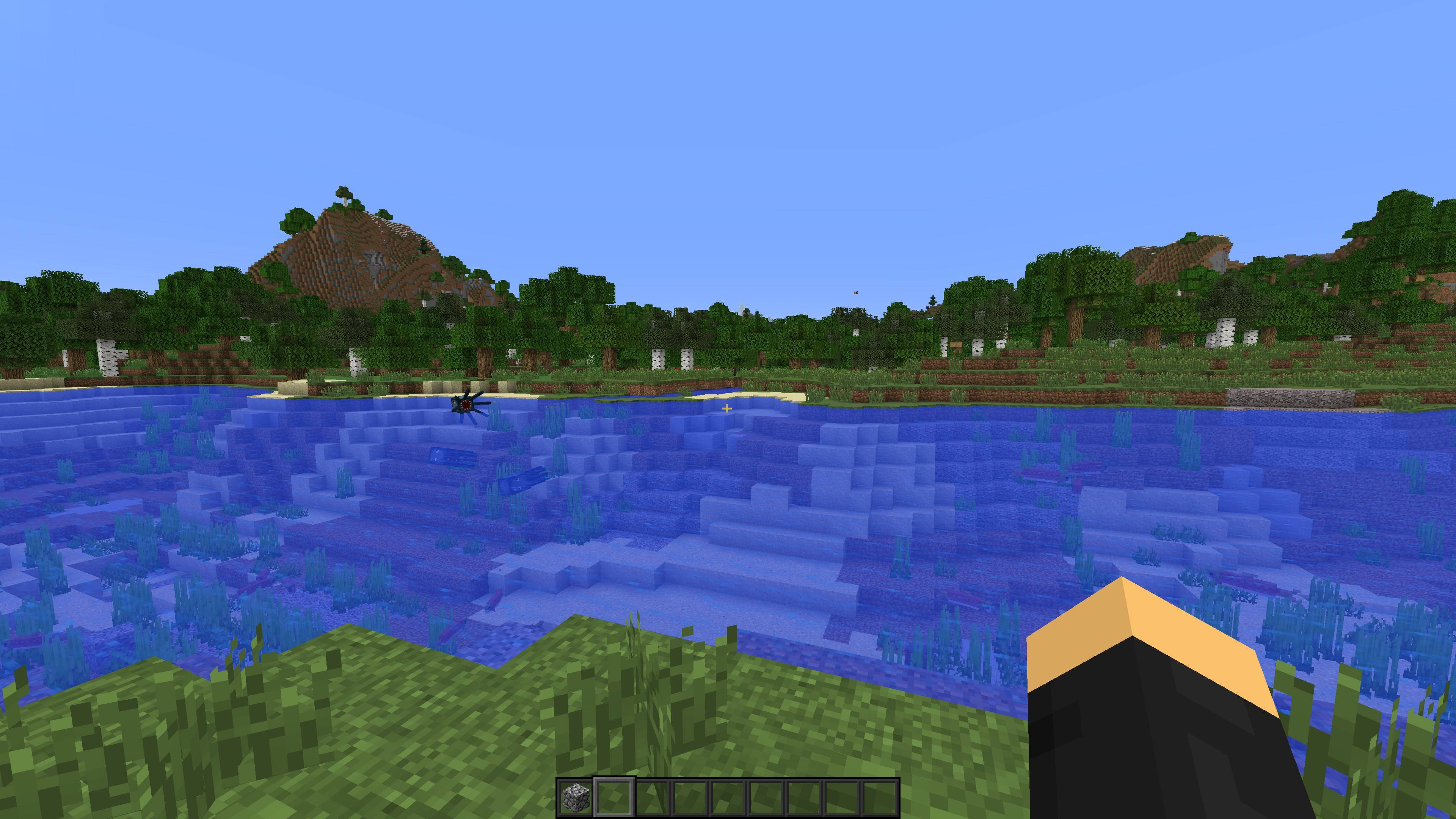
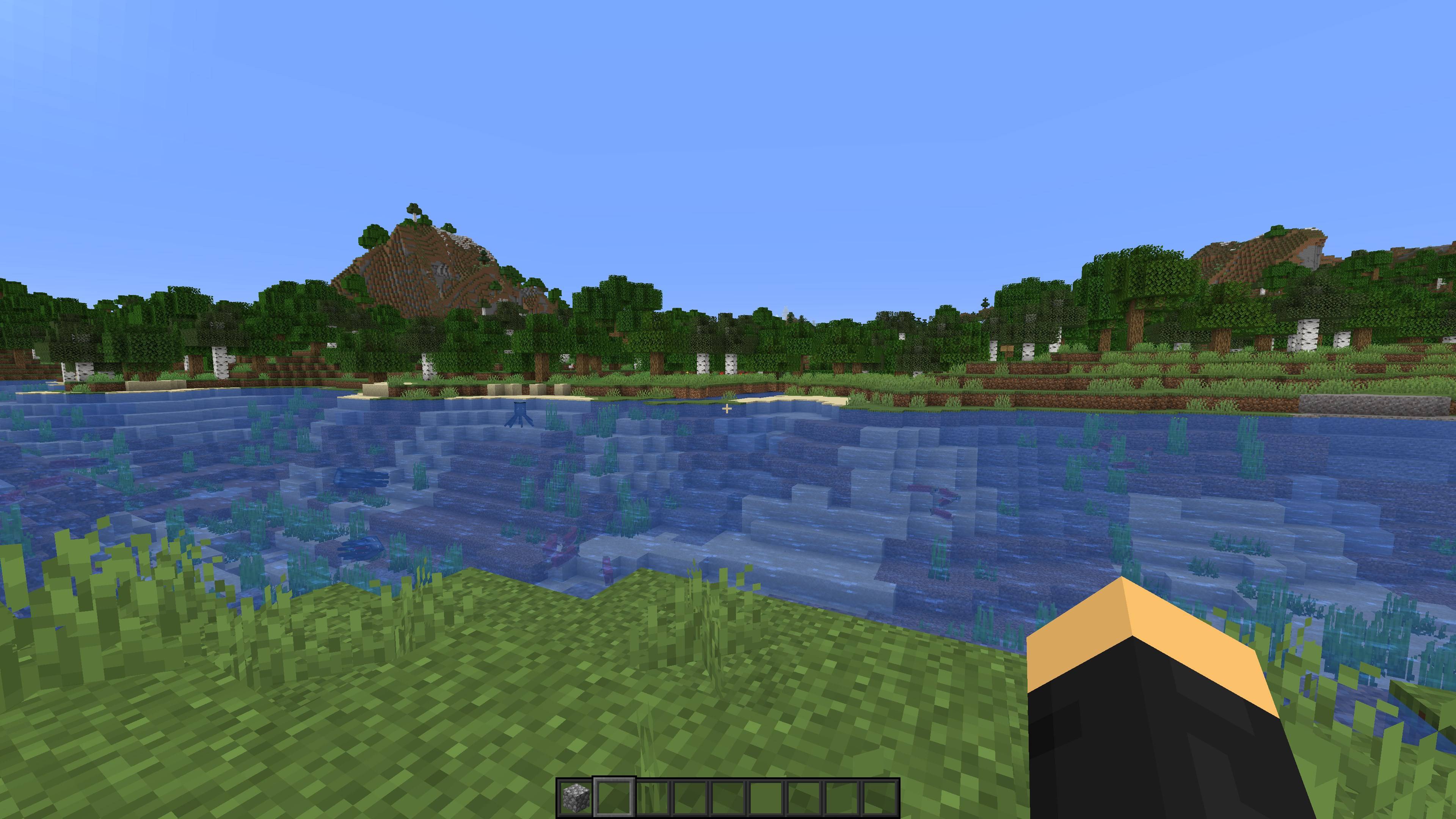
Nostalgia+ is a collection of resource packs that allow you to experience Minecraft's old textures. With Nostalgia+ you can make your game look like any major version of minecraft that you want, from 2009's "Cave Game" textures, all the way to version 1.21.

Important Note: The file name = the textures you are downloading. If you choose "37. Version 1.21" you're downloading the textures that look like 1.21, which is why it's not going to change anything. For example, if you want the old nether textures, you'd download "30. Version 1.15" or earlier. If you want Alpha textures, use packs 09 or 10.

In other words, make sure the file name matches what texture's you are trying to download.

I've gone through the patch notes and tried my best to accurately account for every texture change since May 2009. This was a long, tedious process, so please let me know if I've missed anything, or if you notice an incorrect texture. These packs were made specifically for my YouTube video about collecting every minecraft update: 

*Screenshots can be found in the images tab :)

Requirements:

99.9% if this pack works without any requirements. Optionally, if you want to experience the old zombie pigman (now zombified piglin) models, you will need to be running either Optifine or the fabric mod Entity Model Features and its requirement Entity Texture Features.

Compatibility:

Nostalgia+ essentially changes the textures of every block, item, and mob in the game. By placing other resource packs higher in the load order, you can overwrite individual blocks as you wish.

There should be no incompatibility issues for packs that change GUI.

Supported Versions:

Nostalgia+ is currently available for both 1.20 and 1.21. I'm not making any promises for future versions, but we'll see.


How it was made:

First, I went through all the texture changes from every major version from Cave Game to 1.13 and compiled a pack of the original textures for every block, item, and mob. This served as my baseline, and from there I built onto it, updating the textures in each version's pack, and using the previous version as my new baseline. 1.14 changed just about every texture in the game, so I made a new baseline from there, and repeated the process. 

The only thing I had to try and recreate myself was the color of water pre 1.13, as the new system just doesn't work at all with the old textures, but I tried my best. This was my full time job for a week, and I'm sure there's still mistakes to be revealed. 


feedback, suggestions, and bug reports much appreciated :)

01. Cave Game.zip
MC 1.20
Release 2024-09-27 Get
02. Early Classic Creative.zip
MC 1.20
Release 2024-09-27 Get
03. Multiplayer Test.zip
MC 1.20
Release 2024-09-27 Get
04. Survival Test.zip
MC 1.20
Release 2024-09-27 Get
05. Late Classic.zip
MC 1.20
Release 2024-09-27 Get
07. Indev.zip
MC 1.20
Release 2024-09-27 Get
06. Indev 0.31.zip
MC 1.20
Release 2024-09-27 Get
08. Infdev.zip
MC 1.20
Release 2024-09-27 Get
09. Alpha 1.0-1.1.zip
MC 1.20
Release 2024-09-27 Get
10. Alpha 1.2.zip
MC 1.20
Release 2024-09-27 Get
11. Beta 1.0-1.2.zip
MC 1.20
Release 2024-09-27 Get
12. Beta 1.3-1.5.zip
MC 1.20
Release 2024-09-27 Get
13. Beta 1.6-1.7.zip
MC 1.20
Release 2024-09-27 Get
14. Beta 1.8.zip
MC 1.20
Release 2024-09-27 Get
15. Version 1.0.zip
MC 1.20
Release 2024-09-27 Get
16. Version 1.1.zip
MC 1.20
Release 2024-09-27 Get
17. Version 1.2.zip
MC 1.20
Release 2024-09-27 Get
18. Version 1.3.zip
MC 1.20
Release 2024-09-27 Get
19. Version 1.4.zip
MC 1.20
Release 2024-09-27 Get
20. Version 1.5.zip
MC 1.20
Release 2024-09-27 Get
21. Version 1.6.zip
MC 1.20
Release 2024-09-27 Get
22. Version 1.7.zip
MC 1.20
Release 2024-09-27 Get
23. Version 1.8.zip
MC 1.20
Release 2024-09-27 Get
24. Version 1.9.zip
MC 1.20
Release 2024-09-27 Get
25. Version 1.10.zip
MC 1.20
Release 2024-09-27 Get
26. Version 1.11.zip
MC 1.20
Release 2024-09-27 Get
27. Version 1.12.zip
MC 1.20
Release 2024-09-27 Get
28. Version 1.13.zip
MC 1.20
Release 2024-09-27 Get
29. Version 1.14.zip
MC 1.20
Release 2024-09-27 Get
30. Version 1.15.zip
MC 1.20
Release 2024-09-27 Get
31. Version 1.16.zip
MC 1.20
Release 2024-09-27 Get
32. Version 1.17.zip
MC 1.20
Release 2024-09-27 Get
33. Version 1.18.zip
MC 1.20
Release 2024-09-27 Get
34. Version 1.19.zip
MC 1.20
Release 2024-09-27 Get
35. Version 1.20.zip
MC 1.20
Release 2024-09-27 Get
36. Version 1.20.6.zip
MC 1.20
Release 2024-09-27 Get
37. Version 1.21.zip
MC 1.20
Release 2024-09-27 Get
01. Cave Game.zip
MC 1.21
Release 2024-09-27 Get
02. Early Classic Creative.zip
MC 1.21
Release 2024-09-27 Get
03. Multiplayer Test.zip
MC 1.21
Release 2024-09-27 Get
04. Survival Test.zip
MC 1.21
Release 2024-09-27 Get
05. Late Classic.zip
MC 1.21
Release 2024-09-27 Get
06. Indev 0.31.zip
MC 1.21
Release 2024-09-27 Get
07. Indev.zip
MC 1.21
Release 2024-09-27 Get
08. Infdev.zip
MC 1.21
Release 2024-09-27 Get
09. Alpha 1.0-1.1.zip
MC 1.21
Release 2024-09-27 Get
10. Alpha 1.2.zip
MC 1.21
Release 2024-09-27 Get
11. Beta 1.0-1.2.zip
MC 1.21
Release 2024-09-27 Get
12. Beta 1.3-1.5.zip
MC 1.21
Release 2024-09-27 Get
13. Beta 1.6-1.7.zip
MC 1.21
Release 2024-09-27 Get

Requirements & install

How to use this resource pack in Minecraft
Resolution
16x
Minecraft
1.20 – 1.21
Install folder
.minecraft/resourcepacks

How to install resource packs

  1. Download the resource pack .zip file (do not extract it).
  2. In Minecraft open Options → Resource Packs → Open Pack Folder.
  3. Drop the .zip into the resourcepacks folder (.minecraft/resourcepacks).
  4. Move the pack to the Selected column and click Done.
Browse more: 16x resource packs 32x resource packs 64x resource packs 128x resource packs 256x resource packs 512x+ resource packs Resource Packs for 1.21 All resource packs

More from AustMC

Advertisement Remove ads with Premium →

You Might Also Like