Mineuniverse
Resource Packs
Aust's Custom GUI

Aust's Custom GUI

RESOURCE PACK
This is my custom pack I created for my hardcore series on YouTube.
by AustMC
Download Claim this project
37,811 downloads
0 likes
Updated Oct 14, 2026
0 hypes
16x Miscellaneous
Advertisement Remove ads with Premium →

Aust's Custom GUI


Description:

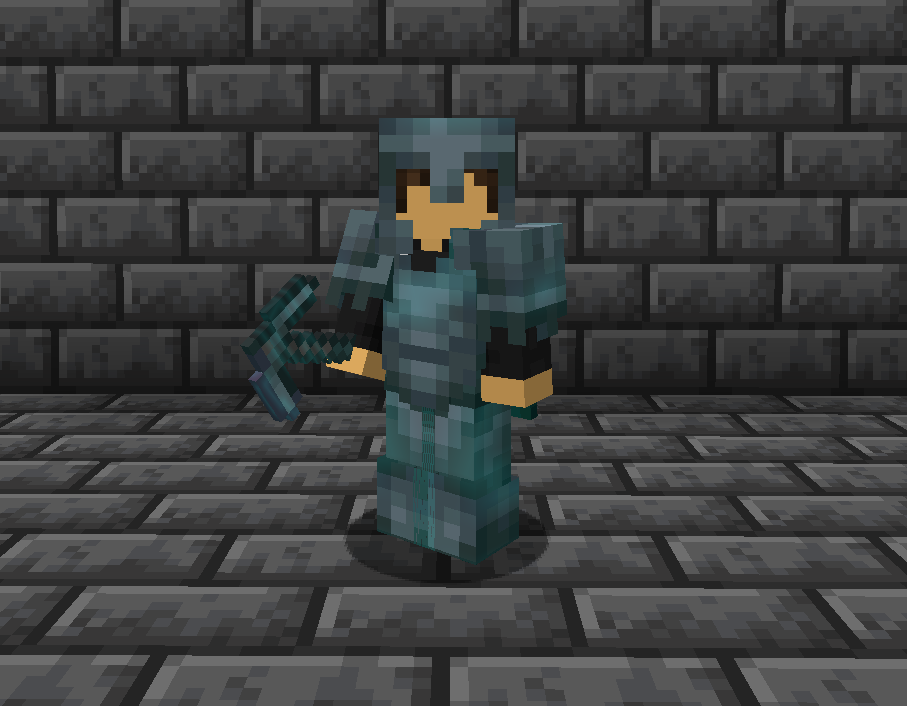
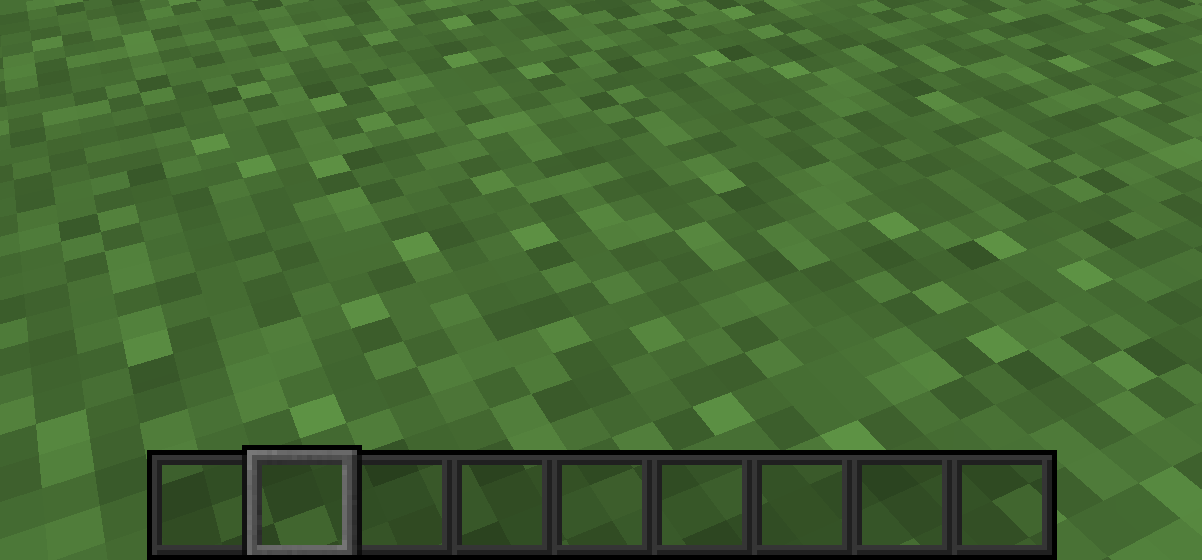
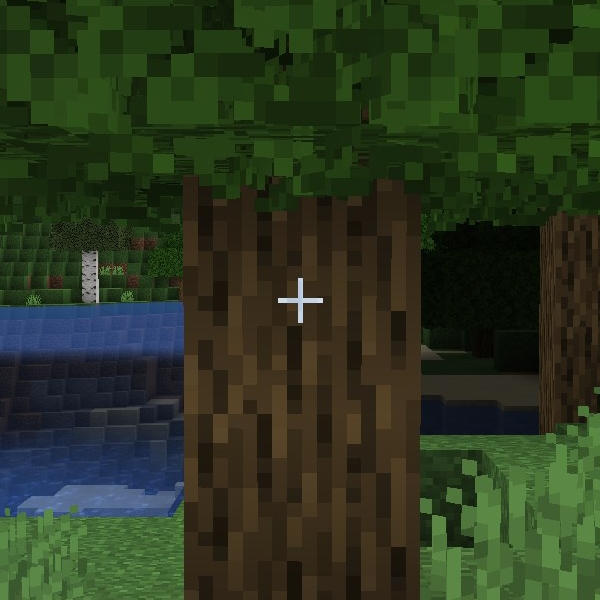
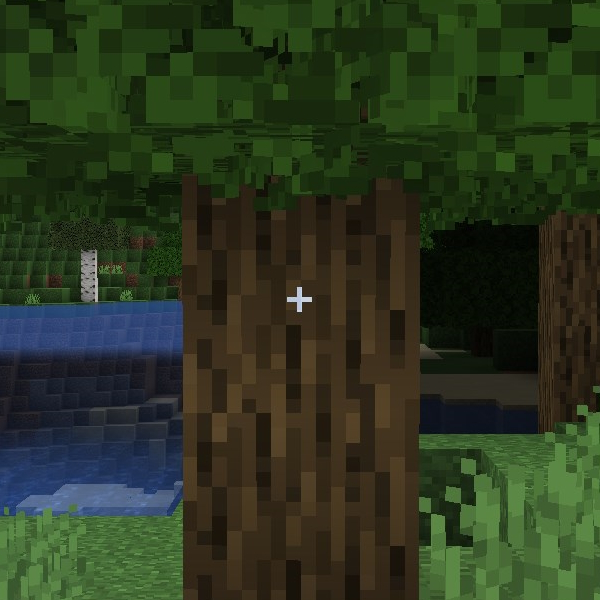
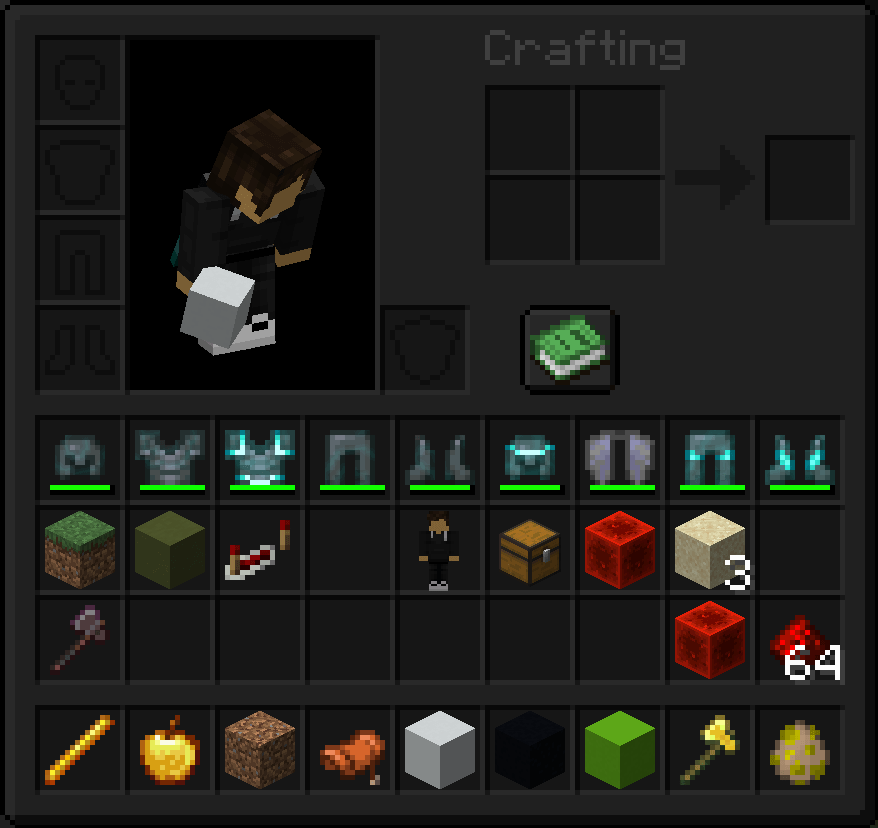
This pack changes the Enchantment Glint, Hotbar, Dark Mode Inventory, and Crosshair.


Requirements:

This pack doesn't have any requirements, BUT it was built using the Default Dark Mode pack as its foundation. You can find it here. If you want a different looking gui, you can place a Default Dark Mode pack above my pack in the load order.


Compatibility:

This pack may conflict with other resource packs that change the GUI. Loading my pack on top may solve the issue in some cases.

Settings:

To make the enchantment glint look like mine does, you'll need to change a few accessibility settings: 

 - Glint Strength = 80%

 - Glint Speed = 50%

Versions:

There are three versions of this pack available at the moment:

All in One

 - All of my changes in one pack. Exactly what I'm using on my hardcore series.

All in One Legacy

 - Same as all in one, except it has the green and blue hearts I used to use in my older videos.

Enchant Glint Only

 - Only changes the color of enchantment glint


*Screenshots of each can be found in the images tab :)

 

Aust's All in One.zip
MC 1.21.8, 1.21.9, 1.21.10, 1.21.11
Release 2026-01-30 Get
Aust's All in One Legacy.zip
MC 1.21.8, 1.21.9, 1.21.10, 1.21.11
Release 2026-01-30 Get
Aust's Enchant Glint Only.zip
MC 1.21.8, 1.21.9, 1.21.10, 1.21.11
Release 2026-01-30 Get
Aust's All in One Legacy
MC 1.21
Release 2024-07-16 Get
Aust's All in One
MC 1.21
Release 2024-07-16 Get
Aust's Enchant Glint Only
MC 1.21
Release 2024-07-16 Get
Aust's All in One.zip
MC 1.20
Release 2023-06-12 Get
Aust's Enchant Glint Only.zip
MC 1.20
Release 2023-06-12 Get
Aust's Enchant Glint Only.zip
MC 1.19.3
Release 2023-05-03 Get
Aust's All In One.zip
MC 1.19.3
Release 2023-05-03 Get

Requirements & install

How to use this resource pack in Minecraft
Resolution
16x
Minecraft
1.19.3 – 1.21.11
Install folder
.minecraft/resourcepacks

How to install resource packs

  1. Download the resource pack .zip file (do not extract it).
  2. In Minecraft open Options → Resource Packs → Open Pack Folder.
  3. Drop the .zip into the resourcepacks folder (.minecraft/resourcepacks).
  4. Move the pack to the Selected column and click Done.
Browse more: 16x resource packs 32x resource packs 64x resource packs 128x resource packs 256x resource packs 512x+ resource packs Resource Packs for 1.21.11 All resource packs

More from AustMC

Advertisement Remove ads with Premium →

You Might Also Like