Mineuniverse
Resource Packs
New Random Paintings!

New Random Paintings!

RESOURCE PACK
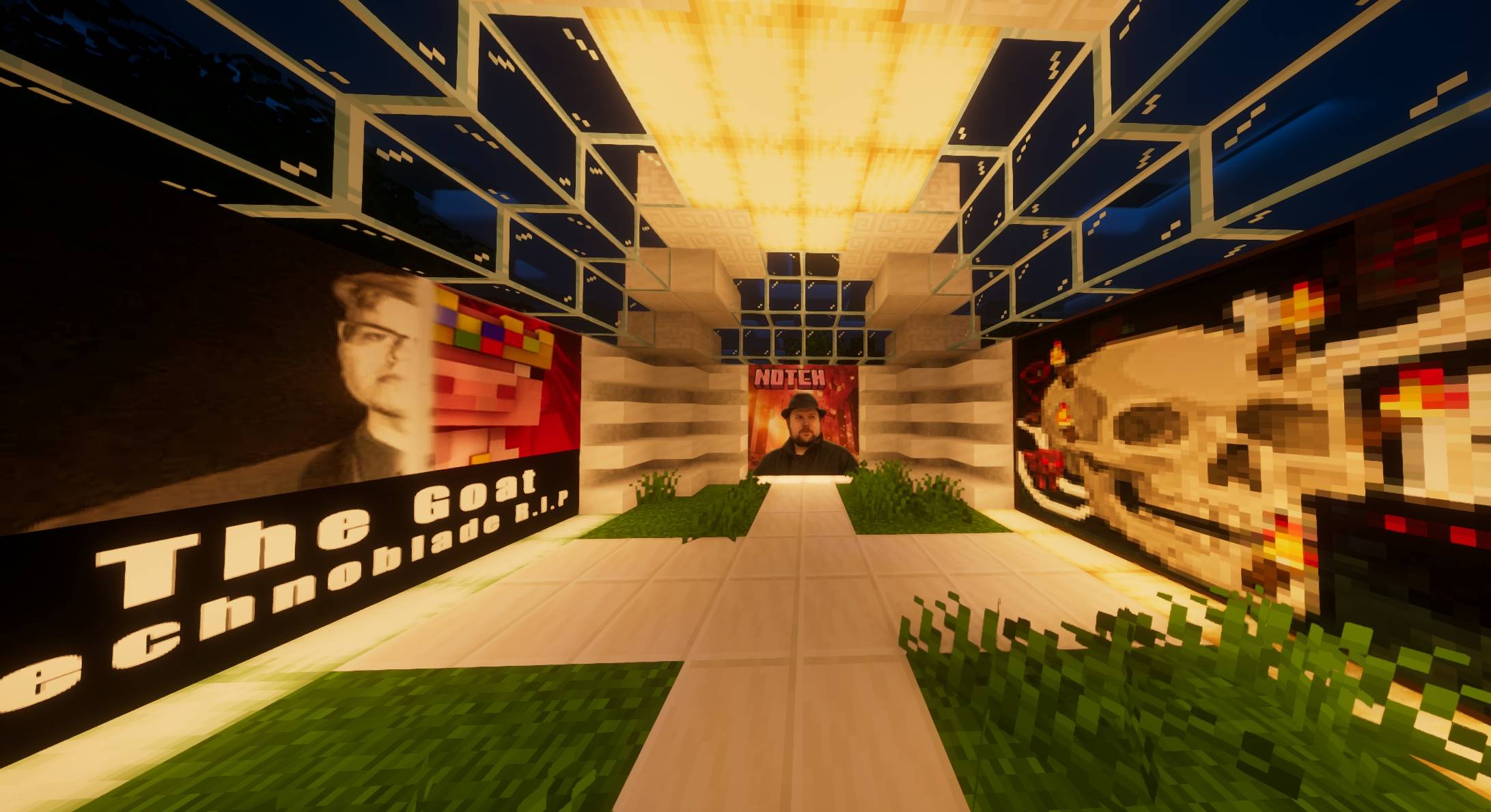
This Resourcepack replaces the old Minecraft paintings with new paintings.
by Vexnix
Download Claim this project
85 downloads
0 likes
0 followers
Updated Oct 14, 2026
0 hypes
Follow0
512x and Higher Modern
Advertisement Remove ads with Premium →


About

This Resourcepack replaces the old Minecraft paintings with new paintings.

This ressourcepack might have some errors if you see any, you can contact me on discord (knockedguy). Thank you and have fun playing with this ressourcepack!!

Updates

All Minecraft Version released from 1.19 to 26.2

New Random Paintings [1.19.2].zip
MC 1.19.1, 1.19.2, 1.19
Release 2026-09-11 Get
New Random Paintings [1.19.3].zip
MC 1.19.3
Release 2026-09-11 Get
New Random Paintings [1.19.4].zip
MC 1.19.4
Release 2026-09-11 Get
New Random Paintings (1.20).zip
MC 1.20.1, 1.20
Release 2026-09-11 Get
New Random Paintings (1.21).zip
MC 1.21
Release 2026-09-11 Get
New Random Paintings (1.21.1).zip
MC 1.21.1
Release 2026-09-11 Get
New Random Paintings (1.21.3-1.21.2).zip
MC 1.21.3, 1.21.2
Release 2026-09-11 Get
New Random Paintings (1.21.4).zip
MC 1.21.4
Release 2026-09-11 Get
New Random Paintings (1.21.5).zip
MC 1.21.5
Release 2026-09-11 Get
New Random Paintings (1.21.6).zip
MC 1.21.6
Release 2026-09-11 Get
New Random Paintings (1.21.8-1.21.7).zip
MC 1.21.8, 1.21.7
Release 2026-09-11 Get
New Random Paintings (1.21.10-1.21.9).zip
MC 1.21.9, 1.21.10
Release 2026-09-11 Get
New Random Paintings (1.21.11).zip
MC 1.21.11
Release 2026-09-11 Get
New Random Paintings (26.1+).zip
MC 26.1, 26.1.1, 26.1.2
Release 2026-09-11 Get
New Random Paintings (26.2).zip
MC 26.2
Release 2026-09-11 Get

Requirements & install

How to use this resource pack in Minecraft
Resolution
512x+
Minecraft
1.21.8 – 26.2
Install folder
.minecraft/resourcepacks

How to install resource packs

  1. Download the resource pack .zip file (do not extract it).
  2. In Minecraft open Options → Resource Packs → Open Pack Folder.
  3. Drop the .zip into the resourcepacks folder (.minecraft/resourcepacks).
  4. Move the pack to the Selected column and click Done.

512x packs need a strong GPU and at least 4 GB of RAM for Minecraft; a performance mod such as Sodium is strongly recommended.

Browse more: 16x resource packs 32x resource packs 64x resource packs 128x resource packs 256x resource packs 512x+ resource packs Resource Packs for 26.2 All resource packs

More from Vexnix

Advertisement Remove ads with Premium →

You Might Also Like