Mineuniverse
Resource Packs
[[NEO]] BETTER THAN [[Wolves?]] MUTTON!

[[NEO]] BETTER THAN [[Wolves?]] MUTTON!

RESOURCE PACK
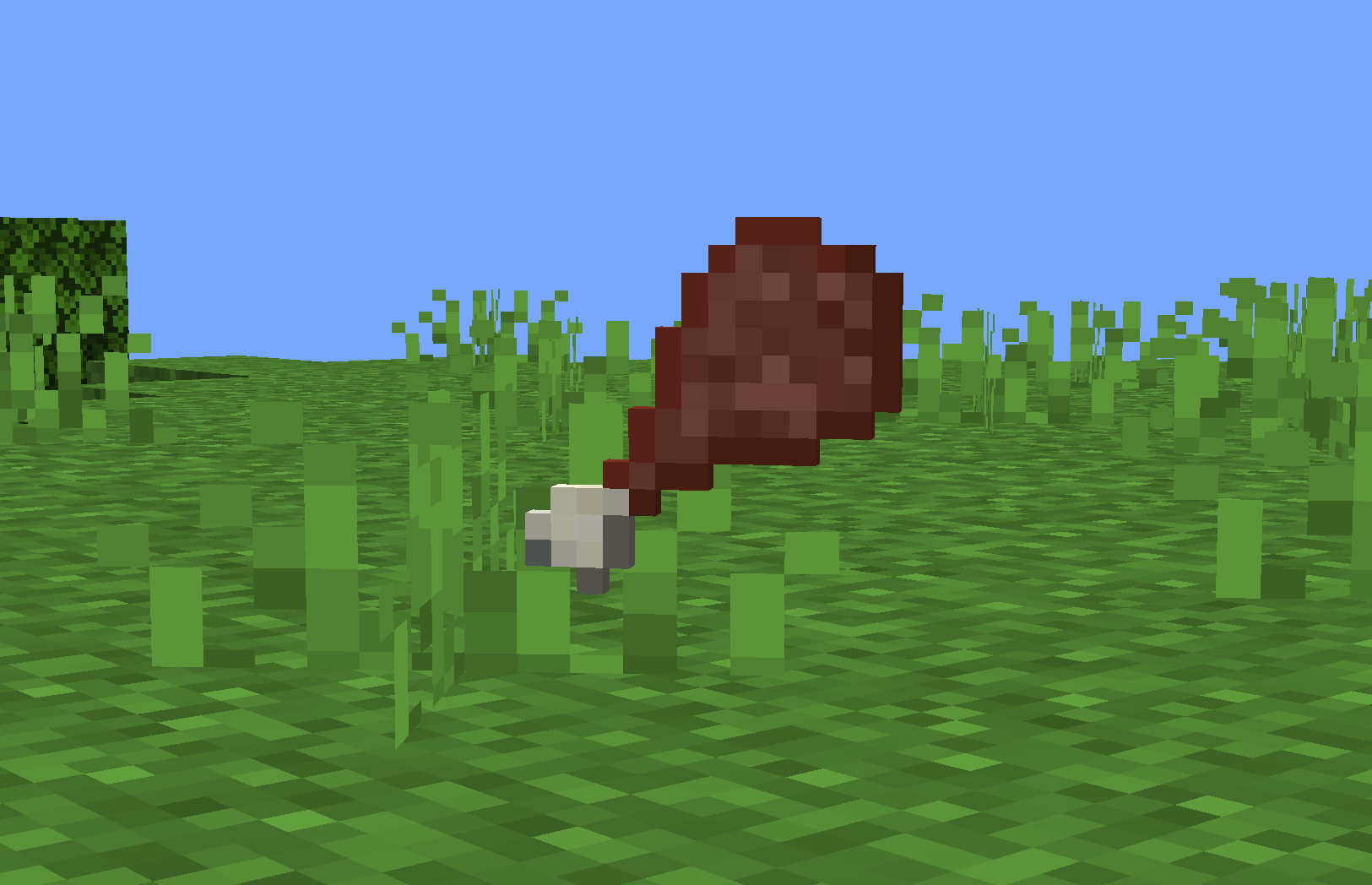
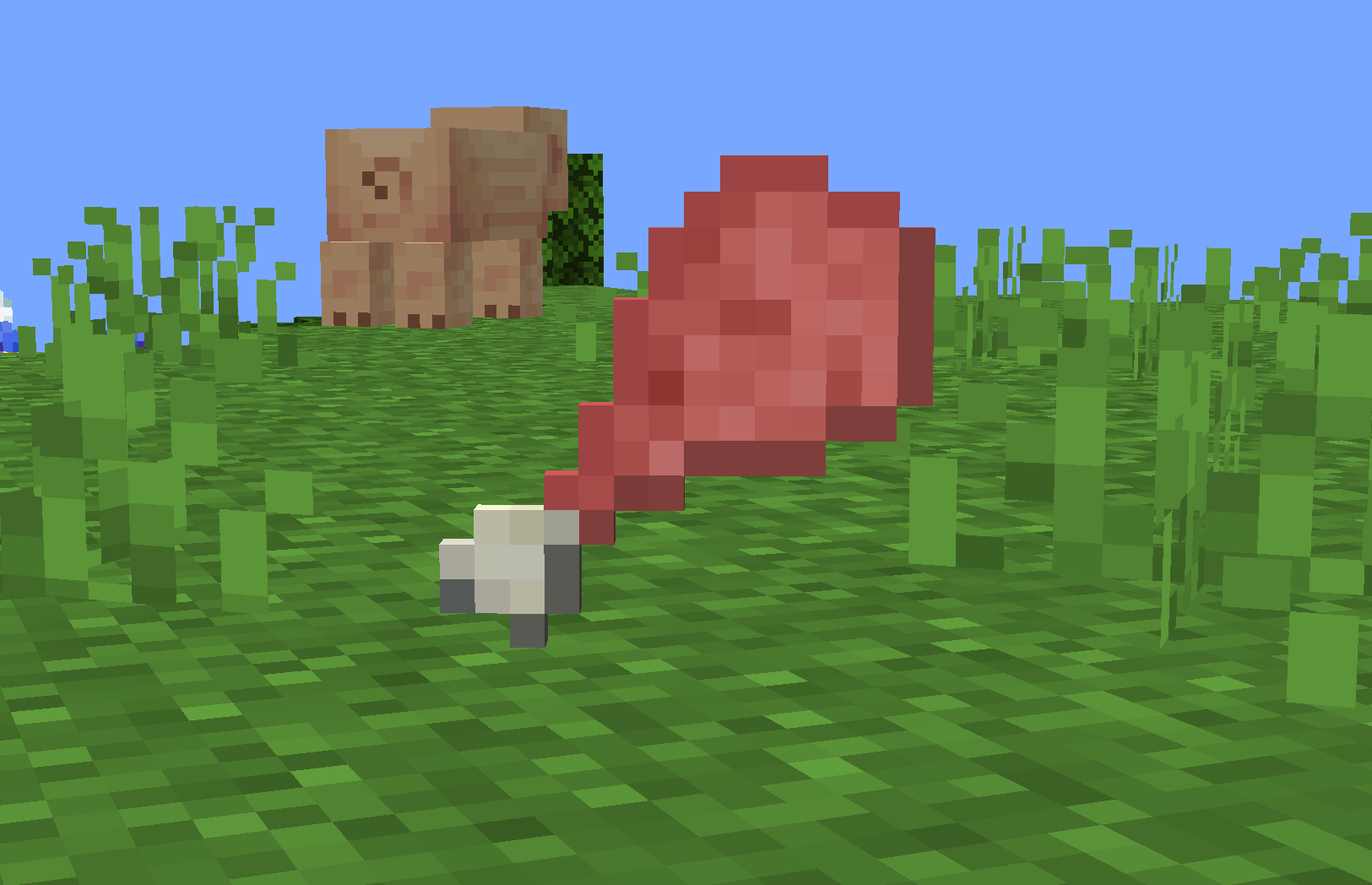
HEY-HE Y hEY!!! BRING BACK THE SWEET SWEET [[Better Than Wolves]] MUTTON IN [[Minecrap]]!!! GIVE YOUR FOOD THE TRUE [[Old Modded Era]] LOOK!!!
by SPAMTON_G
Download Claim this project
38 downloads
0 likes
0 followers
Updated Oct 14, 2026
0 hypes
Follow0
16x Miscellaneous Modern Traditional
Advertisement Remove ads with Premium →

LIGHT nER!!! THIS PACK RESTORES THE RAW AND COOKED MUTTON TEXTURES FROM THE LEGENDARY [[Better Than Wolves]] MOD RIGHT INTO [[Minecrap]]!!! NO MORE OF THAT CLEAN LITTLE [[Modern Meat]] - NOW YOUR FOOD LOOKS LIKE IT CAME STRAIGHT OUT OF A DUSTY OLD [[Forum Thread]] FROM THE TRUE [[Old Modded Era]]!!!

EVER MISS WHEN MODS FELT STRANGE??? WHEN TEXTURES LOOKED ROUGH... [[wierd route]]... MAYBE EVEN A LITTLE [[Questionable]]... BUT FULL OF [[SOUL]]??? THAT’S THE FEELING THIS PACK BRINGS BACK!!! PURE [[2011 ENERGY]] SERVED HOT ON A LITTLE [[Losse Cobblestone Slab]]!!!

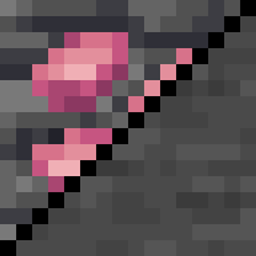
AND FOR ALL YOU [[Big Shot]] COLLECTORS - THIS PACK FITS PERFECTLY WITH THE SWEET SWEET [[Grimstone]] UNDERGROUND AND THE [[Caves & Cliffs Prototype Era]] ORES!!! YOUR WHOLE WORLD CAN FINALLY FEEL LIKE A LOST MODPACK HELD TOGETHER WITH [[Hope]], [[Duct Tape]], AND A VERY UNSTABLE [[Cursed Fabric Version]]!!!

 
Better than Wolves Mutton 1.21.x.zip
MC 1.21.2-Snapshot, 1.21, 1.21.6-snapshot, 1.21.1-Snapshot, 1.21.8, 1.21.5, 1.21.4, 1.21.5-Snapshot, 1.21.1, 1.21.6, 1.21.3, 1.21.7, 1.21-Snapshot, 1.21.4-Snapshot, 1.21.2
Release 2026-05-18 Get
Better than Wolves Mutton 1.21.x.zip
MC 1.21.2-Snapshot, 1.21, 1.21.6-snapshot, 1.21.1-Snapshot, 1.21.8, 1.21.5, 1.21.4, 1.21.5-Snapshot, 1.21.1, 1.21.6, 1.21.3, 1.21.7, 1.21-Snapshot, 1.21.4-Snapshot, 1.21.2
Alpha 2026-05-16 Get

Requirements & install

How to use this resource pack in Minecraft
Resolution
16x
Minecraft
1.21.4-Snapshot – 1.21.8
Install folder
.minecraft/resourcepacks

How to install resource packs

  1. Download the resource pack .zip file (do not extract it).
  2. In Minecraft open Options → Resource Packs → Open Pack Folder.
  3. Drop the .zip into the resourcepacks folder (.minecraft/resourcepacks).
  4. Move the pack to the Selected column and click Done.
Browse more: 16x resource packs 32x resource packs 64x resource packs 128x resource packs 256x resource packs 512x+ resource packs Resource Packs for 1.21.8 All resource packs

More from SPAMTON_G

Advertisement Remove ads with Premium →

You Might Also Like