Mineuniverse
Resource Packs
BLACKPOWDER [[NEO]]

BLACKPOWDER [[NEO]]

RESOURCE PACK
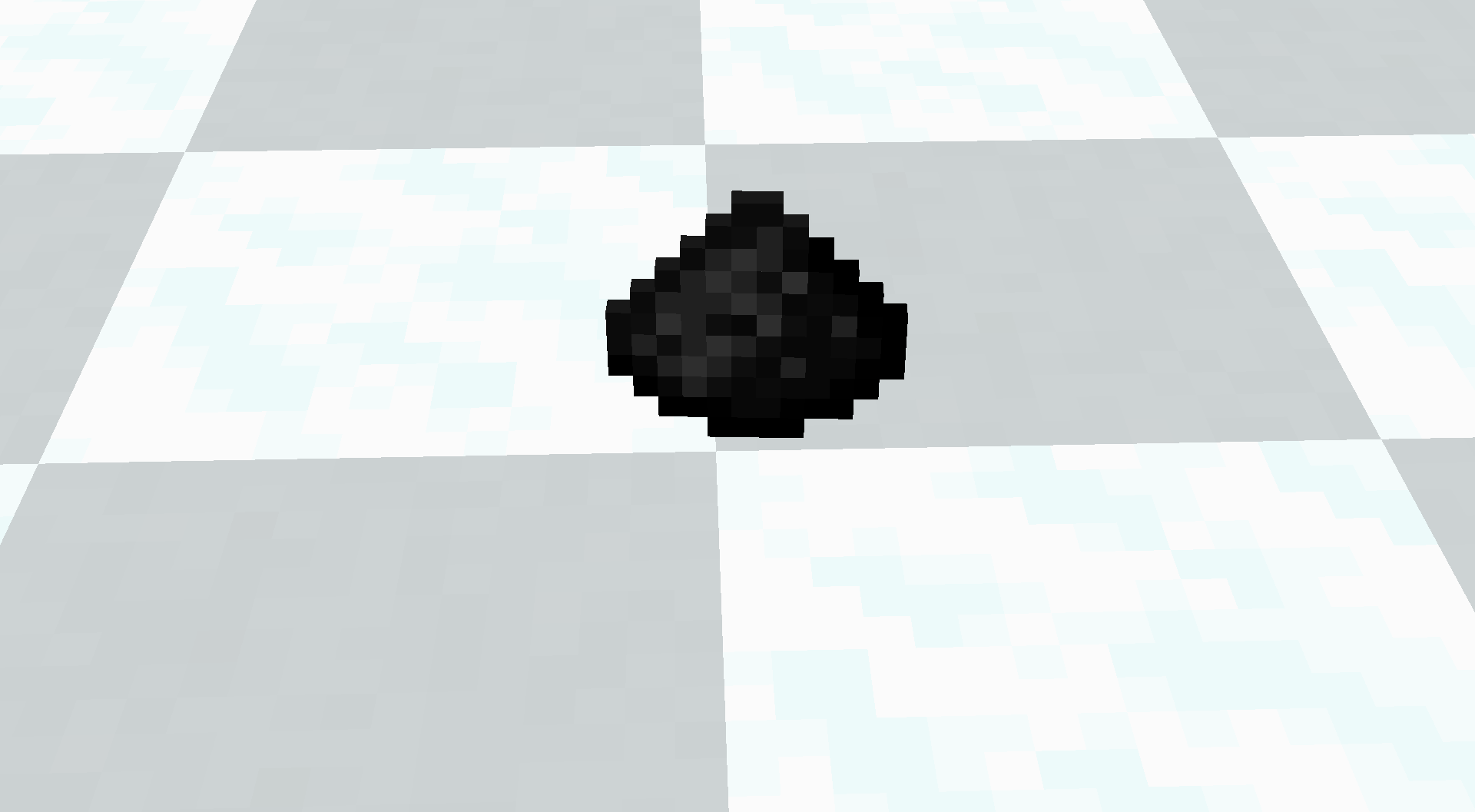
LIGHT nER!!! HEY-HE Y HEY!!! TURN THAT DUSTY [[Gunpowder]] INTO TRUE [[Guts 'n Blackpowder]]!!! NOW DARKER, GRITTIER, AND READY FOR THE SWEET SWEET [[Old Modded Era]]!!!
by SPAMTON_G
Download Claim this project
30 downloads
0 likes
Updated Oct 14, 2026
0 hypes
16x Medieval Miscellaneous Traditional
Advertisement Remove ads with Premium →

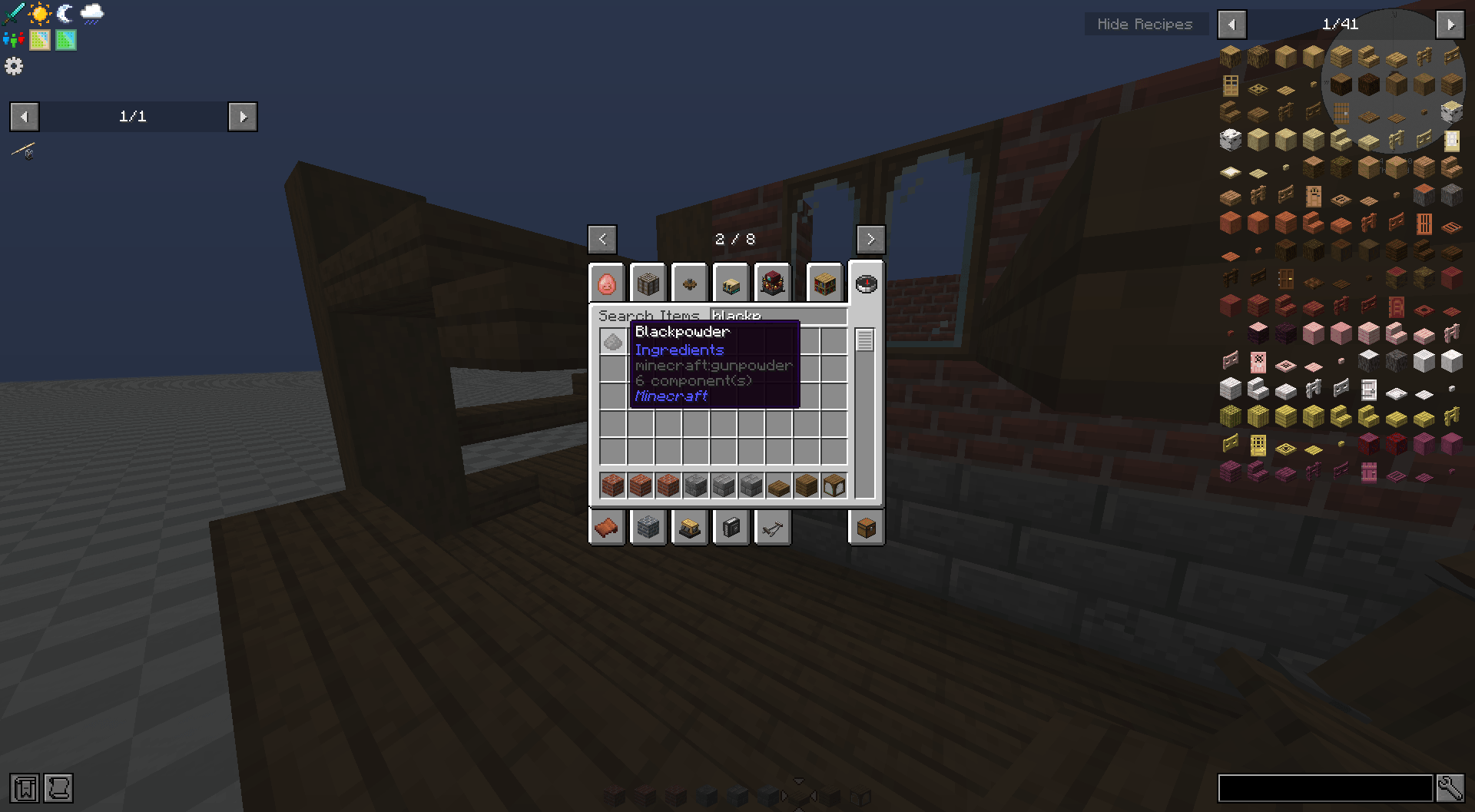
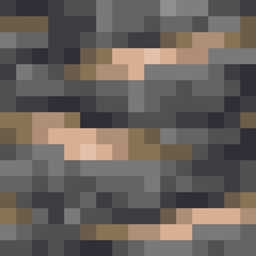
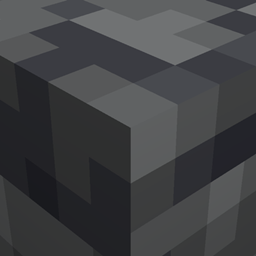
LIGHT nER!!! HEY-He Y HEY!!! THIS PACK TAKES THAT PLAIN OLD [[Gunpowder]] AND TURNS IT INTO THE DARKER, GRITTIER, AND MUCH MORE MENACING [[BLACKPOWDER]]!!! PERFECT FOR ALL YOU [[Firelock Enjoyers]] WHO WANT YOUR [[Minecrap]] WORLD TO FEEL LIKE IT’S [[I'm one bad day away...]] FROM A FULL [[There nothing we can do]]!!!

FEEL THE SWEET SWEET [[Guts & Blackpowder]] ENERGY AS YOU LOAD YOUR CANNONS, FIRE YOUR WEAPONS, AND TRY NOT TO GET EATEN BY THE [[UNDEAD]]!!! THIS AIN’T NO CLEAN LITTLE PILE OF [[Modern Gunpowder]] - THIS IS THE TRUE [[Olden]], [[CLASSIC]] [[Blackpowder]].

AND FOR ALL YOU LADS FROM [[Our Execution]]!!! NO [Quarizol] HERE. ONLY [[old]], [[Classic]] [Blackpowder]. NO FANCY [[Light blu]] OR WEIRD [[What if in 1834 people found Quarizol?]] - JUST A GOOD OLD PILE OF DARK POWDER, READY TO GO [[ B O O M ]]!!!

PURCHASE HERE AT THE GREAT [[Big Bargen Bin]]. GET YOUR SWEET SWEET [[Blackpowder]] TODAY, BEFORE THE NEXT [[De Kommer, Hjælp os!]] BREAKS DOWN THE DOOR!!!


Gunpowder-Blackpowder 26.1.x.zip
MC 26.1, 26.1.1, 26.1.2
Release 2026-08-20 Get
Gunpowder-Blackpowder 1.21.x.zip
MC 1.21.2-Snapshot, 1.21, 1.21.6-snapshot, 1.21.1-Snapshot, 1.21.8, 1.21.5, 1.21.4, 1.21.5-Snapshot, 1.21.1, 1.21.6, 1.21.3, 1.21.7, 1.21-Snapshot, 1.21.4-Snapshot, 1.21.2
Release 2026-07-31 Get

Requirements & install

How to use this resource pack in Minecraft
Resolution
16x
Minecraft
1.21.5 – 26.1.2
Install folder
.minecraft/resourcepacks

How to install resource packs

  1. Download the resource pack .zip file (do not extract it).
  2. In Minecraft open Options → Resource Packs → Open Pack Folder.
  3. Drop the .zip into the resourcepacks folder (.minecraft/resourcepacks).
  4. Move the pack to the Selected column and click Done.
Browse more: 16x resource packs 32x resource packs 64x resource packs 128x resource packs 256x resource packs 512x+ resource packs Resource Packs for 26.1.2 All resource packs

More from SPAMTON_G

Advertisement Remove ads with Premium →

You Might Also Like