Mineuniverse
Resource Packs
Nekoro Enchanted Books

Nekoro Enchanted Books

RESOURCE PACK
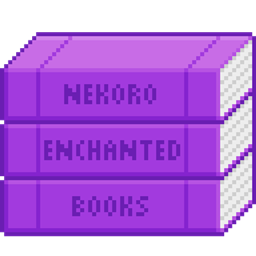
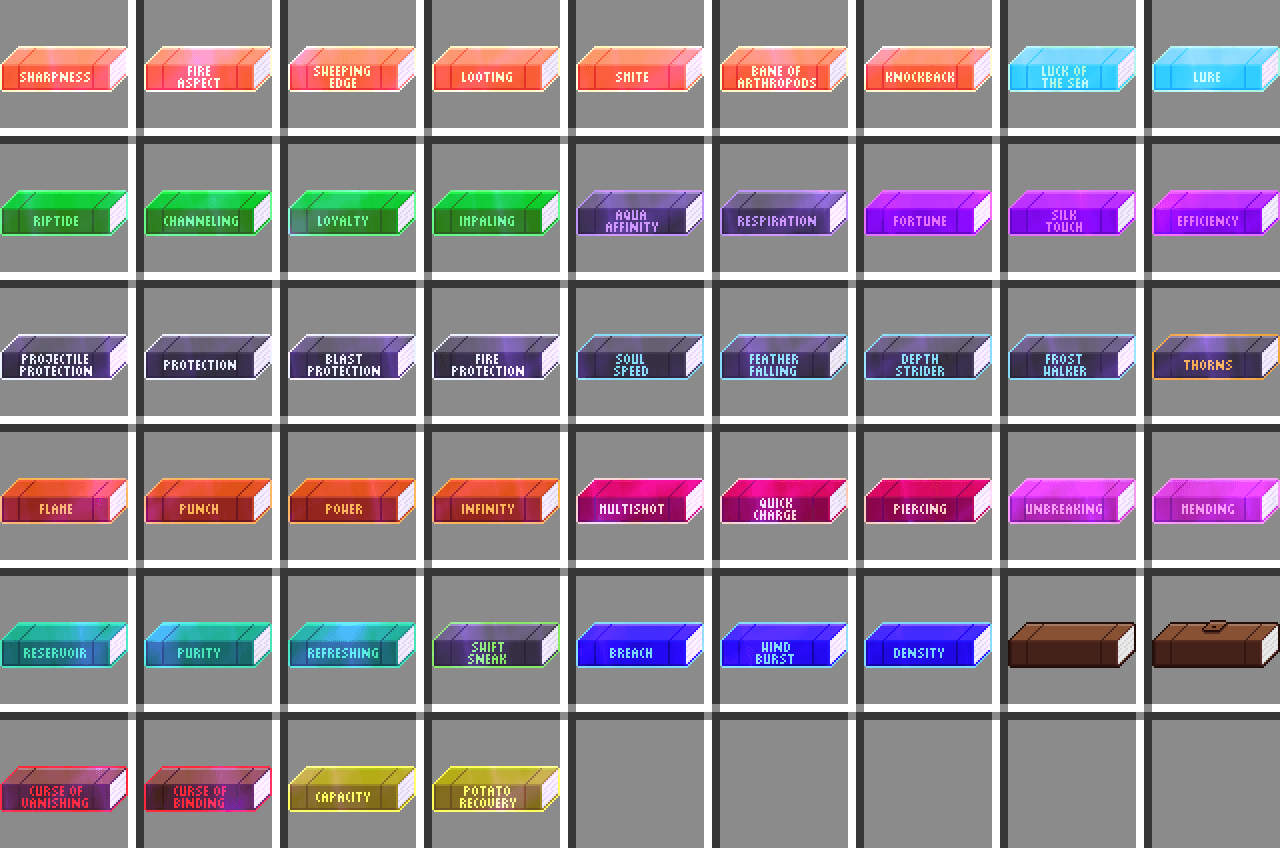
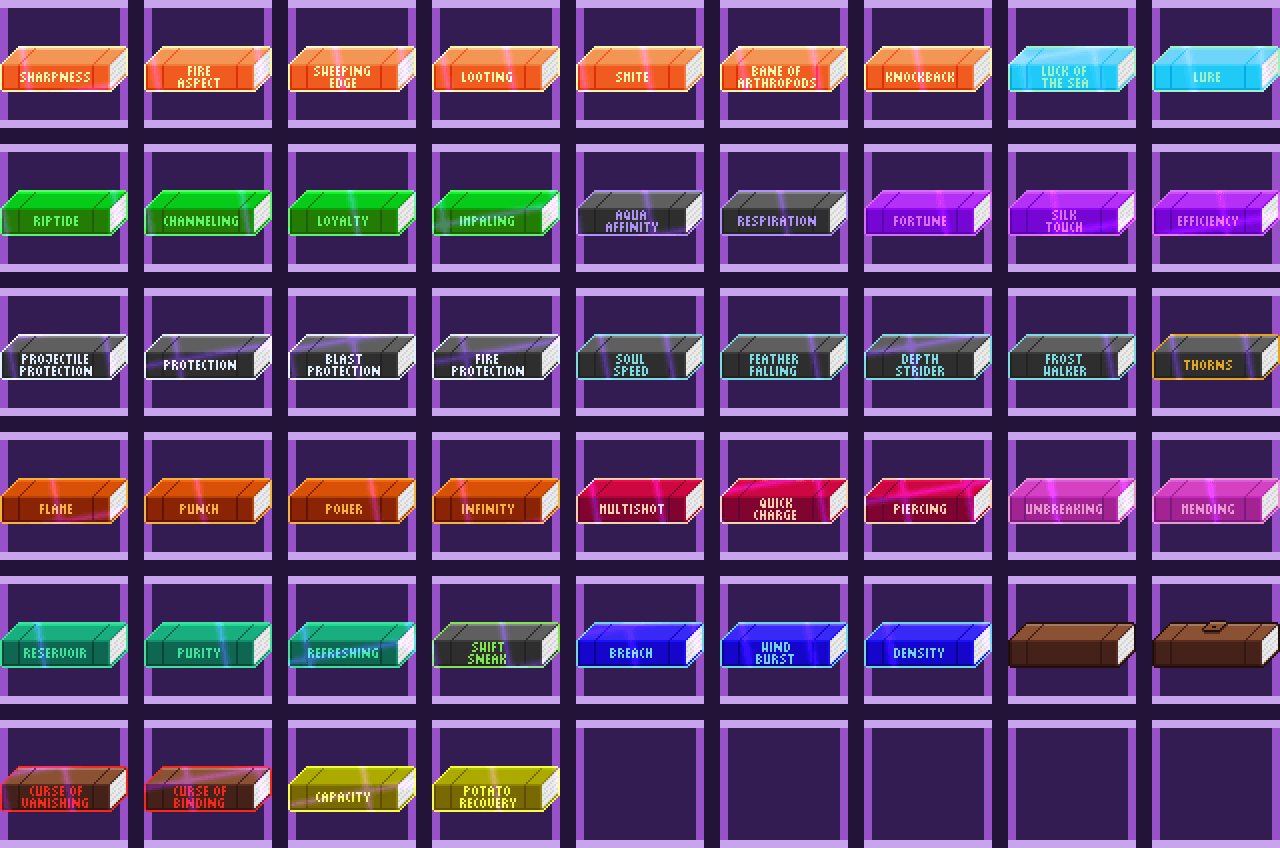
Resource Pack that changes the appearance of enchanted books depending on the enchantment.
by AlolanXardas
Download Claim this project
Add a badge to your pageLink to Nekoro Enchanted Books from a README, website or forum post.
Preview: Badge

Badges update automatically and link to the resource pack page on MineUniverse.

177 downloads
0 likes
0 followers
Updated Oct 14, 2026
0 hypes
Follow0
64x Mod Support
Advertisement Remove ads with Premium →

Info:
Forge CIT or CIT Resewn is required!
Books may look bad if you set "GUI Scale" to less than 4.
Changes the appearance of books depending on the enchant.

Works up to level 255.
Tested only on Minecraft version 1.21.1 (Neoforge).
Created for my
Nekoro Pokemon modpack.

Leave a comment if You:
-find any bugs or errors.
-want books from a specific mod.
-have suggestions for a better color scheme.


Compatible with:
-Nekoro Dark Mode
-Nekoro Font

-Legendary Survival Overhaul
-Create
-BeyondEnchant

Nekoro-EB-5
MC 1.21, 1.20.2, 1.21.8, 1.20.5, 1.21.5, 1.21.4, 1.20.1, 1.20, 1.20.6, 1.21.1, 1.21.6, 1.21.3, 1.21.7, 1.20.4, 1.20.3, 1.21.2, 1.21.9, 1.21.10, 1.21.11, 26.1, 26.1.1, 26.1.2
Release 2026-05-17 Get
Nekoro-EB-4
MC 1.21, 1.20.2, 1.21.8, 1.20.5, 1.21.5, 1.21.4, 1.20.1, 1.20, 1.20.6, 1.21.1, 1.21.6, 1.21.3, 1.21.7, 1.20.4, 1.20.3, 1.21.2, 1.21.9, 1.21.10, 1.21.11, 26.1, 26.1.1, 26.1.2
Release 2026-05-11 Get
Nekoro-EB-3
MC 1.21, 1.20.2, 1.21.8, 1.20.5, 1.21.5, 1.21.4, 1.20.1, 1.20, 1.20.6, 1.21.1, 1.21.6, 1.21.3, 1.21.7, 1.20.4, 1.20.3, 1.21.2, 1.21.9, 1.21.10, 1.21.11, 26.1, 26.1.1, 26.1.2
Release 2026-05-10 Get
Nekoro-EB-2
MC 1.21, 1.20.2, 1.21.8, 1.20.5, 1.21.5, 1.21.4, 1.20.1, 1.20, 1.20.6, 1.21.1, 1.21.6, 1.21.3, 1.21.7, 1.20.4, 1.20.3, 1.21.2, 1.21.9, 1.21.10, 1.21.11, 26.1, 26.1.1, 26.1.2
Release 2026-05-08 Get
Nekoro-EB-1
MC 1.21, 1.20.2, 1.21.8, 1.20.5, 1.21.5, 1.21.4, 1.20.1, 1.20, 1.20.6, 1.21.1, 1.21.6, 1.21.3, 1.21.7, 1.20.4, 1.20.3, 1.21.2, 1.21.9, 1.21.10, 1.21.11, 26.1, 26.1.1, 26.1.2
Release 2026-05-06 Get

Requirements & install

How to use this resource pack in Minecraft
Resolution
64x
Minecraft
1.21.7 – 26.1.2
Install folder
.minecraft/resourcepacks

How to install resource packs

  1. Download the resource pack .zip file (do not extract it).
  2. In Minecraft open Options → Resource Packs → Open Pack Folder.
  3. Drop the .zip into the resourcepacks folder (.minecraft/resourcepacks).
  4. Move the pack to the Selected column and click Done.
Browse more: 16x resource packs 32x resource packs 64x resource packs 128x resource packs 256x resource packs 512x+ resource packs Resource Packs for 26.1.2 All resource packs

More from AlolanXardas

Advertisement Remove ads with Premium →

You Might Also Like