Mineuniverse
Resource Packs
Nathans British Railway Oddities And Extended Track Pack (NBROAET)

Nathans British Railway Oddities And Extended Track Pack (NBROAET)

RESOURCE PACK
Adding New Track and Assets to your British IR Experience.
by TheSteelM4nn
Download Claim this project
Add a badge to your pageLink to Nathans British Railway Oddities And Extended Track Pack (NBROAET) from a README, website or forum post.
Preview: Badge

Badges update automatically and link to the resource pack page on MineUniverse.

4,110 downloads
0 likes
0 followers
Updated Oct 14, 2026
0 hypes
Follow0
512x and Higher Mod Support
Advertisement Remove ads with Premium →

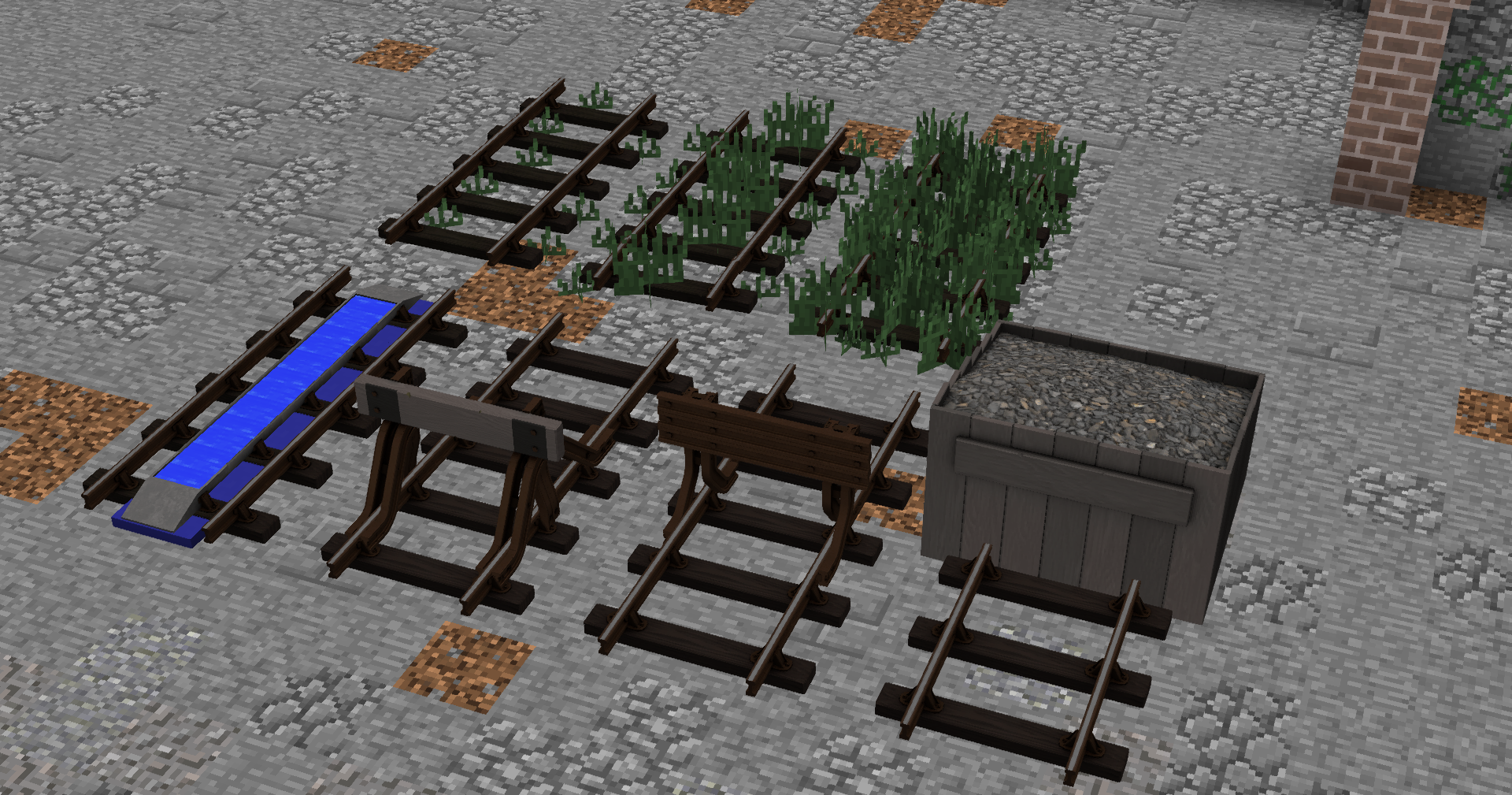
Adding a New Set of Track and World Decoration, Includes!

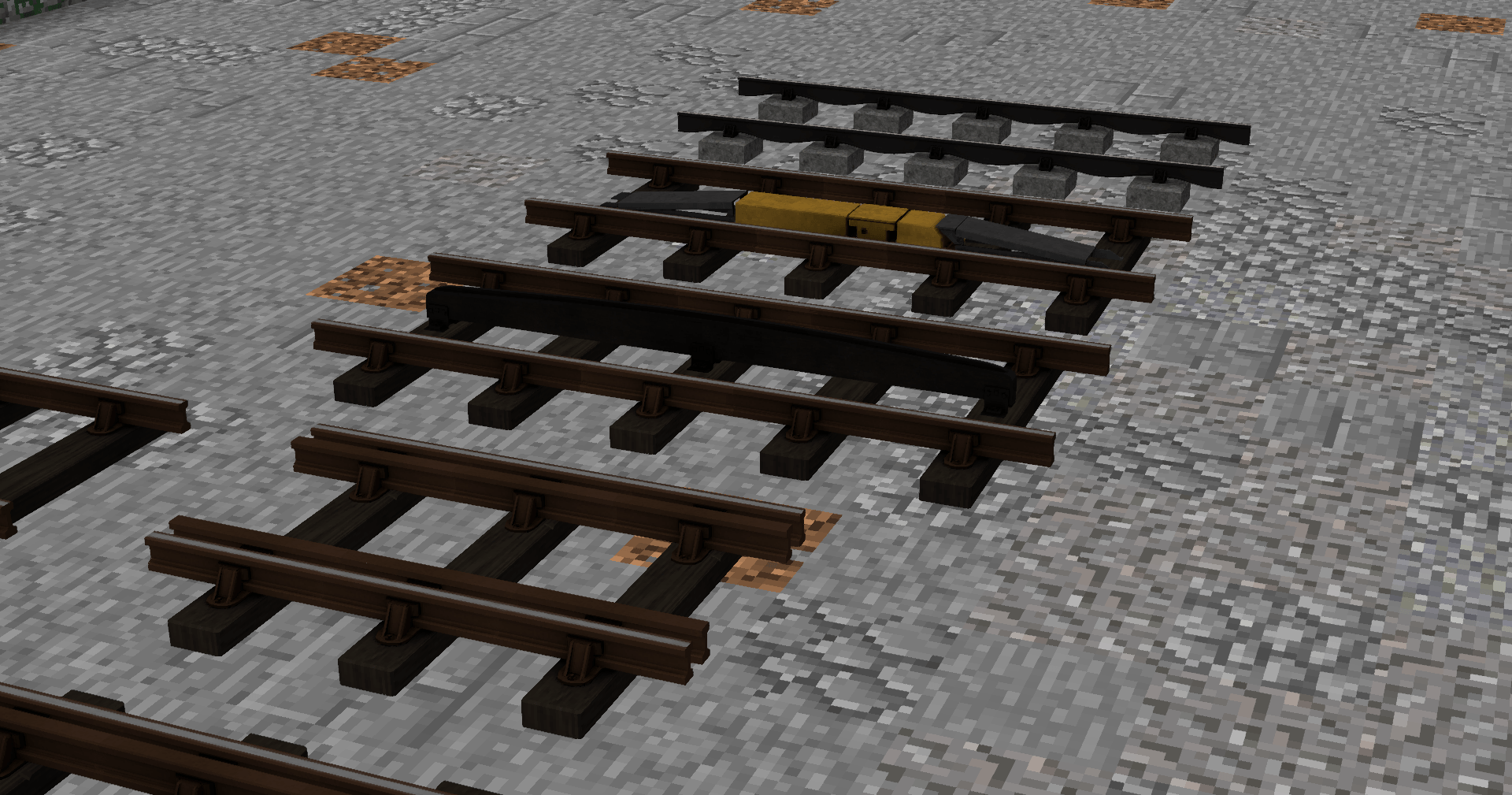
Overgrown Bullhead Tracks 
Bullhead w/ Guiderail 
Bullhead w/ Water Trough 
Invisible Track for Decoration
Double Guide Rail Track
Fourth Rail Track
GWR ATC Ramp Track
BR Modern AWS Ramp Track
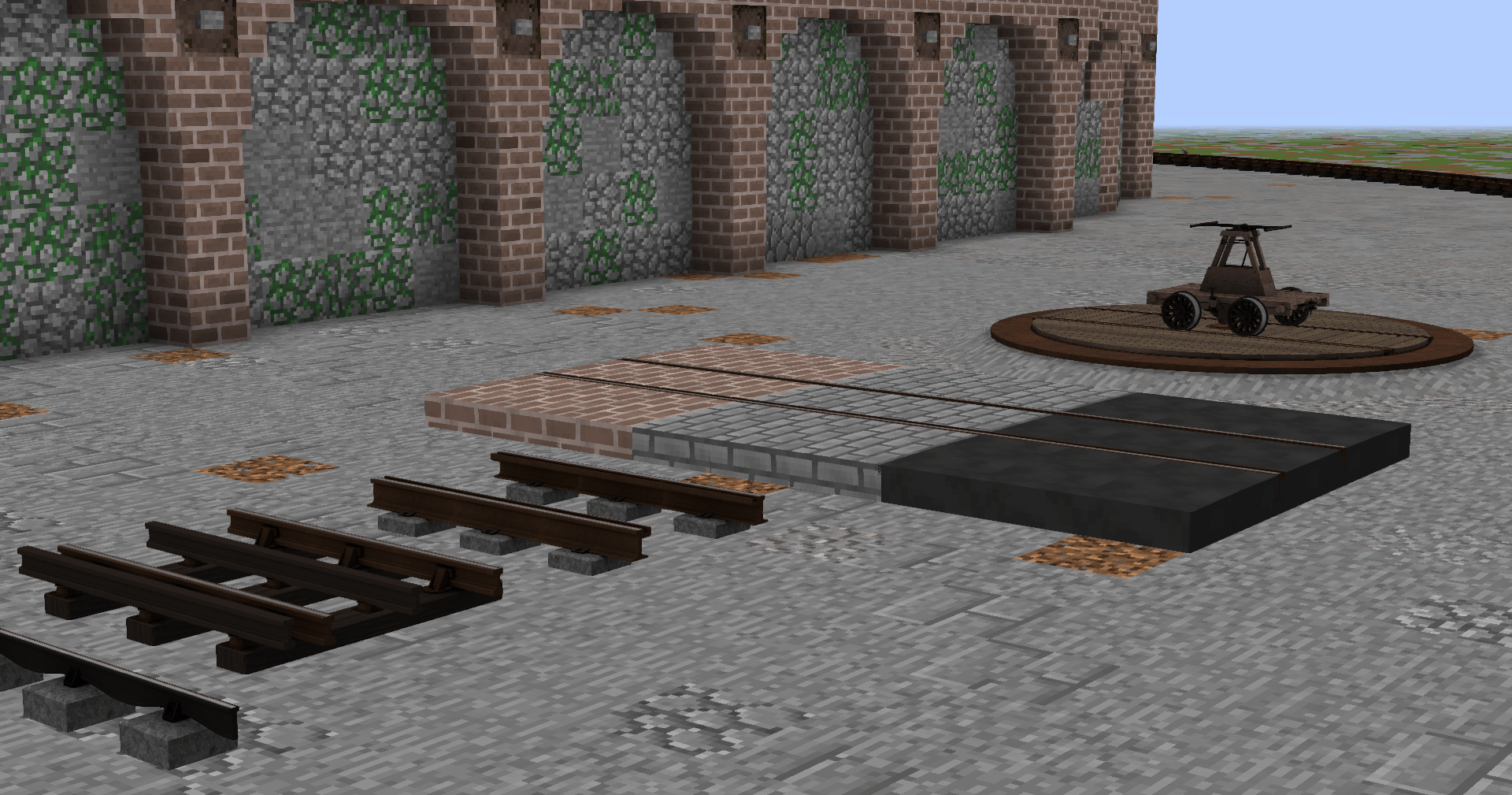
Fishbelly Rail
Street Running Rail
Sunken Street Running Rail
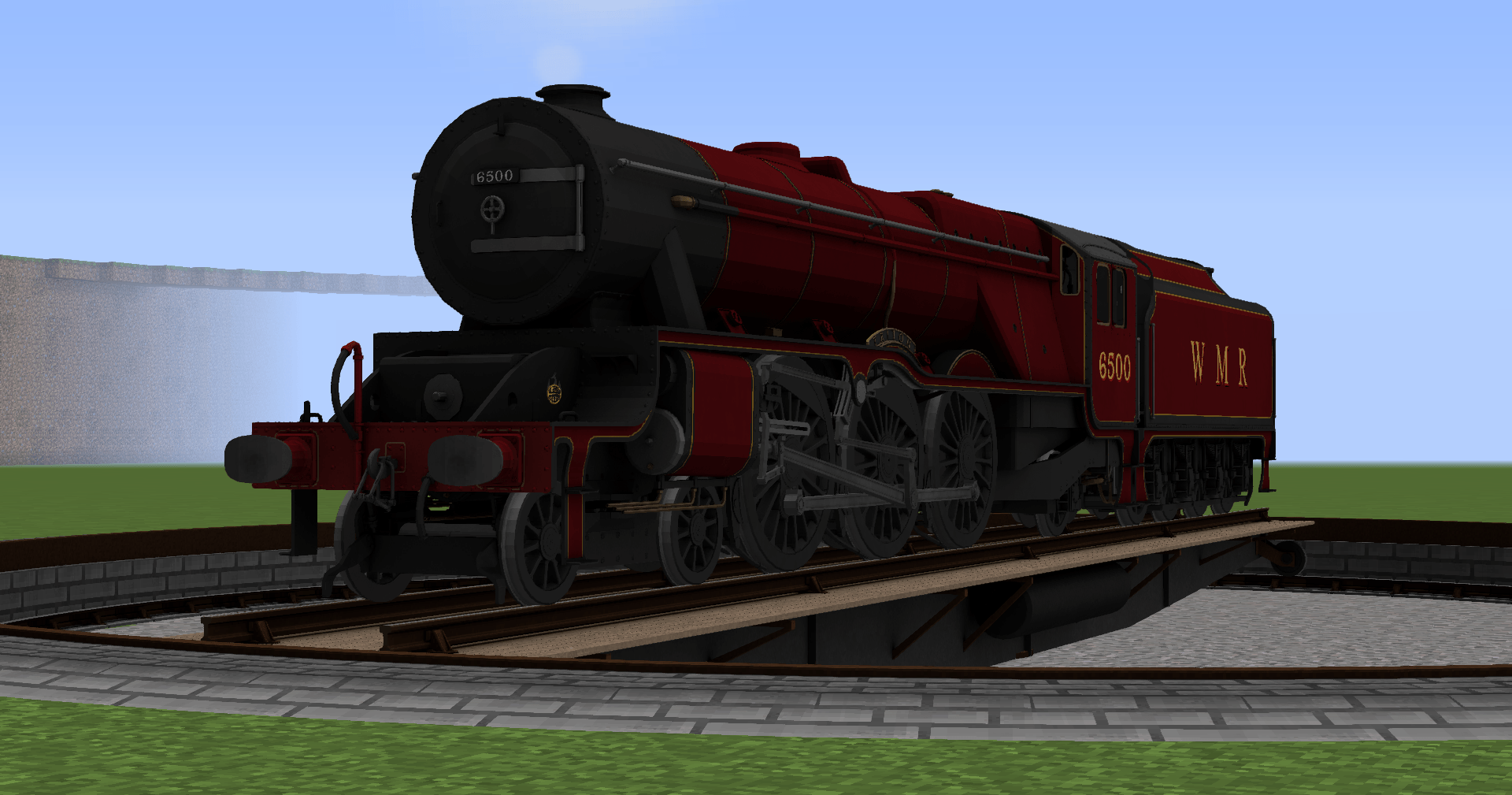
Wagon Turntable and Base
13M Turntable (Two Types) and Base
15M Turntable (Two Types) and Base

3 Styles of Buffers!


MORE TO COME SOON! :tm:


ANY MODIFICATION OF THIS PROJECT IS STRICTLY FORBIDDEN
RIPPING MODELS, UNAUTHORIZED RESKINS,  FILE DIVING, AND UNAUTHORIZED MODIFICATION IN ANY WAY
GOES AGAINST NBROAET's PROJECT LICENSE.

Nathans British Railway Oddities And Extended Track V2
MC 1.9.4, 1.14.4, 1.16.5, 1.10.2, 1.15.2, 1.7.10, 1.11.2, 1.12.2, 1.8.9, 1.13.2
Release 2024-07-04 Get
The Expanded Track Pack (BUGFIX 1.05)
MC 1.9.4, 1.14.4, 1.16.5, 1.10.2, 1.15.2, 1.7.10, 1.11.2, 1.12.2, 1.8.9, 1.13.2
Release 2023-06-09 Get
The Expanded Track Pack (RELEASE 1.0).zip
MC 1.9.4, 1.14.4, 1.16.5, 1.10.2, 1.15.2, 1.7.10, 1.11.2, 1.12.2, 1.8.9, 1.13.2
Release 2023-06-06 Get

Requirements & install

How to use this resource pack in Minecraft
Resolution
512x+
Minecraft
1.9.4 – 1.16.5
Install folder
.minecraft/resourcepacks

How to install resource packs

  1. Download the resource pack .zip file (do not extract it).
  2. In Minecraft open Options → Resource Packs → Open Pack Folder.
  3. Drop the .zip into the resourcepacks folder (.minecraft/resourcepacks).
  4. Move the pack to the Selected column and click Done.

512x packs need a strong GPU and at least 4 GB of RAM for Minecraft; a performance mod such as Sodium is strongly recommended.

Browse more: 16x resource packs 32x resource packs 64x resource packs 128x resource packs 256x resource packs 512x+ resource packs Resource Packs for 1.16.5 All resource packs

More from TheSteelM4nn

Advertisement Remove ads with Premium →

You Might Also Like