Mineuniverse
Resource Packs
NAPP

NAPP

RESOURCE PACK
Enjoy one of the most popular resource packs that brings vanilla Minecraft into the next generation!
by Del_Cieno_NAPP
Download Claim this project
895,694 downloads
0 likes
0 followers
Updated Oct 14, 2026
0 hypes
Follow0
512x and Higher Photo Realistic Traditional
Advertisement Remove ads with Premium →

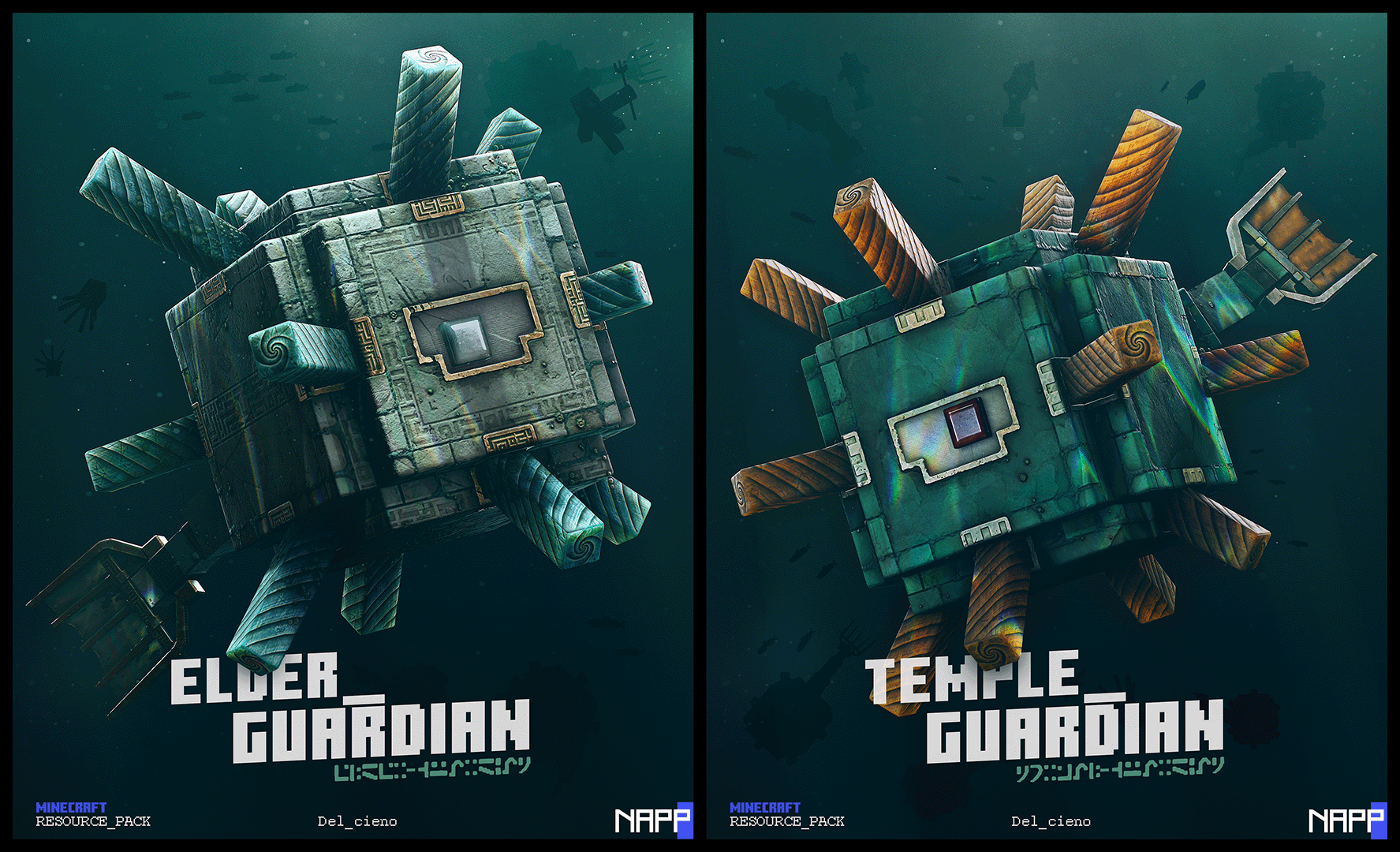
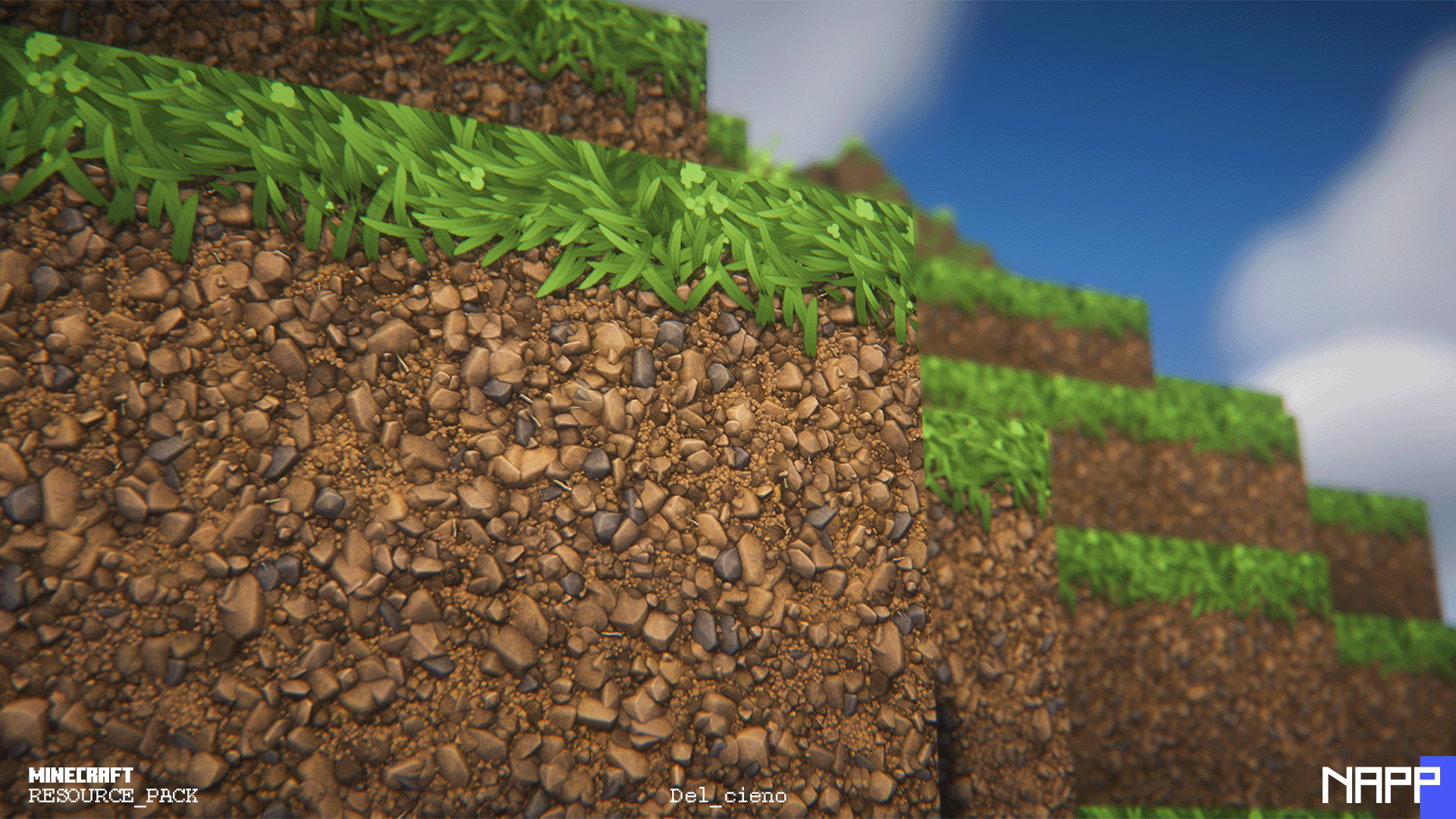
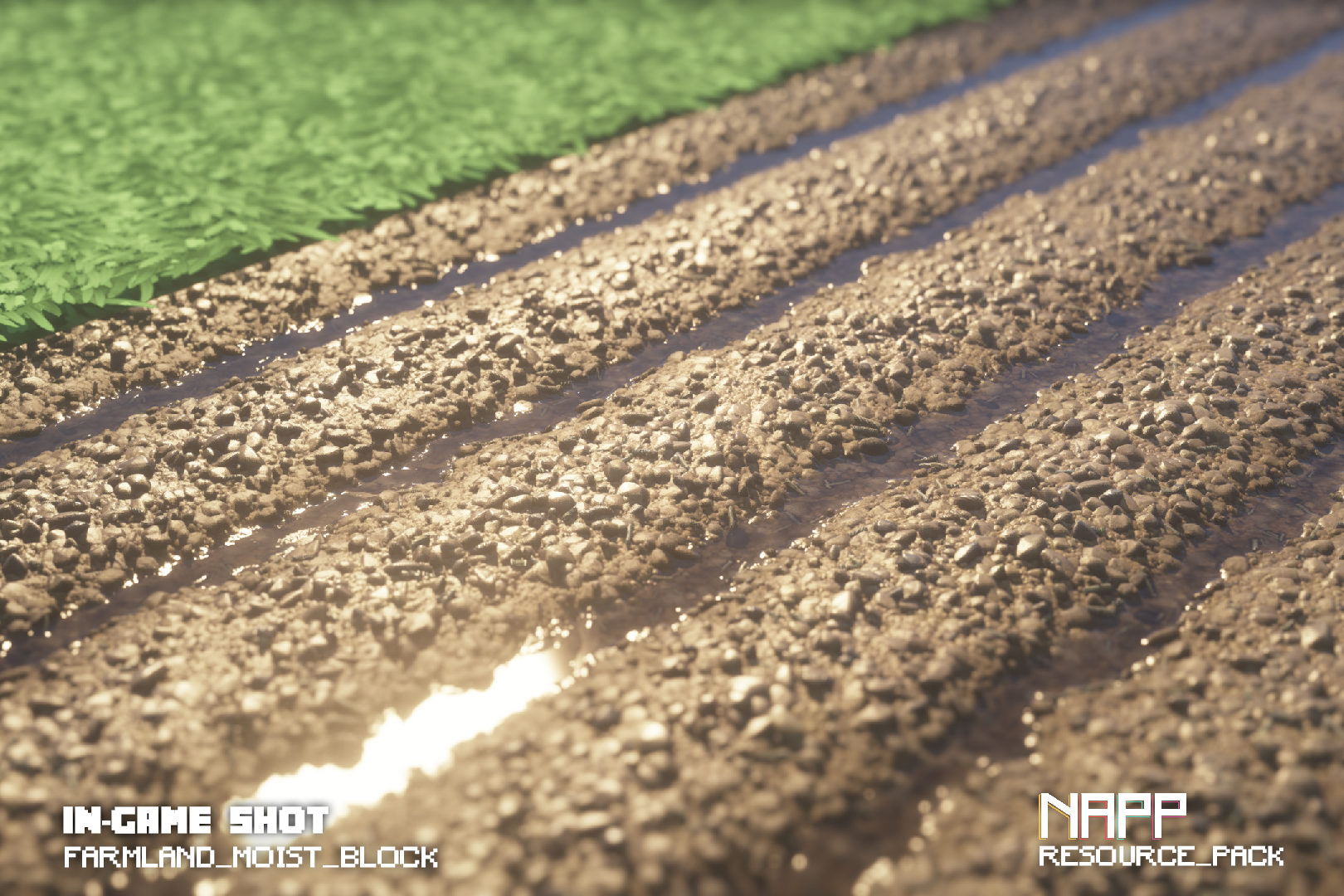
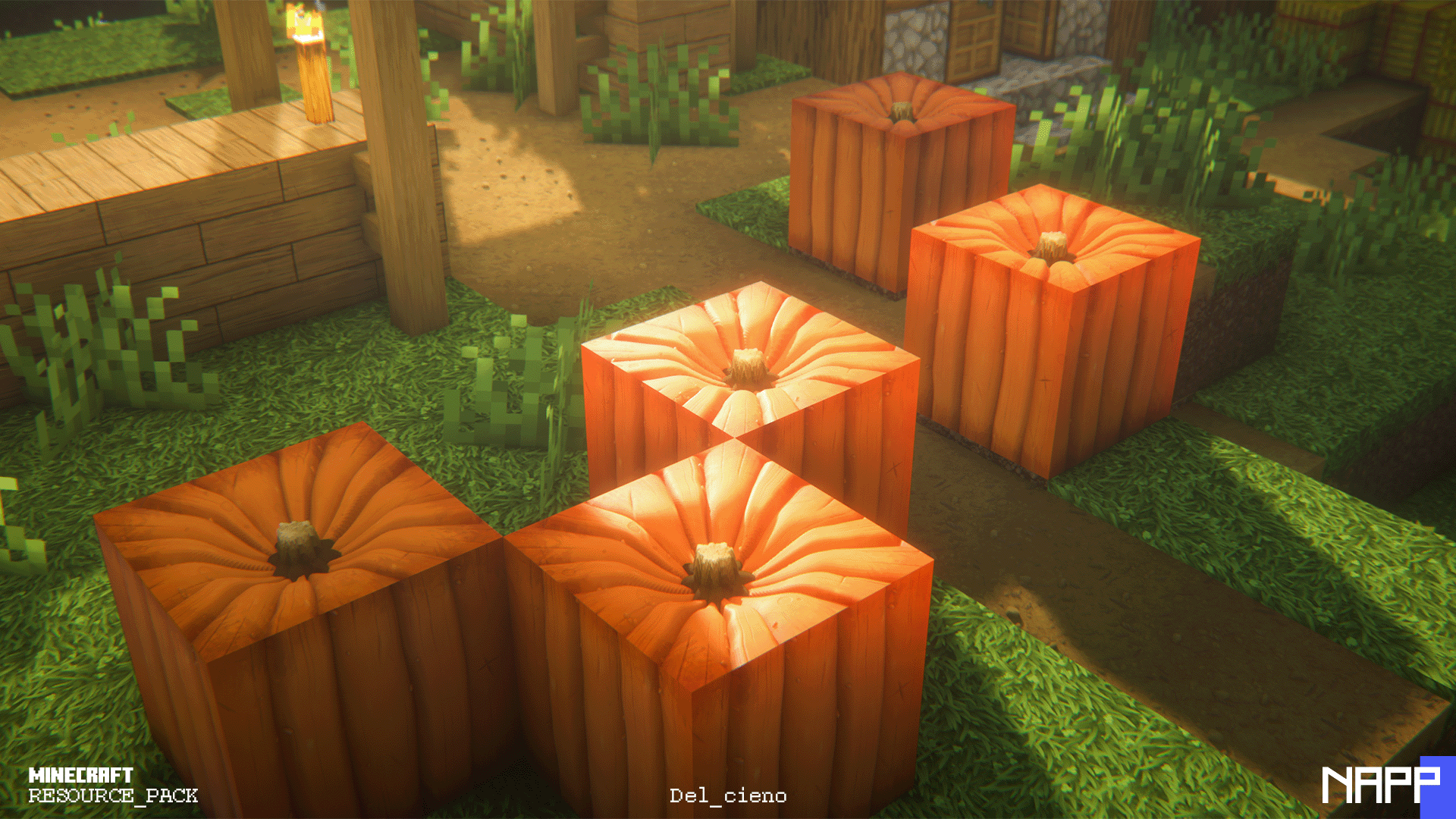
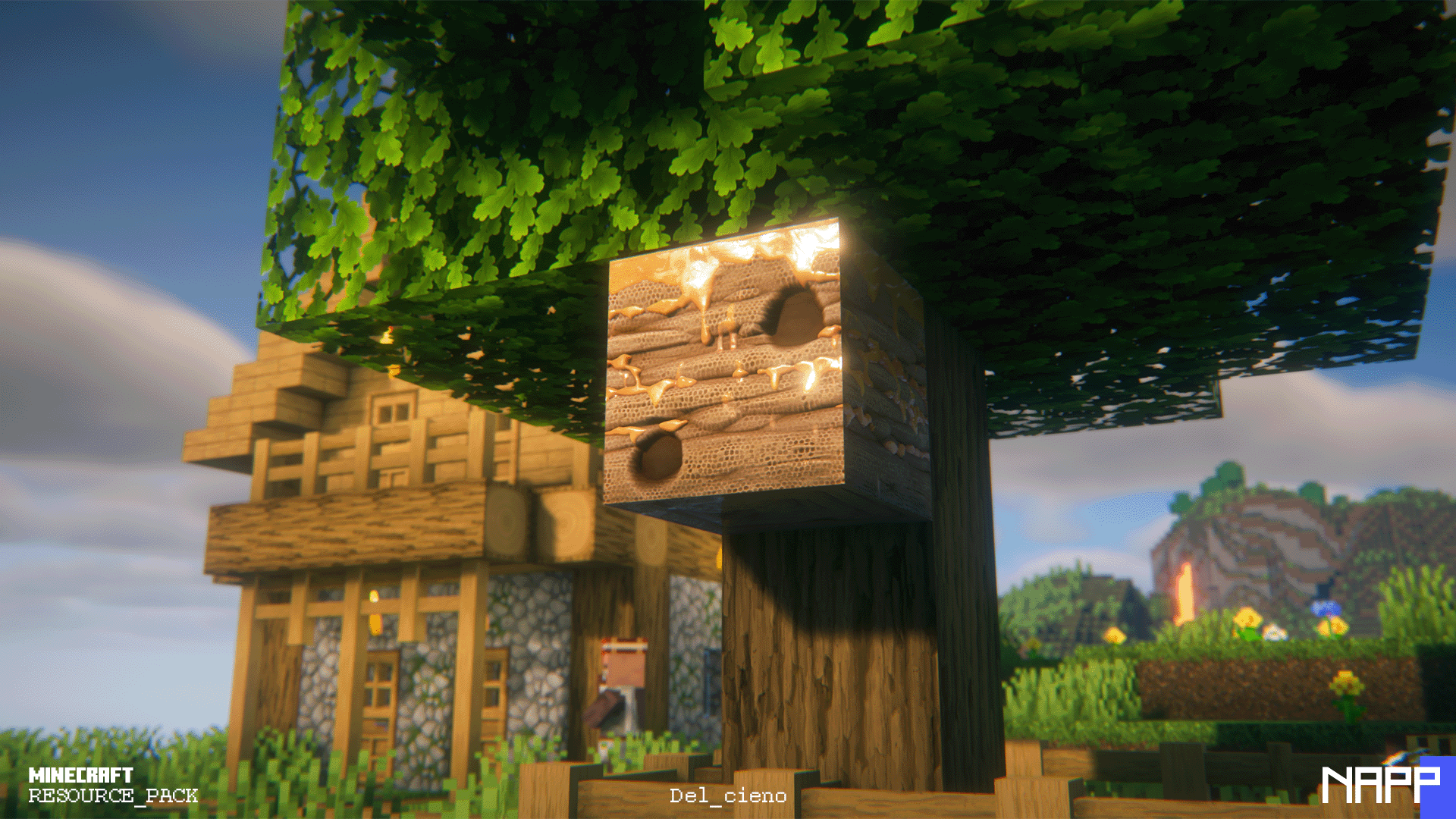
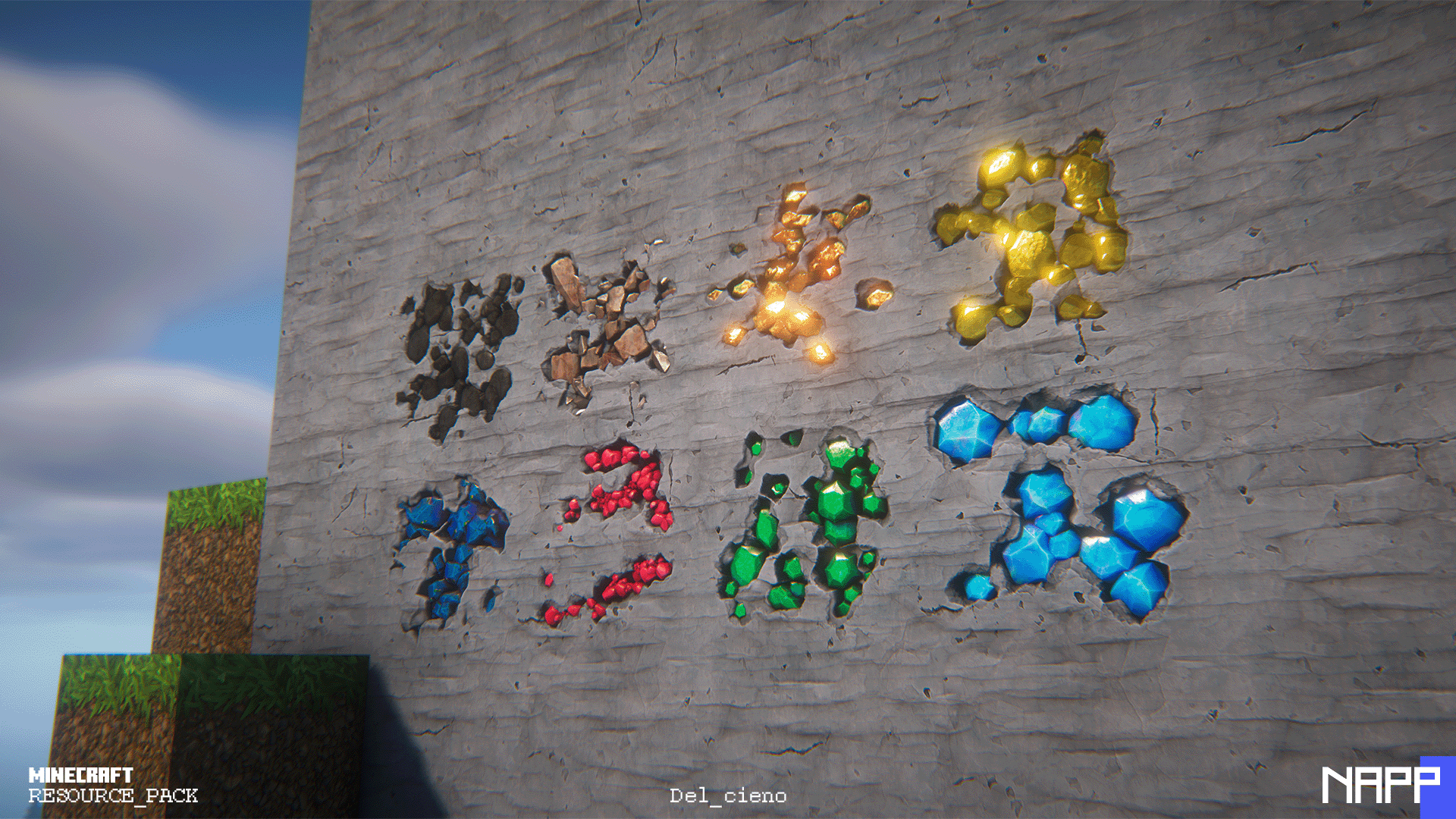
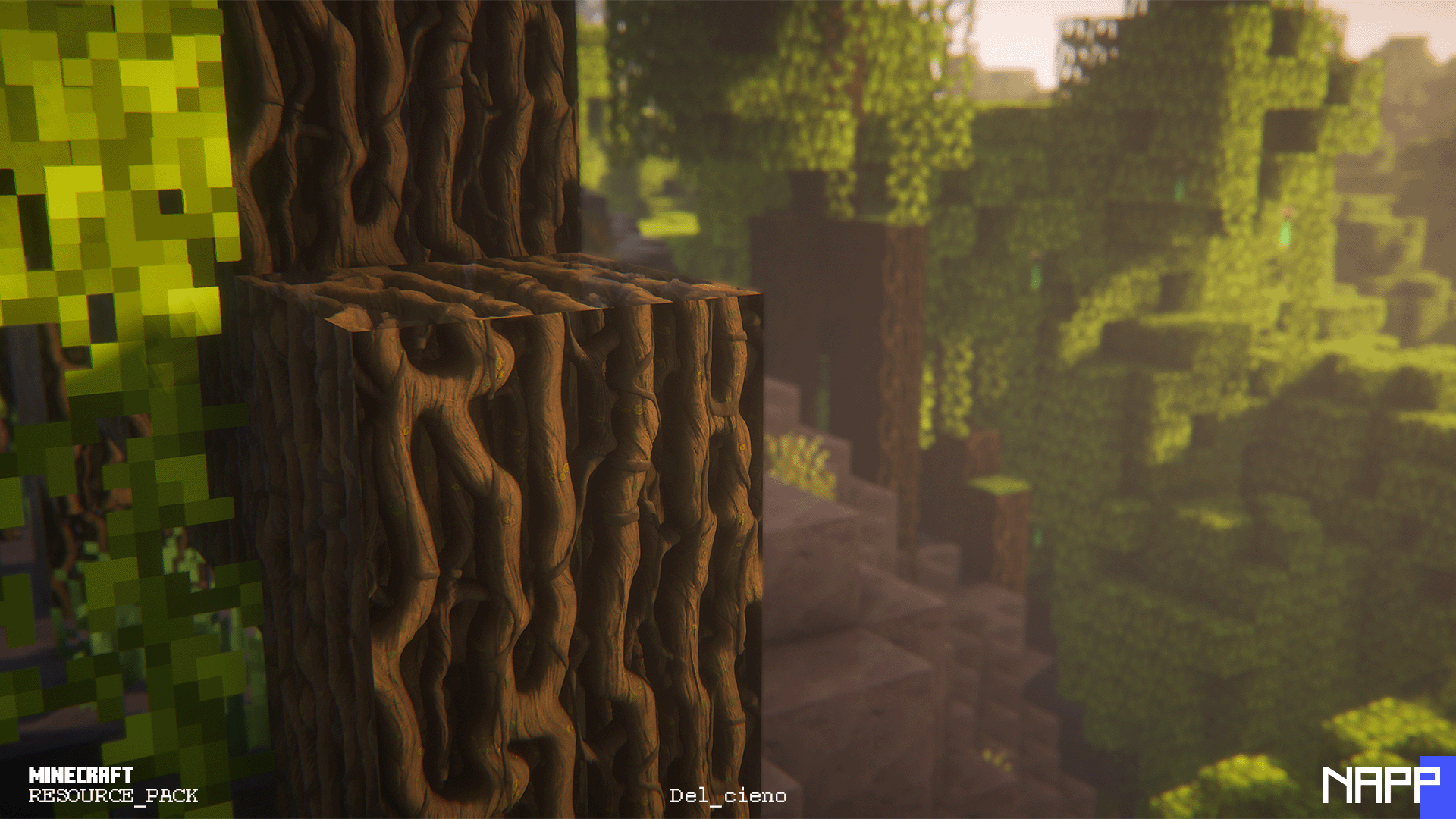
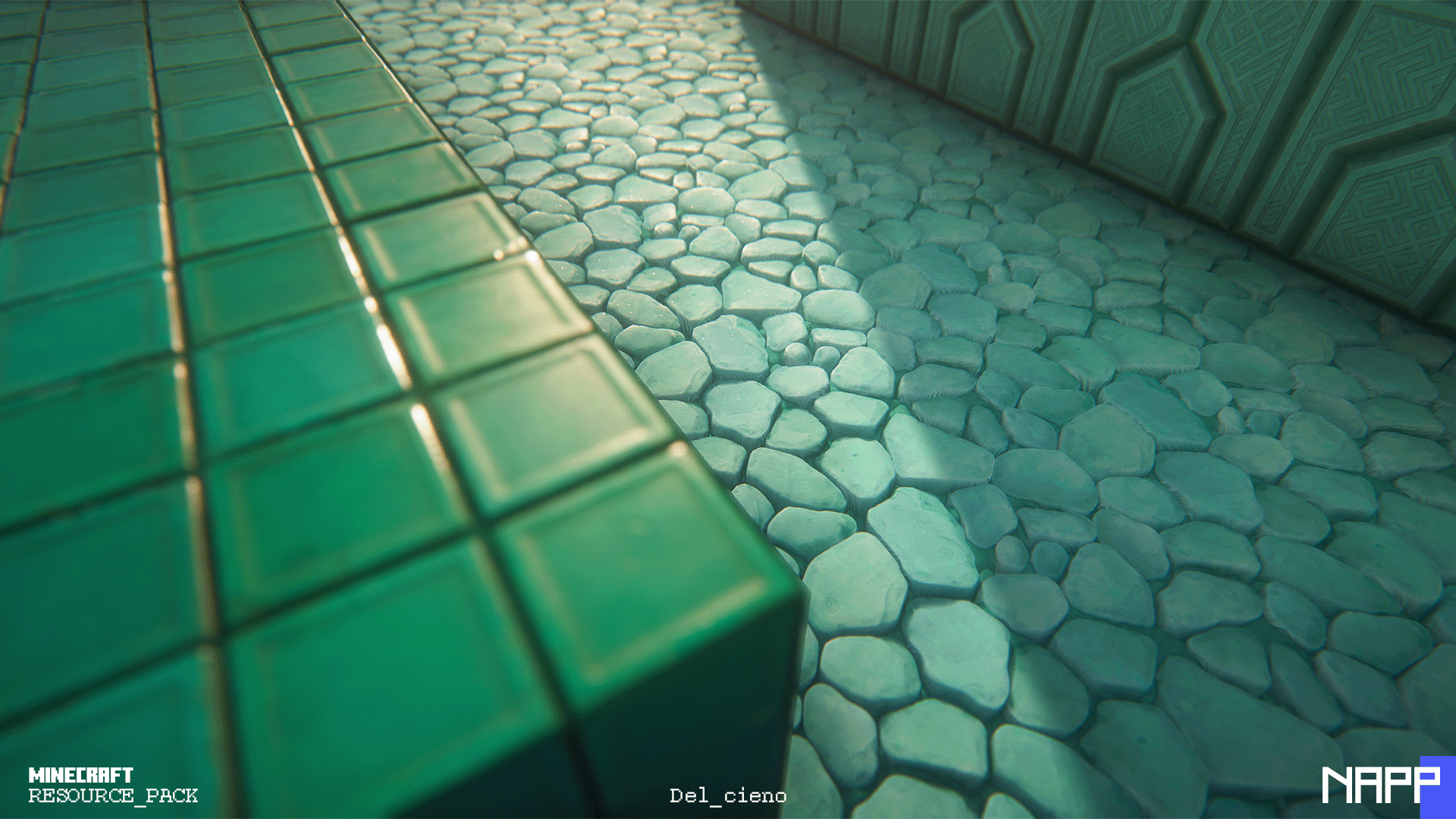
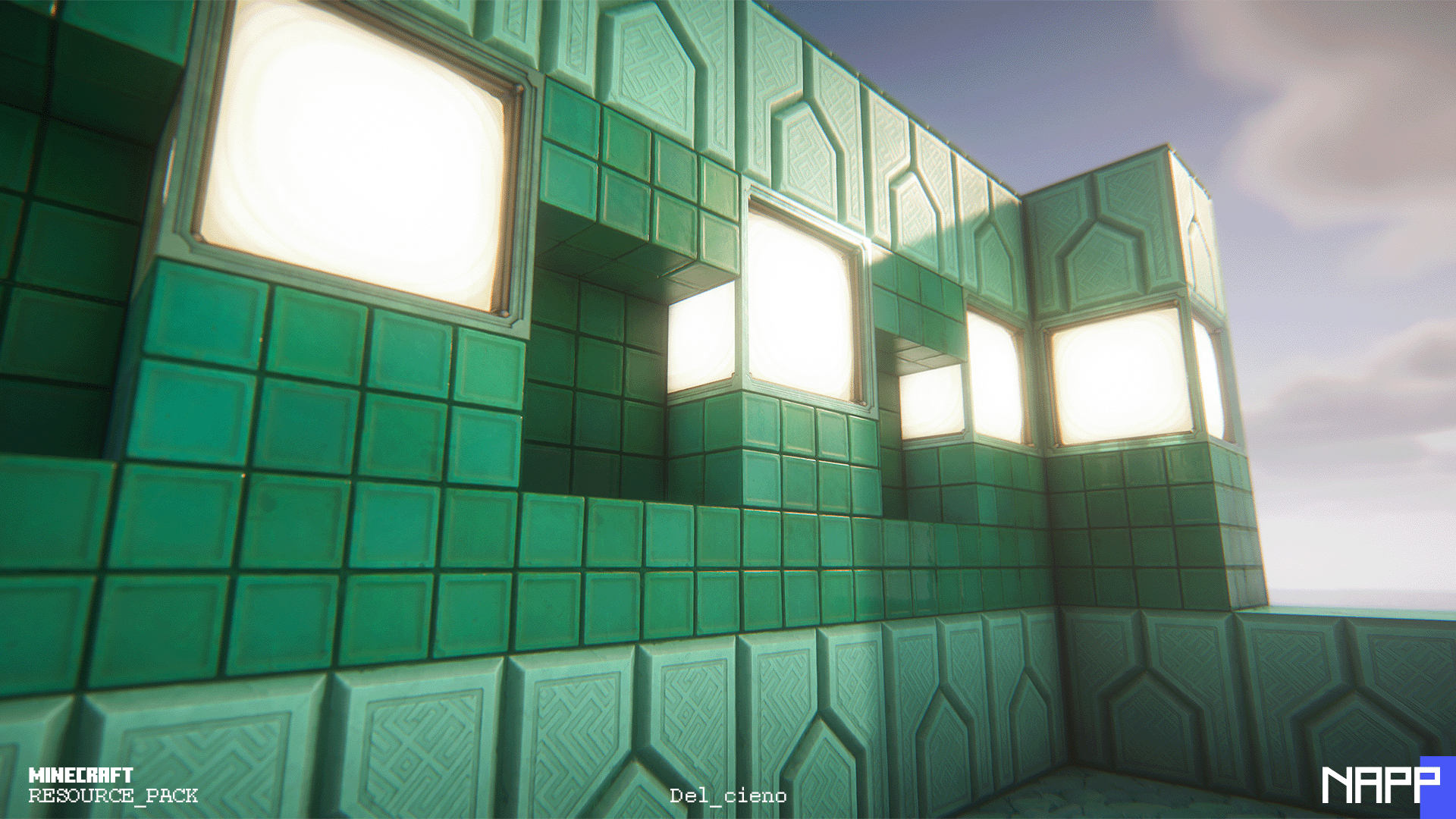
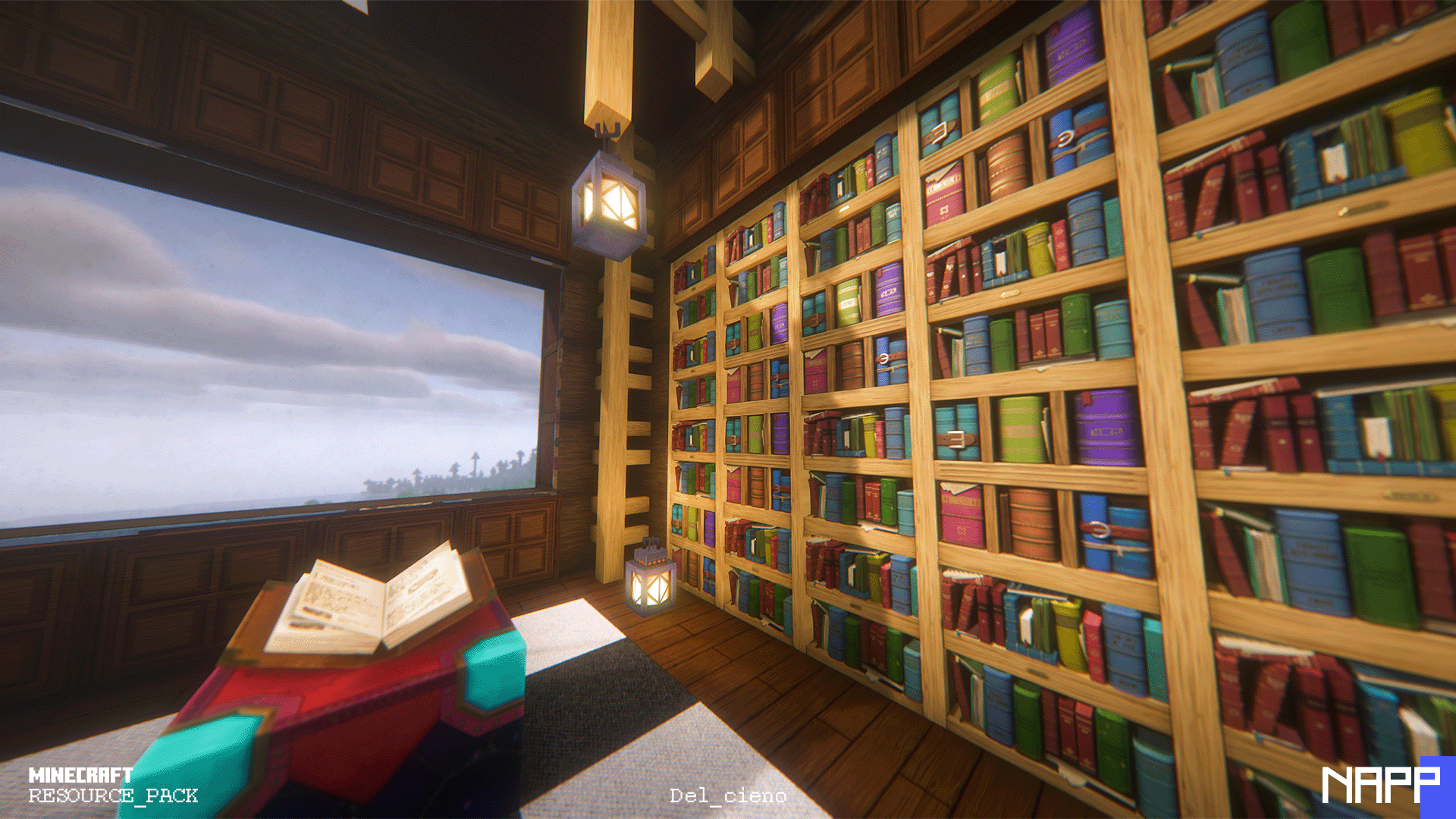
NAPP is a resource pack created by the artist Del_Cieno, that brings a new HD face to Minecraft. It transforms faithfully all the vanilla textures to high resolution stylized textures that blend perfectly with the good old Minecraft feel. The perfect equilibrium between realism and stylization to get a whole new experience without losing the esence. And the best part... is FREE!
NAPP is currently under development, with multiple updates each month, so if you dont want to wait months to get the free updates, you can join our Patreon and become a member of our community!
https://www.patreon.com/delcieno
Also you can join our Discord server where we upload all of the progress, recieve feedback and give help for instalation!
https://discord.gg/ZZCDe8n
And dont forget to check the updates on our web! 
https://www.napplab.com/
 

We recommend using the last version of BSL - Shaders 

 

NAPP_FREE_5.0.1
MC 1.17.1, 1.19.4, 1.21.9, 1.18.2, 1.20.6
Release 2025-09-30 Get
NAPP_FREE_5.0.zip
MC 1.17.1, 1.19.4-Snapshot, 1.14.4, 1.16.5, 1.10.2, 1.18.2, 1.15.2, 1.20.6, 1.11.2, 1.12.2, 1.13.2, 1.21.9-snapshot
Release 2025-09-20 Get
NAPP_FREE_3.0.zip
MC 1.16.5
Alpha 2021-08-16 Get
NAPP 2.0
MC 1.16-Snapshot, 1.16.3, 1.15-Snapshot, 1.16.1, 1.14.4, 1.14.1, 1.14.3, 1.15, 1.16, 1.16.5, 1.15.2, 1.14, 1.16.4, 1.14.2, 1.16.2, 1.14-Snapshot, 1.15.1
Release 2021-02-01 Get
NAPP_1.01_free.zip
MC 1.16-Snapshot, 1.16.3, 1.15-Snapshot, 1.16.1, 1.14.4, 1.14.1, 1.14.3, 1.15, 1.16, 1.15.2, 1.14, 1.16.4, 1.14.2, 1.16.2, 1.14-Snapshot, 1.15.1
Release 2020-11-28 Get

Requirements & install

How to use this resource pack in Minecraft
Resolution
512x+
Minecraft
1.16.5 – 1.21.9
Install folder
.minecraft/resourcepacks

How to install resource packs

  1. Download the resource pack .zip file (do not extract it).
  2. In Minecraft open Options → Resource Packs → Open Pack Folder.
  3. Drop the .zip into the resourcepacks folder (.minecraft/resourcepacks).
  4. Move the pack to the Selected column and click Done.

512x packs need a strong GPU and at least 4 GB of RAM for Minecraft; a performance mod such as Sodium is strongly recommended.

Browse more: 16x resource packs 32x resource packs 64x resource packs 128x resource packs 256x resource packs 512x+ resource packs Resource Packs for 1.21.9 All resource packs
Advertisement Remove ads with Premium →

You Might Also Like