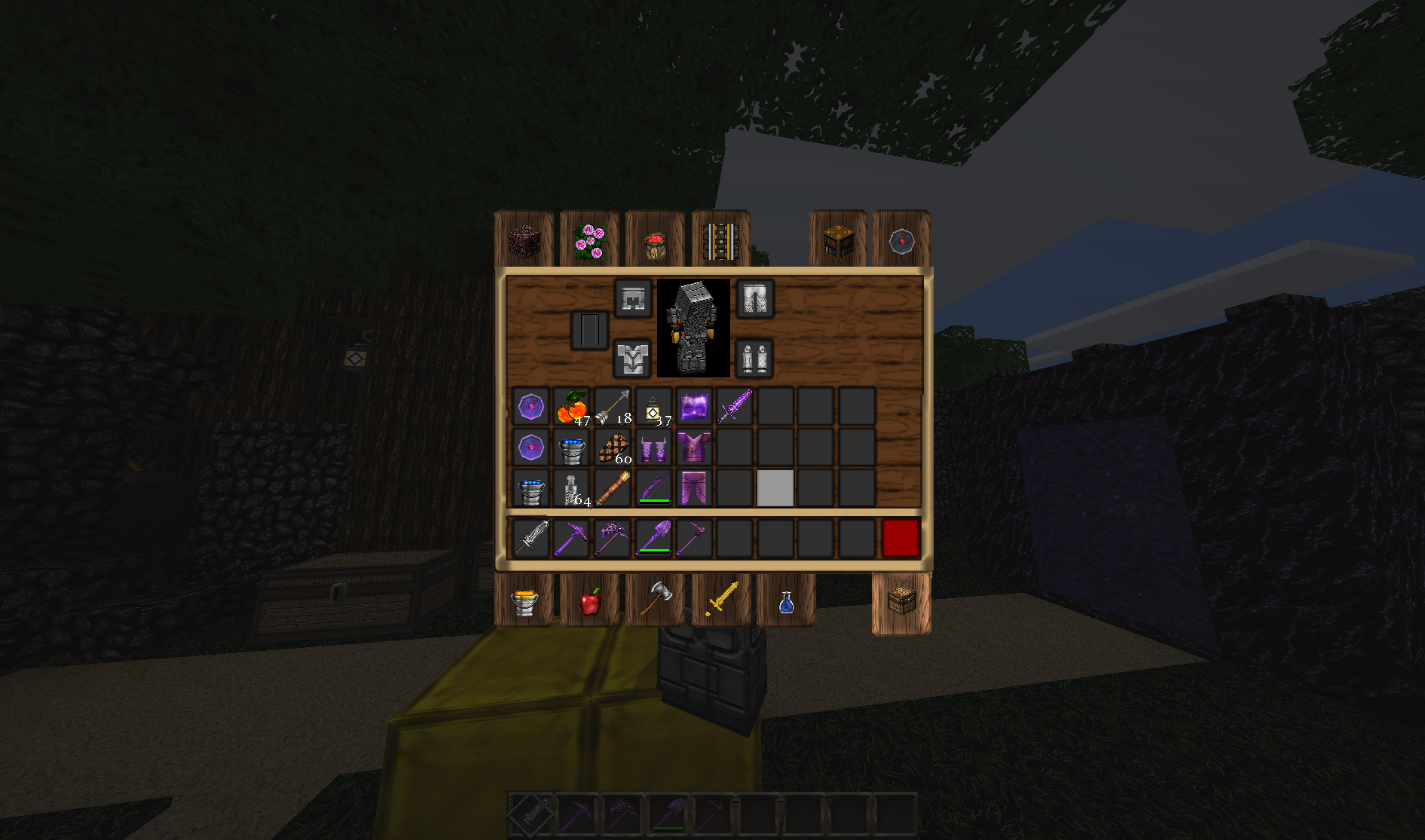
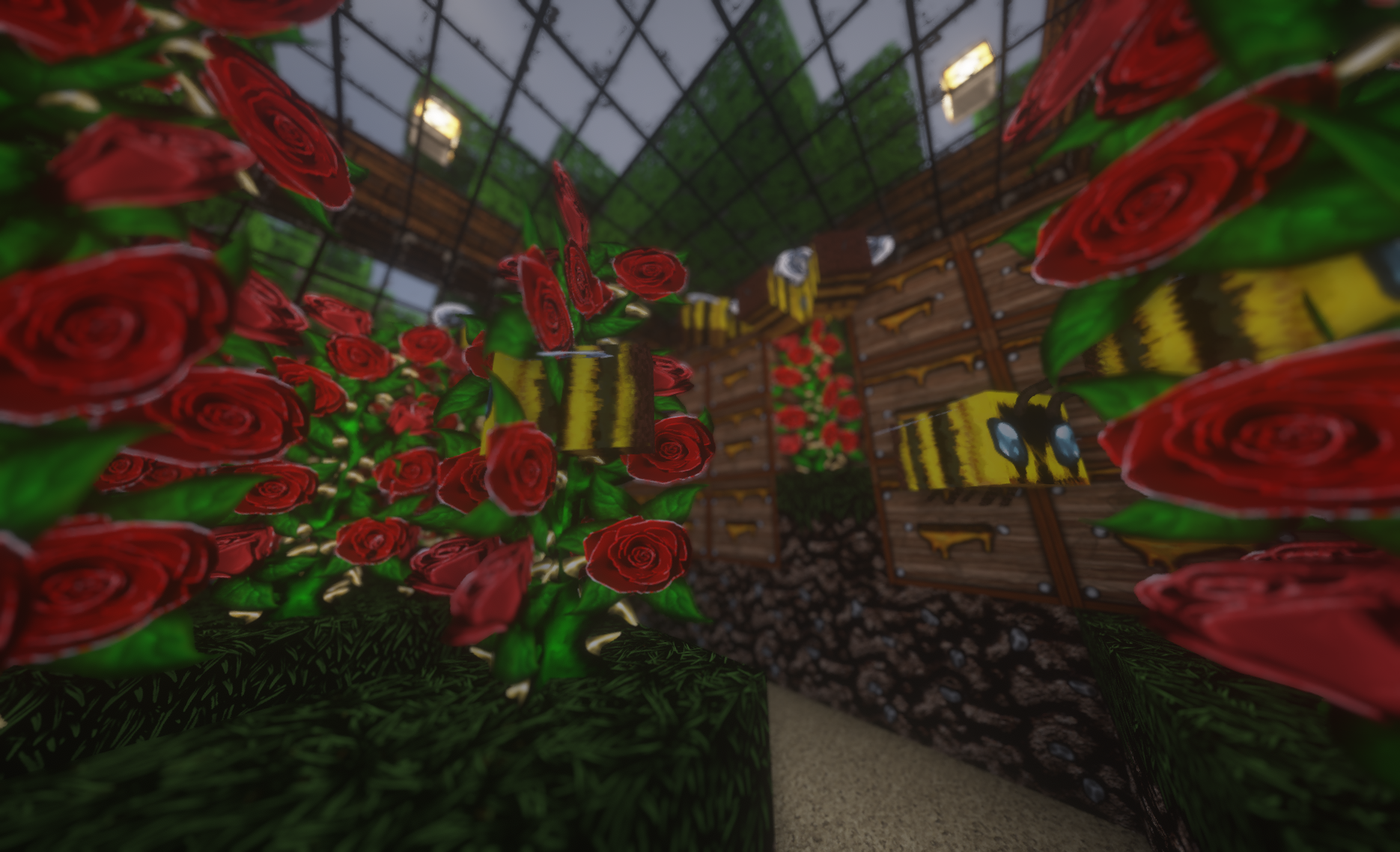
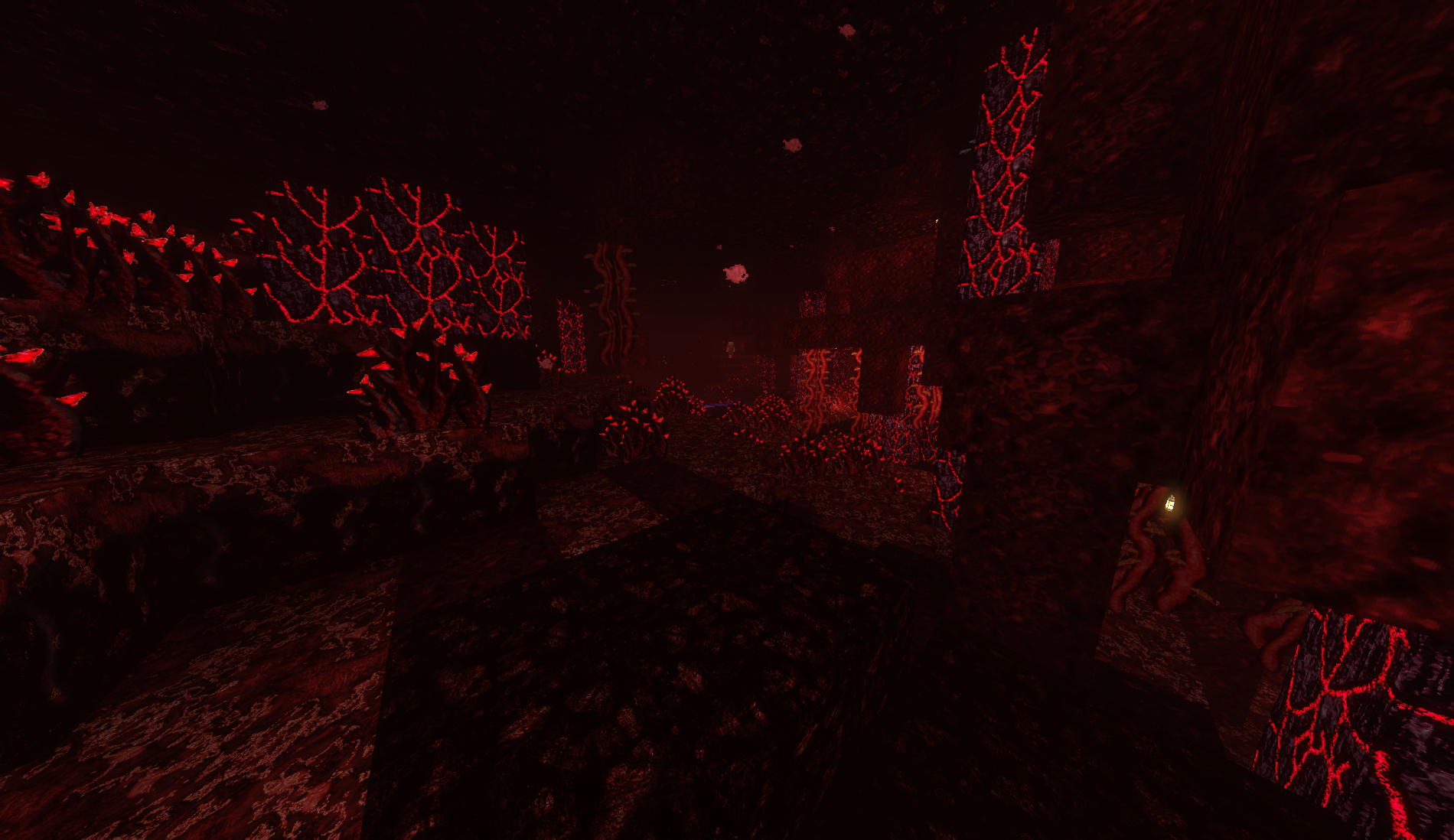
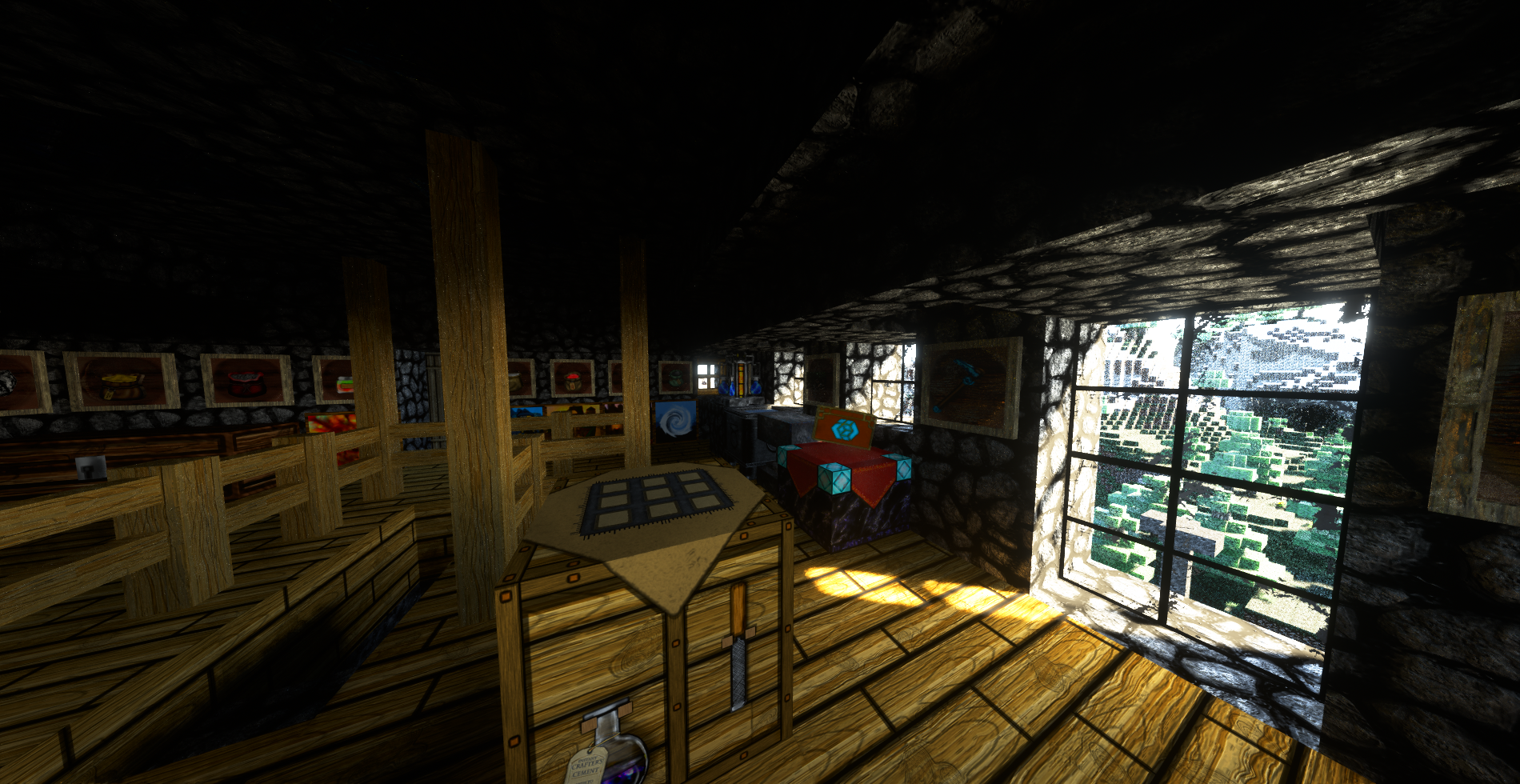
Minecraft version : 1.12 to 1.19 supported in 1 file! Complete: YES, 100% Items, Entities, blocks, Particles are all 100% completed. Ignore in game compatibility warning! Texture Sizes: 256x256 and 128x128 Time spent making this pack: 4 years, 3 months and counting.
Shader Support: Some. PBR textures / rendering not supported, so disable this feature in your shaders if possible.
SODIUM OR OPTIFINE STRONGLY RECOMMENDED Even without Shaders, these will improve game performance. DONATE
Minecraft 1.20+ Support: Is not coming. Courtesy of being told this kind of content isn't wanted. Thanks for checking it out. Hope youall keep having fun in Minecraft with whatever makes it fun.
Mystic Pick Pack is compatible with 1.12 and includes an optional patch to revert to 1.12 Instructions as follows: 1.)Extract the resource pack you chose (128x128 or 256x256) 2.)Open the unpacked folder and click through to Assets > Minecraft > Textures > Entity 3.) Select Horse and Zombie Villager folders, CUT them from this directory and save them somewhere else. 4.) Extract the Horse_ZombieVillager zip that is in the Textures folder and place the Horse and Zombie Villager files into the Entity Folder. Now the resource pack will be 1.12 compatible. 5.) Select the unpacked version in Resource packs in the Game menu over the ZIP to switch between 1.12 and 1.13+

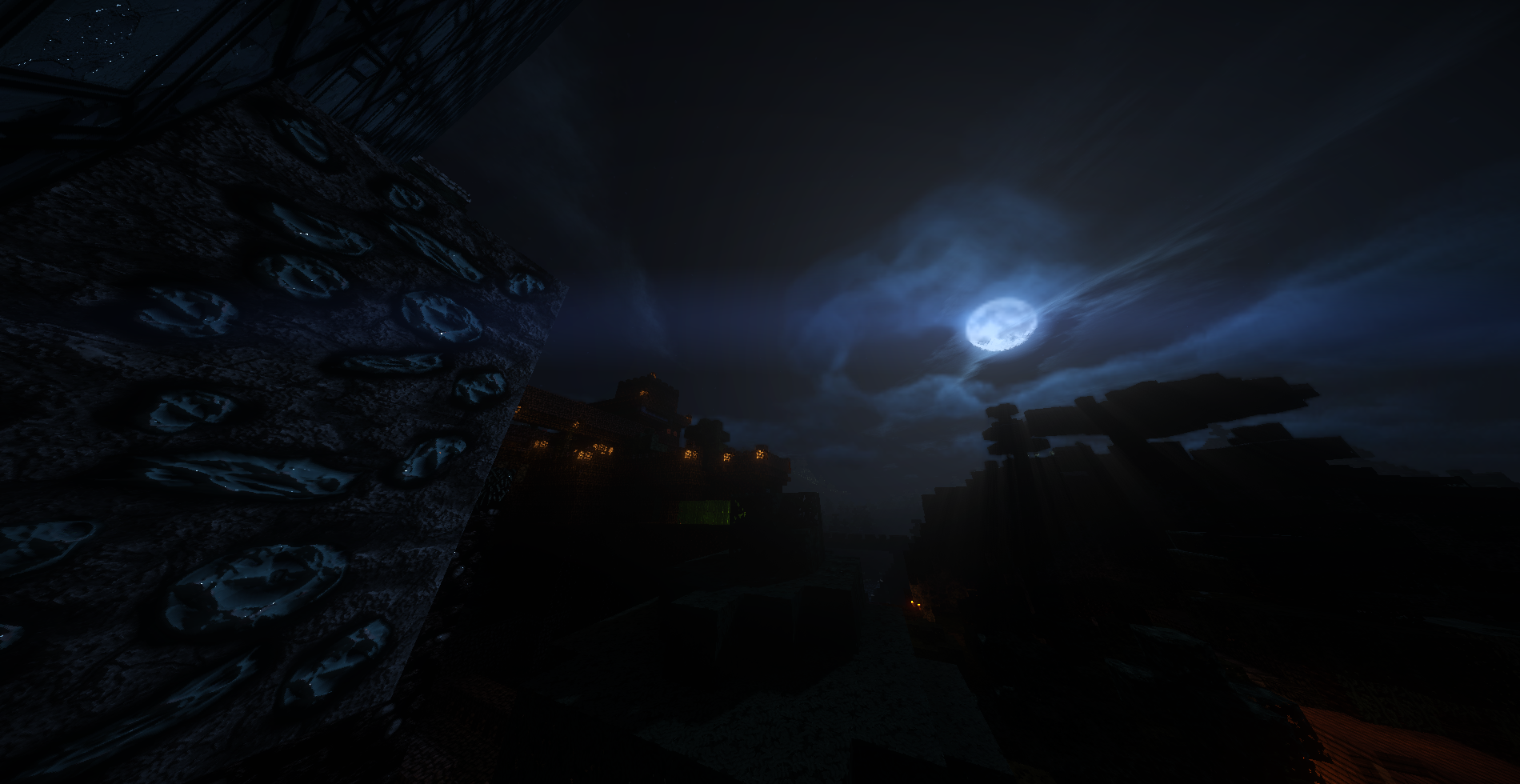
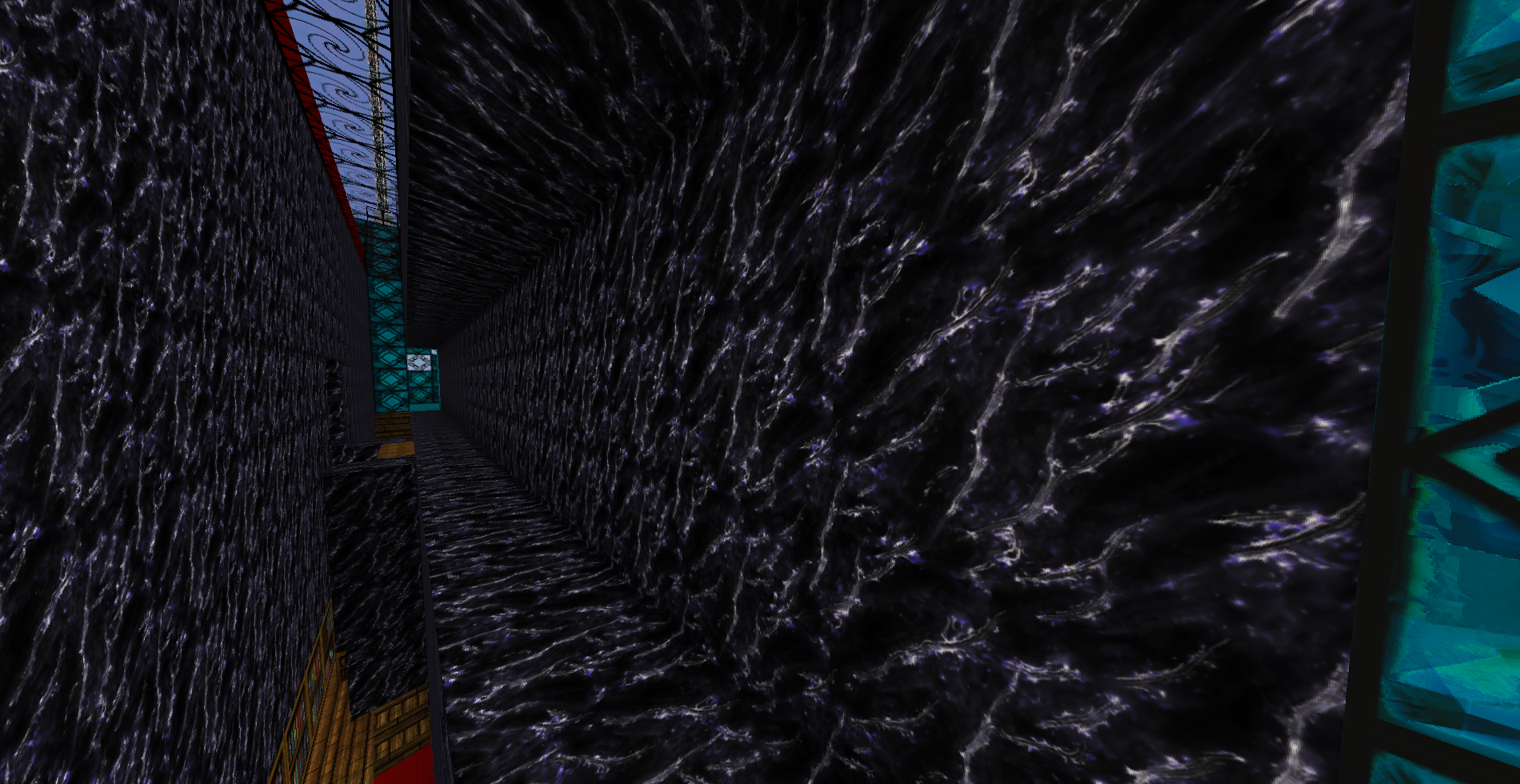
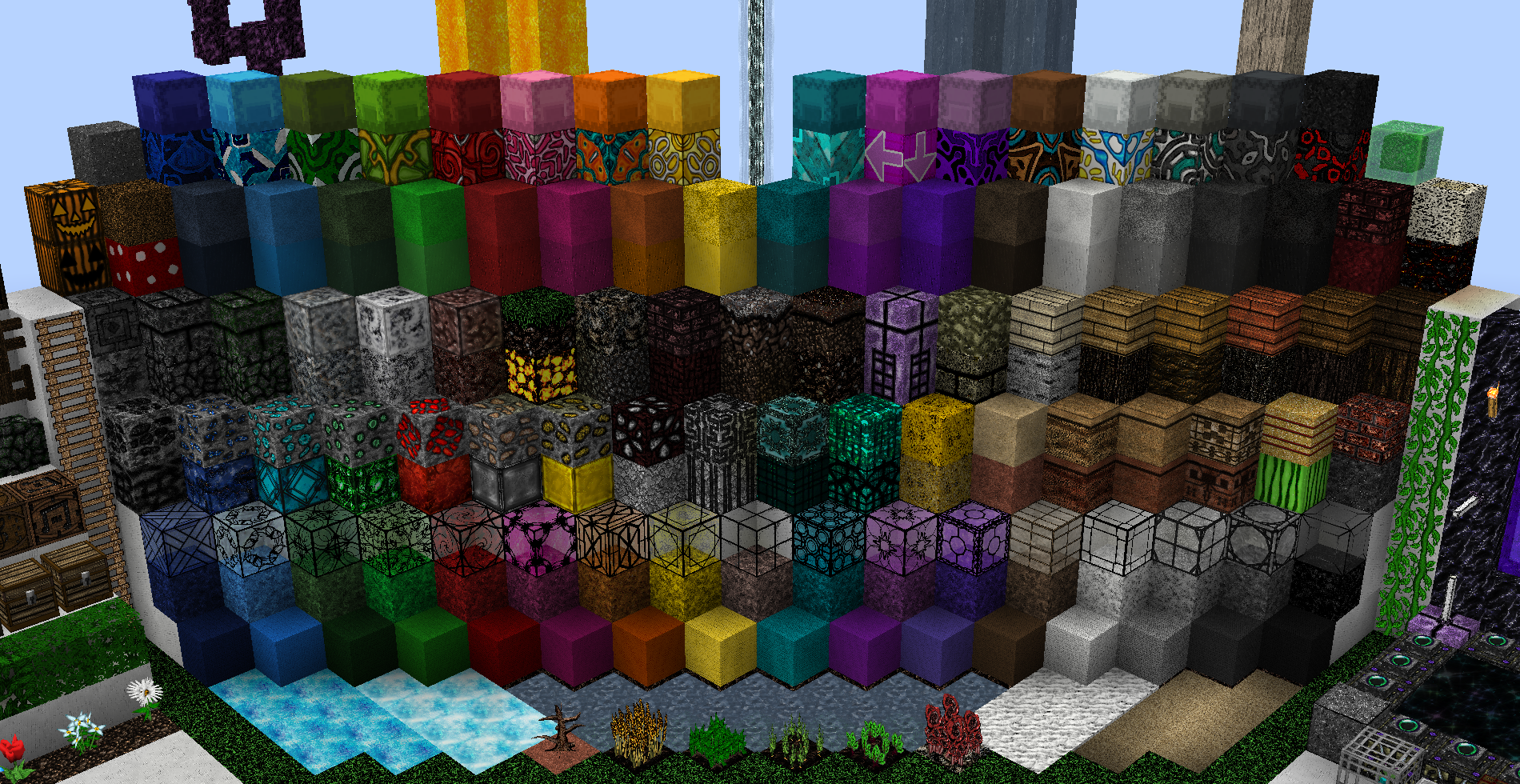
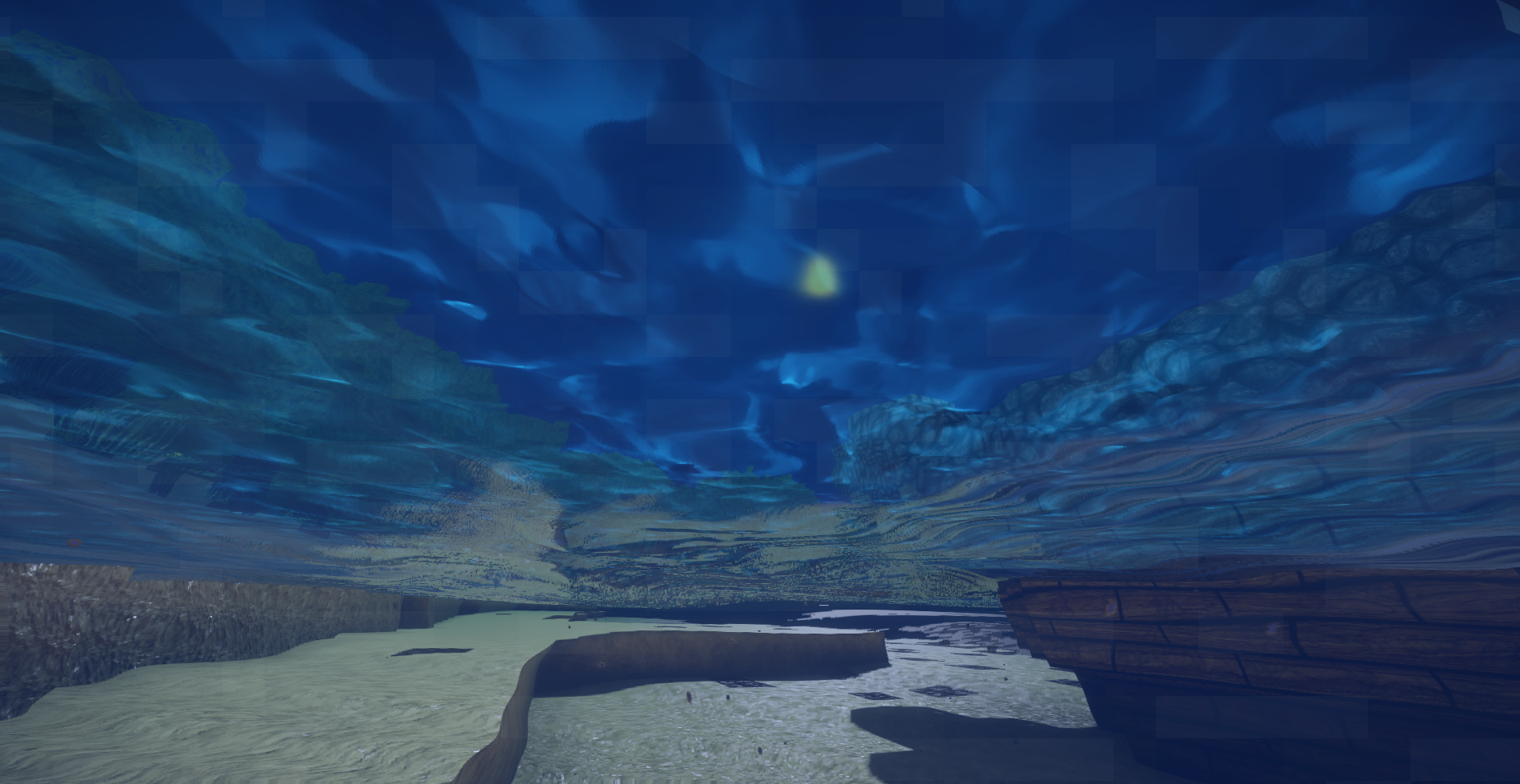






%2526business%253dEpicNexusStudios%2540Gmail.com%2526bn%253dPP-DonationsBF%253abtn_donateCC_LG.gif%253aNonHosted%2526cancel_return%253dhttps%253a%252f%252fwww.curseforge.com%252fprojects%252f590778%2526lc%253dUS%2526item_name%253dMystic%2bPick%2bPack%2b(from%2bcurseforge.com)%2526cmd%253d_donations%2526rm%253d1%2526no_shipping%253d1%2526currency_code%253dUSD)