Mineuniverse
Resource Packs
mysjatota

mysjatota

RESOURCE PACK
totem mysja
by vboblk
Download Claim this project
27 downloads
0 likes
Updated Oct 14, 2026
0 hypes
256x Photo Realistic
Advertisement Remove ads with Premium →
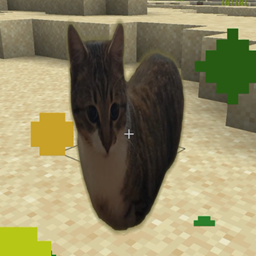
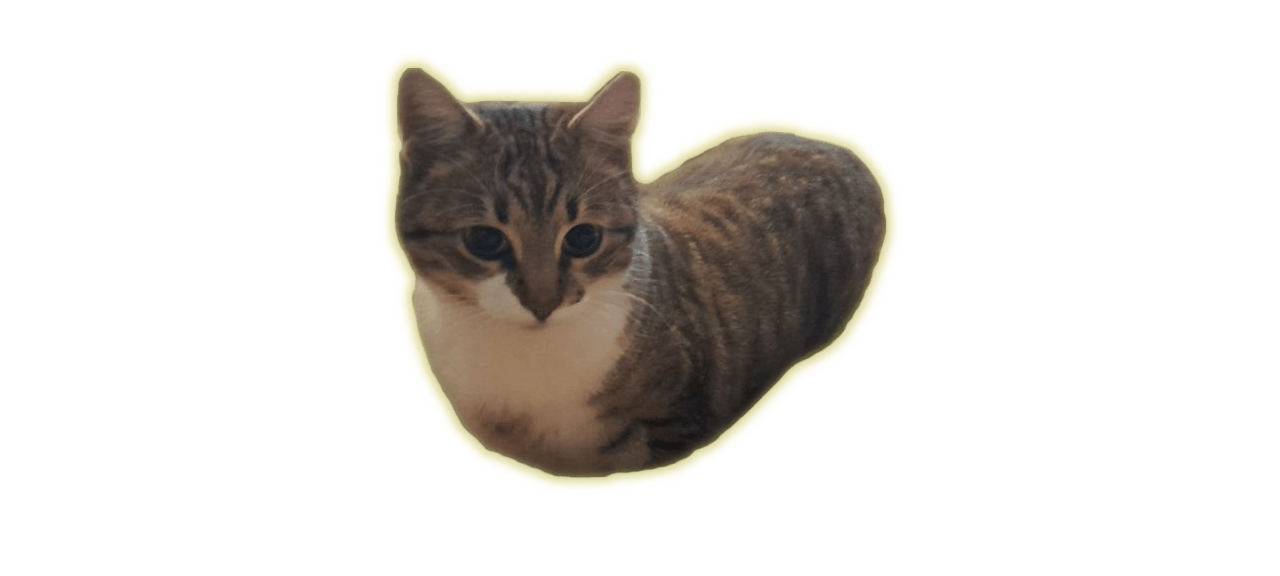
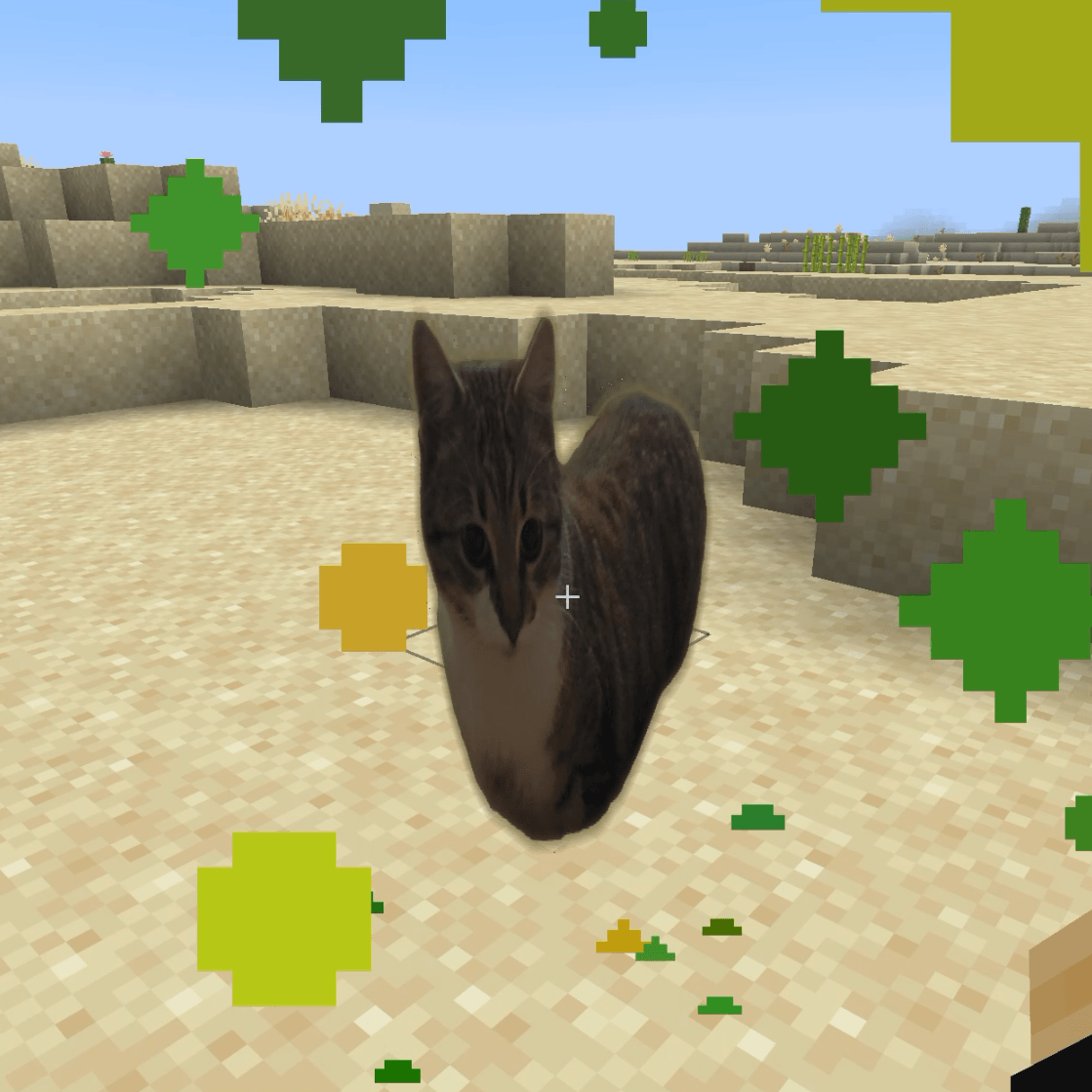
This cat totem texture pack replaces the standard totem of undying with an adorable, animated cat that pops up to save you in Minecraft</mark>. It brings a cute and cozy vibe to your game while keeping the exact same helpful feature.
 
Key Features
Cute Cat Design: Replaces the normal totem item and the 3D model with a soft, charming cat.
Smooth Animations: The cat moves nicely on your screen when it saves you from danger.
Standard Size: Fits right into the game without lag or bugs.
Easy Setup: Works with most versions that support custom resource packs.
 
How to Install
Download the pack file.
Open your Minecraft game.
Go to Resource Packs in settings.
Put the file in your resource pack folder.
Turn the pack on and play.

mysja
MC 1.21.8, 1.21.5, 1.21.4, 1.21.1, 1.21.6, 1.21.3, 1.21.7, 1.21.2, 1.21.9, 1.21.10, 1.21.11
Release 2026-08-17 Get

Requirements & install

How to use this resource pack in Minecraft
Resolution
256x
Minecraft
1.21.4 – 1.21.11
Install folder
.minecraft/resourcepacks

How to install resource packs

  1. Download the resource pack .zip file (do not extract it).
  2. In Minecraft open Options → Resource Packs → Open Pack Folder.
  3. Drop the .zip into the resourcepacks folder (.minecraft/resourcepacks).
  4. Move the pack to the Selected column and click Done.

Packs from 128x upwards need more video memory: install a performance mod such as Sodium for smooth frame rates.

Browse more: 16x resource packs 32x resource packs 64x resource packs 128x resource packs 256x resource packs 512x+ resource packs Resource Packs for 1.21.11 All resource packs
Advertisement Remove ads with Premium →

You Might Also Like