Mineuniverse
Resource Packs
MultigamingDE MMORPG Ressource Pack

MultigamingDE MMORPG Ressource Pack

RESOURCE PACK
This Texture Pack is for our MMORPG Server
by MultigamingDE
Download Claim this project
265 downloads
0 likes
0 followers
Updated Oct 14, 2026
0 hypes
Follow0
512x and Higher Animated Medieval
Advertisement Remove ads with Premium →

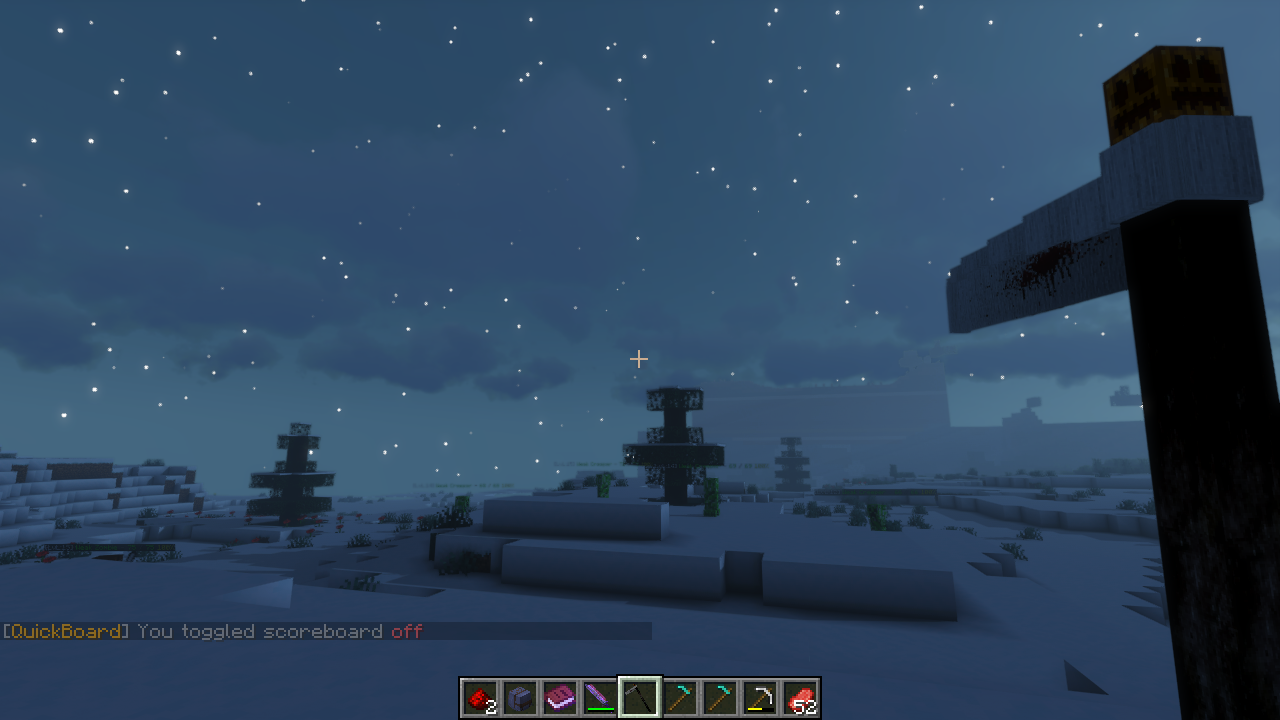
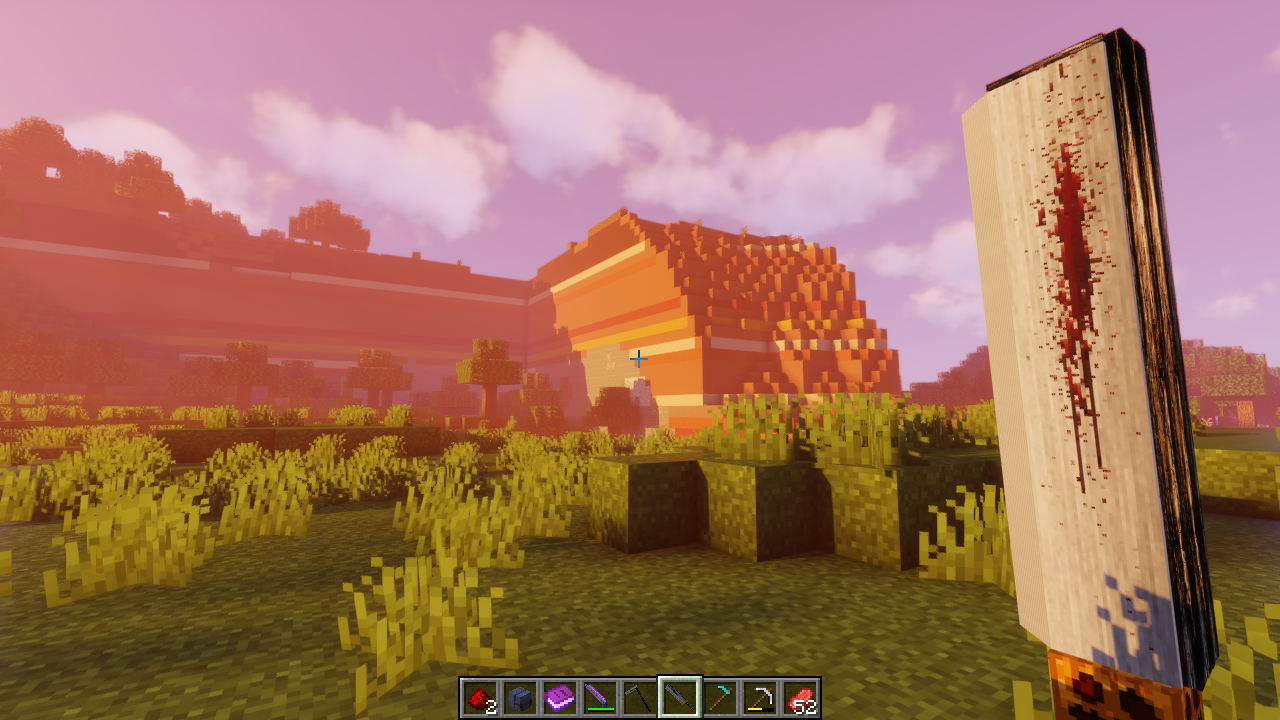
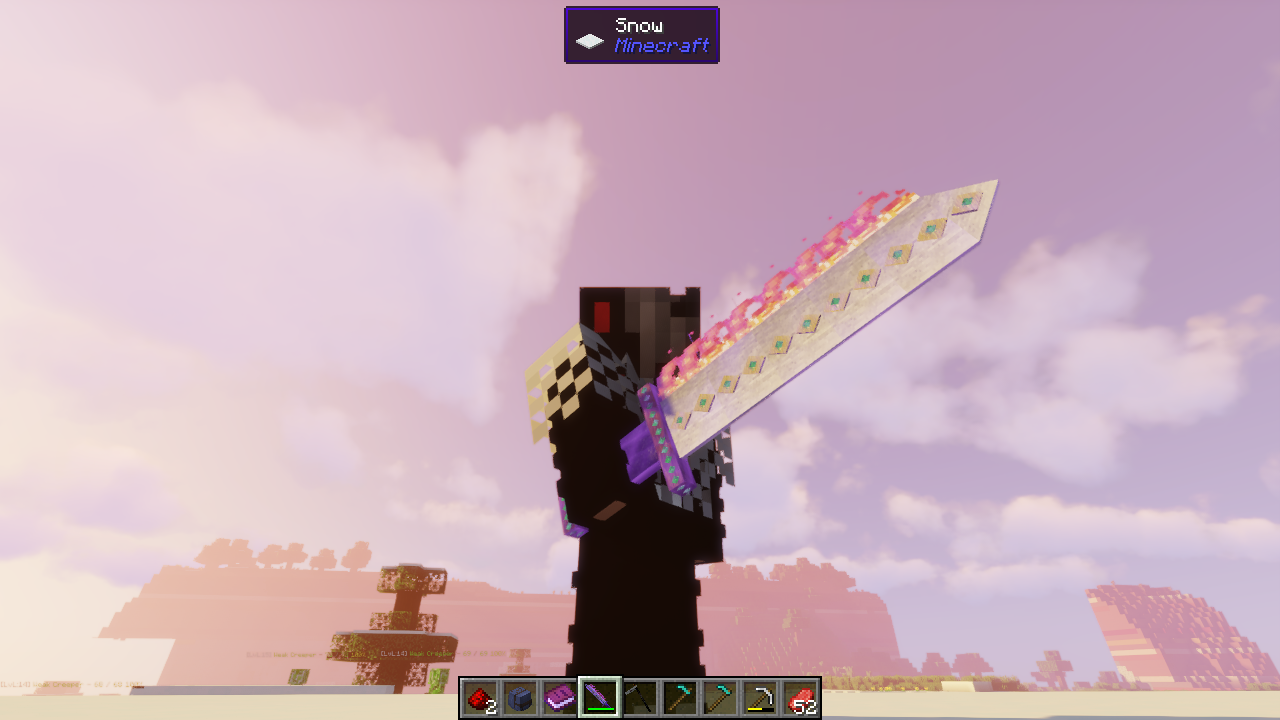
🎃⭐This Texture Pack includes Namebased Items⭐🎃

Actually Included:

 💥 Halloween Giant Sword

 💥 Halloween Hoe

 💥 Kings Sword


For Informations or Suggestions join our Discord.


🎃⭐ Tired of all these P2W CB Servers? Join MultigamingDE now! ⭐🎃

Actual state: [OPEN BETA]

🎃⭐ MultigamingDE RPG Survival [ 1.16.3] ⭐🎃

💥 OWN SERVER!
💥 No standard Citybuild! (BUILD YOUR OWN TOWN!)
💥 Friendly Community Interaction
💥 New experienced gameplay at nearly ZERO LAG
💥 Weekly Maintenance


🎃⭐ SERVERS ⭐🎃

✅ MultigamingDE RPG Survival [1.16.3]


🎃⭐ INSANE FEATURES ⭐🎃

☢️ Custom Quests
☢️ Custom Dungeons with Bosses [work in progress]
☢️ Custom Items
☢️ Custom Coded Plugins
☢️ CIVS
☢️ Custom NPC [soon at new living spawn]
☢️ Livemap (watch your town growing in realtime)
☢️ Mobs with LvL System (more far away from spawn = higher lvl)
☢️ 95% Up time (20 TPS)
☢️ Webstore
☢️ VIP Ranksystem (Sub via Twitch or buy Sub on Webstore)
☢️ Reportsystem (you find a bug? type /report [description])
☢️ Full Economy System
☢️ MMO Style Server

🎃⭐ INFORMATION ⭐🎃

📋 multigamingde.freeddns.org [Server IP]
📋 https://multigamingde-rpg.tebex.io/ [Store]


⚠️ Join our discord for updates ⚠️

https://discord.gg/mawSRgy

MultigamingDE MMORPG 0.2
MC 1.16.3
Alpha 2020-10-11 Get
MultigamingDE MMORPG 0.1
MC 1.16.3
Release 2020-10-11 Get

Requirements & install

How to use this resource pack in Minecraft
Resolution
512x+
Minecraft
1.16.3
Install folder
.minecraft/resourcepacks

How to install resource packs

  1. Download the resource pack .zip file (do not extract it).
  2. In Minecraft open Options → Resource Packs → Open Pack Folder.
  3. Drop the .zip into the resourcepacks folder (.minecraft/resourcepacks).
  4. Move the pack to the Selected column and click Done.

512x packs need a strong GPU and at least 4 GB of RAM for Minecraft; a performance mod such as Sodium is strongly recommended.

Browse more: 16x resource packs 32x resource packs 64x resource packs 128x resource packs 256x resource packs 512x+ resource packs Resource Packs for 1.16.3 All resource packs
Advertisement Remove ads with Premium →

You Might Also Like