Badges update automatically and link to the resource pack page on MineUniverse.
English
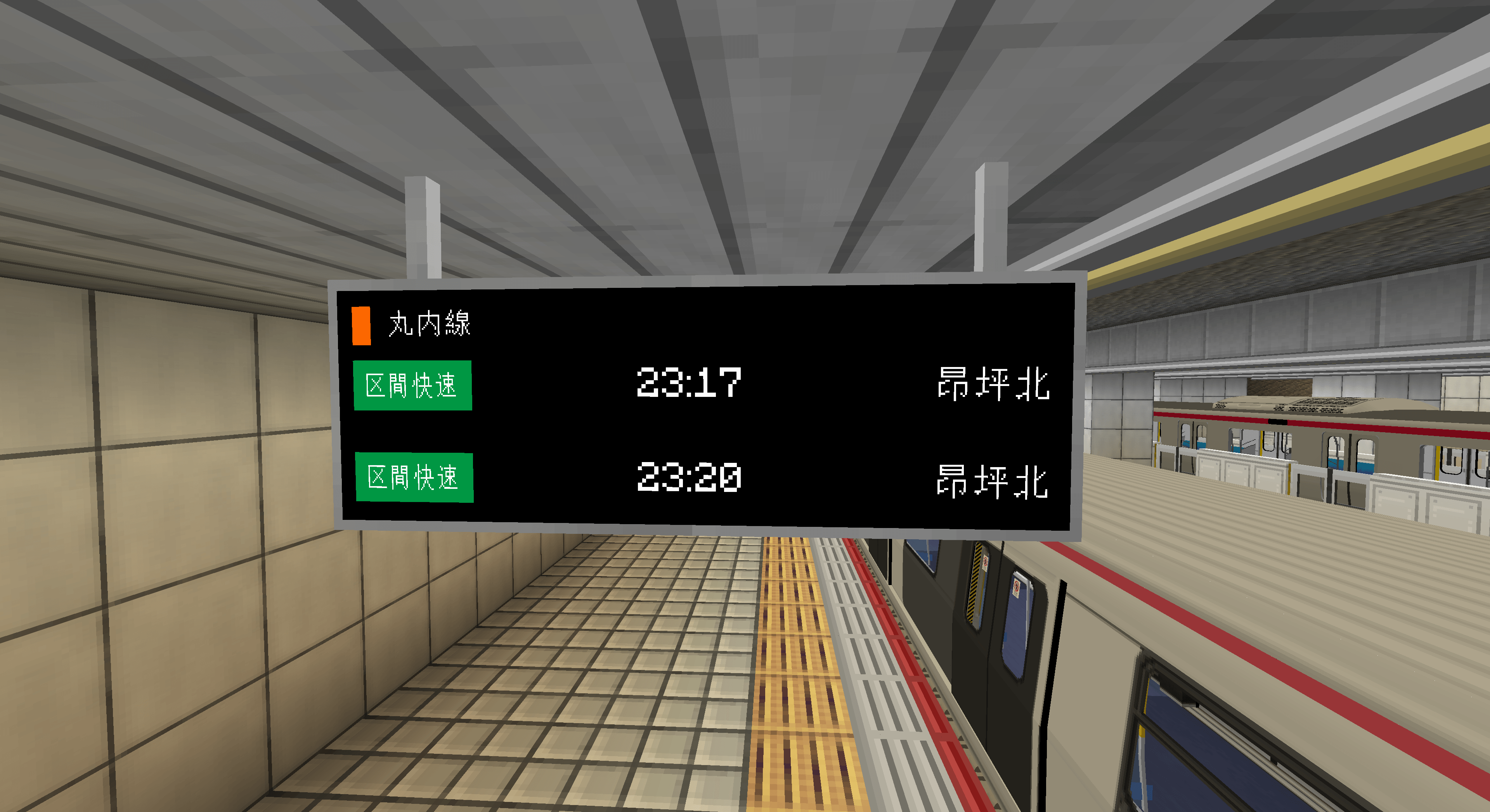
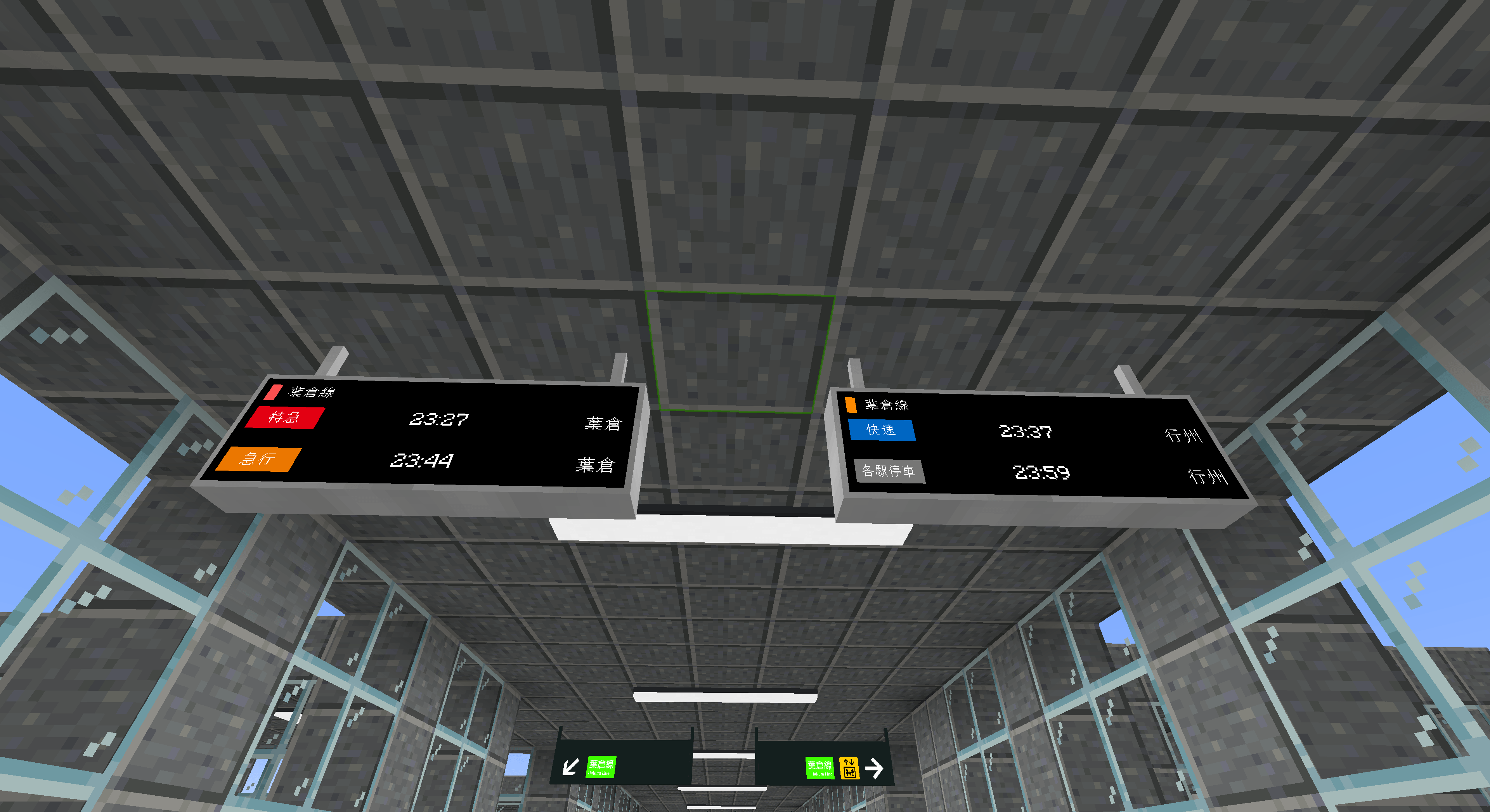
This is a custom PIDS script designed for MTR Mod & JCM Scripting, featuring authentic Japanese railway station display style.
Main Features
1. Operation End Notice
If there are no upcoming trains, or the next train is more than 90 minutes away, all train information will be hidden, and a service ended message will be shown on screen.
2. Train Approaching Alert
When a train is due to arrive within 60 seconds, a flashing "Train arriving" prompt will pop up. The second train information will be hidden during this period. The flash speed is set to toggle every 500ms for a natural warning effect.
3. Door Closing Reminder
Starting 10 seconds before departure, the door closing reminder will stay on screen continuously until the train leaves. The secondary train info will also be hidden while this reminder is active.
4. Smart Train Info Display
The screen normally shows two lines of train details, including service number, arrival time and destination.
Once the train arrives, the time field will change to "Arrived".
For trains with no assigned route number, the display will automatically switch to show the total number of carriages, with Japanese and English text looping alternately.
日本語
MTR Mod および JCM スクリプトに対応したカスタムPIDSで、実際の日本鉄道駅を再現したデザインを採用しています。
主な機能
1. 運行終了案内
到着予定の列車がない場合、または次の列車が到着するまで90分以上かかる場合、画面上の列車情報をすべて非表示にし、当日の運行が終了した旨を表示します。
2. 列車接近案内
列車の到着まで残り60秒以内になると、「電車がまいります」の点滅案内が表示されます。この間、2番目の列車情報は非表示となります。点滅間隔は500ミリ秒に設定されており、実機に近い動作になっています。
3. ドア閉鎖案内
列車の発車10秒前から「ドアが閉まります」の案内を表示し、列車が発車するまで表示を継続します。案内表示中は後続の列車情報も非表示になります。
4. 列車情報の自動切り替え
通常時は2行で列車の種別・番号、到着時刻、行先を表示します。
列車が駅に到着すると、時刻欄が「到着」に切り替わります。
路線番号が設定されていない列車の場合は、自動的に車両数を表示し、日本語と英語の文字が交互にループ表示されます。