Mineuniverse
Resource Packs
mRounding!

mRounding!

RESOURCE PACK
Apply modern rounding to Minecraft's UI
by lunar_1lin
Download Claim this project
2,361 downloads
0 likes
Updated Oct 14, 2026
0 hypes
512x and Higher Modern
Advertisement Remove ads with Premium →

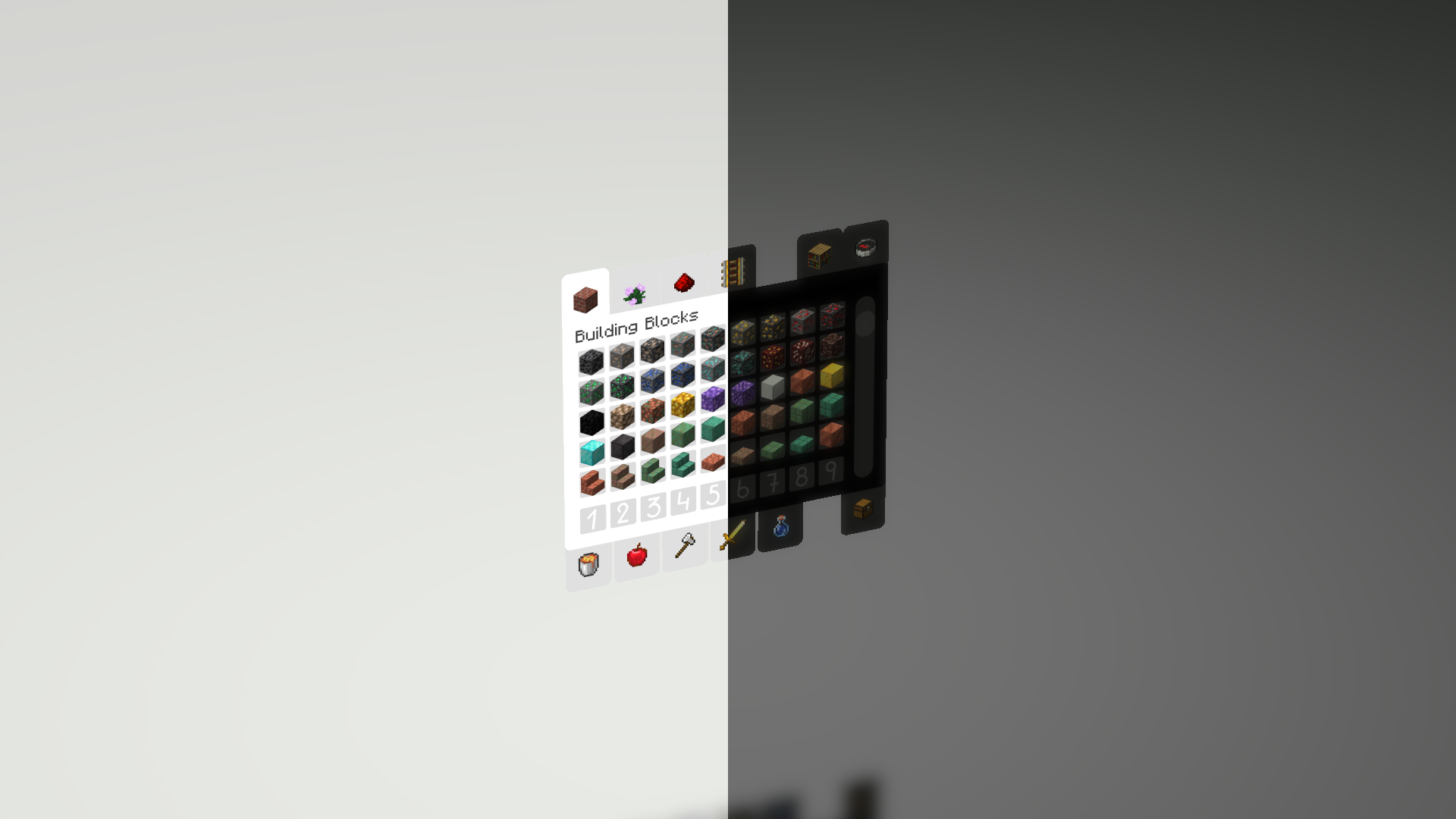
The name of Core UI has been reborn! mRounding!


I'm back! 8K resolution crashes on some PCs. We will develop to support UHD~FHD monitors.


Also, to download right next to it,
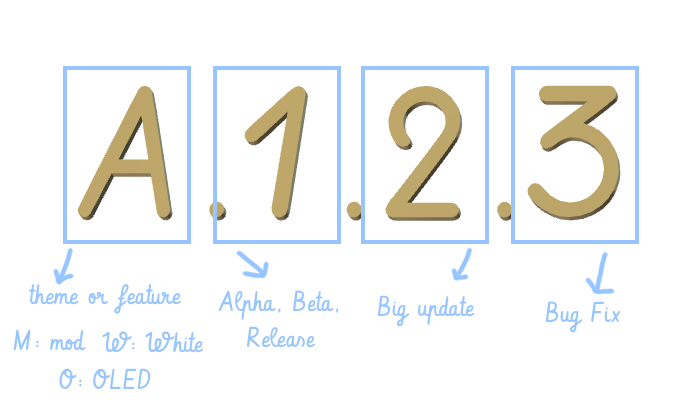
B is the dark version, R is the white version, and A is the mod-supported version.


We've improved the existing Minecraft UI to fit the modern era.


It is a pack made as a hobby.


Main photo
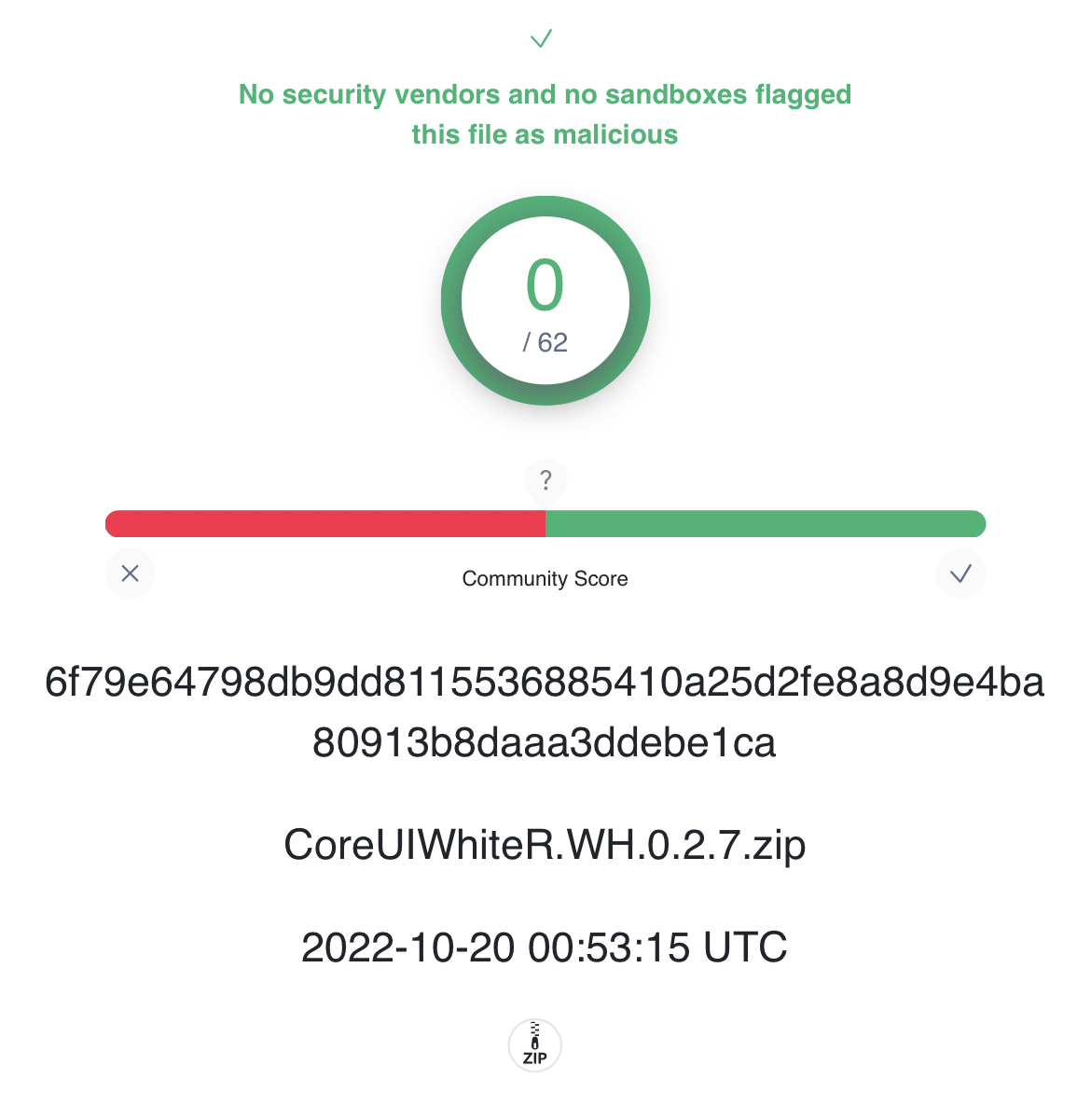
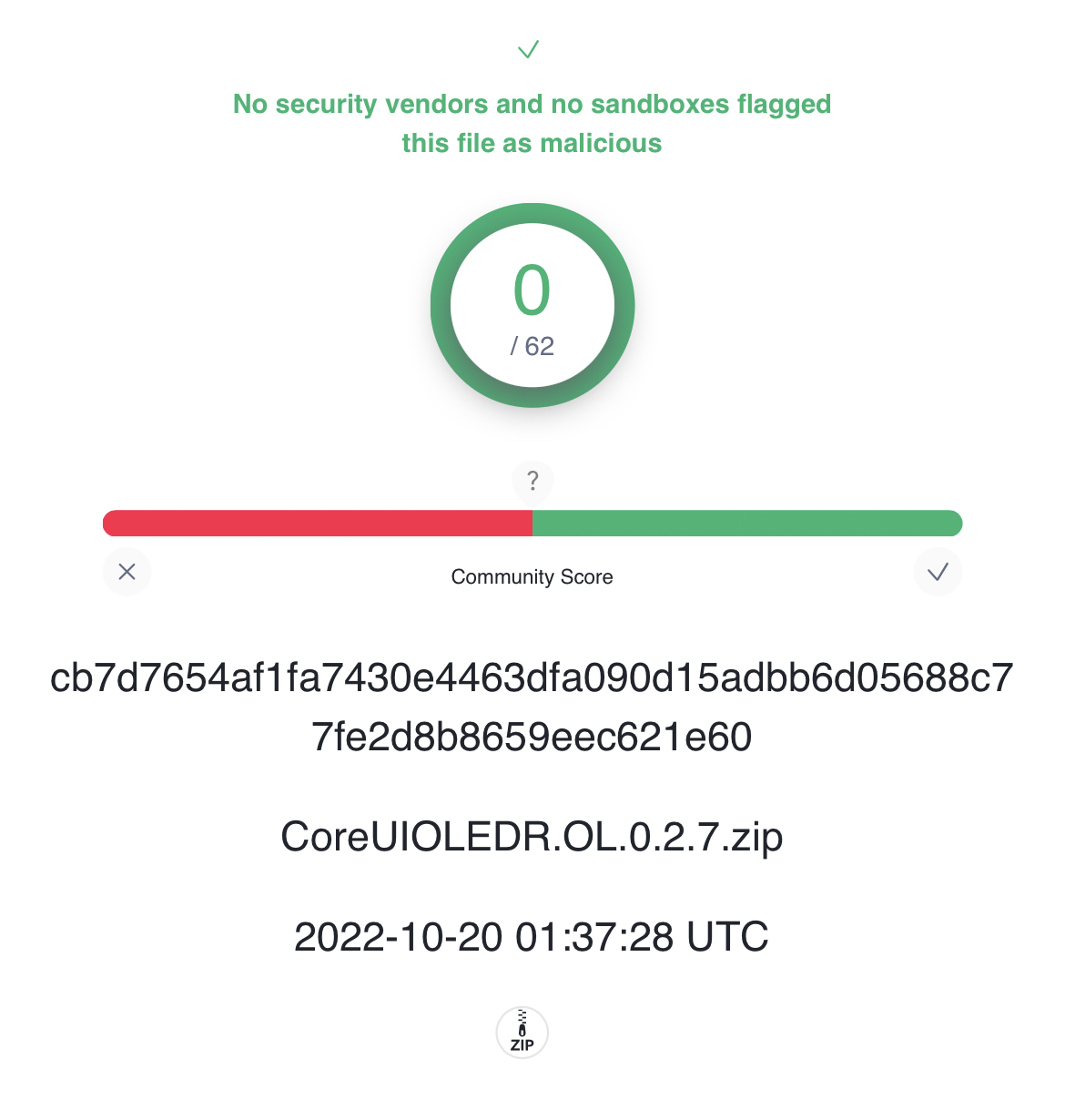
The virus detection result was uploaded to the Images tab.


-update board-

Forge Core UI White A0.2.7[1.18~] (Mod support, HotBar)
MC 1.18.1, 1.18.2, 1.18
Alpha 2022-10-19 Get
Core UI OLED R.OLED.0.2.7 (HotBar)
MC 1.17.1, 1.16.3, 1.16.1, 1.18.1, 1.17, 1.16, 1.16.5, 1.18.2, 1.19.2, 1.19.1, 1.18, 1.16.4, 1.16.2, 1.19
Beta 2022-10-19 Get
Core UI White R.WH.0.2.7 (HotBar)
MC 1.17.1, 1.16.3, 1.16.1, 1.18.1, 1.17, 1.16, 1.16.5, 1.18.2, 1.19.2, 1.19.1, 1.18, 1.16.4, 1.16.2, 1.19
Release 2022-10-19 Get
Core UI White R.WH.0.2.5 (Fix)
MC 1.19.2, 1.19.1, 1.19
Release 2022-08-10 Get
Core UI OLED R.OL.0.2.5 (Fix)
MC 1.19.2, 1.19.1, 1.19
Beta 2022-08-10 Get
Forge Core UI White A0.2.3 (Mod support)
MC 1.18.1, 1.18.2, 1.18
Alpha 2022-08-08 Get
Core UI OLED R.OL.0.2.4 (report button)
MC 1.17.1, 1.16.3, 1.16.1, 1.18.1, 1.17, 1.16, 1.16.5, 1.18.2, 1.19.2, 1.19.1, 1.18, 1.16.4, 1.16.2, 1.19
Beta 2022-08-08 Get
Core UI White R.WH.0.2.4 (report button)
MC 1.17.1, 1.16.3, 1.16.1, 1.18.1, 1.17, 1.16, 1.16.5, 1.18.2, 1.19.2, 1.19.1, 1.18, 1.16.4, 1.16.2, 1.19
Release 2022-08-08 Get
Core UI OLED R.OL.0.2.2 (Dark mod)
MC 1.17.1, 1.16.3, 1.16.1, 1.18.1, 1.17, 1.16, 1.16.5, 1.18.2, 1.18, 1.16.4, 1.16.2, 1.19
Release 2022-07-22 Get
Core UI R0.2.2 (FIx)
MC 1.17.1, 1.16.3, 1.16.1, 1.18.1, 1.17, 1.16, 1.16.5, 1.18.2, 1.18, 1.16.4, 1.16.2, 1.19
Release 2022-07-21 Get
Core UI R0.2 (Communication, Challenges)
MC 1.17.1, 1.16.3, 1.16.1, 1.18.1, 1.17, 1.16, 1.16.5, 1.18.2, 1.18, 1.16.4, 1.16.2, 1.19
Release 2022-07-20 Get
Core UI R0.15 (Inventory)
MC 1.17.1, 1.16.3, 1.16.1, 1.18.1, 1.17, 1.16, 1.16.5, 1.18.2, 1.18, 1.16.4, 1.16.2, 1.19
Release 2022-07-18 Get
Core UI B1.4 (Hot Bar)
MC 1.17.1, 1.16.3, 1.16.1, 1.18.1, 1.17, 1.16, 1.16.5, 1.18.2, 1.18, 1.16.4, 1.16.2, 1.19
Beta 2022-07-11 Get
Core UI B1.36 (Modify the display of online alerts)
MC 1.17.1, 1.16.3, 1.16.1, 1.18.1, 1.17, 1.16, 1.16.5, 1.18.2, 1.18, 1.16.4, 1.16.2, 1.19
Beta 2022-07-08 Get
Core UI B1.35 (Fix)
MC 1.17.1, 1.16.3, 1.16.1, 1.18.1, 1.17, 1.16, 1.16.5, 1.18.2, 1.18, 1.16.4, 1.16.2, 1.19
Beta 2022-07-05 Get
Core UI B1.2 (original)
MC 1.17.1, 1.16.3, 1.16.1, 1.18.1, 1.17, 1.16, 1.16.5, 1.18.2, 1.18, 1.16.4, 1.16.2, 1.19
Beta 2022-07-04 Get

Requirements & install

How to use this resource pack in Minecraft
Resolution
512x+
Minecraft
1.17 – 1.19.2
Install folder
.minecraft/resourcepacks

How to install resource packs

  1. Download the resource pack .zip file (do not extract it).
  2. In Minecraft open Options → Resource Packs → Open Pack Folder.
  3. Drop the .zip into the resourcepacks folder (.minecraft/resourcepacks).
  4. Move the pack to the Selected column and click Done.

512x packs need a strong GPU and at least 4 GB of RAM for Minecraft; a performance mod such as Sodium is strongly recommended.

Browse more: 16x resource packs 32x resource packs 64x resource packs 128x resource packs 256x resource packs 512x+ resource packs Resource Packs for 1.19.2 All resource packs

More from lunar_1lin

Advertisement Remove ads with Premium →

You Might Also Like