Mineuniverse
Resource Packs
MoreC418

MoreC418

RESOURCE PACK
Changes music discs and adds more world music.
by Cephelo_
Download Claim this project
2,130 downloads
0 likes
Updated Oct 14, 2026
0 hypes
16x Animated Miscellaneous
Advertisement Remove ads with Premium →

ALL OF THE MUSIC IN THIS PACK BELONGS TO C418.

You can buy and download C418's music here:
https://c418.bandcamp.com

More on C418:
https://c418.org

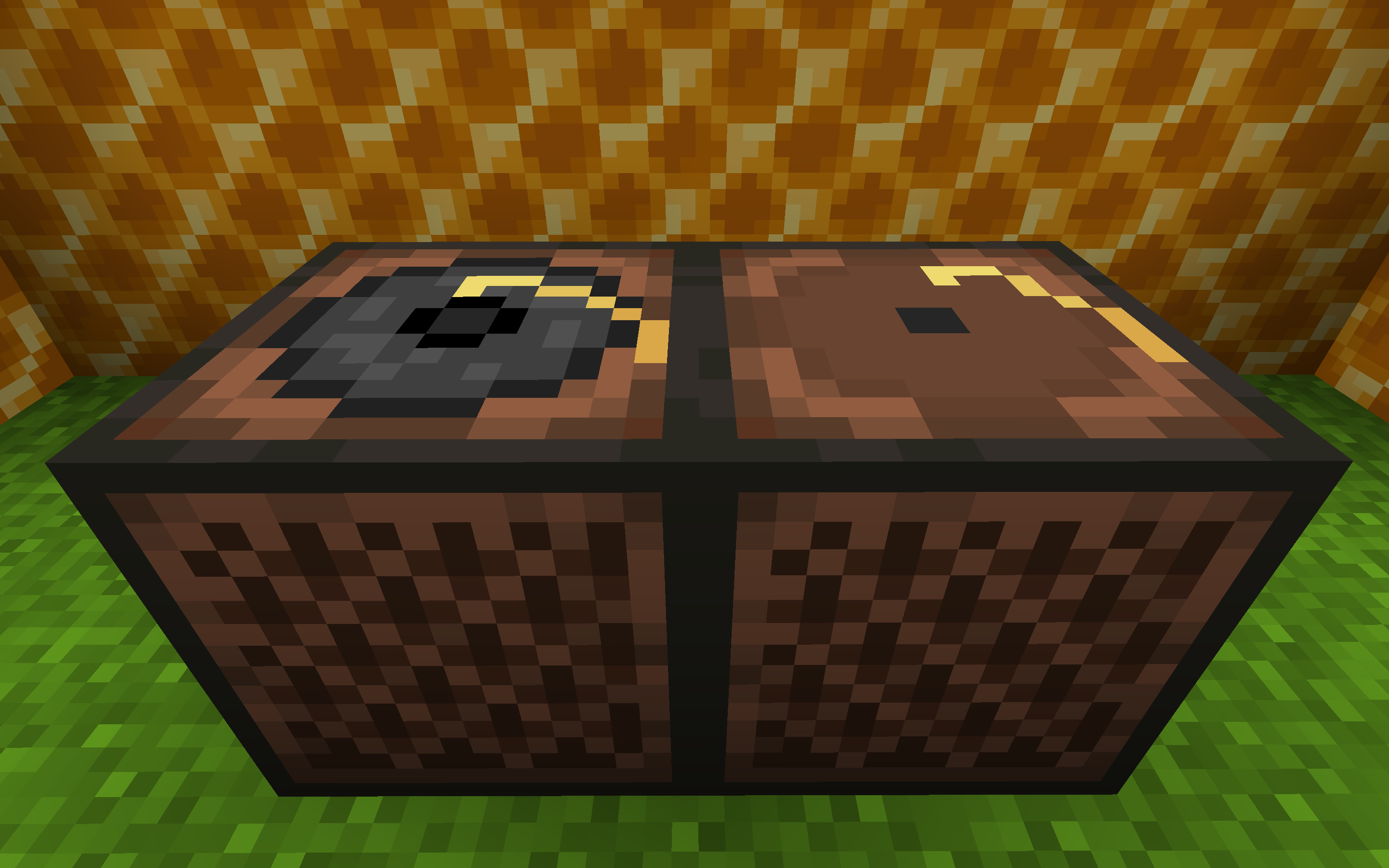
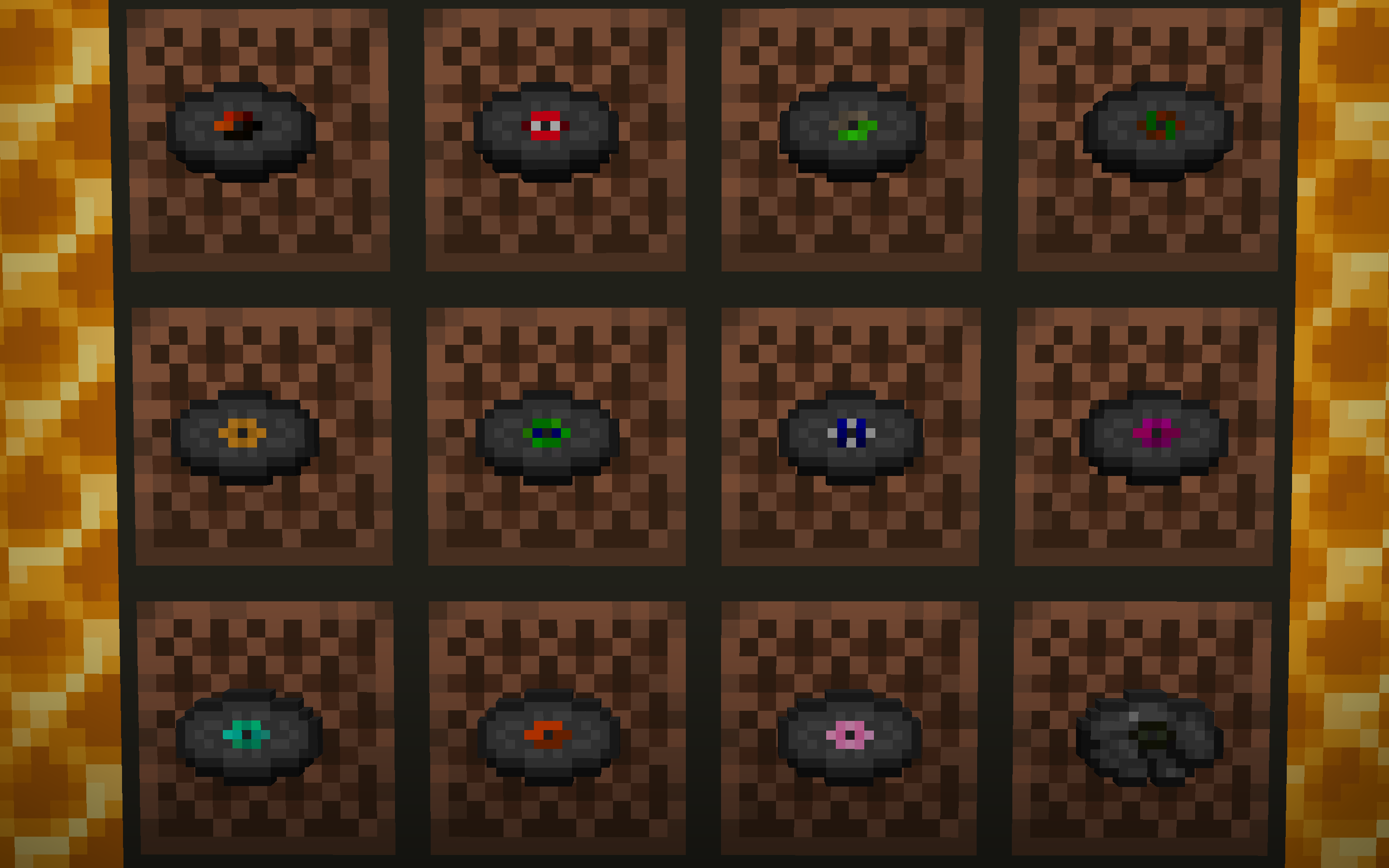
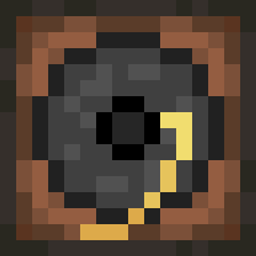
This pack changes Minecraft’s music discs to alternate songs by C418, and adds new ambient songs. This pack mostly contains music that was either not added to the game or is a remix of existing game music. The discs and jukebox have also been slightly retextured.

Music Changes:

Disc Music Replaced:

Thirteen > Intro

Blocks > Aria Economy

Cat > Droopy Remembers

Chirp > Droopy Likes Your Face

Far > Door

Mall > Biome Party

Mellohi > Chris

Stal > Droopy Likes Ricochet

Strad > Beta

Wait > Tsuki No Koibumi 2

Ward > Vierton

11 > Eleven


Game Music Added in the Overworld: Équinoxe, Excuse, Ki

Game Music Added in the Menu: Moog City, Beginning

All music added or replaced are from the albums “Minecraft - Volume Alpha”, “Minecraft - Volume Beta”, and “148”.

If you want to preview the tracks first, click the link for a Soundcloud playlist containing all of the music in this pack.

https://soundcloud.com/user-445563782/sets/morec418

Join my discord for more awesome packs, or if you have any questions! https://sites.google.com/view/systuum-discord/home

Join C418's discord! https://discord.gg/frfRWzC


This pack is available for any version 1.9+. Download the file that is compatible with your version.

MoreC418 (1.9 and 1.10) v1.1
MC 1.9.1, 1.9.3, 1.10-Snapshot, 1.9.4, 1.9.2, 1.10.2, 1.10, 1.10.1, 1.9-Snapshot, 1.9
Release 2020-04-05 Get
MoreC418 (1.11 and 1.12) v1.1
MC 1.12.1, 1.12, 1.11, 1.11.1, 1.11.2, 1.11-Snapshot, 1.12.2, 1.12-Snapshot
Release 2020-04-05 Get
MoreC418 (1.13 and 1.14) v1.1
MC 1.13.1, 1.14.4, 1.14.1, 1.14.3, 1.13, 1.14, 1.14.2, 1.13-Snapshot, 1.14-Snapshot, 1.13.2
Release 2020-04-05 Get
MoreC418 (1.16 and 1.15) v1.1
MC 1.16-Snapshot, 1.16.3, 1.15-Snapshot, 1.16.1, 1.17, 1.15, 1.16, 1.16.5, 1.15.2, 1.16.4, 1.16.2, 1.15.1
Release 2020-04-05 Get

Requirements & install

How to use this resource pack in Minecraft
Resolution
16x
Minecraft
1.16-Snapshot – 1.17
Install folder
.minecraft/resourcepacks

How to install resource packs

  1. Download the resource pack .zip file (do not extract it).
  2. In Minecraft open Options → Resource Packs → Open Pack Folder.
  3. Drop the .zip into the resourcepacks folder (.minecraft/resourcepacks).
  4. Move the pack to the Selected column and click Done.
Browse more: 16x resource packs 32x resource packs 64x resource packs 128x resource packs 256x resource packs 512x+ resource packs Resource Packs for 1.17 All resource packs

More from Cephelo_

Advertisement Remove ads with Premium →

You Might Also Like