Mineuniverse
Resource Packs
Moonlit Theme (Game Menu)

Moonlit Theme (Game Menu)

RESOURCE PACK
This modification of Minecraft is intended solely for personal enjoyment and to enhance the gaming experience.
by god311_
Download Claim this project
90 downloads
0 likes
Updated Oct 14, 2026
0 hypes
64x Animated Font Packs Mod Support
Advertisement Remove ads with Premium →

This modification of Minecraft is intended solely for personal enjoyment and to enhance the gaming experience. It is not meant to disrespect any game developers or players' sentiments. The goal is to create a more enjoyable and personalized version of the game, while acknowledging and respecting the hard work and dedication of the original creators.

*This resourse pack is only work to its fullest with Minecraft-1.20.6 version.

⟫ Features: 

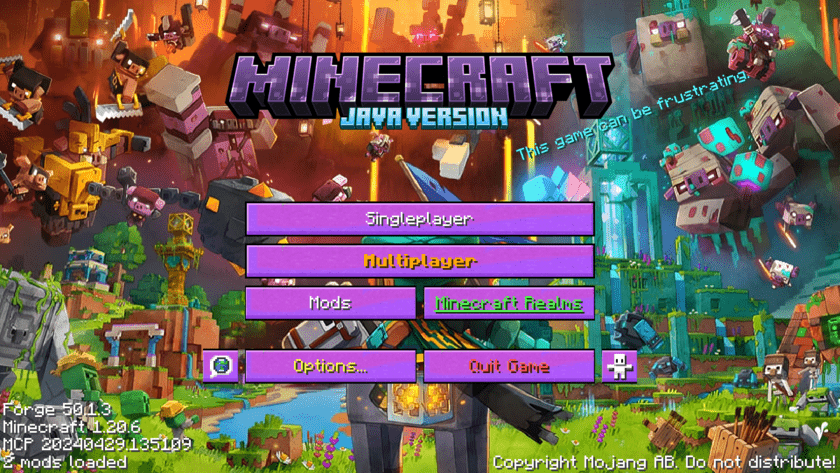
  1. adding custom splash text

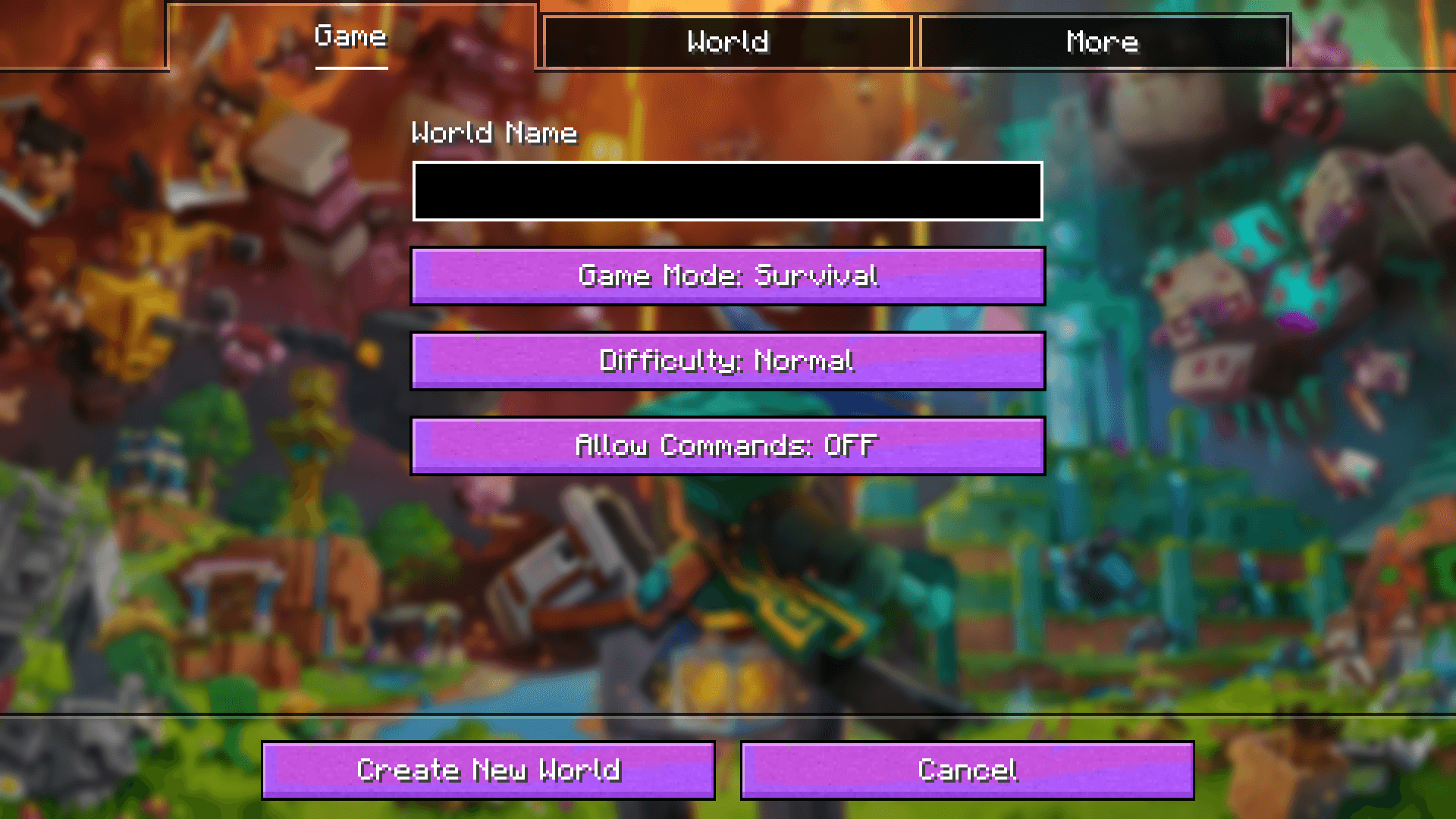
  2. adding new color insted of just boring grey

  3. adding custom minecraft logo


for more update stay tuned......

Moonlit_theme_1.10.7
MC 1.20.6
Release 2024-06-14 Get

Requirements & install

How to use this resource pack in Minecraft
Resolution
64x
Minecraft
1.20.6
Install folder
.minecraft/resourcepacks

How to install resource packs

  1. Download the resource pack .zip file (do not extract it).
  2. In Minecraft open Options → Resource Packs → Open Pack Folder.
  3. Drop the .zip into the resourcepacks folder (.minecraft/resourcepacks).
  4. Move the pack to the Selected column and click Done.
Browse more: 16x resource packs 32x resource packs 64x resource packs 128x resource packs 256x resource packs 512x+ resource packs Resource Packs for 1.20.6 All resource packs
Advertisement Remove ads with Premium →

You Might Also Like