Mineuniverse
Resource Packs
Modern Title

Modern Title

RESOURCE PACK
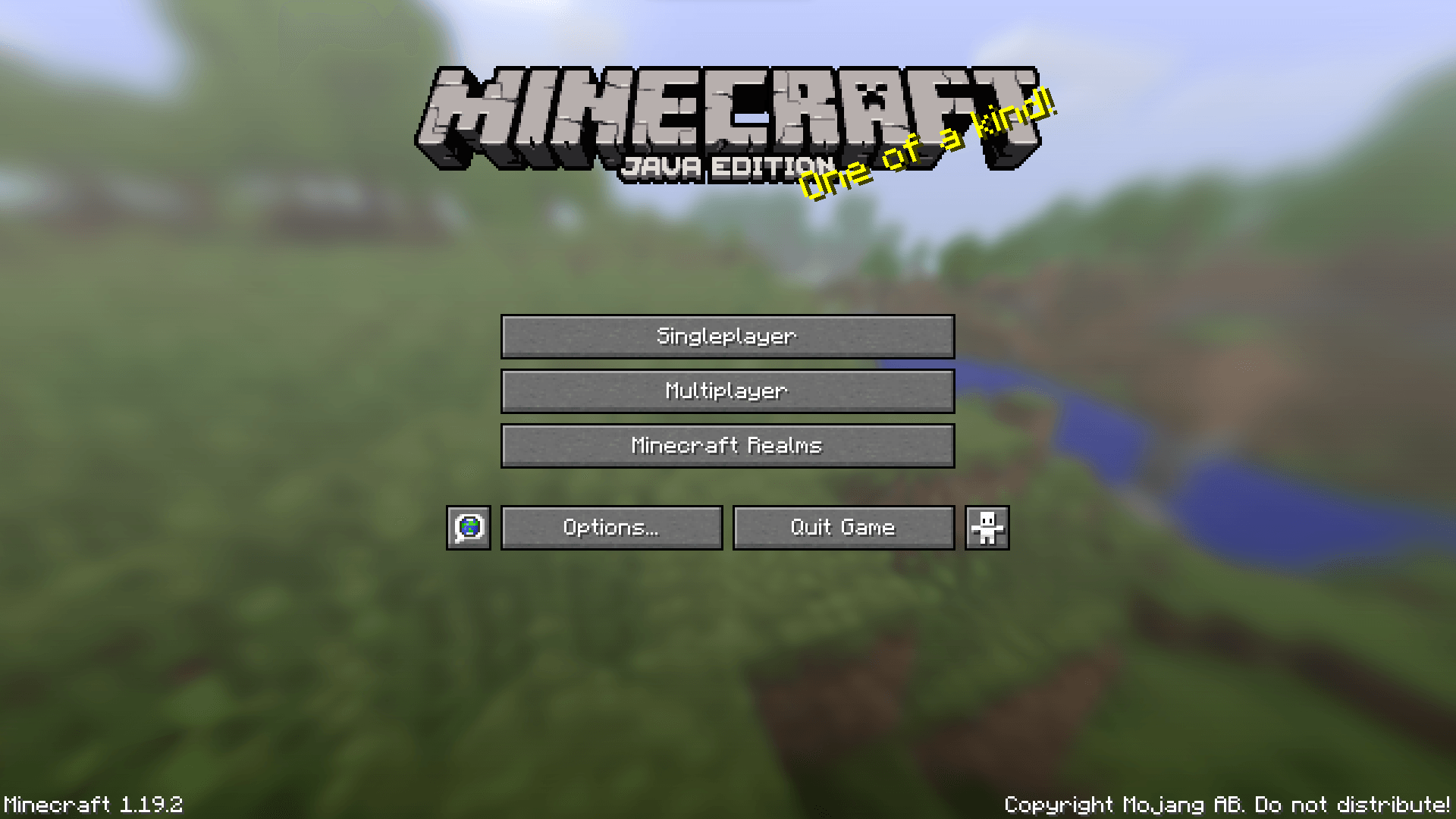
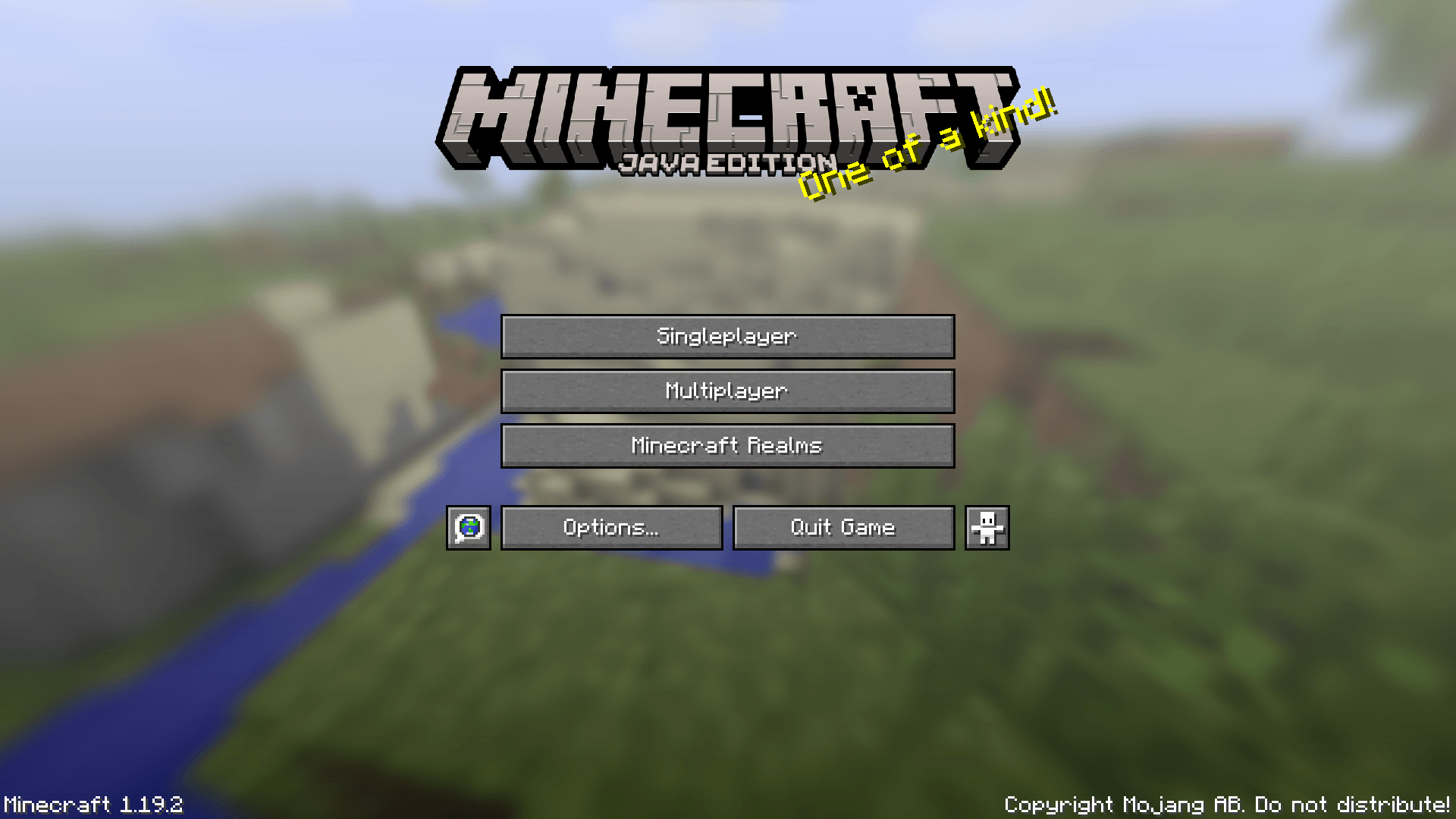
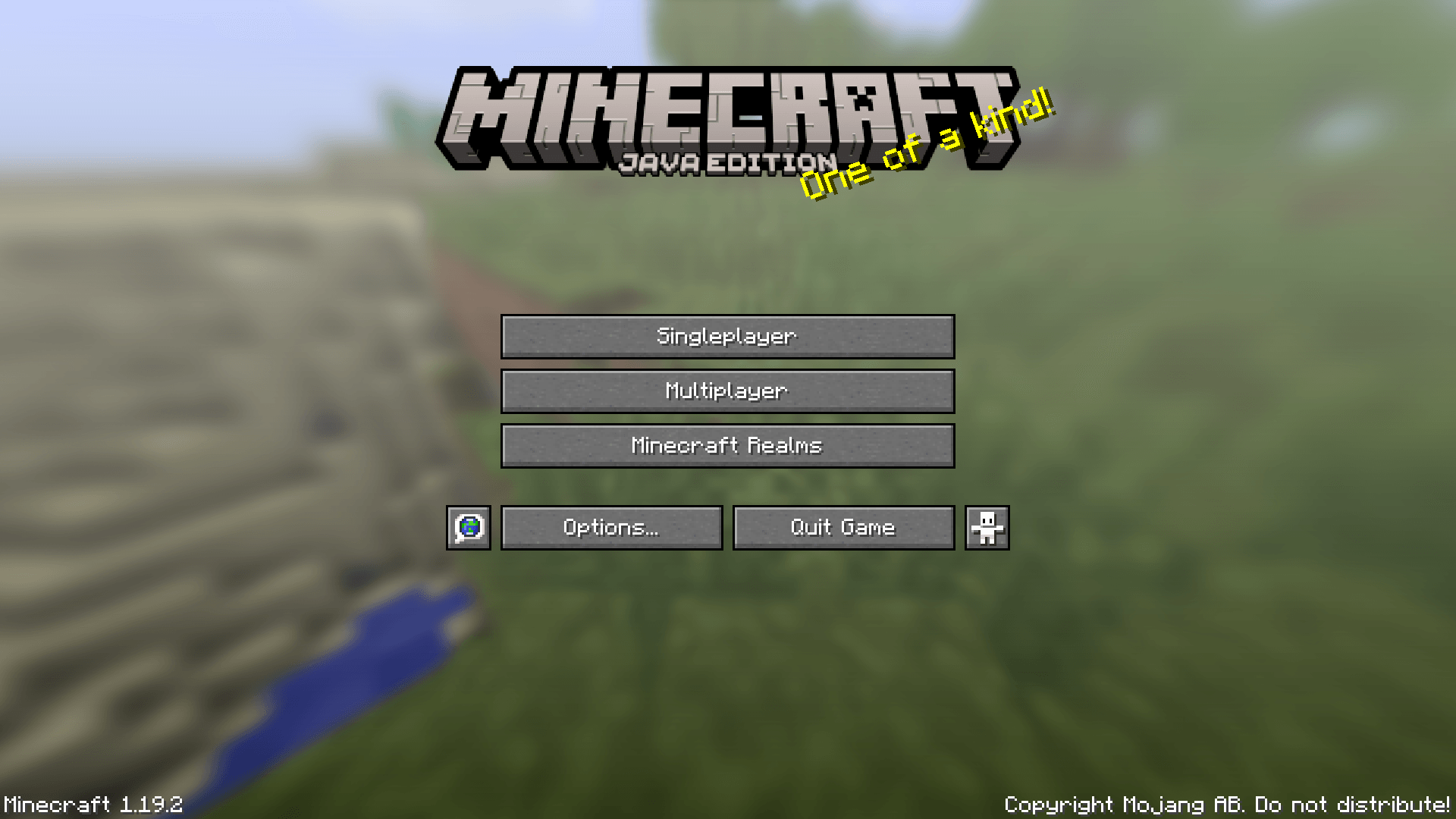
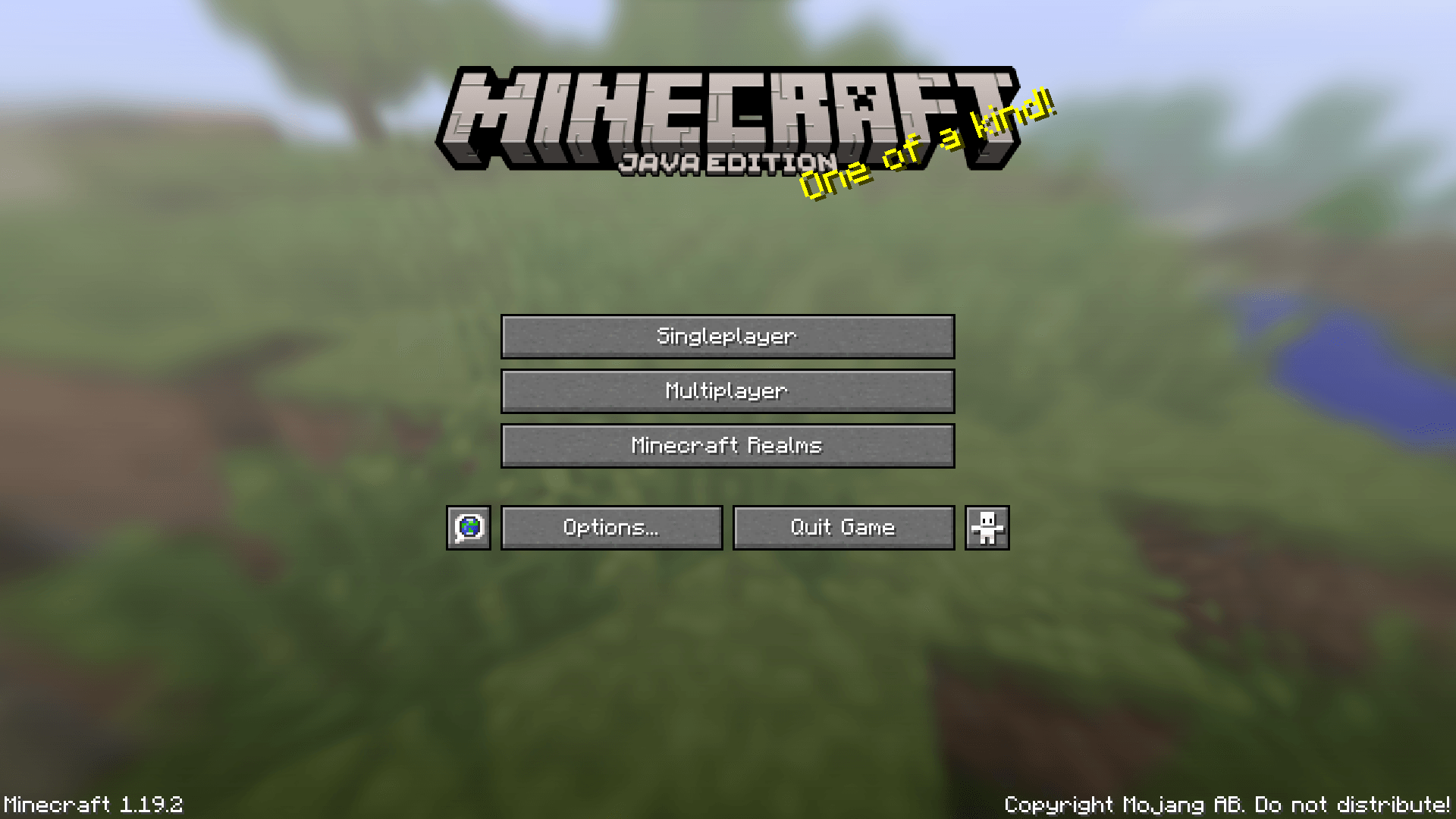
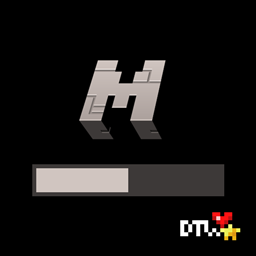
This pack changes the Game Logo in the main menu to the one that appeared in version 1.20.
by Dawortar
Download Claim this project
1,321 downloads
0 likes
Updated Oct 14, 2026
0 hypes
16x Miscellaneous
Advertisement Remove ads with Premium →

Modern Title

✦ This pack changes the Game Logo in the main menu to the one that appeared in version 1.20.
✦ Be sure to check the Files tab before downloading to get the right variant of the pack.

------------------------------
Owned and created by: Daki "Dawortar" Nate

------------------------------
All Rights Reserved:

✦ This work is under All Rights Reserved license.

------------------------------
Can I use your work in my own creations?

✦ Feel free to give my work a new life for as long as you credit me in the creation you use it in.
✦ When using my work please post a link to an official site.
✦ When crediting my work you can use either "Dawortar" or "Dakinate", both nicknames are associated with me.

------------------------------
For More:

✦ Curse Forge: https://www.curseforge.com/members/dawortar/projects
✦ Planet Minecraft: https://www.planetminecraft.com/member/dawortar/submissions

------------------------------
Support Me:

✦ PayPal: https://www.paypal.com/paypalme/Dawortar
✦ Ko-fi: https://ko-fi.com/dawortar
✦ Patreon: https://www.patreon.com/user?u=122264610

------------------------------
©2024 Dakinate/Dawortar

Modern Title Pixel Full §0 [v0.1] 1.19.zip
MC 1.17.1, 1.16.3, 1.19.3, 1.16.1, 1.18.1, 1.17, 1.15, 1.16, 1.19.4, 1.16.5, 1.18.2, 1.19.2, 1.15.2, 1.19.1, 1.18, 1.16.4, 1.16.2, 1.19, 1.15.1
Beta 2024-03-18 Get
Modern Title §0 [v0.1] 1.19.zip
MC 1.17.1, 1.16.3, 1.19.3, 1.16.1, 1.18.1, 1.17, 1.15, 1.16, 1.19.4, 1.16.5, 1.18.2, 1.19.2, 1.15.2, 1.19.1, 1.18, 1.16.4, 1.16.2, 1.19, 1.15.1
Release 2024-03-18 Get

Requirements & install

How to use this resource pack in Minecraft
Resolution
16x
Minecraft
1.18 – 1.19.4
Install folder
.minecraft/resourcepacks

How to install resource packs

  1. Download the resource pack .zip file (do not extract it).
  2. In Minecraft open Options → Resource Packs → Open Pack Folder.
  3. Drop the .zip into the resourcepacks folder (.minecraft/resourcepacks).
  4. Move the pack to the Selected column and click Done.
Browse more: 16x resource packs 32x resource packs 64x resource packs 128x resource packs 256x resource packs 512x+ resource packs Resource Packs for 1.19.4 All resource packs

More from Dawortar

Advertisement Remove ads with Premium →

You Might Also Like