Mineuniverse
Resource Packs
Modern Loading

Modern Loading

RESOURCE PACK
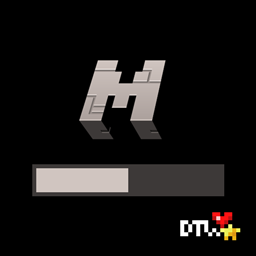
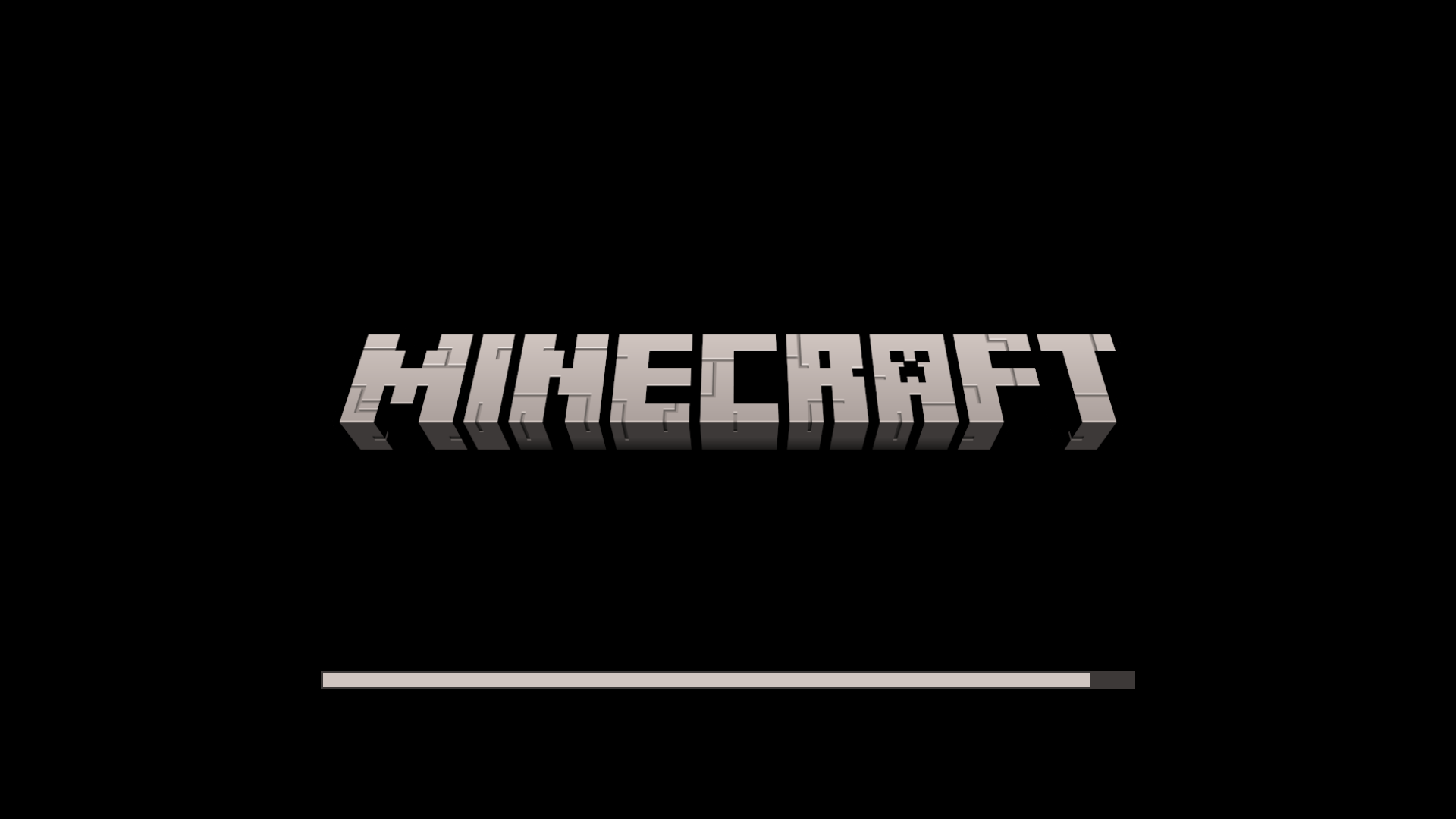
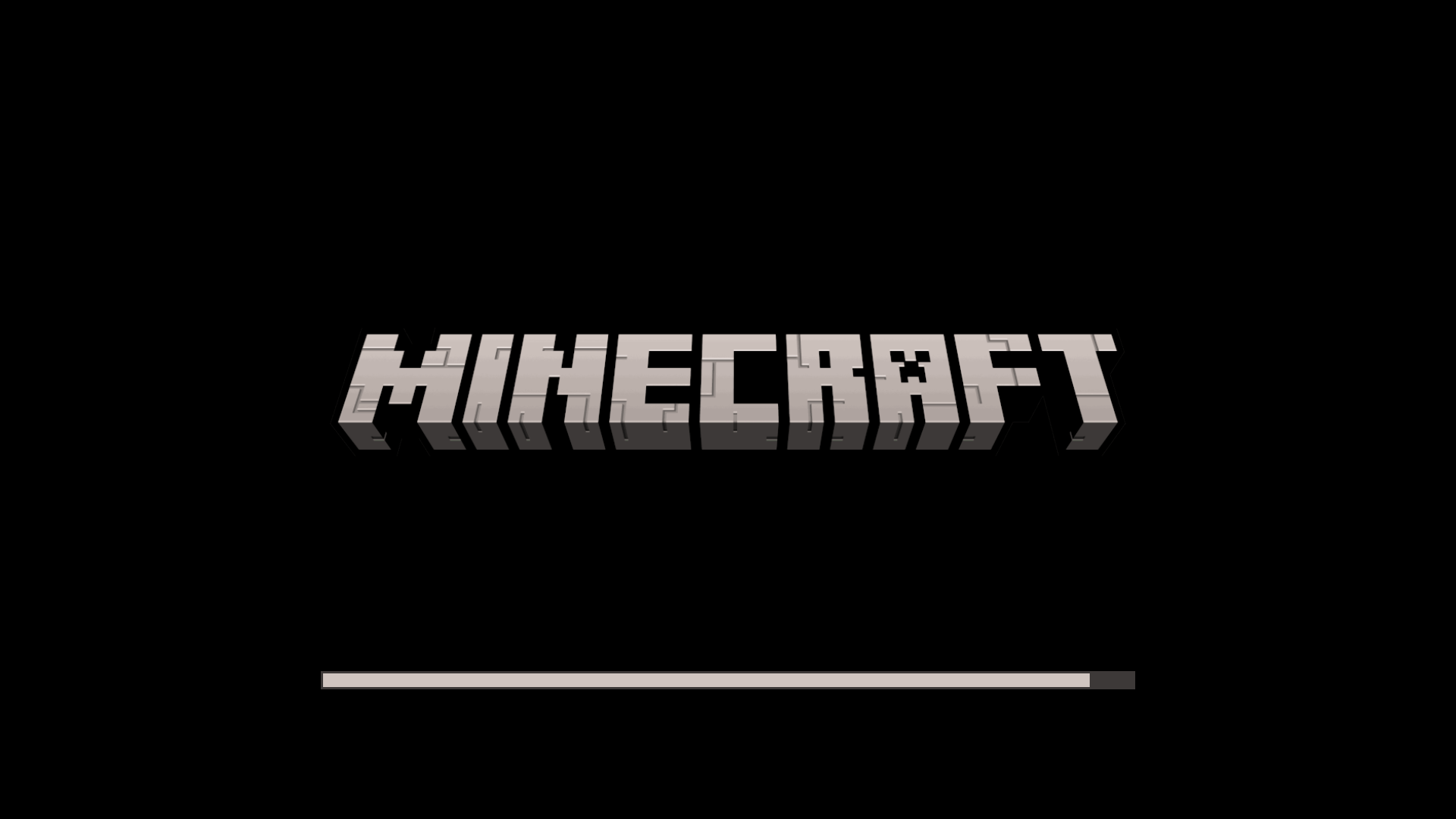
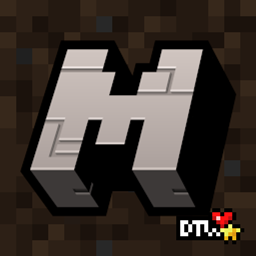
This pack changes the Loading Screen to a new, modernised one, with the Game Logo that appeared in 1.20.
by Dawortar
Download Claim this project
3,688 downloads
0 likes
Updated Oct 14, 2026
0 hypes
16x Miscellaneous
Advertisement Remove ads with Premium →

Modern Loading

✦ This pack changes the Loading Screen to a new, modernised one, with the Game Logo that appeared in 1.20.
✦ You need OptiFine or replacement mods for this pack to work.
✦ Be sure to check the Files tab before downloading to get the right variant of the pack.

------------------------------
Owned and created by: Daki "Dawortar" Nate

------------------------------
All Rights Reserved:

✦ This work is under All Rights Reserved license.

------------------------------
Can I use your work in my own creations?

✦ Feel free to give my work a new life for as long as you credit me in the creation you use it in.
✦ When using my work please post a link to an official site.
✦ When crediting my work you can use either "Dawortar" or "Dakinate", both nicknames are associated with me.

------------------------------
For More:

✦ Curse Forge: https://www.curseforge.com/members/dawortar/projects
✦ Planet Minecraft: https://www.planetminecraft.com/member/dawortar/submissions

------------------------------
Support Me:

✦ PayPal: https://www.paypal.com/paypalme/Dawortar
✦ Ko-fi: https://ko-fi.com/dawortar
✦ Patreon: https://www.patreon.com/user?u=122264610

------------------------------
©2024 Dakinate/Dawortar

Modern Loading Shadowless §0[1.19 v0.1].zip
MC 1.17.1, 1.16.3, 1.19.3, 1.20.2, 1.16.1, 1.18.1, 1.17, 1.15, 1.16, 1.19.4, 1.16.5, 1.18.2, 1.19.2, 1.20.3, 1.15.2, 1.20.1, 1.20, 1.19.1, 1.20.4, 1.18, 1.16.4, 1.16.2, 1.19
Beta 2024-03-17 Get
Modern Loading §0[1.19 v0.1].zip
MC 1.17.1, 1.16.3, 1.19.3, 1.20.2, 1.16.1, 1.18.1, 1.17, 1.15, 1.16, 1.19.4, 1.16.5, 1.18.2, 1.19.2, 1.20.3, 1.15.2, 1.20.1, 1.20, 1.19.1, 1.20.4, 1.18, 1.16.4, 1.16.2, 1.19
Release 2024-03-17 Get

Requirements & install

How to use this resource pack in Minecraft
Resolution
16x
Minecraft
1.19.2 – 1.20.4
Install folder
.minecraft/resourcepacks

How to install resource packs

  1. Download the resource pack .zip file (do not extract it).
  2. In Minecraft open Options → Resource Packs → Open Pack Folder.
  3. Drop the .zip into the resourcepacks folder (.minecraft/resourcepacks).
  4. Move the pack to the Selected column and click Done.
Browse more: 16x resource packs 32x resource packs 64x resource packs 128x resource packs 256x resource packs 512x+ resource packs Resource Packs for 1.20.4 All resource packs

More from Dawortar

Advertisement Remove ads with Premium →

You Might Also Like