Mineuniverse
Resource Packs
Modern Texture Backport

Modern Texture Backport

RESOURCE PACK
Backports textures from the latest version of Minecraft to 1.7.10
by Guy_that_exists
Download Claim this project
4,610 downloads
0 likes
Updated Oct 14, 2026
0 hypes
16x
Advertisement Remove ads with Premium →

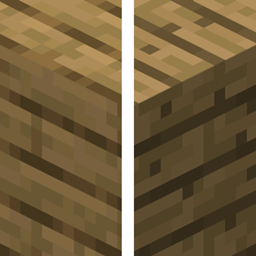
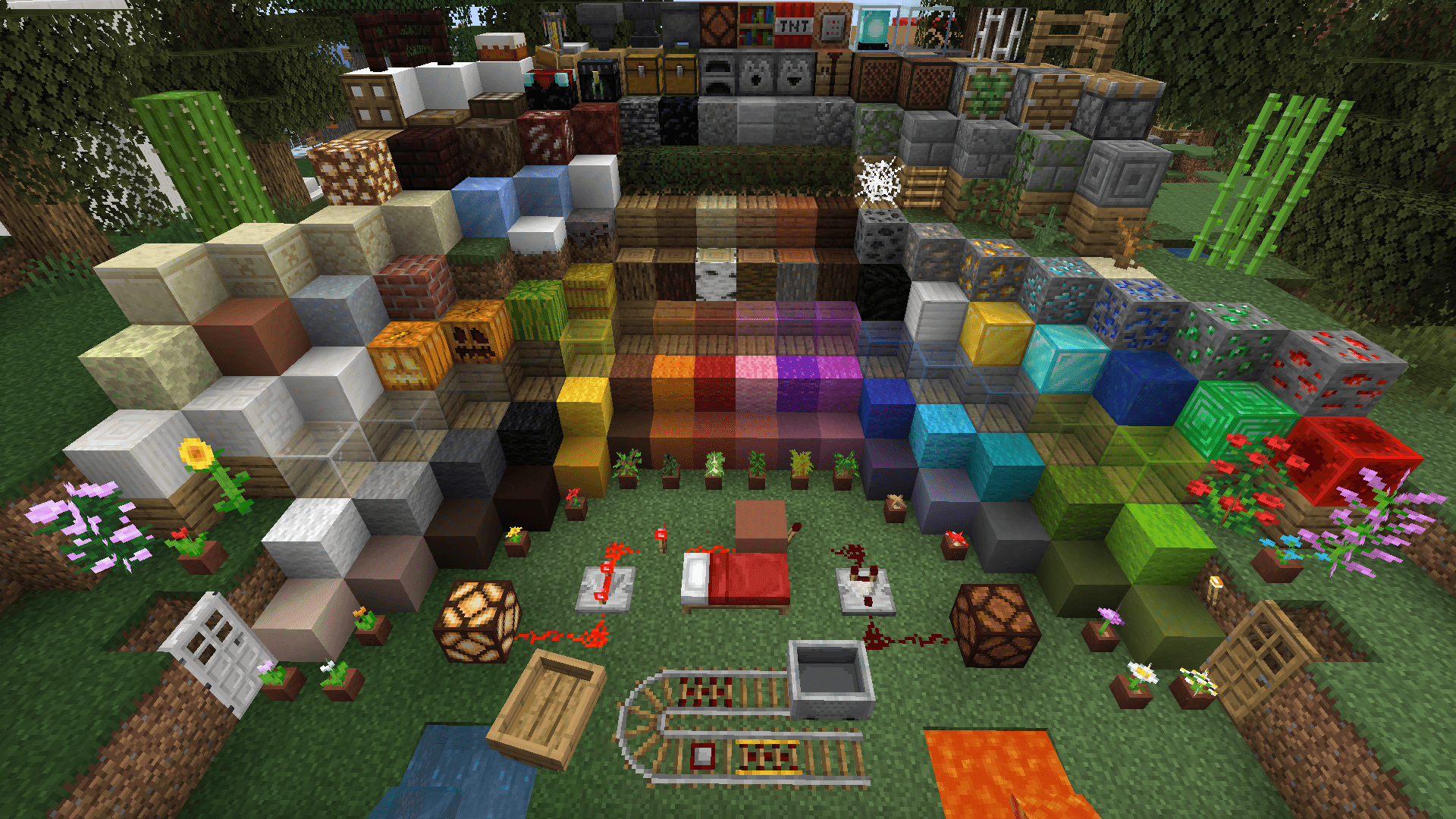
This pack backports textures (and a few other things) from the latest Minecraft versions to 1.7.10.
As of version 2.0, it supports Et Futurum Requiem and Village Names as well.

Currently up to date with 26.3.


Features:

  • New block, item, mob, armor, and gui textures
  • New cave, chest, door, rain, and witch sounds
  • New clouds
  • New cat and dog variants (Requires MCPatcher or OptiFine)
  • Warm and cold animals (Requires MCPatcher or OptiFine)
  • Biome variants of villagers (Requires MCPatcher or OptiFine)
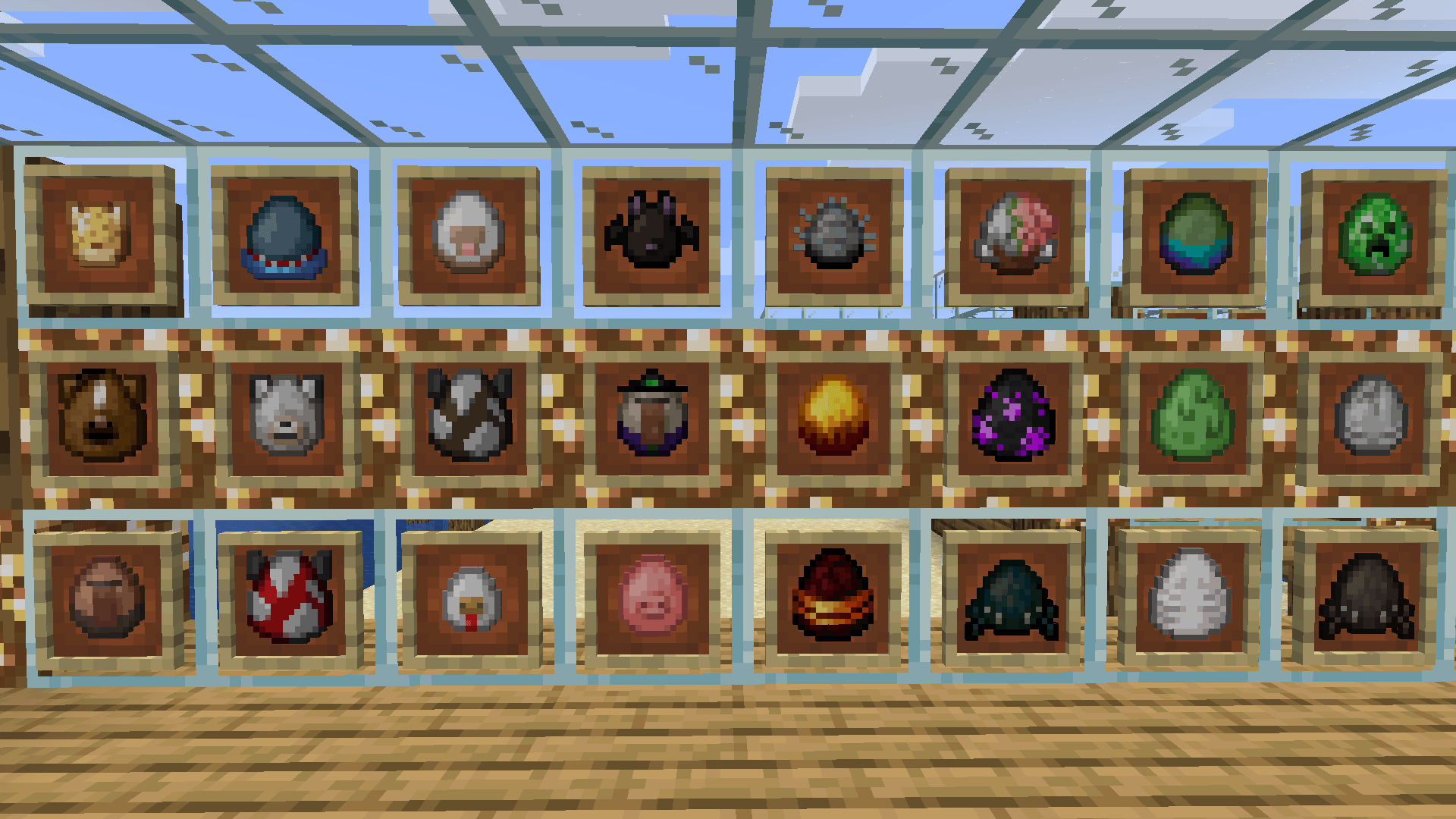
  • New spawn eggs (Requires MCPatcher)
  • New potion colors (Requires MCPatcher)

Addons:

Biome Water Backport | Backports biome tints to water on 1.7.10, requires MCPatcher or OptiFine

Music Track Backport | Backports modern music tracks to 1.7.10


If you have any issues or suggestions, then let me know!

I took the screenshots in Kab's Resource Pack Showcase

Modern Texture Backport 2.0.2
MC 1.7.10
Release 2026-09-18 Get
Modern Texture Backport 2.0.1
MC 1.7.10
Release 2026-06-19 Get
Modern Texture Backport 2.0
MC 1.7.10
Release 2026-03-23 Get
Modern Texture Backport 1.0.4
MC 1.7.10
Release 2025-12-14 Get
Modern Texture Backport 1.0.3
MC 1.7.10
Release 2025-11-21 Get
Modern Texture Backport 1.0.2
MC 1.7.10
Release 2025-10-02 Get
Modern Texture Backport 1.0.1
MC 1.7.10
Release 2025-09-30 Get
Modern Texture Backport
MC 1.7.10
Release 2025-08-08 Get

Requirements & install

How to use this resource pack in Minecraft
Resolution
16x
Minecraft
1.7.10
Install folder
.minecraft/resourcepacks

How to install resource packs

  1. Download the resource pack .zip file (do not extract it).
  2. In Minecraft open Options → Resource Packs → Open Pack Folder.
  3. Drop the .zip into the resourcepacks folder (.minecraft/resourcepacks).
  4. Move the pack to the Selected column and click Done.
Browse more: 16x resource packs 32x resource packs 64x resource packs 128x resource packs 256x resource packs 512x+ resource packs Resource Packs for 1.7.10 All resource packs

More from Guy_that_exists

Advertisement Remove ads with Premium →

You Might Also Like