Mineuniverse
Resource Packs
Emissive Hbm's NTM Textures

Emissive Hbm's NTM Textures

RESOURCE PACK
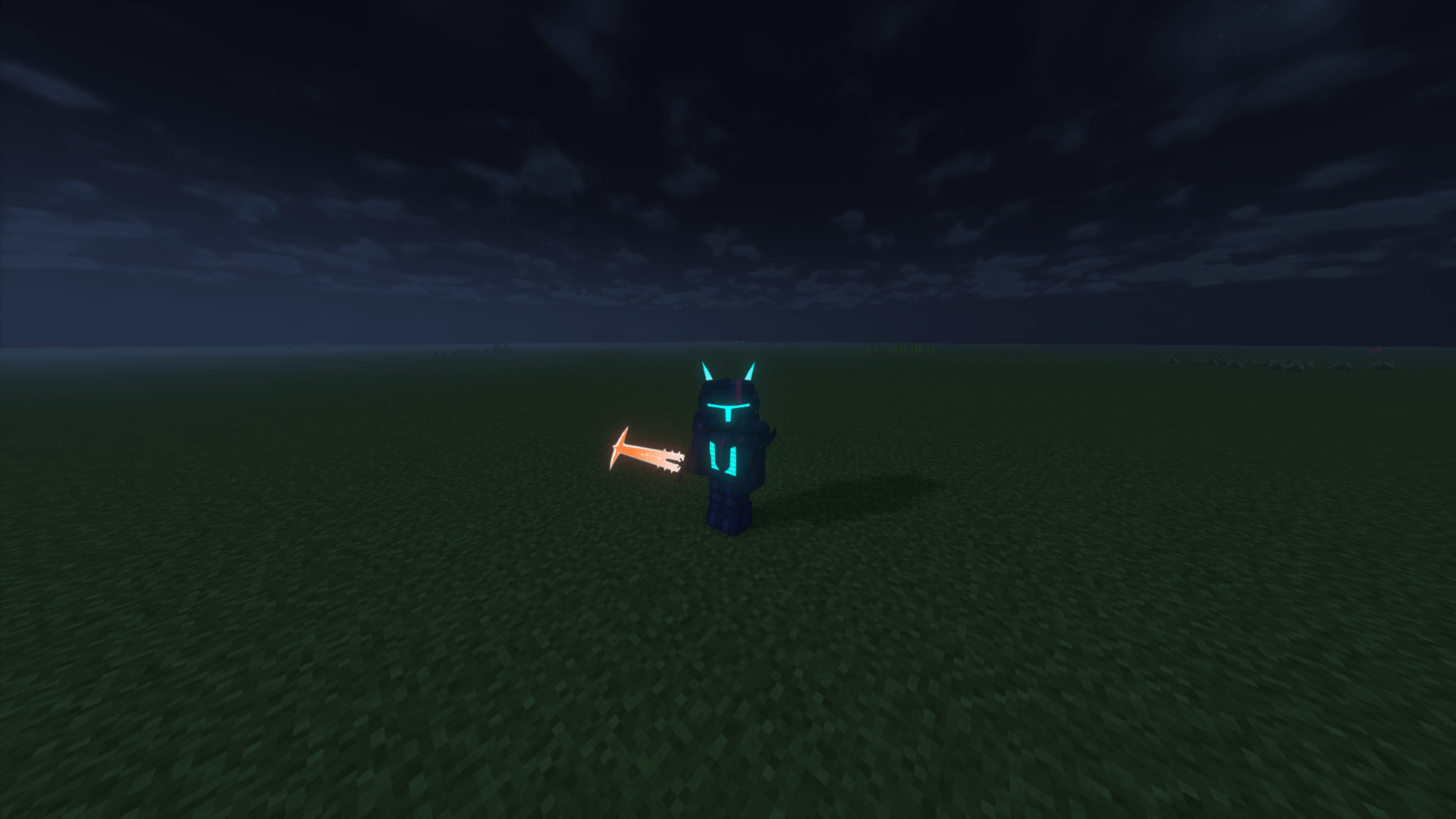
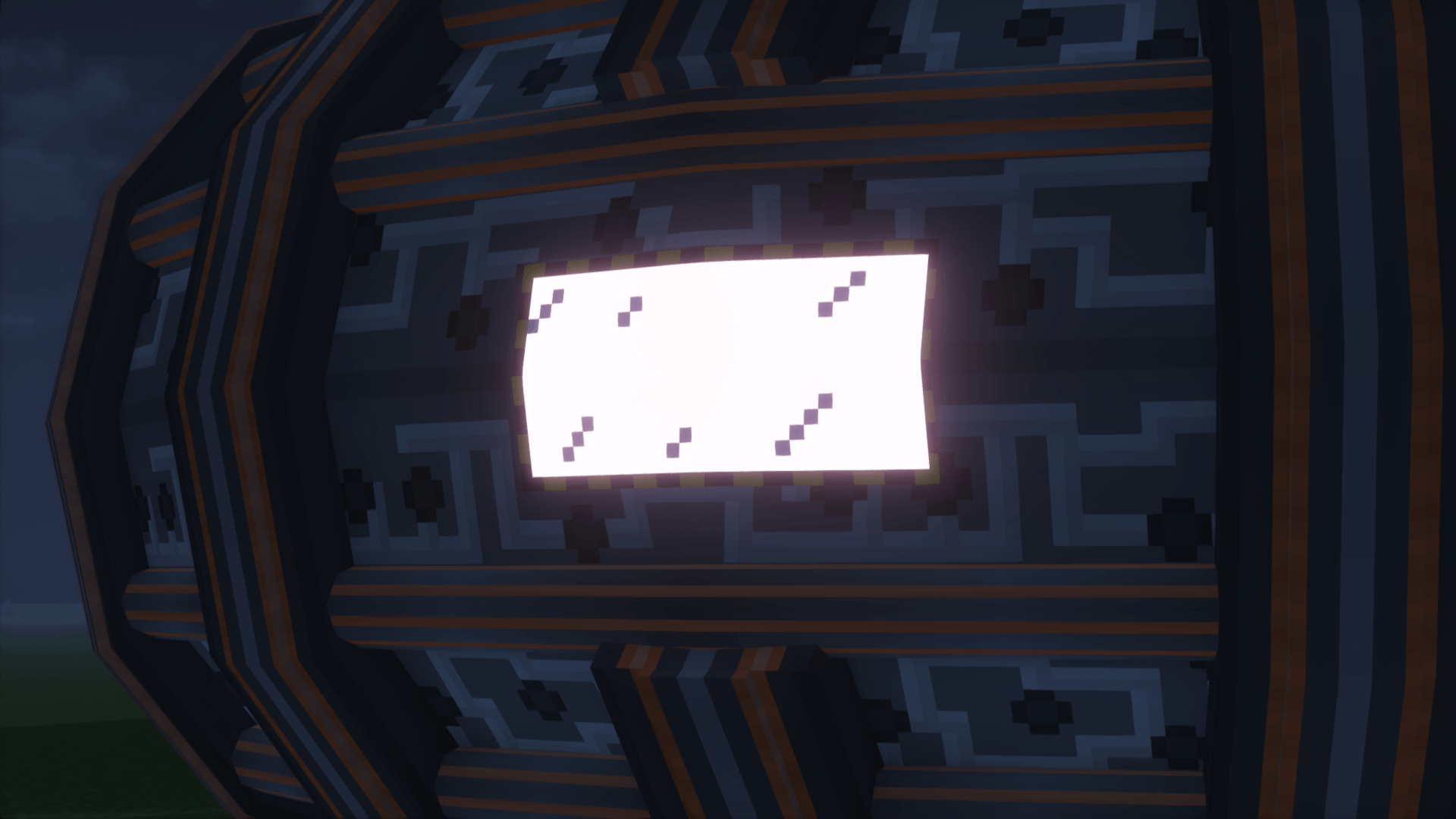
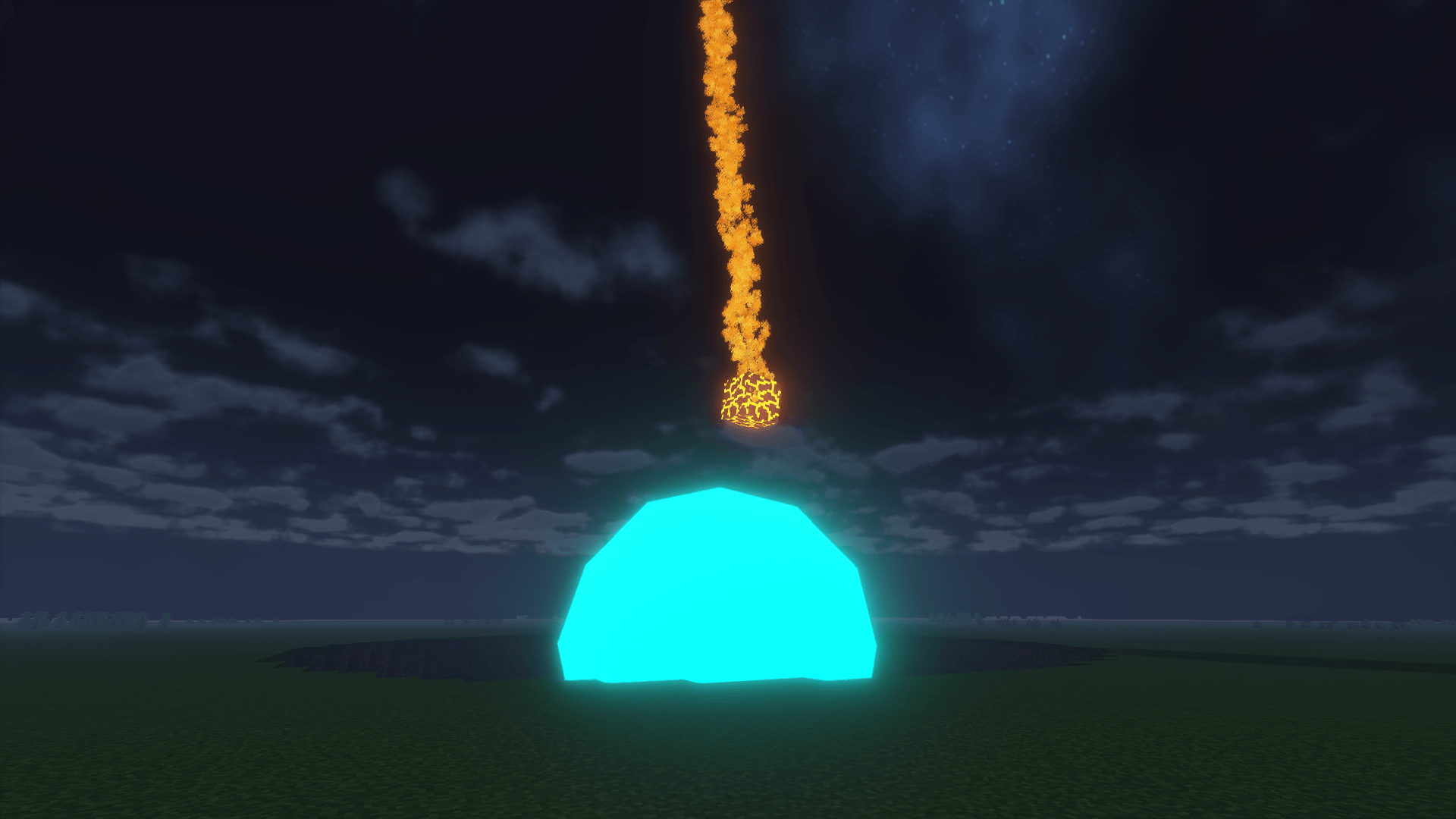
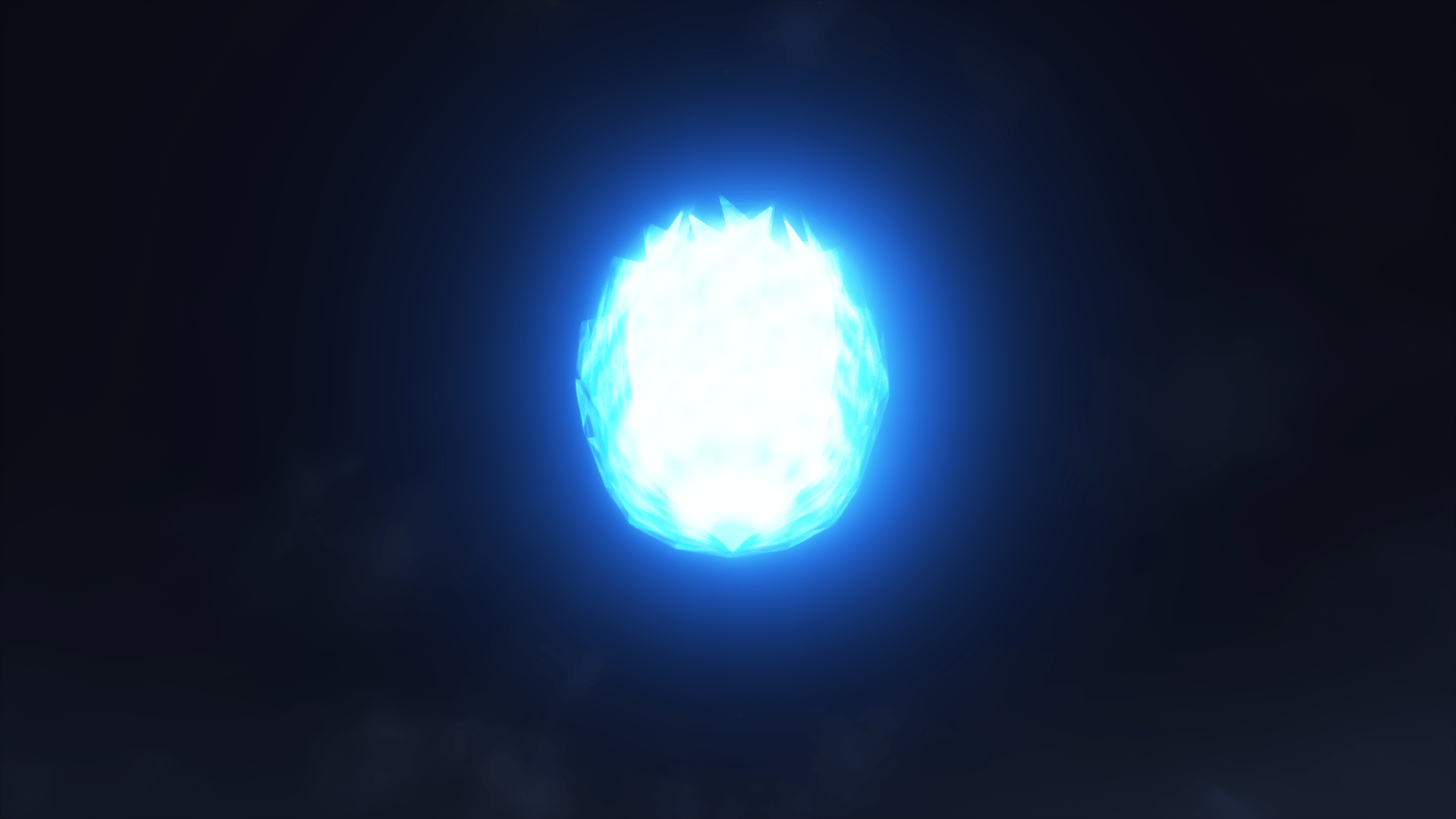
Makes a few textures in Hbm's Nuclear Tech Mod glow with shaders
by Guy_that_exists
Download Claim this project
Add a badge to your pageLink to Emissive Hbm's NTM Textures from a README, website or forum post.
Preview: Badge

Badges update automatically and link to the resource pack page on MineUniverse.

35,798 downloads
0 likes
0 followers
Updated Oct 14, 2026
0 hypes
Follow0
16x Mod Support
Advertisement Remove ads with Premium →

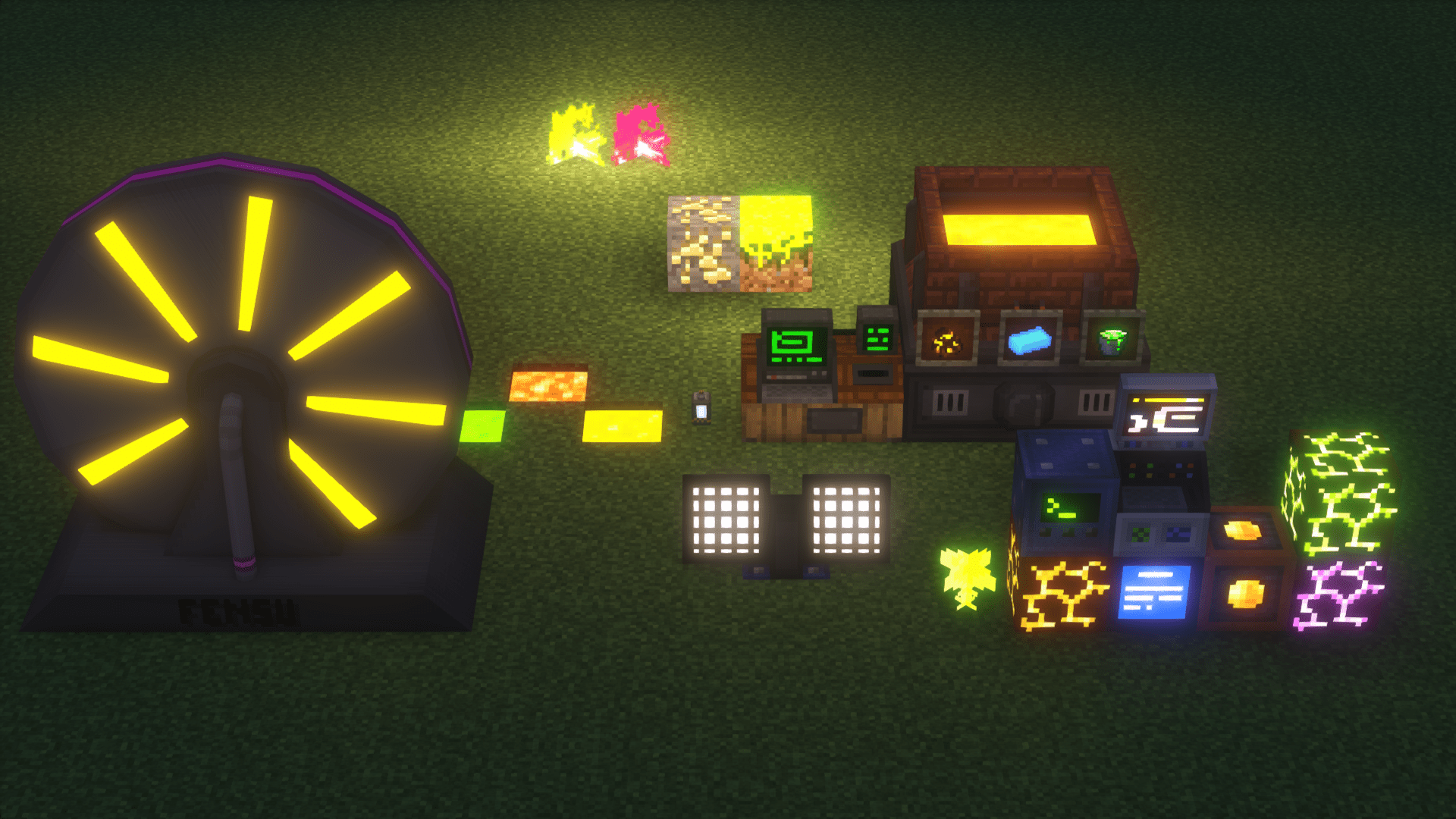
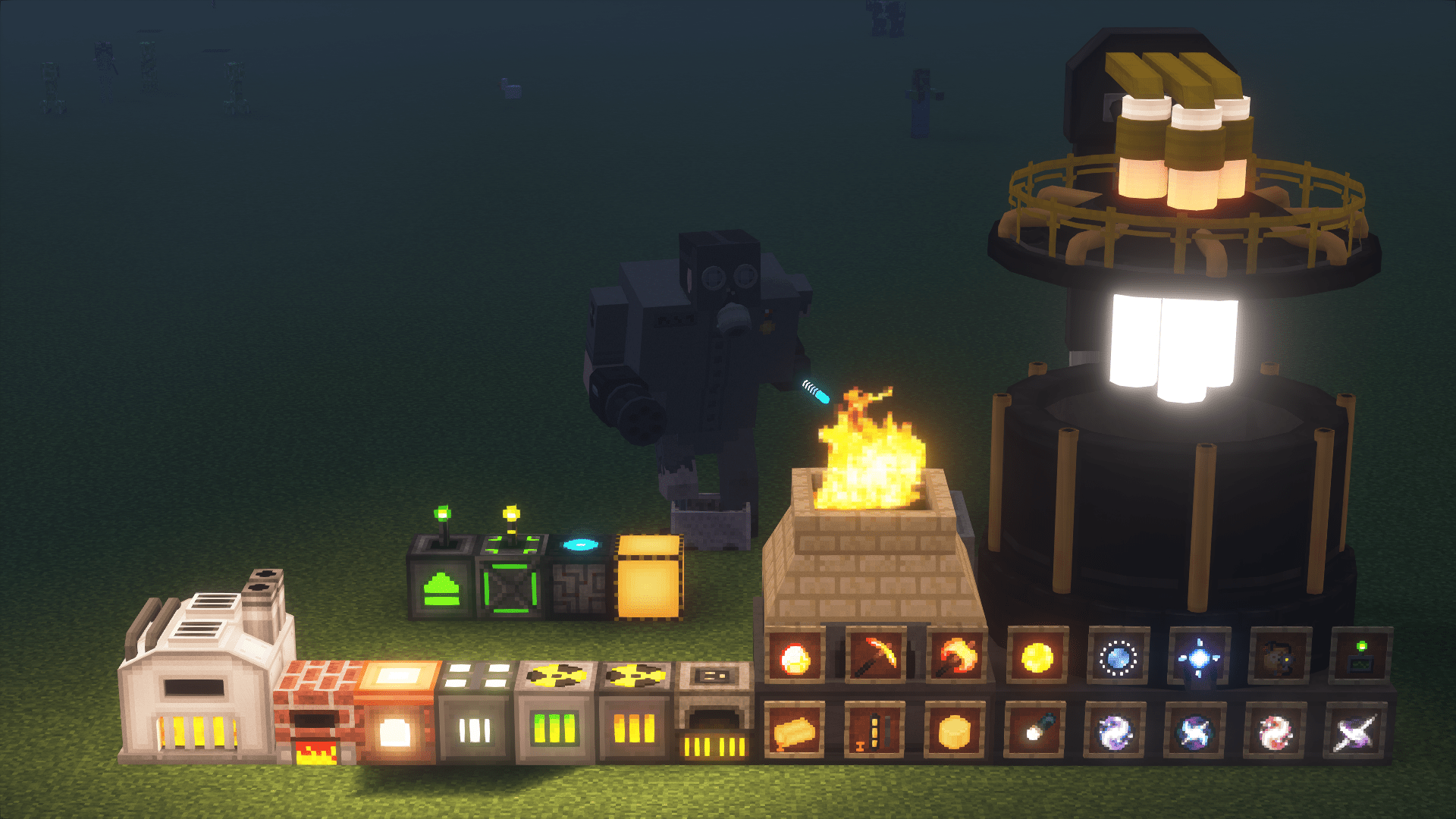
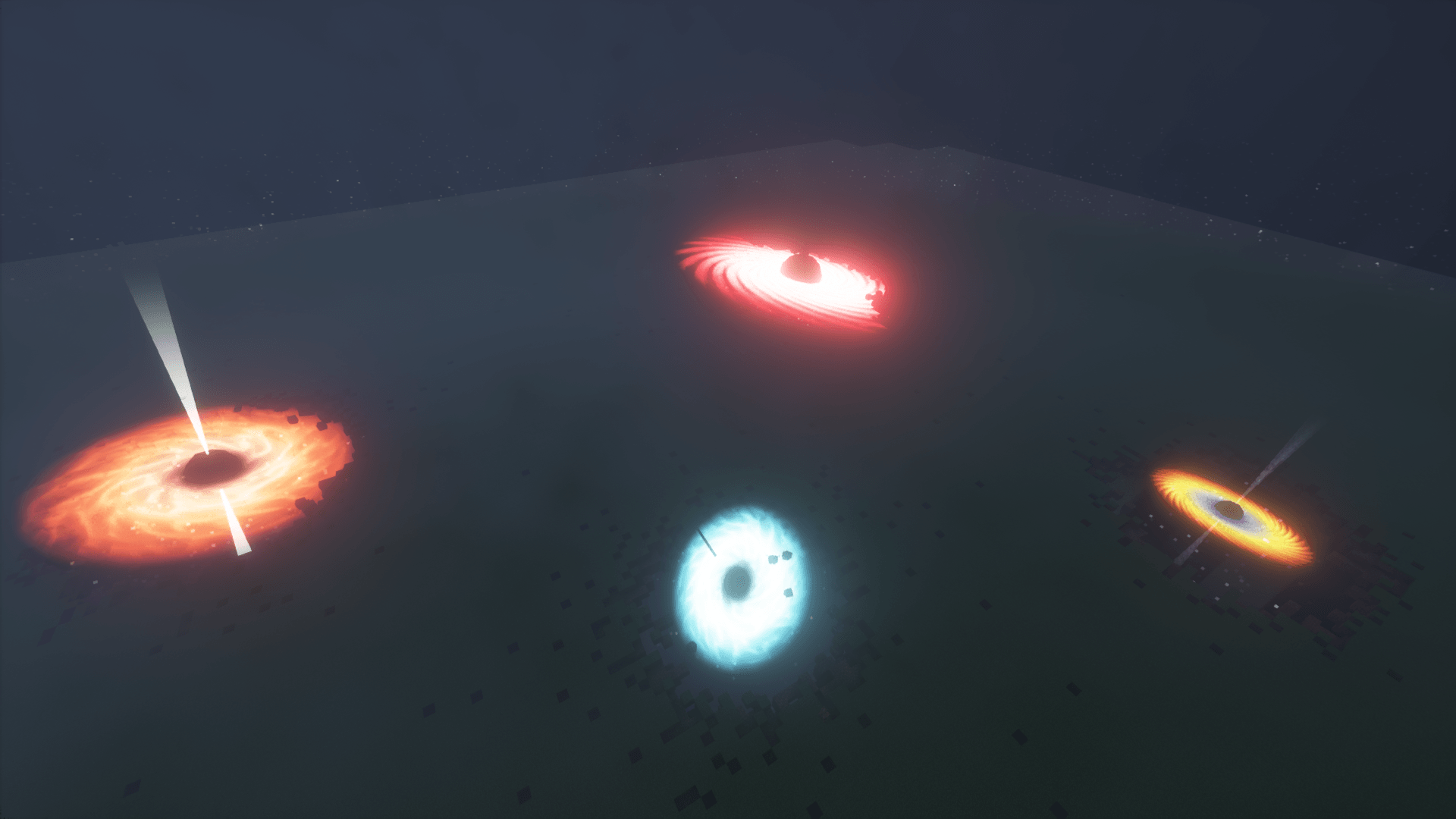
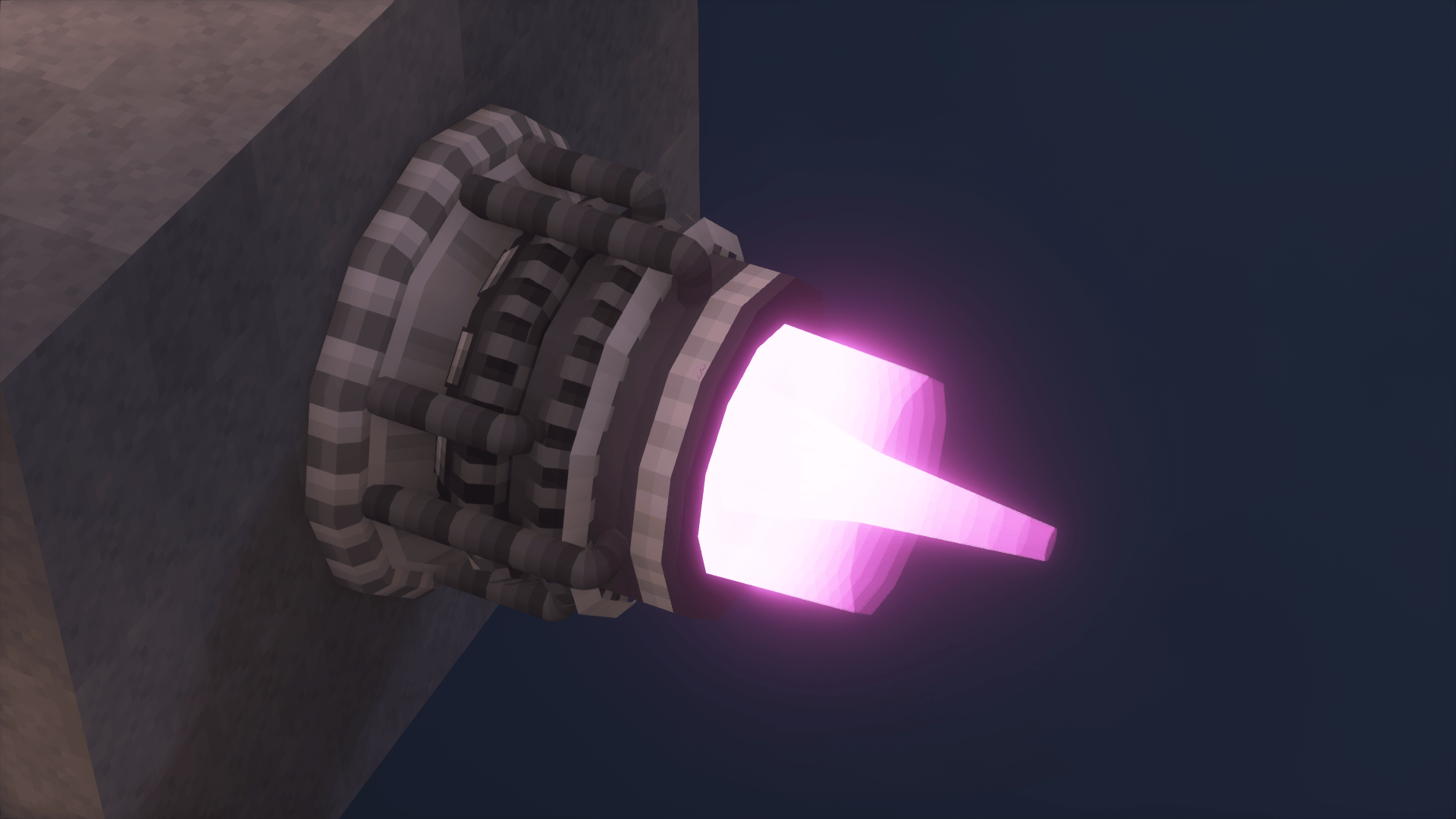
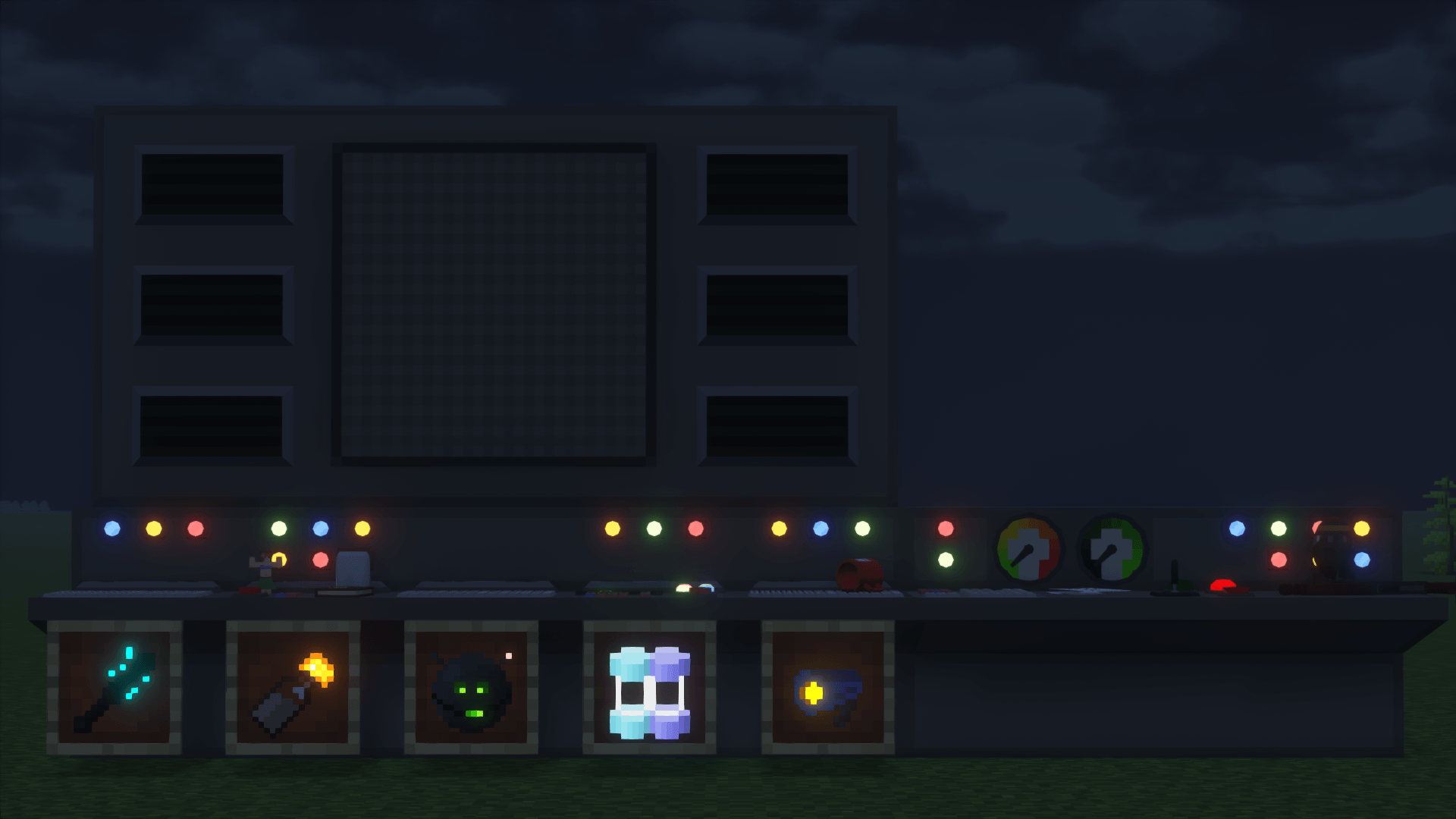
This pack makes a few textures in Hbm's Nuclear Tech Mod (and NTM: Space) emissive.

As of version 2.0, if you are using Angelica, shaders aren't required for partial functionality. For full functionality however, you must use shaders that support seusPBR/oldPBR. BSL and Complementary are known to work.

I would also recommend using Shader Fixer along with this, but that's optional.

If you're using Complementary, and you want to use Integrated PBR+ along with this, then in settings, go to Materials → IntegratedPBR+ Materials → Other IPBR+ Features, and switch IPBR+ Emissive Mode to seusPBR > IPBR+.


Addons:

Glowing Hbm's NTM Ores | Makes NTM ores glow, requires shaders that support seusPBR/oldPBR


If you have any issues or suggestions, then let me know!

Emissive Hbm's NTM Textures 2.0
MC 1.7.10
Release 2026-06-03 Get
Emissive Hbm's NTM Textures 1.3.2
MC 1.7.10
Release 2026-03-30 Get
Emissive Hbm's NTM Textures 1.3.1
MC 1.7.10
Release 2026-01-09 Get
Emissive Hbm's NTM Textures 1.3
MC 1.7.10
Release 2025-10-05 Get
Emissive Hbm's NTM Textures 1.2.2
MC 1.7.10
Release 2025-10-02 Get
Emissive Hbm's NTM Textures 1.2.1
MC 1.7.10
Release 2025-08-19 Get
Emissive Hbm's NTM Textures 1.2
MC 1.7.10
Release 2025-07-01 Get
Emissive Hbm's NTM Textures 1.1.3
MC 1.7.10
Release 2025-05-18 Get
Emissive Hbm's NTM Textures 1.1.2
MC 1.7.10
Release 2024-10-18 Get
Emissive Hbm's NTM Textures v1.1.1
MC 1.7.10
Release 2024-10-15 Get
Emissive Hbm's NTM Textures v1.1
MC 1.7.10
Release 2024-10-08 Get

Requirements & install

How to use this resource pack in Minecraft
Resolution
16x
Minecraft
1.7.10
Install folder
.minecraft/resourcepacks

How to install resource packs

  1. Download the resource pack .zip file (do not extract it).
  2. In Minecraft open Options → Resource Packs → Open Pack Folder.
  3. Drop the .zip into the resourcepacks folder (.minecraft/resourcepacks).
  4. Move the pack to the Selected column and click Done.
Browse more: 16x resource packs 32x resource packs 64x resource packs 128x resource packs 256x resource packs 512x+ resource packs Resource Packs for 1.7.10 All resource packs

More from Guy_that_exists

Advertisement Remove ads with Premium →

You Might Also Like