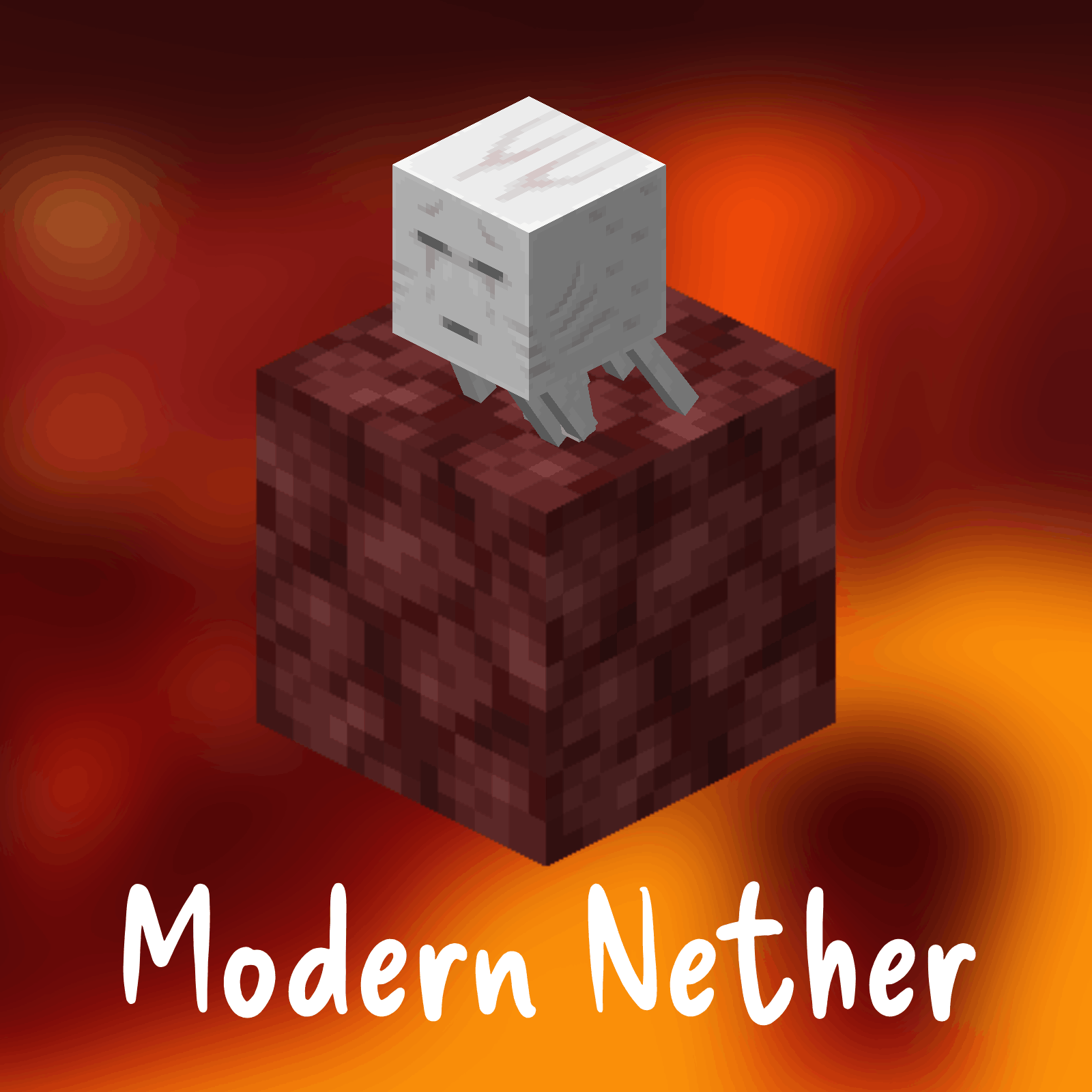
A Texture Pack For A Modern Texture Of Netherrack For 1.13-
Where To Download?


Q&A
Q: Why Use This?
A: This Pack Is Used To Make The Nether Have Modern Netherrack For 1.13-, So When You Explore The Nether You Will See The Latest Netherrack And Netherrack Quartz Textures.
Q: What Does This Pack Change?
A: This Pack Changes The Texture Of Netherrack And The Nether Quartz To Make Them Look Like The Current One.
Q: Should I Download From A New Developer That Makes MC Packs And Why?
A: Yes Absolutely, Downloading From A New Dev Can Help Support Them With Creating New And Better Content, You May Even Find Something That Has Low Downloads And Views But Is What You Really Needed (For Example Going In The Nether In 1.13 But With A Modern Texture Pack).
How To Install :
Drag and Drop The File You Downloaded Into Your Resourcepacks Folder.
How To Get To Resourcepacks Folder :
Way 1 : Go In Game And Click Onto "Options" Then "Resource Packs..." Then "Open Pack Folder".
Way 2 : On Windows Click Win + R and Type %appdata% Then Click Onto ".minecraft" Then "resourcepacks".
Usage
This Pack May Be Used Personaly And In Videos (Credit Would Be Nice To Support Me :D).
If This Pack Goes On To A Public Server, Credit Is Required.
Reuploading This Pack Is Prohibited Without Consent.