Mineuniverse
Resource Packs
(ModelFix) Epic Fight X JujutsuCraft

(ModelFix) Epic Fight X JujutsuCraft

RESOURCE PACK
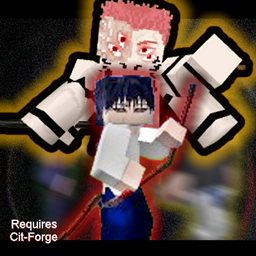
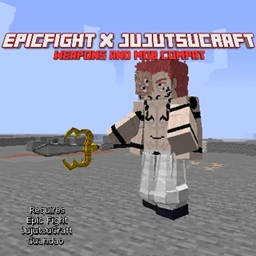
FIxes the models of some armour and weapons from JujutsuCraft when in combat with Epic Fight
by Mikku500
Download Claim this project
Add a badge to your pageLink to (ModelFix) Epic Fight X JujutsuCraft from a README, website or forum post.
Preview: Badge

Badges update automatically and link to the resource pack page on MineUniverse.

336,147 downloads
0 likes
0 followers
Updated Oct 14, 2026
0 hypes
Follow0
256x Mod Support
Advertisement Remove ads with Premium →

This is ResourcePack, NOT A MOD!!!


This is a Texture addon for Epic Fight x JujutsuCraft Compatability


THIS MOD REQUIRES FORGE CIT


Check The File Names Before Downloading, Some files only contain some features like in the name of the file.


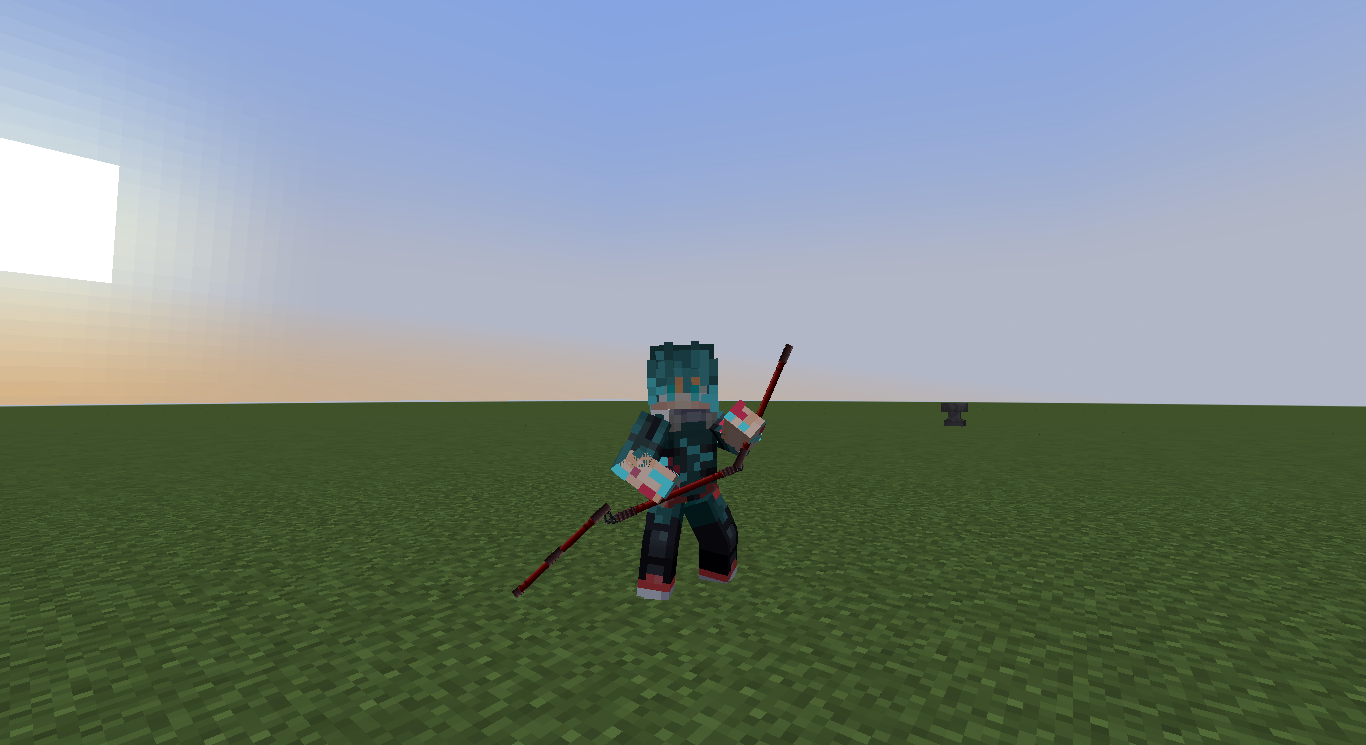
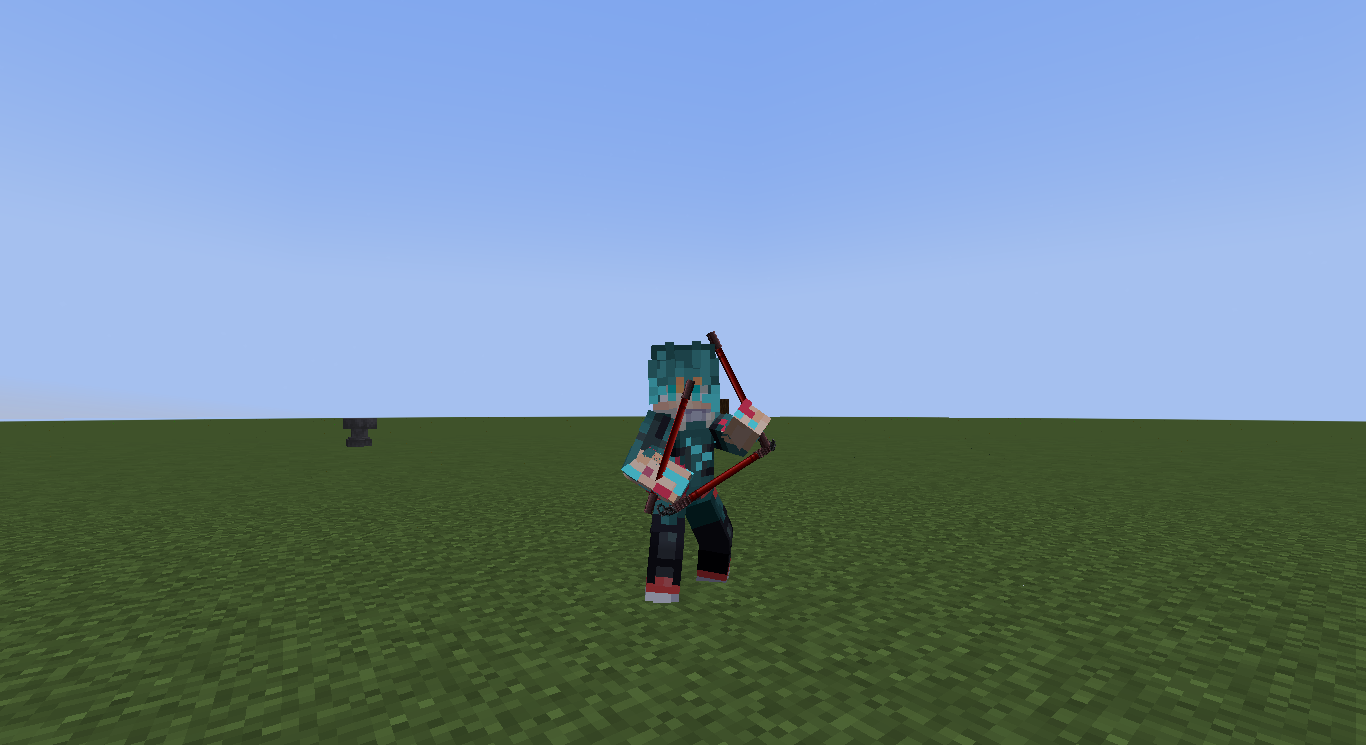
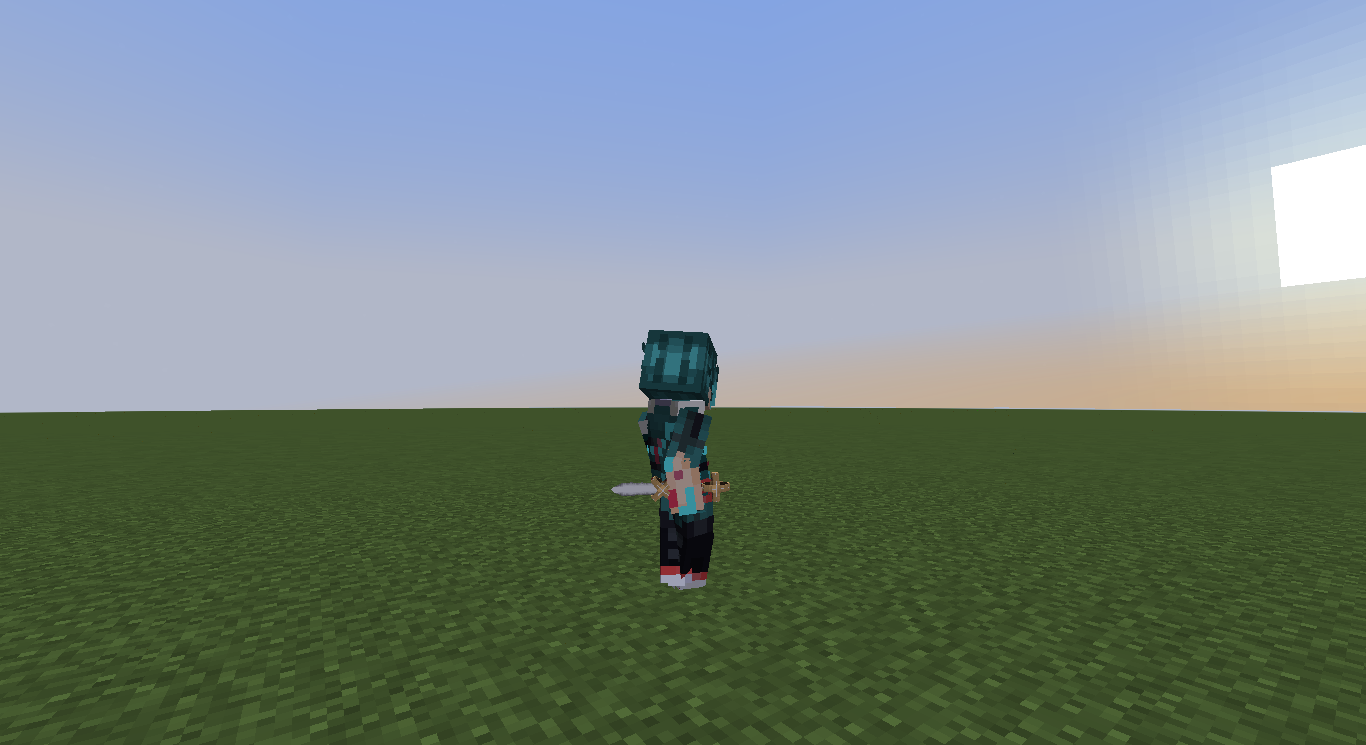
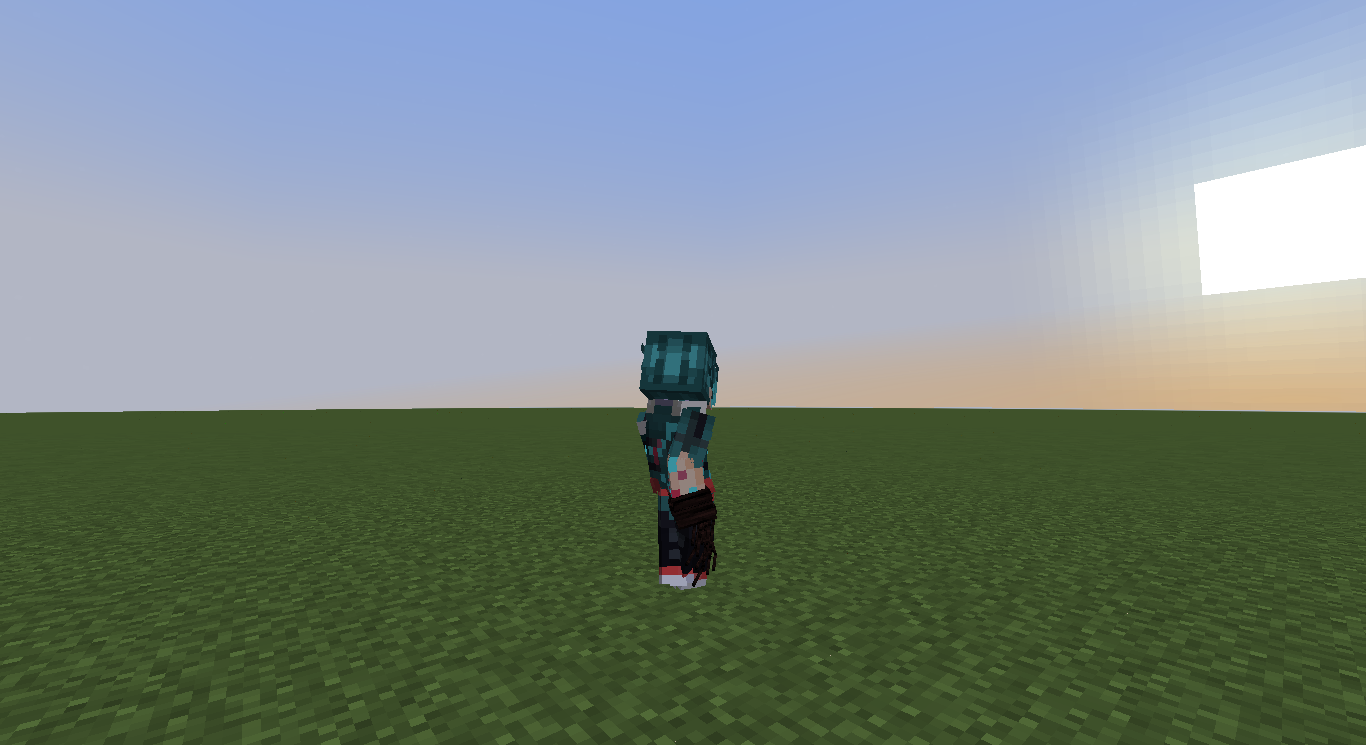
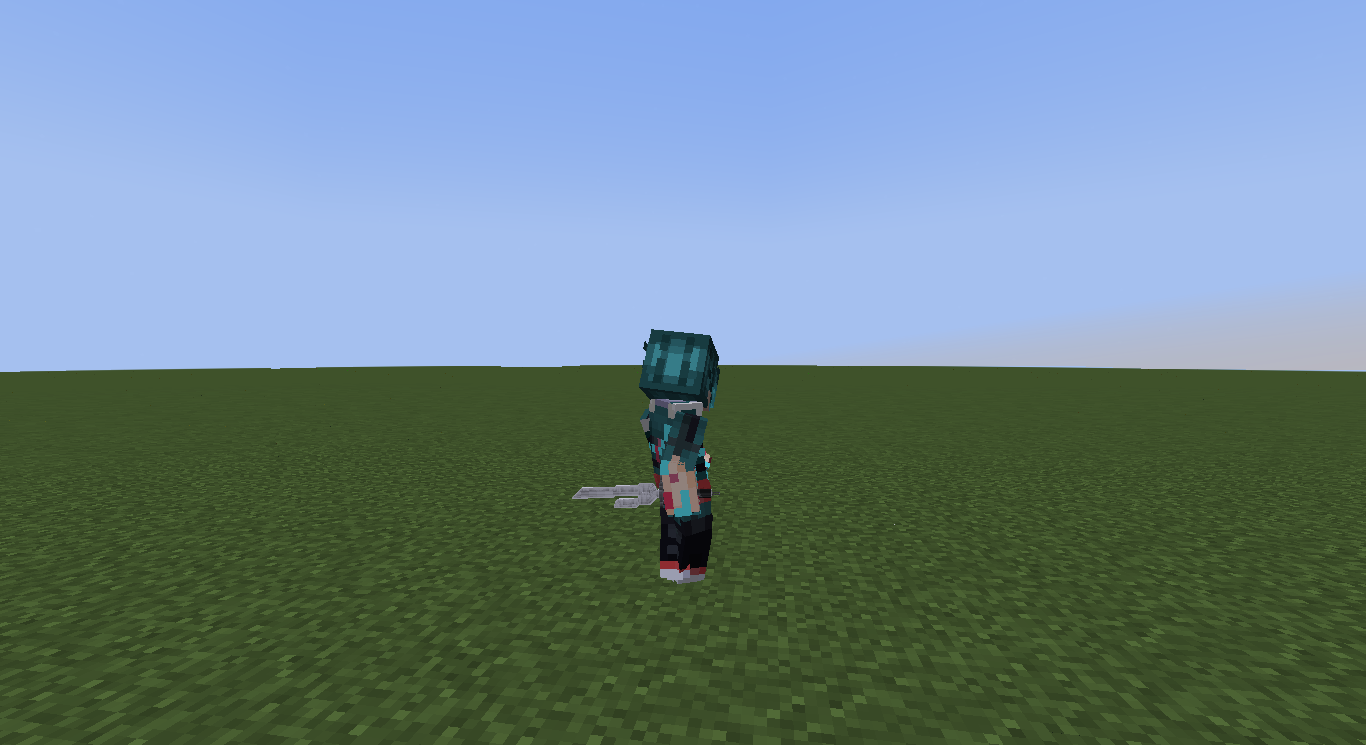
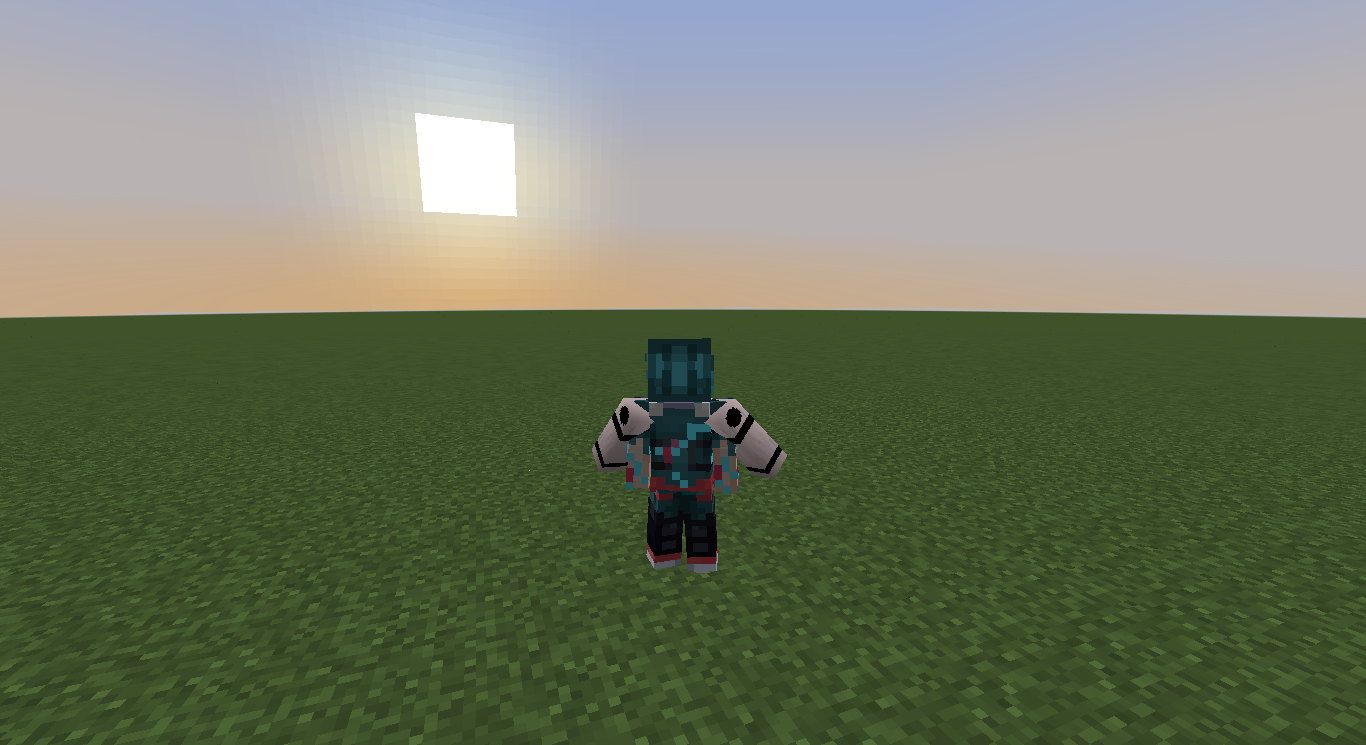
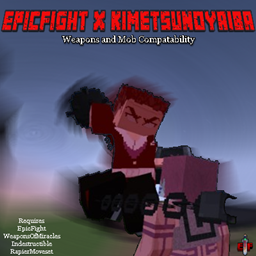
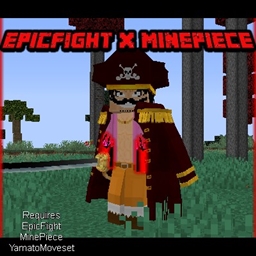
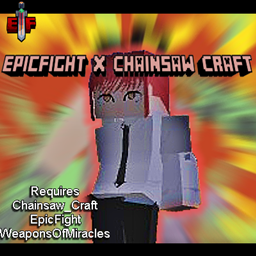
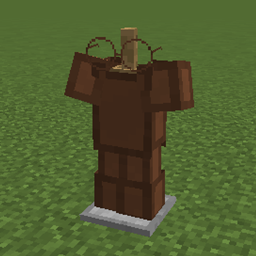
This Resource pack changes how some weapons look in third person when in Combat mode with Epic Fight

I would not recommend using other datapacks or mods the change the weapon type, This pack was made with  Epic Fight x JujutsuCraft Compatability.
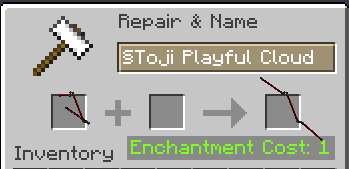
 

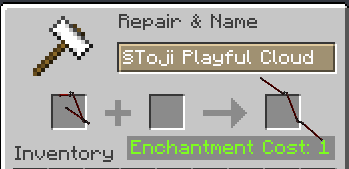
How do I get Toji's Playful Cloud?

Just have to name it Toji Playful Cloud

All you have to do is, Name the playful cloud ' Toji Playful Cloud '(Make sure you delete the 'd' letter in '§dPlayful Cloud')

Some of the items that have changed are:-

  • Inverted Spear of Heaven
  • Playful Cloud
  • Added Toji's Playful CLoud
  • Black Rope
  • Supreme Martial Solution
  • Sukuna Arms
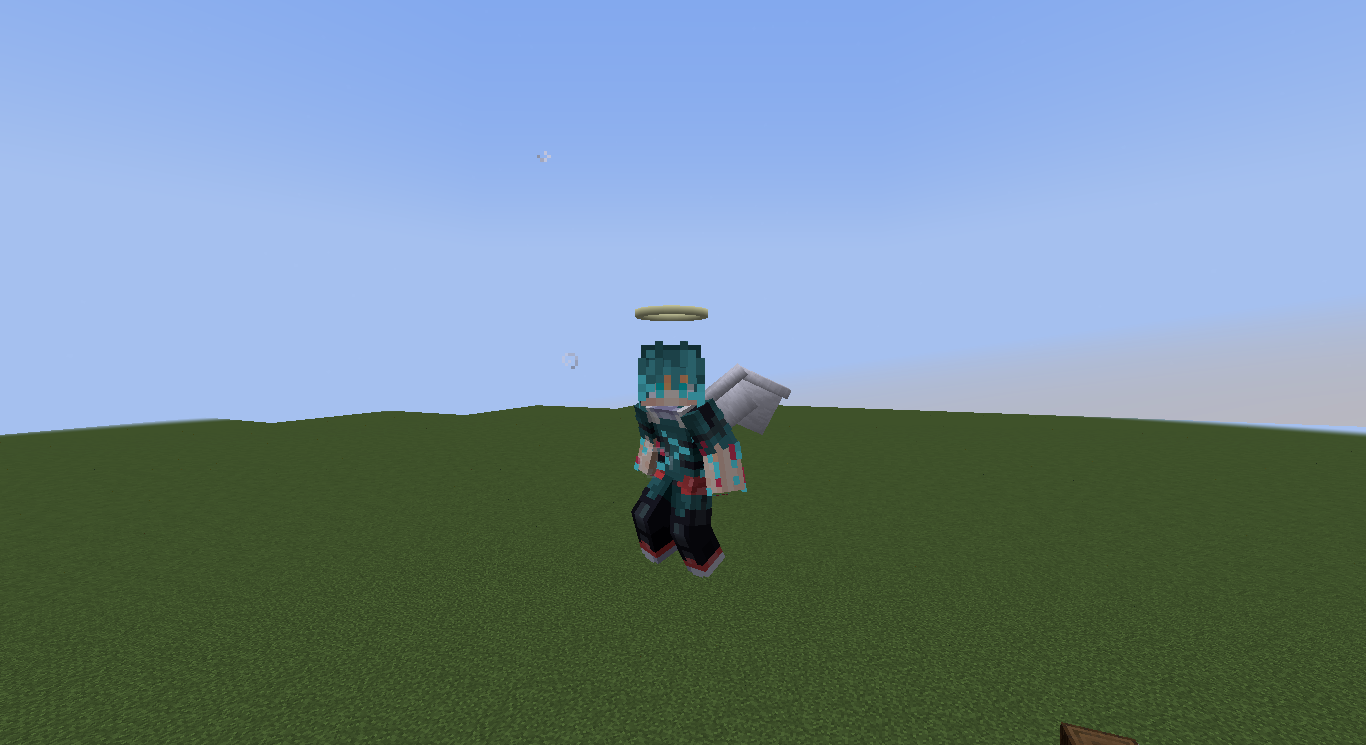
  • Angel Wings
  • Angel Halo


For Pictures check the Images


This project will be taken down if requested by the author Orca.


(OnlyARMOR No need CIT)EpicFightXJujutsuCraft.zip
MC 1.20.1
Release 2024-05-19 Get
(All Changes Included)EpicFightXJujutsuCraft.zip
MC 1.20.1
Release 2024-05-15 Get

Requirements & install

How to use this resource pack in Minecraft
Resolution
256x
Minecraft
1.20.1
Install folder
.minecraft/resourcepacks

How to install resource packs

  1. Download the resource pack .zip file (do not extract it).
  2. In Minecraft open Options → Resource Packs → Open Pack Folder.
  3. Drop the .zip into the resourcepacks folder (.minecraft/resourcepacks).
  4. Move the pack to the Selected column and click Done.

Packs from 128x upwards need more video memory: install a performance mod such as Sodium for smooth frame rates.

Browse more: 16x resource packs 32x resource packs 64x resource packs 128x resource packs 256x resource packs 512x+ resource packs Resource Packs for 1.20.1 All resource packs

More from Mikku500

Advertisement Remove ads with Premium →

You Might Also Like