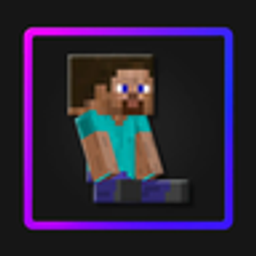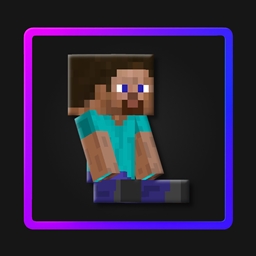




Mini-Me Totem Slim replaces the Totem of Undying with a small version of your Minecraft skin. This edition is made for skins with 3-pixel-wide arms.
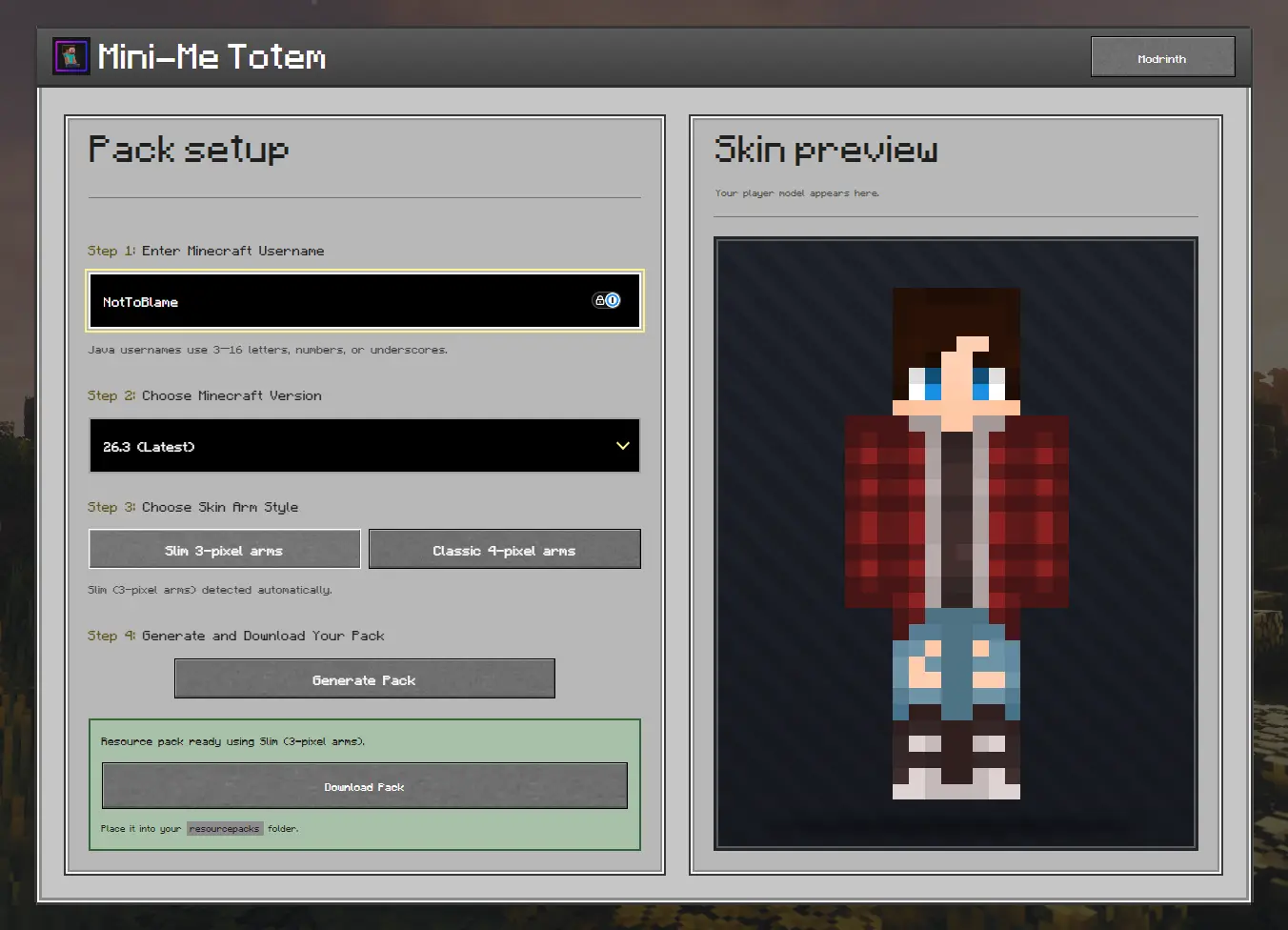
The generator retrieves your skin and prepares the correct resource pack for your selected Minecraft version.
Download the pack made for your Minecraft version.
Download your skin from NameMC, MinecraftSkins, or use your own skin file if you already have it saved.
Rename your skin file:
totem.pngtotem_of_undying.pngOpen the resource-pack ZIP and replace the existing file inside:
assets/minecraft/textures/item/
Place the completed ZIP inside your Minecraft resourcepacks folder and enable it.
Do not place the pack inside another folder. Opening the ZIP should immediately show pack.mcmeta, pack.png, and the assets folder.
Make sure Mini-Me Totem Slim is enabled and placed above any other pack that changes the totem. Also check that you downloaded the pack for your Minecraft version.
Make sure your skin is a 64×64 PNG placed inside:
assets/minecraft/textures/item/
It must be named totem.png for 1.11–1.12.2 or totem_of_undying.png for 1.13 and newer. Check that it has not accidentally been named .png.png.
Download the pack made for your Minecraft version. Different versions use different resource-pack formats, so do not edit or replace pack.mcmeta.
Check that the username is correct and try again after a short wait. If the skin still cannot be retrieved, follow the manual setup using your saved skin file.
Place the ZIP directly inside your Minecraft resourcepacks folder. When opening the ZIP, pack.mcmeta and the assets folder should be immediately visible rather than inside another folder.
For additional help or bug reports, join the Discord server.
🧸 Mini-Me Totem is © NotToBlame. You are permitted to:
You may not: