Mineuniverse
Resource Packs
Military Menu - Black Ops Theme

Military Menu - Black Ops Theme

RESOURCE PACK
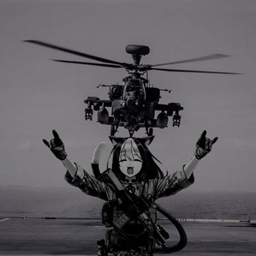
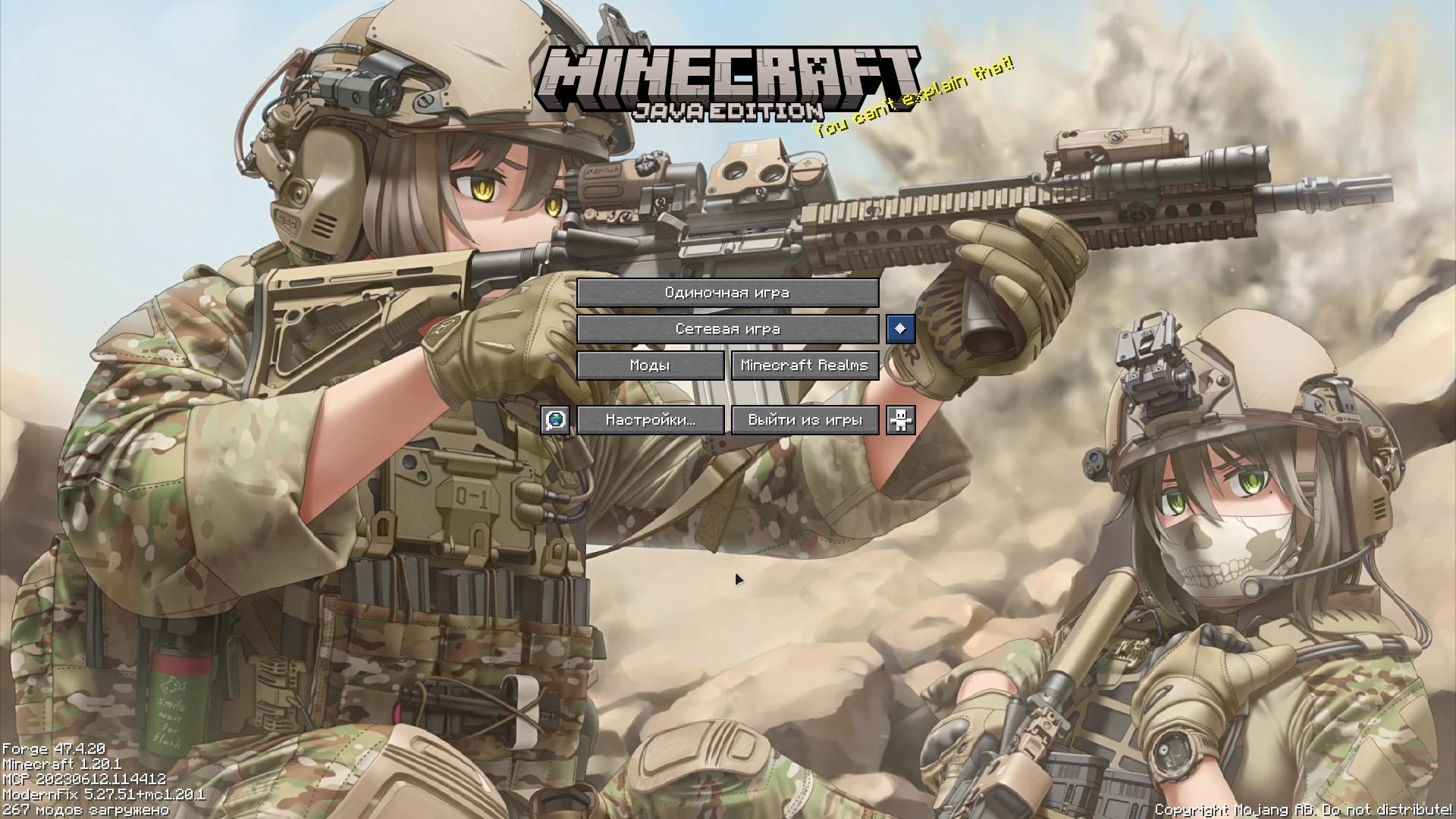
A resource pack that replaces the panorama and music in the main menu with a military theme.
by SkyNety4
Download Claim this project
486 downloads
0 likes
0 followers
Updated Oct 14, 2026
0 hypes
Follow0
512x and Higher Miscellaneous
Advertisement Remove ads with Premium →

This resource pack for Minecraft 1.20.1 changes the panorama to a moe military image and the main menu music inspired by Call of Duty: Black Ops 7. To hear the music, you need to enable it in the settings.

🛠 Future Plans

Planned for upcoming updates:

  • Replace button textures and main menu interface with digital Call of Duty style (Digital HUD / Military UI)
  • Custom textures for:
    • Singleplayer, Multiplayer, Options, and Quit buttons
    • World selection screen
    • Loading bars and progress indicators
  • Further improvement and refinement of the military panorama
  • Adding more tracks from the Black Ops soundtrack (where possible)
  • Optimization and support for newer Minecraft versions (1.20.2 — 1.21.x)

🙌 Community Help is Welcome!

This is still a small and niche resource pack, so I'm open to any help from the community:

  • If you have experience creating textures in Call of Duty style — feel free to send your work!
  • Suggestions for improving the panorama or interface
  • Ideas for future updates

Everyone who helps will be credited in the Credits section.

Feel free to leave your suggestions in the comments! 🪖

Military-BlackOps-v1.1
MC 1.20.1, 1.20
Release 2026-06-25 Get
Military-BlackOps-v1.0.zip
MC 1.20.1, 1.20
Release 2026-06-23 Get

Requirements & install

How to use this resource pack in Minecraft
Resolution
512x+
Minecraft
1.20 – 1.20.1
Install folder
.minecraft/resourcepacks

How to install resource packs

  1. Download the resource pack .zip file (do not extract it).
  2. In Minecraft open Options → Resource Packs → Open Pack Folder.
  3. Drop the .zip into the resourcepacks folder (.minecraft/resourcepacks).
  4. Move the pack to the Selected column and click Done.

512x packs need a strong GPU and at least 4 GB of RAM for Minecraft; a performance mod such as Sodium is strongly recommended.

Browse more: 16x resource packs 32x resource packs 64x resource packs 128x resource packs 256x resource packs 512x+ resource packs Resource Packs for 1.20.1 All resource packs
Advertisement Remove ads with Premium →

You Might Also Like