Mineuniverse
Resource Packs
Midway

Midway

RESOURCE PACK
Meeting midway between the soul of classic Minecraft with the style of new!
by Mikul
Download Claim this project
1,720 downloads
0 likes
Updated Oct 14, 2026
0 hypes
16x Modern Traditional
Advertisement Remove ads with Premium →
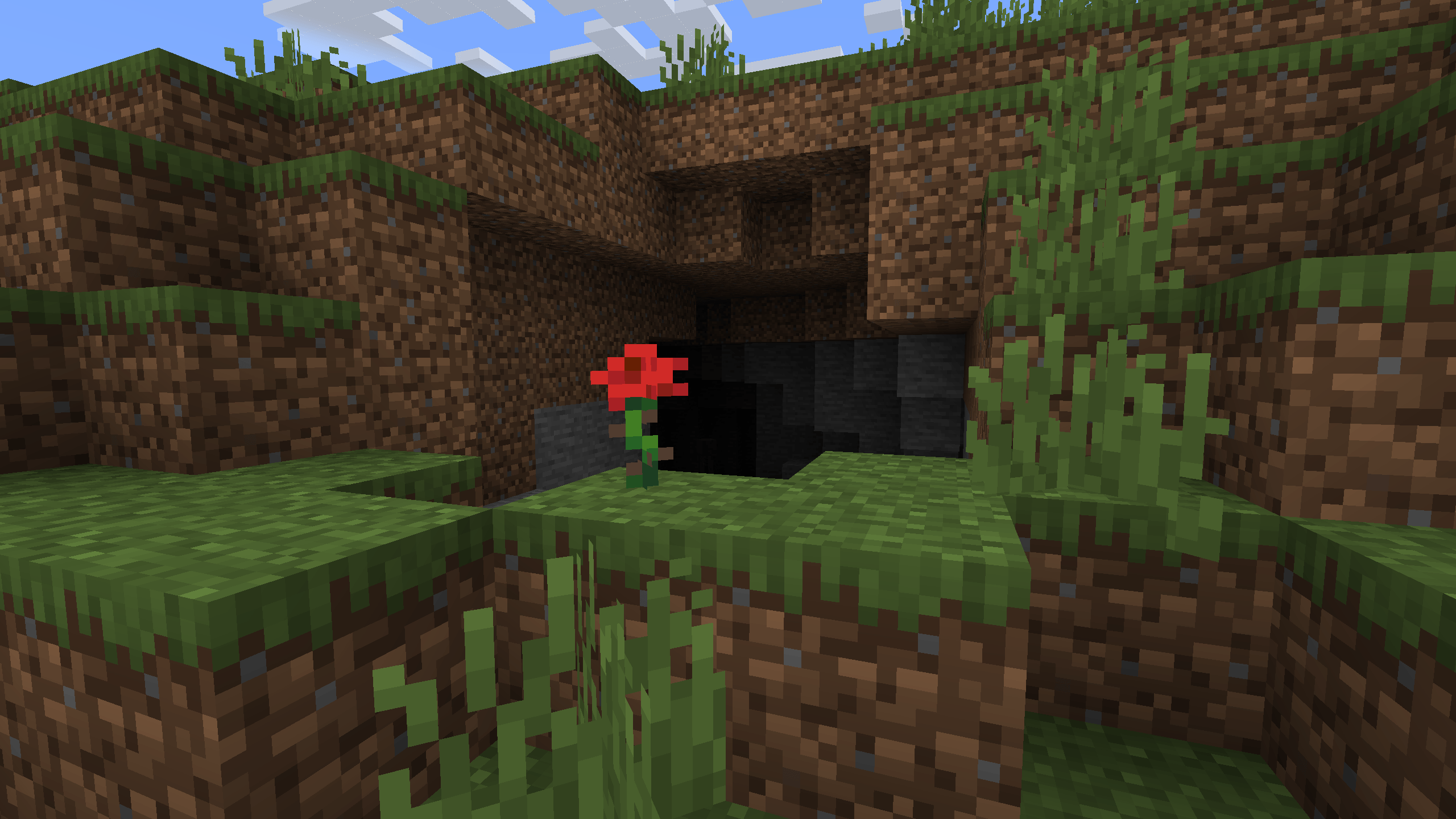
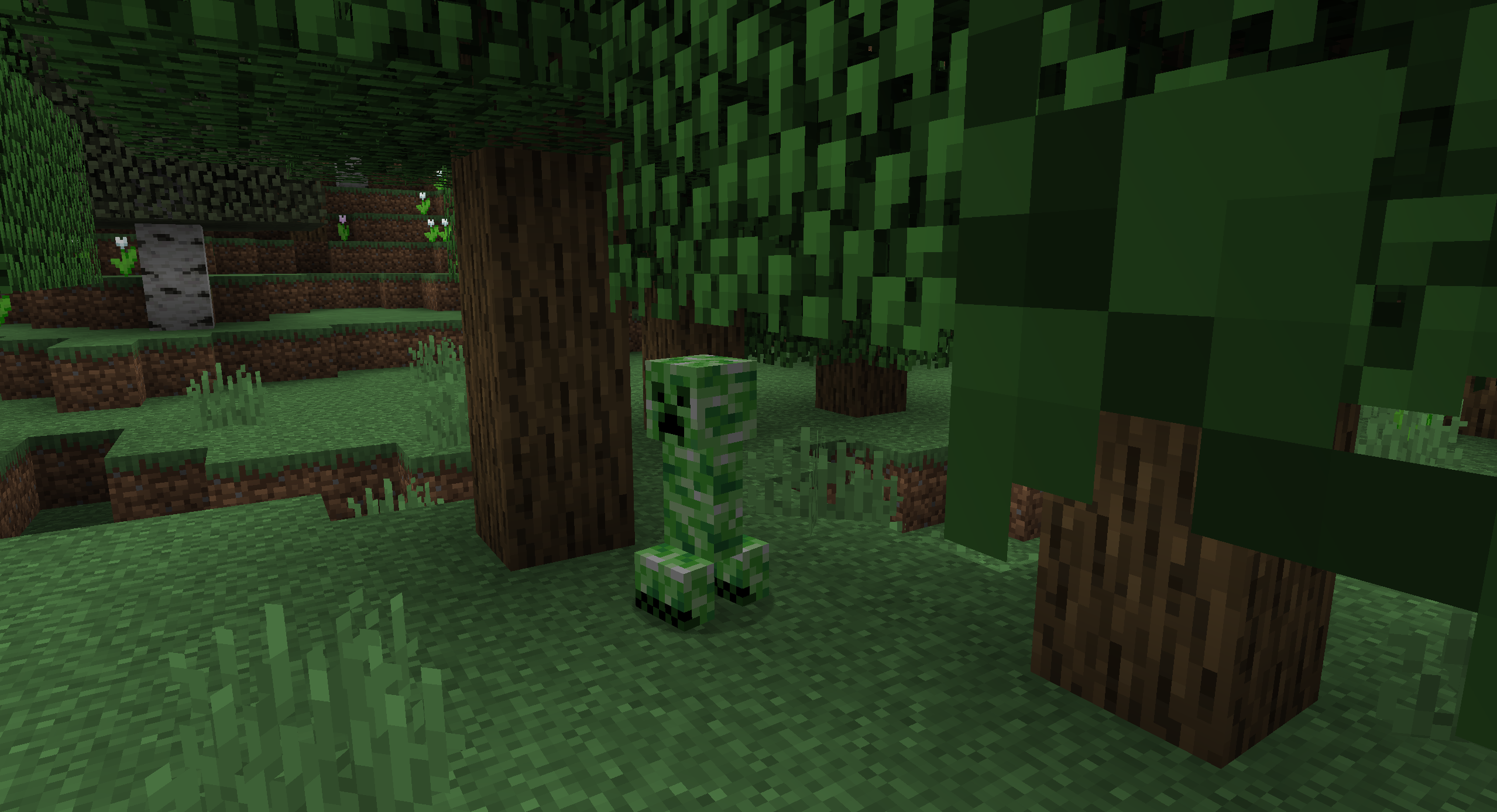
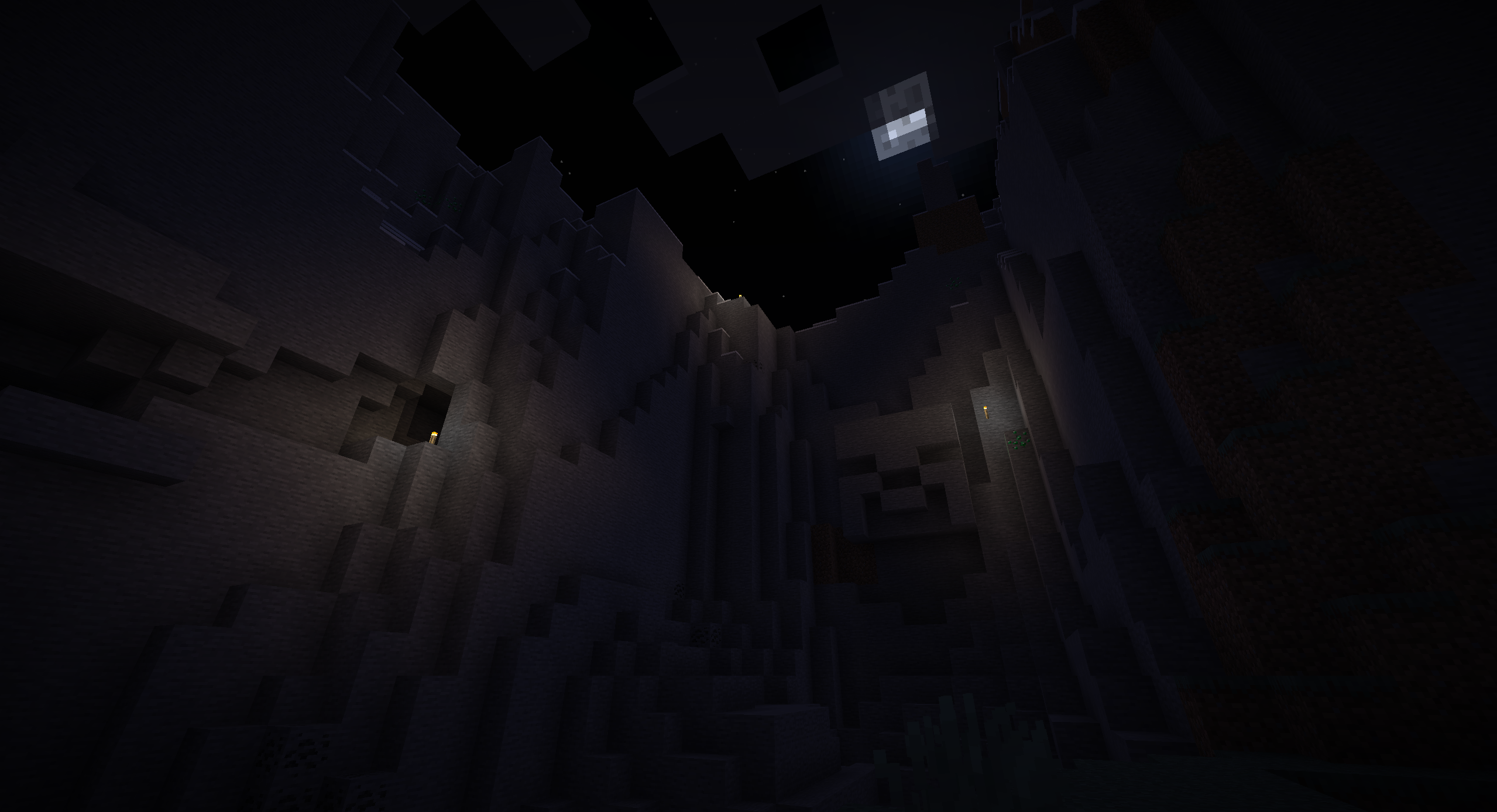
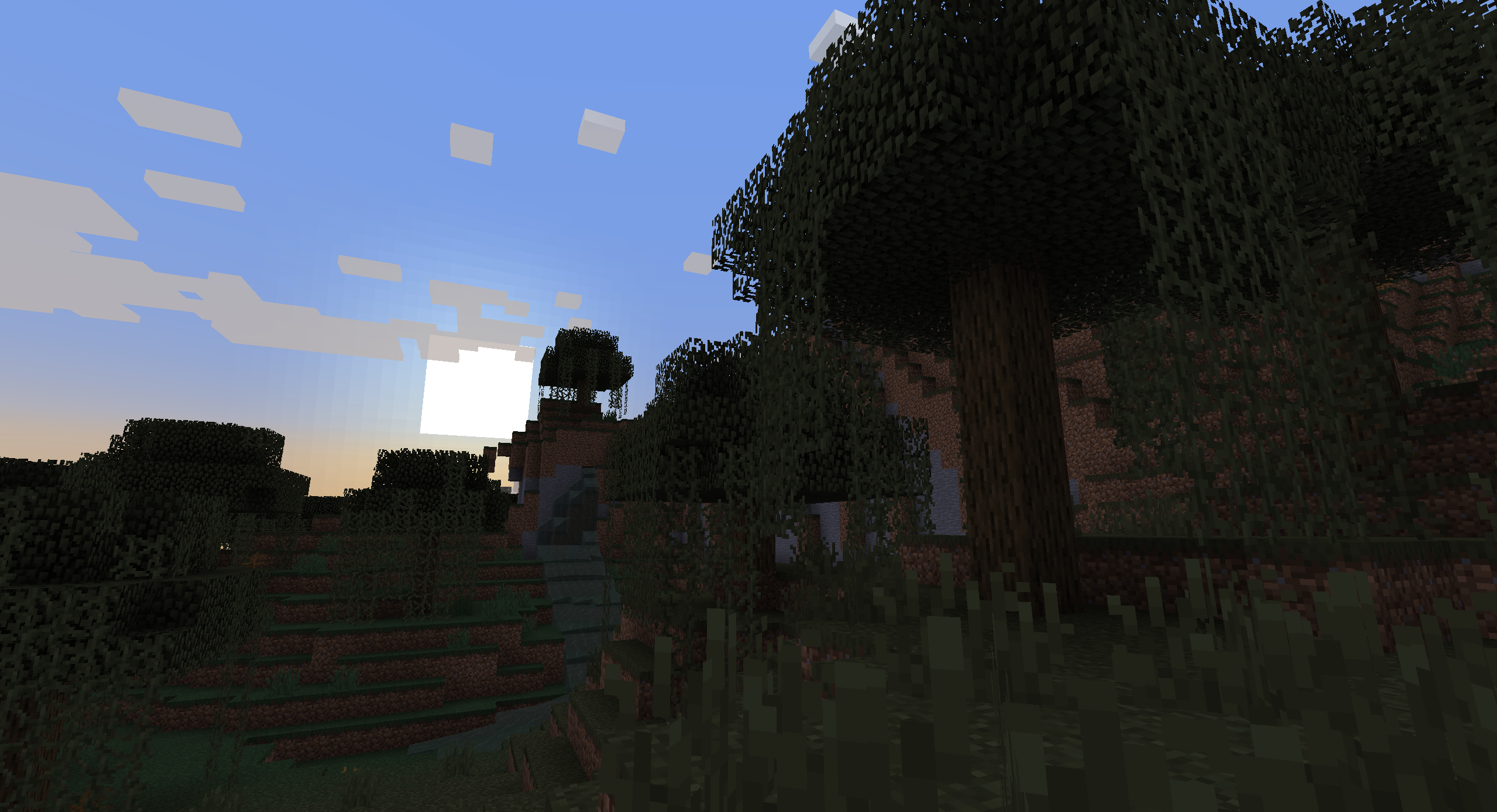
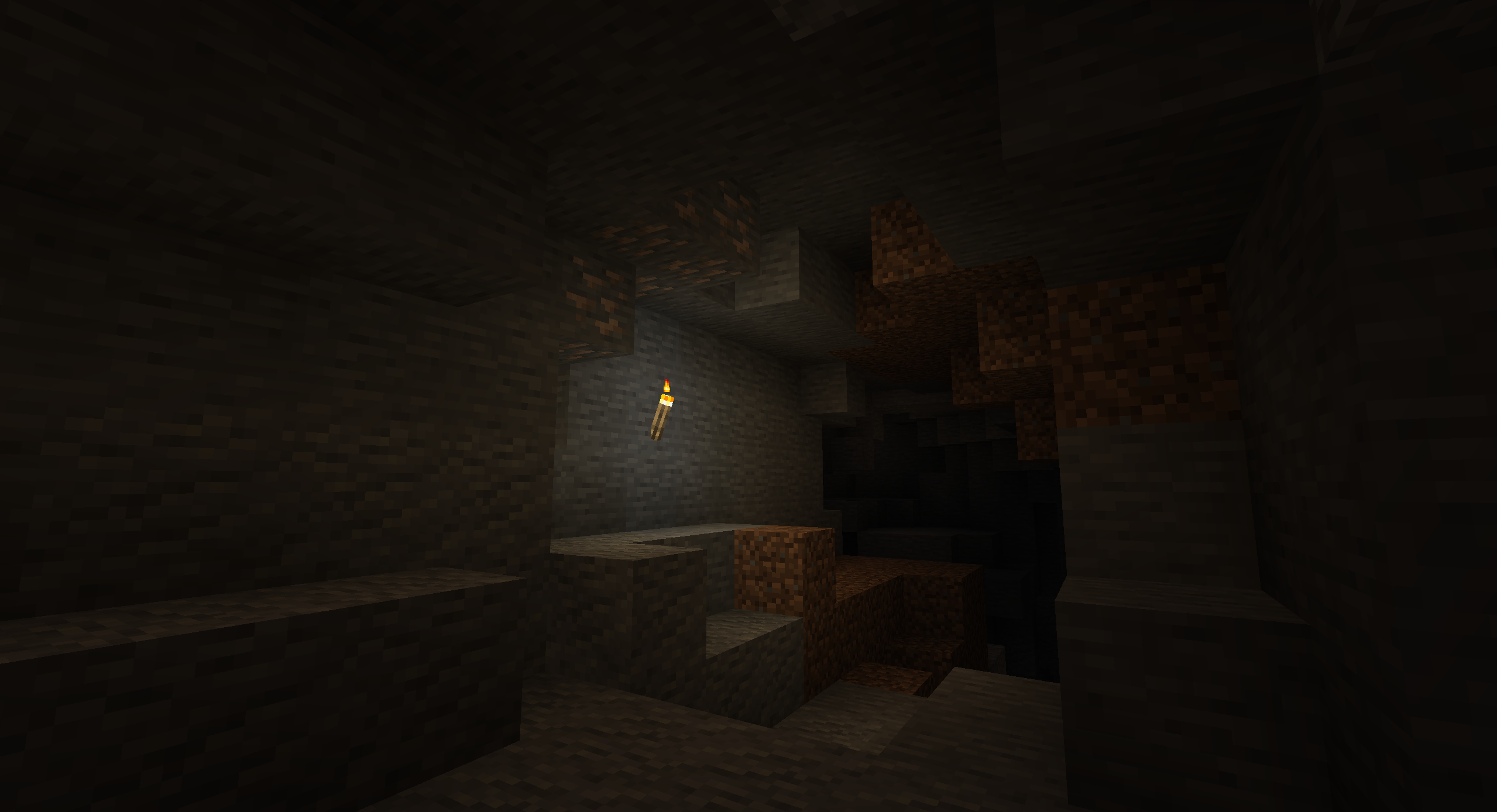
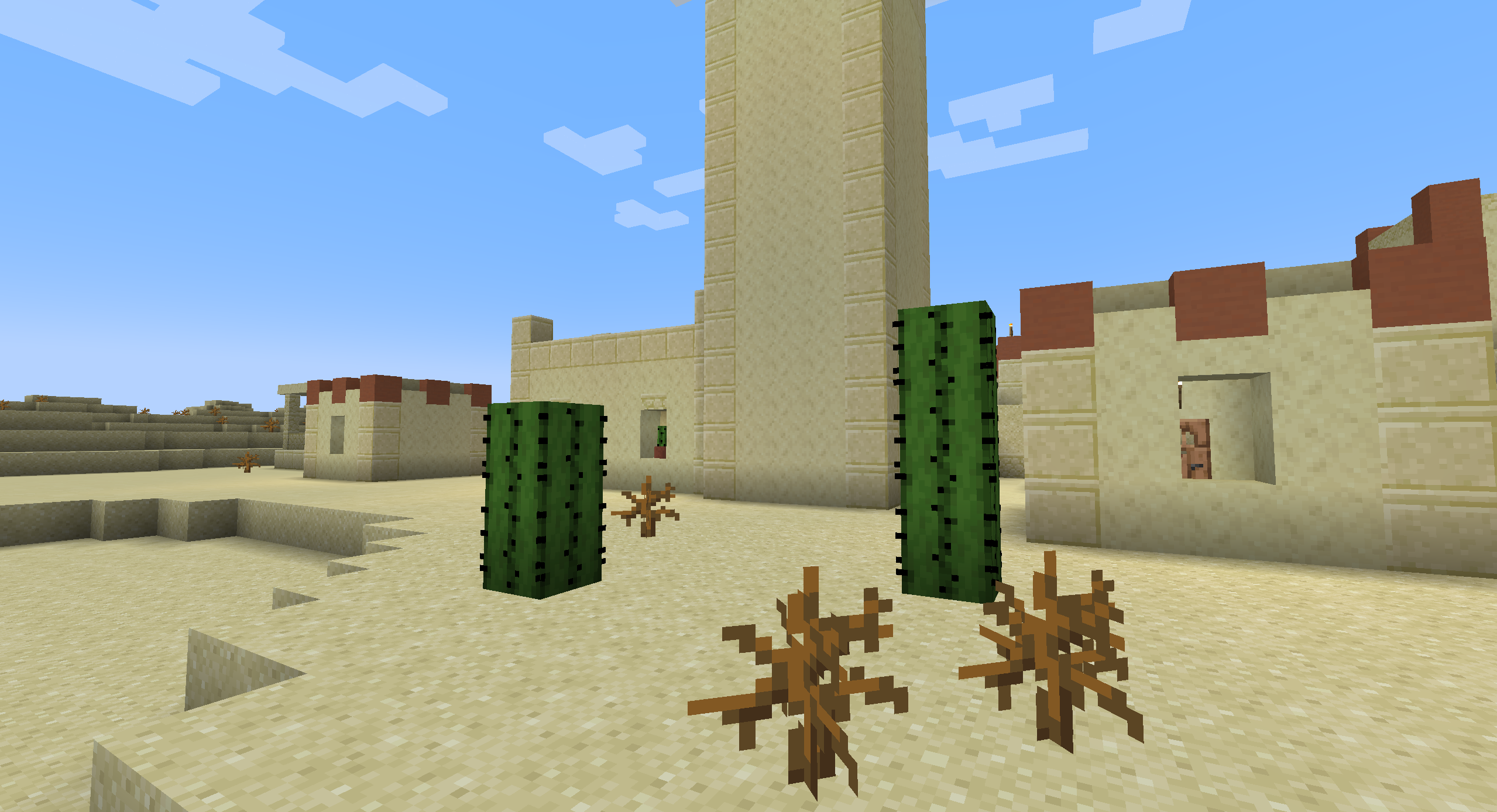
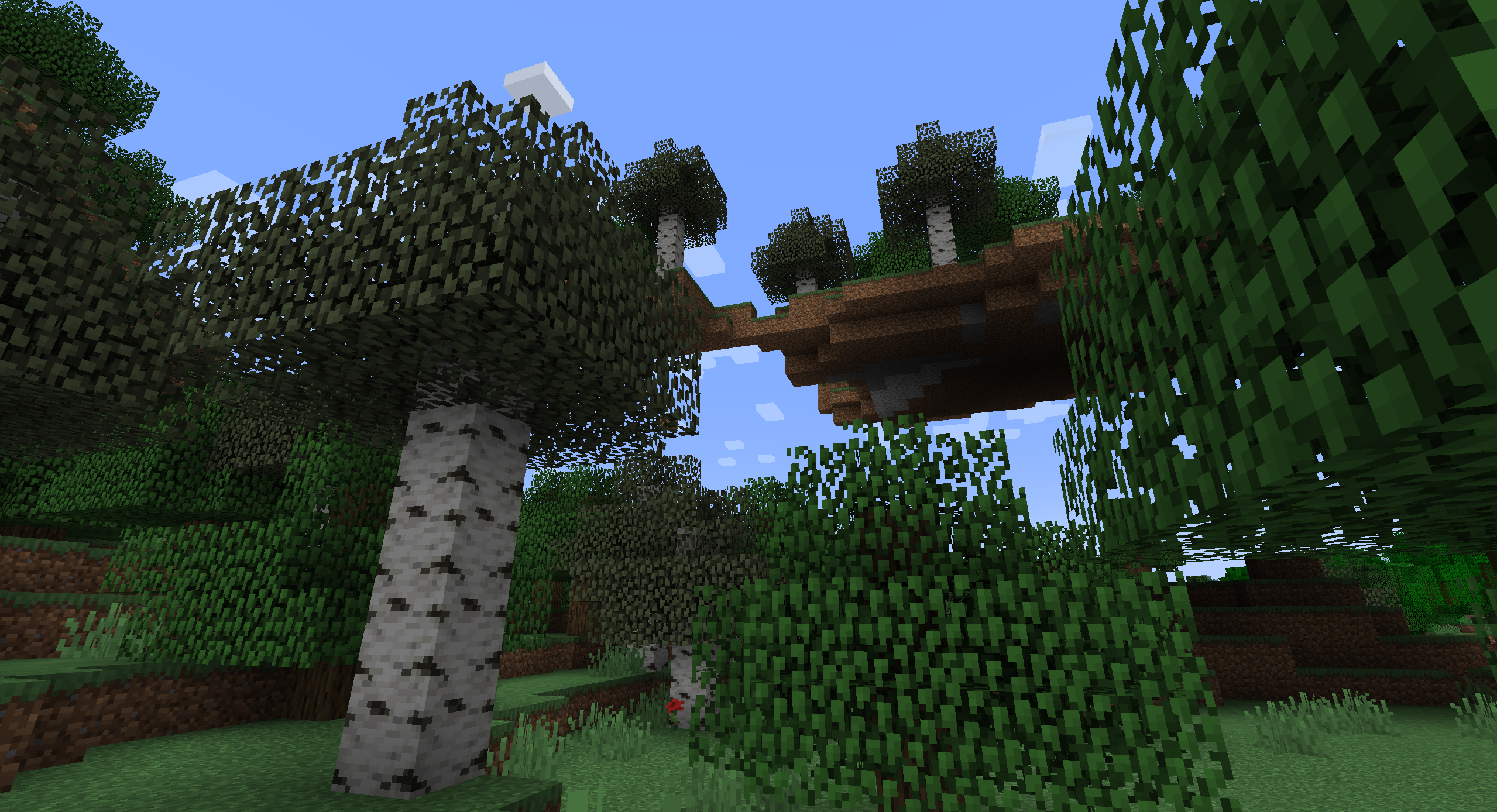
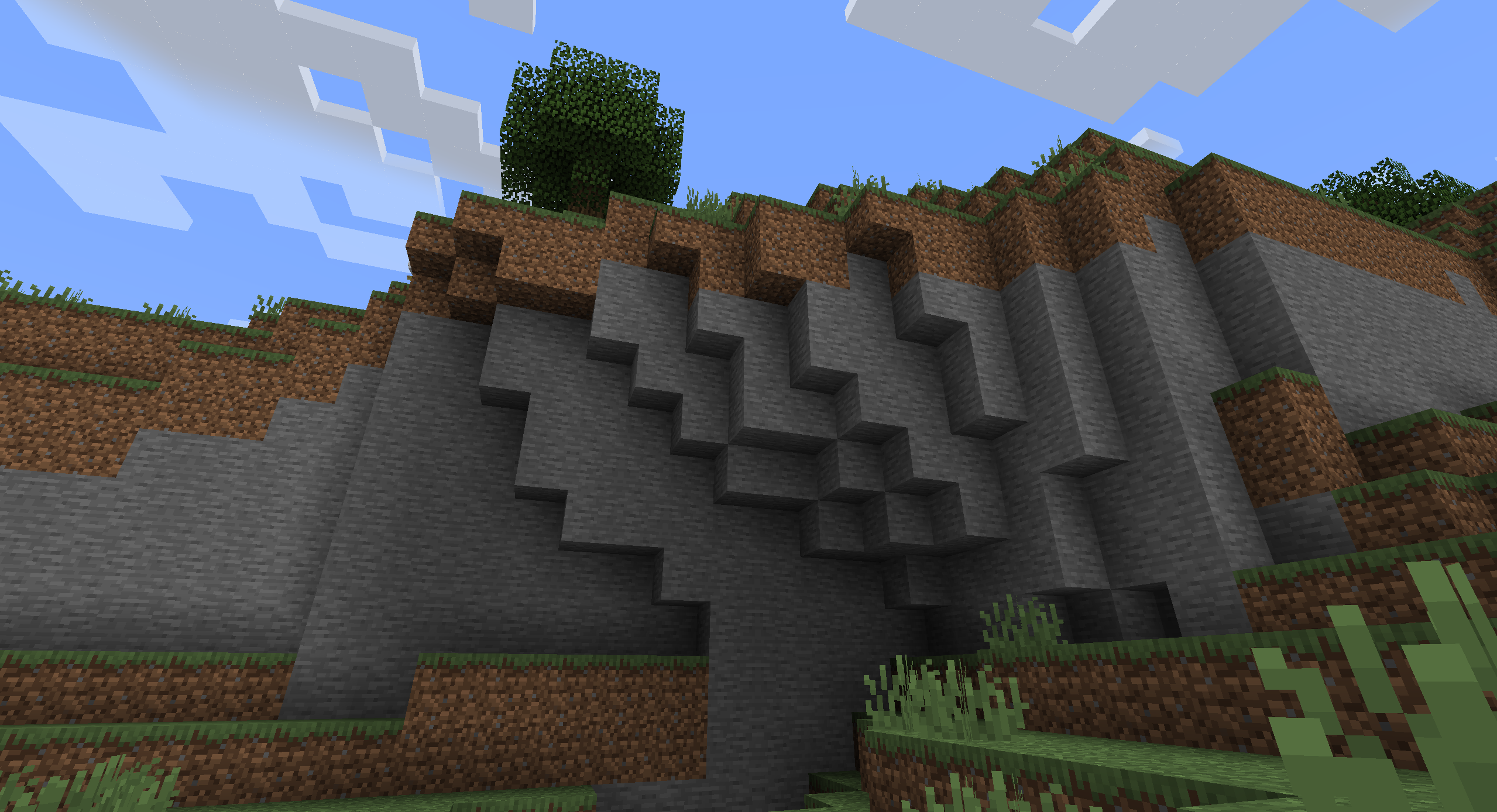
"Midway" is a project that aims to restore the soul of Minecraft's nostalgic visuals, while updating them to match the artistic polish of newer versions.
Think of it as a faithful adaptation of Notch and Jeb's original vision. It's the "I know what he was going for" approach, rather than "he had no idea what he was doing".
 
The textures in this pack are a mashup of old, new, and custom textures that evoke the feeling and style of the pre-1.14 textures, while keeping them in line with Minecraft's new art direction. Mojang did a good job with the delicate task of giving a facelift to the most iconic game of all time, but there are some areas in which they missed the mark. That's what this pack tries to rectify.


See comparisons between old, new, and Midway here!
 
Midway-1.5.zip
MC 1.21.5, 1.21.4, 1.20.1, 1.21.1, 1.21.6, 1.21.2
Release 2025-08-31 Get
Midway-1.5.zip
MC 1.14.4, 1.16.5, 1.18.2, 1.19.2, 1.15.2, 1.14.2
Release 2025-08-31 Get
Midway-1.4.zip
MC 1.20.5, 1.21.4, 1.20.1, 1.21.1
Release 2025-01-10 Get
Midway-1.4.zip
MC 1.17.1, 1.14.4, 1.19.4, 1.16.5, 1.18.2, 1.19.2, 1.15.2
Release 2025-01-10 Get
Midway-1.3.zip
MC 1.20.5, 1.21.4, 1.20.1, 1.21.1
Release 2024-12-27 Get
Midway-1.3.zip
MC 1.17.1, 1.14.4, 1.19.4, 1.16.5, 1.18.2, 1.19.2, 1.15.2
Release 2024-12-27 Get
Midway-1.2.zip
MC 1.21, 1.20.5, 1.21.4, 1.20.1, 1.21.3, 1.21.1
Release 2024-12-14 Get
Midway-1.2.zip
MC 1.17.1, 1.14.4, 1.19.4, 1.16.5, 1.18.2, 1.19.2, 1.15.2, 1.14.2
Release 2024-12-14 Get
Midway-1.1.zip
MC 1.17.1, 1.19.4, 1.16.5, 1.18.2, 1.19.2
Release 2024-11-02 Get
Midway-1.1.zip
MC 1.20.1, 1.20.6, 1.21.3, 1.21.1
Release 2024-11-02 Get
Midway.zip
MC 1.20.2, 1.20.5, 1.20.3, 1.20.1, 1.20.6, 1.20.4, 1.21.3, 1.21.1, 1.21.2
Release 2024-10-26 Get

Requirements & install

How to use this resource pack in Minecraft
Resolution
16x
Minecraft
1.20.6 – 1.21.6
Install folder
.minecraft/resourcepacks

How to install resource packs

  1. Download the resource pack .zip file (do not extract it).
  2. In Minecraft open Options → Resource Packs → Open Pack Folder.
  3. Drop the .zip into the resourcepacks folder (.minecraft/resourcepacks).
  4. Move the pack to the Selected column and click Done.
Browse more: 16x resource packs 32x resource packs 64x resource packs 128x resource packs 256x resource packs 512x+ resource packs Resource Packs for 1.21.6 All resource packs

More from Mikul

Advertisement Remove ads with Premium →

You Might Also Like