Mineuniverse
Resource Packs
Middle-Earth Parchment Map Image

Middle-Earth Parchment Map Image

RESOURCE PACK
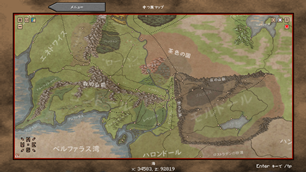
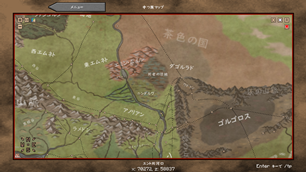
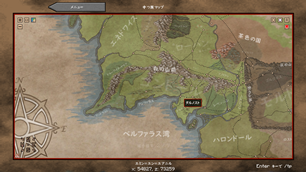
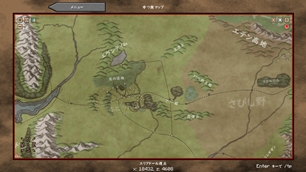
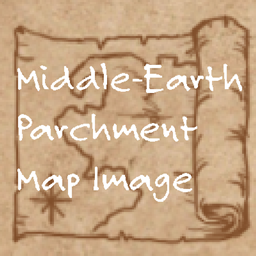
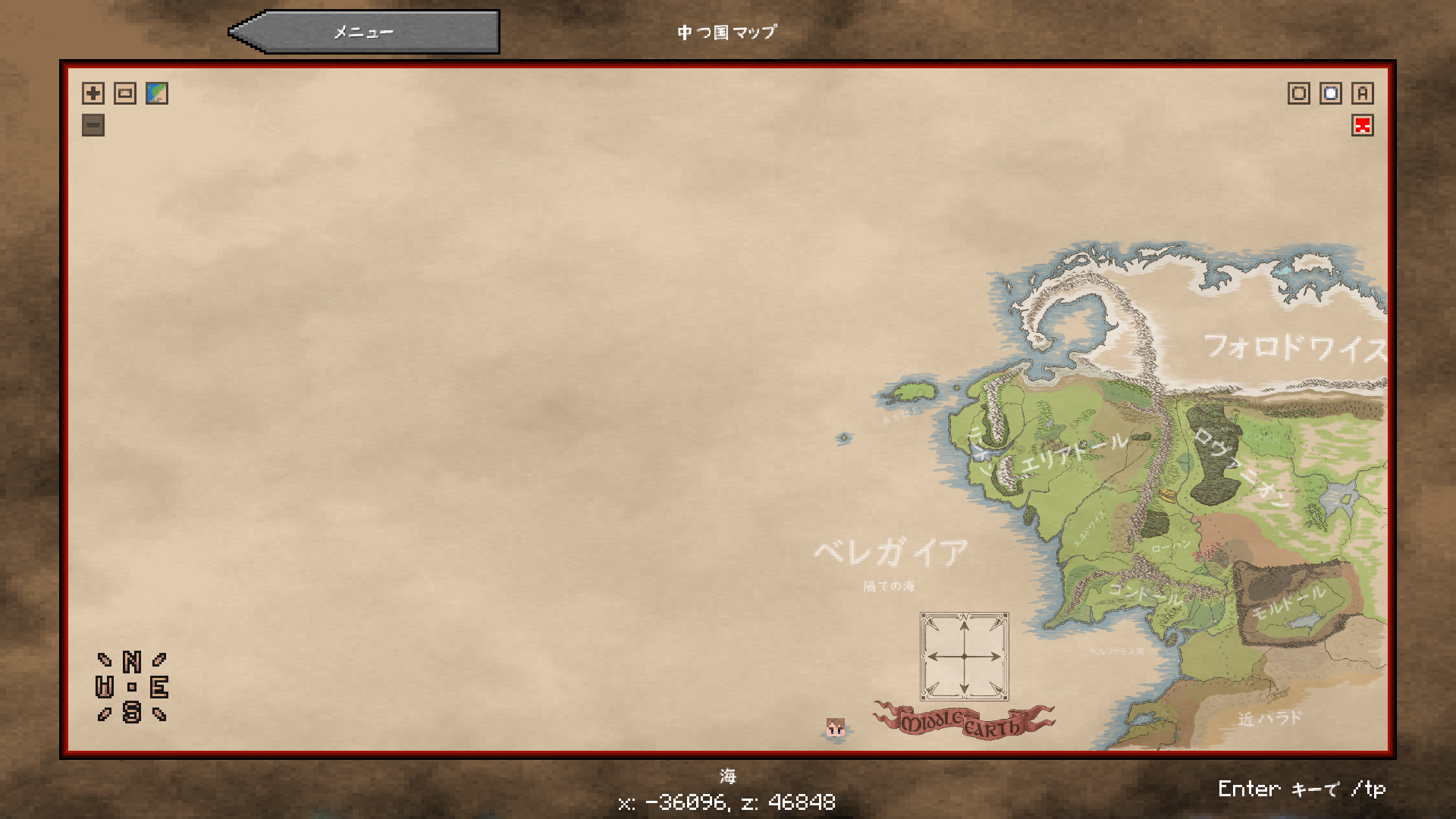
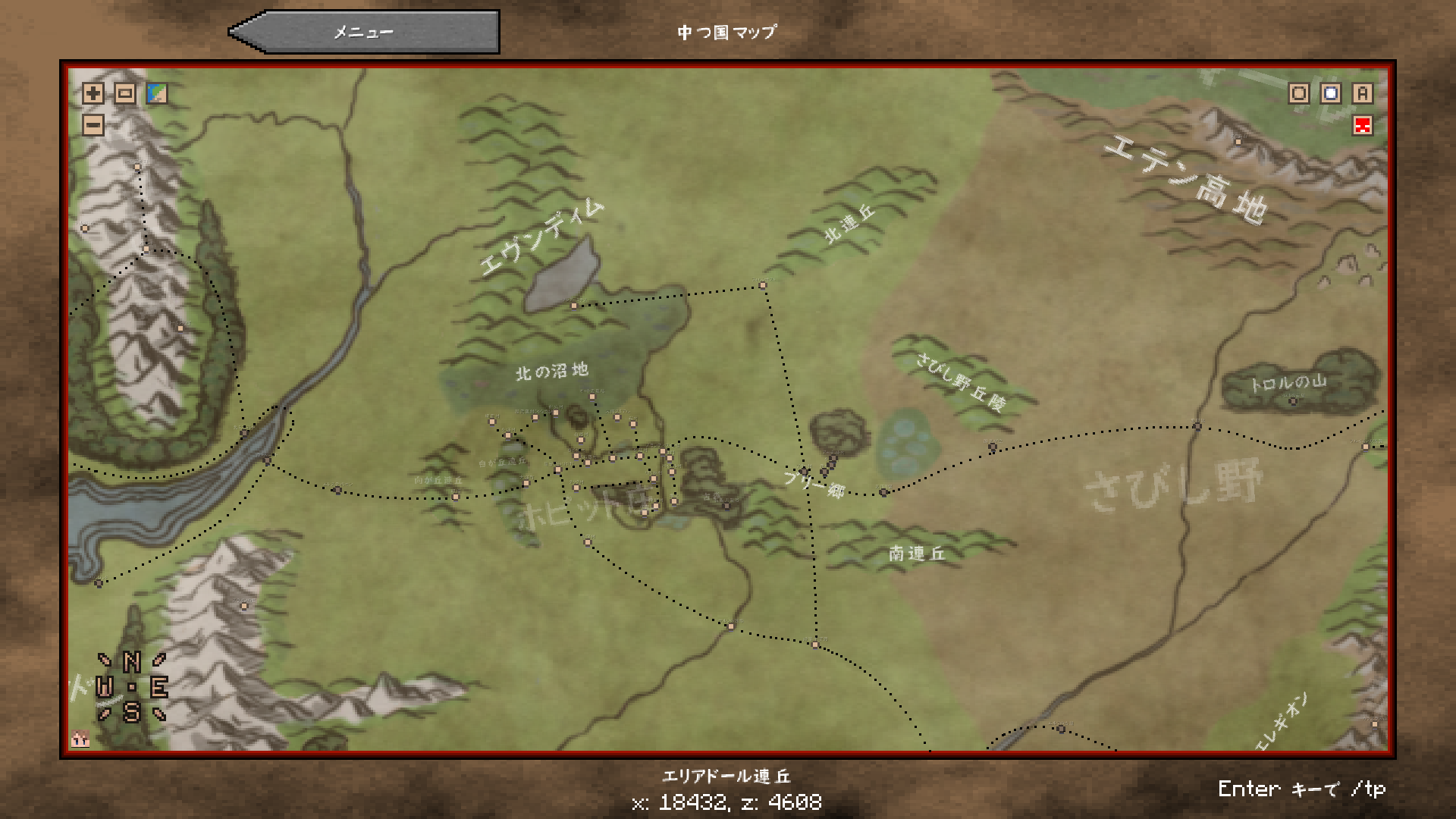
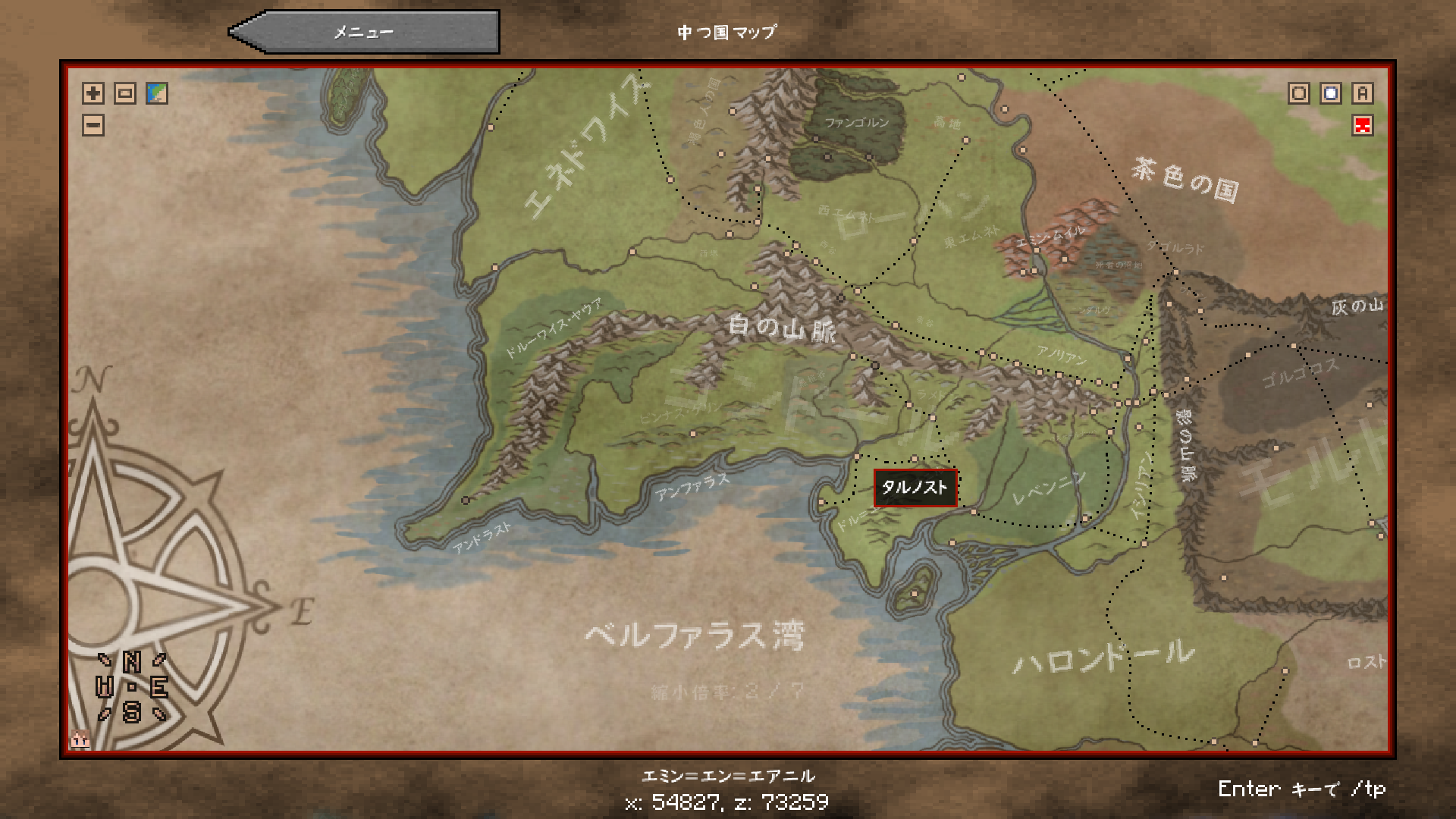
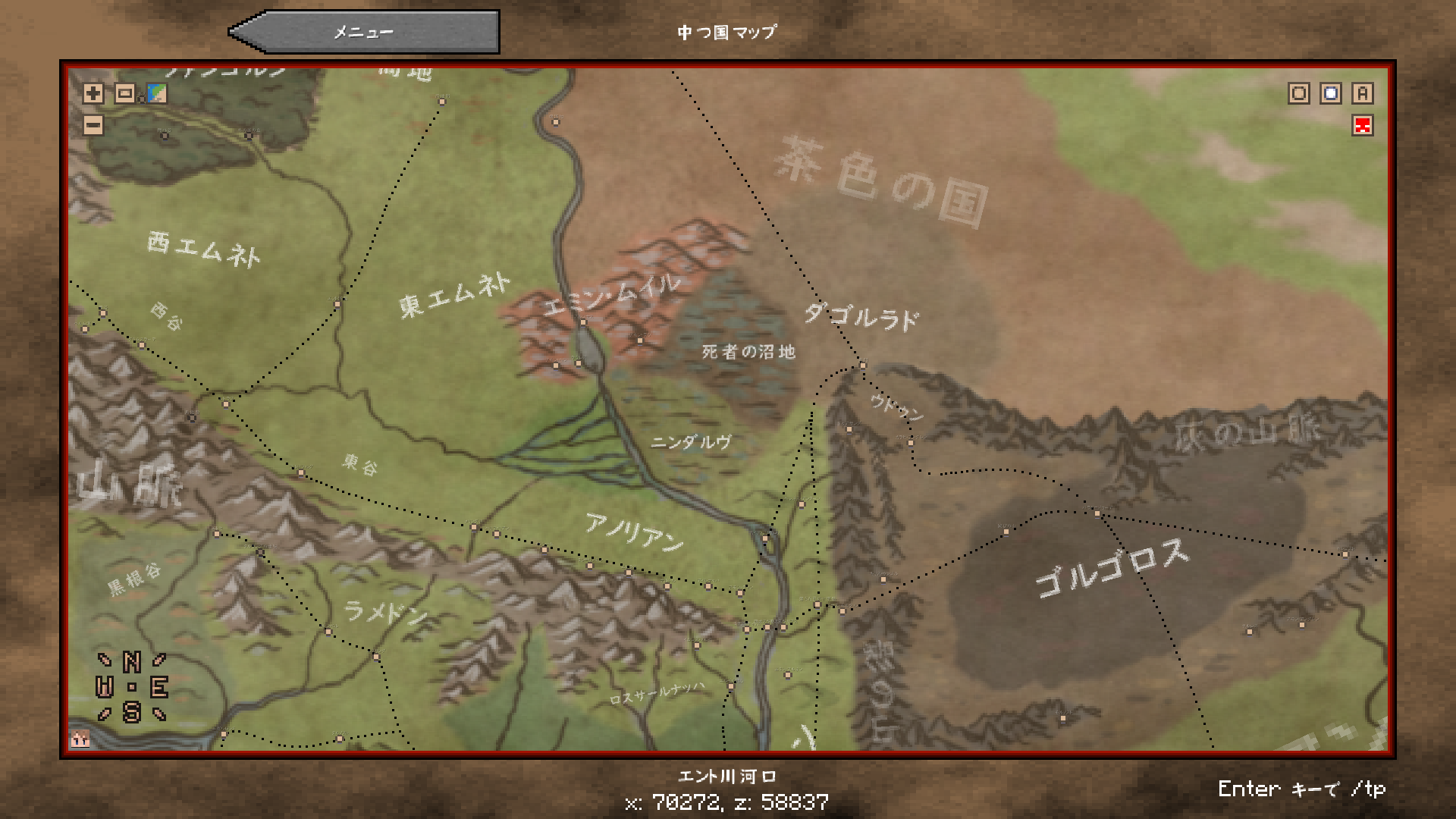
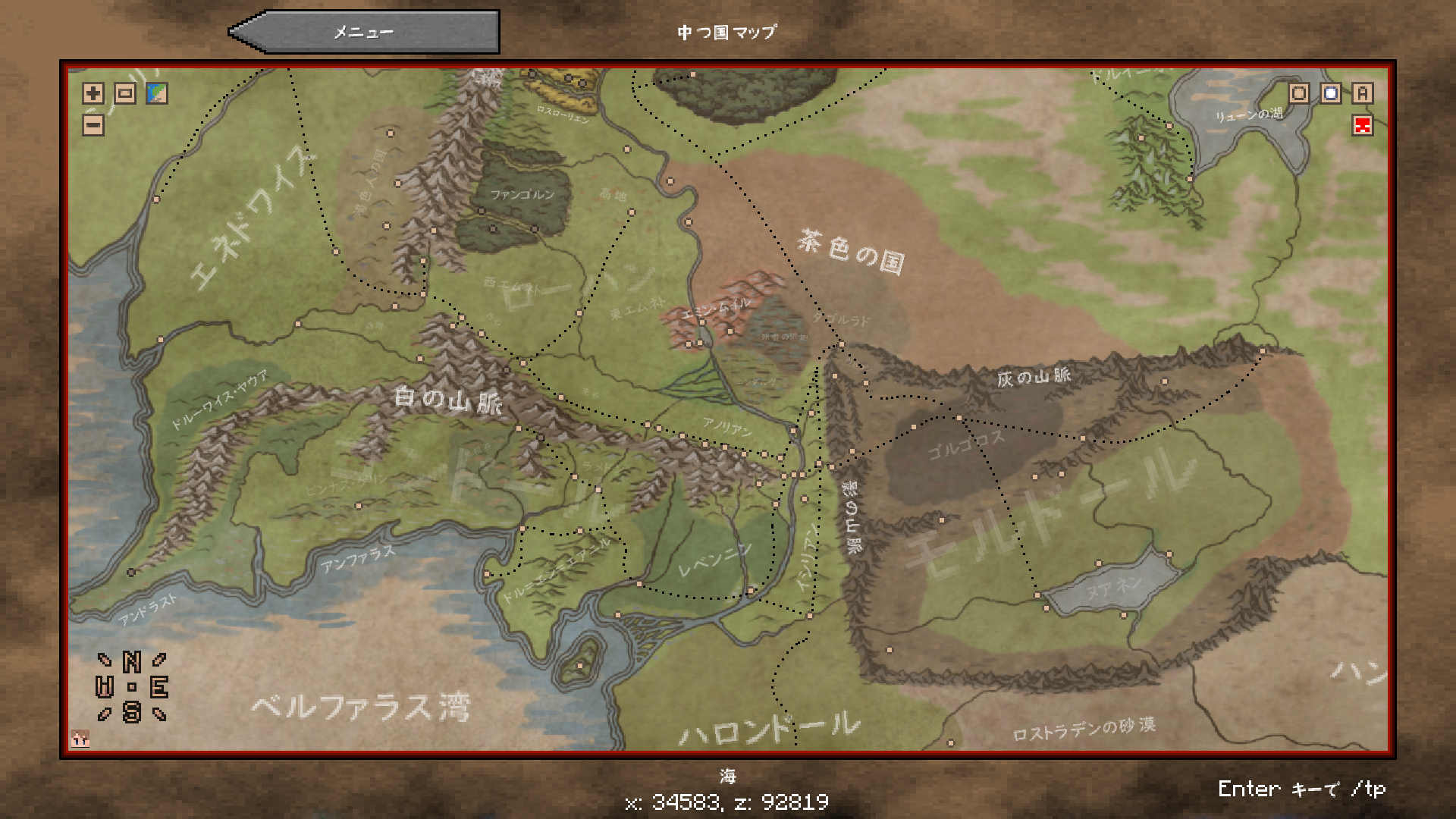
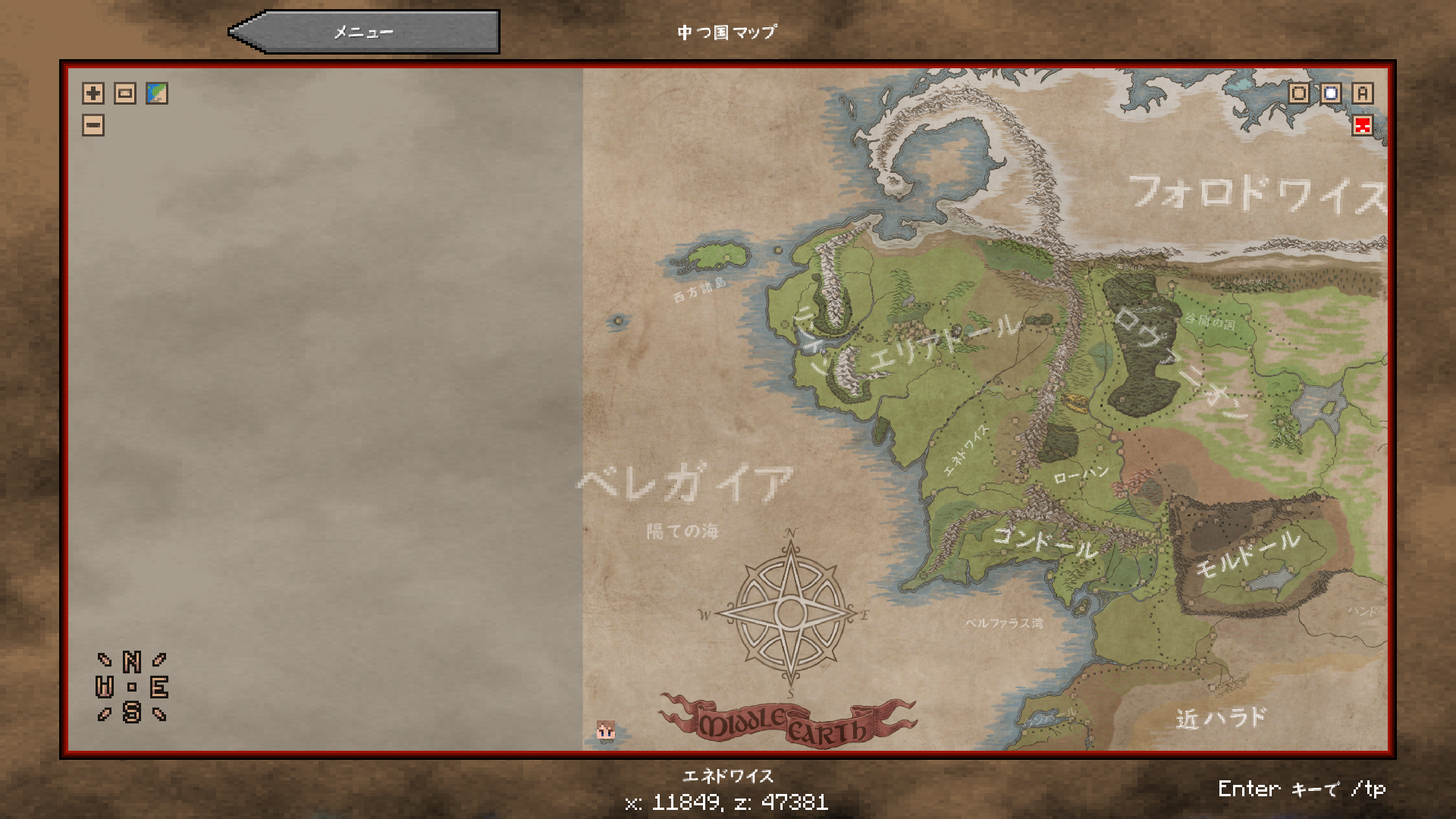
Replace the map image of MINECRAFT Lord of the Rings Mod with parchment style.
by Messrona
Download Claim this project
2,762 downloads
0 likes
Updated Oct 14, 2026
0 hypes
512x and Higher Mod Support
Advertisement Remove ads with Premium →

This is a resource pack dedicated to MINECRAFTLord of the Rings Mod Renewed.

これはMINECRAFT Lord of the Rings Mod 新版専用のリソースパックです。


The Lord of the Rings Minecraft Mod Wiki

マインクラフト 指輪物語MOD Wiki


Replace the map image of Middle-earth used in the mod with a parchment-like one.

Mod内で使用される中つ国の地図画像を、羊皮紙風のものに置き換えます。

There is also a version with only uncolored lines, but I think it's difficult to use for play.

 色がついていない線だけのバージョンもありますが、プレイには使いにくいと思います。
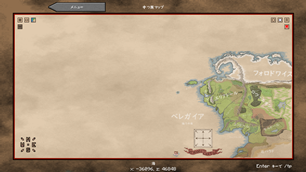
With Ver1.1, the entire map became brighter and the square boundaries disappeared.

Ver1.1で地図全体が明るくなり、四角い境目が消えました。
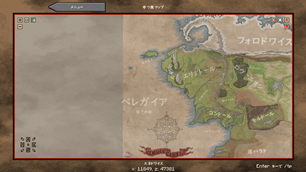


The renewed version of the mod is not yet complete in Middle-earth. If the world expands in the future, the display will shift unless you use the corresponding map, which will hinder your play.

MODの新版はまだ中つ国の全てが出来上がっていません。今後世界が広がった場合、それに対応した地図を使用しないと表示がずれてしまい、プレイに支障をきたします。

For LoTR Renewed 4.1
MC 1.16.5
Release 2021-06-02 Get
Map with outline only, round compass
MC 1.16.5
Release 2021-04-27 Get
Map with outline only, square compass
MC 1.16.5
Release 2021-04-27 Get
Ver1.1 Color map, round compass
MC 1.16.5
Release 2021-04-27 Get
Ver1.1 Color map, square compass
MC 1.16.5
Release 2021-04-27 Get
Ver1.1 Color map, round compass
MC 1.15.2
Release 2021-03-08 Get
Ver1.1 Color map, square compass
MC 1.15.2
Release 2021-03-08 Get
Color map / square compass
MC 1.15.2
Beta 2021-03-07 Get
Color map / round compass
MC 1.15.2
Beta 2021-03-07 Get
Map with outline only, square compass
MC 1.15.2
Beta 2021-03-07 Get
Map with outline only, round compass
MC 1.15.2
Beta 2021-03-07 Get

Requirements & install

How to use this resource pack in Minecraft
Resolution
512x+
Minecraft
1.15.2 – 1.16.5
Install folder
.minecraft/resourcepacks

How to install resource packs

  1. Download the resource pack .zip file (do not extract it).
  2. In Minecraft open Options → Resource Packs → Open Pack Folder.
  3. Drop the .zip into the resourcepacks folder (.minecraft/resourcepacks).
  4. Move the pack to the Selected column and click Done.

512x packs need a strong GPU and at least 4 GB of RAM for Minecraft; a performance mod such as Sodium is strongly recommended.

Browse more: 16x resource packs 32x resource packs 64x resource packs 128x resource packs 256x resource packs 512x+ resource packs Resource Packs for 1.16.5 All resource packs

More from Messrona

Advertisement Remove ads with Premium →

You Might Also Like