Mineuniverse
Resource Packs
MeineKraft LitWR Edition

MeineKraft LitWR Edition

RESOURCE PACK
MeineKraft by Honeyball with mod support for Life in the Woods Renaissance and more!
by MeineKraftFanmade
Download Claim this project
Add a badge to your pageLink to MeineKraft LitWR Edition from a README, website or forum post.
Preview: Badge

Badges update automatically and link to the resource pack page on MineUniverse.

50,004 downloads
0 likes
0 followers
Updated Oct 14, 2026
0 hypes
Follow0
64x Medieval Mod Support Modern Photo Realistic
Advertisement Remove ads with Premium →

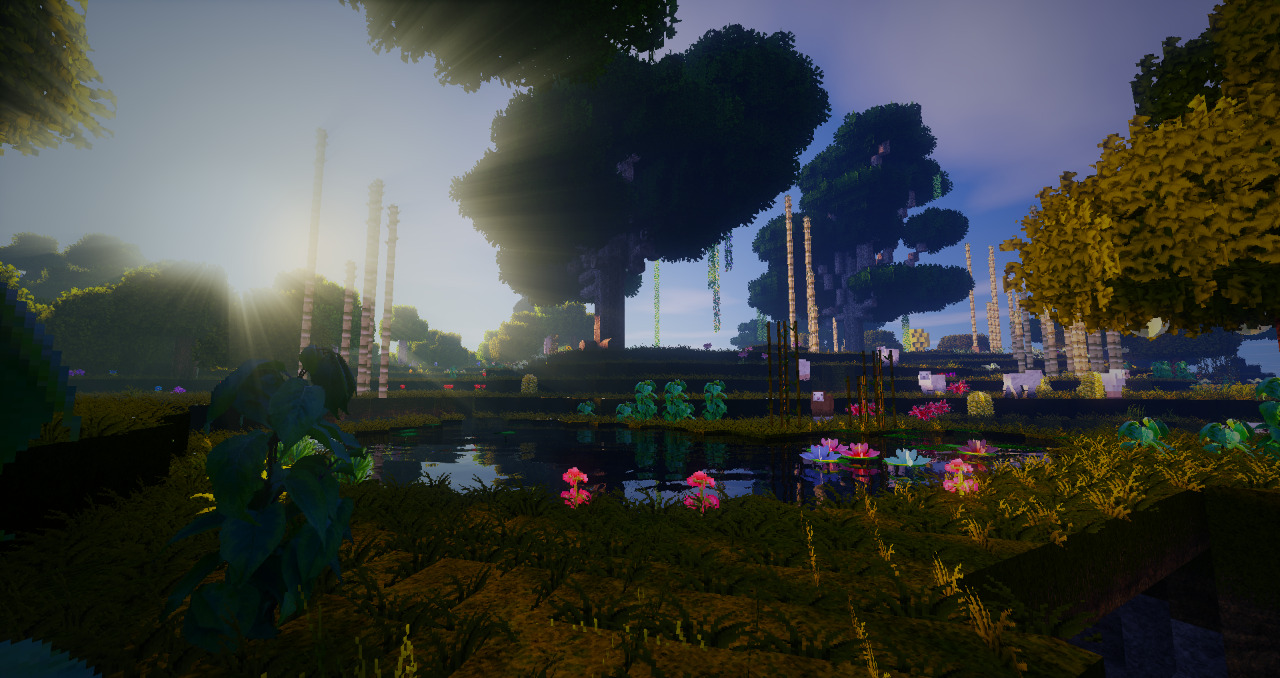
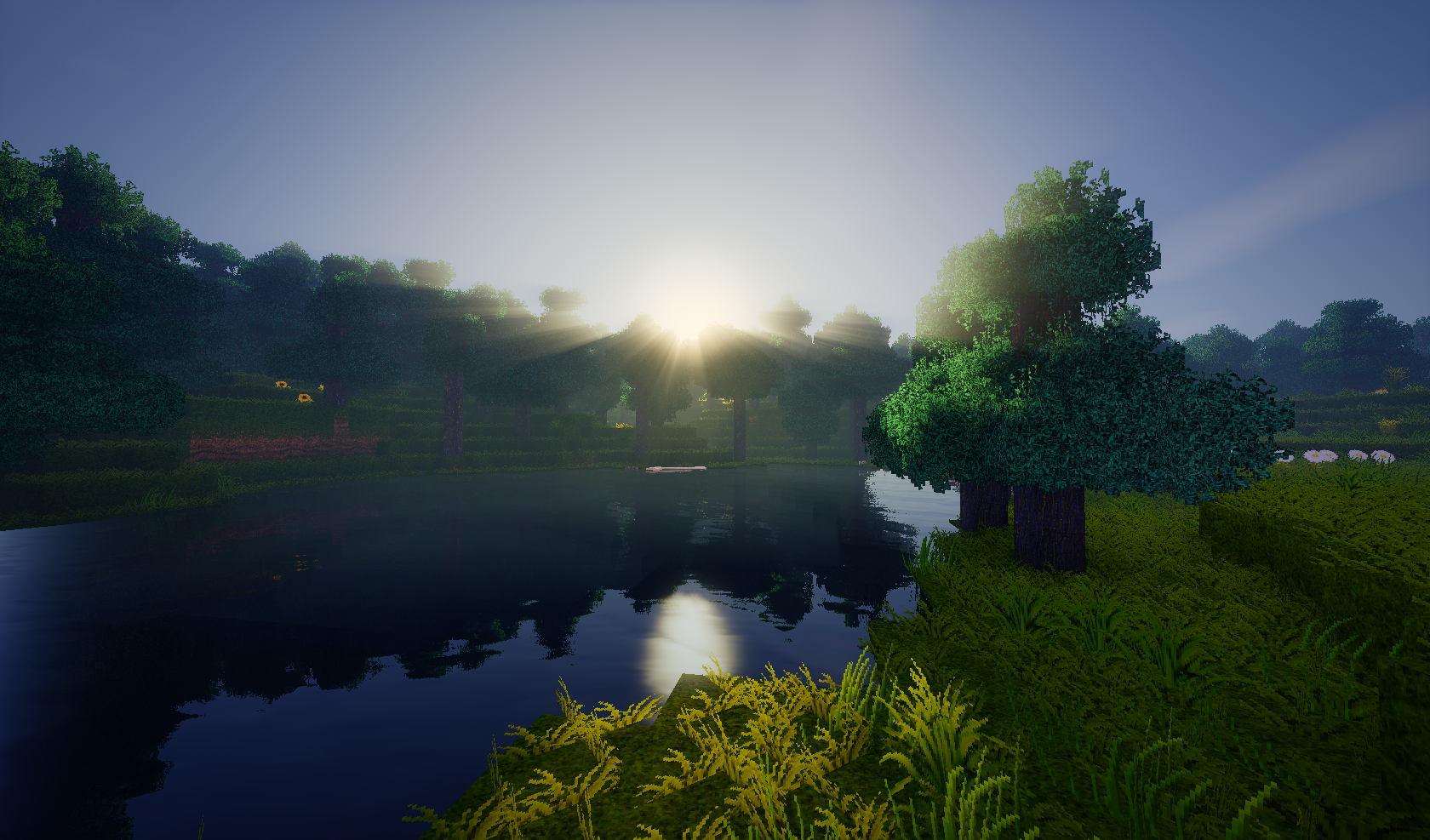
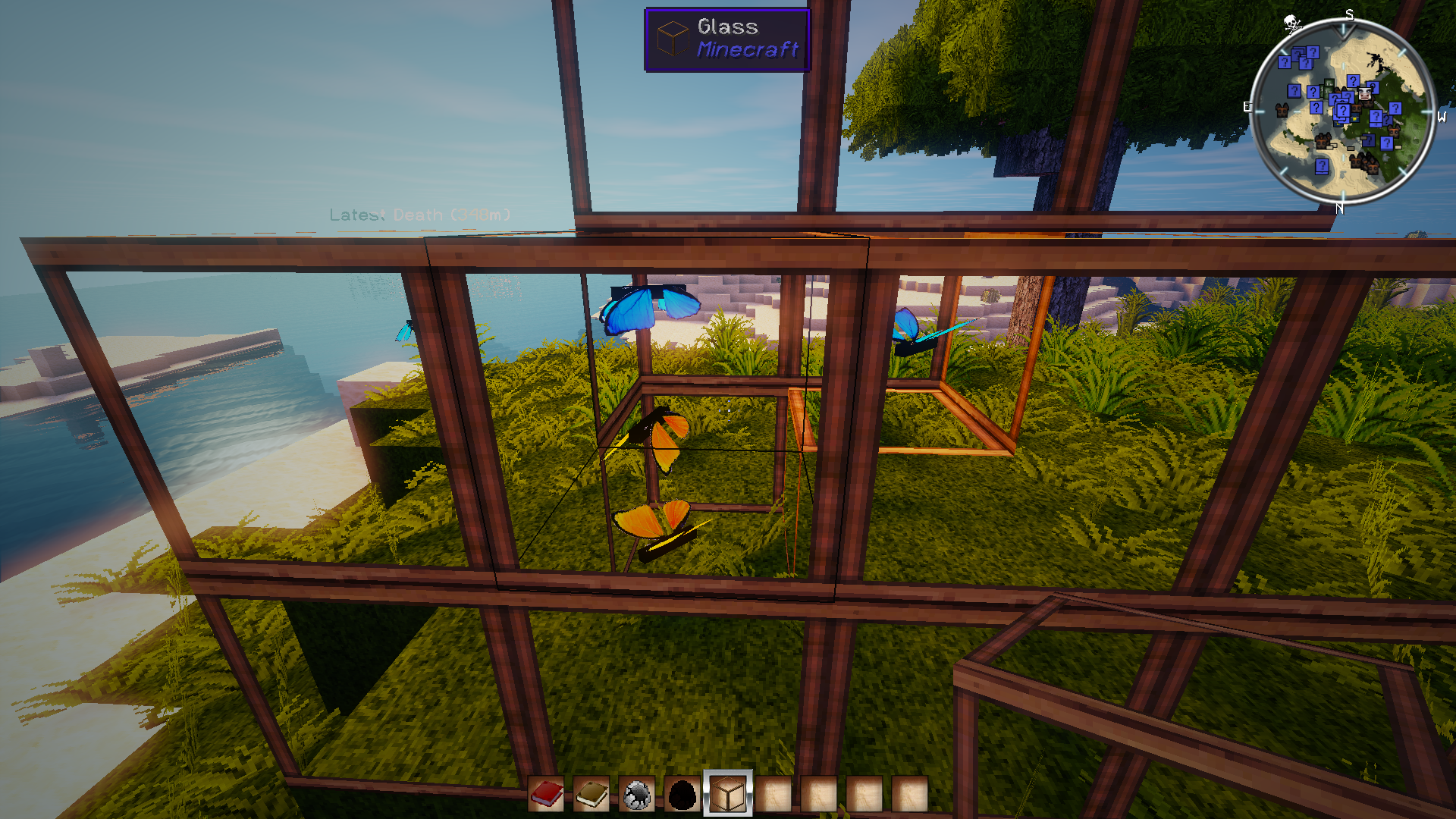
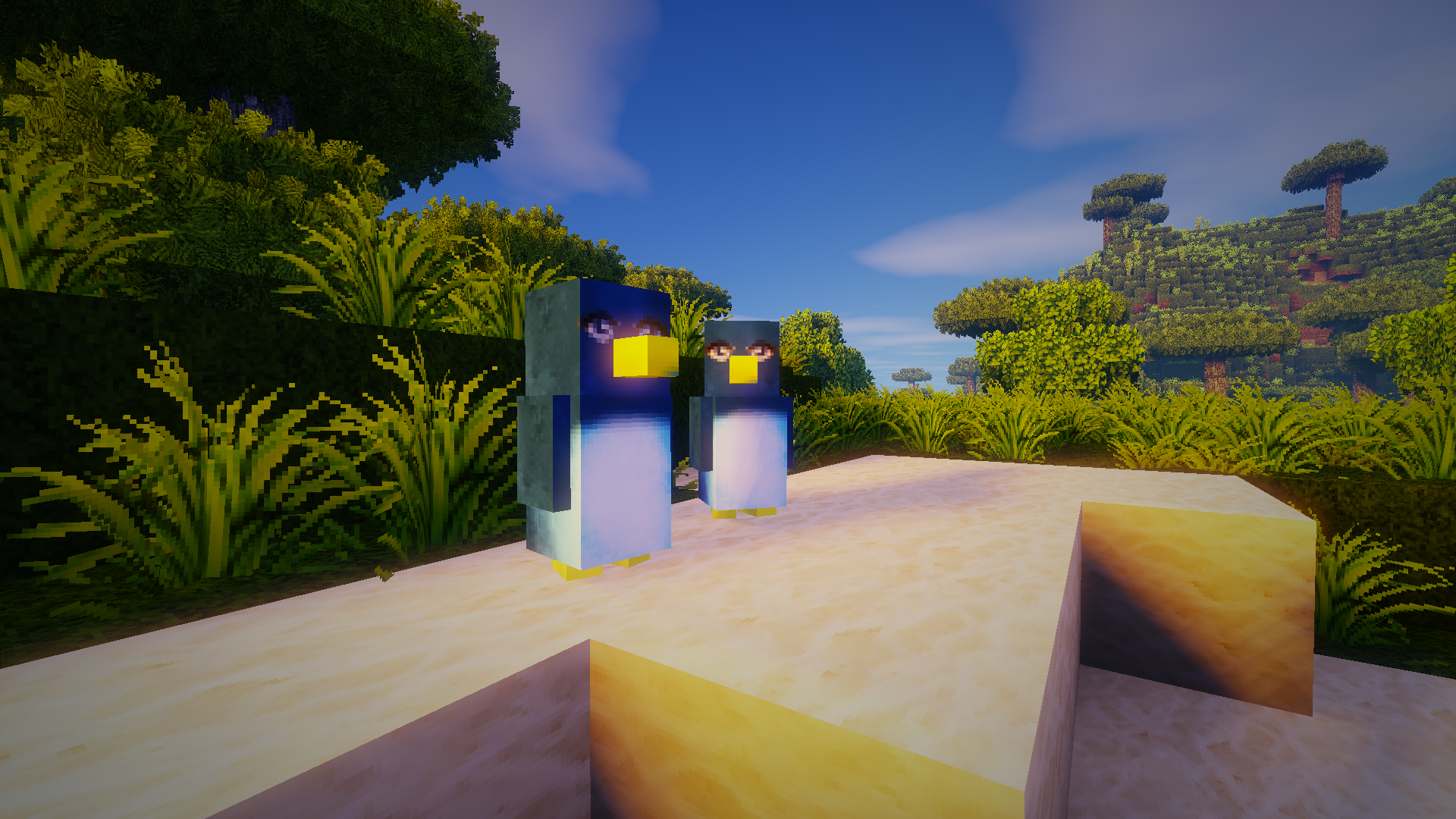
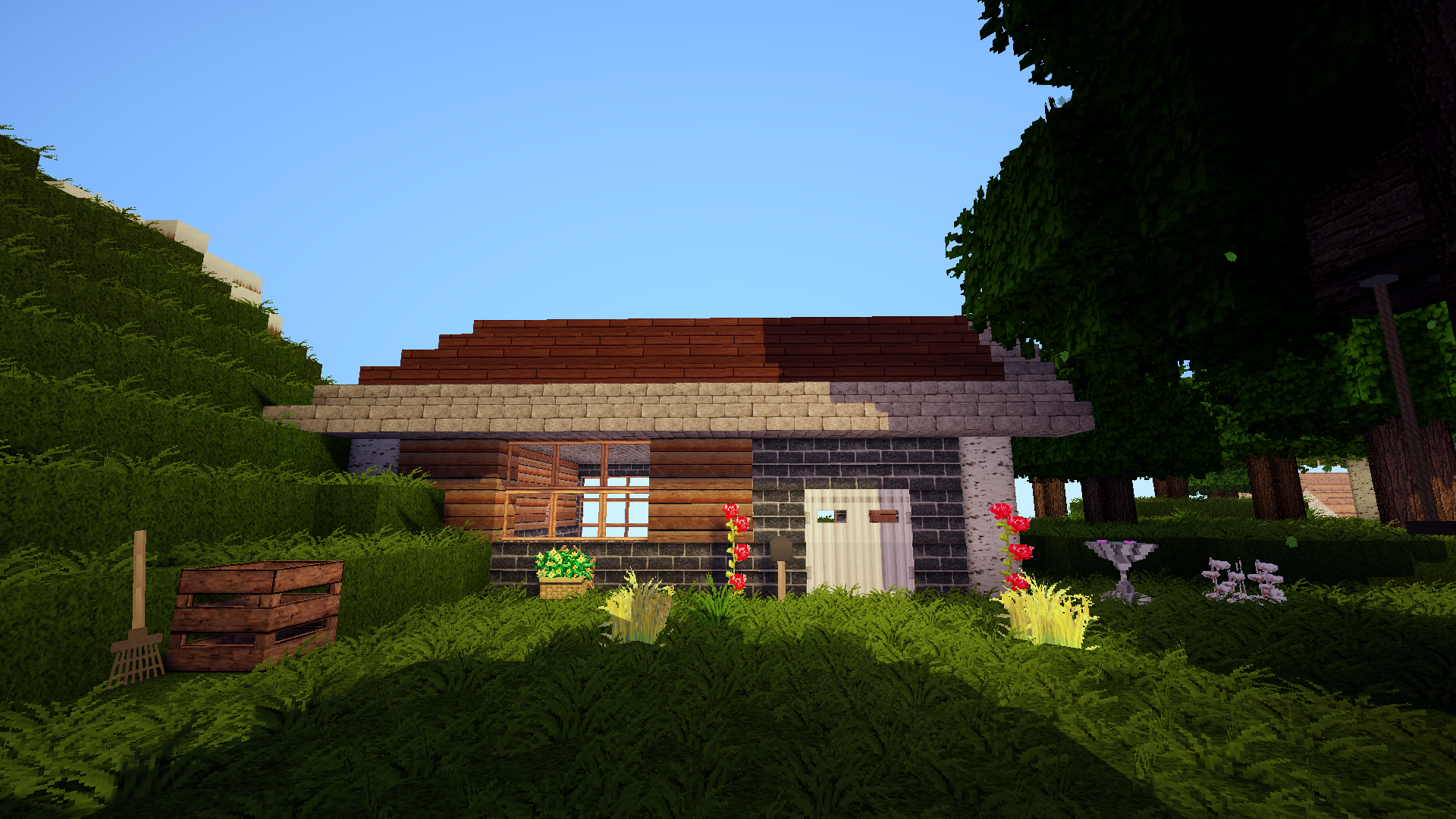
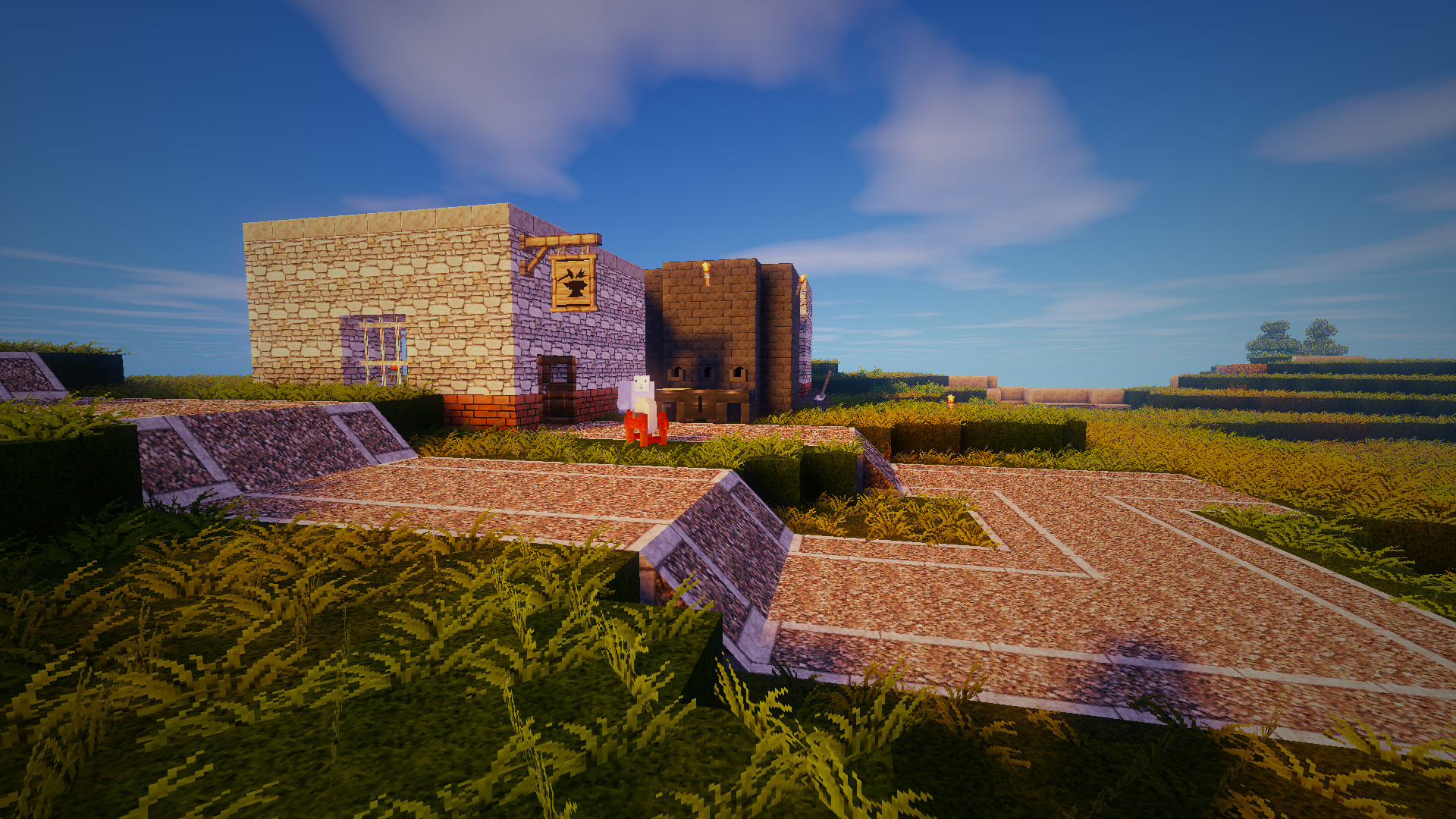
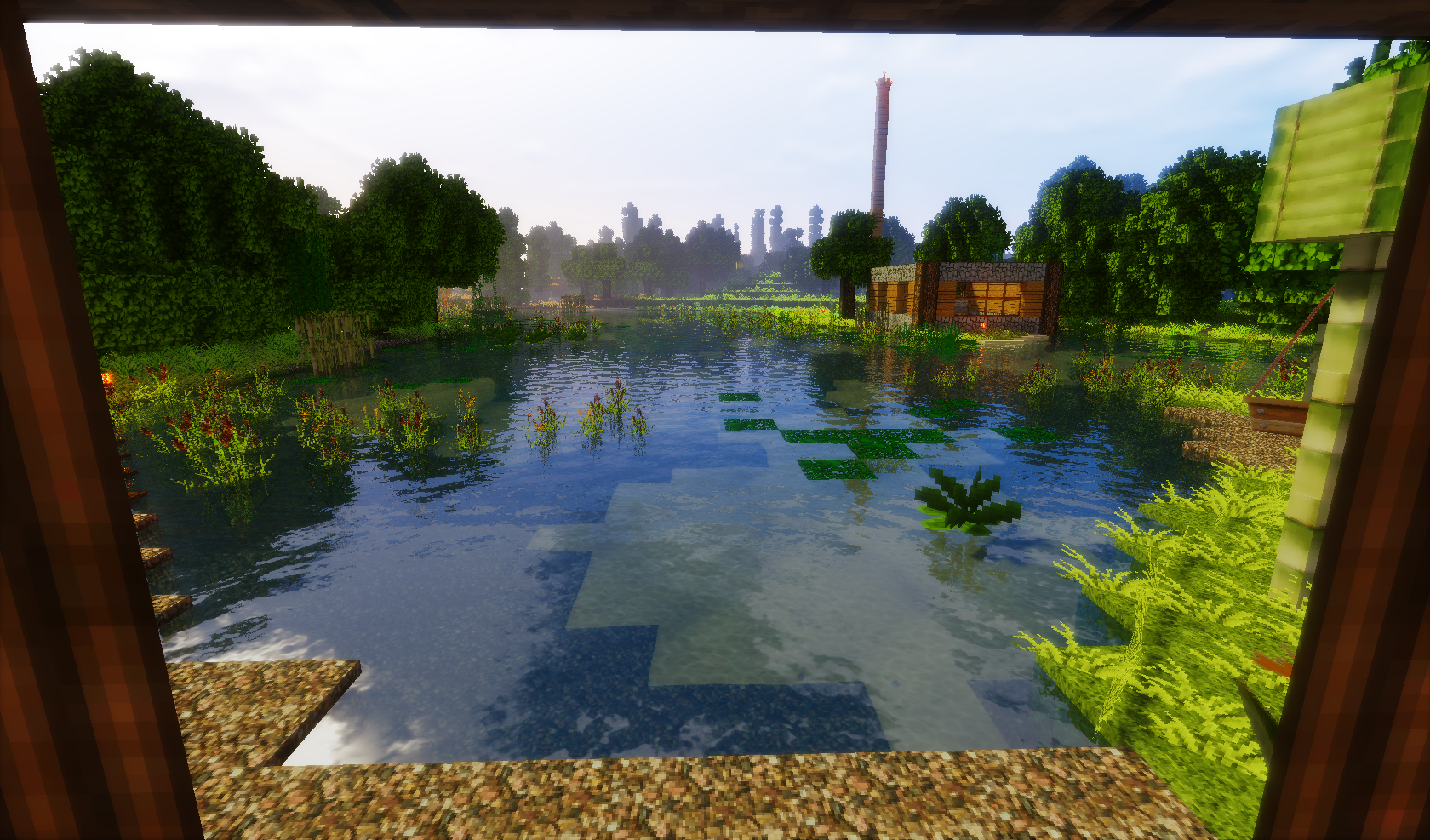
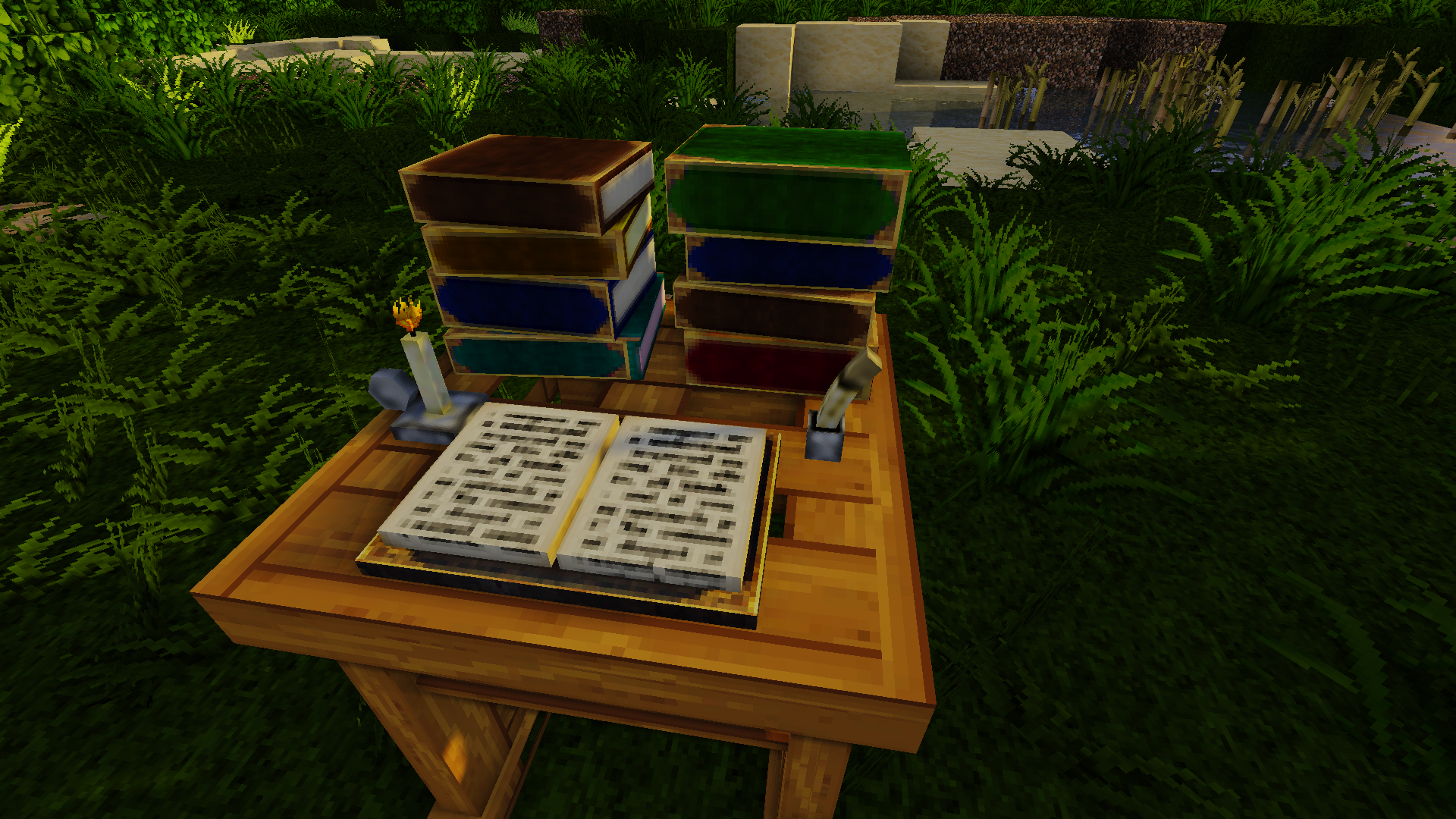
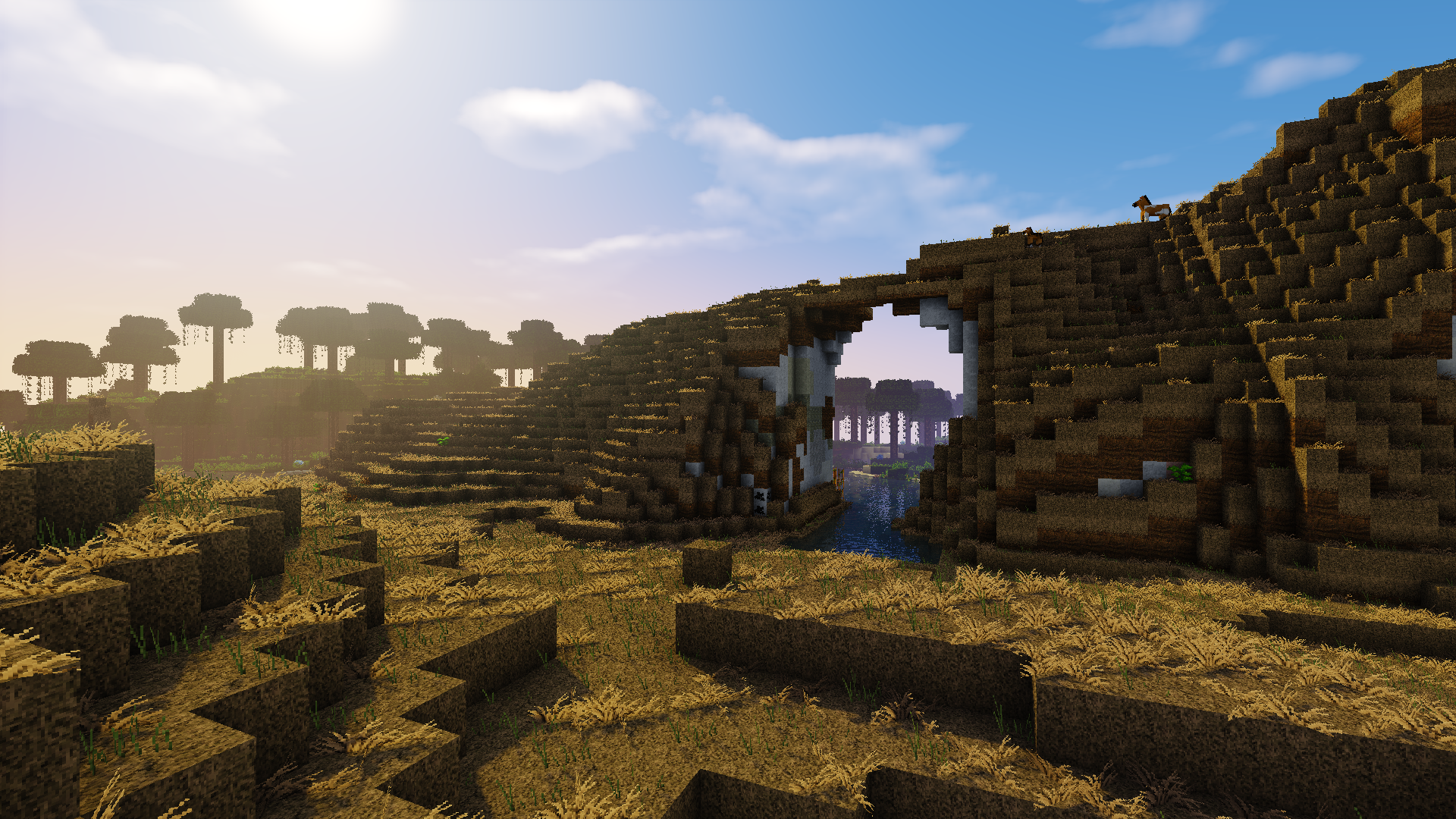
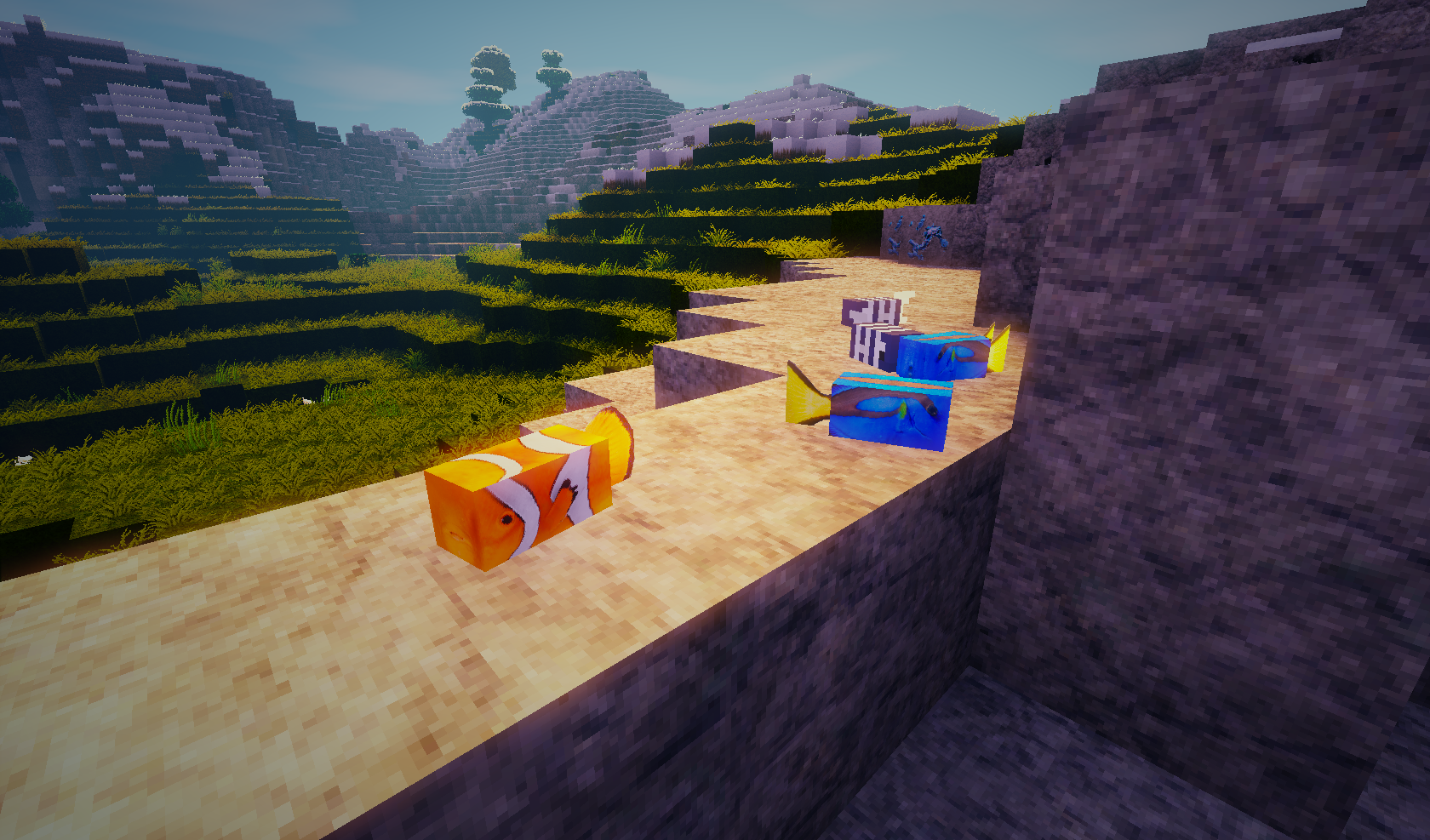
MeineKraft is a realistic themed 64x texture pack for Minecraft and contains photo-realistic and cartoon-styled aspects. The textures, originally made by Honeyball, have been developed and updated by many fans of this pack in the past. With the help of these fans, this texture pack is kept alive since it was originally discontinued after Minecraft 1.4.

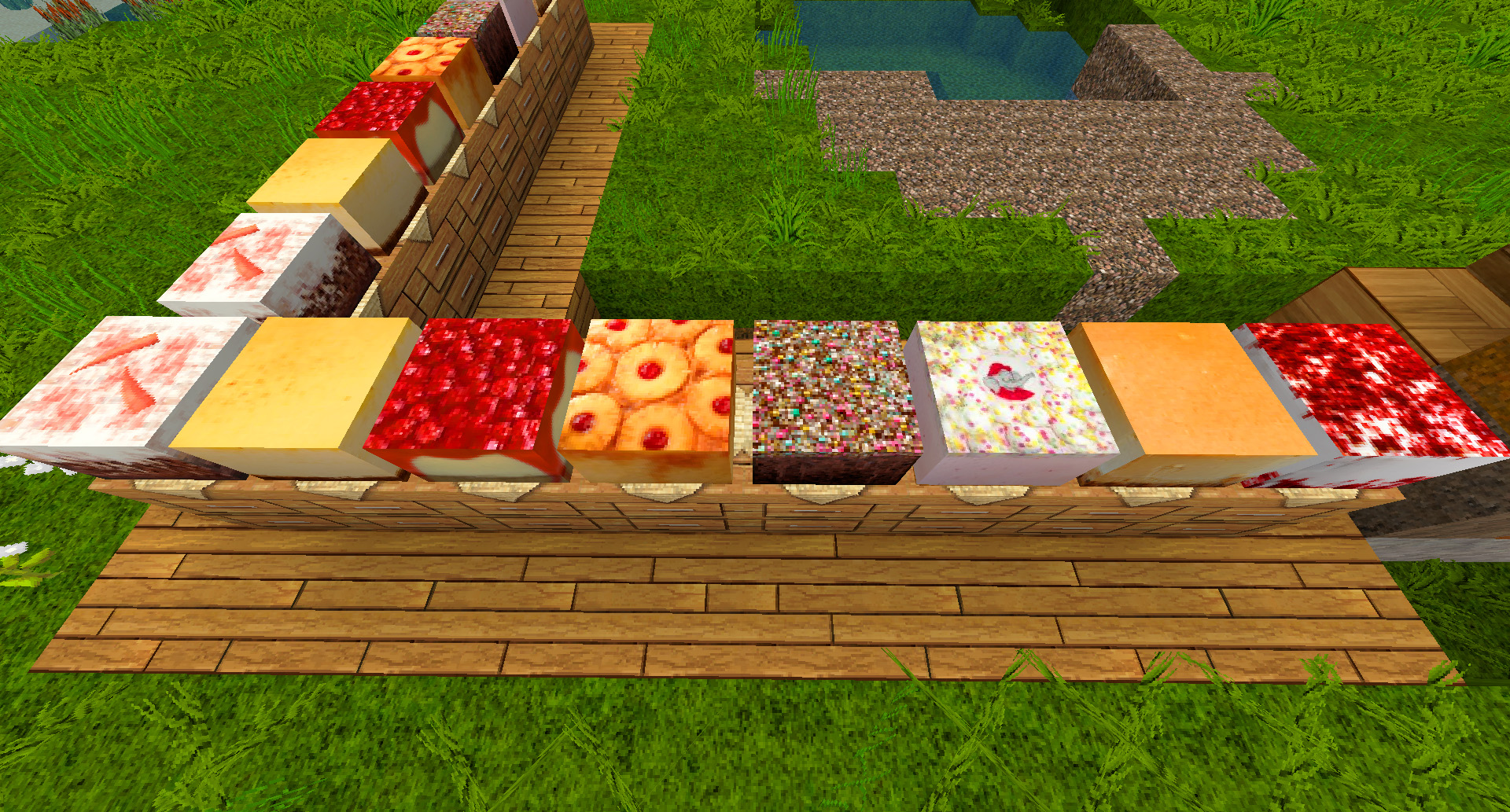
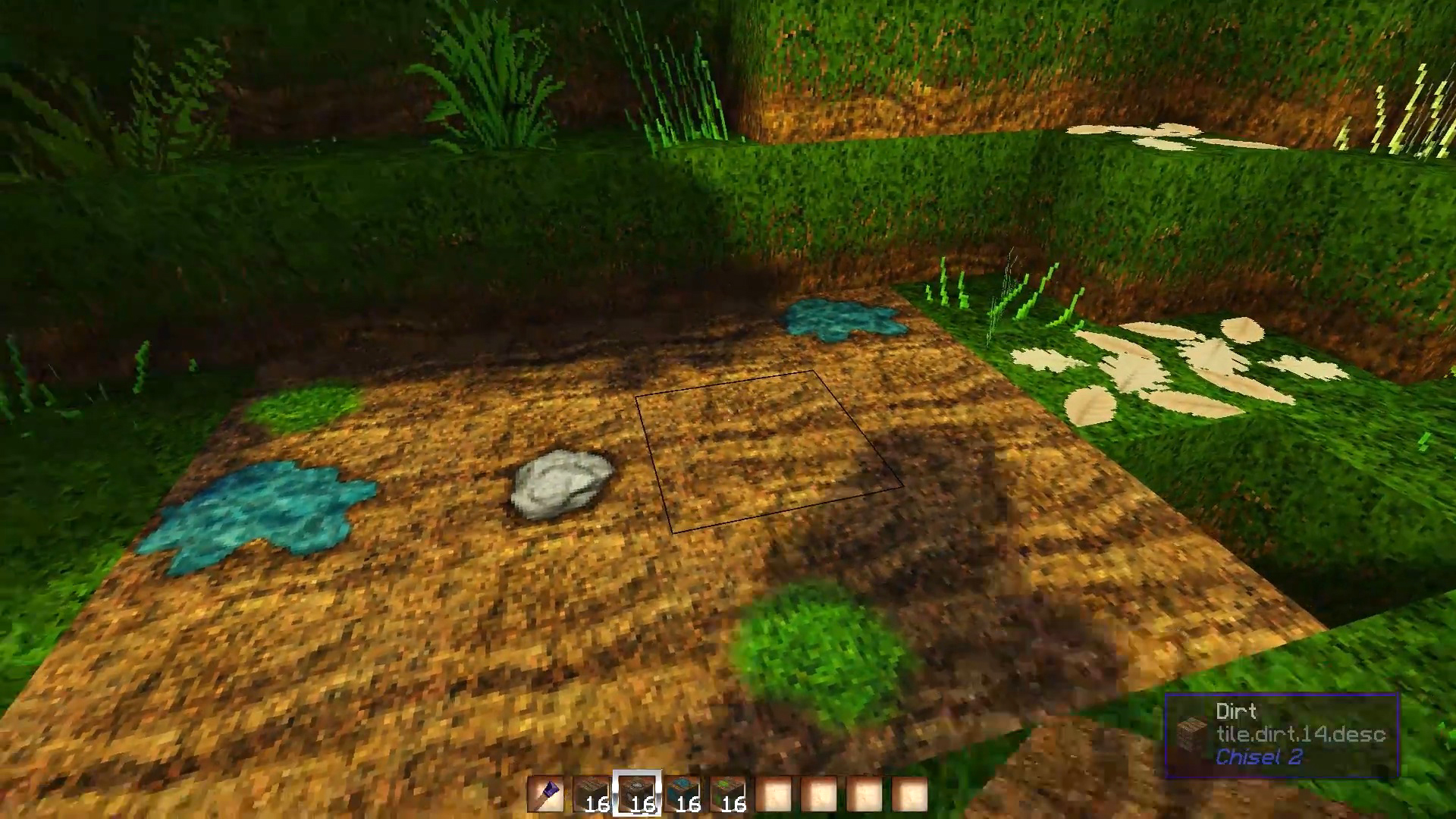
MeineKraft LitWR Edition is a community continuation of MeineKraft. Merlinmo and ACGaming create textures for various mods to enhance the feel of Modded Minecraft with this texture pack.

Click here for the AFTER HUMANS Edition!
Want all mods? Try MeineKraft Modded Universal!

This is a fanmade edition of the discontinued texture pack MeineKraft by Honeyball.

It supports mods from Life in the Woods Renaissance and mods used in Gronkh's Let's Play series as well.

MeineKraft LitWR v1.3
MC 1.7.4, 1.7.7, 1.7.6, 1.7.5, 1.7.2, 1.7.9, 1.7.10, 1.7.8
Release 2017-11-28 Get
MeineKraft LitWR v1.2
MC 1.7.6, 1.7.4, 1.7.7, 1.7.5, 1.7.9, 1.7.2, 1.7.8, 1.7.10
Release 2017-02-11 Get
MeineKraft LitWR v1.1
MC 1.7.6, 1.7.4, 1.7.7, 1.7.5, 1.7.9, 1.7.2, 1.7.8, 1.7.10
Release 2017-01-30 Get
MeineKraft LitWR v1.0
MC 1.7.6, 1.7.4, 1.7.7, 1.7.5, 1.7.9, 1.7.2, 1.7.8, 1.7.10
Release 2016-10-09 Get

Requirements & install

How to use this resource pack in Minecraft
Resolution
64x
Minecraft
1.7.2 – 1.7.10
Install folder
.minecraft/resourcepacks

How to install resource packs

  1. Download the resource pack .zip file (do not extract it).
  2. In Minecraft open Options → Resource Packs → Open Pack Folder.
  3. Drop the .zip into the resourcepacks folder (.minecraft/resourcepacks).
  4. Move the pack to the Selected column and click Done.
Browse more: 16x resource packs 32x resource packs 64x resource packs 128x resource packs 256x resource packs 512x+ resource packs Resource Packs for 1.7.10 All resource packs

More from MeineKraftFanmade

Advertisement Remove ads with Premium →

You Might Also Like