Mineuniverse
Resource Packs
MegaReal pack PBR

MegaReal pack PBR

RESOURCE PACK
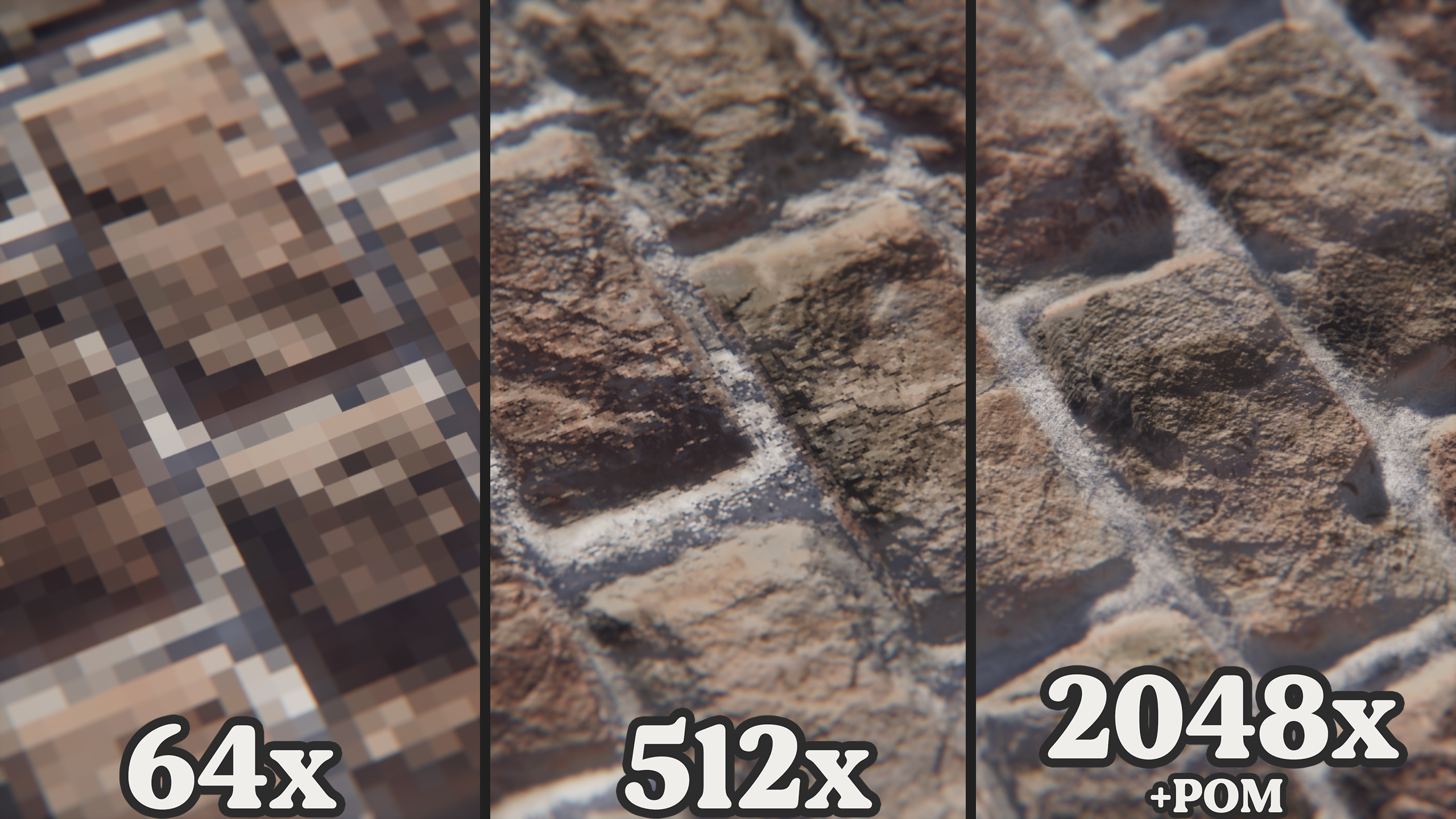
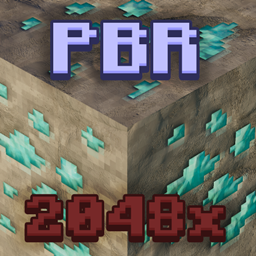
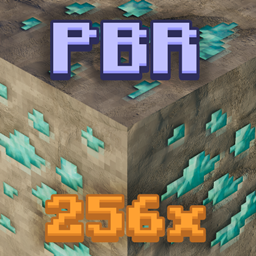
ultra-realistic resource pack with 64x, 512x, 2048x normals and specular
by PapaChefCool
Download Claim this project
29,192 downloads
0 likes
0 followers
Updated Oct 14, 2026
0 hypes
Follow0
64x Modern Photo Realistic
Advertisement Remove ads with Premium →

Support me on Patreon to get the 512x and 2048x versions!

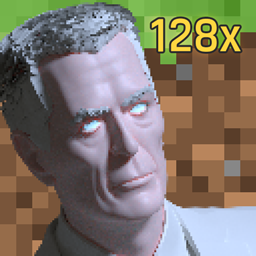
MegaReal pack is an ultra-realistic resource pack designed with creativity in mind. This pack features textures that utilises PBR, such as normal-maps, ambient occlusion, and specular textures such as smoothness and subsurface scattering (when used with a labpbr compatible shaderpack). This resource pack really isn't designed for survival gameplay, and is more suited for creative applications and builds. The latest release features illustrations in the form of paintings by Carltai and Thinkmolly

This resource pack requires a LABPBR compatible shader.

New releases to this pack will not include only include new textures, make sure to layer new versions on top of eachother! BLOCKLIST

Special thanks to: © Thinkmolly 2021 | ©Carltai 2021 | https://www.instagram.com/thinkmolly/ https://www.instagram.com/carltai/

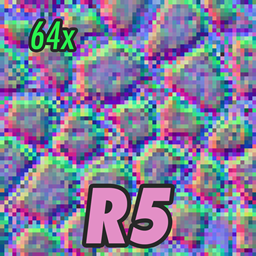
MegaReal pack 64x R5
MC 1.17.1, 1.14.4, 1.17, 1.16.5, 1.15.2
Release 2021-08-16 Get
MegaReal pack 64x R4
MC 1.14.4, 1.17, 1.15, 1.16, 1.16.5, 1.15.2, 1.14, 1.16.4
Release 2021-04-22 Get
MegaReal pack 64x R3
MC 1.14.4, 1.17, 1.15, 1.16, 1.16.5, 1.15.2, 1.14, 1.16.4
Release 2021-02-22 Get
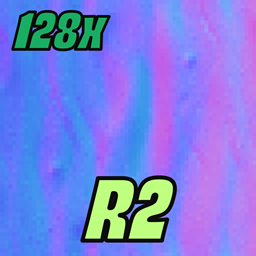
MegaReal pack 64x R2
MC 1.14.4, 1.17, 1.15, 1.16, 1.16.5, 1.15.2, 1.14, 1.16.4
Release 2021-01-23 Get
MegaReal pack 64x R1
MC 1.16.3, 1.14.4, 1.17, 1.15, 1.16, 1.15.2, 1.14, 1.16.4
Release 2020-12-30 Get

Requirements & install

How to use this resource pack in Minecraft
Resolution
64x
Minecraft
1.15 – 1.17.1
Install folder
.minecraft/resourcepacks

How to install resource packs

  1. Download the resource pack .zip file (do not extract it).
  2. In Minecraft open Options → Resource Packs → Open Pack Folder.
  3. Drop the .zip into the resourcepacks folder (.minecraft/resourcepacks).
  4. Move the pack to the Selected column and click Done.
Browse more: 16x resource packs 32x resource packs 64x resource packs 128x resource packs 256x resource packs 512x+ resource packs Resource Packs for 1.17.1 All resource packs

More from PapaChefCool

Advertisement Remove ads with Premium →

You Might Also Like