Mineuniverse
Resource Packs
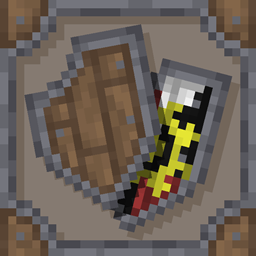
Medieval Tactical Shield

Medieval Tactical Shield

RESOURCE PACK
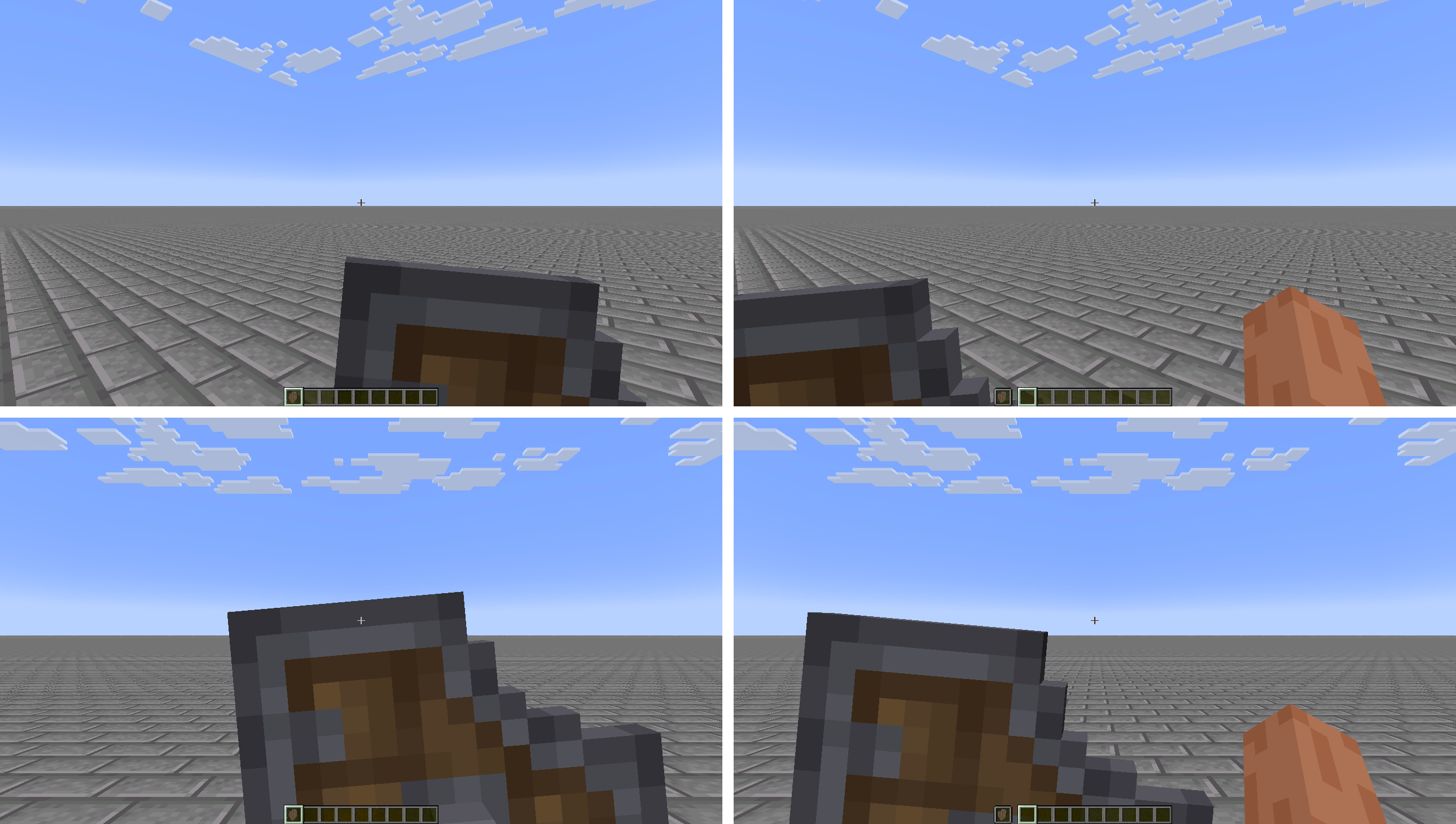
Changes the 3D model and textures of the shield, making it bigger and more realistic
by PiXeLJoWY32
Download Claim this project
Add a badge to your pageLink to Medieval Tactical Shield from a README, website or forum post.
Preview: Badge

Badges update automatically and link to the resource pack page on MineUniverse.

3,420 downloads
0 likes
0 followers
Updated Oct 14, 2026
0 hypes
Follow0
16x Medieval
Advertisement Remove ads with Premium →

Almost every shield resource pack I have found only serves to change the position, size or opacity of the shield, although there are others that do change the model, they are not usually compatible with banners, so I wanted to make my own version of the shield.

The only thing that bothers me about the vanilla shield is the plain texture when using banners, hiding the wood texture and the characteristic nails of the shield. I also wanted to change the shape and make it more interesting.**

Features:

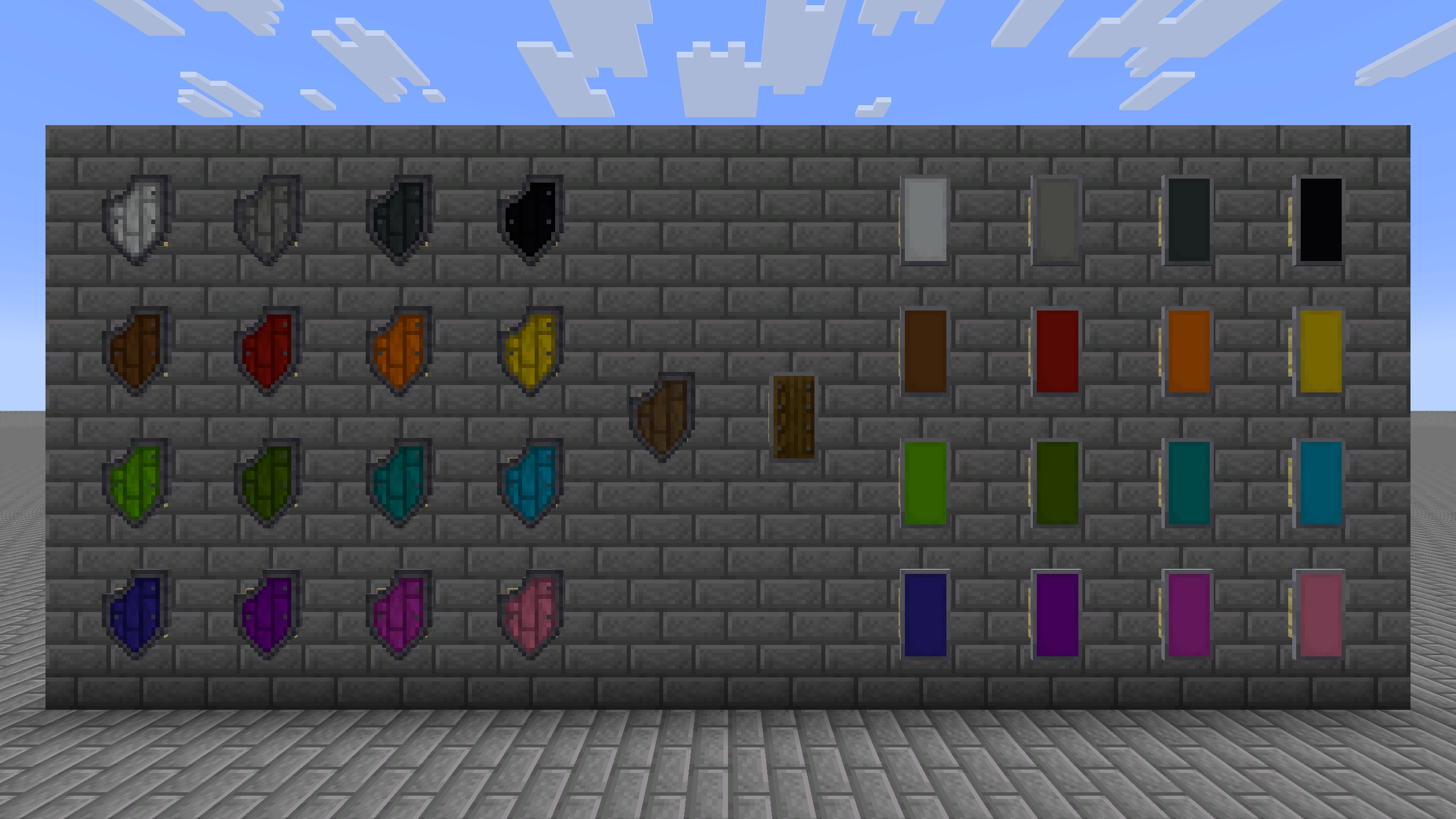
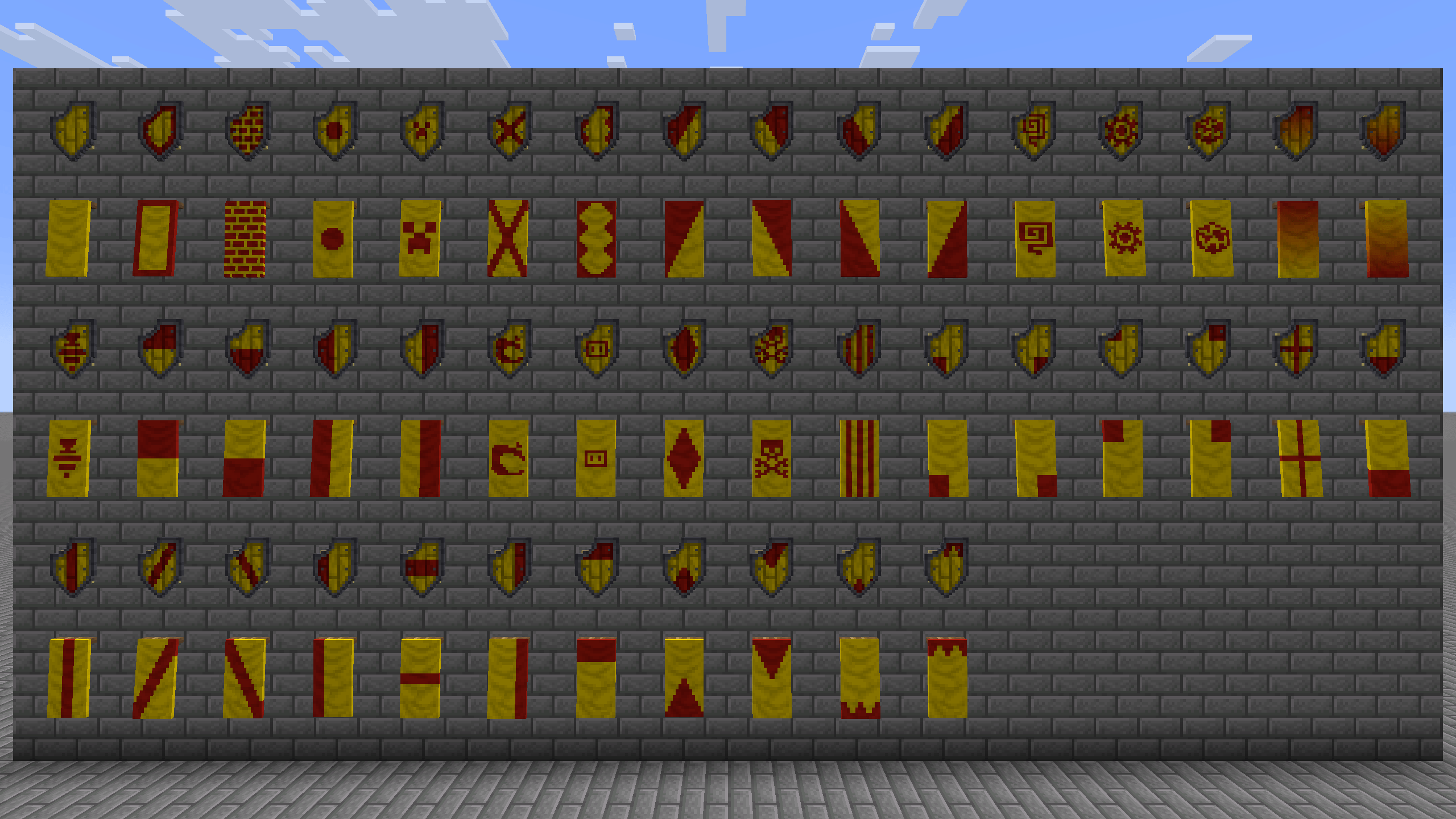
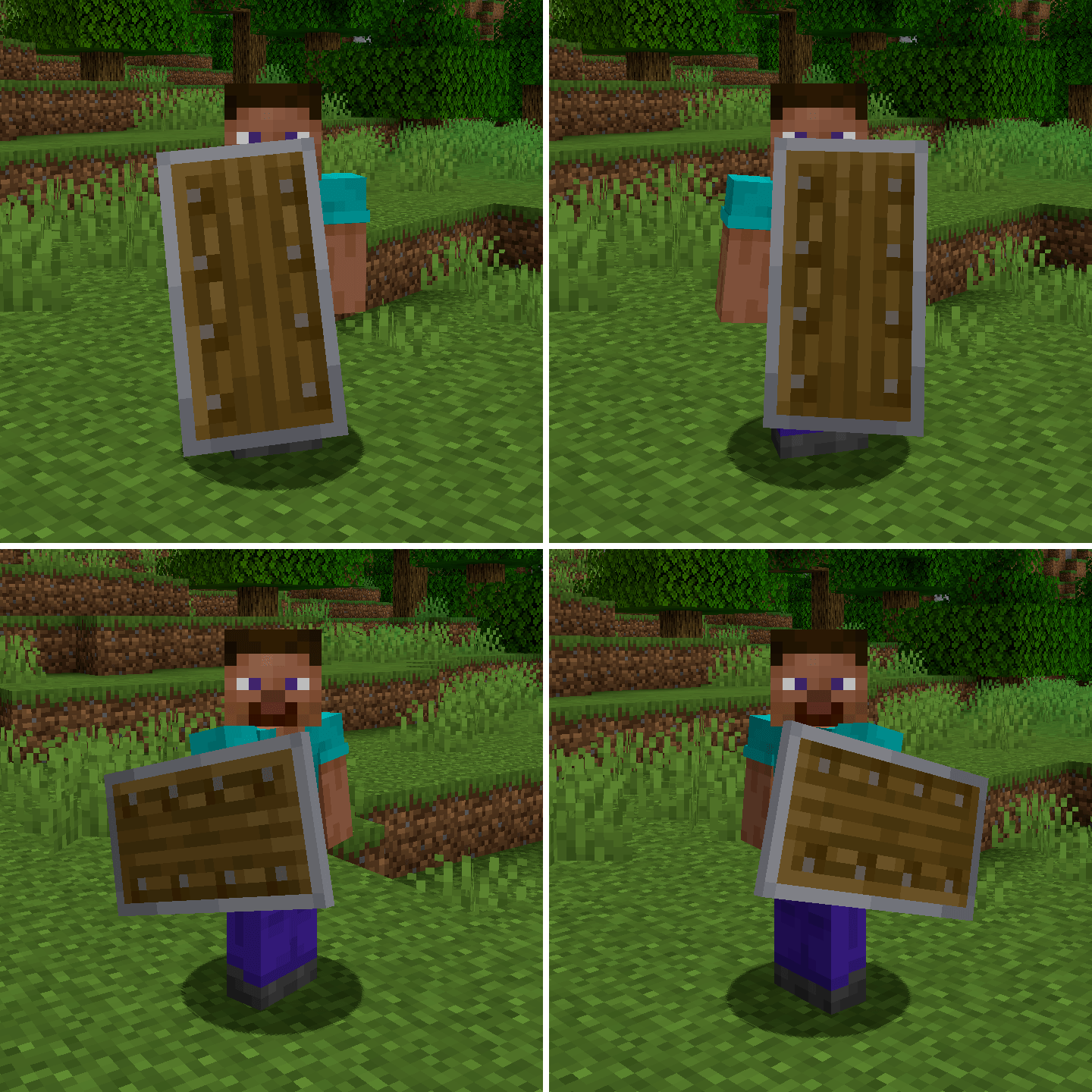
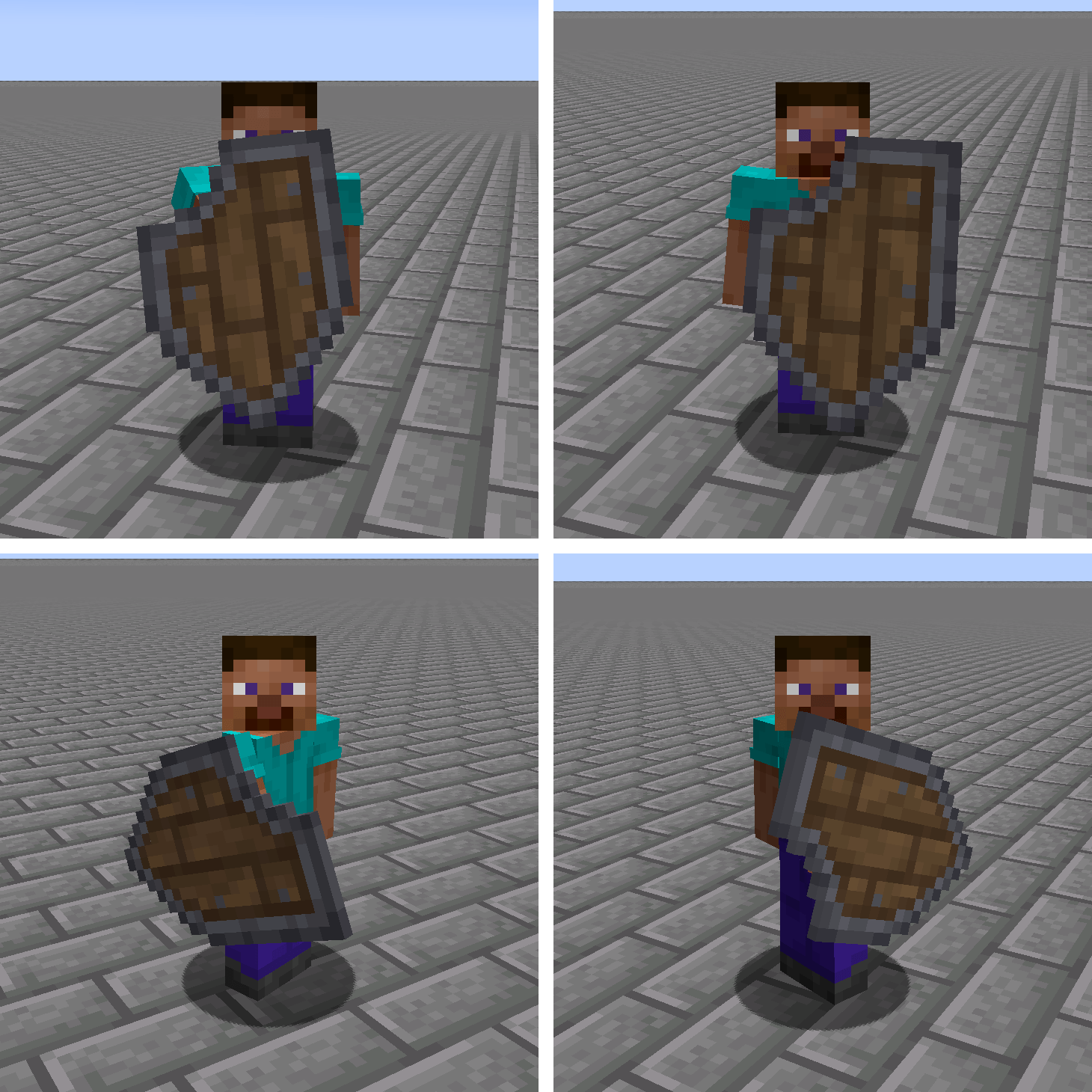
  • The shield now is wider, more detailed texture with metal border, bigger wood planks, nails and a more medieval shape.
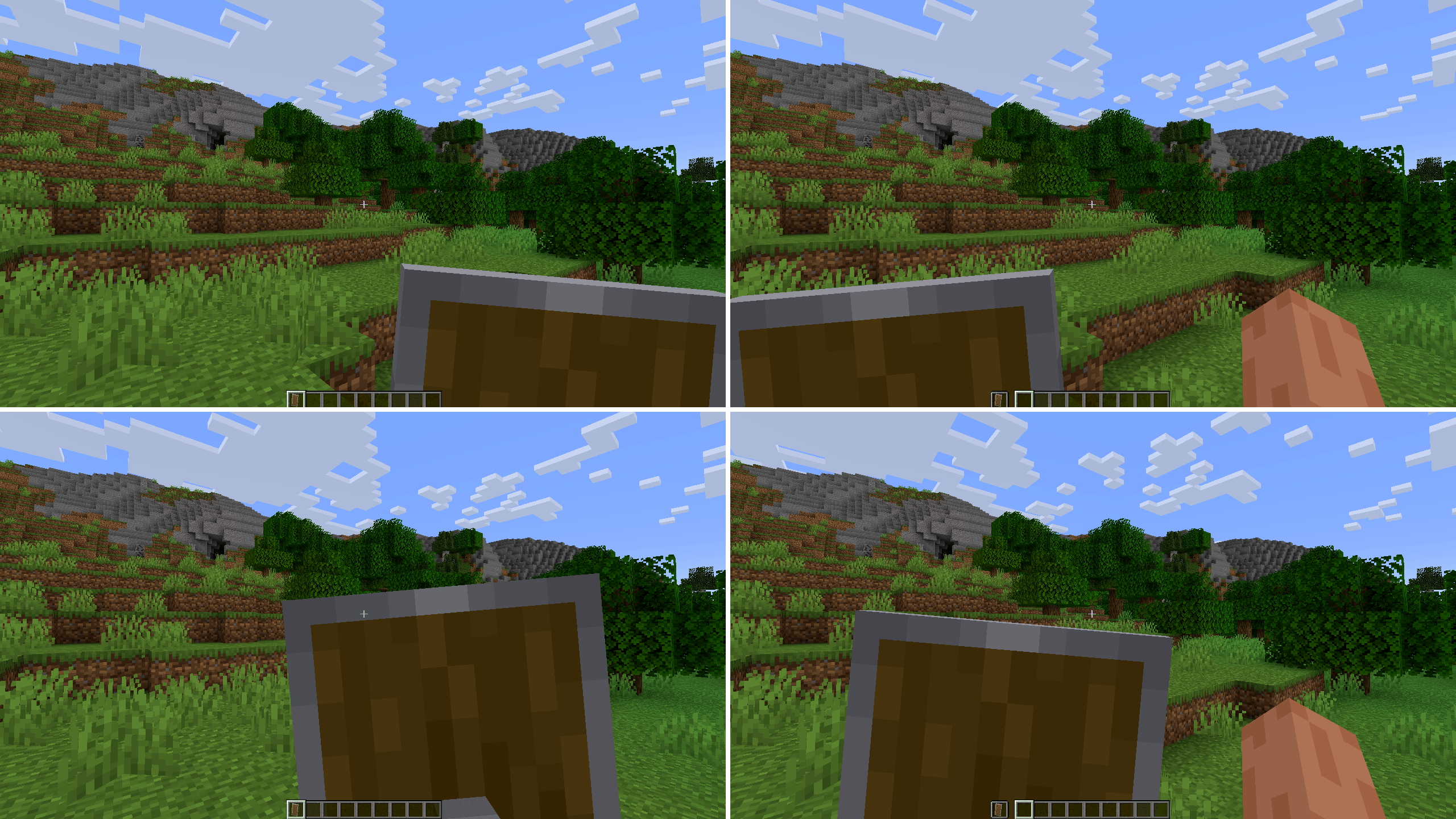
  • The tactical shape of the shield allows you to see clearly when it is in the left hand.
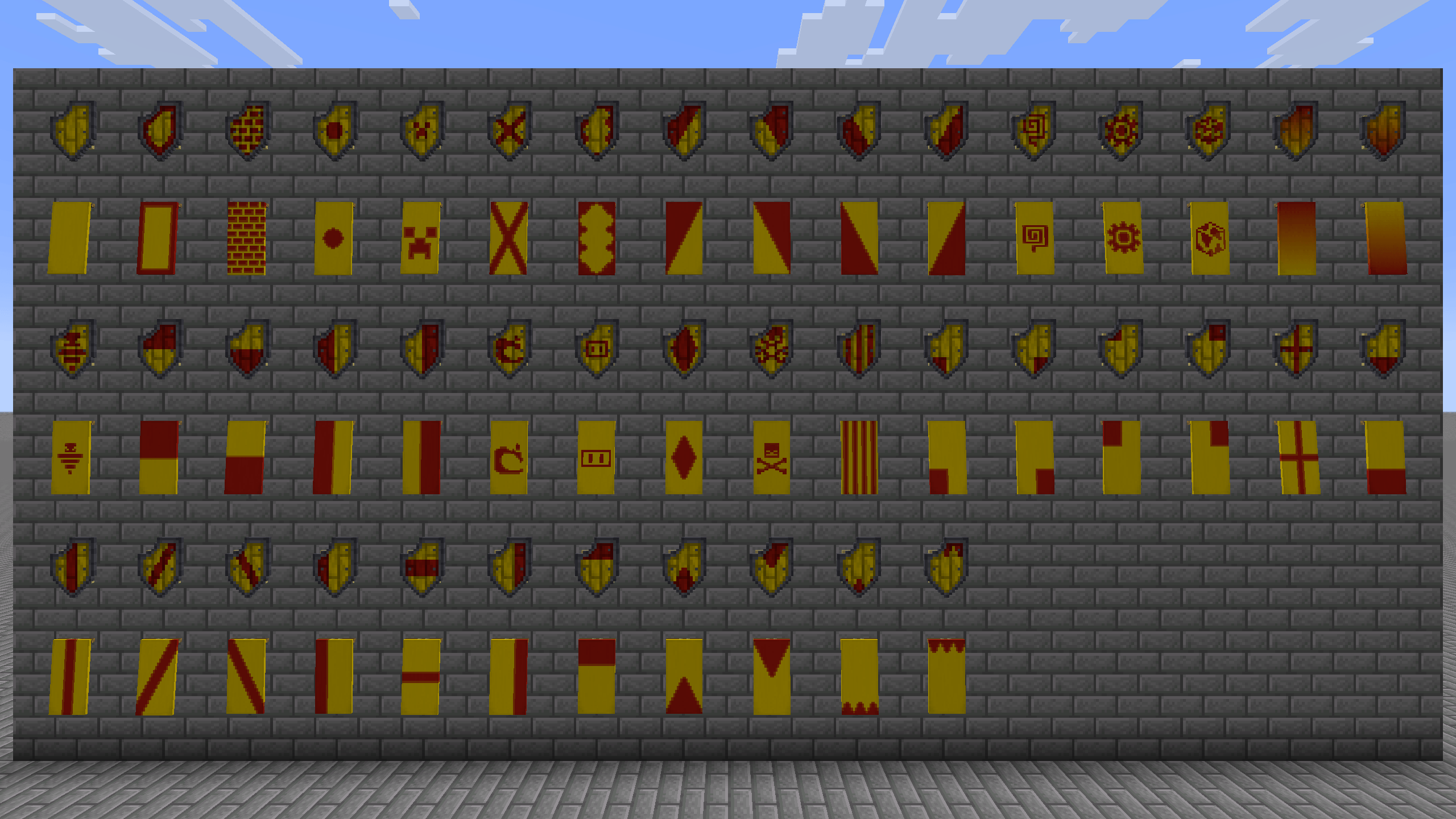
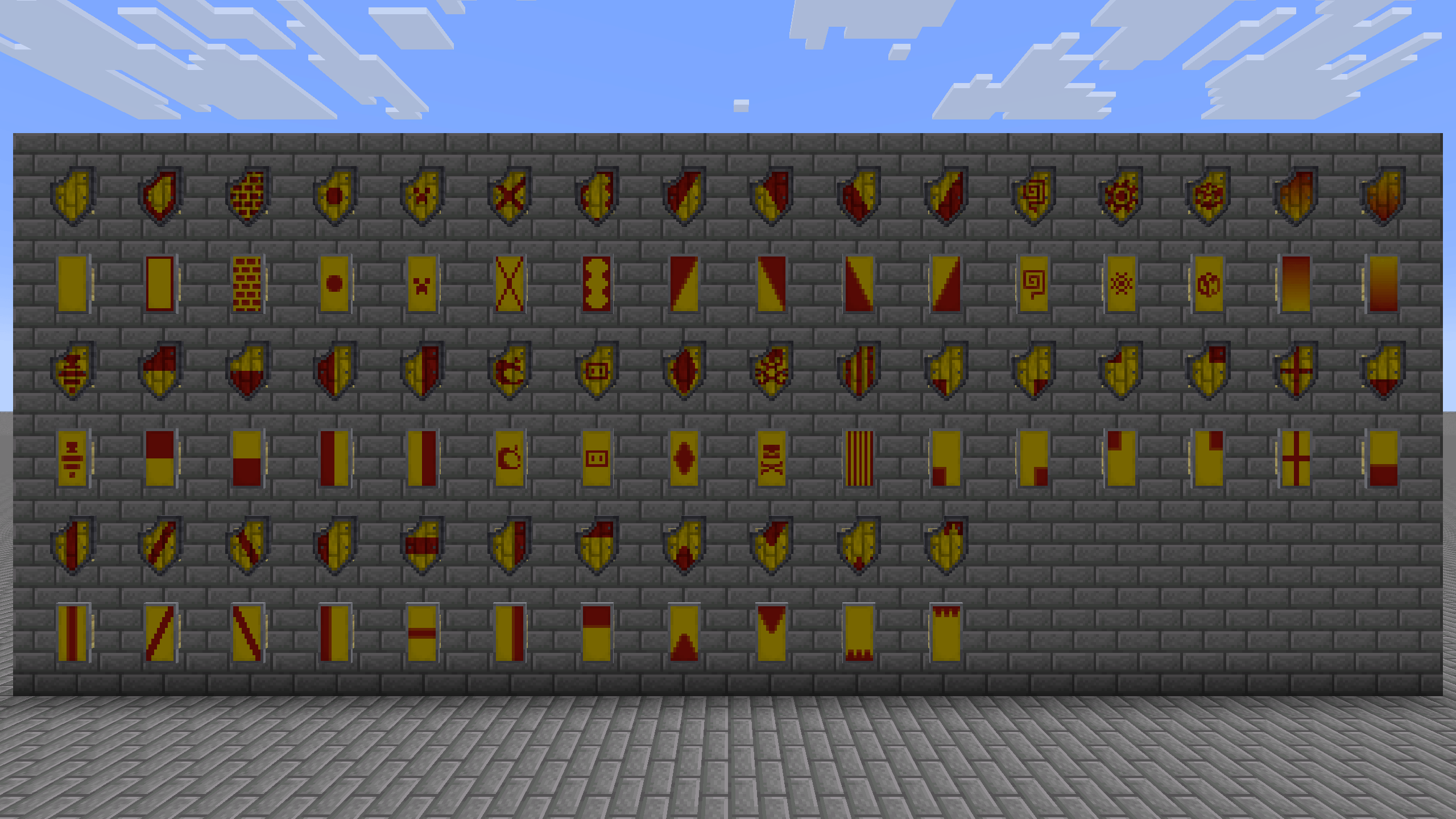
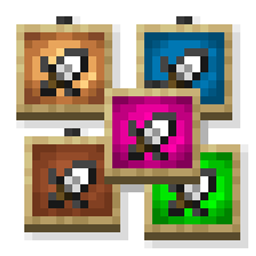
  • Fully compatible with banners, using the wood texture for the color map, all drawn manually, instead of a boring plain color.
  • Tweaked some patterns to match with Wavy Banners
  • Bigger scale in item frames to use the shield as decoration.
  • New unique texture on the back of the shield.

Note:

  • I recommend Wavy Banners for more consistency with the patterns.
  • If you want a more vanilla shield but still improved, you can use Better Vanilla Shields [Coming Soon].

Dependencies:

This resource pack is also available on Modrinth.

Medieval Tactical Shield 1.1
MC 1.20.2, 1.21, 1.20.5, 1.21.5, 1.21.8, 1.21.4, 1.20.3, 1.20.1, 1.20, 1.20.6, 1.20.4, 1.21.3, 1.21.7, 1.21.1, 1.21.6, 1.21.2
Release 2025-09-10 Get

Requirements & install

How to use this resource pack in Minecraft
Resolution
16x
Minecraft
1.21.1 – 1.21.8
Install folder
.minecraft/resourcepacks

How to install resource packs

  1. Download the resource pack .zip file (do not extract it).
  2. In Minecraft open Options → Resource Packs → Open Pack Folder.
  3. Drop the .zip into the resourcepacks folder (.minecraft/resourcepacks).
  4. Move the pack to the Selected column and click Done.
Browse more: 16x resource packs 32x resource packs 64x resource packs 128x resource packs 256x resource packs 512x+ resource packs Resource Packs for 1.21.8 All resource packs

More from PiXeLJoWY32

Advertisement Remove ads with Premium →

You Might Also Like