Mineuniverse
Resource Packs
MC DarkMode

MC DarkMode

RESOURCE PACK
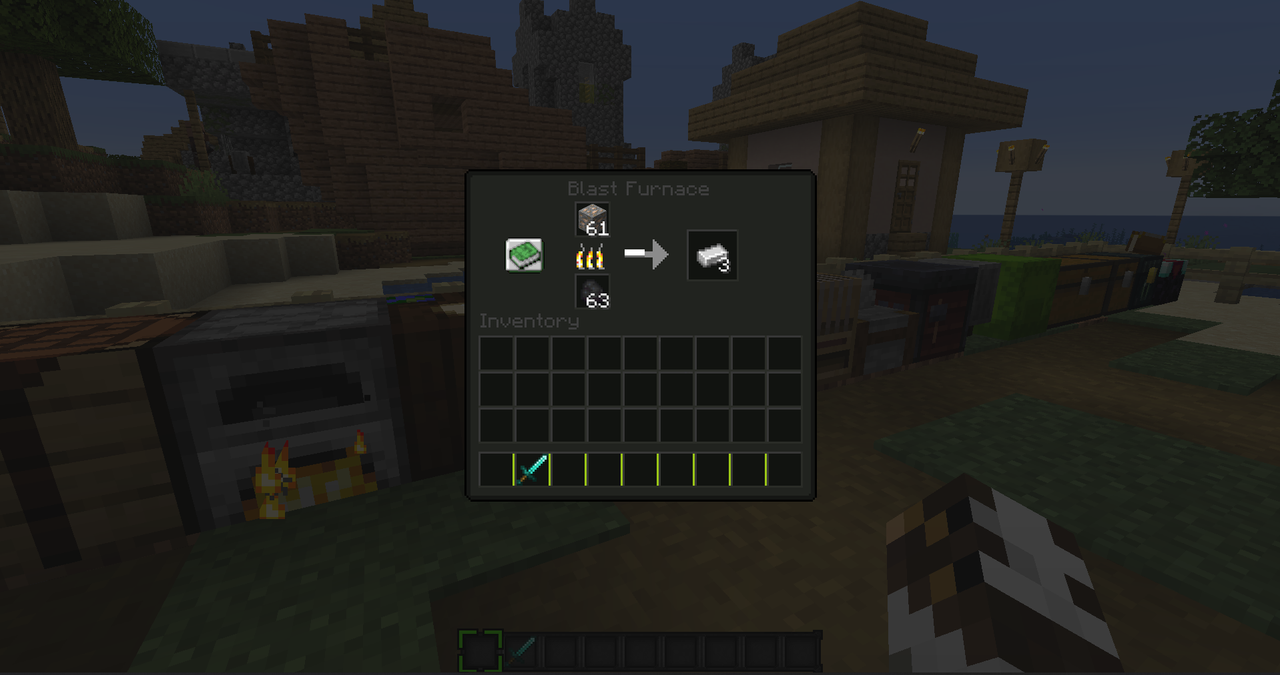
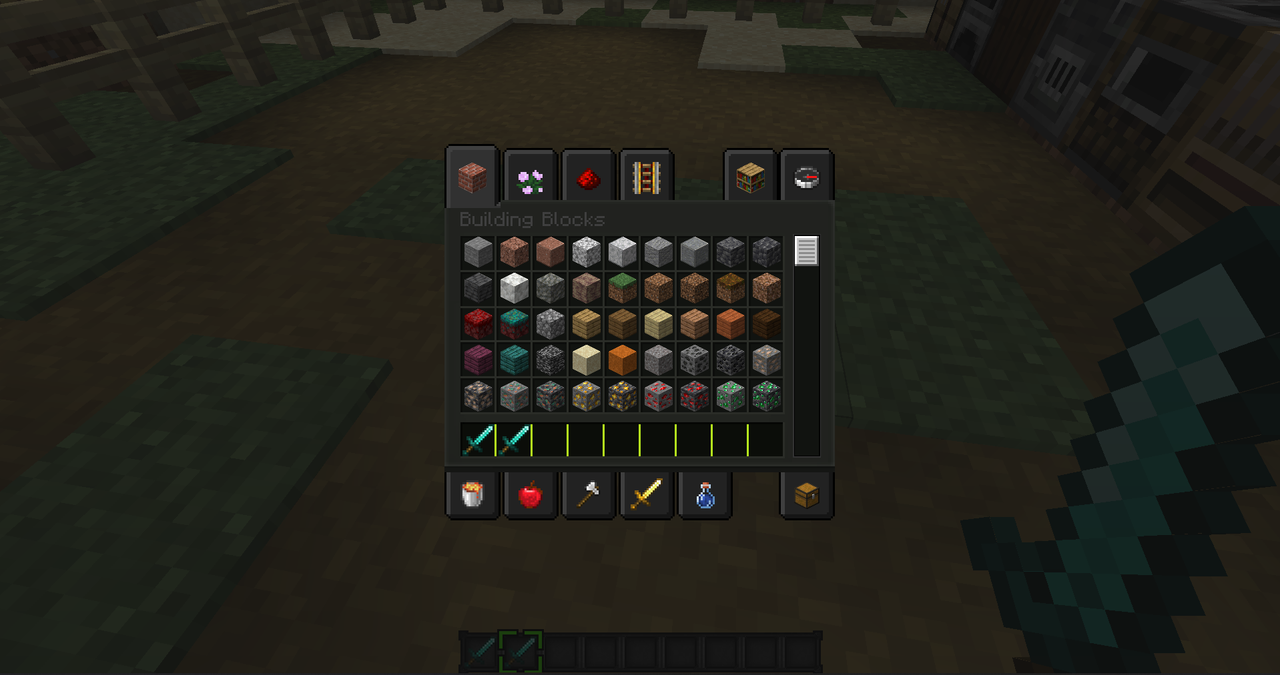
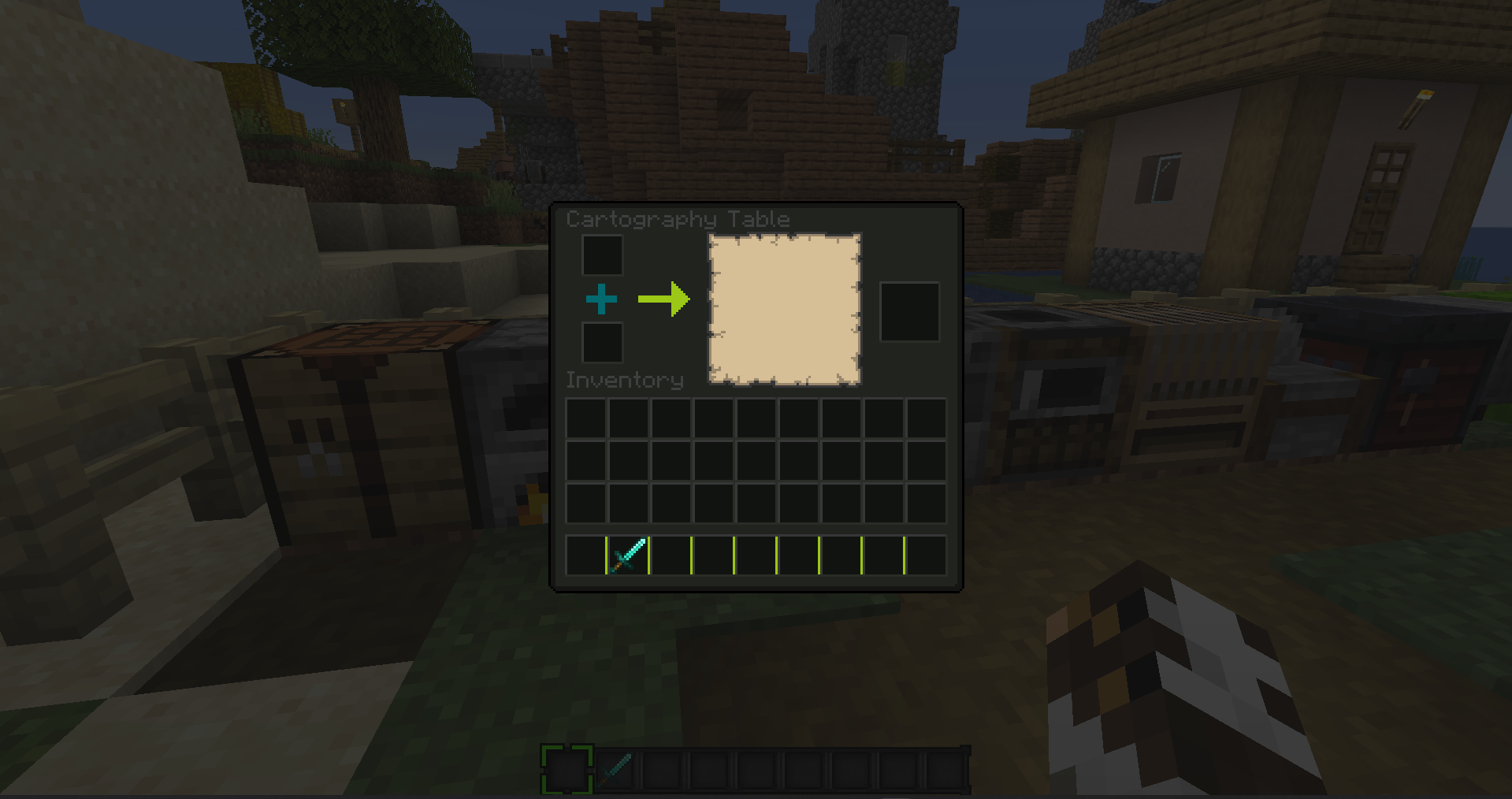
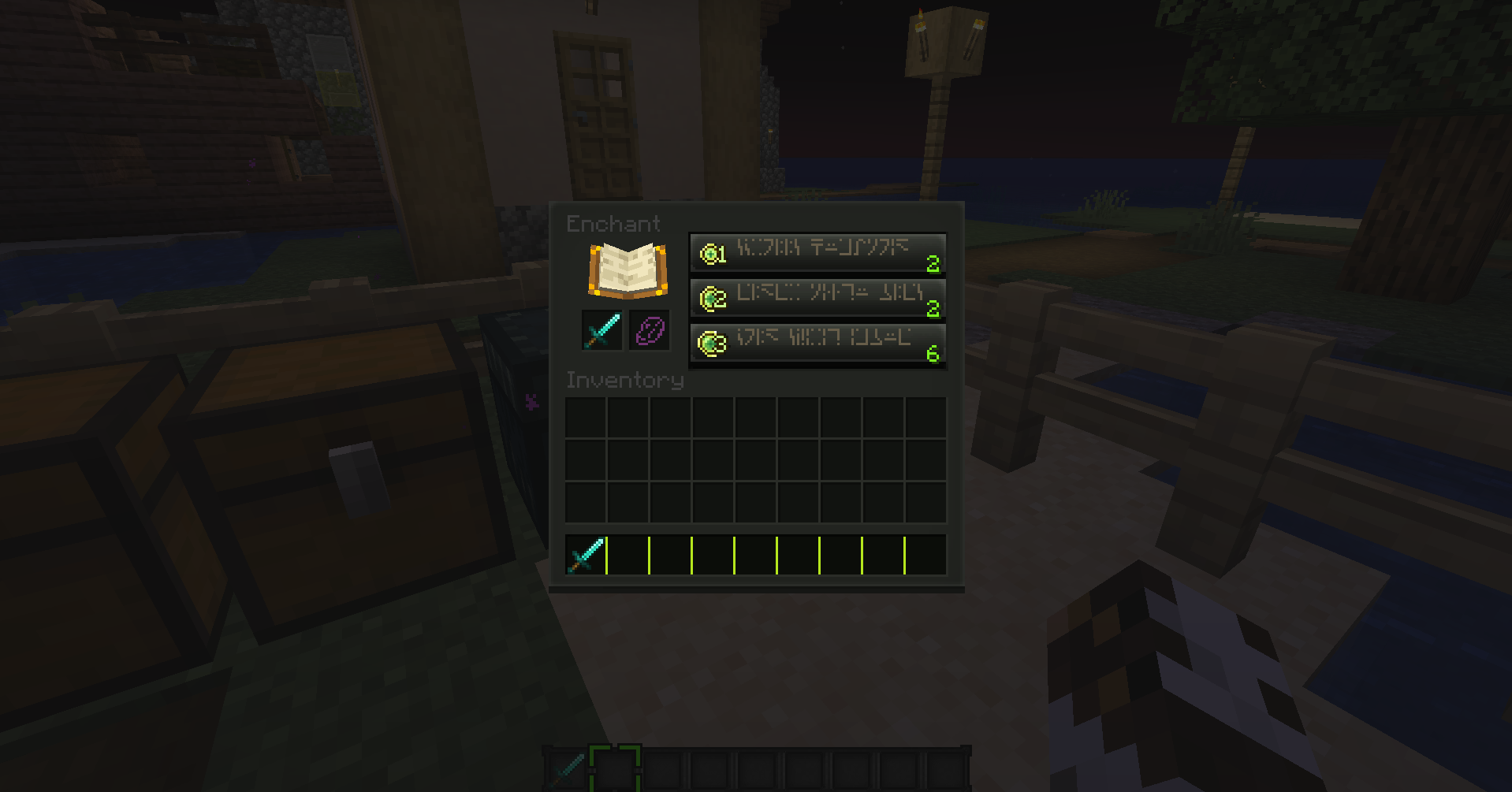
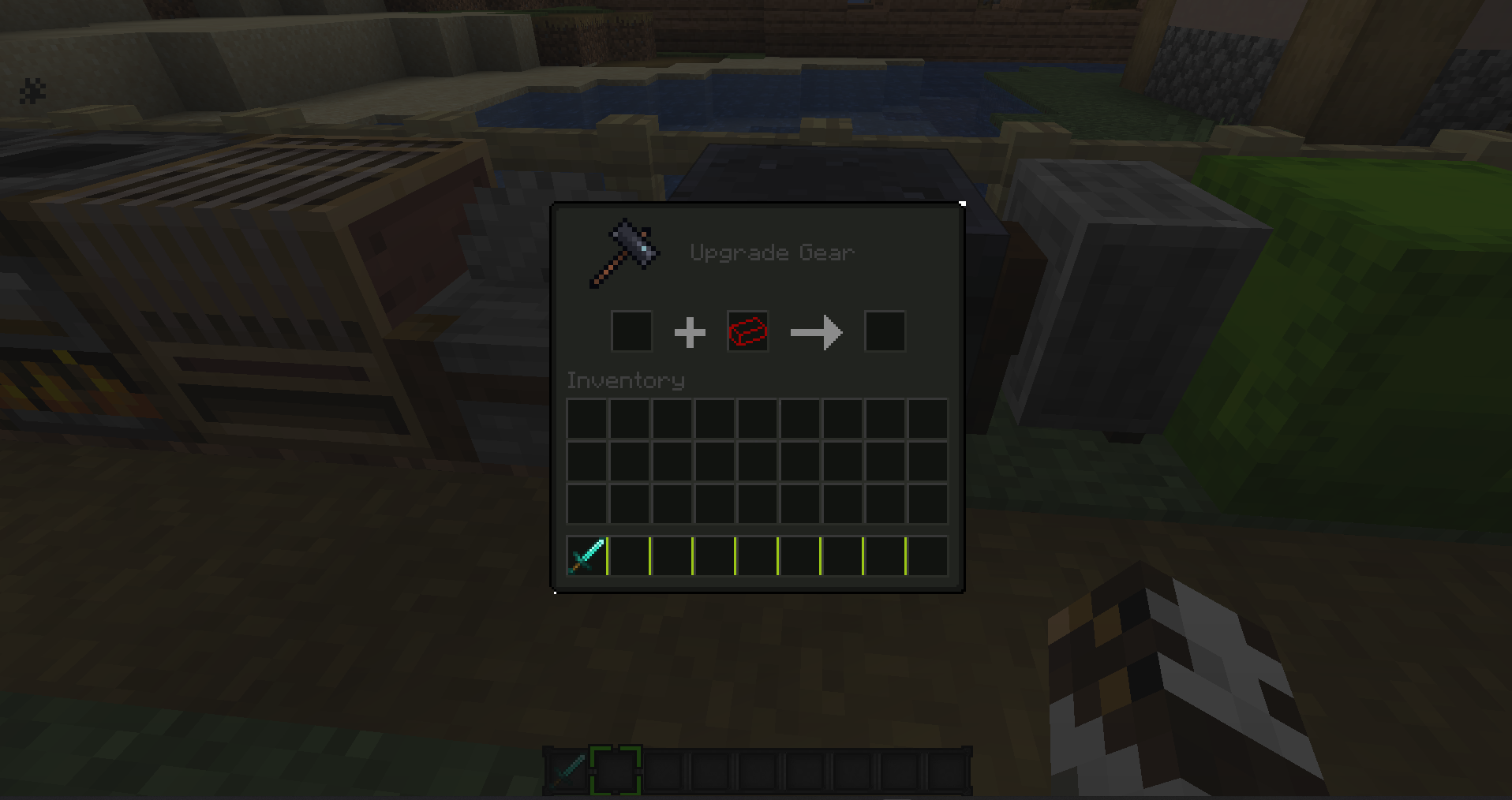
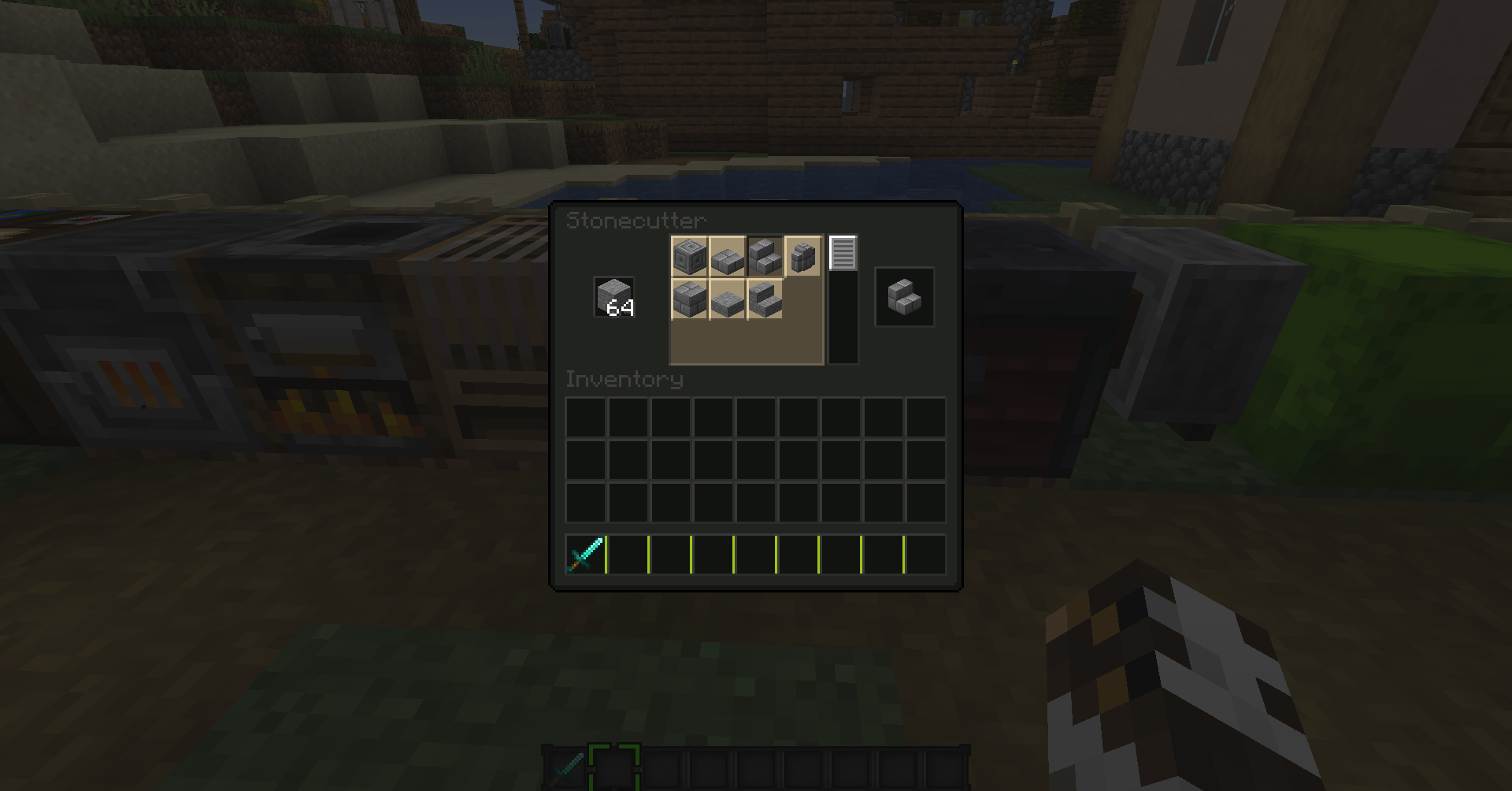
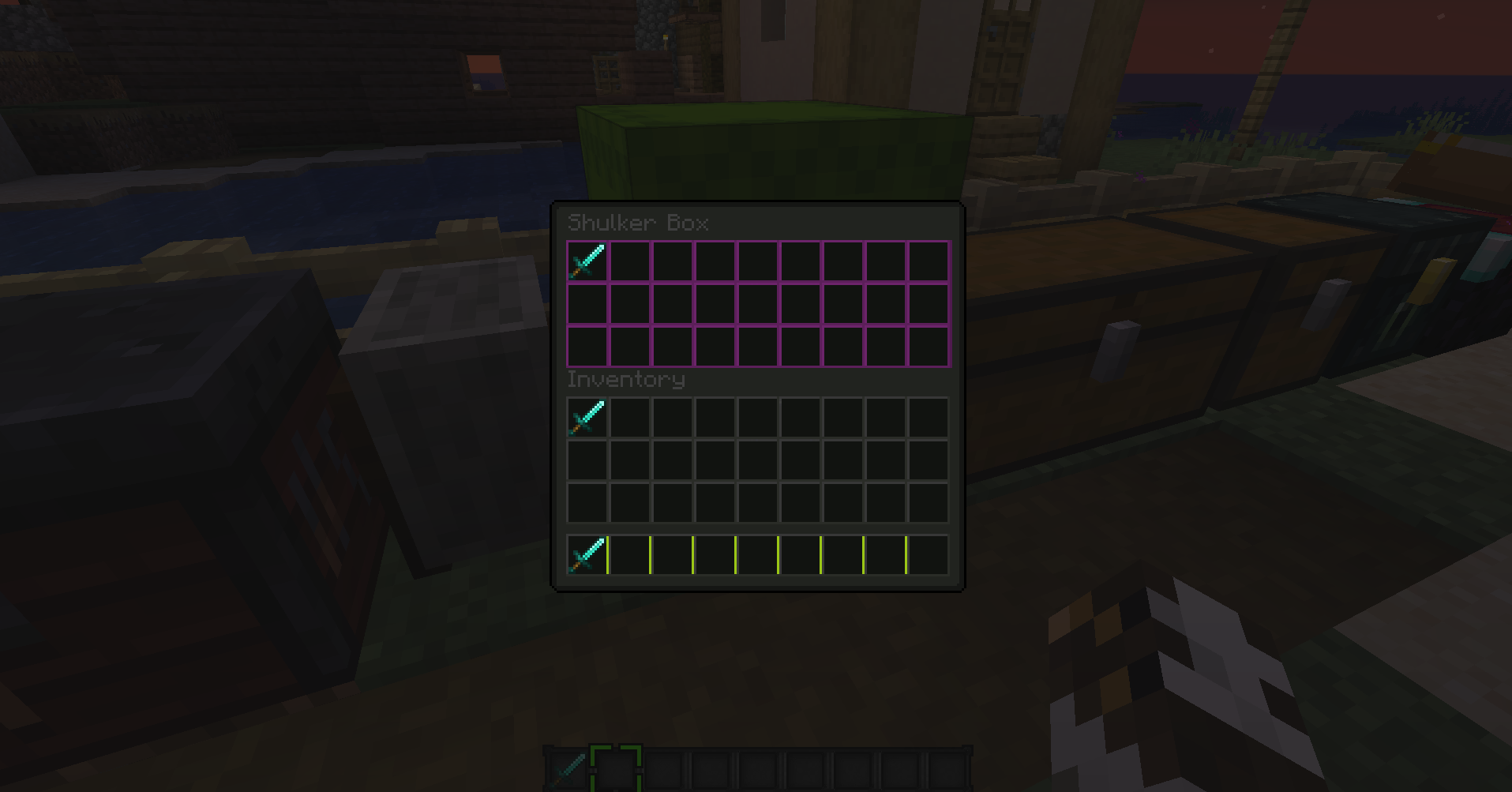
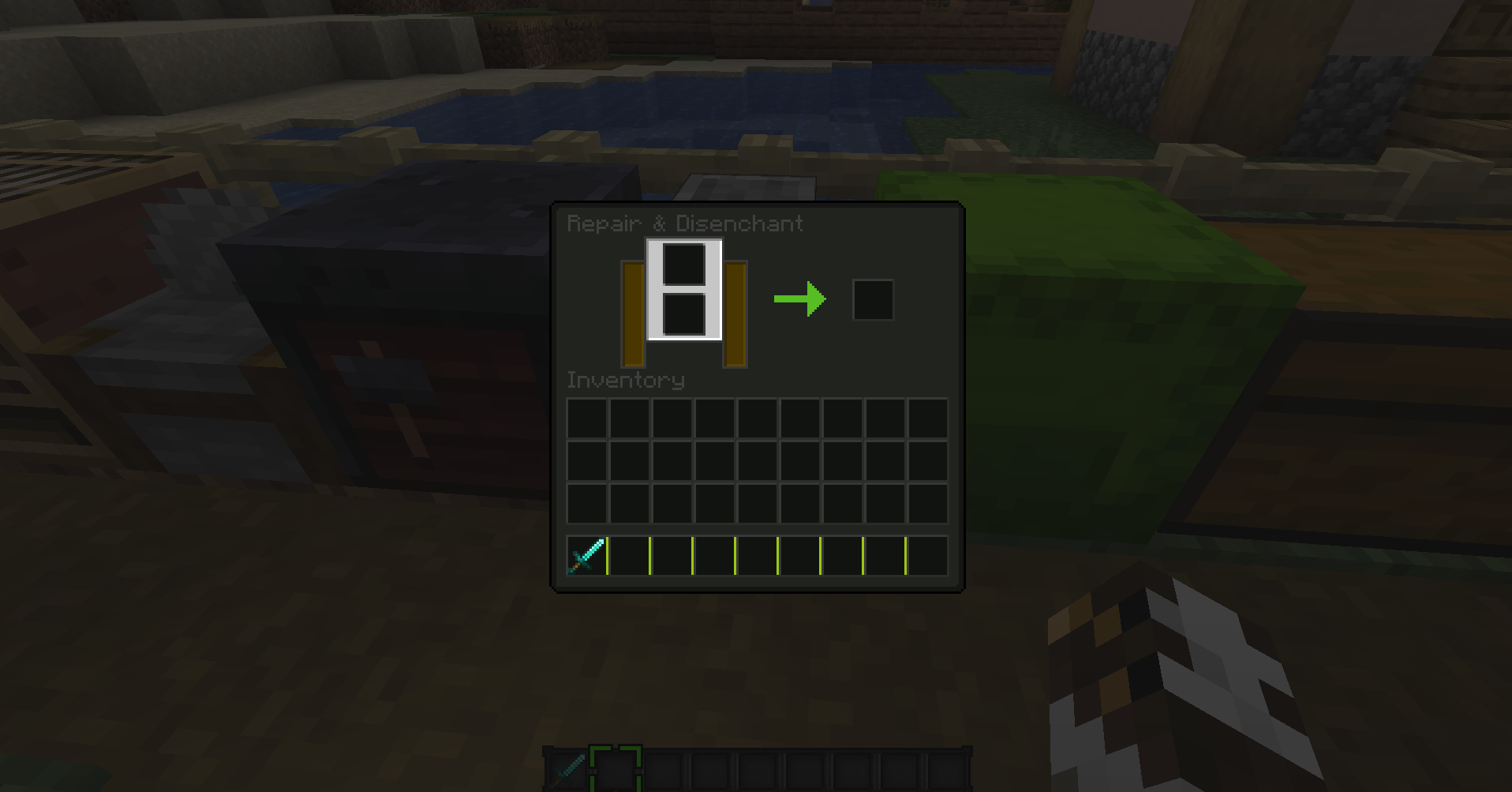
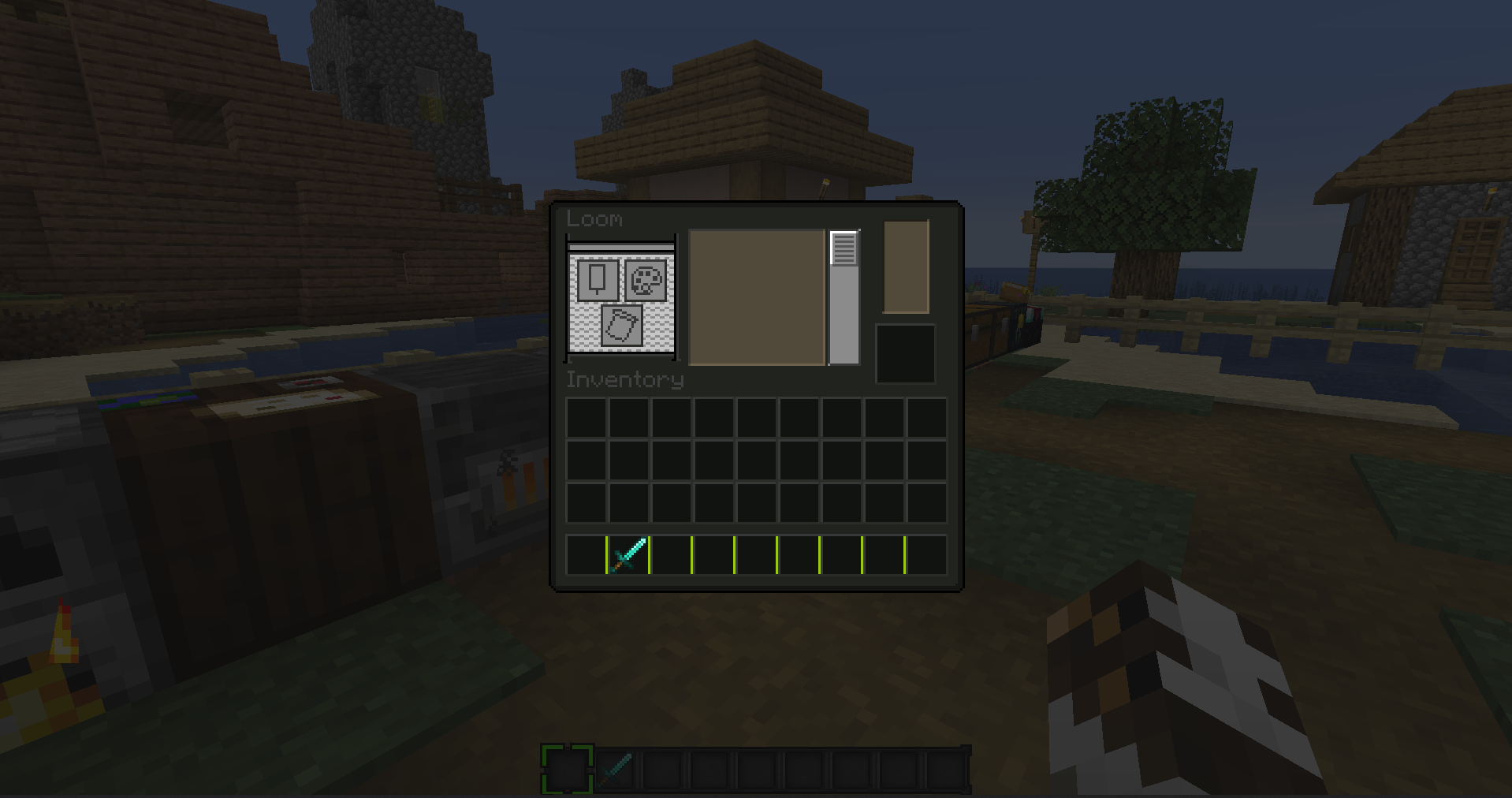
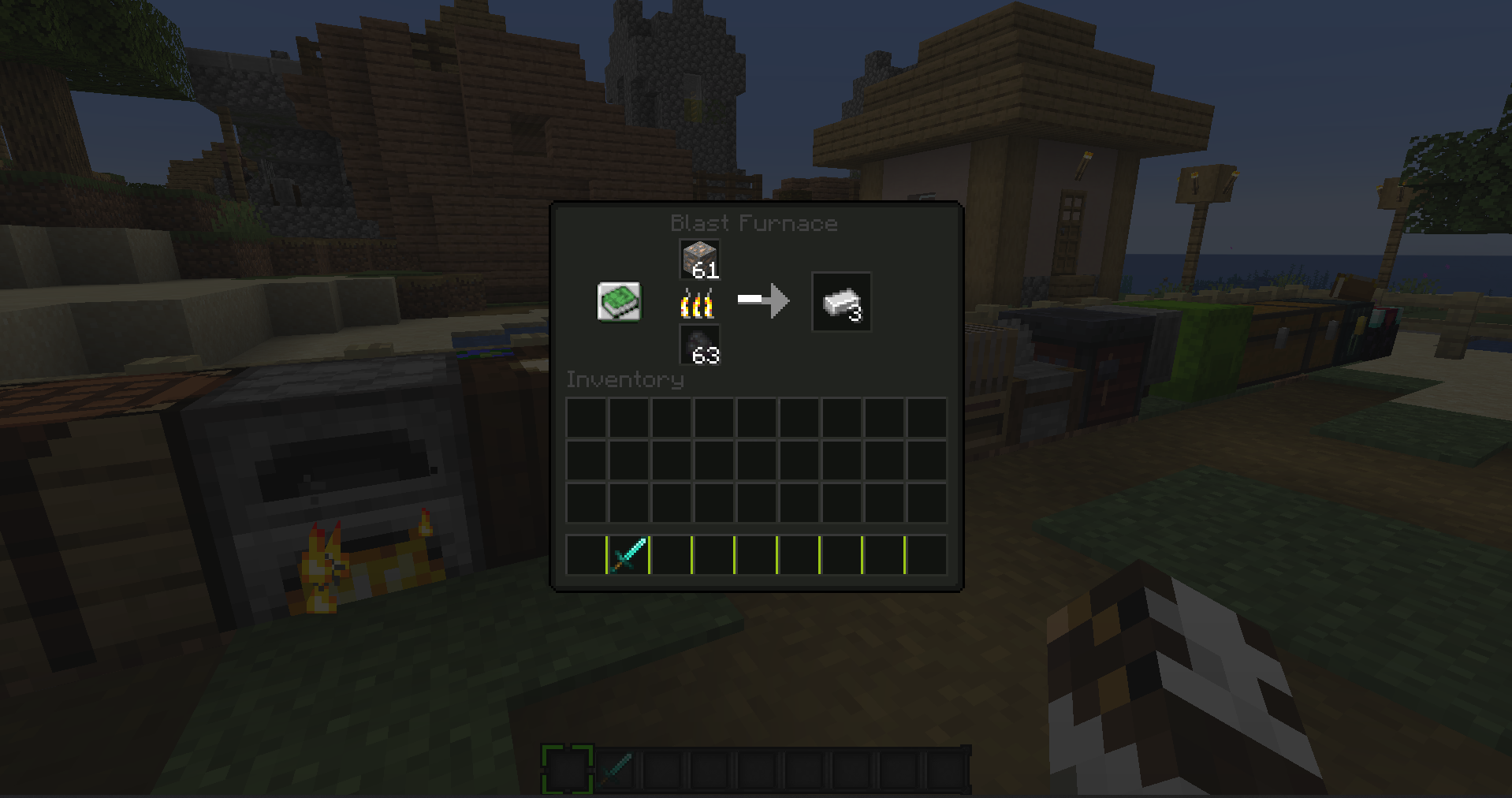
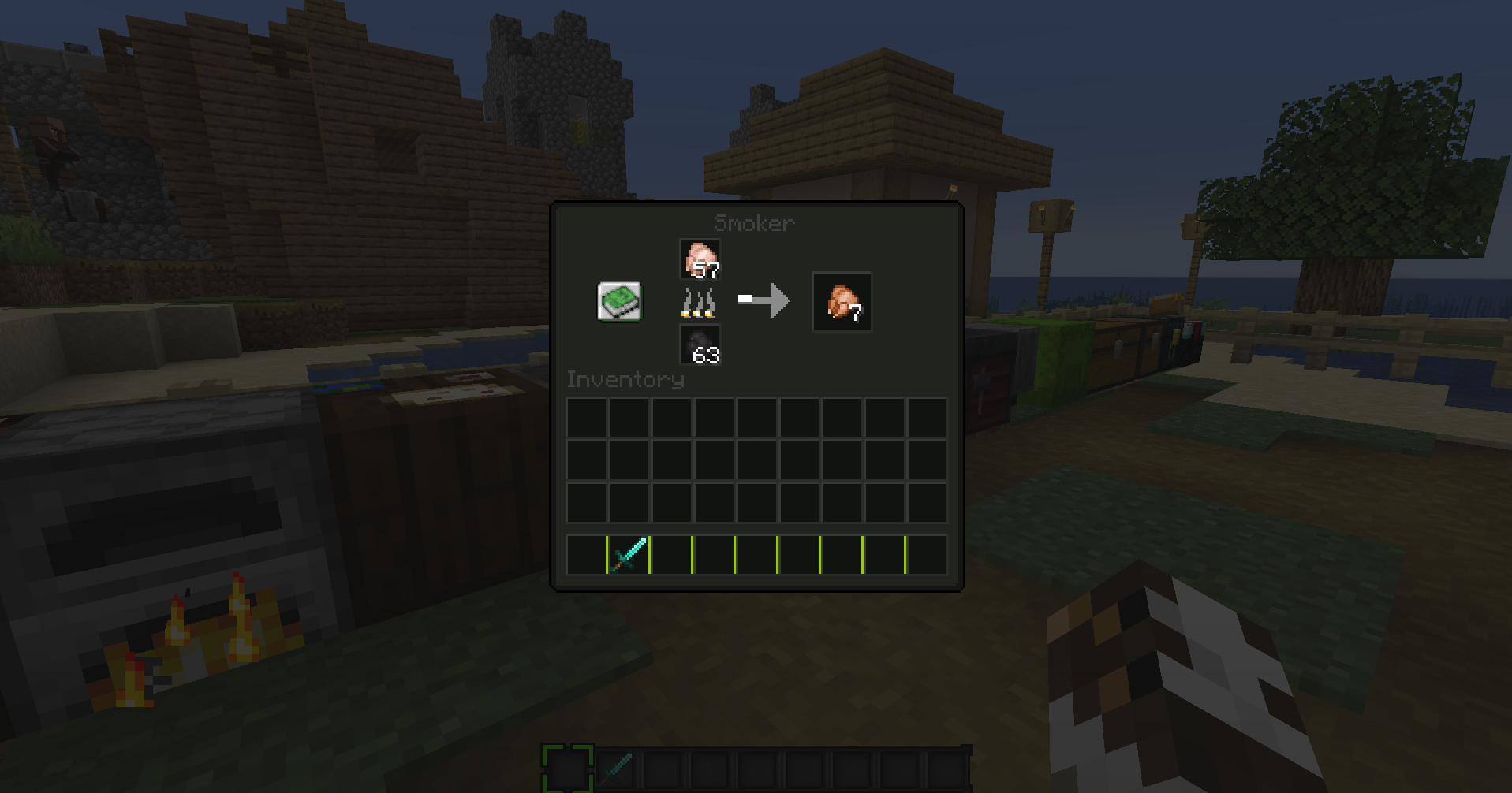
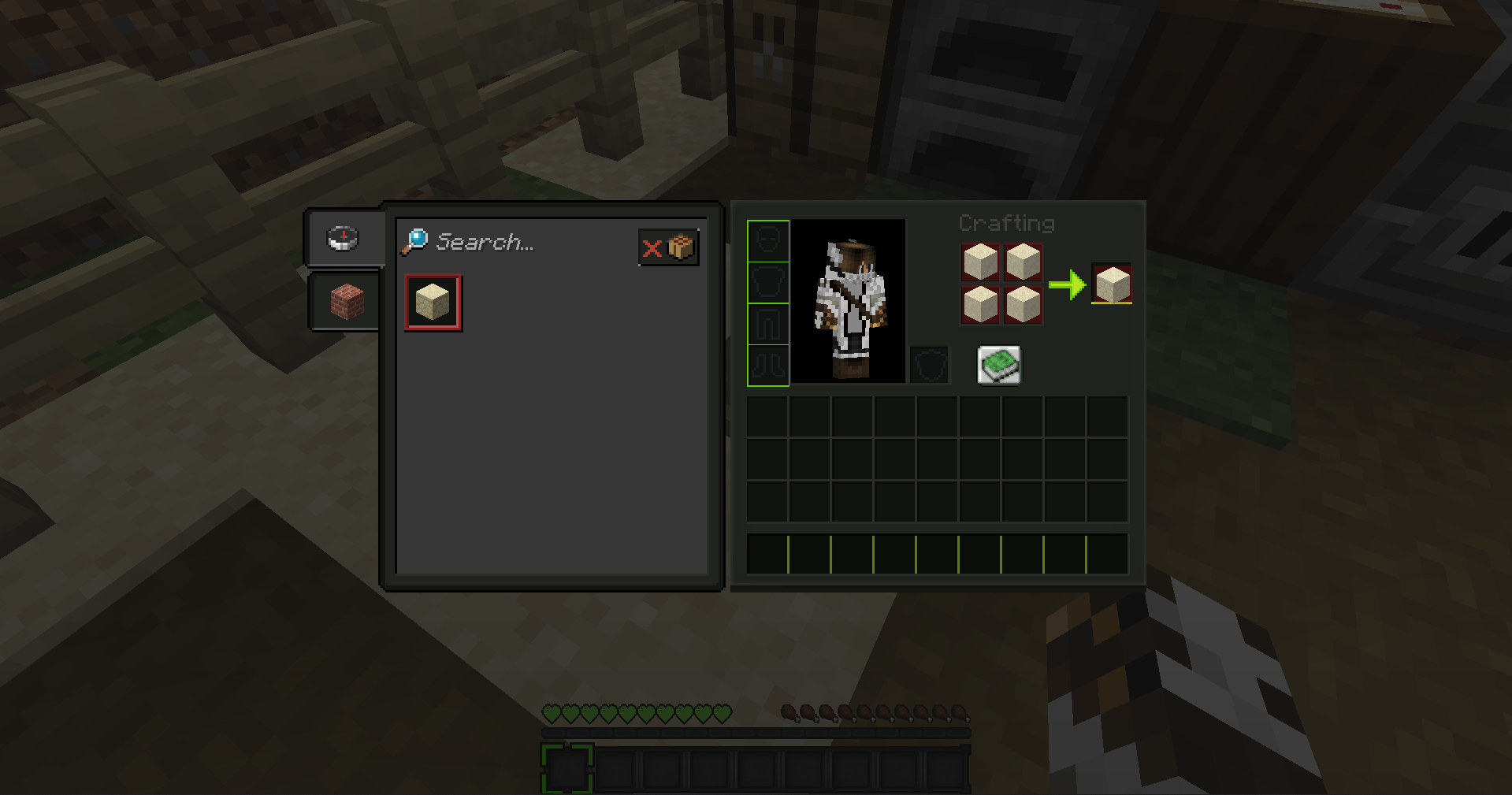
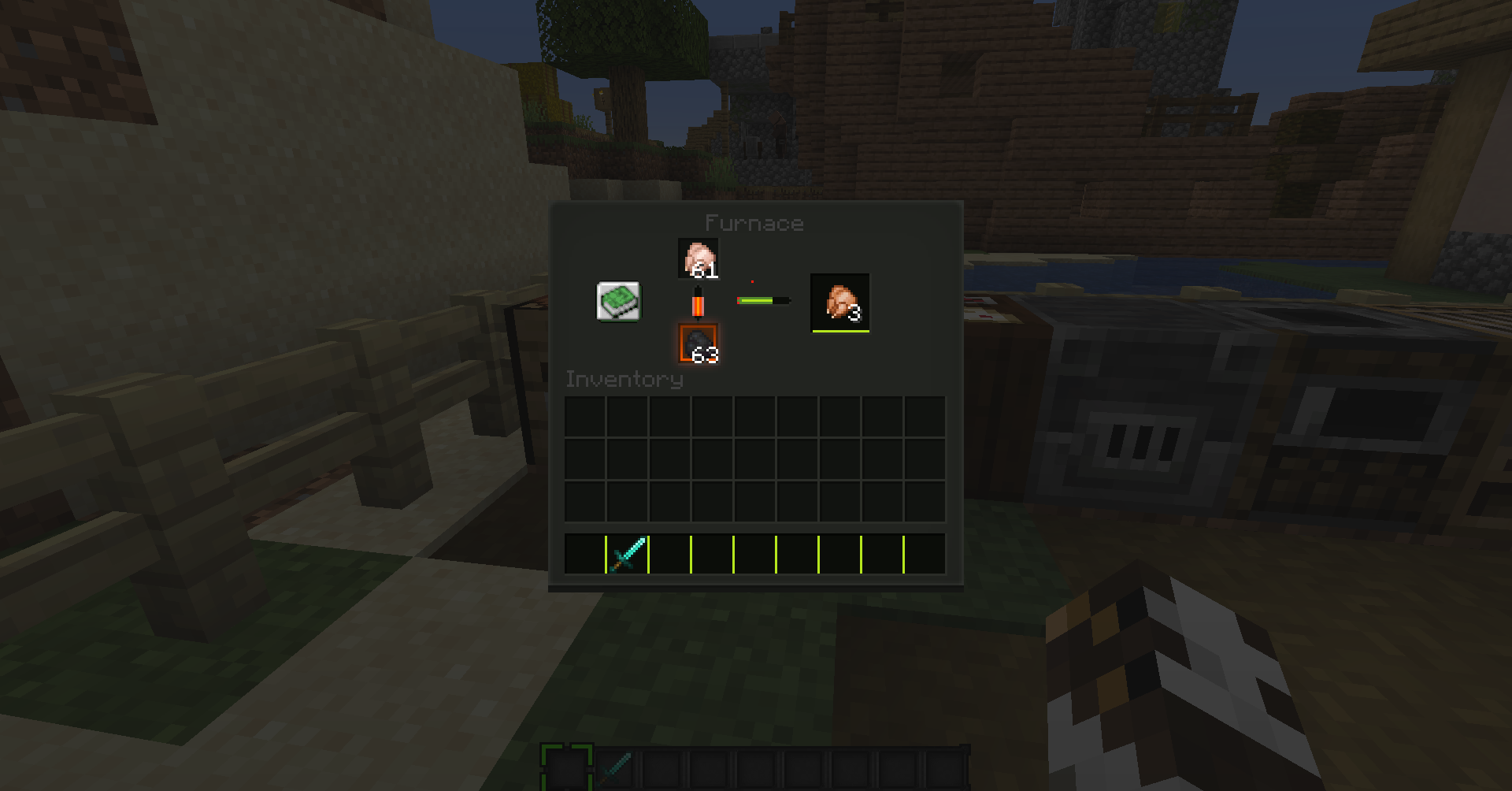
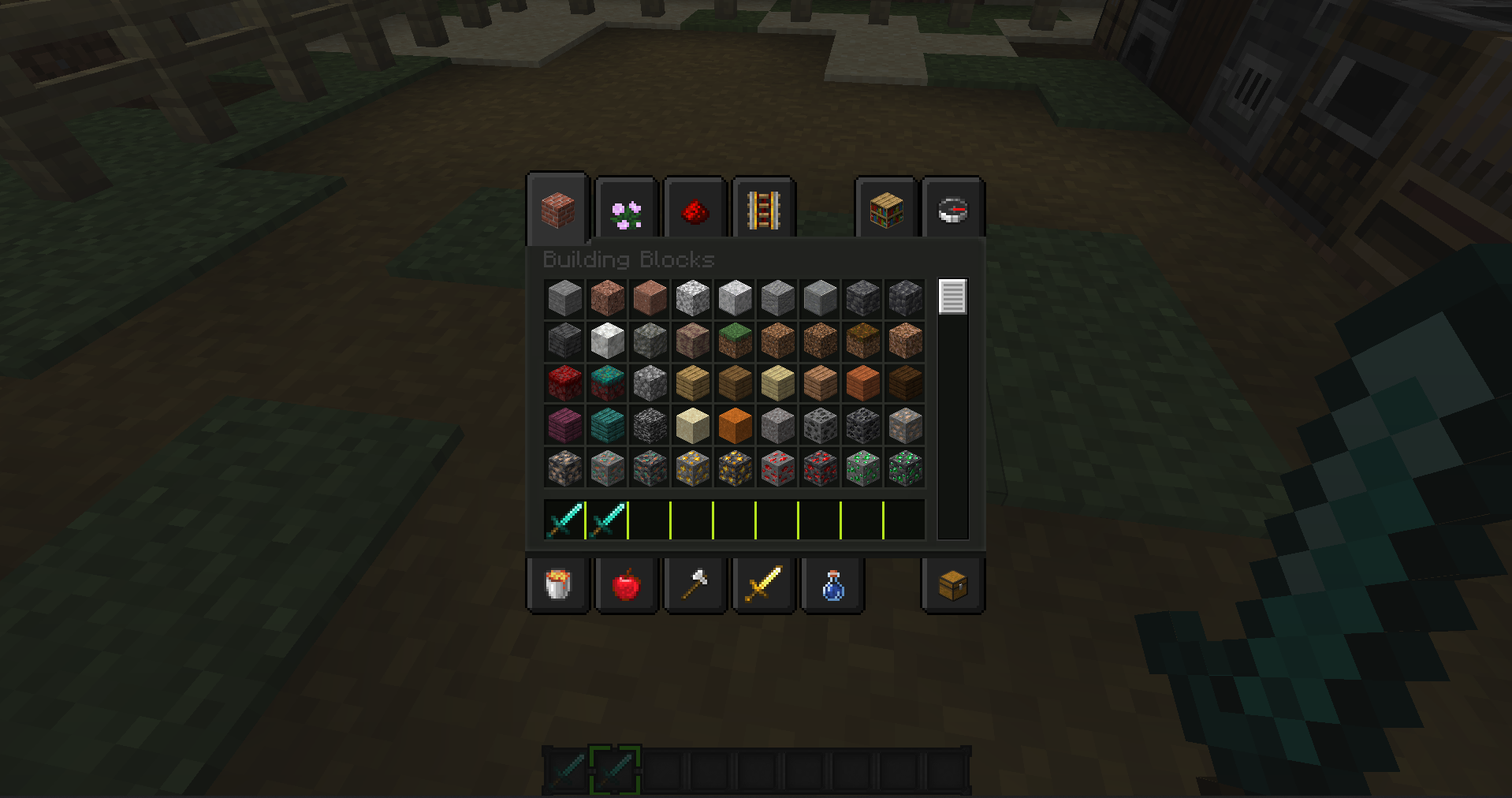
This is a dark mode resource pack. The menu and many other inventories are in a dark design.
by EnderforceGaming
Download Claim this project
480 downloads
0 likes
Updated Oct 14, 2026
0 hypes
256x Miscellaneous Modern
Advertisement Remove ads with Premium →

 MC Dark Mode


Resource Pack for Minecraft: Java Edition

1.16.x / 1.17.x / 1.18.x


This Resource Pack is a simple Dark Mode / Dark Theme with a touch of green for the Minecraft GUI.

It uses only modified vanilla textures.


If you have any questions, please join us on the Discord
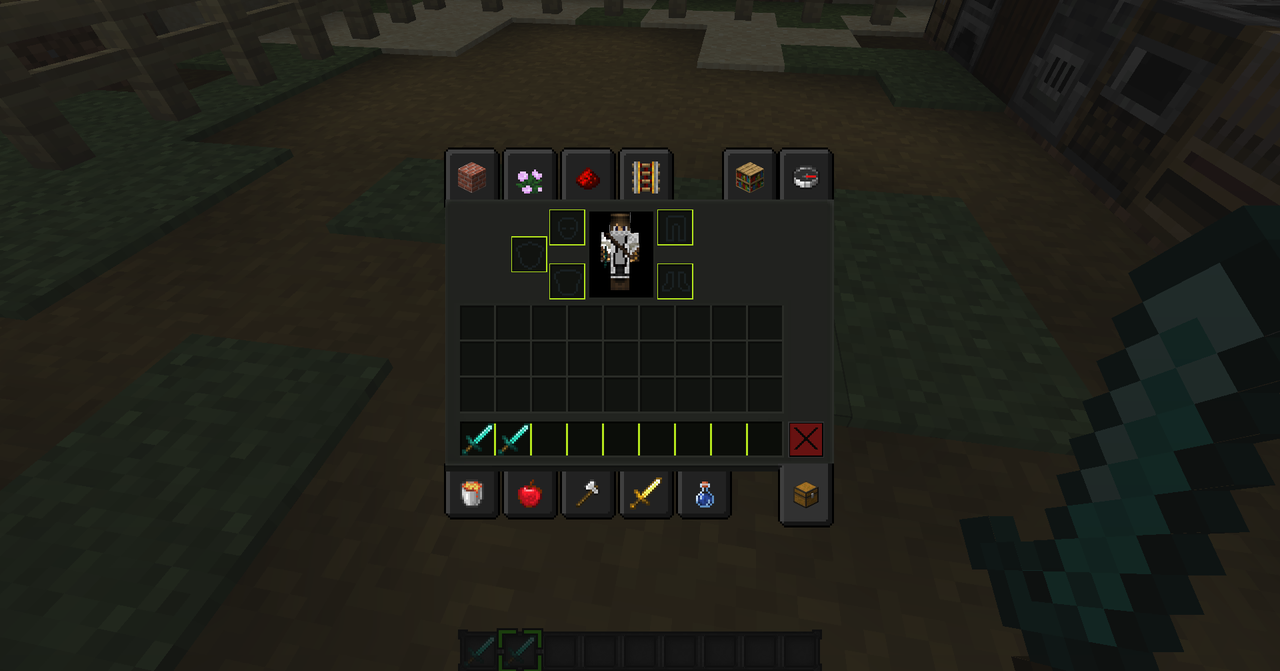


Screenshots


dark mode 


 If you want to see more, check out the screenshot tab.

MC_DarkMode_1.0.0.zip
MC 1.16-Snapshot, 1.17.1, 1.16.3, 1.16.1, 1.17, 1.16, 1.16.5, 1.17-Snapshot, 1.16.4, 1.18-Snapshot, 1.16.2
Beta 2021-11-10 Get
MC_DarkMode_1.17.x.zip
MC 1.16-Snapshot, 1.17.1, 1.16.3, 1.16.1, 1.17, 1.16, 1.16.5, 1.17-Snapshot, 1.16.4, 1.18-Snapshot, 1.16.2
Release 2021-11-10 Get

Requirements & install

How to use this resource pack in Minecraft
Resolution
256x
Minecraft
1.16.2 – 1.18-Snapshot
Install folder
.minecraft/resourcepacks

How to install resource packs

  1. Download the resource pack .zip file (do not extract it).
  2. In Minecraft open Options → Resource Packs → Open Pack Folder.
  3. Drop the .zip into the resourcepacks folder (.minecraft/resourcepacks).
  4. Move the pack to the Selected column and click Done.

Packs from 128x upwards need more video memory: install a performance mod such as Sodium for smooth frame rates.

Browse more: 16x resource packs 32x resource packs 64x resource packs 128x resource packs 256x resource packs 512x+ resource packs Resource Packs for 1.18-Snapshot All resource packs

More from EnderforceGaming

Advertisement Remove ads with Premium →

You Might Also Like