Mineuniverse
Resource Packs
Mandala's GUI - White mode

Mandala's GUI - White mode

RESOURCE PACK
An elegant Interface, in the style of Mandala Creations.
by cesarzorak
Download Claim this project
508,403 downloads
0 likes
0 followers
Updated Oct 14, 2026
0 hypes
Follow0
16x Mod Support Modern Traditional
Advertisement Remove ads with Premium →

ABOUT:

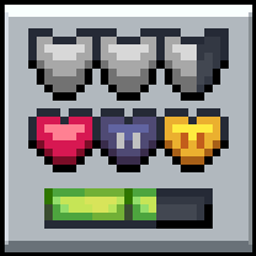
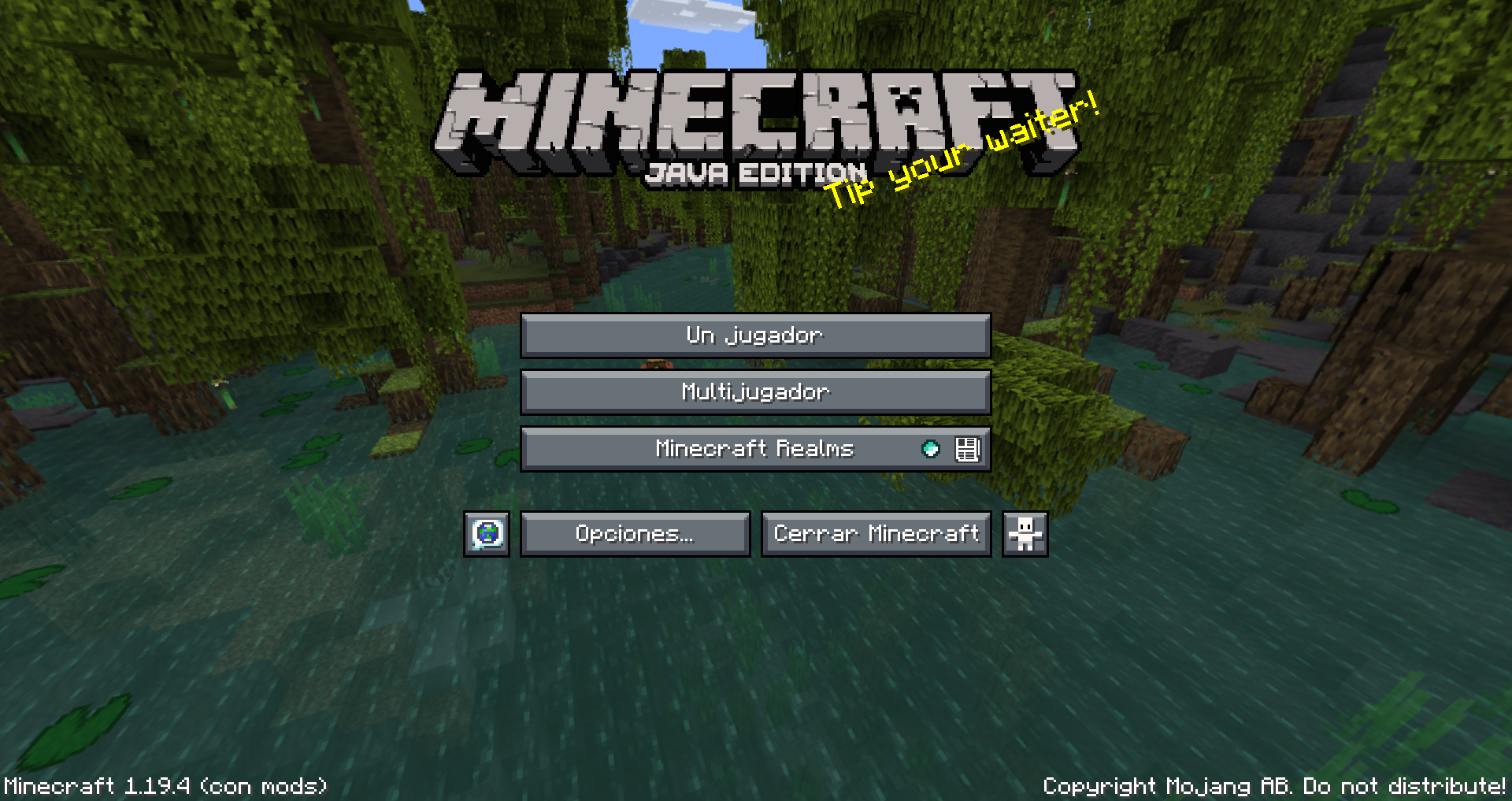
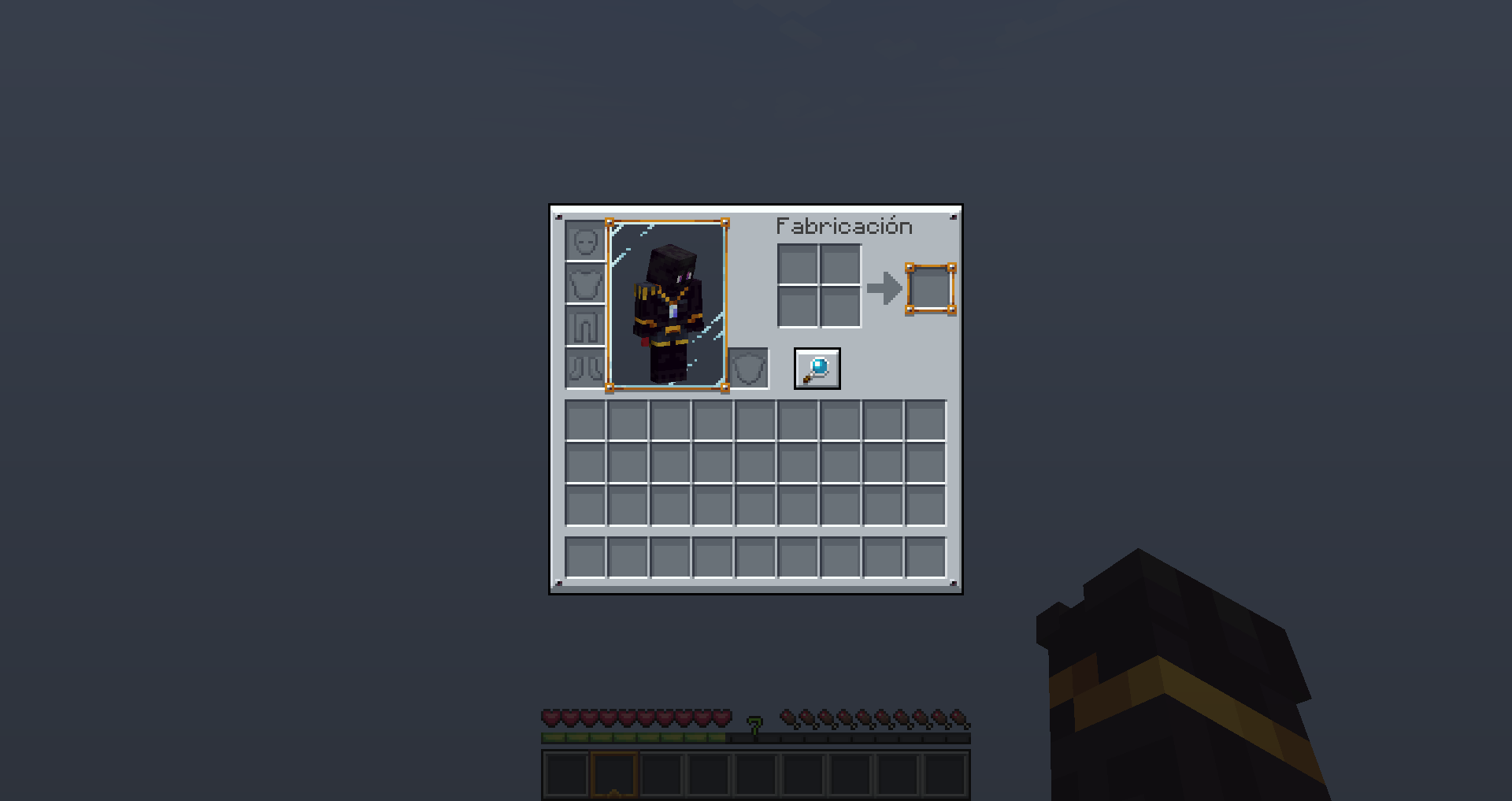
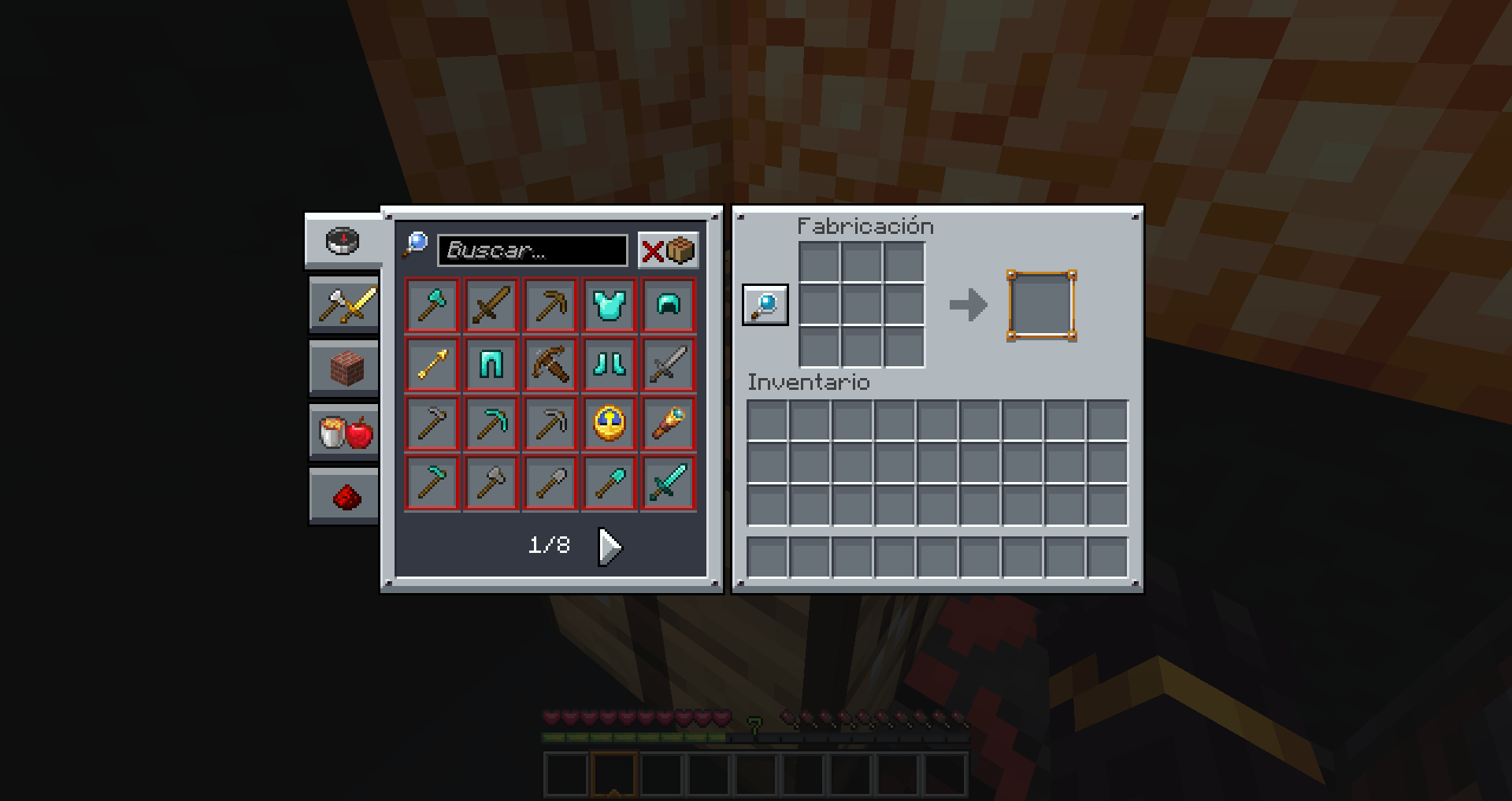
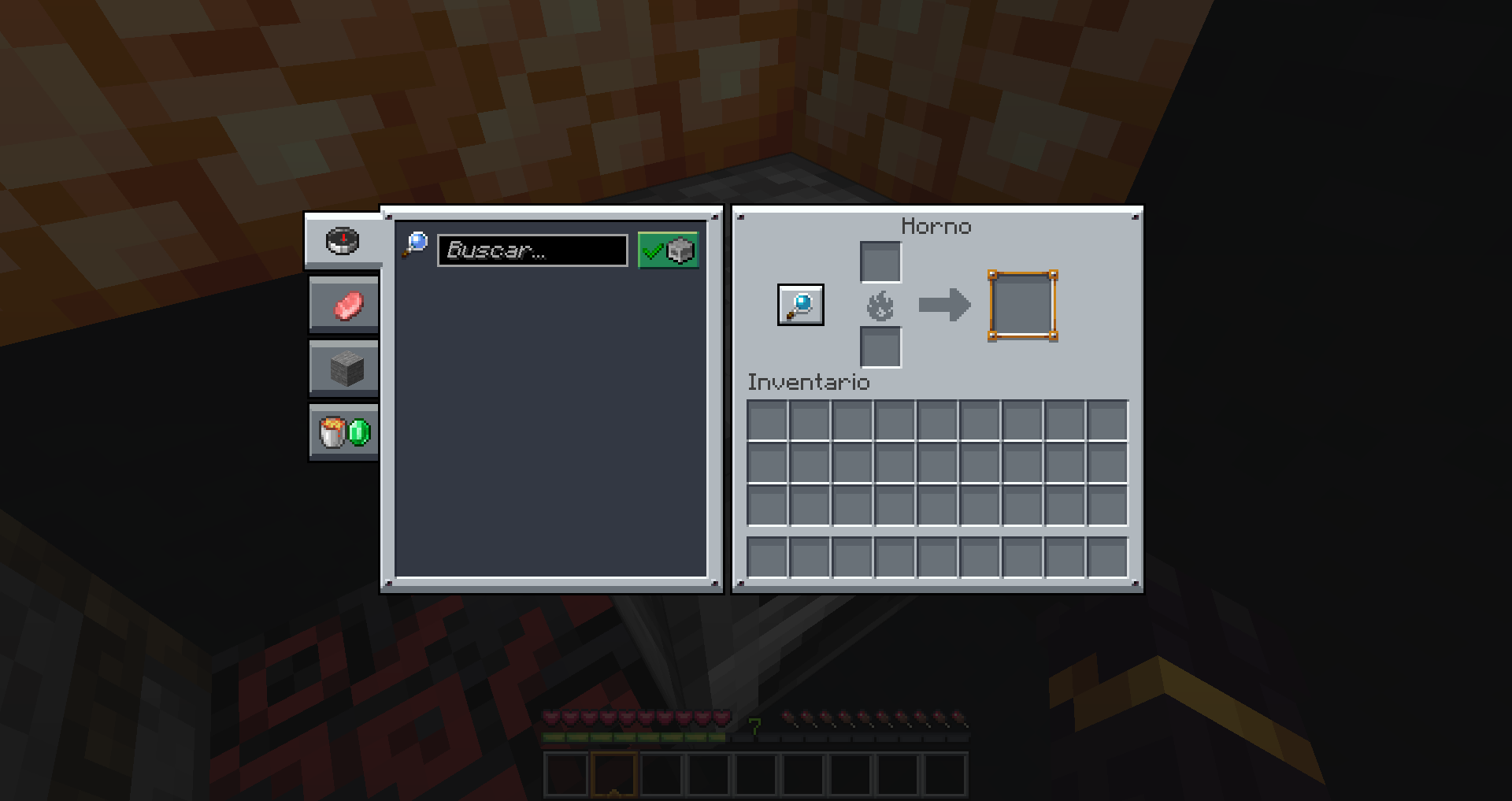
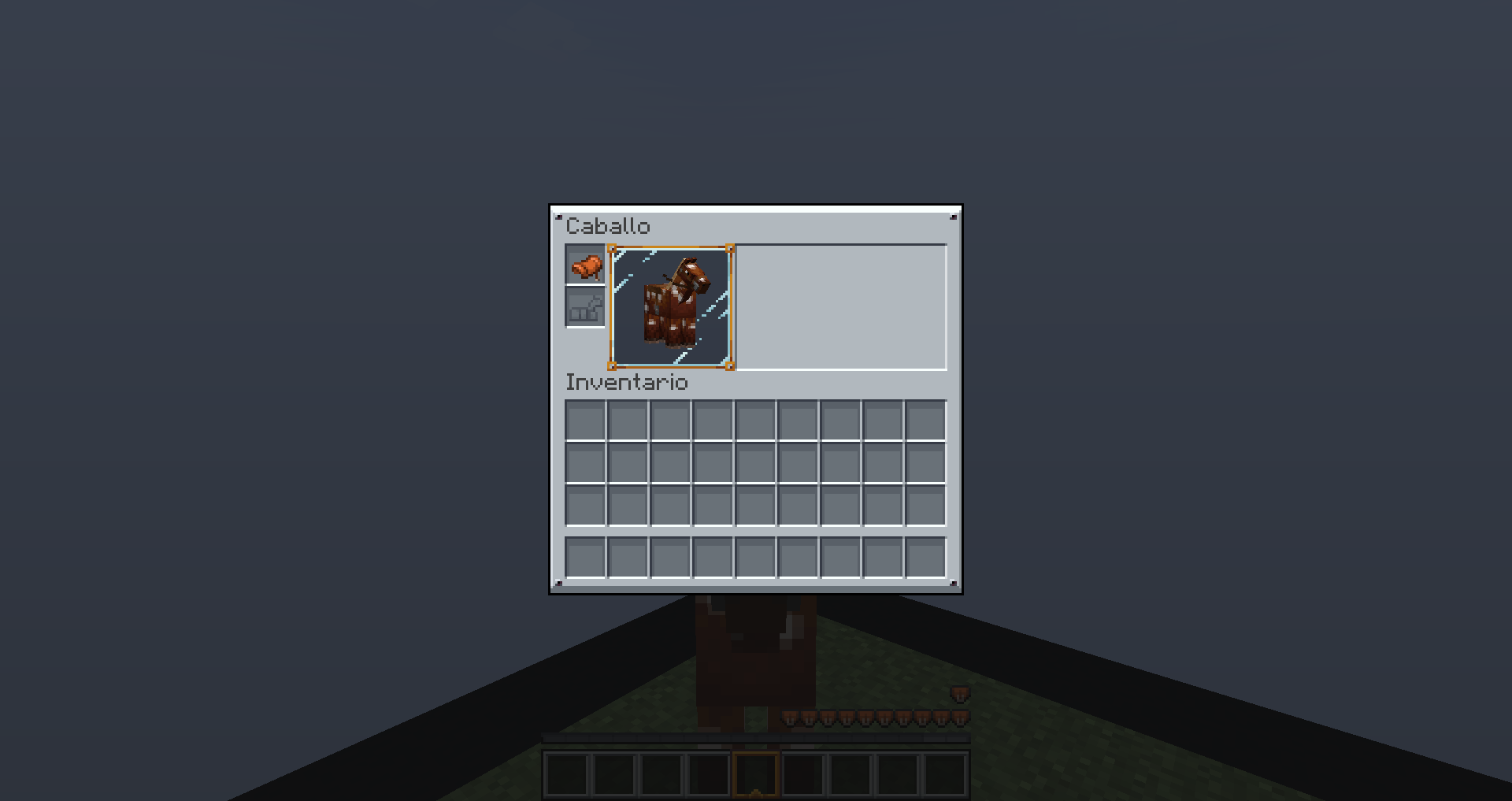
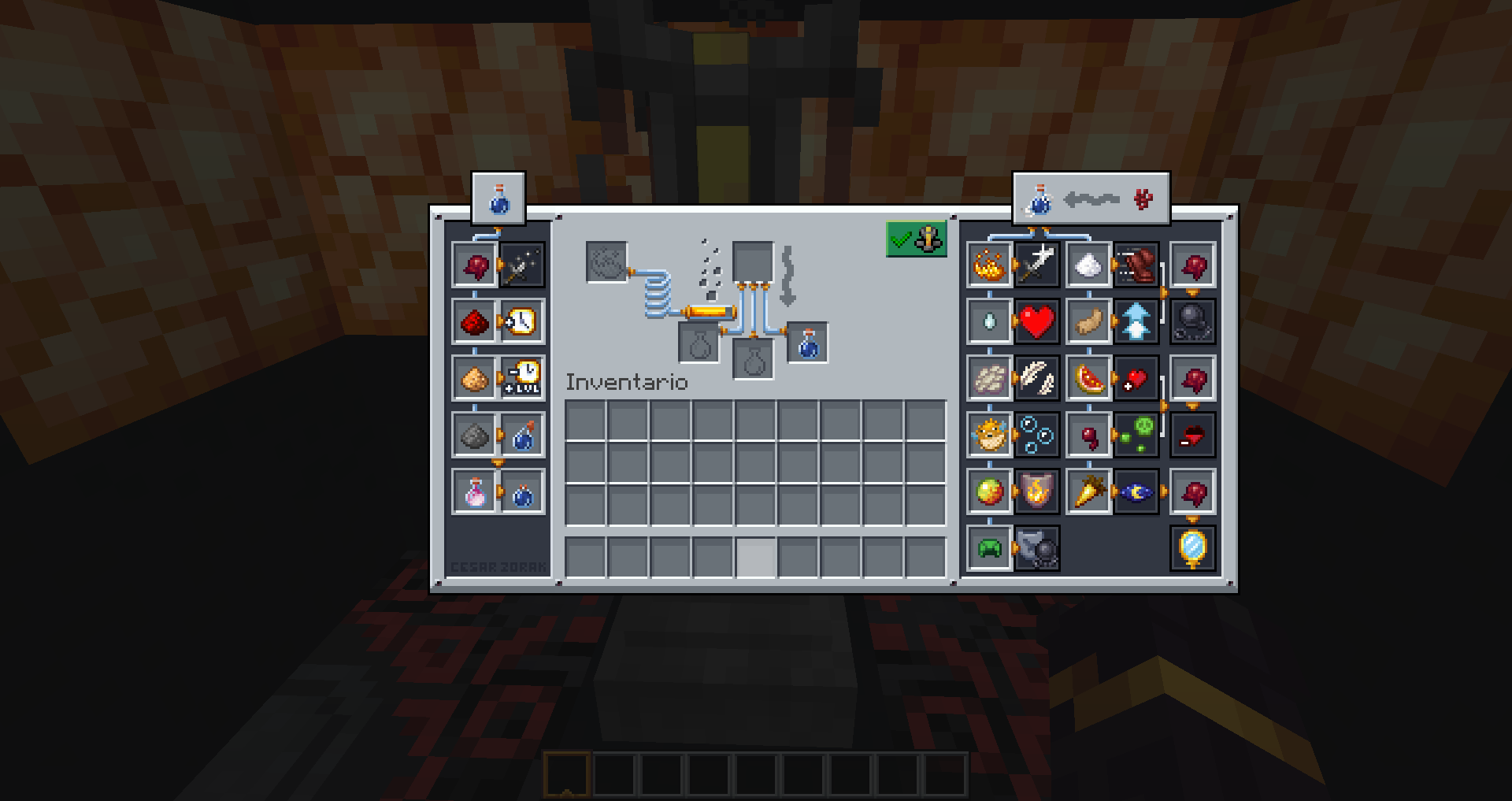
Mandala GUI is an elegant theme, in the style of Mandala Creations.
It is specifically made for people who like White mode.
It only changes the UI of Minecraft, without changing items or blocks.

Mod support will be added soon.


FEATURES:

  • UI in White mode.
  • Flat and modern colors.
  • Blue-white color palette.
  • SNES-inspired
    Support for mods, and alternative textures will be transferred to Mandala's GUI - Add-Ons [it will take a while to completely transfer all the add-ons]. ❤


 If you like my style of Pixelart also try:


💝 DEAR PATREONS 💝 


Remember that you can support us on the official Mandala Creations Patreon, where you will find information on upcoming updates,
this helps us bring you the best possible quality.


MandalasGUI 1.21.5 - 6 (Withemode)
MC 1.21.2-Snapshot, 1.21, 1.21.6-snapshot, 1.20.2-Snapshot, 1.20.5-Snapshot, 1.21.1-Snapshot, 1.19.3, 1.20.2, 1.19.4, 1.19.4-Snapshot, 1.20.5, 1.21.5, 1.21.4, 1.21.5-Snapshot, 1.20.1
Release 2025-06-15 Get
MandalasGUI - Whitemode 1.20.5
MC 1.20.2, 1.20.5, 1.20.2-Snapshot, 1.20.5-Snapshot, 1.20.3-Snapshot, 1.20.3, 1.20.1, 1.20, 1.20.6, 1.20.4, 1.20-Snapshot
Release 2024-04-28 Get
MandalasGUI + Whitemode v2.0
MC 1.19.3, 1.20.2, 1.19.4-Snapshot, 1.20.2-Snapshot, 1.20.5-Snapshot, 1.19.4, 1.19.2, 1.20.3-Snapshot, 1.20.3, 1.20.1, 1.20, 1.20.4, 1.20-Snapshot, 1.19.3-Snapshot
Release 2024-02-03 Get
MandalasGUI Legacy+Whitemode v1.0
MC 1.16-Snapshot, 1.17.1, 1.16.3, 1.13.1, 1.15-Snapshot, 1.16.1, 1.18.1, 1.14.4, 1.14.1, 1.12.1, 1.17, 1.12, 1.14.3, 1.15, 1.16, 1.13, 1.19-Snapshot, 1.16.5, 1.18.2, 1.19.2
Release 2023-05-05 Get
MandalasGUI+Whitemode v1.0
MC 1.19.3, 1.19.4-Snapshot, 1.19.4, 1.19.3-Snapshot
Release 2023-05-05 Get

Requirements & install

How to use this resource pack in Minecraft
Resolution
16x
Minecraft
1.20.6 – 1.21.6-snapshot
Install folder
.minecraft/resourcepacks

How to install resource packs

  1. Download the resource pack .zip file (do not extract it).
  2. In Minecraft open Options → Resource Packs → Open Pack Folder.
  3. Drop the .zip into the resourcepacks folder (.minecraft/resourcepacks).
  4. Move the pack to the Selected column and click Done.
Browse more: 16x resource packs 32x resource packs 64x resource packs 128x resource packs 256x resource packs 512x+ resource packs Resource Packs for 1.21.6-snapshot All resource packs

More from cesarzorak

Advertisement Remove ads with Premium →

You Might Also Like