Mineuniverse
Resource Packs
Mandala's Gui Rainbow Glint

Mandala's Gui Rainbow Glint

RESOURCE PACK
Beautiful Gainbow Glints for Mandala's GUI Dark Mode [Enchantments, Glints, and XP]
by cesarzorak
Download Claim this project
627 downloads
0 likes
0 followers
Updated Oct 14, 2026
0 hypes
Follow0
16x Miscellaneous Mod Support Modern Traditional
Advertisement Remove ads with Premium →

Banner Title

Discord X/Twitter YouTube Twitch

banner

ABOUT:

Beautiful Gainbow Glints for Mandala's GUI Dark Mode [Enchantments, Glints, and XP]

FEATURES:

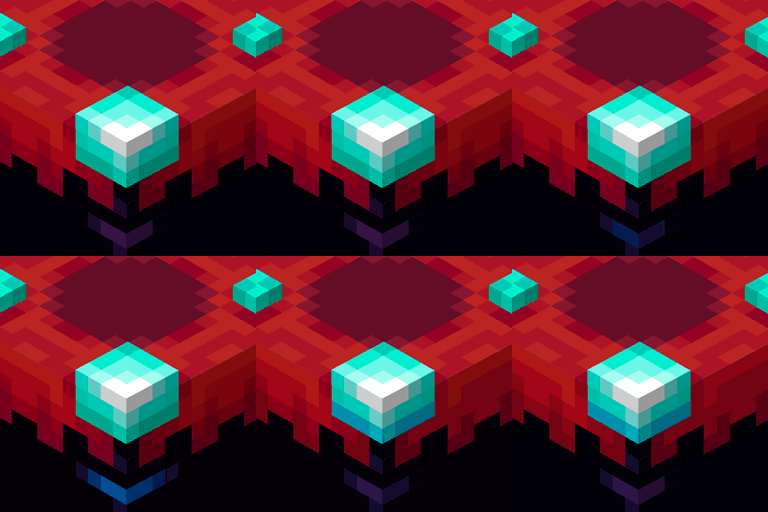
  • Rainbow color XP bar
  • Rainbow color XP Particles
  • Rainbow color Enchantment Glints
  • Rainbow Hitbox [optional]

banner

bannerBisectHosting

banner

Terms and Conditions of use:

Apache License Version 2.0

  1. All files within this resource pack (art or code) are the intellectual property of CesarZorak, and you may not modify or sell them without the creator's permission.

  2. Yes, you can create add-ons that change, improve, or add compatibility to mods of content that depend on this resource pack (without removing the dependency).

  3. Content creators in general (Modpacks, Servers, Streamers, YouTubers, Artists, etc.) may use this texture pack without modification and add add-ons to complement it within their content, giving due credit to the creator of this Resource Pack.

Please share bugs and suggestions with us in our official Mandala Creations Discord Feedback (https://discord.gg/dZvzJDh).

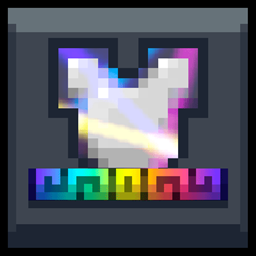
Mandala`s Rainbow Glint v1.0
MC 1.21, 1.20.2, 1.21.8, 1.20.5, 1.21.5, 1.21.4, 1.20.1, 1.20.6, 1.21.1, 1.21.6, 1.21.3, 1.21.7, 1.20.4, 1.20.3, 1.21.2, 1.21.9, 1.21.10, 1.21.11
Release 2026-08-11 Get
Mandala`s Rainbow Glint v1.0 [ColissionBox]
MC 1.21, 1.20.2, 1.21.8, 1.20.5, 1.21.5, 1.21.4, 1.20.1, 1.20.6, 1.21.1, 1.21.6, 1.21.3, 1.21.7, 1.20.4, 1.20.3, 1.21.2, 1.21.9, 1.21.10, 1.21.11
Release 2026-08-11 Get

Requirements & install

How to use this resource pack in Minecraft
Resolution
16x
Minecraft
1.21.4 – 1.21.11
Install folder
.minecraft/resourcepacks

How to install resource packs

  1. Download the resource pack .zip file (do not extract it).
  2. In Minecraft open Options → Resource Packs → Open Pack Folder.
  3. Drop the .zip into the resourcepacks folder (.minecraft/resourcepacks).
  4. Move the pack to the Selected column and click Done.
Browse more: 16x resource packs 32x resource packs 64x resource packs 128x resource packs 256x resource packs 512x+ resource packs Resource Packs for 1.21.11 All resource packs

More from cesarzorak

Advertisement Remove ads with Premium →

You Might Also Like