Mineuniverse
Resource Packs
Mandala's Fantasy Zoo

Mandala's Fantasy Zoo

RESOURCE PACK
A necessary improvement to the modeling of Minecraft mobs.
by cesarzorak
Download Claim this project
Add a badge to your pageLink to Mandala's Fantasy Zoo from a README, website or forum post.
Preview: Badge

Badges update automatically and link to the resource pack page on MineUniverse.


2,353 downloads
0 likes
0 followers
Updated Oct 14, 2026
0 hypes
Follow0
16x Medieval Mod Support Modern Traditional
Advertisement Remove ads with Premium →

ABOUT:

Fantasy Craft improves vanilla minecraft blocks and items, making for a better experience.
Inspired by Jappa, but with my personal style, and FPS friendly.


FEATURES:

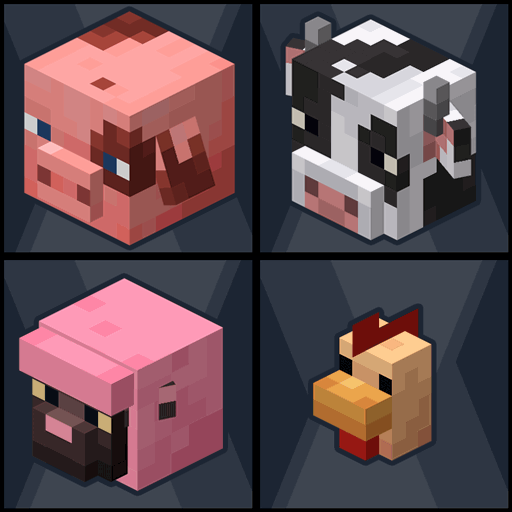
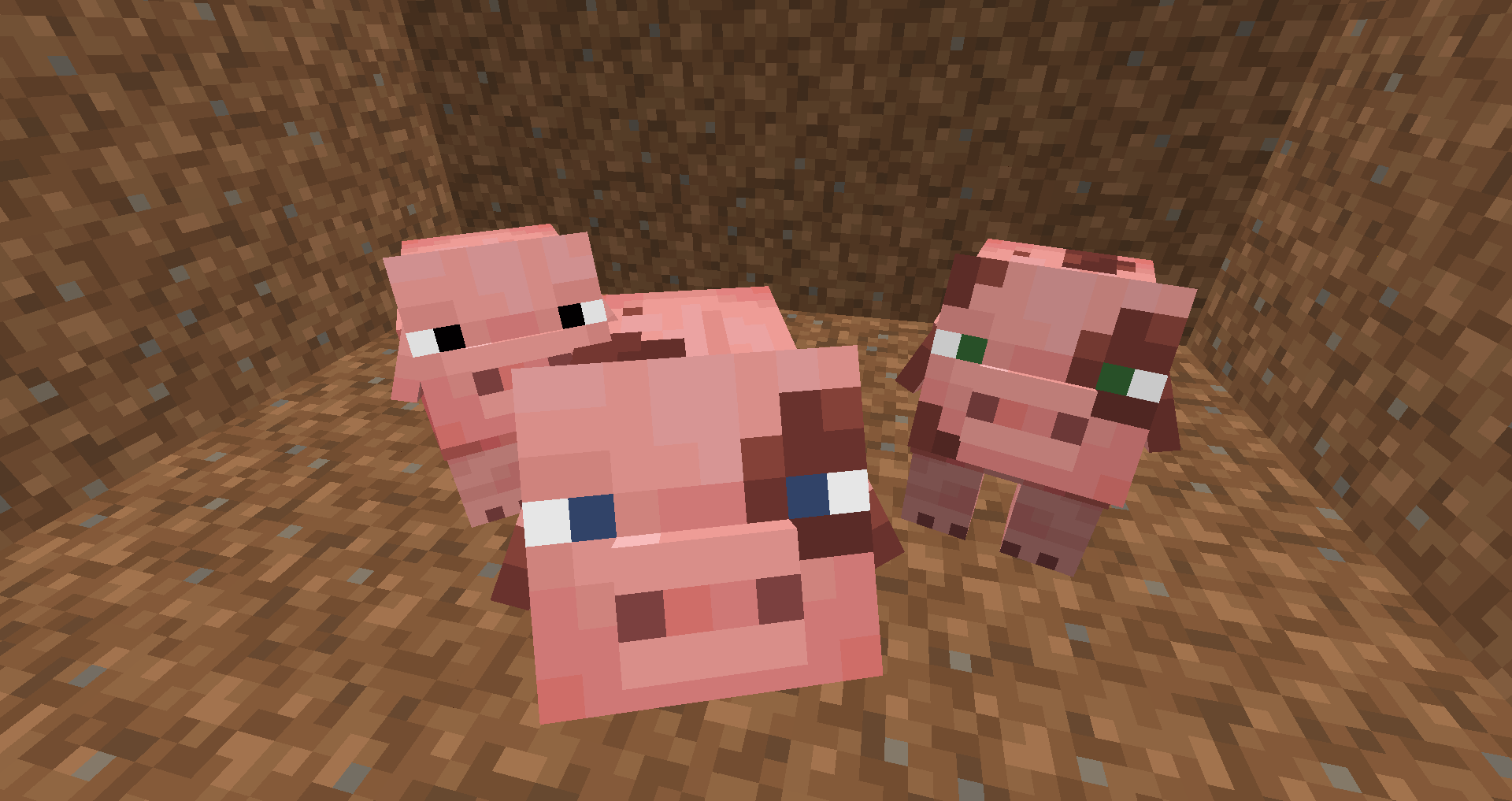
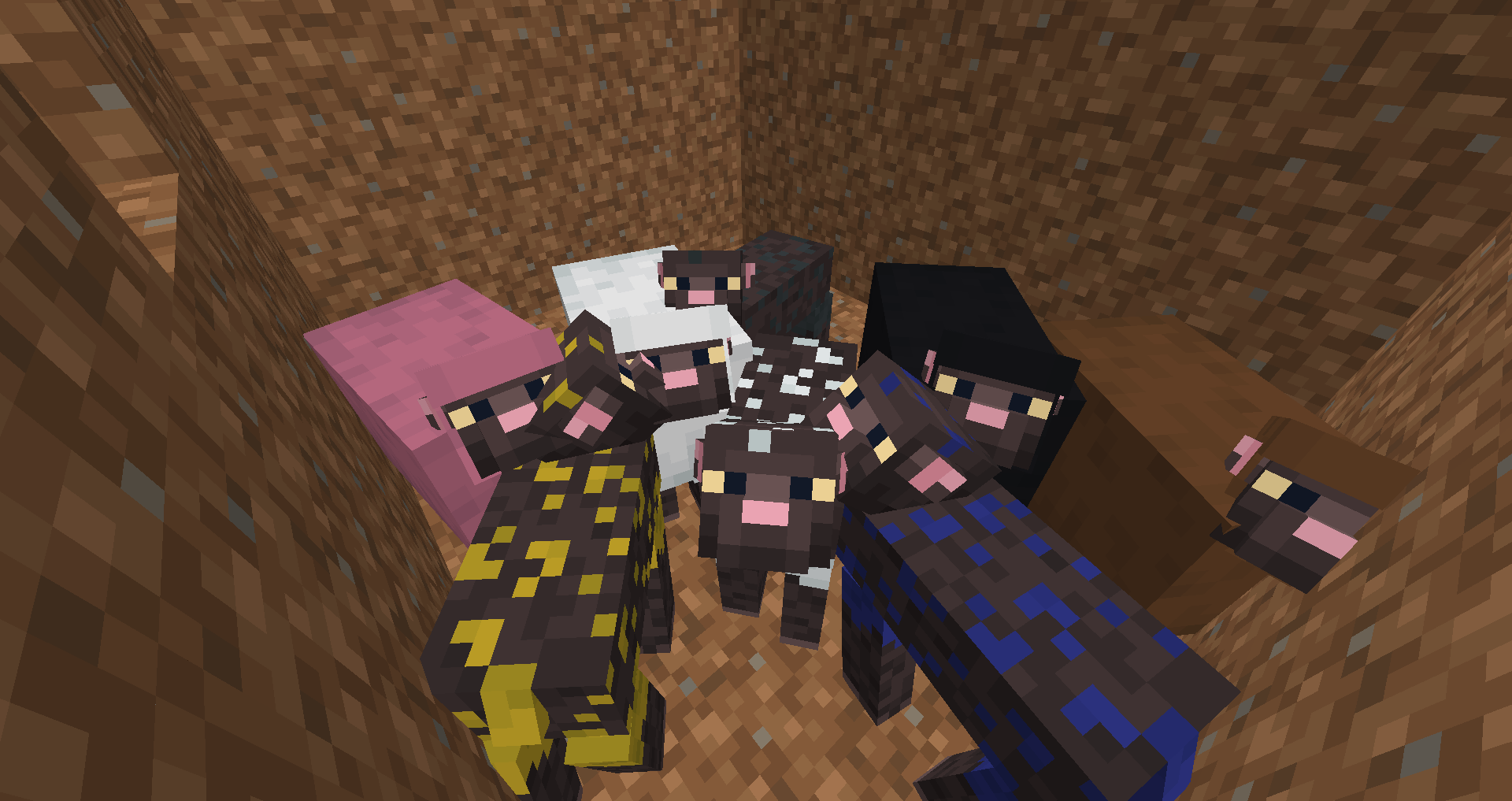
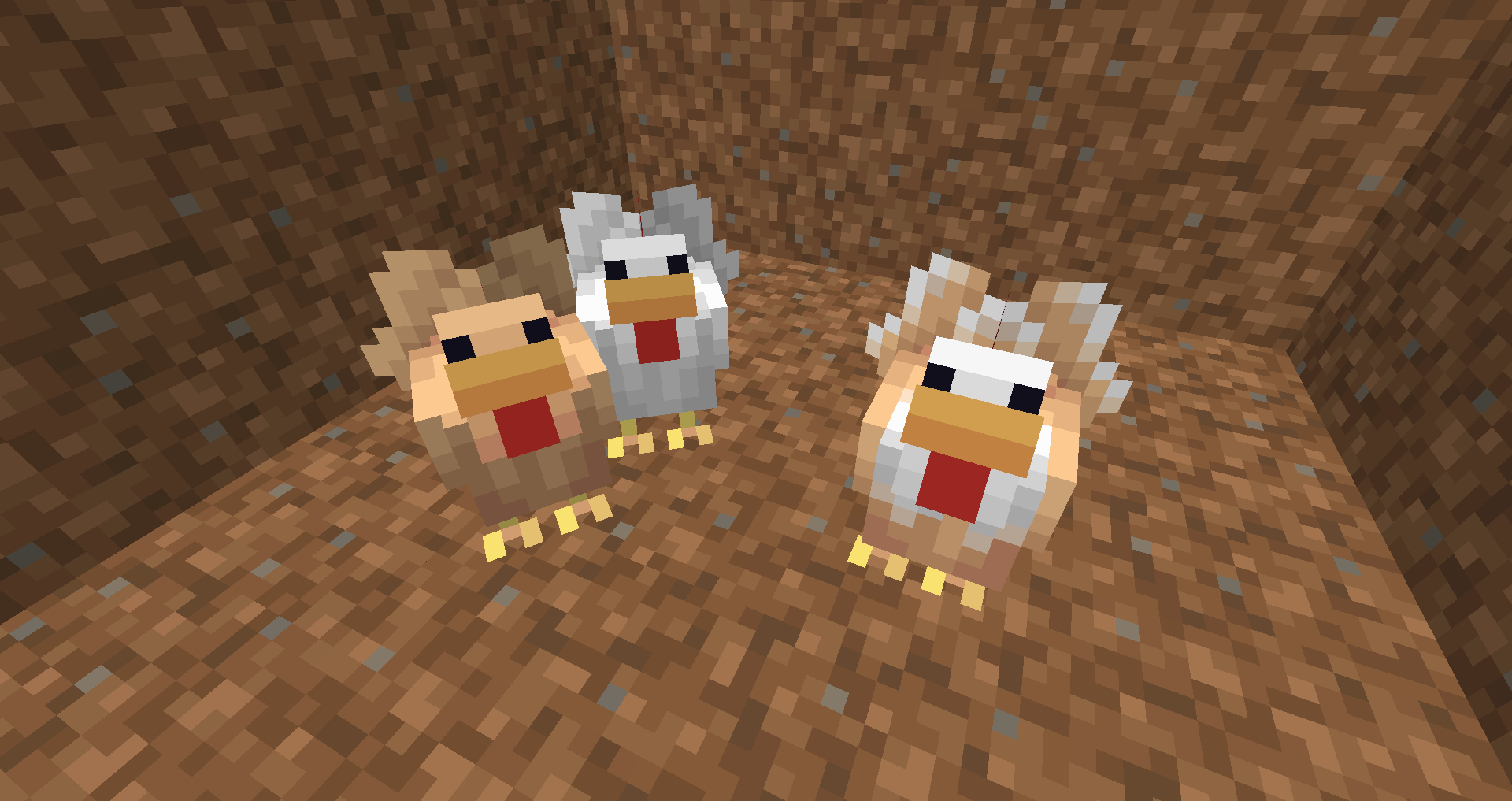
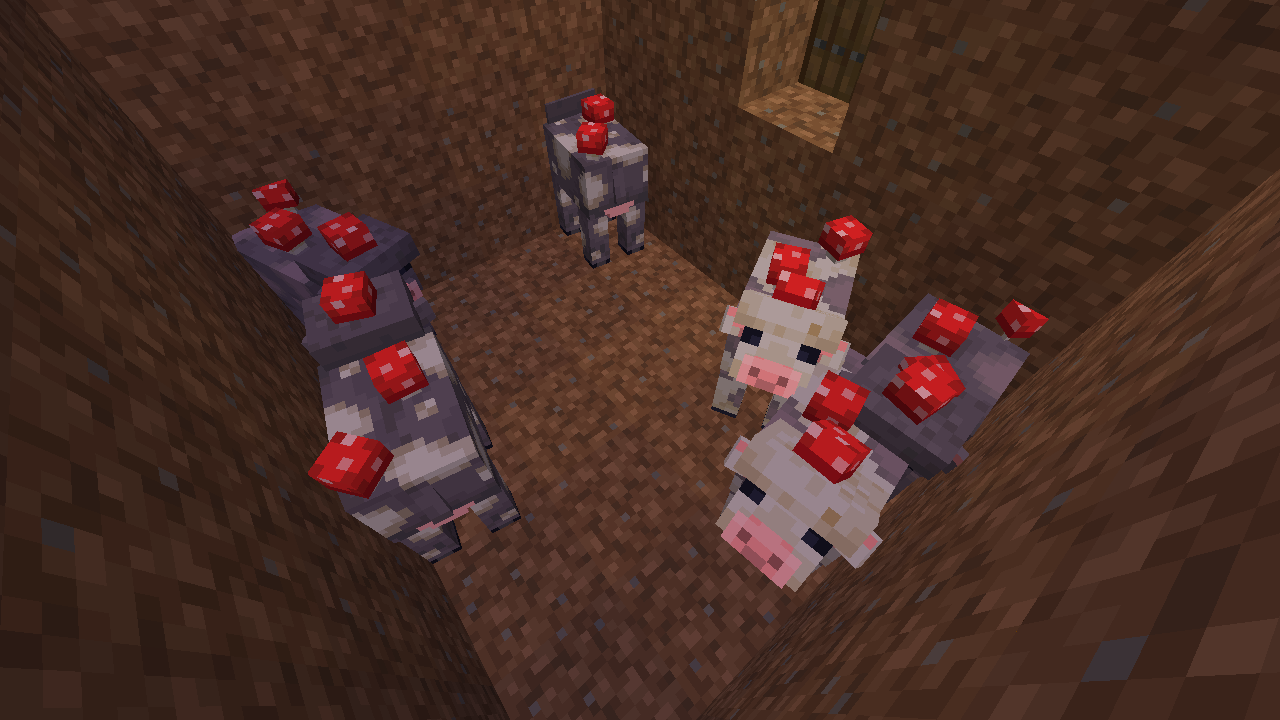
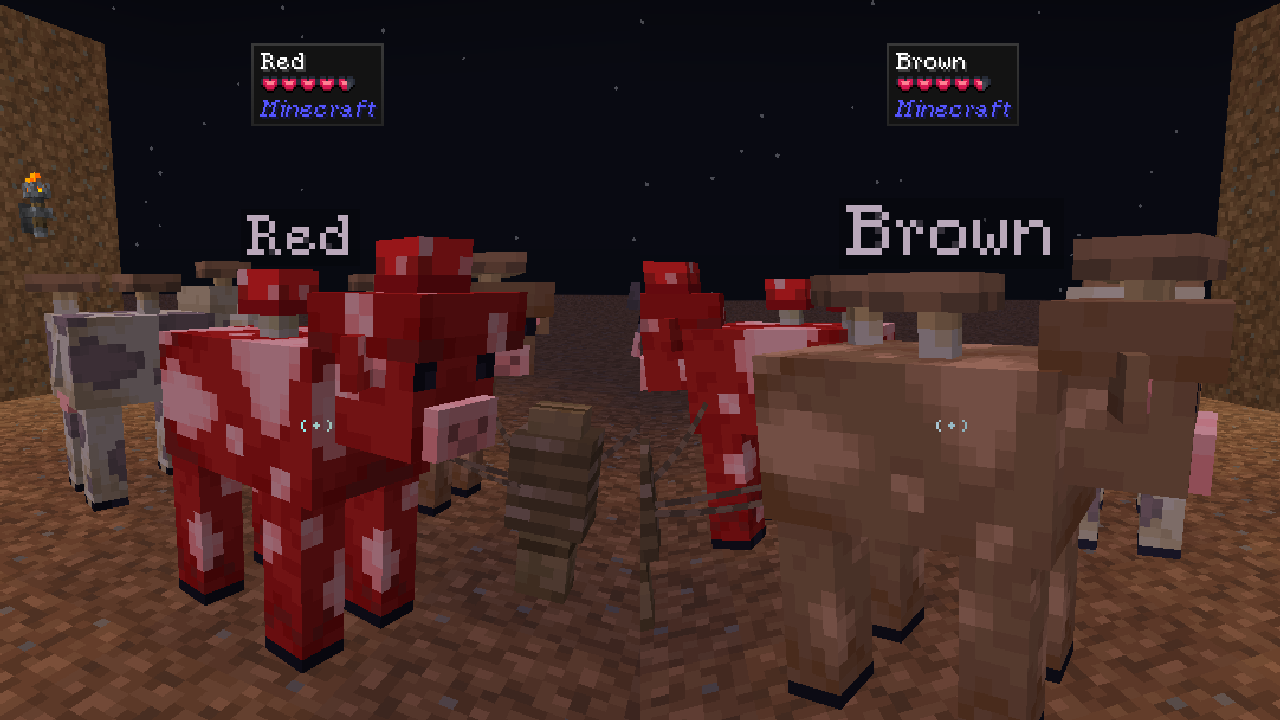
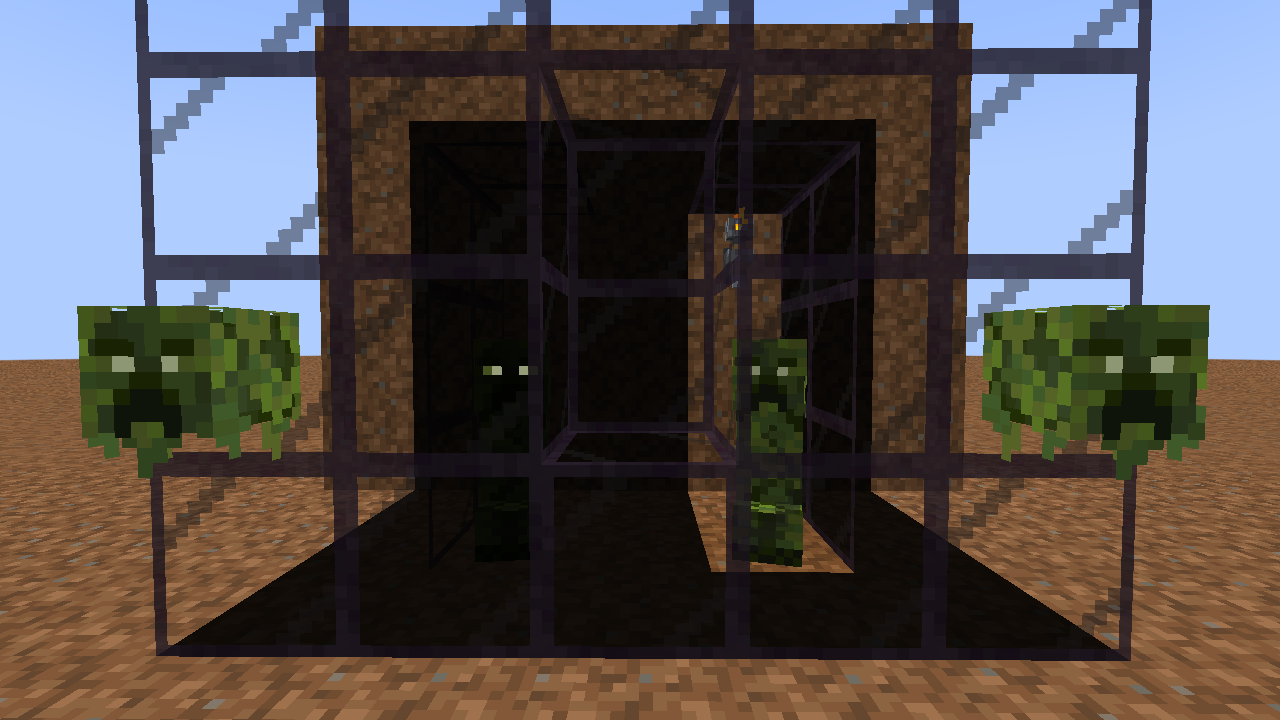
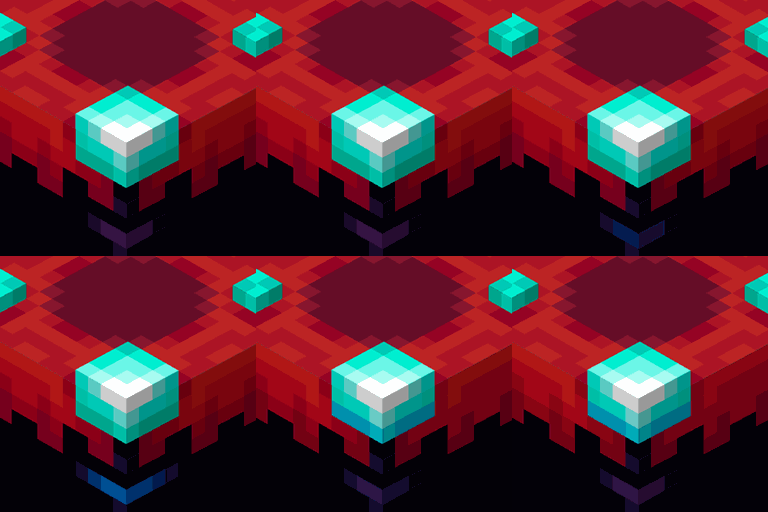
  • Improves the 3D model of minecraft mobs.
  • Does not add new animations.


Which mob should be improved? 🤔

In future updates I will add new NameTags for Players who support our Patreon. ❤

I will NOT improve all entities, only the ones that can be improved.

 If you like my style of Pixelart also try:

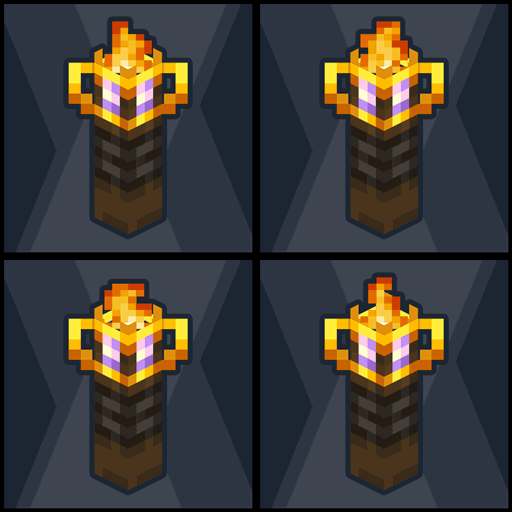
Mandala's - Perspective [Compatible with many versions of minecraft, other texturepacks, and mods]
Mandala's - Veganicon Hotbar [download and copy manually]
Mandala's - Brewing Guide On [vanilla]

Mandala's GUI - Dark mode
Mandala's GUI - White mode

Fantasy Ores by CesarZorak
Fantasy Ores by CesarZorak [Modded]


💝 DEAR PATREONS 💝 


Remember that you can support us on the official Mandala Creations Patreon, where you will find information on upcoming updates,
this helps us bring you the best possible quality.

Fantasy Zoo [1.0]
MC 1.21.2-Snapshot, 1.21, 1.20.2-Snapshot, 1.20.5-Snapshot, 1.21.1-Snapshot, 1.19.3, 1.20.2, 1.19.4, 1.19.4-Snapshot, 1.20.5, 1.20.1, 1.20, 1.20.6, 1.20-Snapshot, 1.21.1, 1.21.3
Release 2024-12-03 Get

Requirements & install

How to use this resource pack in Minecraft
Resolution
16x
Minecraft
1.20.5-Snapshot – 1.21.3
Install folder
.minecraft/resourcepacks

How to install resource packs

  1. Download the resource pack .zip file (do not extract it).
  2. In Minecraft open Options → Resource Packs → Open Pack Folder.
  3. Drop the .zip into the resourcepacks folder (.minecraft/resourcepacks).
  4. Move the pack to the Selected column and click Done.
Browse more: 16x resource packs 32x resource packs 64x resource packs 128x resource packs 256x resource packs 512x+ resource packs Resource Packs for 1.21.3 All resource packs

More from cesarzorak

Advertisement Remove ads with Premium →

You Might Also Like