Mineuniverse
Resource Packs
Madness SL

Madness SL

RESOURCE PACK
Resource Pack, made to improve RPG experience Hud / Blood And Madness
by WhiterRick
Download Claim this project
Add a badge to your pageLink to Madness SL from a README, website or forum post.
Preview: Badge

Badges update automatically and link to the resource pack page on MineUniverse.

758 downloads
0 likes
0 followers
Updated Oct 14, 2026
0 hypes
Follow0
64x Medieval
Advertisement Remove ads with Premium →


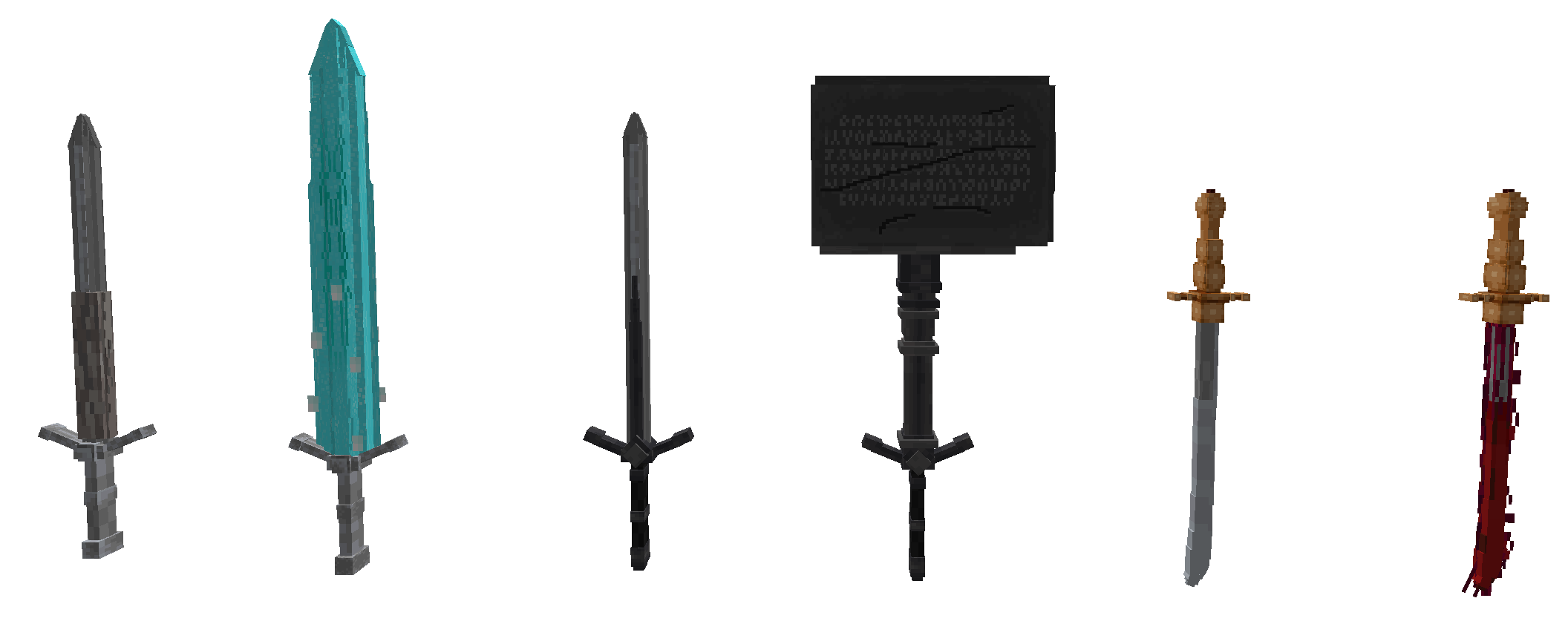
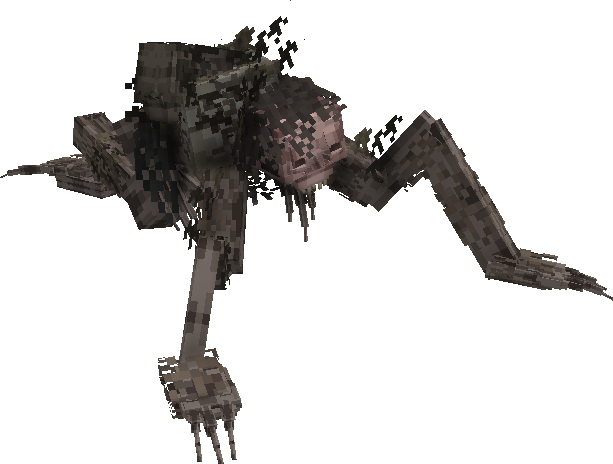
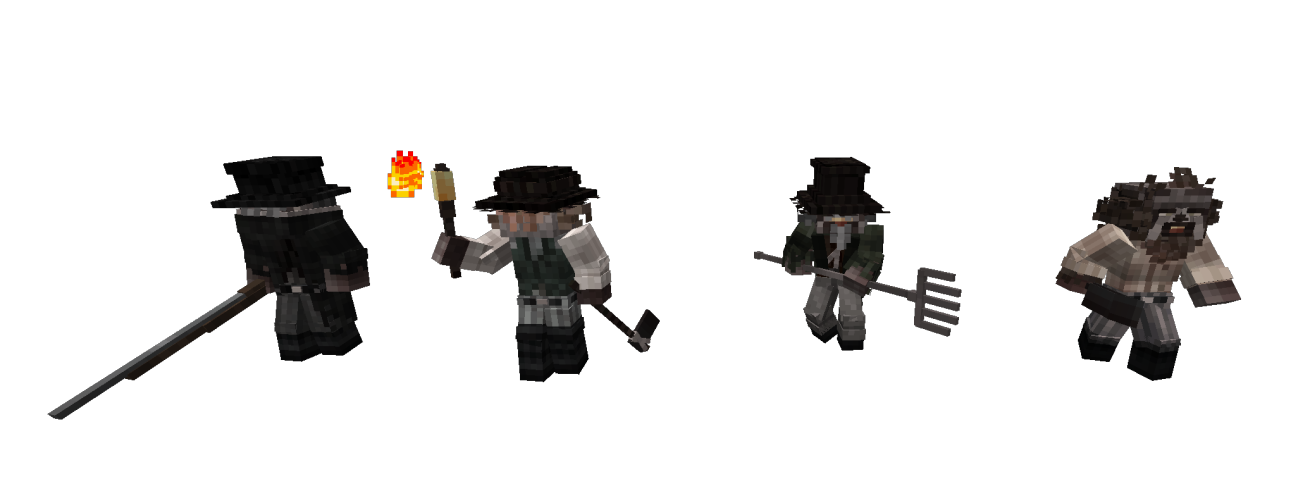
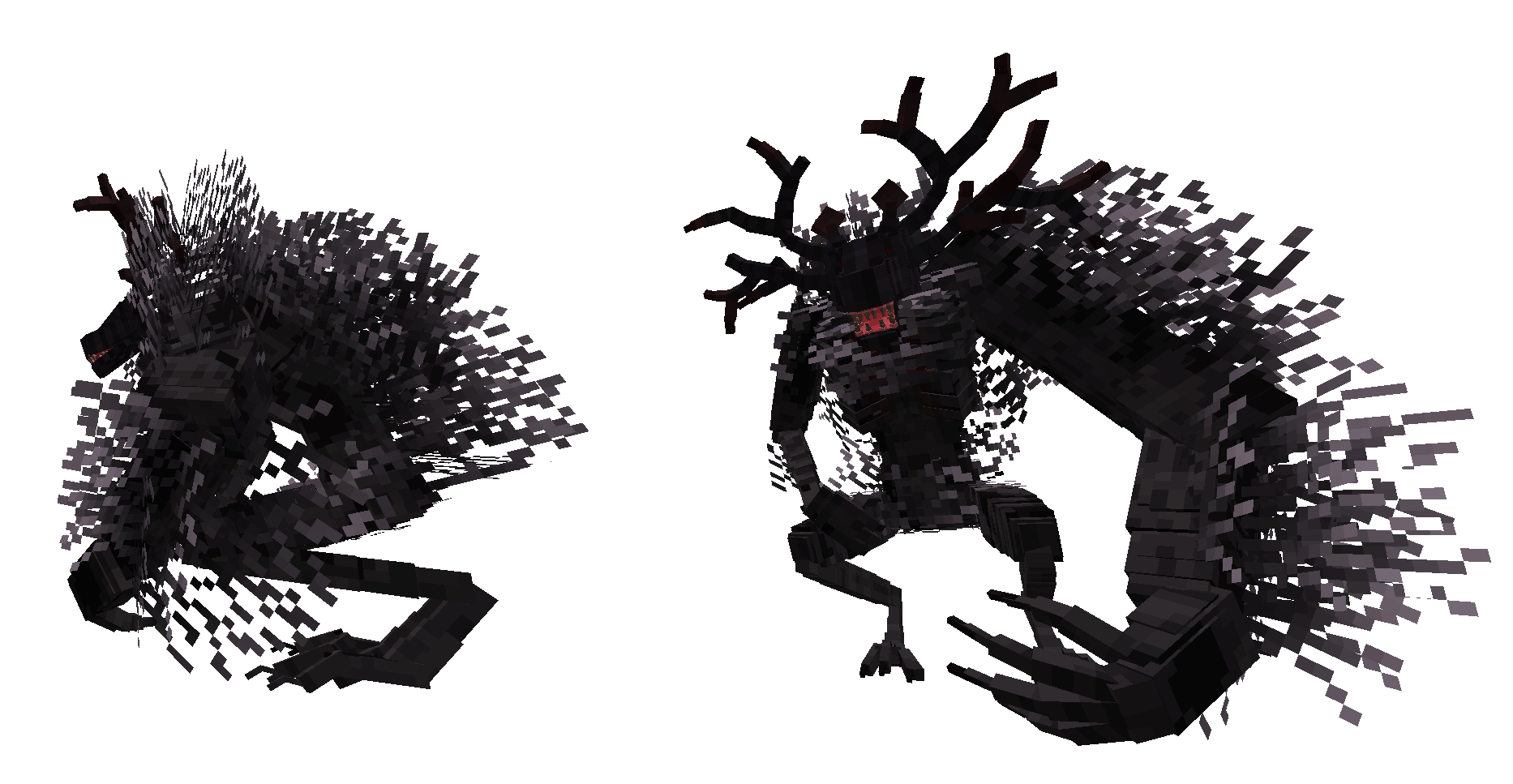
    What is the Resource Pack, Madness?
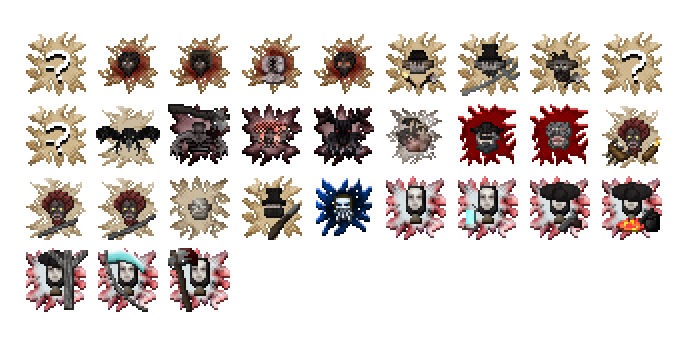
It's a texture that works with Mod Optifine / Blood And Madness / RPG Hud.
In order to improve textures, both Mod Blood And Madness modeling, some things in vanilla
have also been changed as the main tools of survival mode.
In ''Images'' only some images will be uploaded, so all work is not exposed unless downloaded.


    LINKS / 1.16.5 Forge

https://www.curseforge.com/minecraft/mc-mods/blood-and-madness/files
https://www.curseforge.com/minecraft/mc-mods/rpg-hud/files

https://optifine.net/downloads
  

   How can I criticize, or warn if I have encountered an error that threatens immersion?
Use the mod comments, I'll see them. I don't have / Discord / I don't even want Gmail to contact. 
It's a Resource Pack made only by a fan, in this case I.


   How and where was all this done?
BlockBench, and most textures were taken directly from the game. If another one has been used,
I will leave the link.
https://www.planetminecraft.com/skin/body-base-female-thin/


  How to activate the new texture of RPG Hud?
ESC / RPG HUD / GENERAL SETTINGS / HUD TYPE: HOTBAR


Madness SL 1.0
MC 1.16.5
Release 2021-11-25 Get
Madness SL 0.2
MC 1.16.5
Beta 2021-11-24 Get
Madness SL 0.1
MC 1.16.5
Beta 2021-11-23 Get

Requirements & install

How to use this resource pack in Minecraft
Resolution
64x
Minecraft
1.16.5
Install folder
.minecraft/resourcepacks

How to install resource packs

  1. Download the resource pack .zip file (do not extract it).
  2. In Minecraft open Options → Resource Packs → Open Pack Folder.
  3. Drop the .zip into the resourcepacks folder (.minecraft/resourcepacks).
  4. Move the pack to the Selected column and click Done.
Browse more: 16x resource packs 32x resource packs 64x resource packs 128x resource packs 256x resource packs 512x+ resource packs Resource Packs for 1.16.5 All resource packs
Advertisement Remove ads with Premium →

You Might Also Like