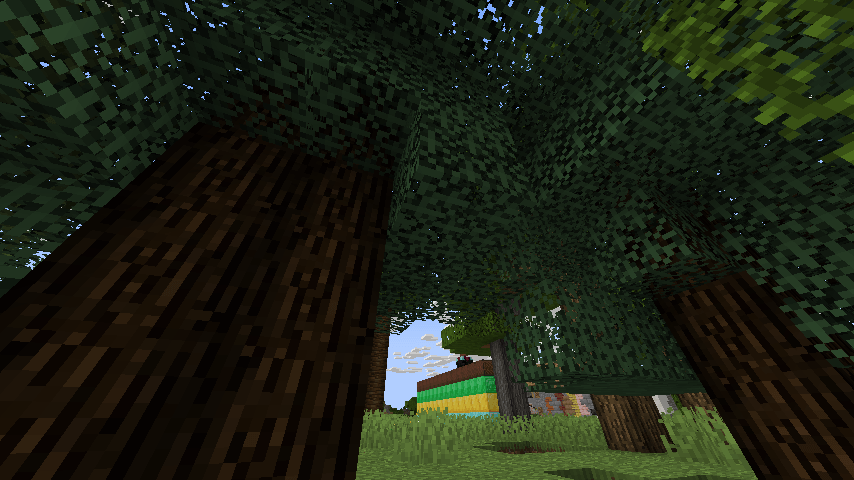
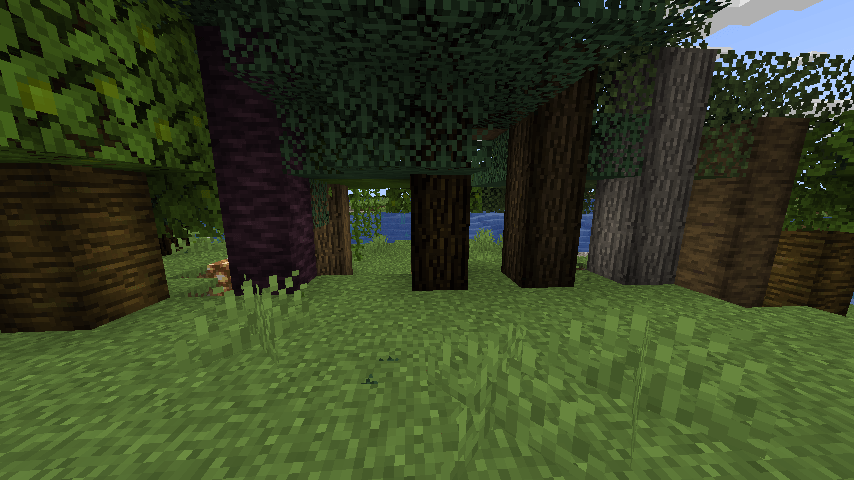
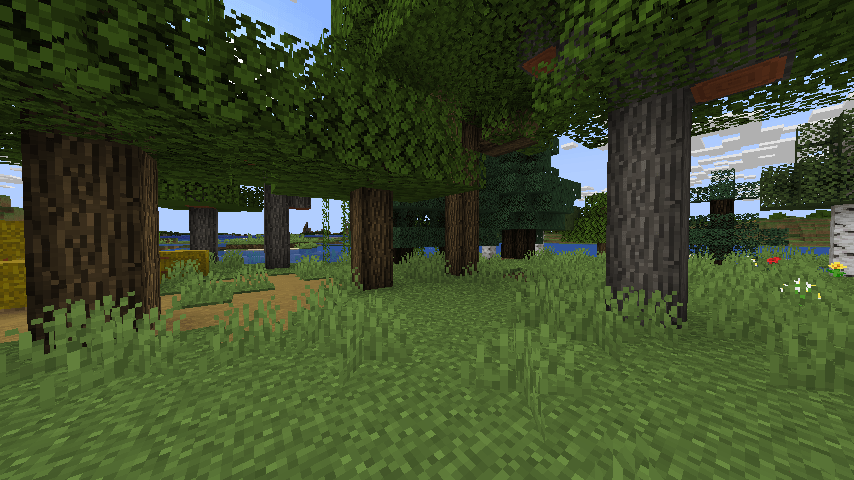
I want my trees and logs to look rounder, but NOT use an actual full out 3D model shape.
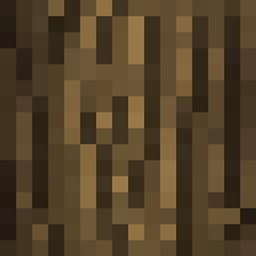
I realized you can trick the eyes by keeping the cube and flat texture but adding shadded darker areas on the edge of the texture and keeping the middle with the normal brightness.
So it looks rounded.
So i made some textures and a resource pack to do exactly this.
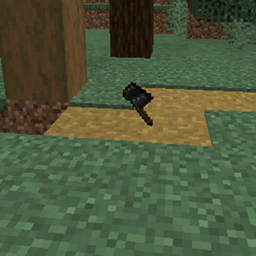
BEFORE pic is in the spoiler (this pic is without texture pack, for comparison)

Compare that to WITH the pack

Also the TOPS of the logs i brought the corners in (all log tops are changed, but the crimson, birch, and warped log sides are not changed by design)
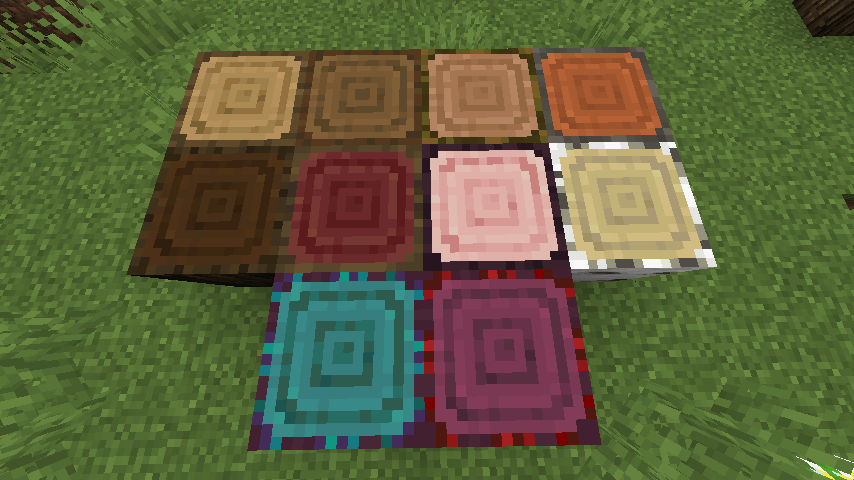
(The Sides of the Birch, crimson, and warped logs are not edited on purpose)
(Some logs are based on their so called legacy art/programmer art versions on purpose)
See my other resource packs
https://www.curseforge.com/minecraft/texture-packs/lz-clean-tnt
https://www.curseforge.com/minecraft/texture-packs/lz-dirt-without-rocks
https://www.curseforge.com/minecraft/texture-packs/lz-door-holes
https://www.curseforge.com/minecraft/texture-packs/lz-block-overlays
https://www.curseforge.com/minecraft/texture-packs/lz-glass-fusion
https://www.curseforge.com/minecraft/texture-packs/lz-retro-animated-blocks
https://www.curseforge.com/minecraft/texture-packs/lz-retro-animated-items
https://www.curseforge.com/minecraft/texture-packs/lz-ripe-melon
https://www.curseforge.com/minecraft/texture-packs/lz-roundish-logs
https://www.curseforge.com/minecraft/texture-packs/lz-rustic-torch
https://www.curseforge.com/minecraft/texture-packs/lz-shuffled-bricks