Mineuniverse
Resource Packs
Lunar'sSmoothItemsPVPpack 1.8

Lunar'sSmoothItemsPVPpack 1.8

RESOURCE PACK
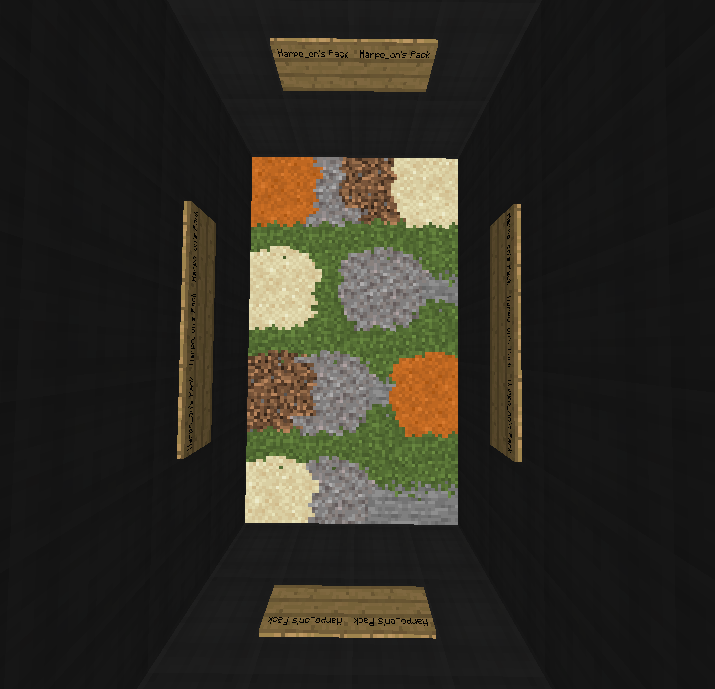
The items in this pack are really smooth and nice (+more), also it has all of the new 1.16 textures imported to it+all of the cool addons. There is a 1.16 version of this pack, read discription for more info!
by Harpo_on
Download Claim this project
8,081 downloads
0 likes
0 followers
Updated Oct 14, 2026
0 hypes
Follow0
16x
Advertisement Remove ads with Premium →

Note: If you would like to use this for a video please contact me first! No need for payments or anything but i would like for you to let me know! 

Contact : 

  • DISCORD: Lunar#5981 , or you can contact me on curse forge! thanks!


I am only a high schooler and this isn't as easy as it looks, donations appreciated! Link: https://www.gofundme.com/f/recource-pack-donations


I made this pack because I recently started using 1.8 and saw that the textures for 1.8 are really ugly! I'm sure a lot of people agree so I made this!

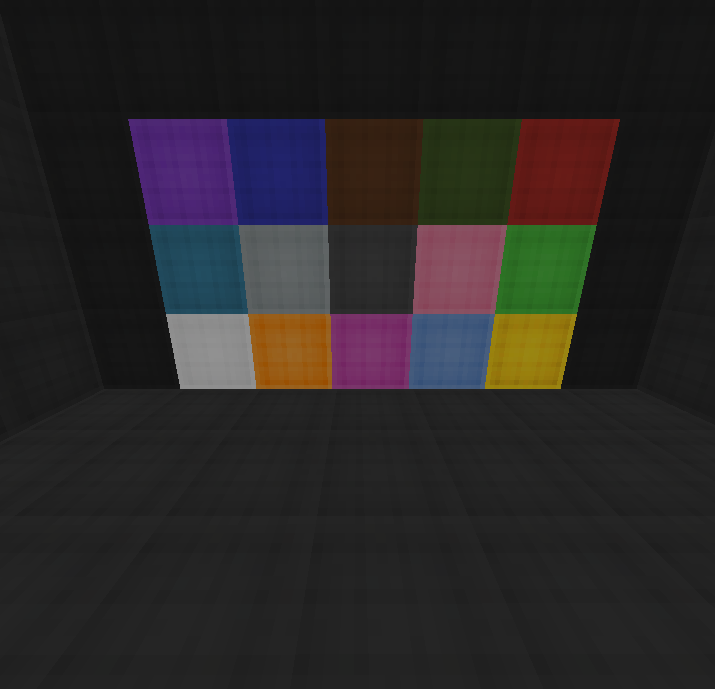
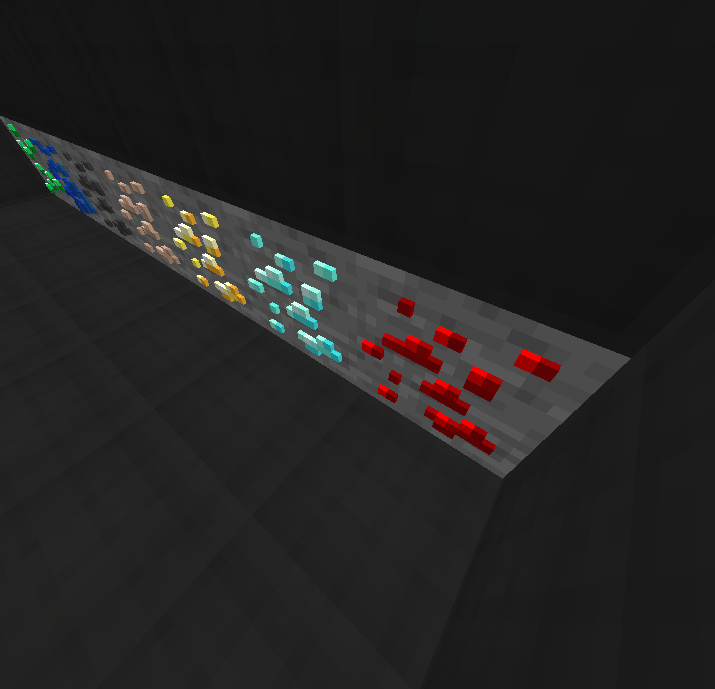
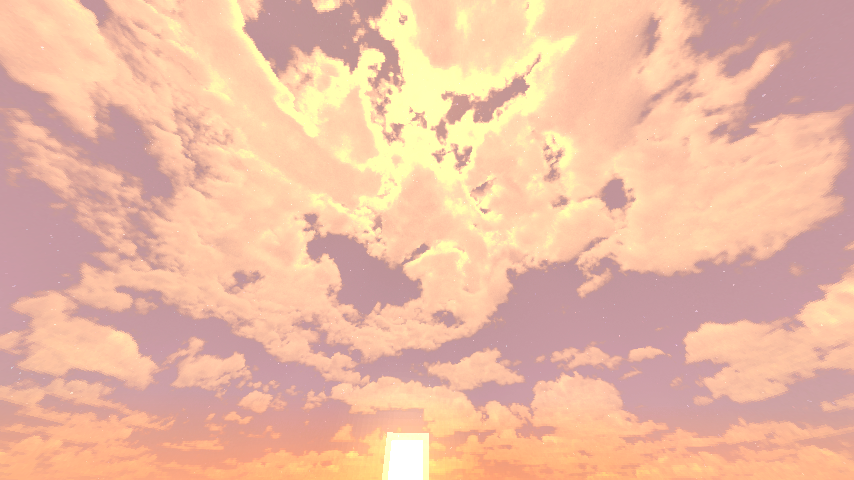
This pack also has a custom clear inventory, a custom sky, 3d ores, Really nice SMOOTH items, and much more!


For the 1.16 version go to: https://www.curseforge.com/minecraft/texture-packs/harpo_ons-bedwars-skywars-pvp-recource-pack


HOW TO INSTALL :


Step one: install the version of optifine that you are playing on at  https://bit.ly/2ZSEt2o  (press preview versions if you can't find your version) (also there is an ad in both optifine and before the link, so make sure not to click anything that your not supposed to (only click skip ad) )


Step two: Go to video settings and then go to the quality section and make sure that connected textures, custom sky, and custom items are turned on.


Step 3: IMPORTANT! : install the resource pack and put it in your resource pack folder. DO NOT EXTRACT IT!!


 

Lunar'sPVPSmooth_Edit+NewtoOld1.8.zip
MC 1.8
Release 2020-07-23 Get

Requirements & install

How to use this resource pack in Minecraft
Resolution
16x
Minecraft
1.8
Install folder
.minecraft/resourcepacks

How to install resource packs

  1. Download the resource pack .zip file (do not extract it).
  2. In Minecraft open Options → Resource Packs → Open Pack Folder.
  3. Drop the .zip into the resourcepacks folder (.minecraft/resourcepacks).
  4. Move the pack to the Selected column and click Done.
Browse more: 16x resource packs 32x resource packs 64x resource packs 128x resource packs 256x resource packs 512x+ resource packs Resource Packs for 1.8 All resource packs

More from Harpo_on

Advertisement Remove ads with Premium →

You Might Also Like