READ IF YOU WANT TO USE THIS RESOURCE PACK IN YOUR YOUTUBE VIDEO / ETC: please message me on discord (or curseforge private message me) so I can know, thanks! My discord: Lunar#5981
Dear users! I am only a high schooler and this isn't as easy as it looks, donations appreciated! Link: https://www.gofundme.com/f/recource-pack-donations THANKS!
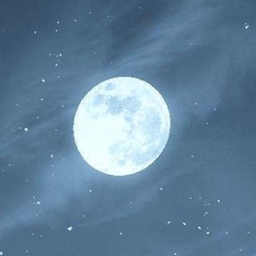
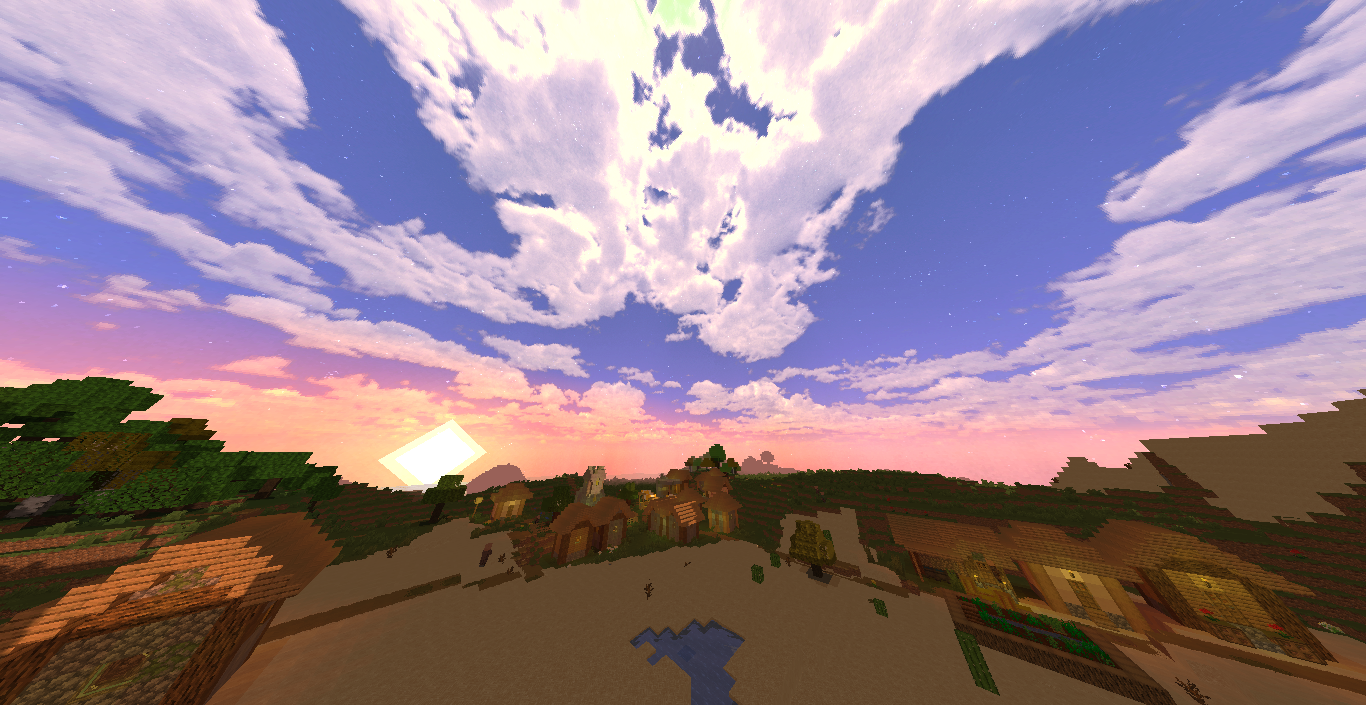
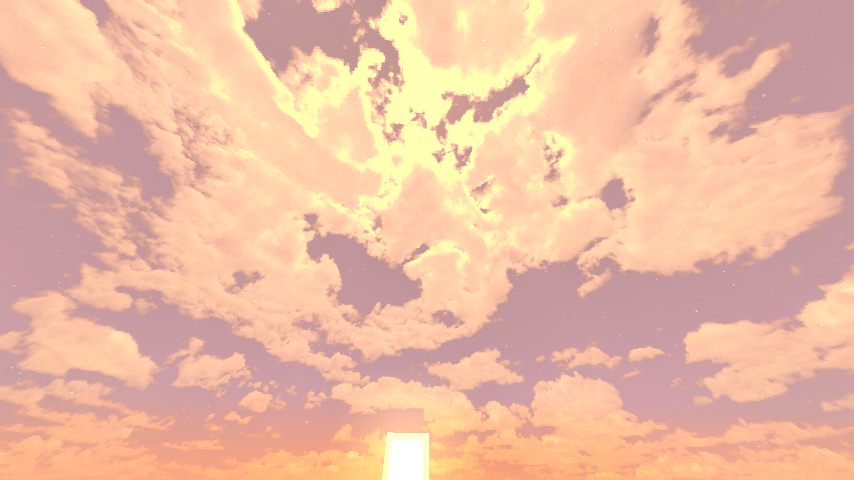
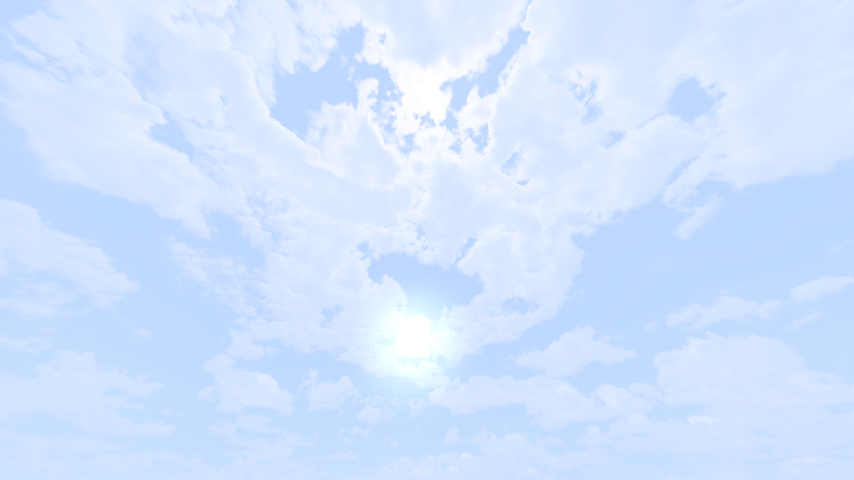
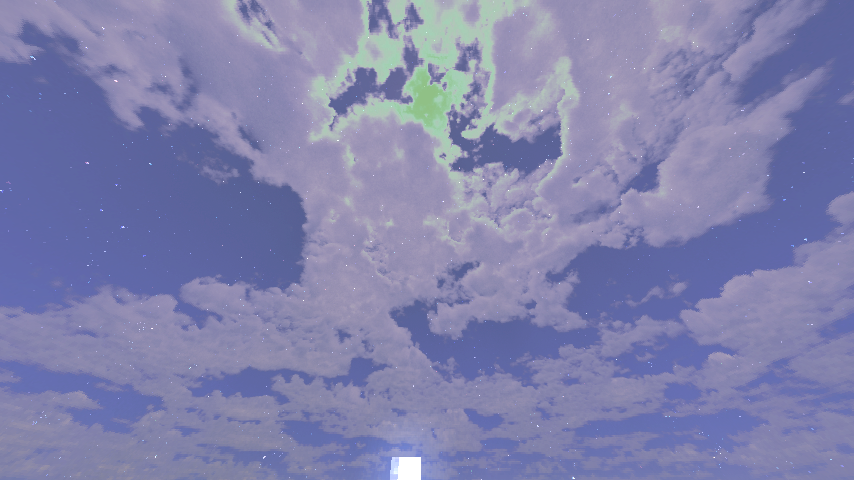
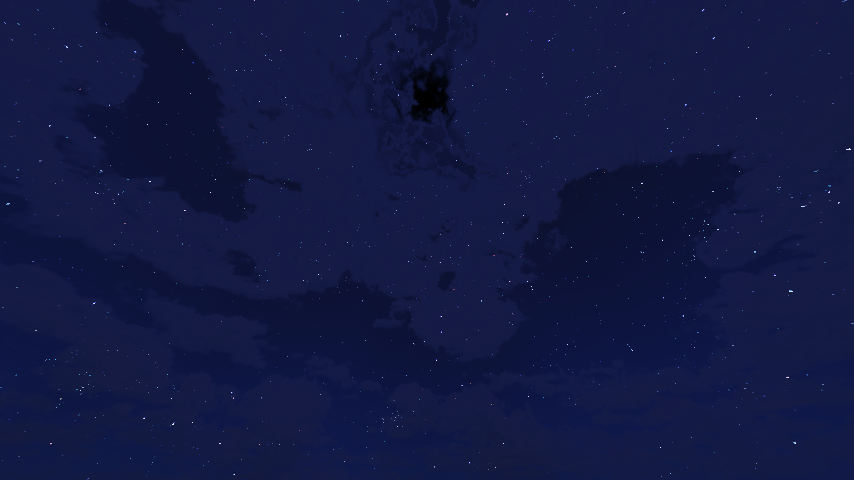
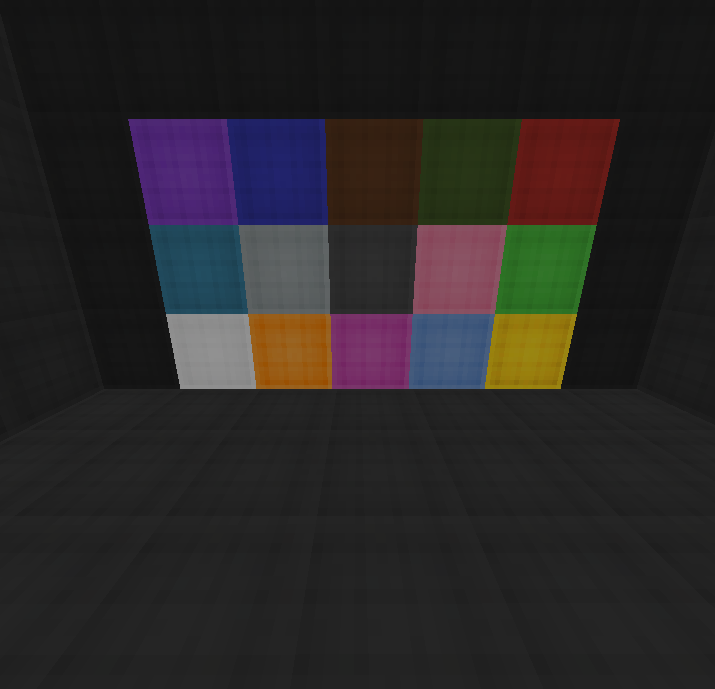
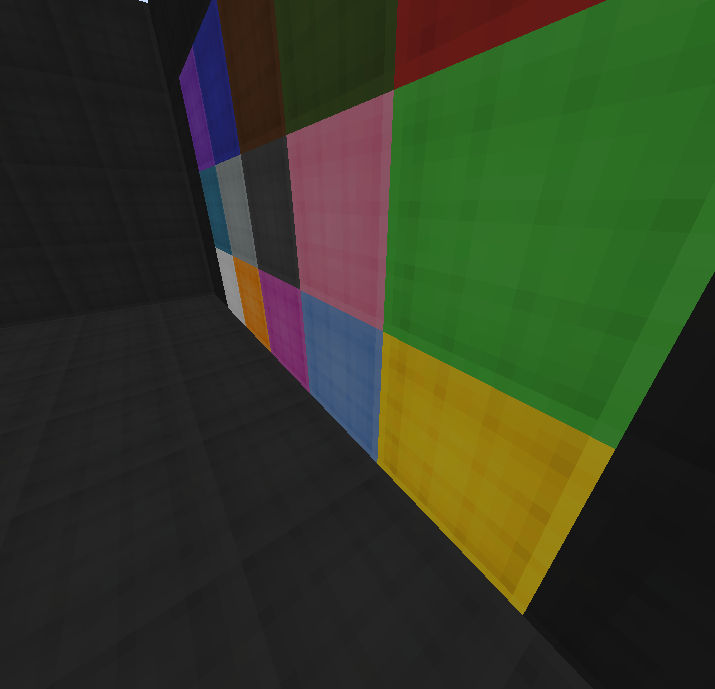
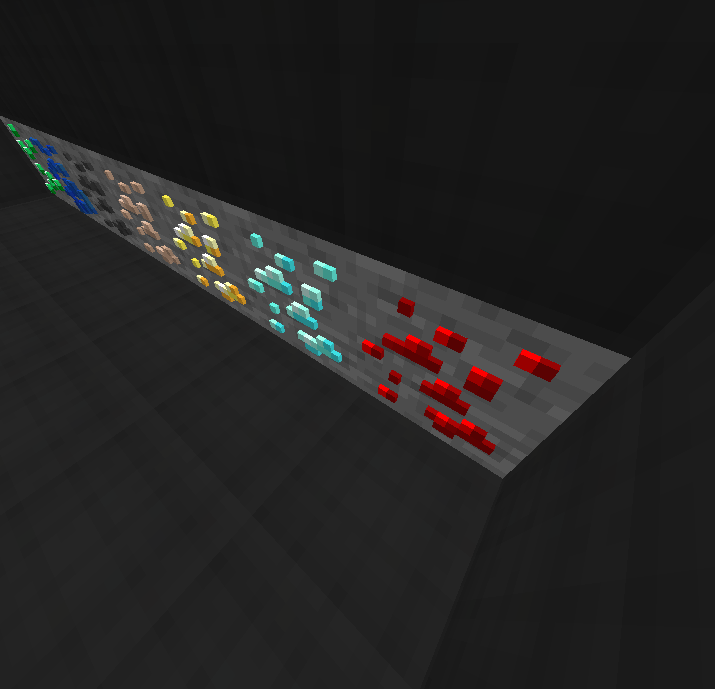
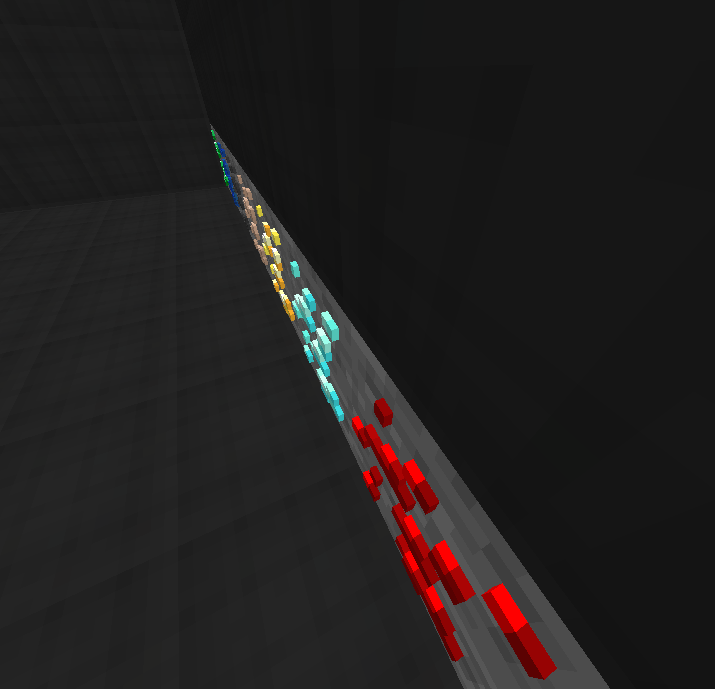
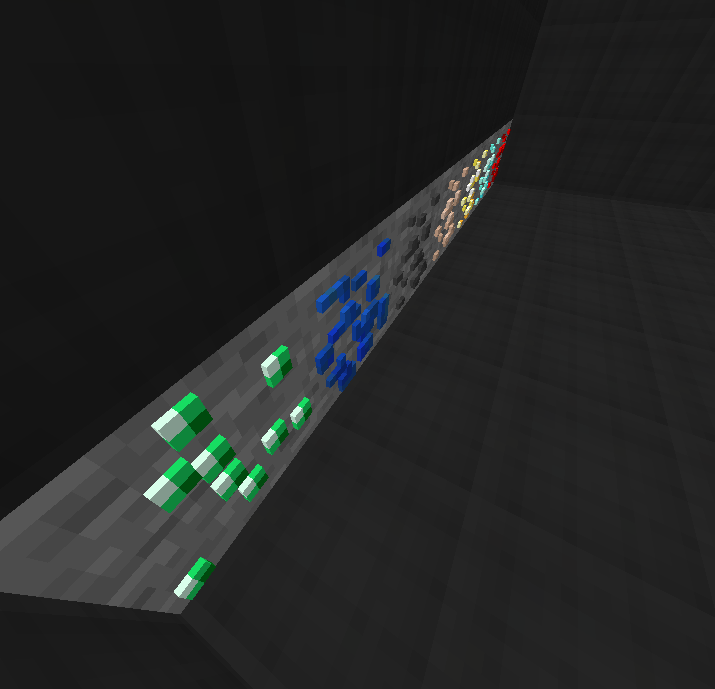
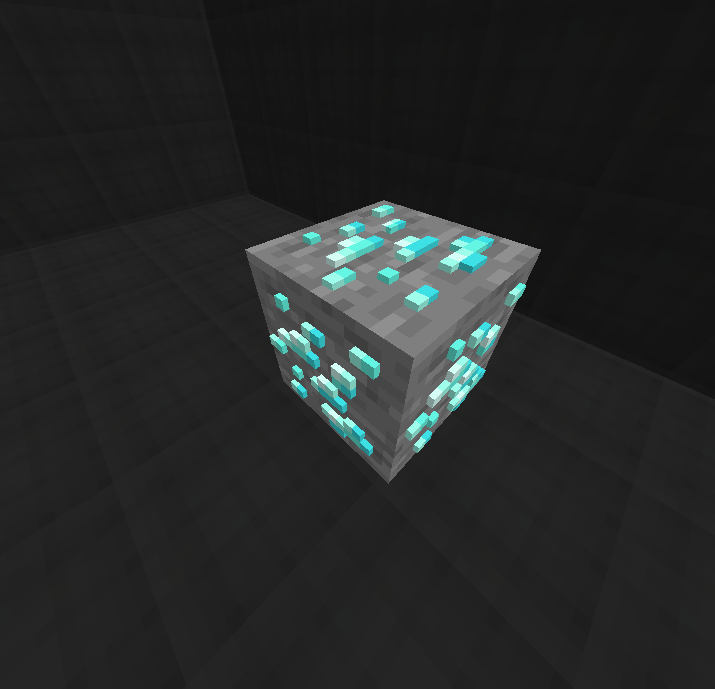
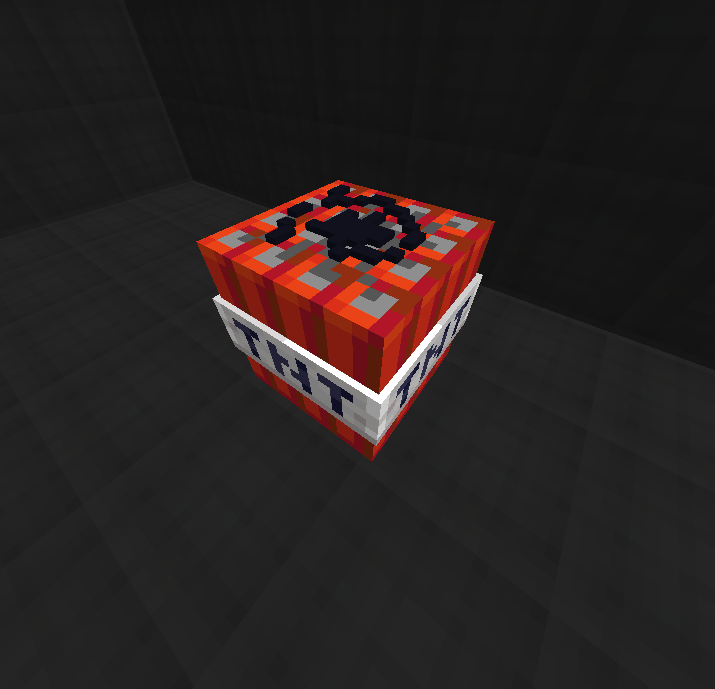
I made this recourse pack because I noticed that there aren't many resource packs that improve the games look without changing too much of the game and then ruining it because of that. So I decided to make my resource pack that adds in the cool and useful things such as a custom sky, a custom block breaking animation, better 3d blocks and ores with more detail, better wool for easier speed bridging, a cool feature I added which adds in something called connected textures/texture overlay which makes blocks such as sand spill over blocks, and more! 1.16.x version is now out!
IMPORTANT EDIT: THE 1.8 VERSION IS FINALLY OUT!! Go to this link for it!
https://www.curseforge.com/minecraft/texture-packs/lunarssmoothitems-1-16texturesfor1-8pvp_pack
HOW TO INSTALL :
Step one: install the version of optifine that you are playing on at https://bit.ly/2ZSEt2o (press preview versions if you can't find your version) (also there is an ad in both optifine and before the link, so make sure not to click anything that your not supposed to )
Step two: Go to video settings and then go to the quality section and make sure that connected textures, custom sky, and custom items are turned on.
Step 3: IMPORTANT! : install the resource pack and put it in your resource pack folder. DO NOT EXTRACT IT!!