Created by:
Me ( @GalacticUniv )
Available in the following versions:
1.12.2 | 1.16 - 1.20.1 | 1.20.2+
Tags:
Custom, Colors, Service, Black, Pink, Magenta, 16x, Yandere, Love
Description:
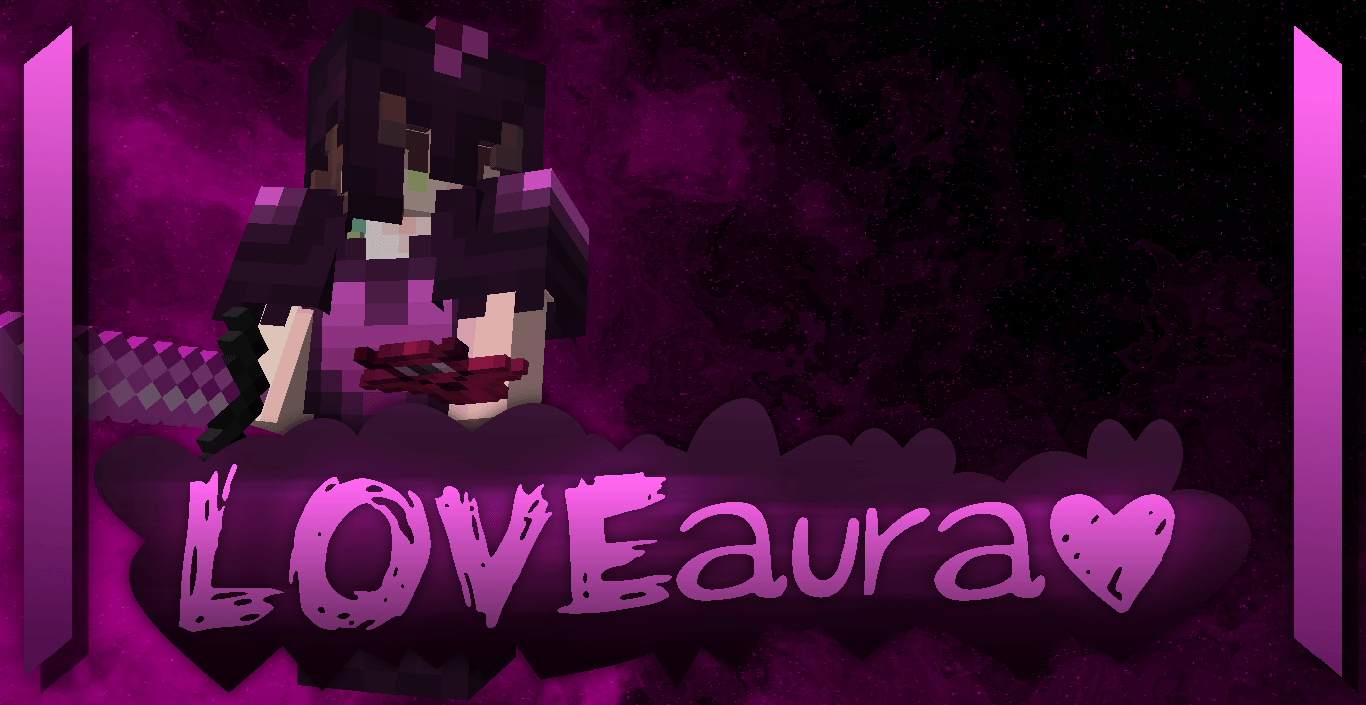
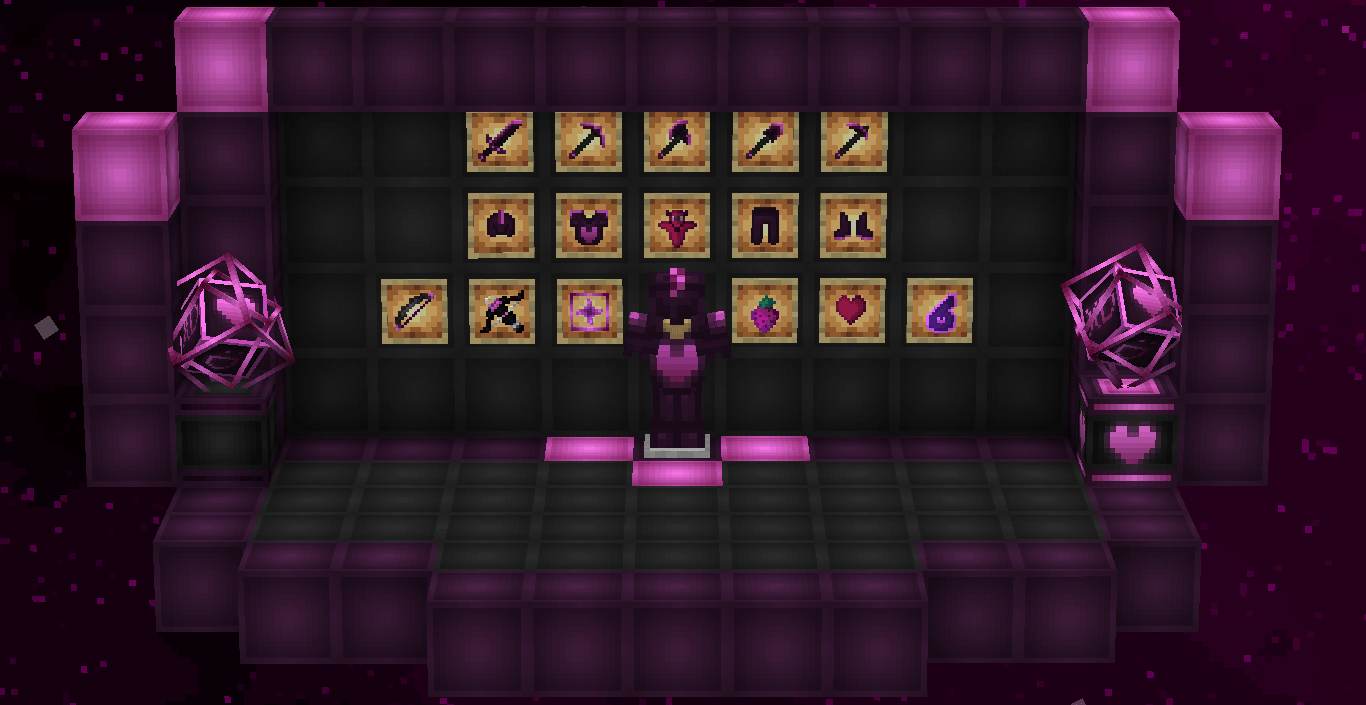
LoveAura, formerly known as QuinnyP4k, was originally created as a reward for boosting our Discord server. While this texture pack was primarily designed for 1.12.2, the updated version for 1.20 is almost entirely new, preserving only the most important and iconic features of the original pack.
Though it wasn’t initially planned to be part of the "Colors" collection, the extensive changes I made allowed it to fit perfectly as one of the missing colors in the series.
This texture pack is pink with a "Yandere" theme, symbolizing the sweet and loving side of the Yandere archetype.
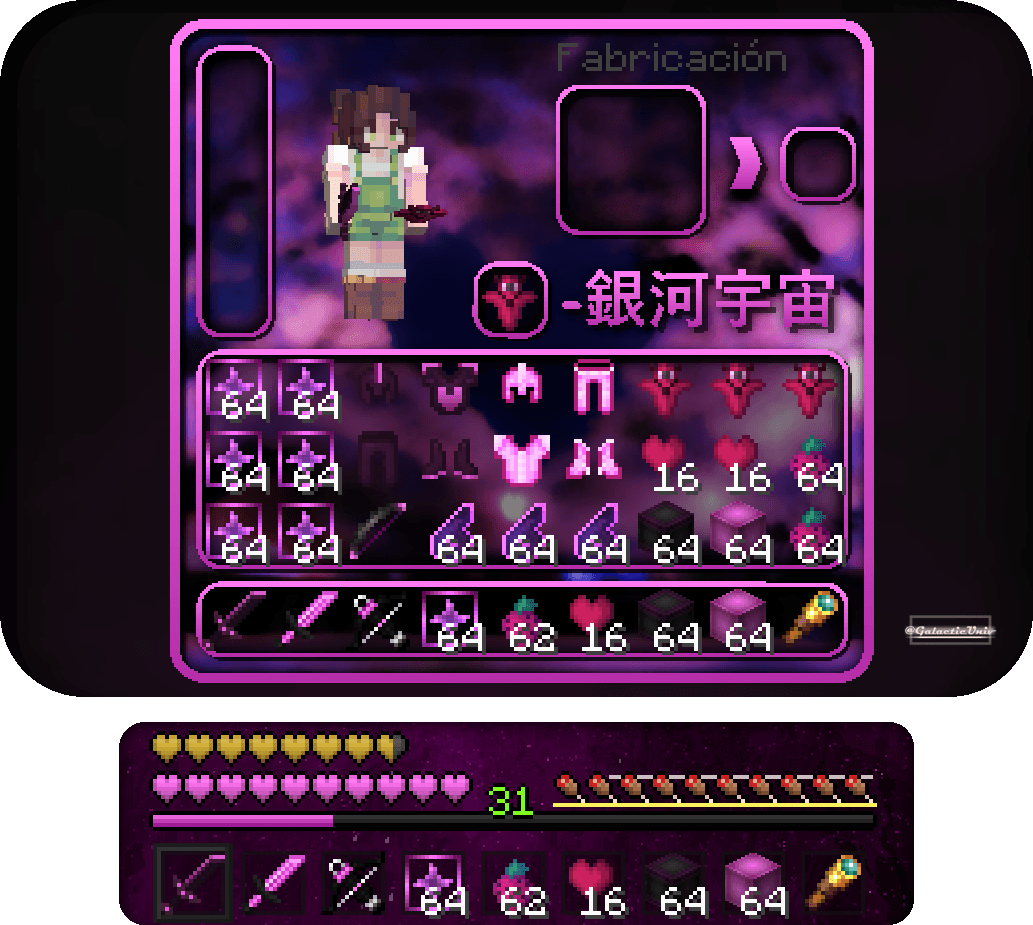
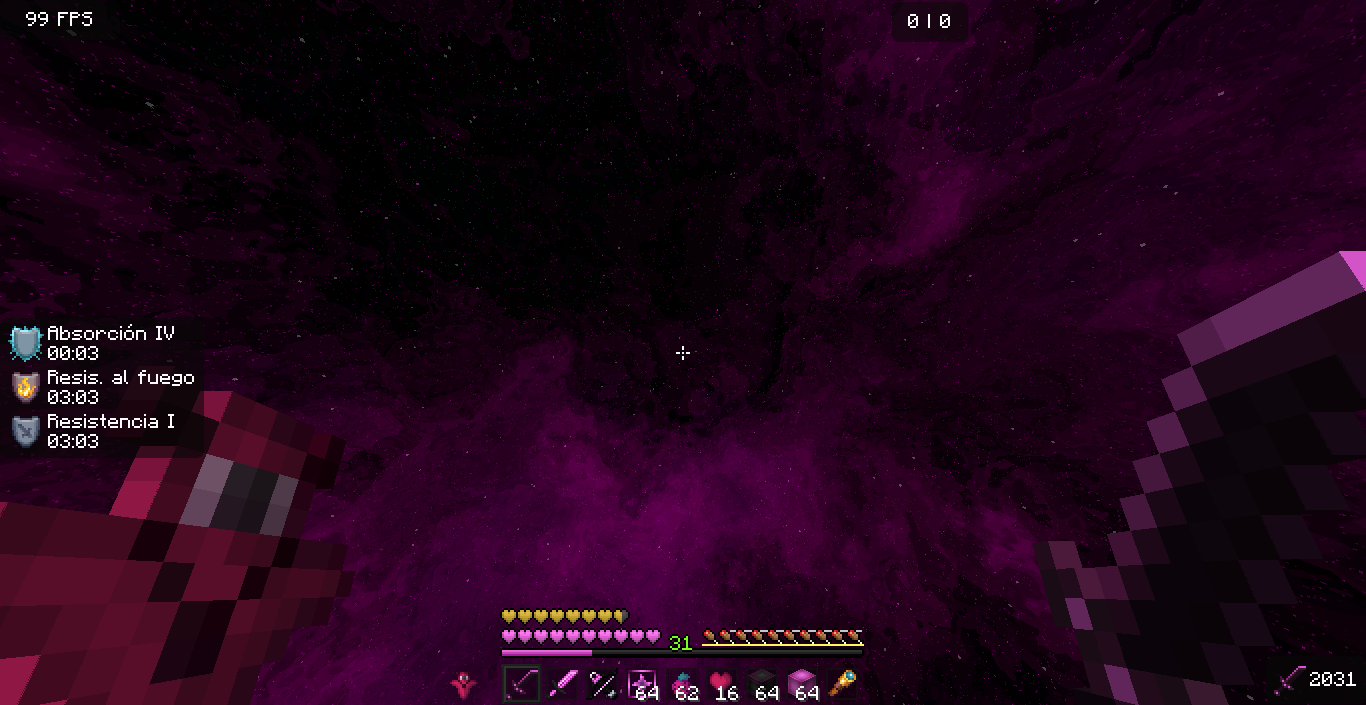
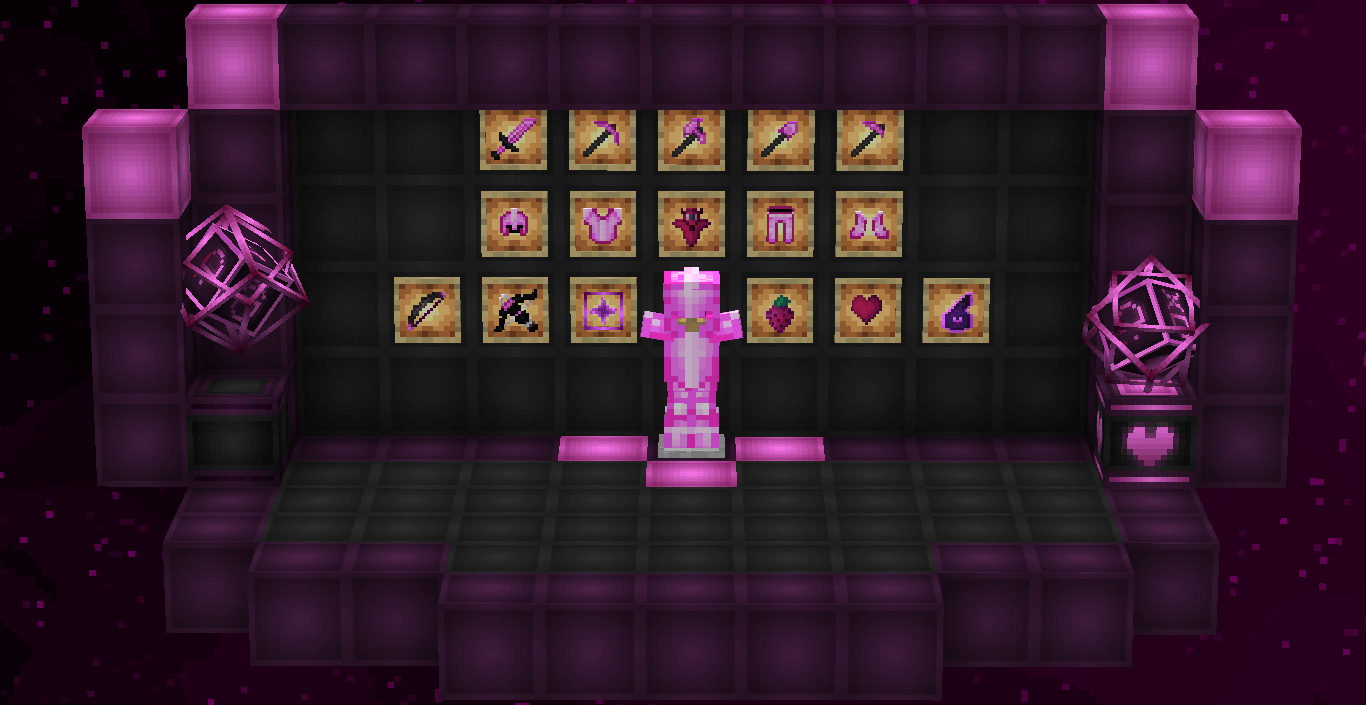
This texture pack includes both diamond and netherite in one pack, so you don’t have to worry! Both textures are tailored to match the theme, including tools, swords, and more. Don't forget that downloading the texture pack from the official sources (In PlanetMinecraft) is a huge way to support us! <3
If you have any questions or want to report a bug, feel free to do so through our official Discord: https://discord.gg/72dHTWJr6R
You can also follow us on social media! :D https://solo.to/galacticuniv