Mineuniverse
Resource Packs
LogRealism

LogRealism

RESOURCE PACK
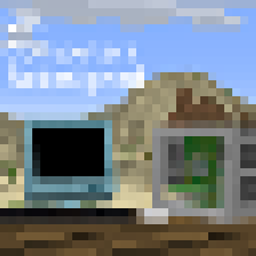
LogRealism brings 2k textures to minecraft
by okil6
Download Claim this project
Add a badge to your pageLink to LogRealism from a README, website or forum post.
Preview: Badge

Badges update automatically and link to the resource pack page on MineUniverse.

816 downloads
0 likes
0 followers
Updated Oct 14, 2026
0 hypes
Follow0
512x and Higher Photo Realistic
Advertisement Remove ads with Premium →

LogRealism – 2K Ultra HD Resource Pack

Version: 1.21+
Resolution: 2048x2048 (2K)
Compatibility: Sodium & OptiFine (No PBR)

📜 Description:

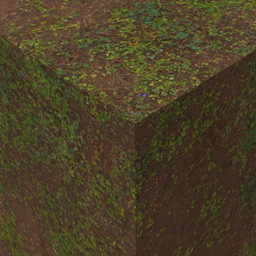
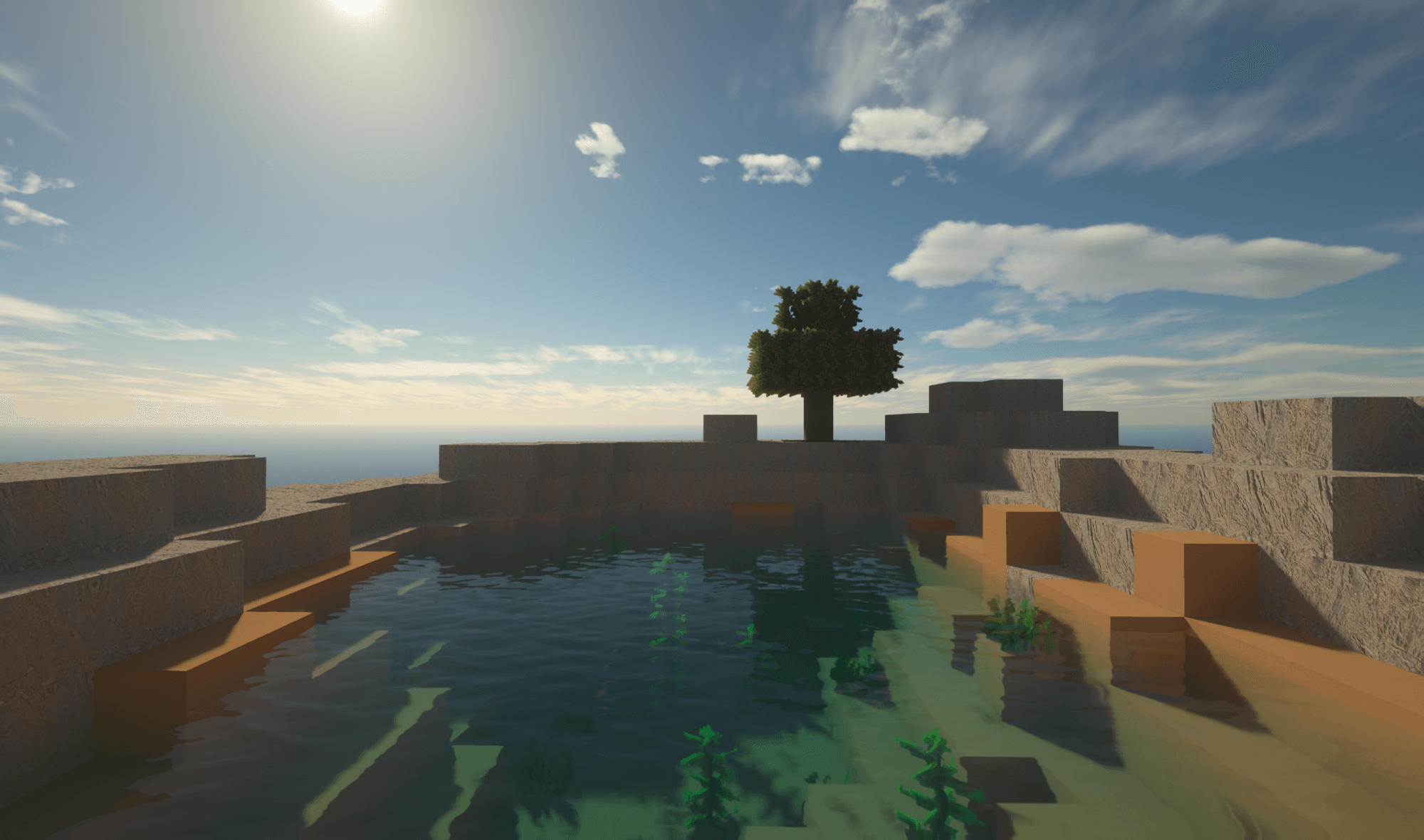
LogRealism is a 2K resolution resource pack designed to bring ultra-high-definition textures to Minecraft. Every block is rendered in crisp, 2048x2048 detail, providing an incredibly sharp and immersive visual experience. Fully compatible with Sodium and OptiFine, this pack enhances your world without requiring PBR or shader effects.

✨ Features:

✅ 2048x2048 Ultra HD Textures – Super high-resolution blocks for extreme detail
✅ Optimized for Sodium & OptiFine – Works smoothly with top performance mods
✅ No PBR or Shader Dependency – Pure texture enhancements without lighting effects

🎮 Recommended Settings:

  • Performance Mods: Sodium or OptiFine for better FPS
  • VRAM: 6GB+ recommended for smooth performance
  • Render Distance: 6+ chunks for best visuals

💎 Upgrade your Minecraft world with LogRealism 2K – Download now for ultra-sharp textures! 🚀

LogRealism 1.21-1.21.5 version 1.1
MC 1.21.2-Snapshot, 1.21, 1.21.1-Snapshot, 1.21.4, 1.21.5-Snapshot, 1.21-Snapshot, 1.21.3, 1.21.1, 1.21.4-Snapshot, 1.21.2
Release 2025-02-08 Get
HDcraft 1.0.1 1.21-1.21.5
MC 1.21.2-Snapshot, 1.21, 1.21.1-Snapshot, 1.21.4, 1.21.5-Snapshot, 1.21.3, 1.21.1, 1.21.4-Snapshot, 1.21.2
Beta 2025-02-02 Get

Requirements & install

How to use this resource pack in Minecraft
Resolution
512x+
Minecraft
1.21.1-Snapshot – 1.21.5-Snapshot
Install folder
.minecraft/resourcepacks

How to install resource packs

  1. Download the resource pack .zip file (do not extract it).
  2. In Minecraft open Options → Resource Packs → Open Pack Folder.
  3. Drop the .zip into the resourcepacks folder (.minecraft/resourcepacks).
  4. Move the pack to the Selected column and click Done.

512x packs need a strong GPU and at least 4 GB of RAM for Minecraft; a performance mod such as Sodium is strongly recommended.

Browse more: 16x resource packs 32x resource packs 64x resource packs 128x resource packs 256x resource packs 512x+ resource packs Resource Packs for 1.21.5-Snapshot All resource packs

More from okil6

Advertisement Remove ads with Premium →

You Might Also Like