Mineuniverse
Resource Packs
Limbus Comapny  Pack

Limbus Comapny Pack

RESOURCE PACK
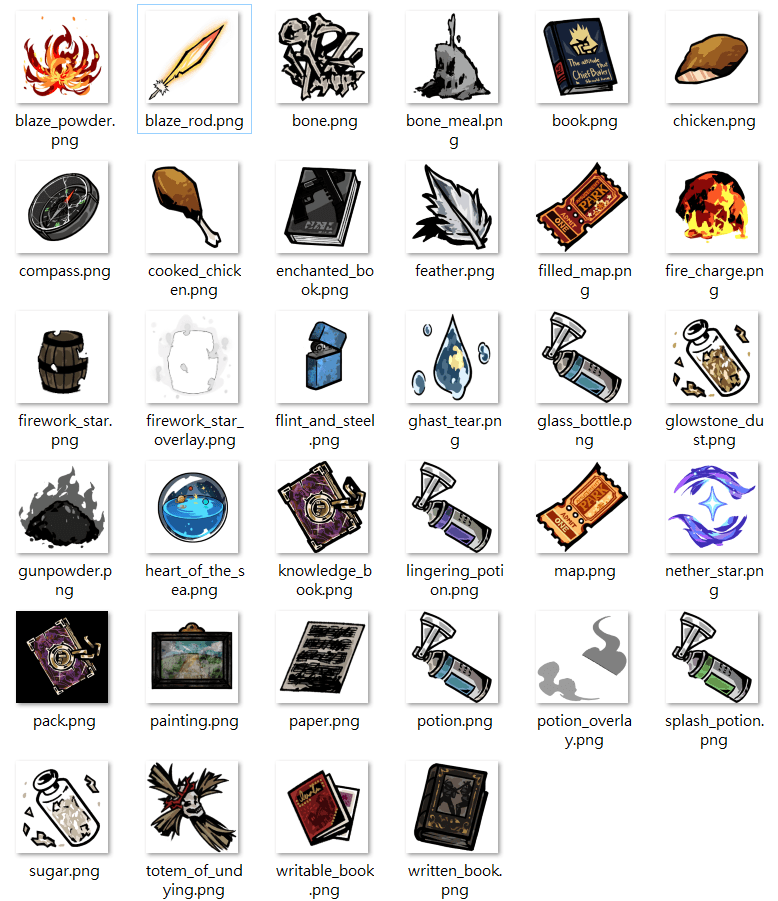
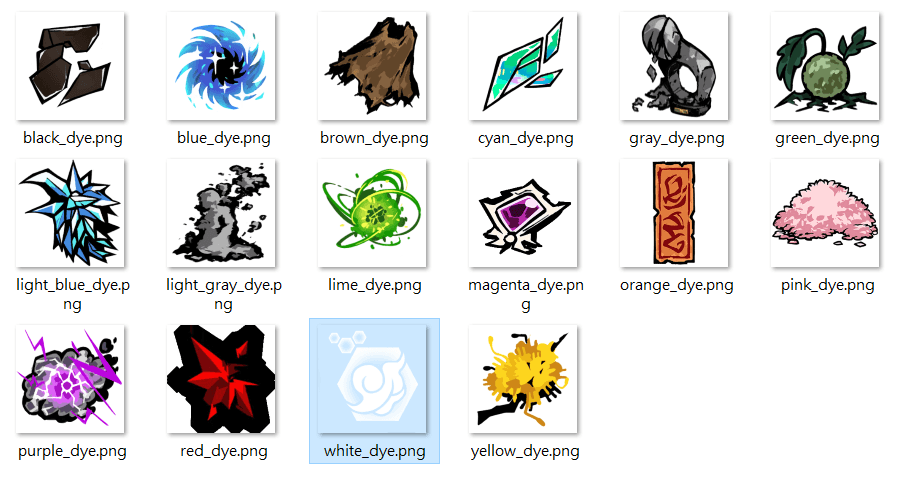
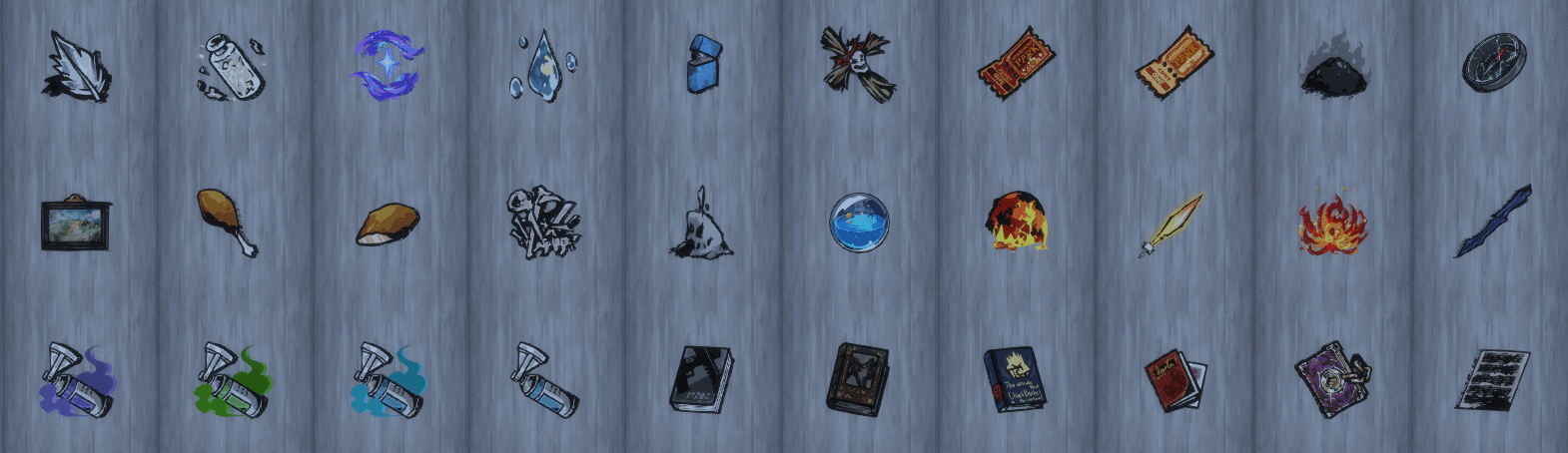
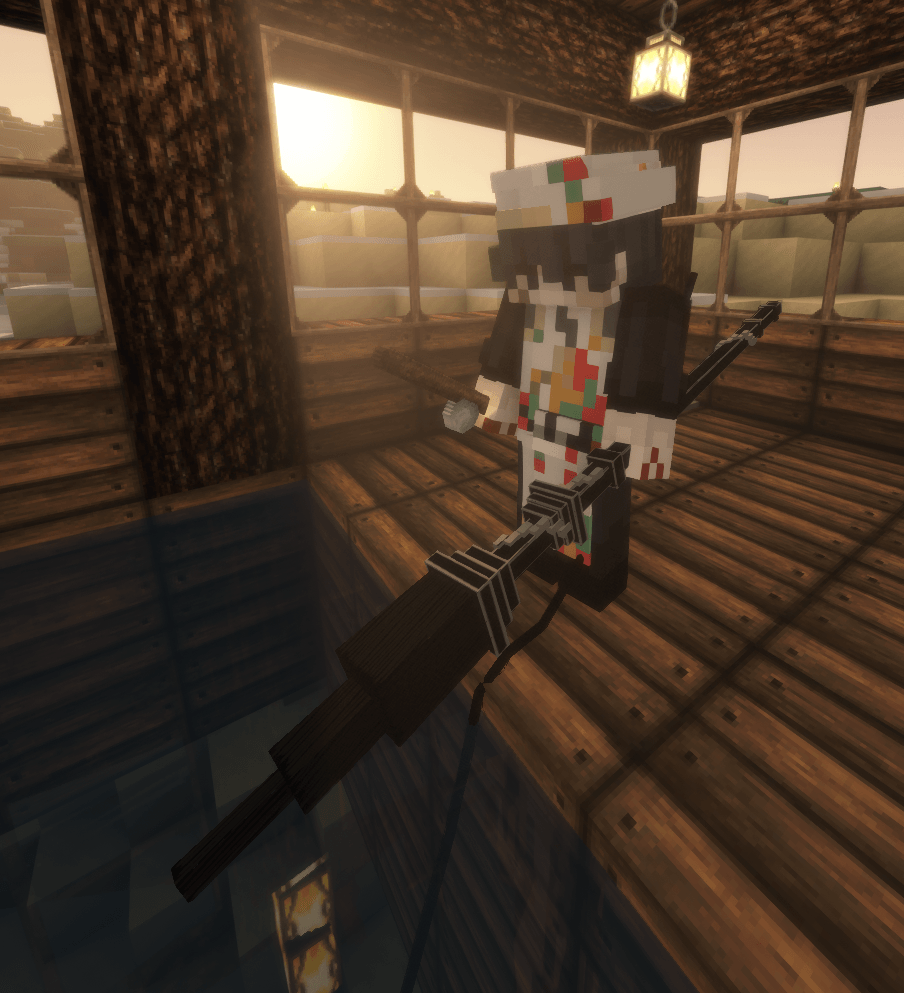
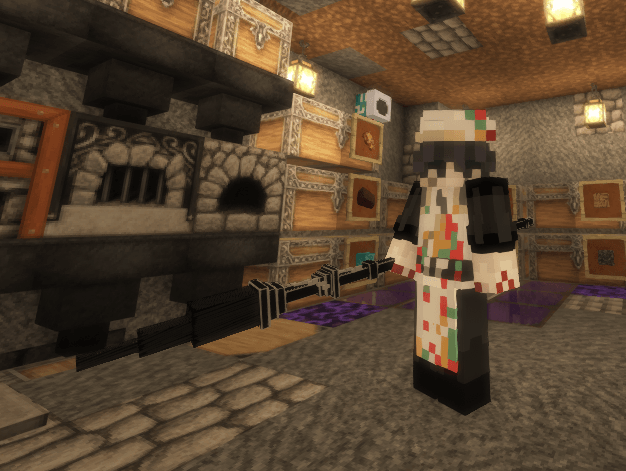
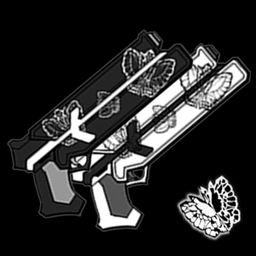
change a few item into the item From Limbus Company
by Yi_Sang
Download Claim this project
2,043 downloads
0 likes
Updated Oct 14, 2026
0 hypes
256x Miscellaneous
Advertisement Remove ads with Premium →

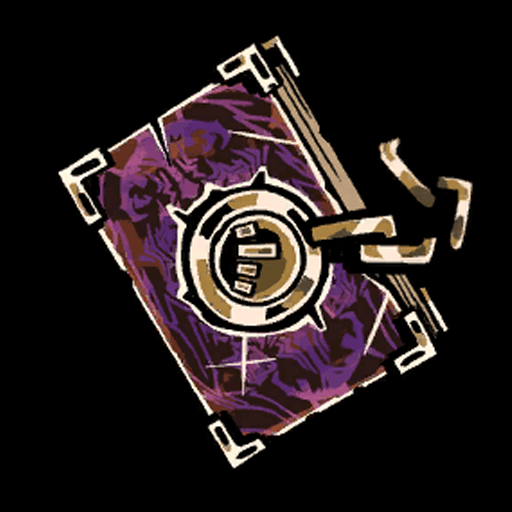
change a few item into the E.G.O. Gift From Limbus Company

what's changed:

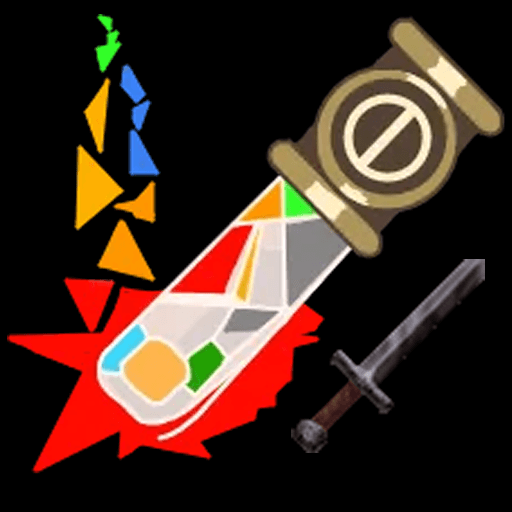
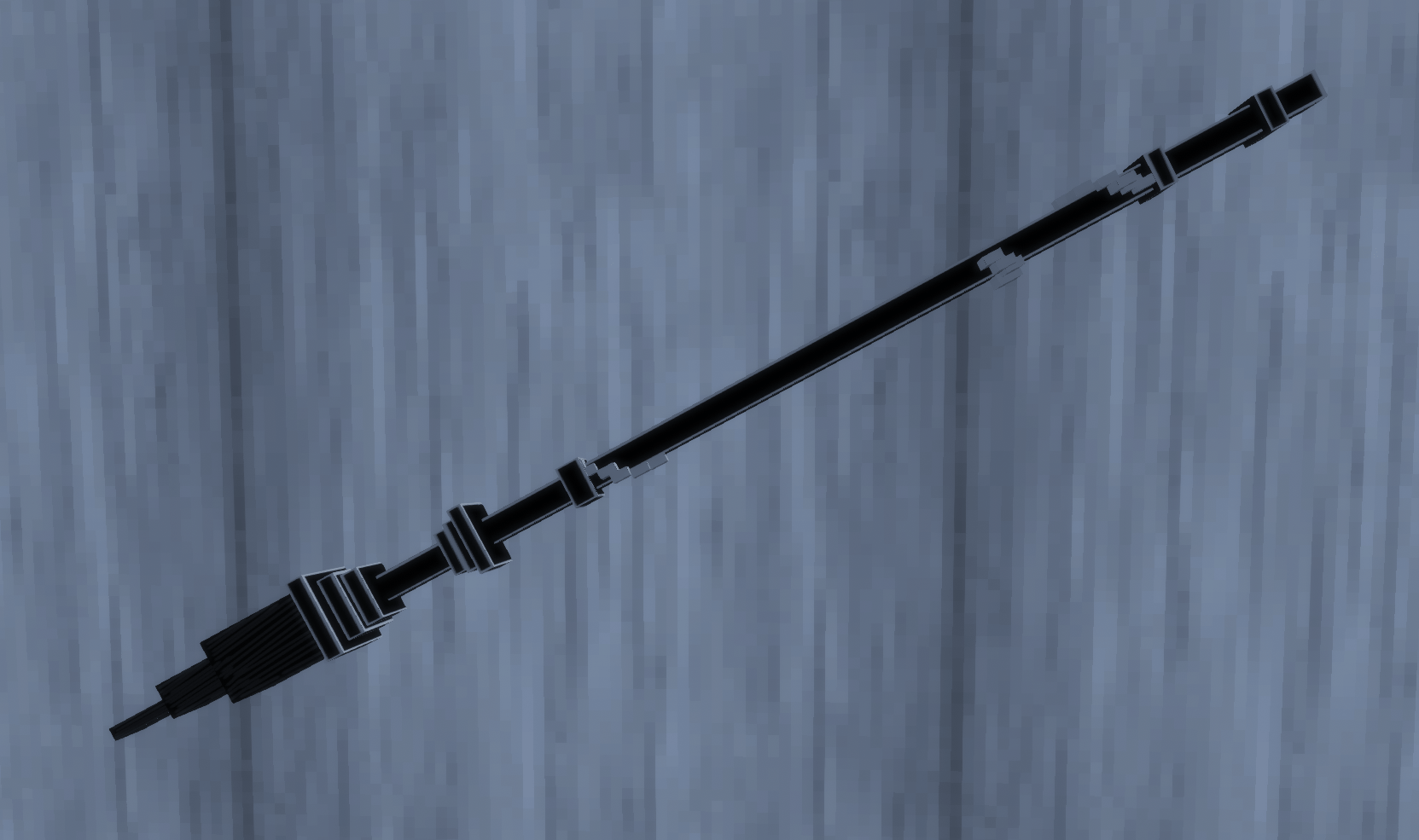
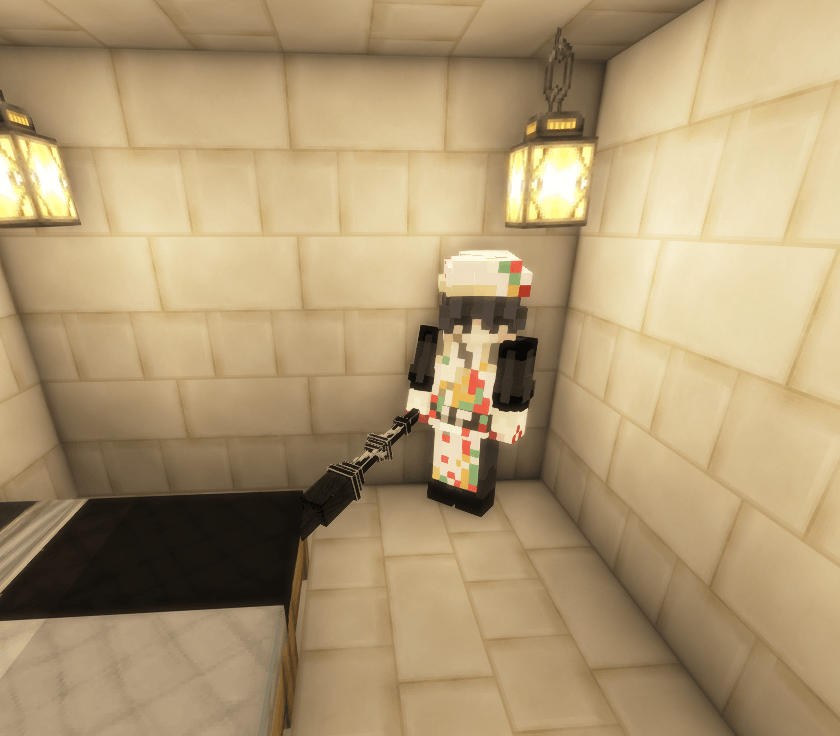
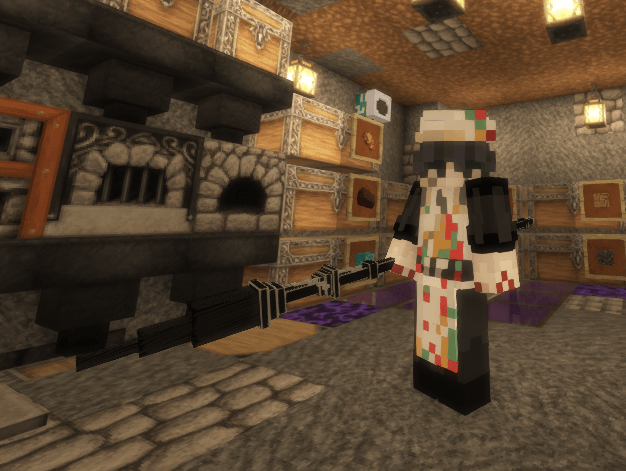
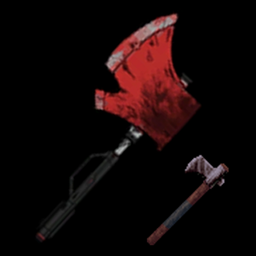
"brush of pointillist researcher of the ring" → Netherite Sword

- "Blue Zippo Lighter" → Iron and Steel 
- "Illusory Hunt" and "Mental Corruption Boosting Gas" → Potions
- "Black Sheet Music" → Paper
- "Pain of Stifled Rage" → Fire Charge 
- "Ardent Flower" → Blaze Powder
- "Feather of Honor" → Blaze Rod
- "Smoking Gunpowder" → Gun Powder
- "Keenbranch" → Stick 
- "Oracle" → Nether Star
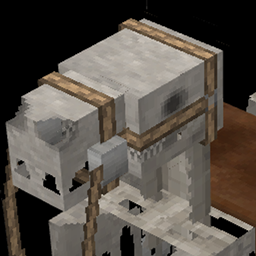
- "Tangled Bones" → Bone
- "Cask Spirits" → Firework Star
- "Trial Plan Guide" → Writable Book
- "Plume of Proof" → Feather
- "Dueling Manual Book 3" → Written Book
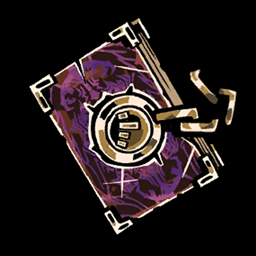
- "The Book of Vengeance" → Knowledge Book
- "Twinkling Vestige" → suger
- "La Manchaland All-day Pass" → Filled Map
- "Hot ‘n Juicy Drumstick" → Cooked Chicken 
- "Dry-to-the-Bone Breast" → Chicken
- "Hardship" → Totem of Undying
- "CQC Manual" → Enchanted Book
- "Chief Butler's Secret Arts" → Book
- "Moon in the Water" → Ghost Tear
- "Broken Compass" → Compass
- "Clear Mirror, Calm Water" → Heart of Sea
- "Brilliant Vestige" → Glowing Dust
- "Ashes to Ashes" → Bone Meal
- "Homeward" → painting
- "La Manchaland Standard Pass" → Map

Limbus Company Pack
MC 1.21.6-snapshot, 1.21.8, 1.21.5, 1.21.4, 1.21.5-Snapshot, 1.21.1, 1.21.6, 1.21.3, 1.21.7, 1.21.4-Snapshot, 1.21.2, 1.21.9-snapshot, 1.21.9, 1.21.10, 1.21.11-snapshot, 1.21.11, 26.1
Release 2026-04-30 Get
Limbus Company Pack .zip
MC 1.21.5, 1.21.4, 1.21.1, 1.21.6, 1.21.3, 1.21.7, 1.21.2
Release 2025-11-28 Get
Limbus Company Pack .zip
MC 1.21.2-Snapshot, 1.21, 1.21.1-Snapshot, 1.21.4, 1.21-Snapshot, 1.21.3, 1.21.1, 1.21.4-Snapshot, 1.21.2
Release 2025-09-03 Get

Requirements & install

How to use this resource pack in Minecraft
Resolution
256x
Minecraft
1.21.7 – 26.1
Install folder
.minecraft/resourcepacks

How to install resource packs

  1. Download the resource pack .zip file (do not extract it).
  2. In Minecraft open Options → Resource Packs → Open Pack Folder.
  3. Drop the .zip into the resourcepacks folder (.minecraft/resourcepacks).
  4. Move the pack to the Selected column and click Done.

Packs from 128x upwards need more video memory: install a performance mod such as Sodium for smooth frame rates.

Browse more: 16x resource packs 32x resource packs 64x resource packs 128x resource packs 256x resource packs 512x+ resource packs Resource Packs for 26.1 All resource packs

More from Yi_Sang

Advertisement Remove ads with Premium →

You Might Also Like