Mineuniverse
Resource Packs
Lightweight Wither Storm Style – Cracker's Wither Storm

Lightweight Wither Storm Style – Cracker's Wither Storm

RESOURCE PACK
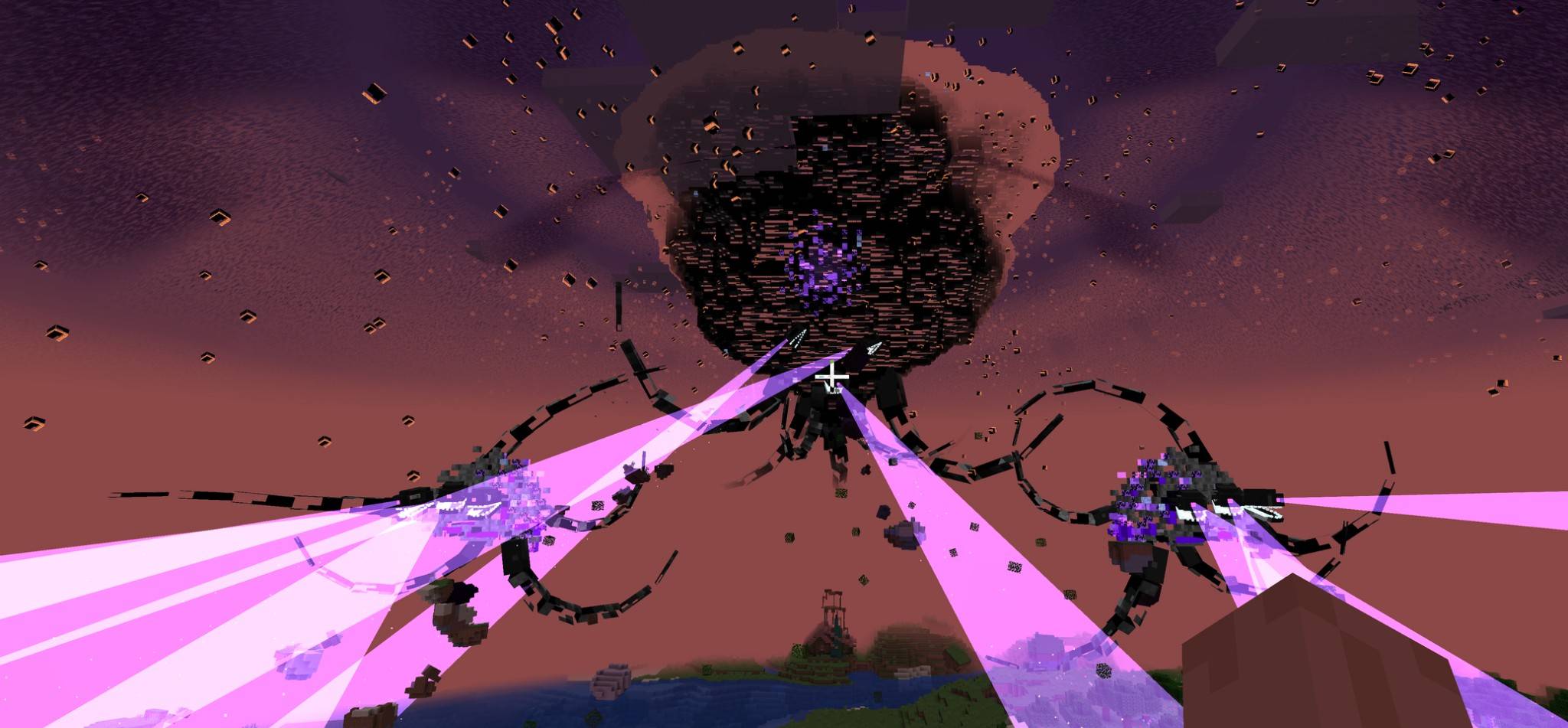
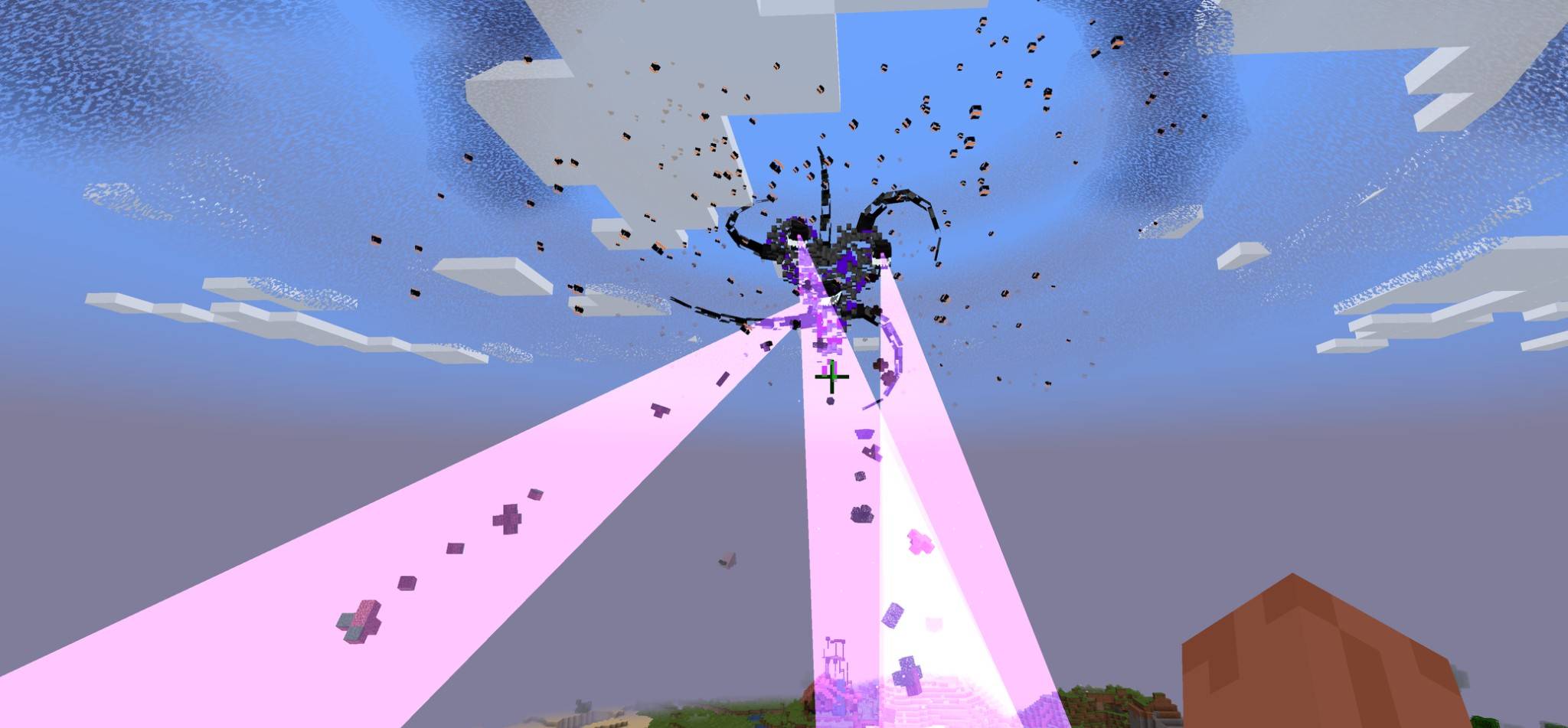
Give Cracker's Wither Storm Mod a Lightweight Wither Storm look!
by The_wither_storm_fan
Download Claim this project
Add a badge to your pageLink to Lightweight Wither Storm Style – Cracker's Wither Storm from a README, website or forum post.
Preview: Badge

Badges update automatically and link to the resource pack page on MineUniverse.

225 downloads
0 likes
0 followers
Updated Oct 14, 2026
0 hypes
Follow0
512x and Higher Mod Support
Advertisement Remove ads with Premium →

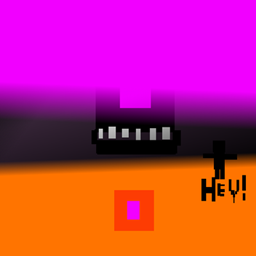
Want to give Cracker's Wither Storm a new look? This resource pack changes the Wither Storm's appearance to match the Lightweight Wither Storm Mod!

The pack replaces the Wither Storm's textures across all 8 phases, giving it the same overall appearance and style as the Lightweight version. It also includes a matching Wither Storm head texture.

This is a texture-only resource pack, so it does not change the Wither Storm's behavior, attacks, animations, phases, or gameplay mechanics.

Features

  • All 8 Wither Storm phases supported
  • Lightweight Wither Storm-style appearance
  • Matching Wither Storm head texture
  • Works with Cracker's Wither Storm Mod
  • Texture-only — no gameplay changes
  • Minecraft 1.20.1 Forge

Credits

The Lightweight Wither Storm textures are based on the Lightweight Wither Storm Mod. Please check the original mod for its licensing and usage terms.

This pack is made for players who want the look of the Lightweight Wither Storm while using Cracker's Wither Storm Mod.

https://www.curseforge.com/minecraft/mc-mods/lwscancelled https://www.curseforge.com/minecraft/mc-mods/crackers-wither-storm-mod

Crackers_Wither_Storm_Lightweight_Style.zip
MC 1.16.5, 1.19.3, 1.19.4, 1.20.1, 1.19.1, 1.18.2, 1.19.2, 1.19
Release 2026-08-24 Get

Requirements & install

How to use this resource pack in Minecraft
Resolution
512x+
Minecraft
1.16.5 – 1.20.1
Install folder
.minecraft/resourcepacks

How to install resource packs

  1. Download the resource pack .zip file (do not extract it).
  2. In Minecraft open Options → Resource Packs → Open Pack Folder.
  3. Drop the .zip into the resourcepacks folder (.minecraft/resourcepacks).
  4. Move the pack to the Selected column and click Done.

512x packs need a strong GPU and at least 4 GB of RAM for Minecraft; a performance mod such as Sodium is strongly recommended.

Browse more: 16x resource packs 32x resource packs 64x resource packs 128x resource packs 256x resource packs 512x+ resource packs Resource Packs for 1.20.1 All resource packs

More from The_wither_storm_fan

Advertisement Remove ads with Premium →

You Might Also Like