Mineuniverse
Resource Packs
LFBAI Compat EFM (Resourcepack)

LFBAI Compat EFM (Resourcepack)

RESOURCE PACK
This is supposed to be used with the datapack i made for Bronze and Iron.
by AzureAxi
Download Claim this project
186 downloads
0 likes
Updated Oct 14, 2026
0 hypes
16x Mod Support
Advertisement Remove ads with Premium →

THIS RESOURCEPACK IS SUPPOSED TO BE USED WITH THIS DATAPACK :

https://www.curseforge.com/minecraft/data-packs/lets-forge-bronze-and-iron-compatibility-with-efm


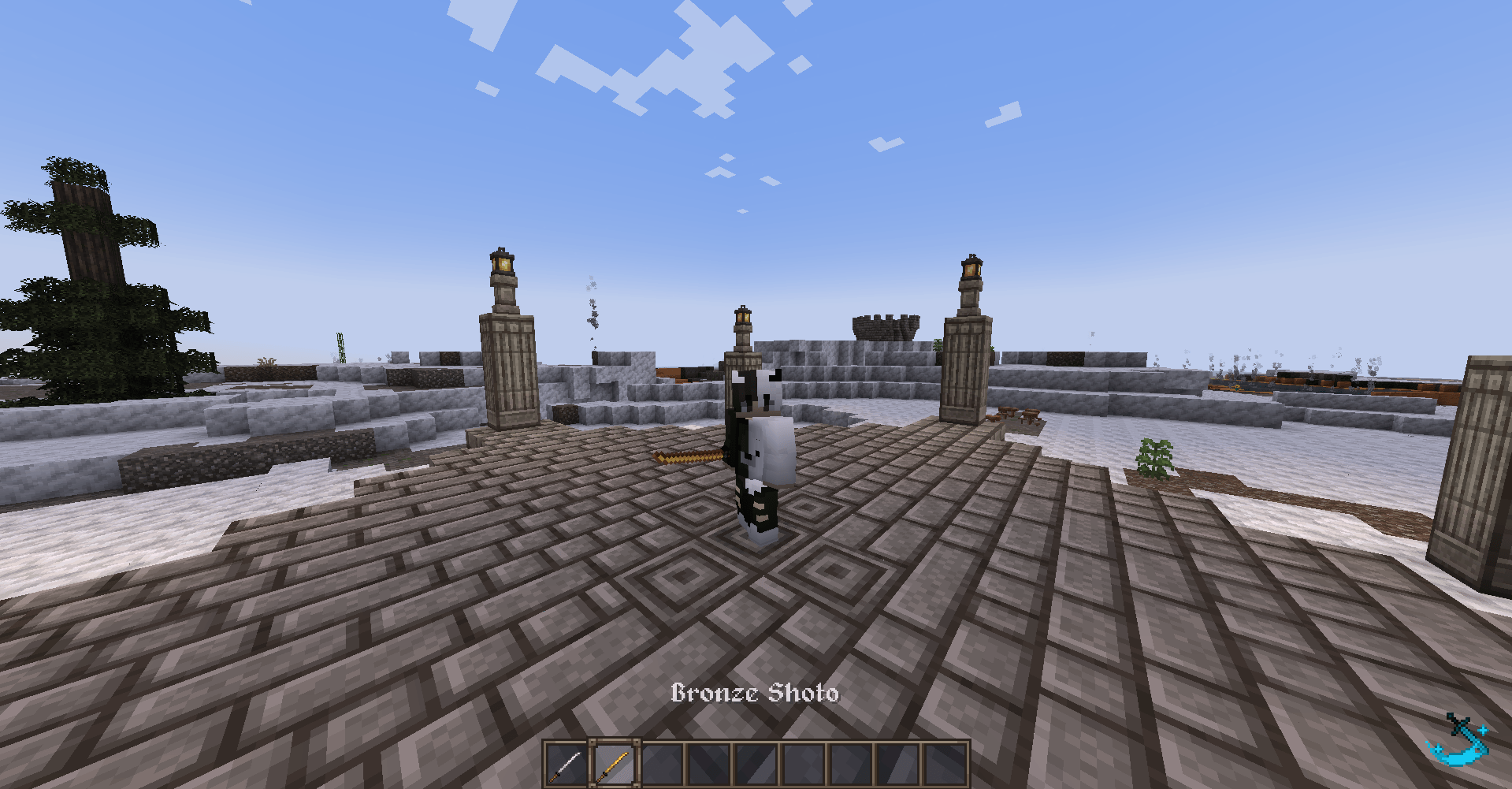
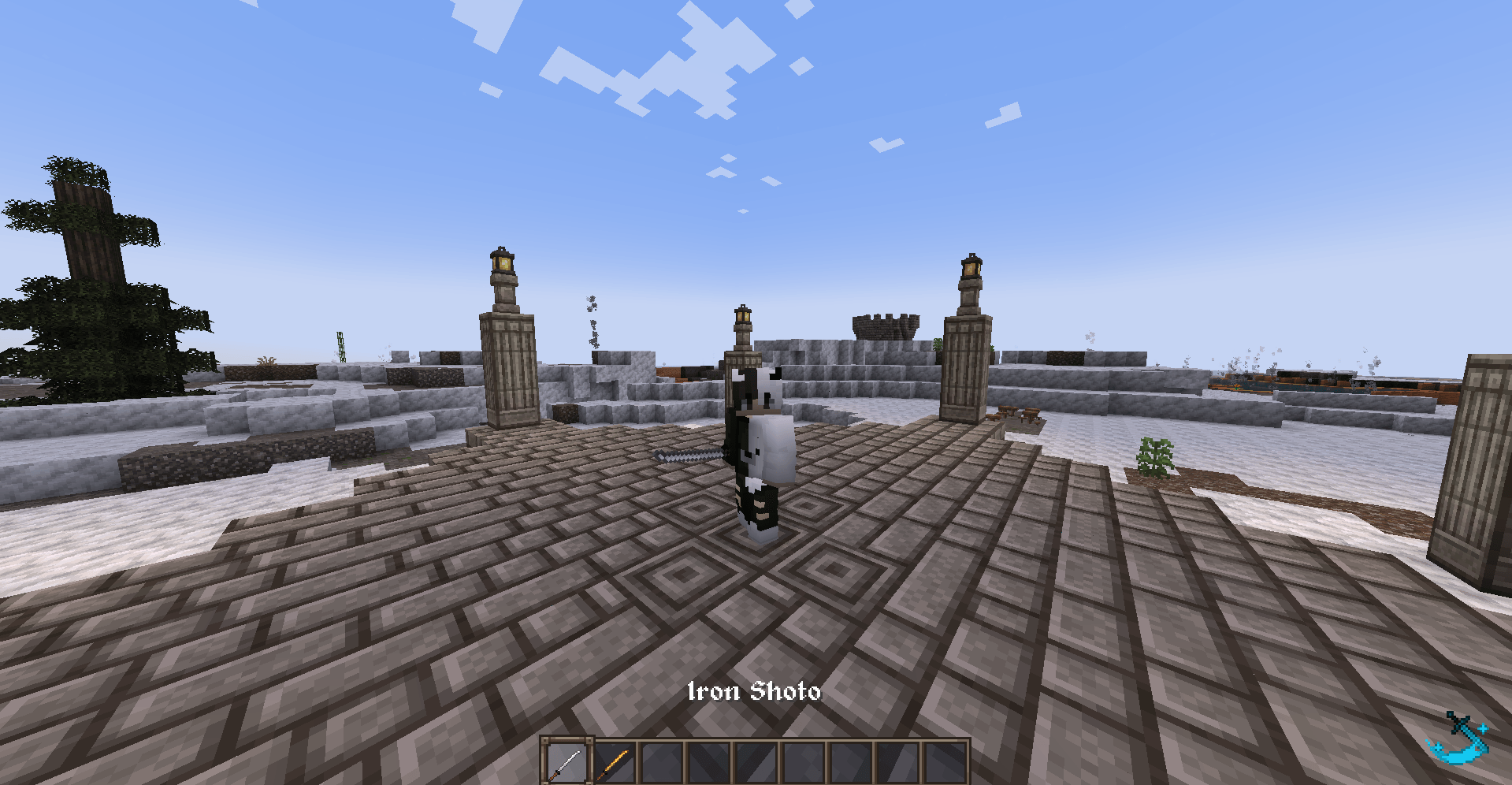
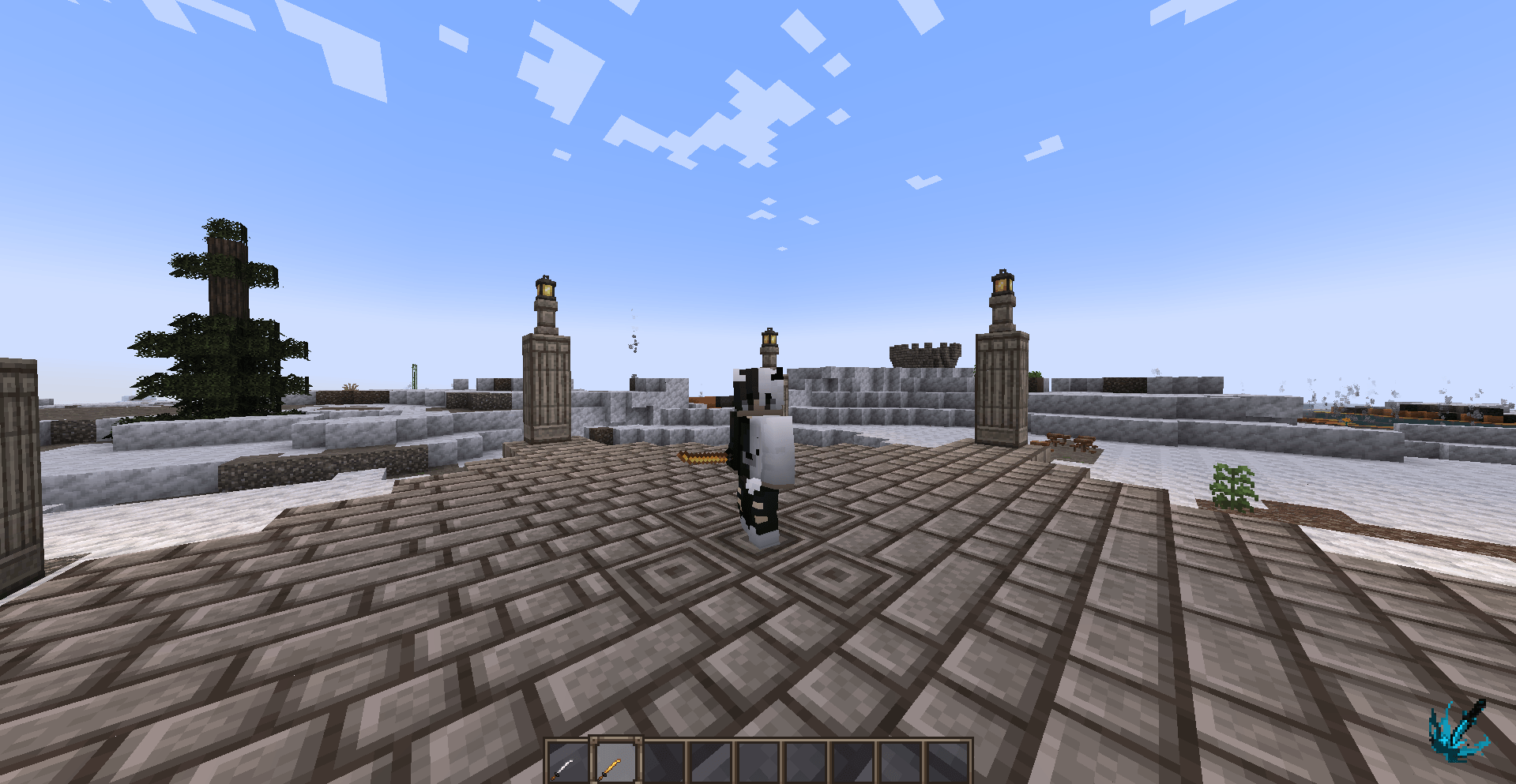
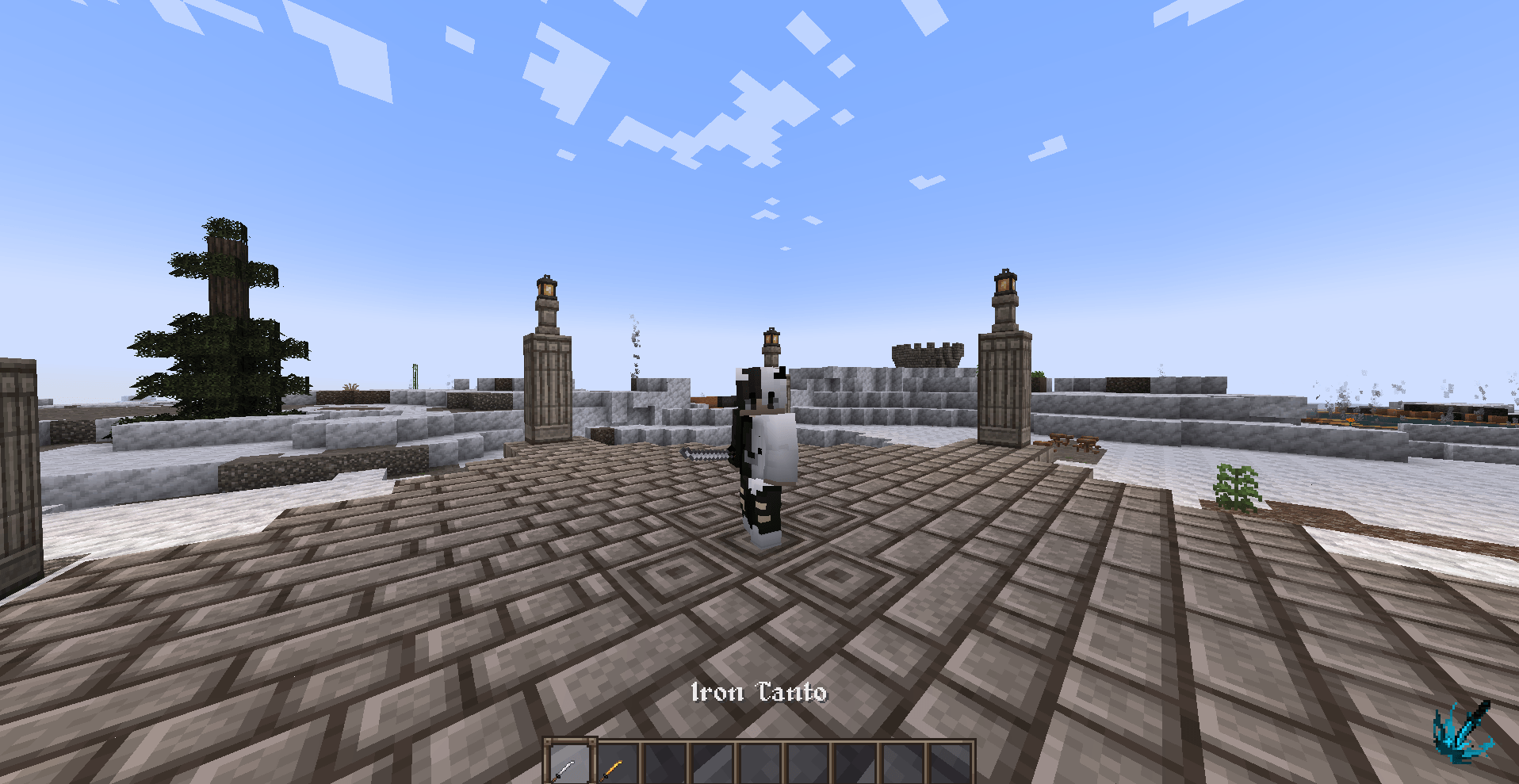
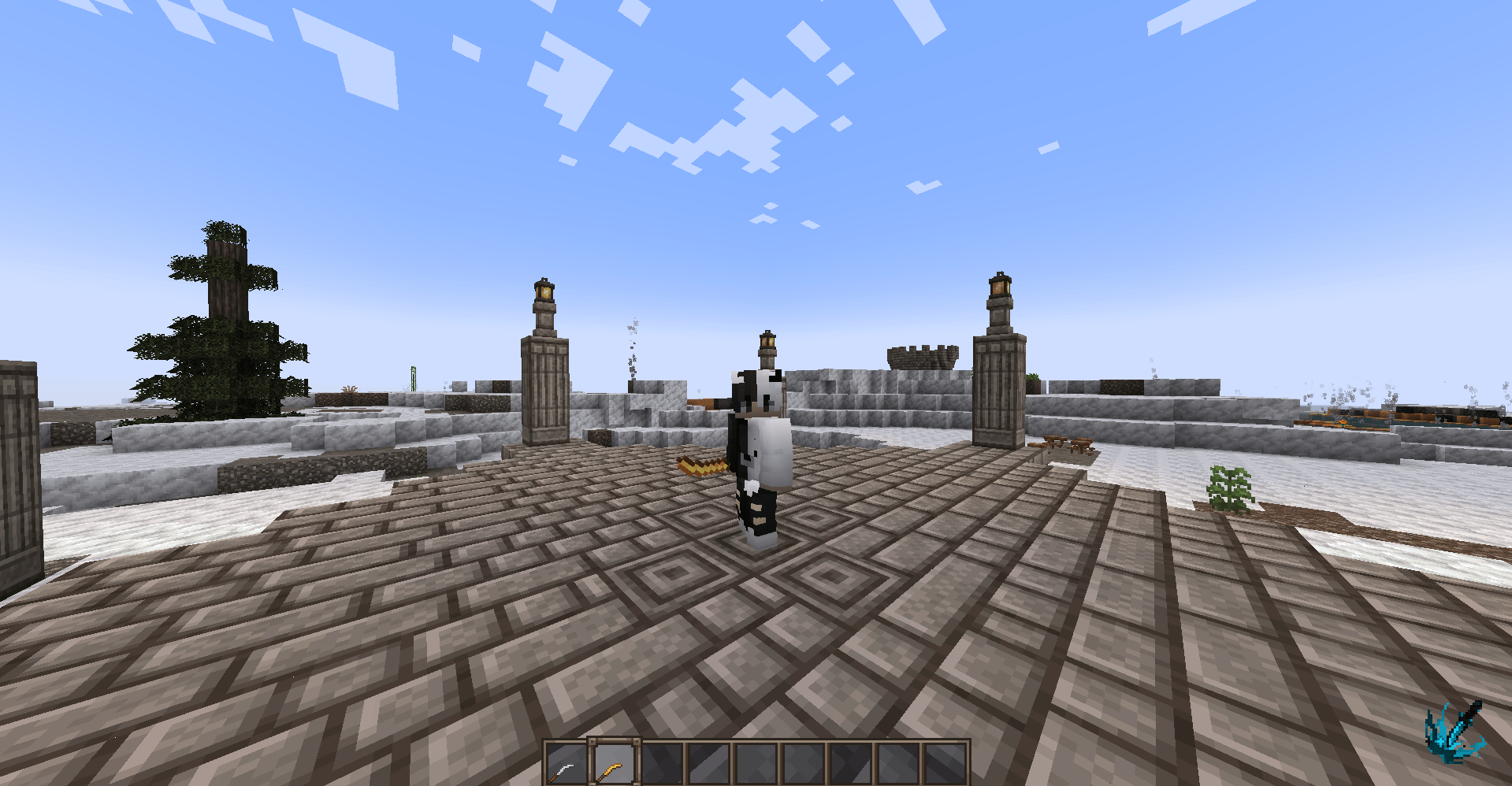
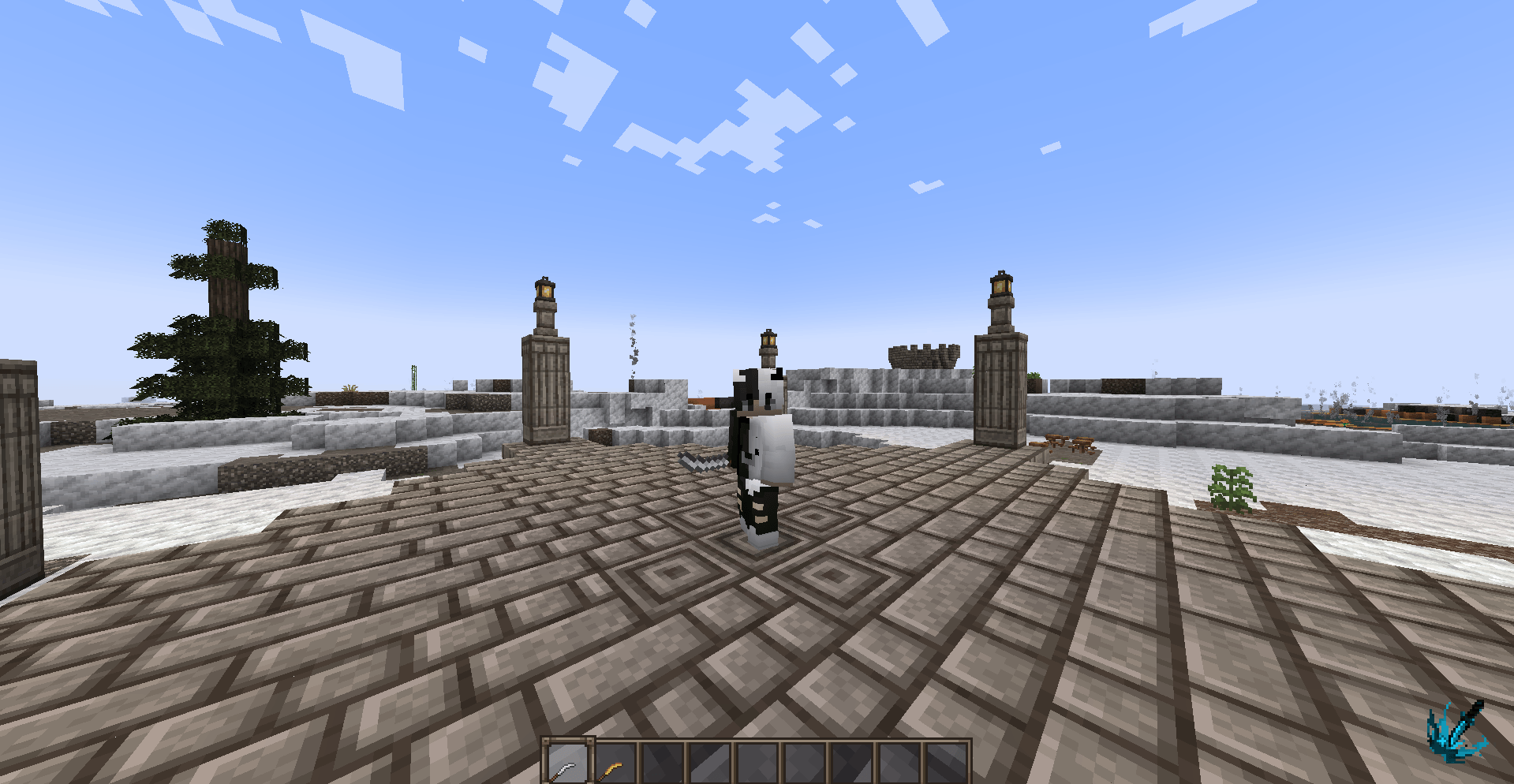
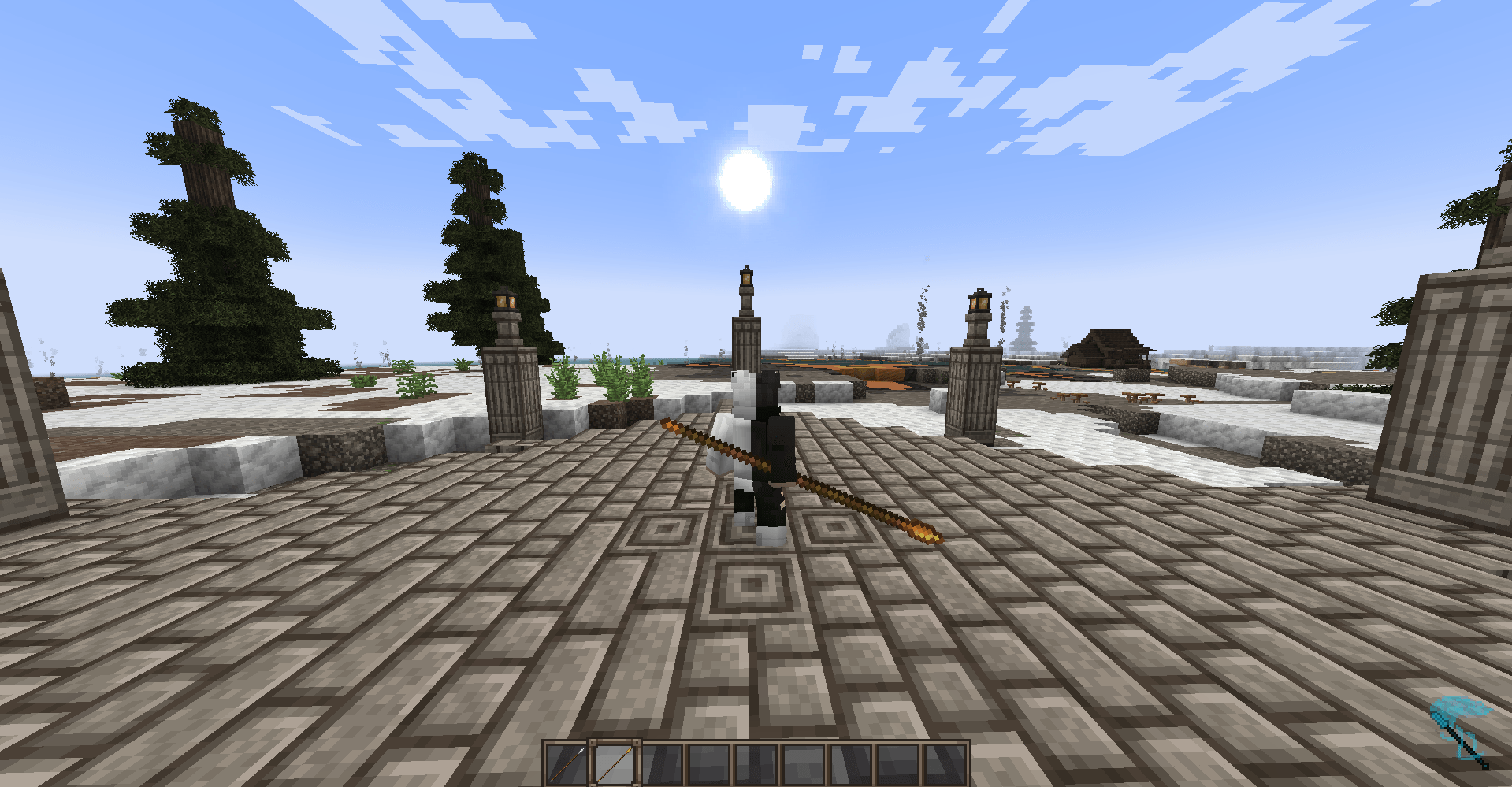
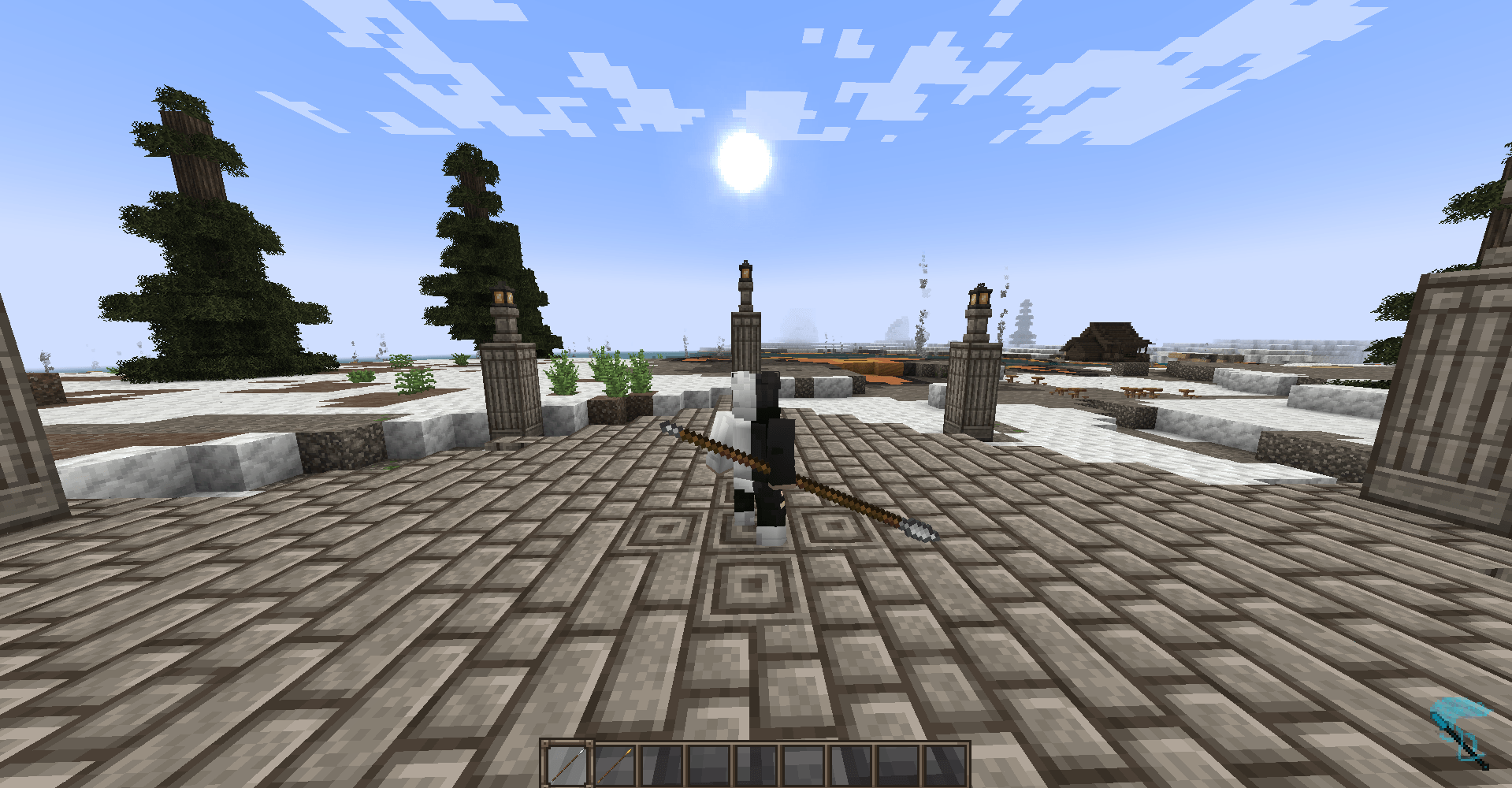
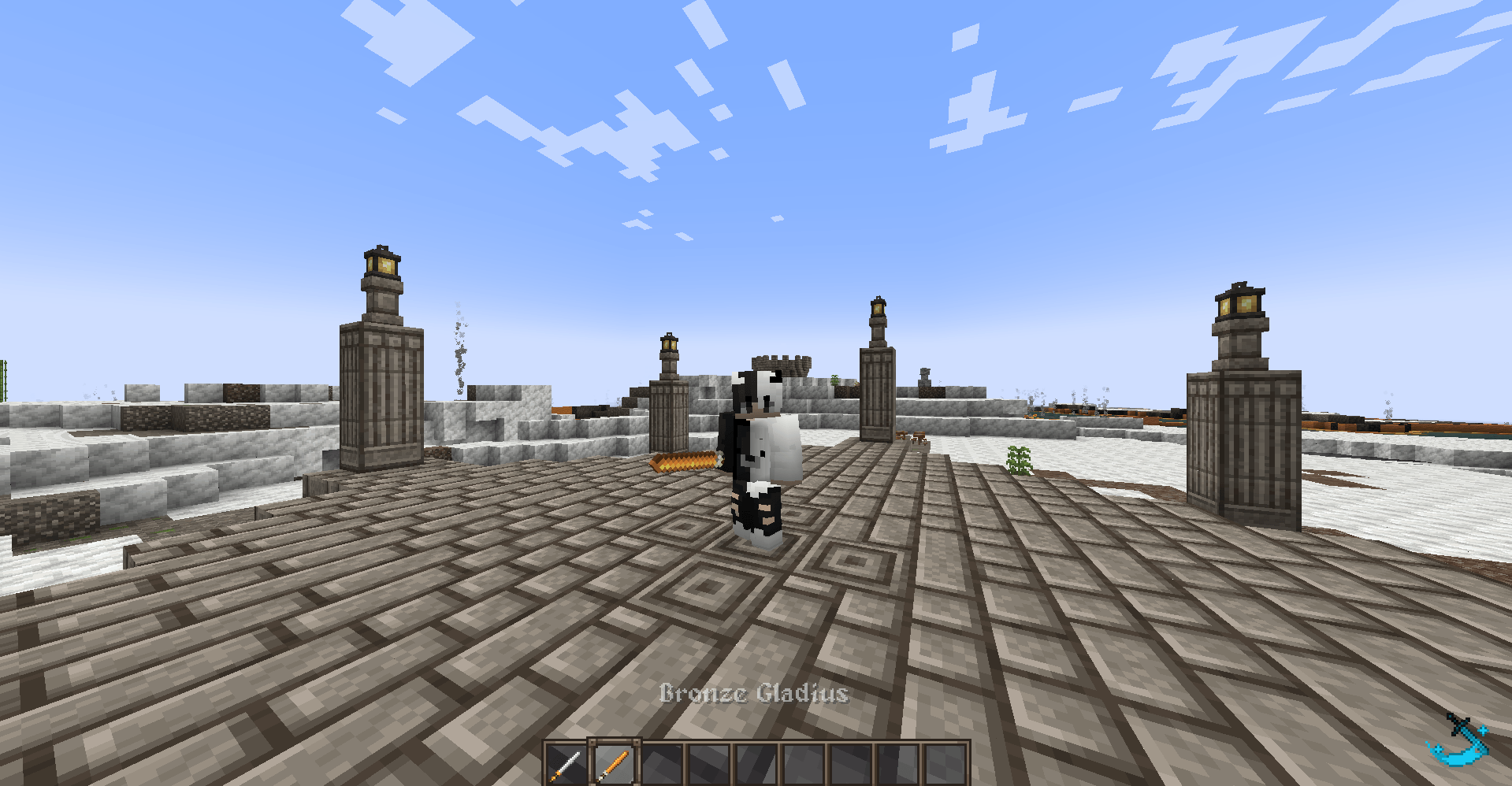
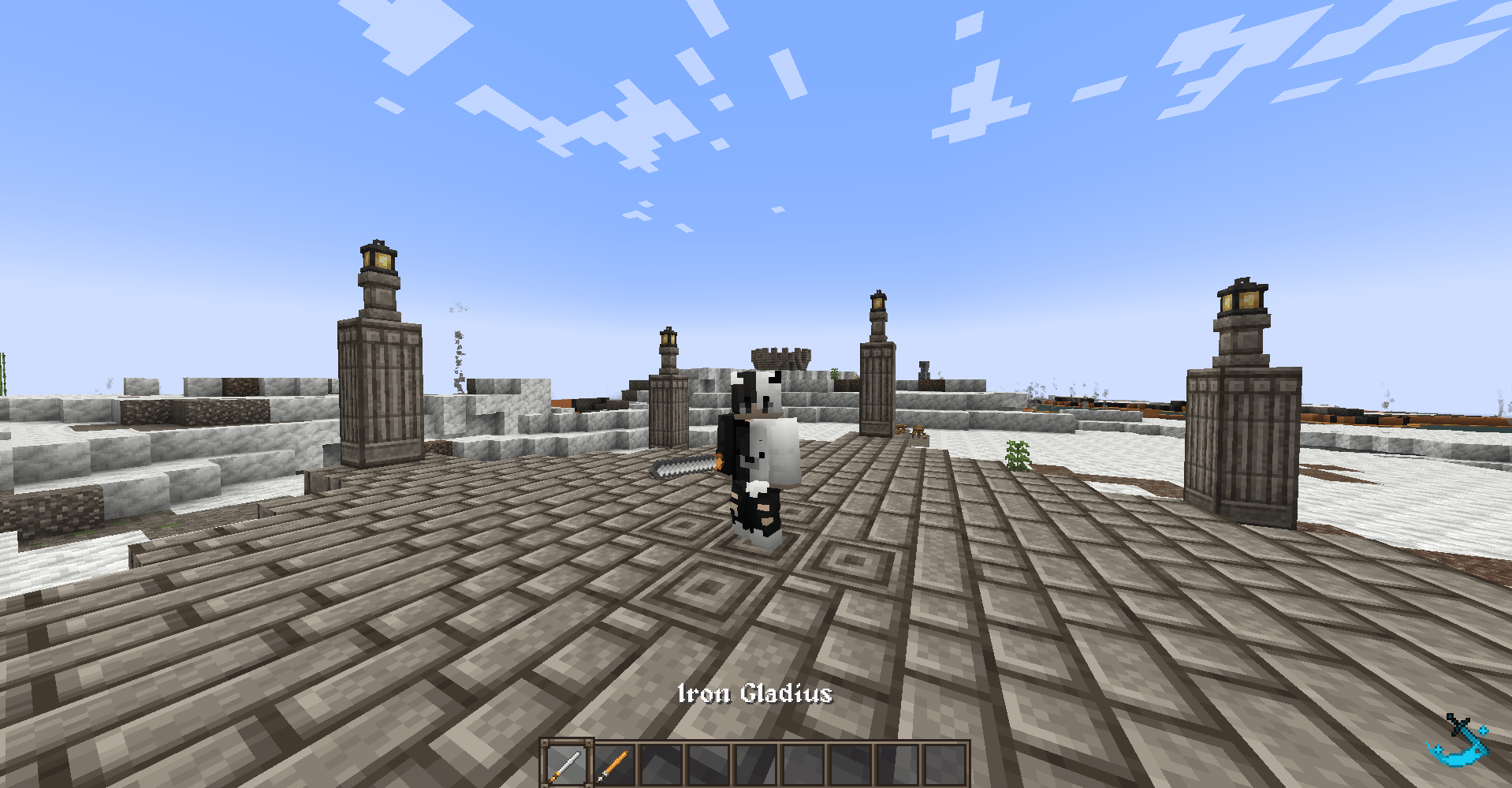
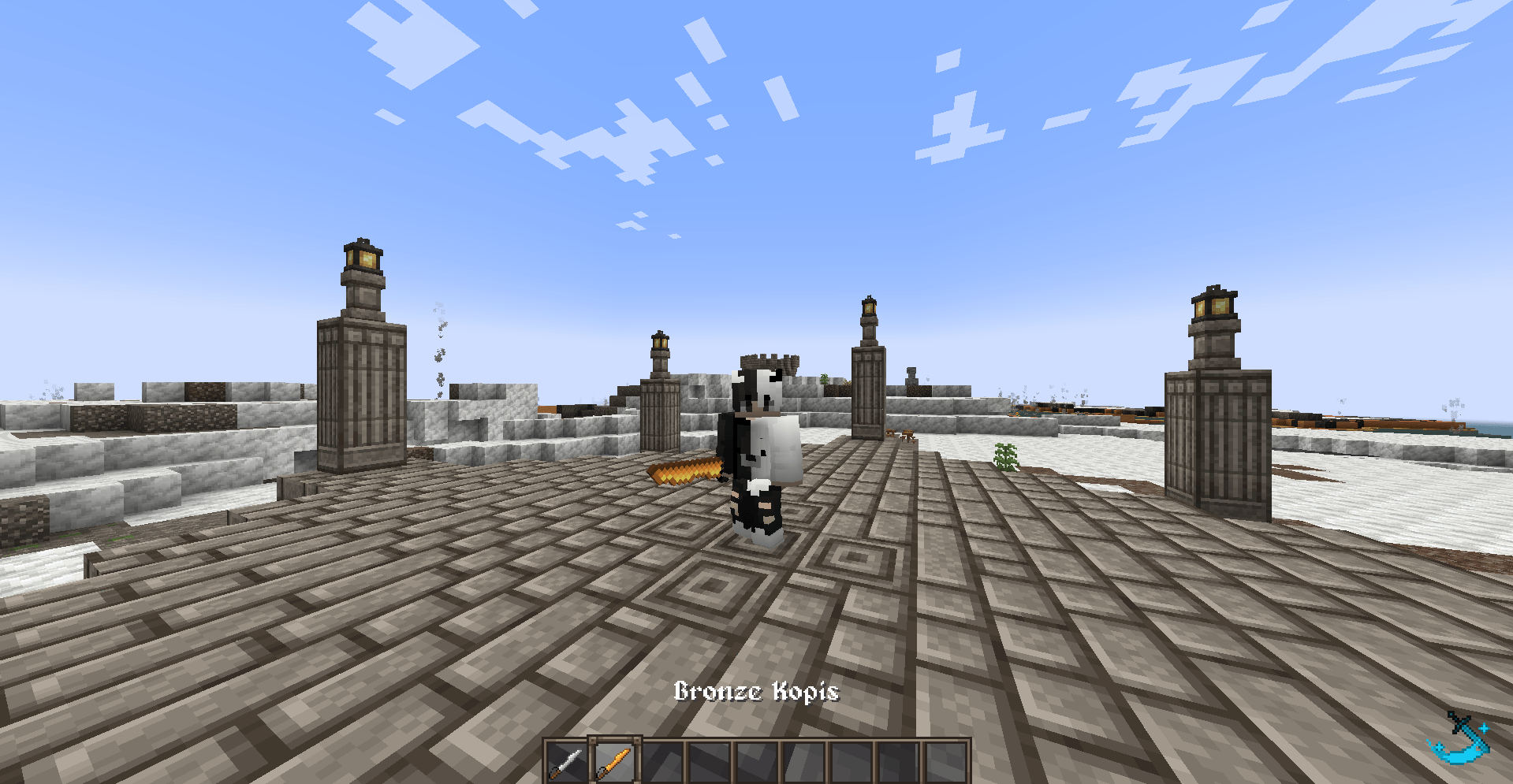
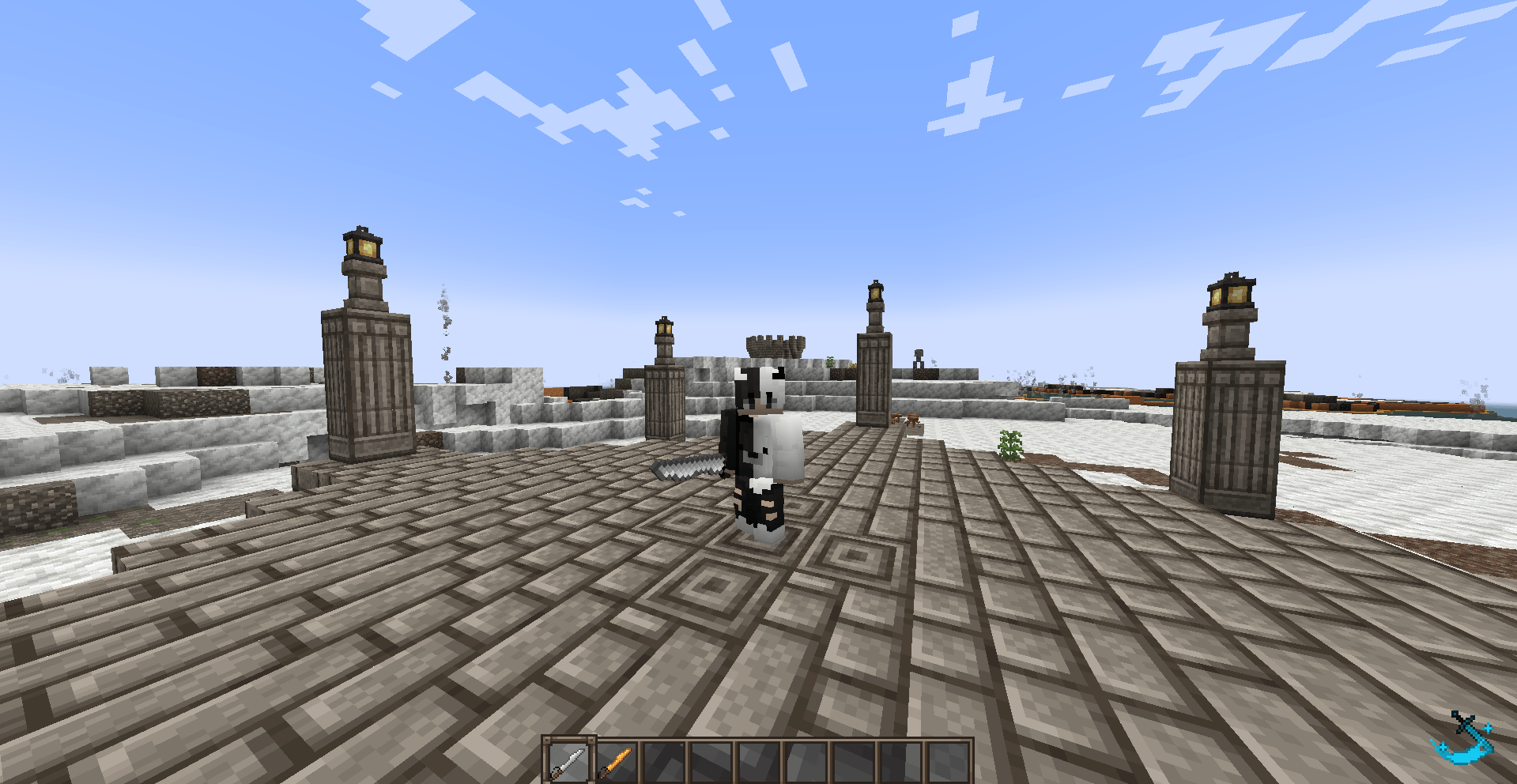
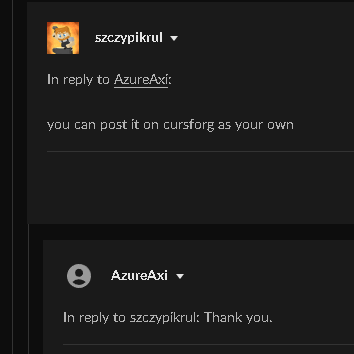
Hello, this is a fixed version of the datapack and mod that Szczypikrul has made, i made a resourcepack and datapack to fix the weapons' sizes and placement. Here is a image of his approval.
BEFORE YOU DOWNLOAD : This Resourcepack requires the following mod(s):

Let's forge Bronze and Iron

Epic Fight

Epic Fight - Guandao Moveset

This resourcepack only changes the sizes and placements of the weapons in the mod Lets forge Bronze and Iron.

Therefore, it will do nothing without the mod.

INSTALLATION :

Go to your minecraft game folder, find the resourcepacks folder like the one below.
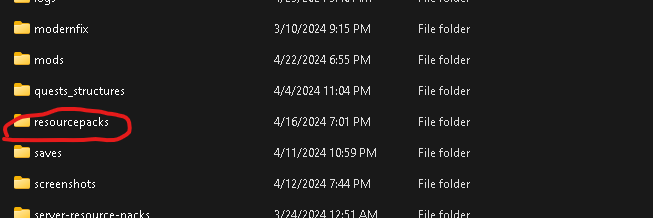
Drag the .ZIP file in the resourcepacks folder, and then you're set!

 

EFM_Lets_Forge_Bronze_And_Iron_RP.zip
MC 1.18.1, 1.18.2, 1.18, 1.18-Snapshot
Release 2024-04-23 Get

Requirements & install

How to use this resource pack in Minecraft
Resolution
16x
Minecraft
1.18-Snapshot – 1.18.2
Install folder
.minecraft/resourcepacks

How to install resource packs

  1. Download the resource pack .zip file (do not extract it).
  2. In Minecraft open Options → Resource Packs → Open Pack Folder.
  3. Drop the .zip into the resourcepacks folder (.minecraft/resourcepacks).
  4. Move the pack to the Selected column and click Done.
Browse more: 16x resource packs 32x resource packs 64x resource packs 128x resource packs 256x resource packs 512x+ resource packs Resource Packs for 1.18.2 All resource packs

More from AzureAxi

Advertisement Remove ads with Premium →

You Might Also Like