THIS DATAPACK WAS MEANT TO BE USED WITH THE RESOURCEPACK :
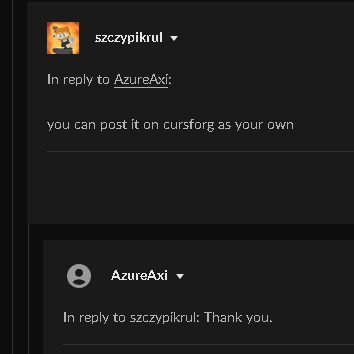
Hello, the owner of this datapack had some issues that the attack speeds were too fast, or too slow. So i made a new datapack and a resourcepack about this. Here is a image of his approval.
BEFORE YOU DOWNLOAD : This datapack requires the following mod(s):
Epic fight - Guandao Moveset
Epic fight
Let's forge Bronze and Iron
This datapack will do nothing if not all of these mods are installed.
This datapack would not work in higher versions, due to the id of the uchigatana changing into "katana" in the newest versions, so if you find a version that is working please tell me.
This Datapack was originally designated for 1.18.2 and above.. i guess? I have not tested it in higher versions, so please alert me if it works.
INSTALLATION : Get a global datapack mod, like paxi or global datapacks.
BEFORE YOU INSTALL THE DATAPACK, UNPACK IT FIRST.
For paxi users : Go to the config, find paxi folder, put the zip file into the "Datapacks" folder. If there is no "Datapacks" folder, you may create one, when you start your minecraft it will automatically make a new file that will render "Global Datapacks". There is also a tutorial in youtube if you do not know how to use it. I no longer use paxi instead i use Global Datapacks Mod.
For Global Datapacks Mod users, find the "global packs" folder in where your game is designated.
Go to required_data, then place it inside that folder.
MAKE SURE TO UNPACK THE .ZIP FILE OR IT WILL NOT WORK.