Mineuniverse
Resource Packs
Legacy Console Edition Enchantment Glint

Legacy Console Edition Enchantment Glint

RESOURCE PACK
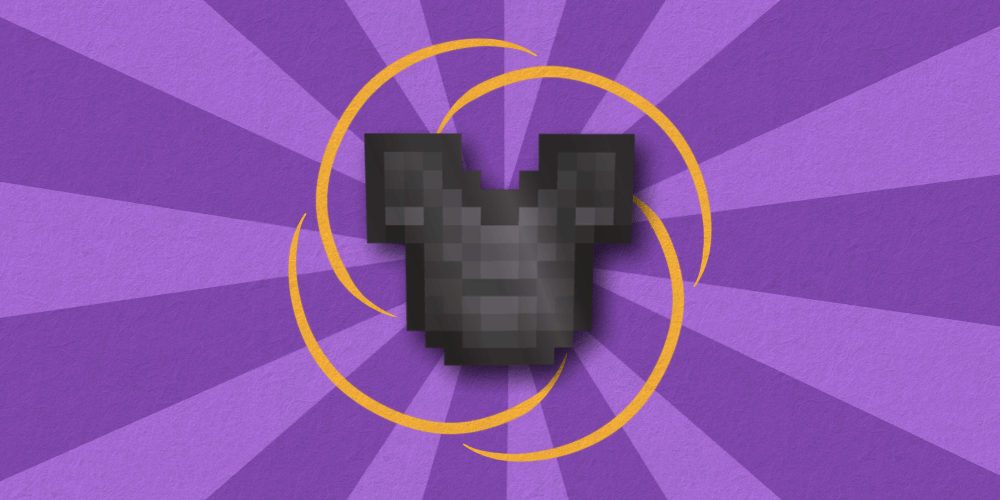
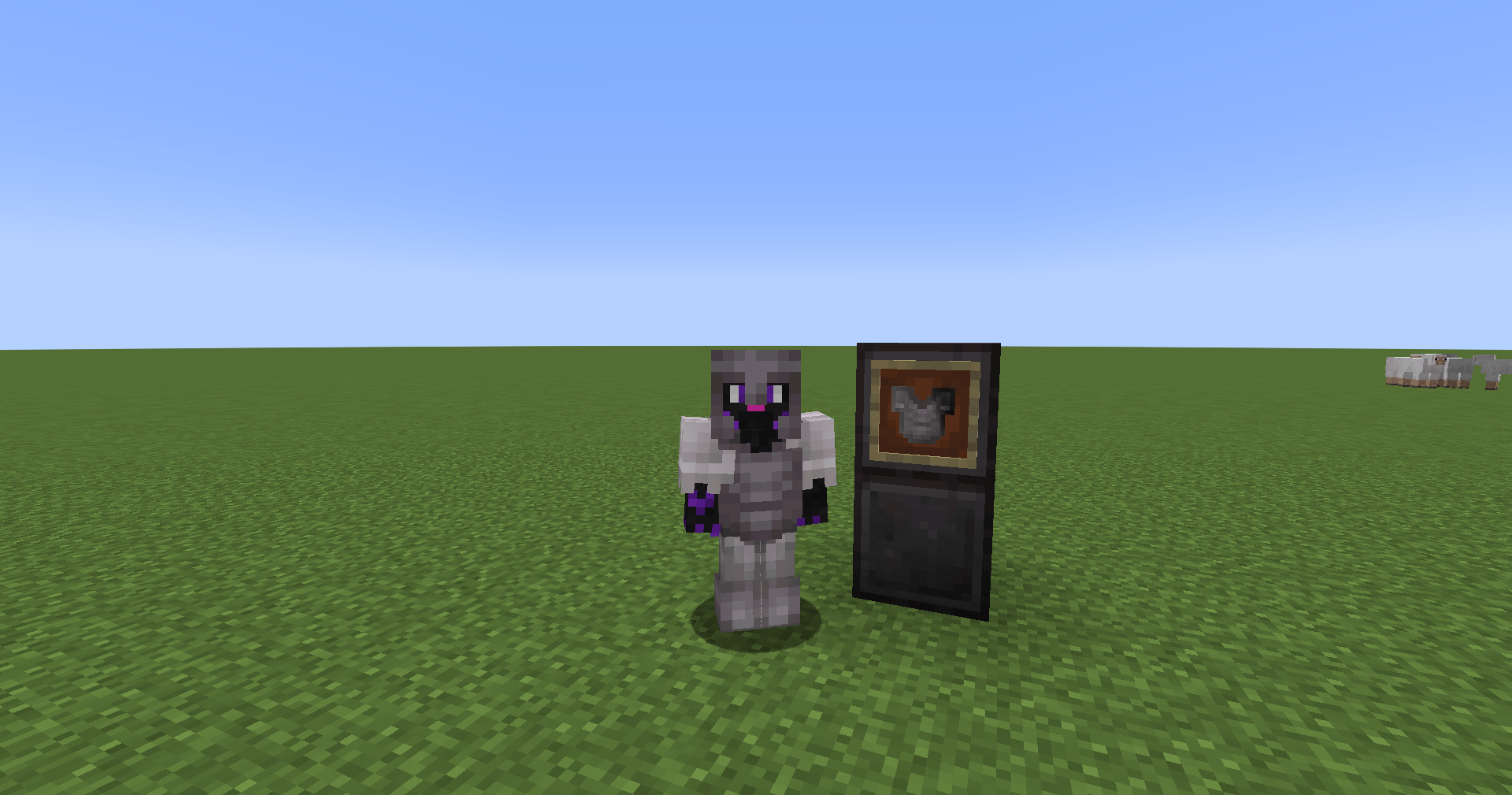
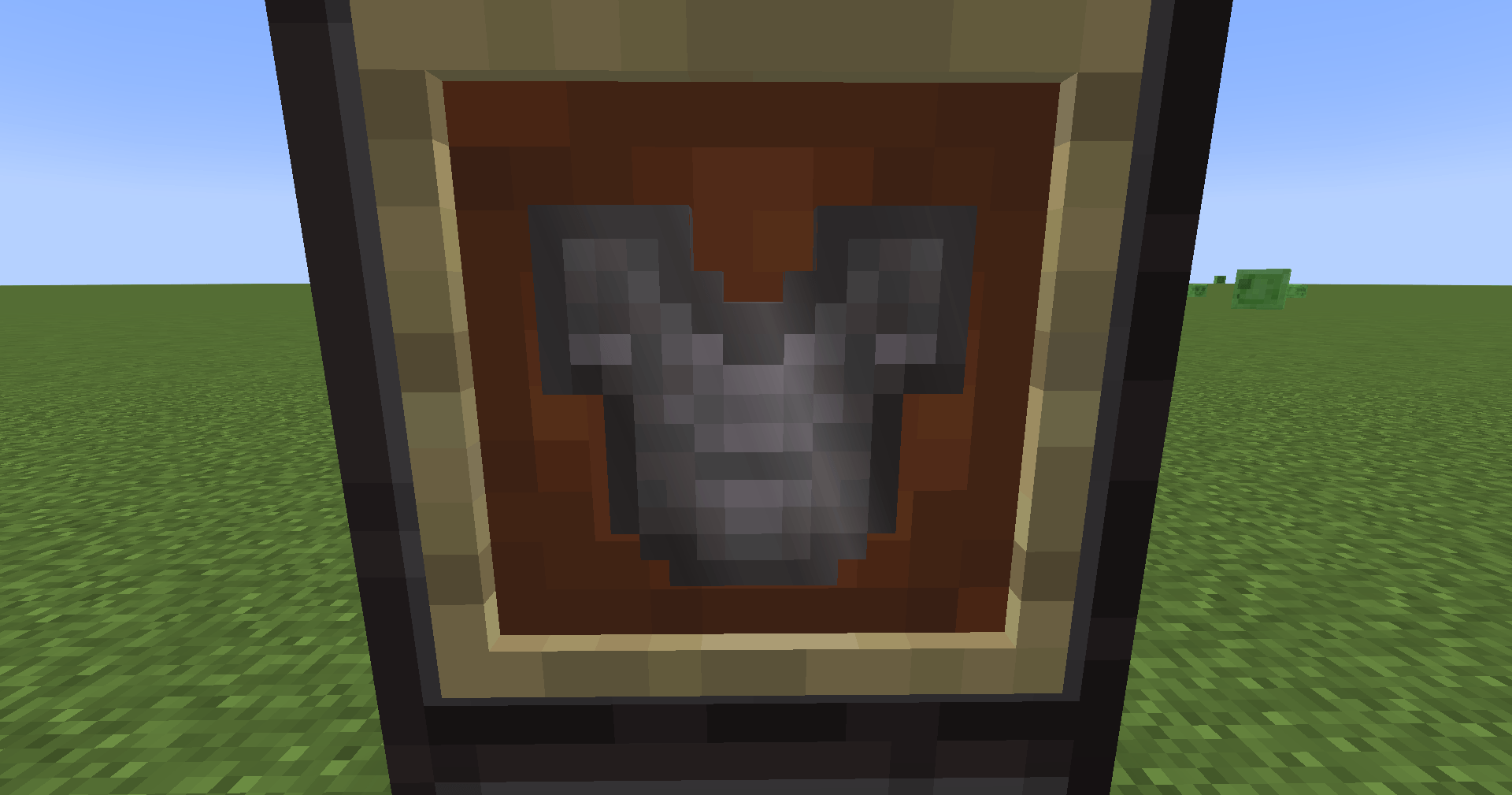
This resourcepack replaces glint texture with the old one from Console Legacy Edition and Minecraft Java Beta. This results in the glint being white, like on the old Console Edition.
by _Syhmac
Download Claim this project
Add a badge to your pageLink to Legacy Console Edition Enchantment Glint from a README, website or forum post.
Preview: Badge

Badges update automatically and link to the resource pack page on MineUniverse.


1,683 downloads
0 likes
0 followers
Updated Oct 14, 2026
0 hypes
Follow0
64x Miscellaneous Traditional
Advertisement Remove ads with Premium →

Modrinth Downloads CurseForge Downloads Modrinth Version

Static Badge Static Badge

About project

This resourcepack replaces the glint texture with the old grayscale one from Minecraft: Java Ed. Beta and Legacy Console Edition. It's supposed to simulate the look from the Legacy Console Edition, but I couldn't make the effect blocky like back then without creating a sophisticated mod that would change how glint works entirely. That's why this resourcepack just changes the texture and blurrs it on 1.21.5+.

Future support

I plan on updating this project every time there is a new release of Minecraft to keep it working on the most recent versions.

Originally requested by: korbyntalks

1.0.2 for MC 1.20.x - 1.21.x
MC 1.21, 1.20.2, 1.21.8, 1.20.5, 1.21.5, 1.21.4, 1.20.1, 1.20, 1.20.6, 1.21.1, 1.21.6, 1.21.3, 1.21.7, 1.20.4, 1.20.3, 1.21.2, 1.21.9, 1.21.10, 1.21.11
Release 2026-06-27 Get
1.0.2 for MC 26.1 - 26.2
MC 26.1, 26.1.1, 26.1.2, 26.2
Release 2026-06-27 Get
1.0.1 for MC 1.20 - 1.21.10
MC 1.20.2, 1.21, 1.20.5, 1.21.5, 1.21.8, 1.21.9, 1.21.10, 1.21.4, 1.20.3, 1.20.1, 1.20, 1.20.6, 1.20.4, 1.21.3, 1.21.7, 1.21.1, 1.21.6, 1.21.2
Release 2025-10-10 Get
1.0 for MC 1.20 - 1.21.8
MC 1.20.2, 1.21, 1.20.5, 1.21.5, 1.21.8, 1.21.4, 1.20.3, 1.20.1, 1.20, 1.20.6, 1.20.4, 1.21.3, 1.21.7, 1.21.1, 1.21.6, 1.21.2
Release 2025-09-01 Get

Requirements & install

How to use this resource pack in Minecraft
Resolution
64x
Minecraft
1.21.8 – 26.2
Install folder
.minecraft/resourcepacks

How to install resource packs

  1. Download the resource pack .zip file (do not extract it).
  2. In Minecraft open Options → Resource Packs → Open Pack Folder.
  3. Drop the .zip into the resourcepacks folder (.minecraft/resourcepacks).
  4. Move the pack to the Selected column and click Done.
Browse more: 16x resource packs 32x resource packs 64x resource packs 128x resource packs 256x resource packs 512x+ resource packs Resource Packs for 26.2 All resource packs

More from _Syhmac

Advertisement Remove ads with Premium →

You Might Also Like