Mineuniverse
Resource Packs
Kane Pixels Backrooms Texturepack [1.21.11 Ported]  (FONUD FOOTAGE 2 UPDATE)

Kane Pixels Backrooms Texturepack [1.21.11 Ported] (FONUD FOOTAGE 2 UPDATE)

RESOURCE PACK
The best Backrooms Kane Pixels Complex texturepack out there.
by CyberHugh1337
Download Claim this project
Add a badge to your pageLink to Kane Pixels Backrooms Texturepack [1.21.11 Ported] (FONUD FOOTAGE 2 UPDATE) from a README, website or forum post.
Preview: Badge

Badges update automatically and link to the resource pack page on MineUniverse.

4,076 downloads
0 likes
0 followers
Updated Oct 14, 2026
0 hypes
Follow0
512x and Higher Miscellaneous Modern Photo Realistic
Advertisement Remove ads with Premium →

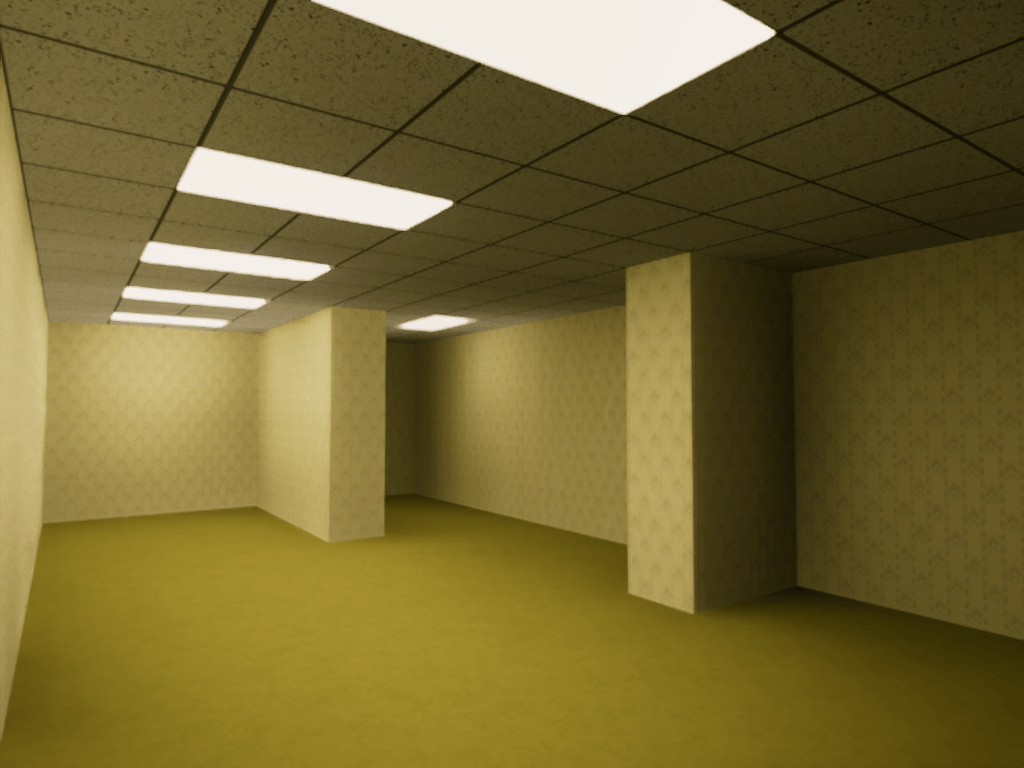
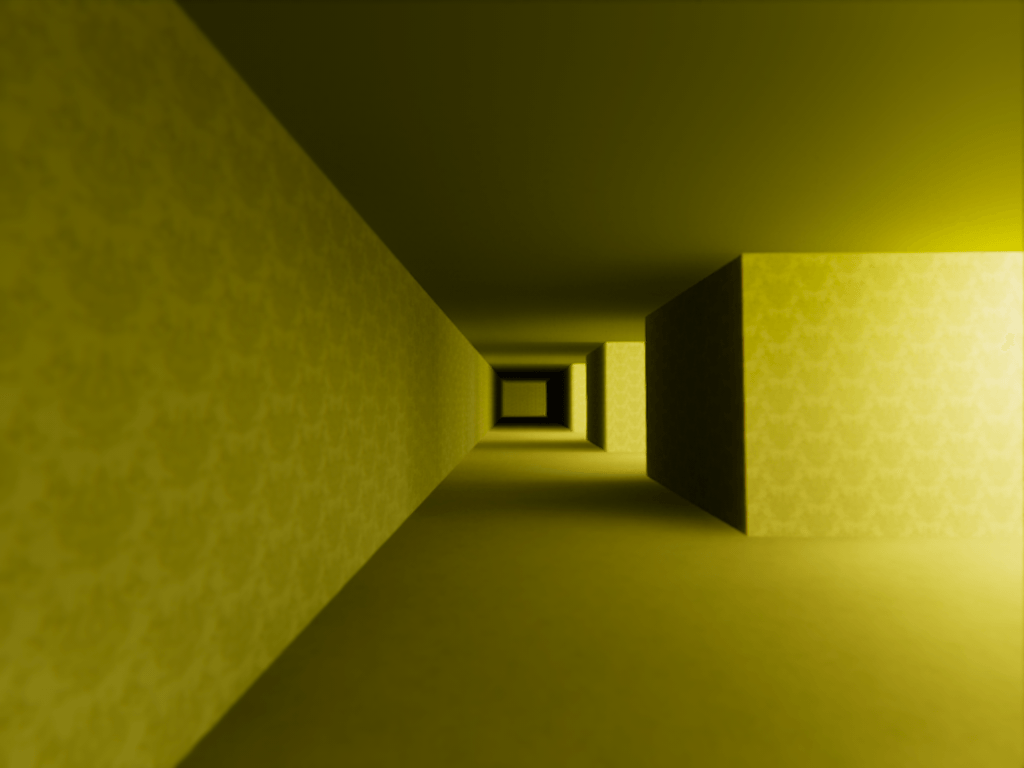
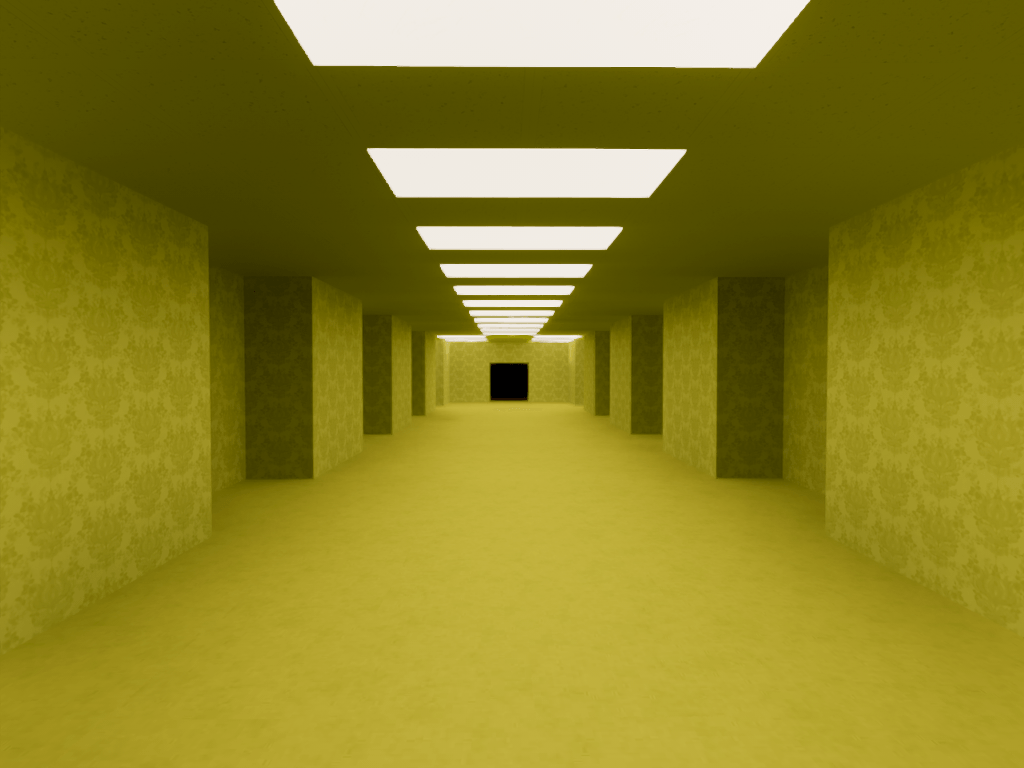
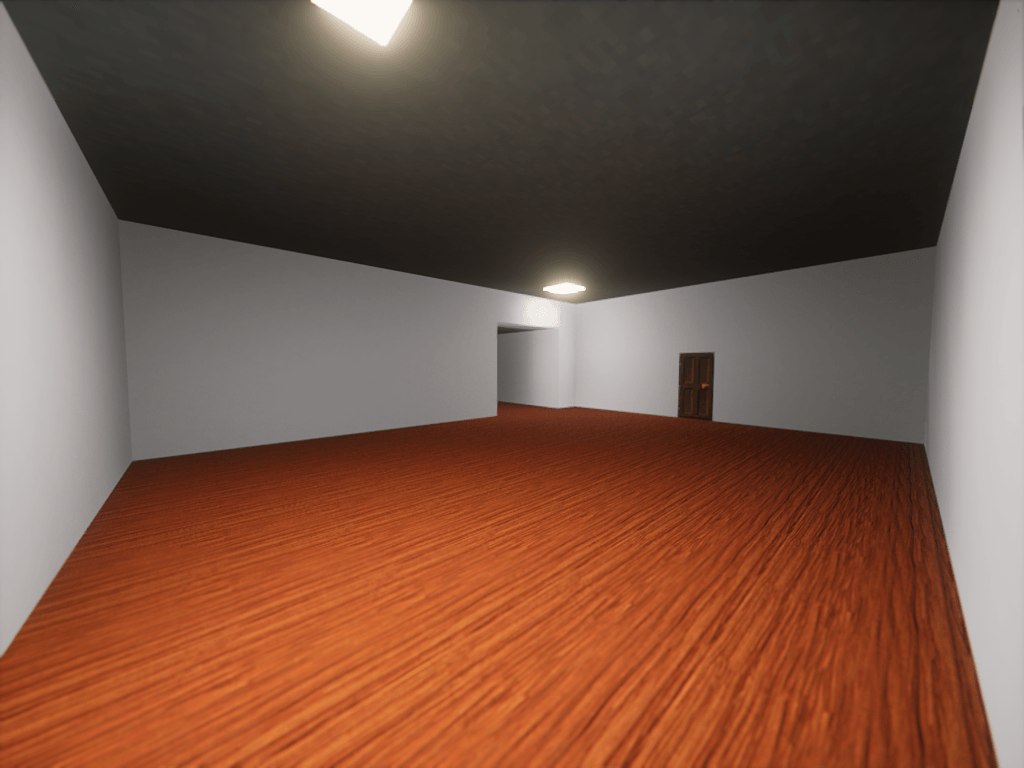
REALISTIC KANE PIXELS TEXUREPACK


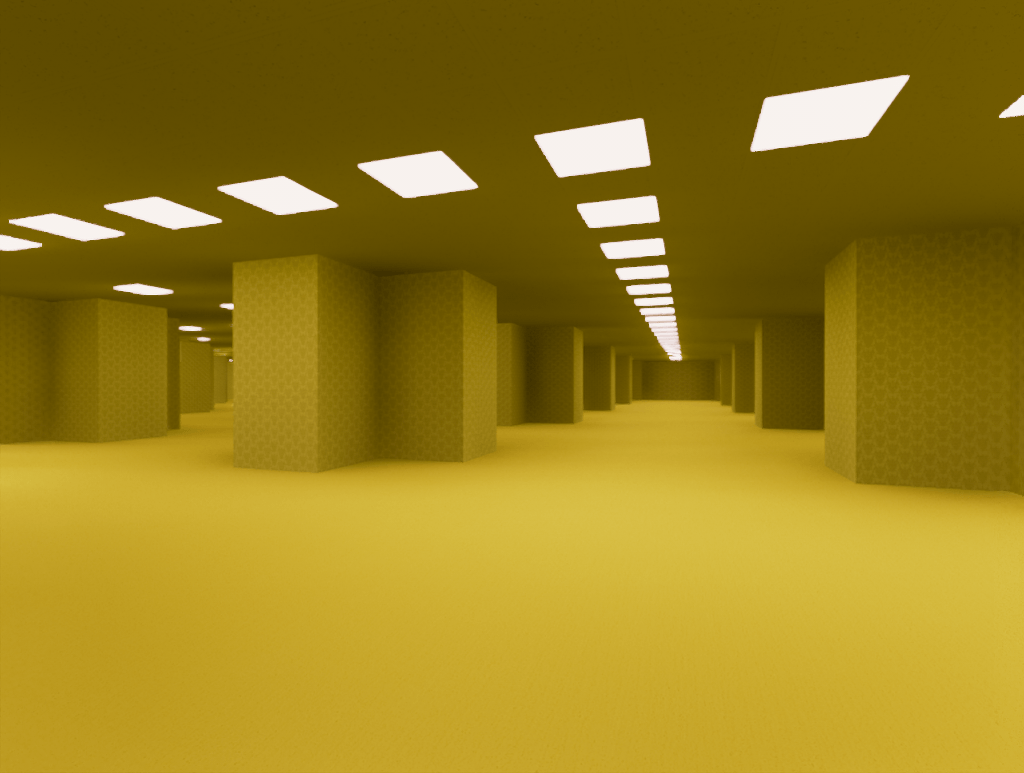
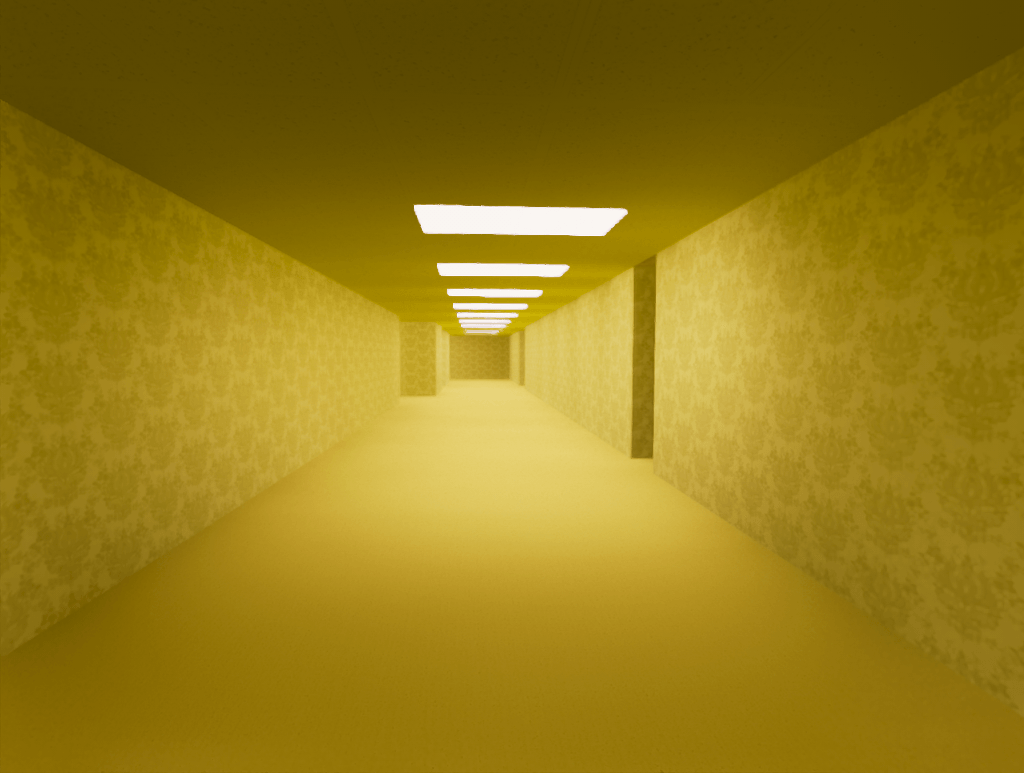
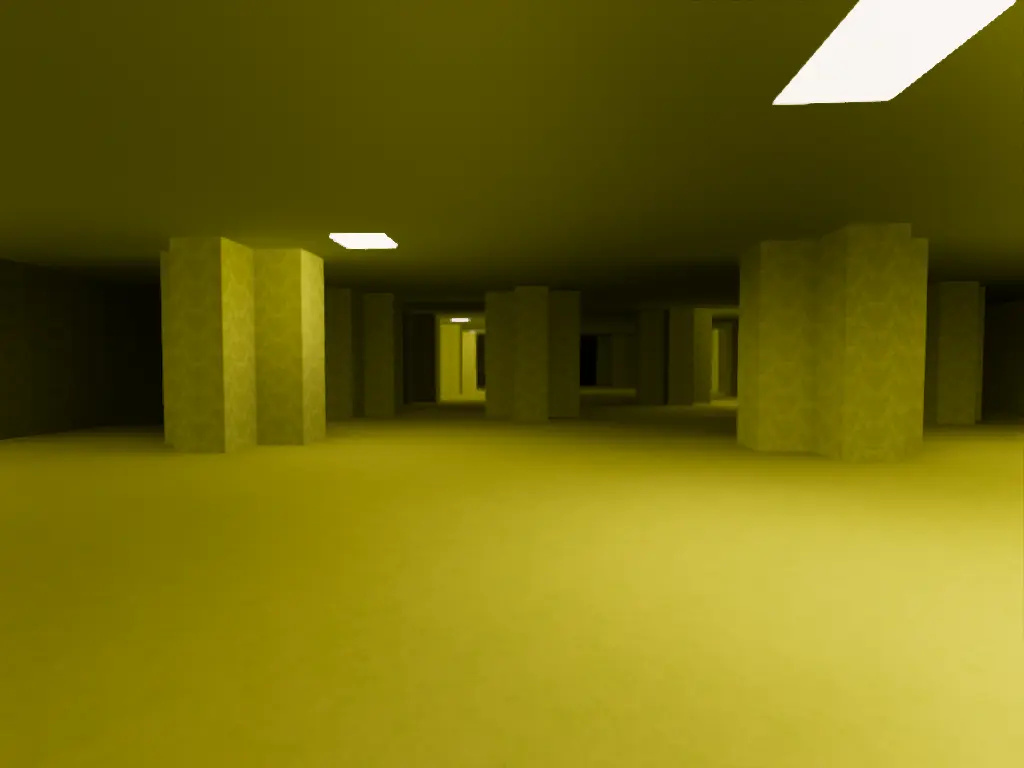
This is a realistic Backrooms texturepack based on the Kane Pixels series. Expect updates regularly.

Feel free to leave suggestions.
 

Pictures

Room 14C.

Updates

  • Changed Yellow Concrete Powder Carpet to Yellow Wool

What to Expect in version 1.4

- 1.21.11 Versions
- 26.1 Versions
- Found Footage 2 Blocks
- Level 188 Blocks
- Carpets


BLOCKS

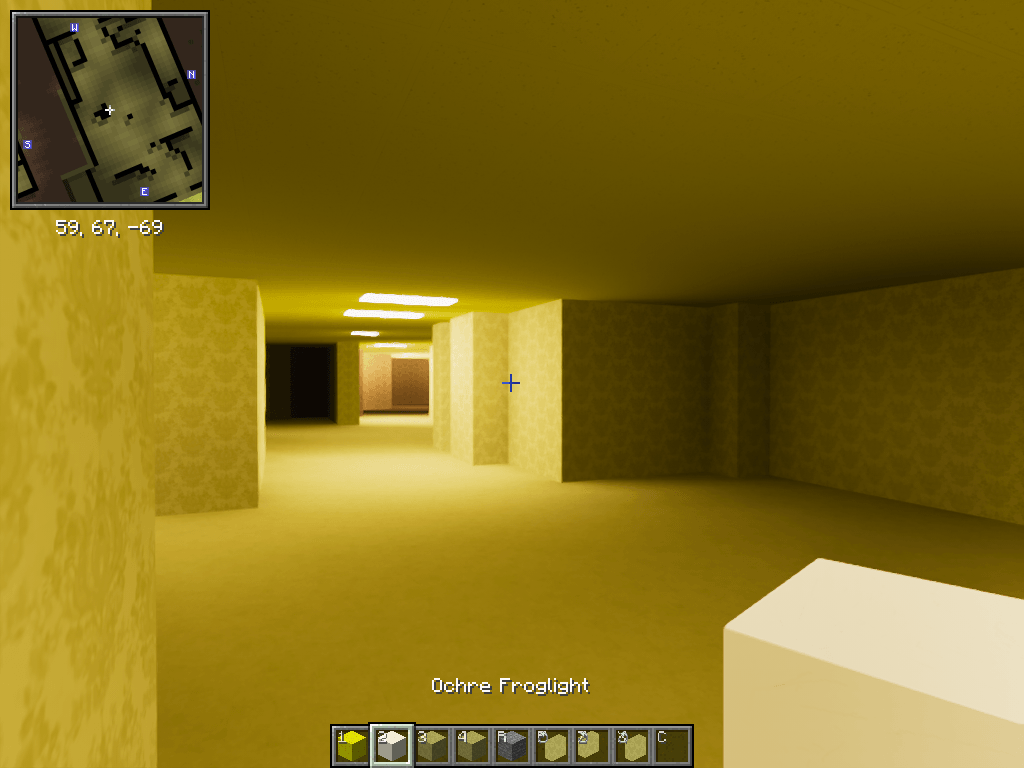
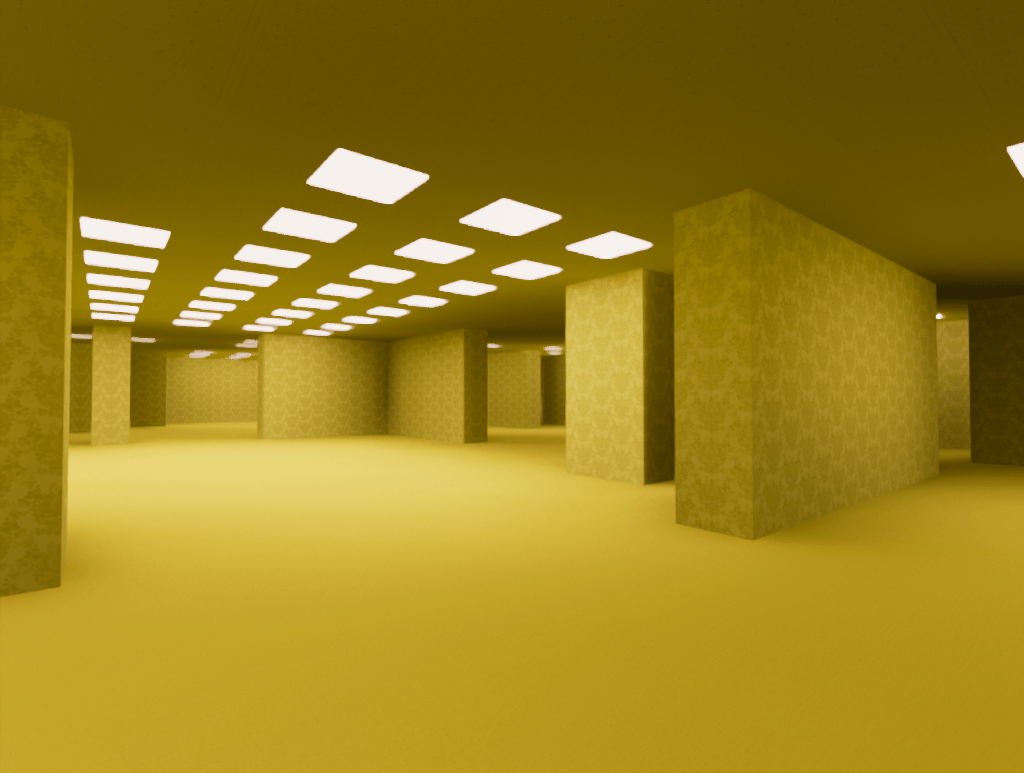
  • Yellow Concrete: Wallpaper
  • Orange Terracotta: Tiny Wallpaper
  • Yellow Wool: Yellow Carpet
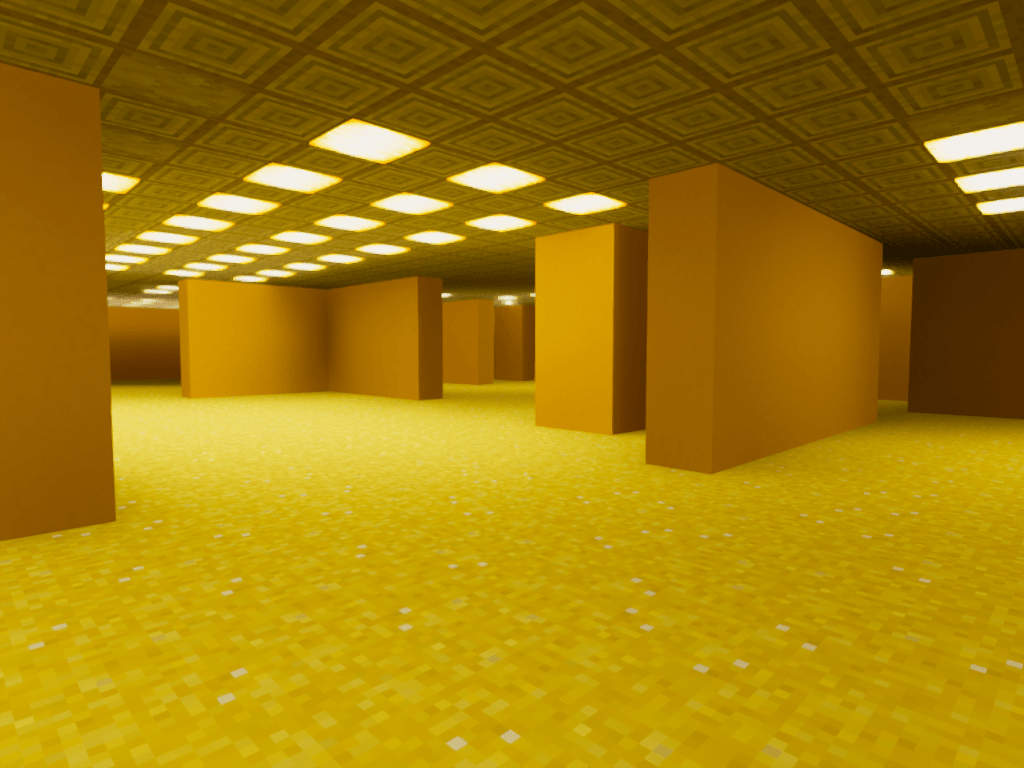
  • Stripped Birch log/wood - Backrooms Ceiling Tile
  • Ochre Froglight - Fluorescent Light
  • Verdant Froglight - Green Light
  • Polished Diorite - Regular Ceiling Tile
  • Smooth Sandstone - Chevron Wallpaper
  • Bamboo Planks - Yellow Chevron Wallpaper
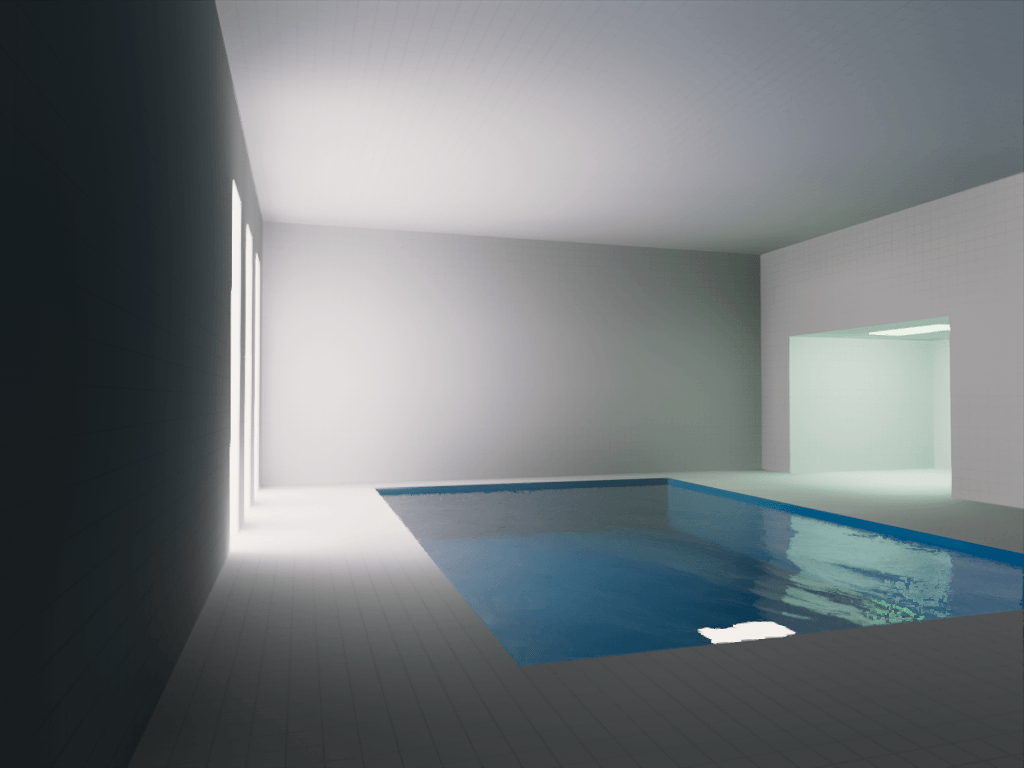
  • Dark Prismarine - Poolroom Tile
  • Dark Oak Planks - Dark Wooden Floor
  • Pink Terracotta - FF2 Plaster Wall
1.3beta3 1.21.11
MC 1.21.11
Release 2026-09-03 Get
1.3 Beta 1
MC 1.21.8
Beta 2026-07-10 Get
Version 1.2 (Lvl 188 Update)
MC 1.21.8
Release 2026-05-21 Get
v 1.0 (Poolroom Update)
MC 1.21.8
Release 2026-05-13 Get

Requirements & install

How to use this resource pack in Minecraft
Resolution
512x+
Minecraft
1.21.8 – 1.21.11
Install folder
.minecraft/resourcepacks

How to install resource packs

  1. Download the resource pack .zip file (do not extract it).
  2. In Minecraft open Options → Resource Packs → Open Pack Folder.
  3. Drop the .zip into the resourcepacks folder (.minecraft/resourcepacks).
  4. Move the pack to the Selected column and click Done.

512x packs need a strong GPU and at least 4 GB of RAM for Minecraft; a performance mod such as Sodium is strongly recommended.

Browse more: 16x resource packs 32x resource packs 64x resource packs 128x resource packs 256x resource packs 512x+ resource packs Resource Packs for 1.21.11 All resource packs
Advertisement Remove ads with Premium →

You Might Also Like