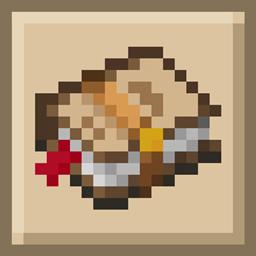
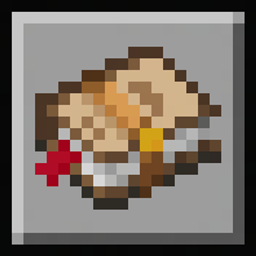
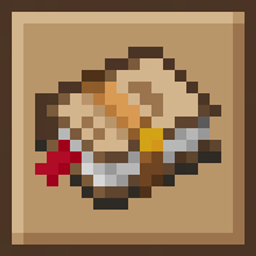
This pack is designed to be used in conjunction with 'Journalistic FTB Quests+'. Retexturing all of the FTB Quests shapes and more, this is for those that would prefer a fully Copper theme across all of the shapes.
NOTE: This pack by itself ONLY replaces shape textures. You will also need 'Journalistic FTB Quests+' for a complete overhaul of FTB Quests, FTB Library, FTB Teams, FTB Chunks and more. This is required to get the full theme as seen in the images.
To get the intended effect, make sure this pack is loaded after 'Journalistic FTB Quests+'.
This pack also supports 'FTBQuests Extra Quest Shapes' by adding new shapes. While that Resource Pack is not required to use these extra shapes, you can choose to override those textures by either:
- Loading 'Journalistic FTB Quests+ [Copper Shapes]' above 'FTBQuests Extra Quest Shapes', or
- Swapping them out, as both packs use the same naming convention.
Alternatively, check out these other addons for different shape textures to fit your preferred style:
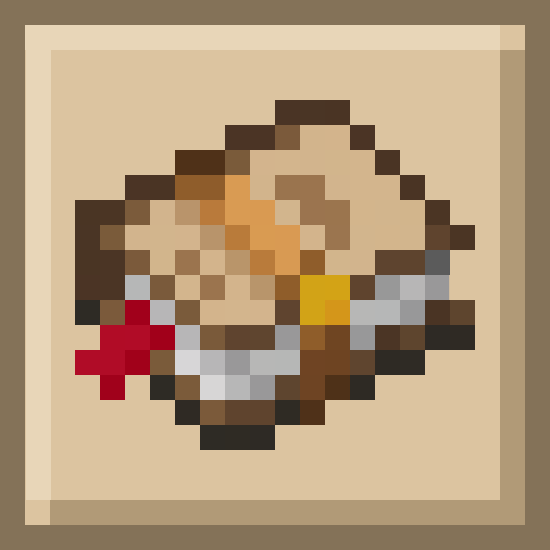

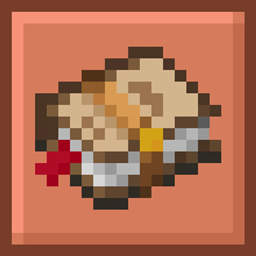
![Journalistic FTB Quests+ [Copper Shapes] Quest Shapes](https://media.forgecdn.net/attachments/1670/709/copper-shapes-png.png)
![Journalistic FTB Quests+ [Copper Shapes] Extra Quest Shapes](https://media.forgecdn.net/attachments/1670/710/copper-extra-quests-png.png)
![Journalistic FTB Quests+ [Copper Shapes] Snapshot from Integrated MC](https://media.forgecdn.net/attachments/1670/708/copper-integrated-mc-png.png)