Mineuniverse
Resource Packs
Journalistic FTB Quests+

Journalistic FTB Quests+

RESOURCE PACK
Complete visual overhaul for FTB Quests, FTB Library, FTB Teams, FTB Chunks, and more for Minecraft-friendly theming
by TABA_Workshop
Download Claim this project
Add a badge to your pageLink to Journalistic FTB Quests+ from a README, website or forum post.
Preview: Badge

Badges update automatically and link to the resource pack page on MineUniverse.

2,167 downloads
0 likes
0 followers
Updated Oct 14, 2026
0 hypes
Follow0
16x Miscellaneous Mod Support Traditional
Advertisement Remove ads with Premium →

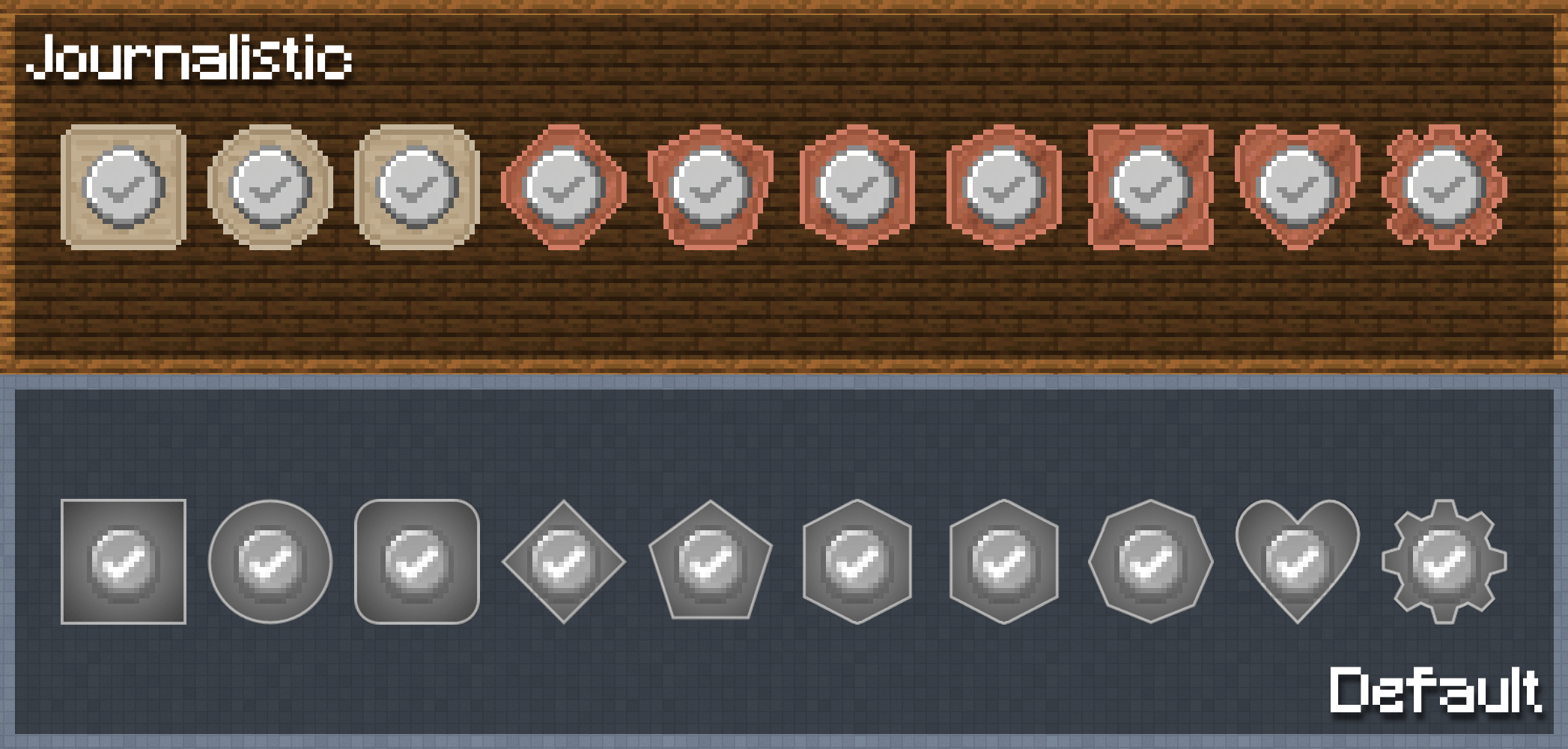
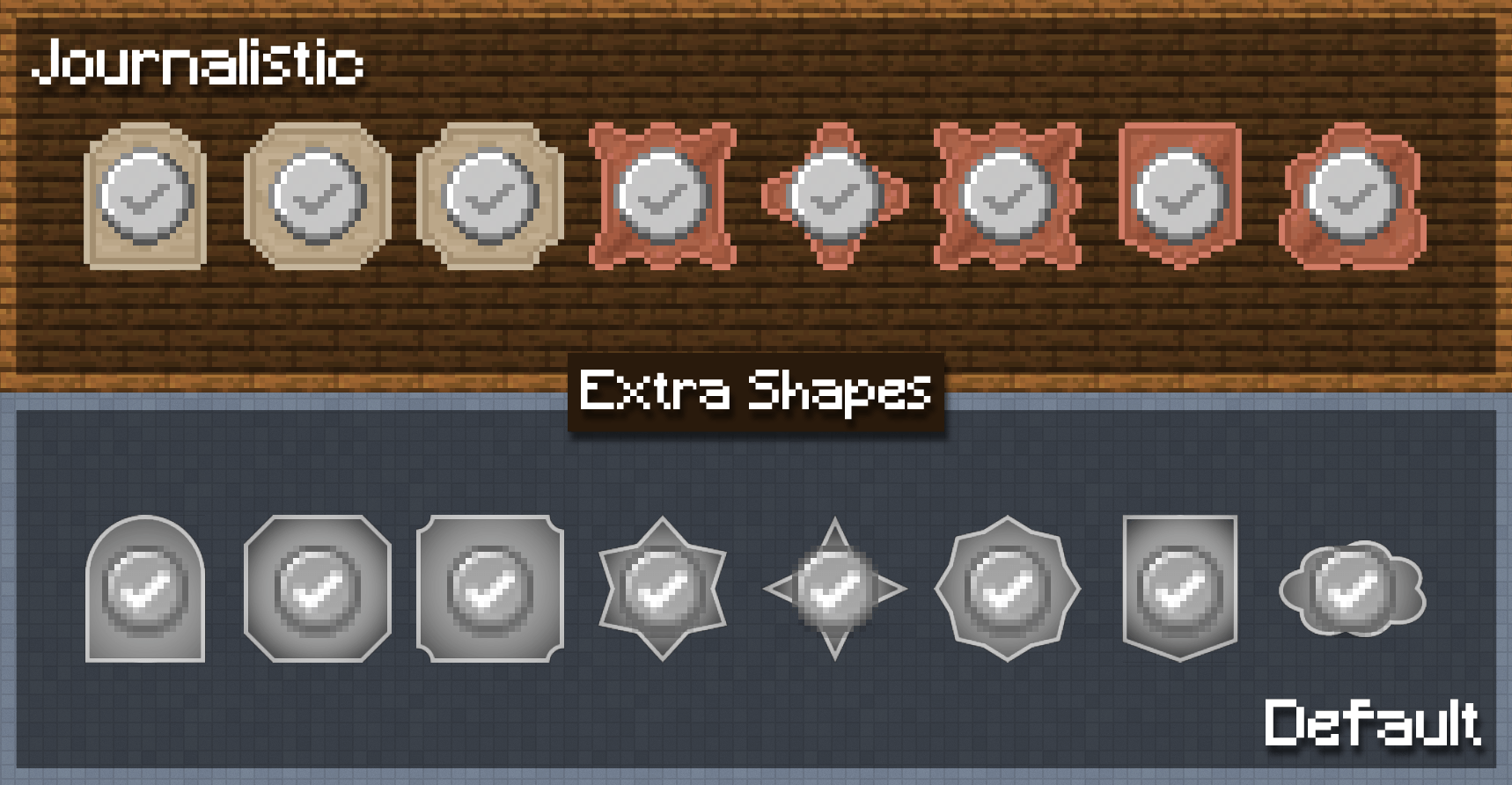
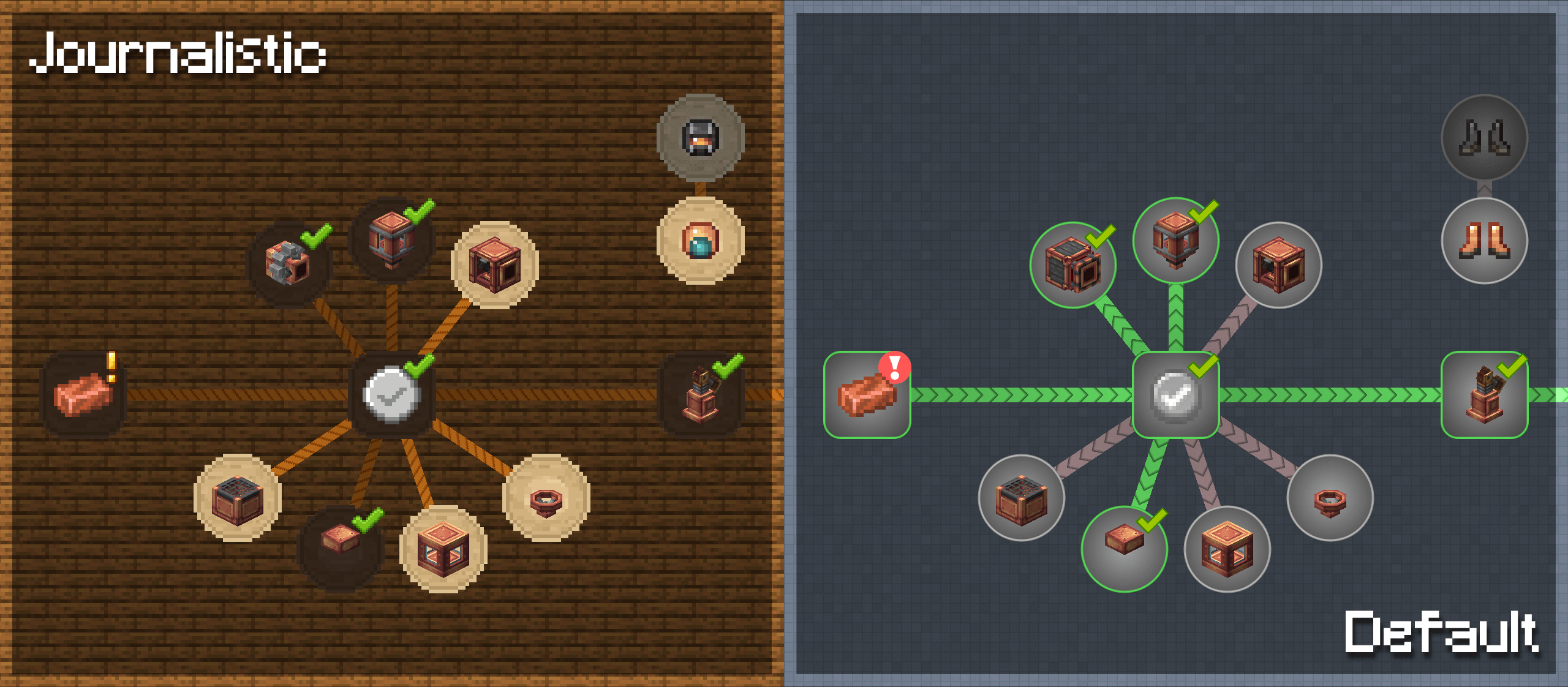
Have you ever felt that the visuals from FTB Quests don’t fit Minecraft’s style? This resource pack aims to fix that and make it much more consistent, being built from the ground up to replace almost every texture with a Minecraft-friendly art-style plus adding 8 more Quest shapes.

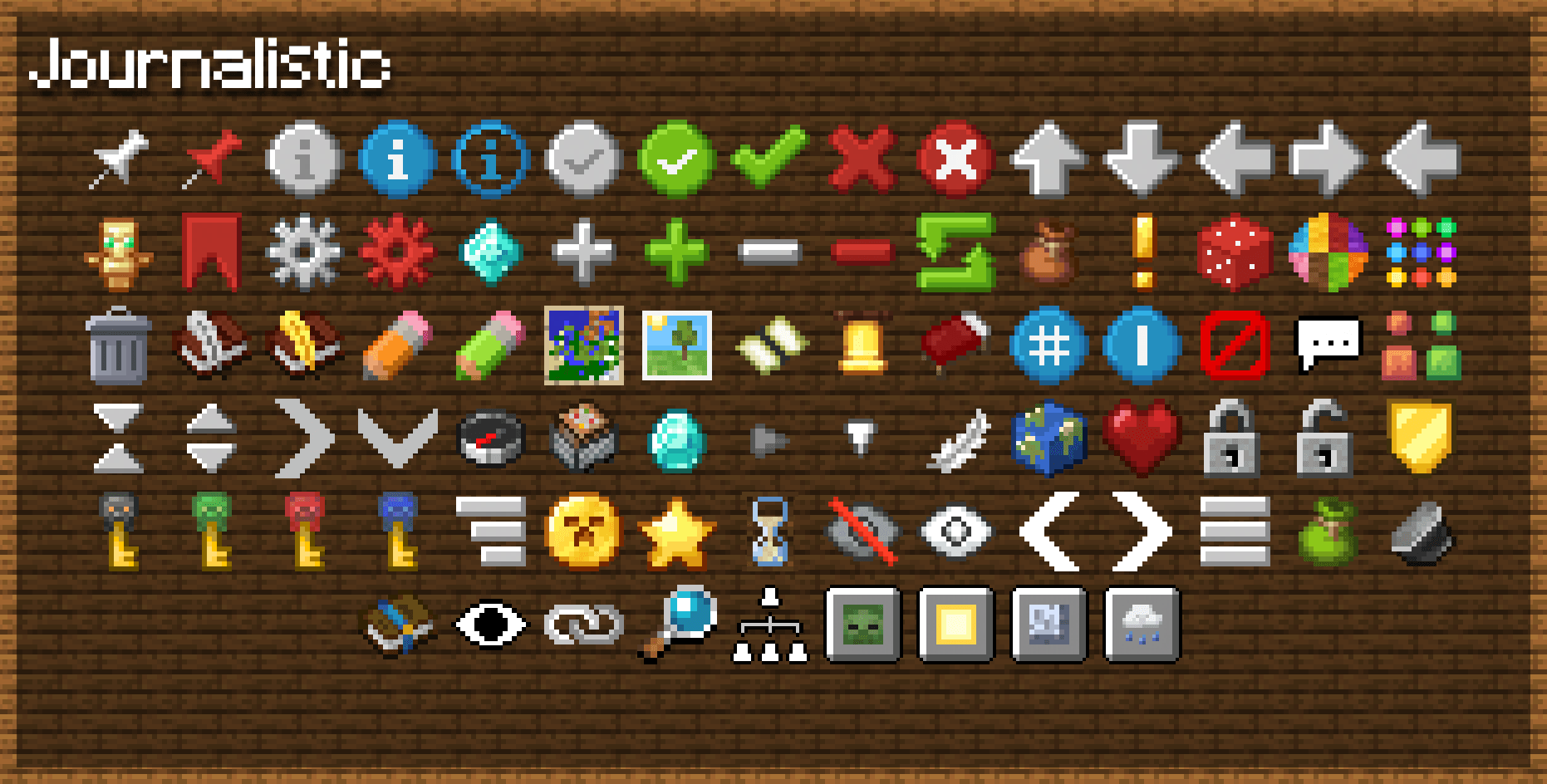
Almost every texture has been completely redesigned with a Minecraft-friendly style. Replacing the FTB Quests book texture, admin icons, and user GUI, this pack is made for everyone: both modpack creators and players. Feel free to include it in your own modpack or add it to existing ones for a complete visual overhaul that makes FTB Quests feel like it belongs in Minecraft.

Textures haven’t just been remade for FTB Quests, but also for FTB Library, FTB Teams, FTB Chunks, and more to maintain consistency across all FTB mods.

Compatibility

This should be compatible with all FTB mods and additions. Currently, the following has added compatibility:

  • Legendary Tabs: Replaces the book icon with this pack’s FTB Quests book icon
  • FTBQuests Extra Quest Shapes: Retextures all additional Quest shapes

    Note: The shapes from 'FTBQuests Extra Quest Shapes' can be used without it. If a modpack already includes it, you can override those shapes with the textures from this pack by either:
    - Loading 'Journalistic FTB Quests+' above 'FTBQuests Extra Quest Shapes', or
    - Swapping them out, as both packs use the same naming convention.

Addons

If you would prefer to have a more custom or unified approach to retexturing FTB Quests, then check out these addons specifically made for this Resource Pack (make sure to load these addon packs after this pack for them to work correctly):
Special thanks to the legendary_workshop team for allowing me to use some of their textures, helping to maintain consistency with their Legendary Tabs mod.

Journalistic FTB Quests+ [1.20.X]
MC 1.20.2, 1.20.5, 1.20.1, 1.20, 1.20.6, 1.20.4, 1.20.3
Release 2026-05-08 Get
Journalistic FTB Quests+ [1.21.X]
MC 1.21, 1.21.8, 1.21.5, 1.21.4, 1.21.1, 1.21.6, 1.21.3, 1.21.7, 1.21.2, 1.21.9, 1.21.10, 1.21.11
Release 2026-05-08 Get

Requirements & install

How to use this resource pack in Minecraft
Resolution
16x
Minecraft
1.21.4 – 1.21.11
Install folder
.minecraft/resourcepacks

How to install resource packs

  1. Download the resource pack .zip file (do not extract it).
  2. In Minecraft open Options → Resource Packs → Open Pack Folder.
  3. Drop the .zip into the resourcepacks folder (.minecraft/resourcepacks).
  4. Move the pack to the Selected column and click Done.
Browse more: 16x resource packs 32x resource packs 64x resource packs 128x resource packs 256x resource packs 512x+ resource packs Resource Packs for 1.21.11 All resource packs

More from TABA_Workshop

Advertisement Remove ads with Premium →

You Might Also Like