Mineuniverse
Resource Packs
John's Enhanced - Alacrity PBR Addon

John's Enhanced - Alacrity PBR Addon

RESOURCE PACK
PBR support for Alacrity resourcepack
by JohnMC
Download Claim this project
4,833 downloads
0 likes
0 followers
Updated Oct 14, 2026
0 hypes
Follow0
32x Miscellaneous Photo Realistic
Advertisement Remove ads with Premium →

Johns Enhanced Alacrity PBR Addon


 Please report any issues I cannot test every scenario and block interactions myself.

As always a big thanks to Satellence and his support

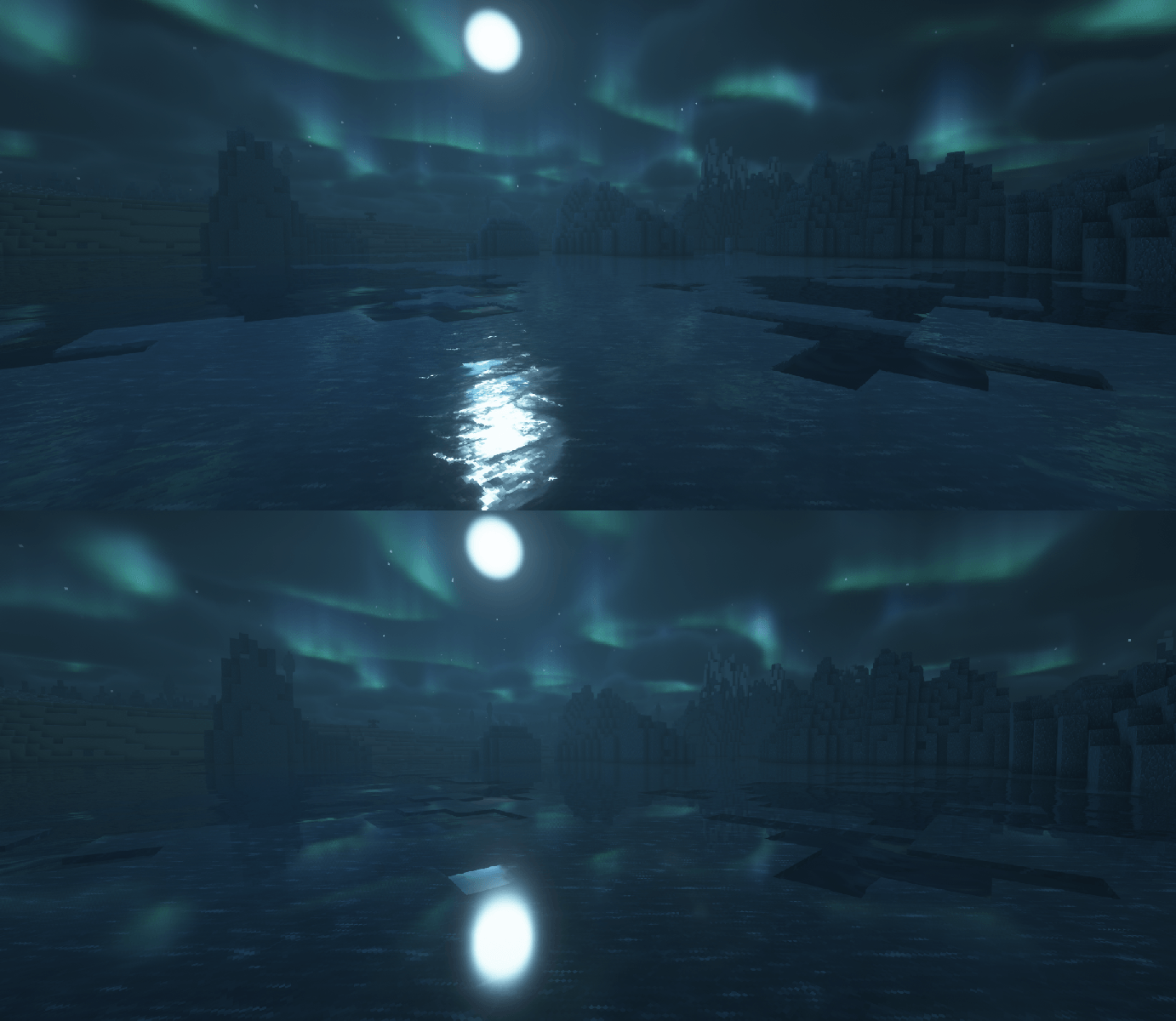
This pack adds PBR support to the Alacrity resourcepack.

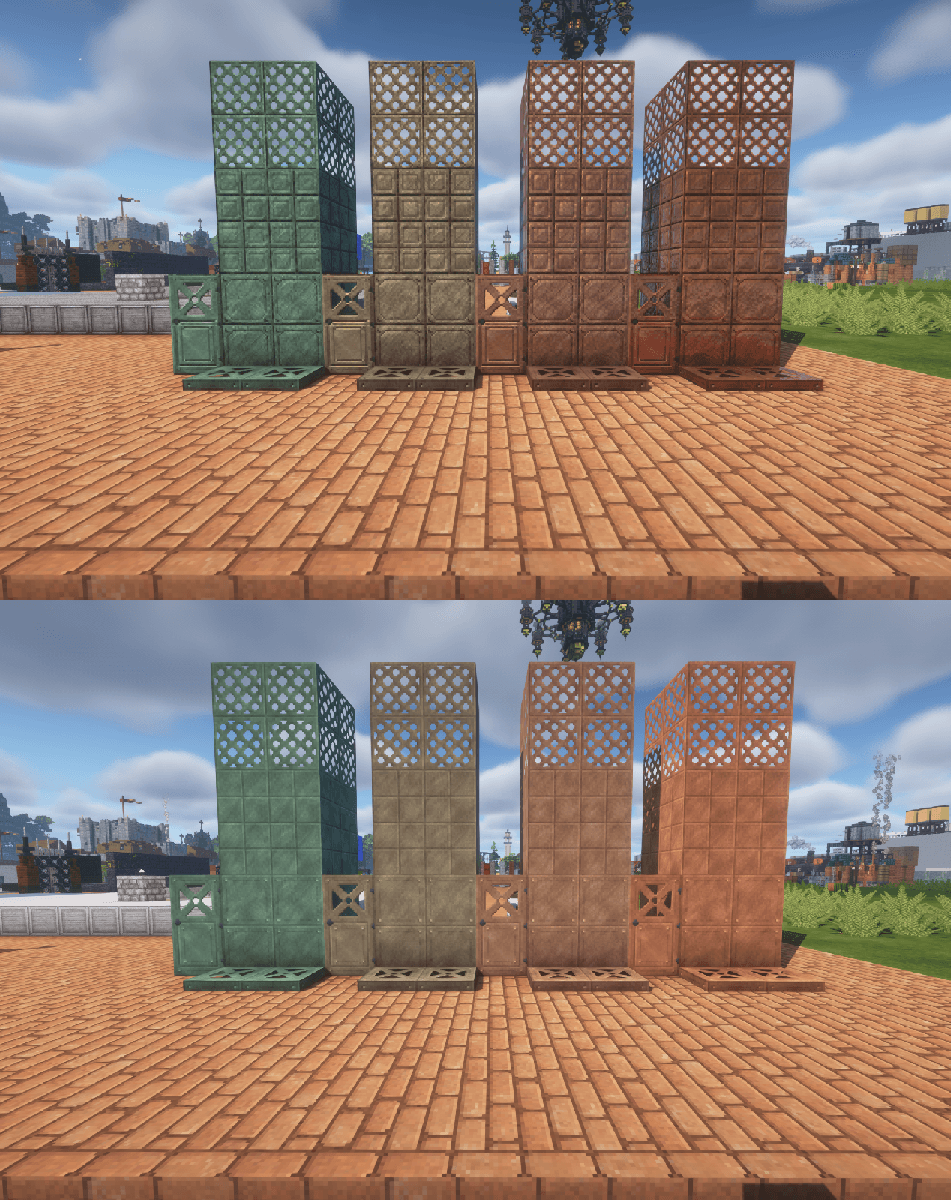
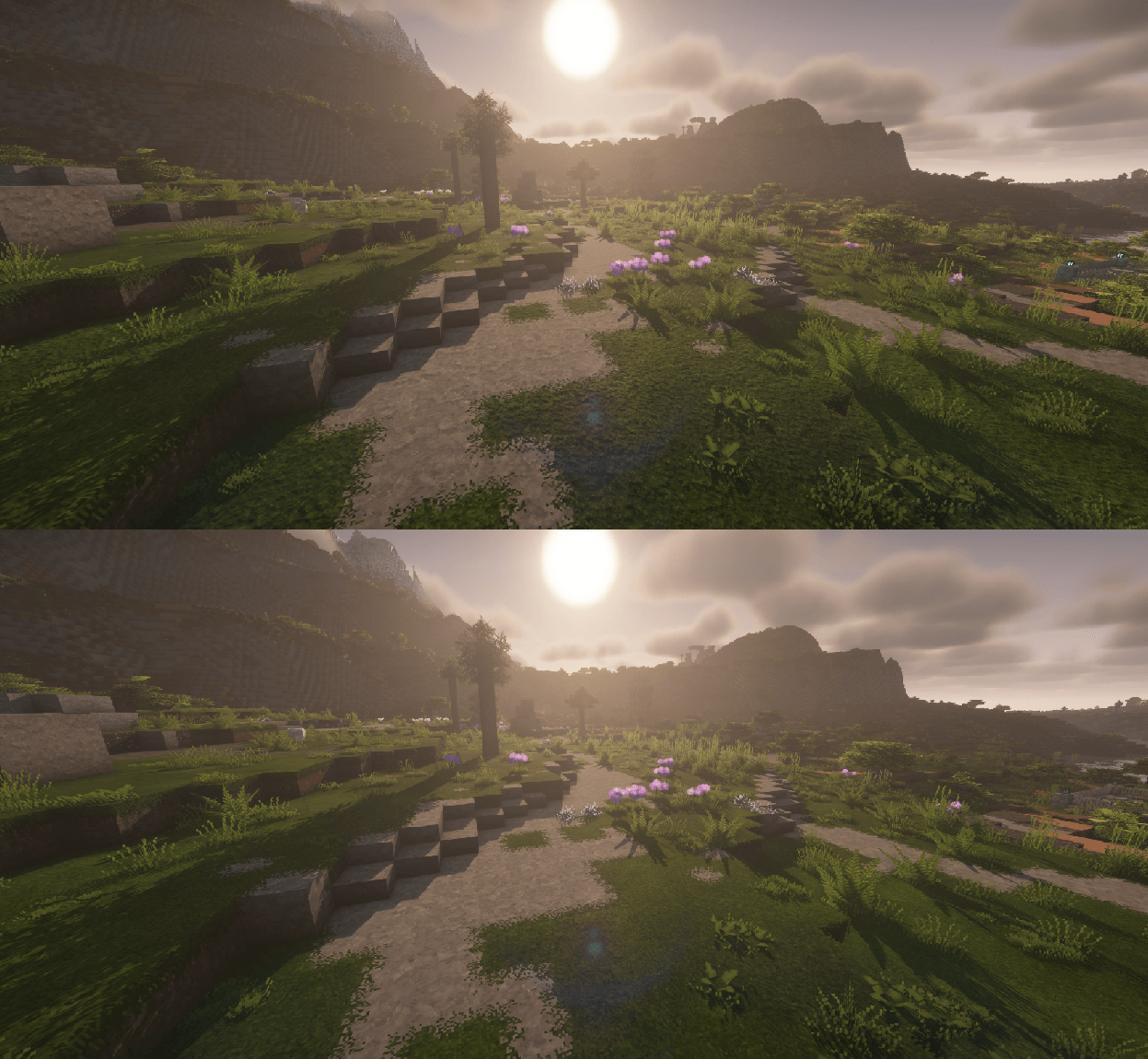
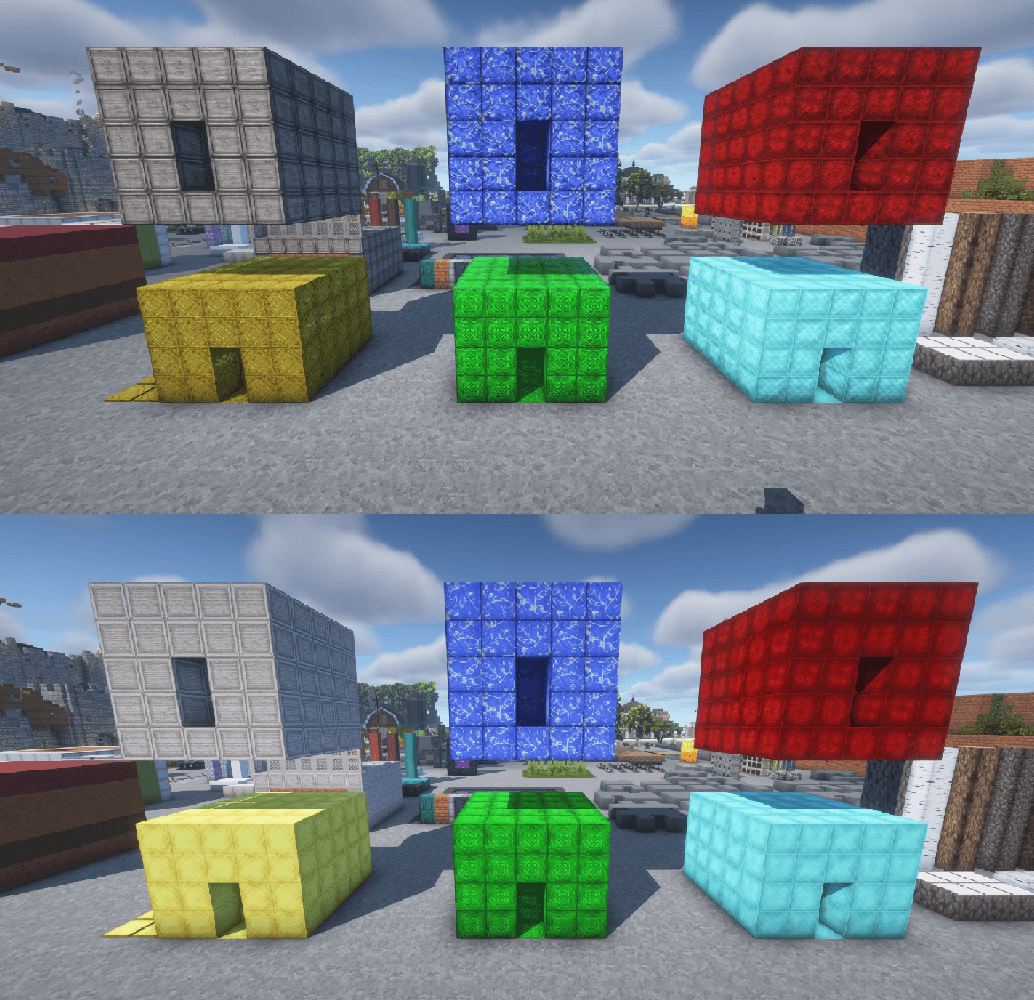
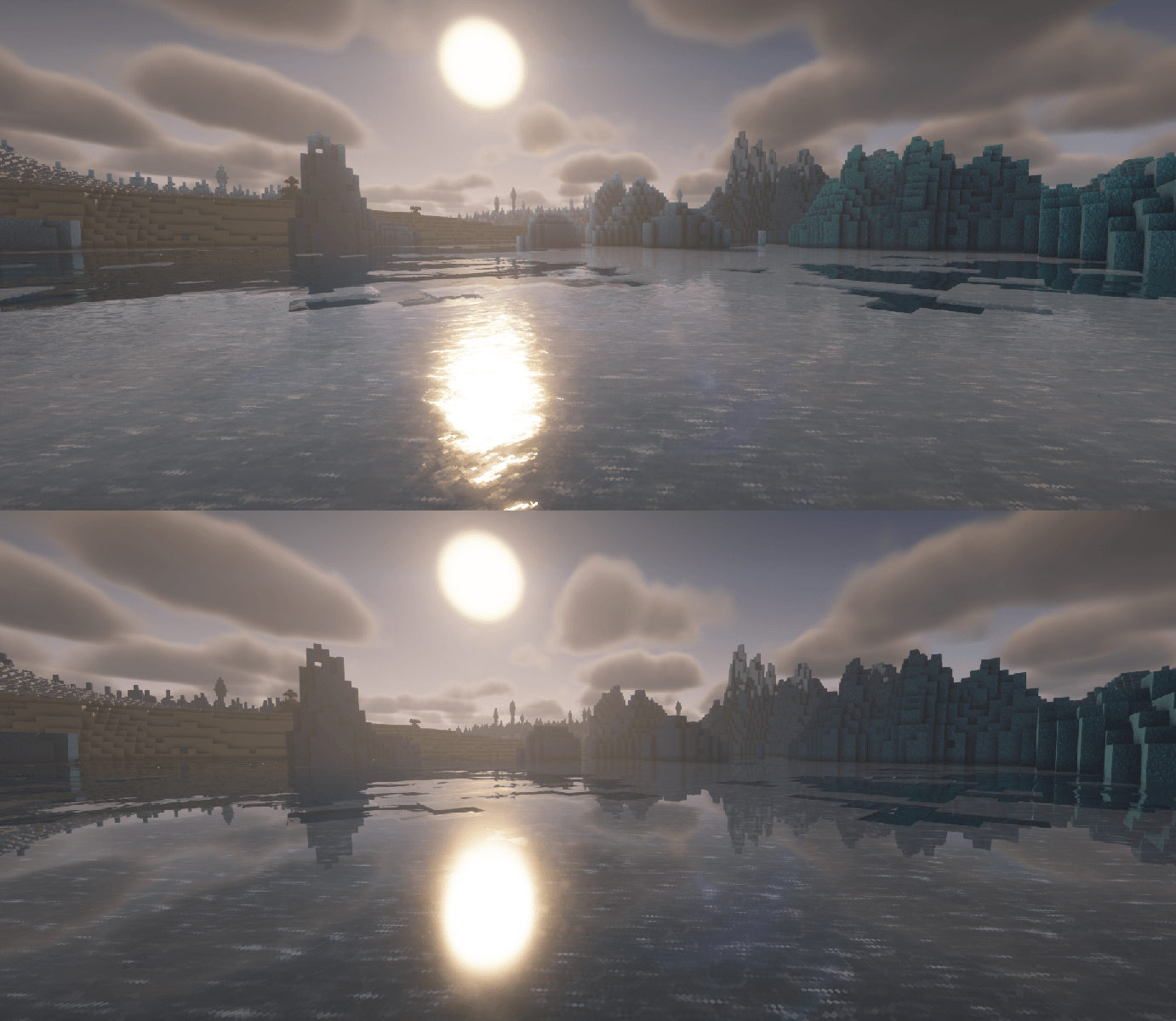
Currently WIP, but farely feature rich. Most blocks that can immediately benefit from PBR support are complete. All my normal and spec maps are created in substance 3D designer. PBR features include normals, smoothness, reflectance, porosity, SSS, emmission, AO. Whislt any shader pack that has full PBR should work, it is impossible to produce PBR features that look the best on every shader due to how individual shaders handle there values. See below for recomendations.


Current features

Material Blocks/textures

  • Golds/Raw
  • Diamond
  • Emerald
  • Iron/Raw
  • Copper/Raw
  • Netherite
  • Redstone
  • Lapis lazuli
  • Coal

Foliage

  • Grass (overlays included)
  • Tall grasses
  • Leaves
  • Vines

Other

  • Stone/Ores 
  • Andesite (overlays included)
  • Granite (overlays included)
  • Diorite (overlays included)
  • Ice/Packed/Blue
  • Amethyst

Interactive Blocks

  • Anvil
  • Hopper
  • Cauldron
  • Bell

Emmsives

  • Fires/Fire based textures (i.e. torches)
  • Lava
  • Magma


Requirements/Recommendations

Alacrity is required to use this pack. Alacrity

Mods (Required)

For optimal results please use Bliss/Photon/Complementary shaders and set to LabPBR (Additionally in material settings ensure all settings are set to resourcepack only and not hardcoded)

Enjoy.

§6§l» JE « §fAlacrityPBR §c[ADDON]v1.0.0.zip
MC 1.21, 1.21.4, 1.21.1, 1.21.3, 1.21.2
Release 2025-01-30 Get

Requirements & install

How to use this resource pack in Minecraft
Resolution
32x
Minecraft
1.21 – 1.21.4
Install folder
.minecraft/resourcepacks

How to install resource packs

  1. Download the resource pack .zip file (do not extract it).
  2. In Minecraft open Options → Resource Packs → Open Pack Folder.
  3. Drop the .zip into the resourcepacks folder (.minecraft/resourcepacks).
  4. Move the pack to the Selected column and click Done.
Browse more: 16x resource packs 32x resource packs 64x resource packs 128x resource packs 256x resource packs 512x+ resource packs Resource Packs for 1.21.4 All resource packs

More from JohnMC

Advertisement Remove ads with Premium →

You Might Also Like